- No viruses
- No spyware
- No malware
com.lightricks.pixaloopThis file was downloaded, scanned and installed by our editors before publishing.
Every file is also checked with VirusTotal before publishing.

Motionleap MOD APK (Pro Unlocked)
Additional information about Motionleap MOD APK (Pro Unlocked)
com.lightricks.pixaloopThe description of Motionleap MOD APK (Pro Unlocked)
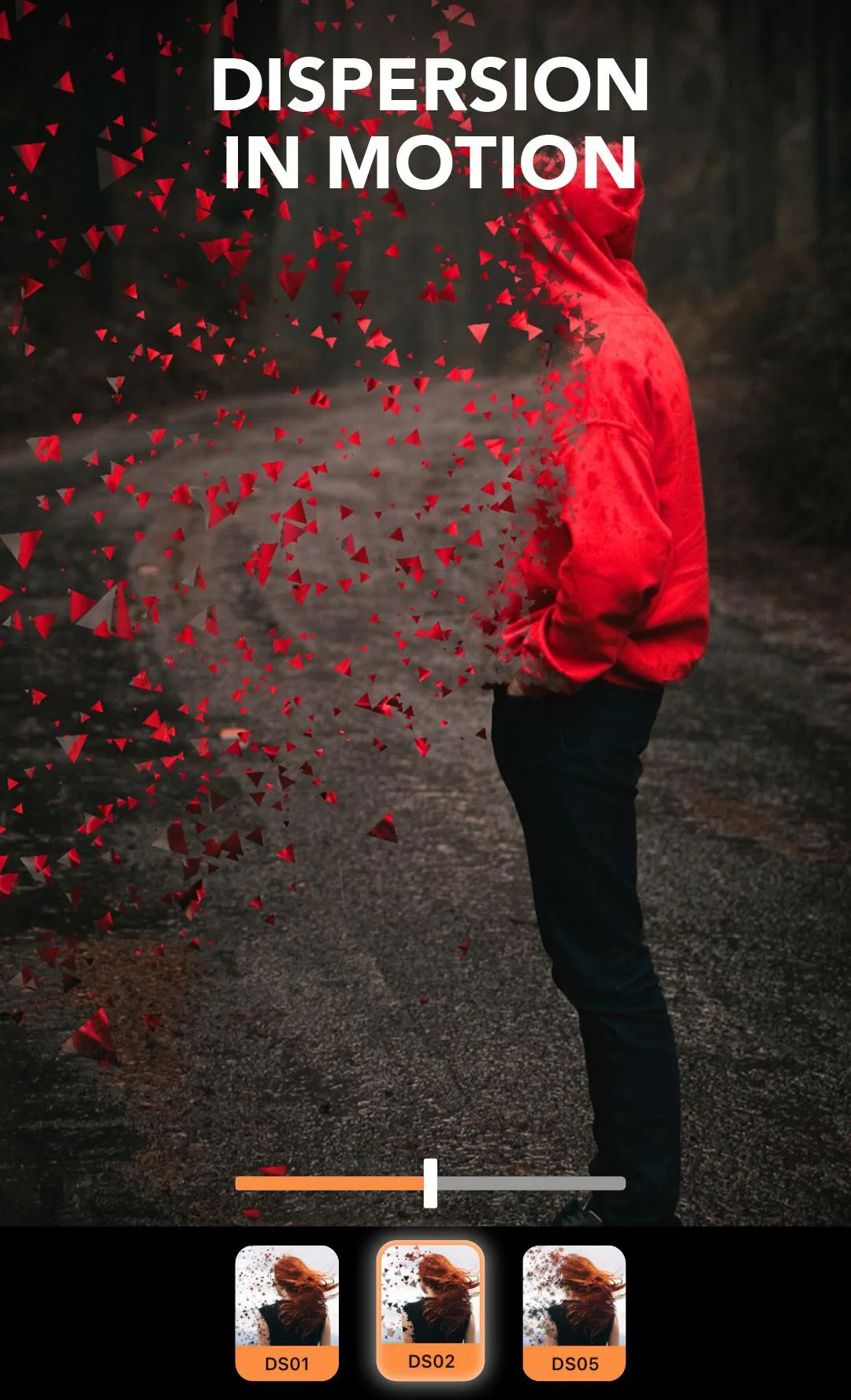
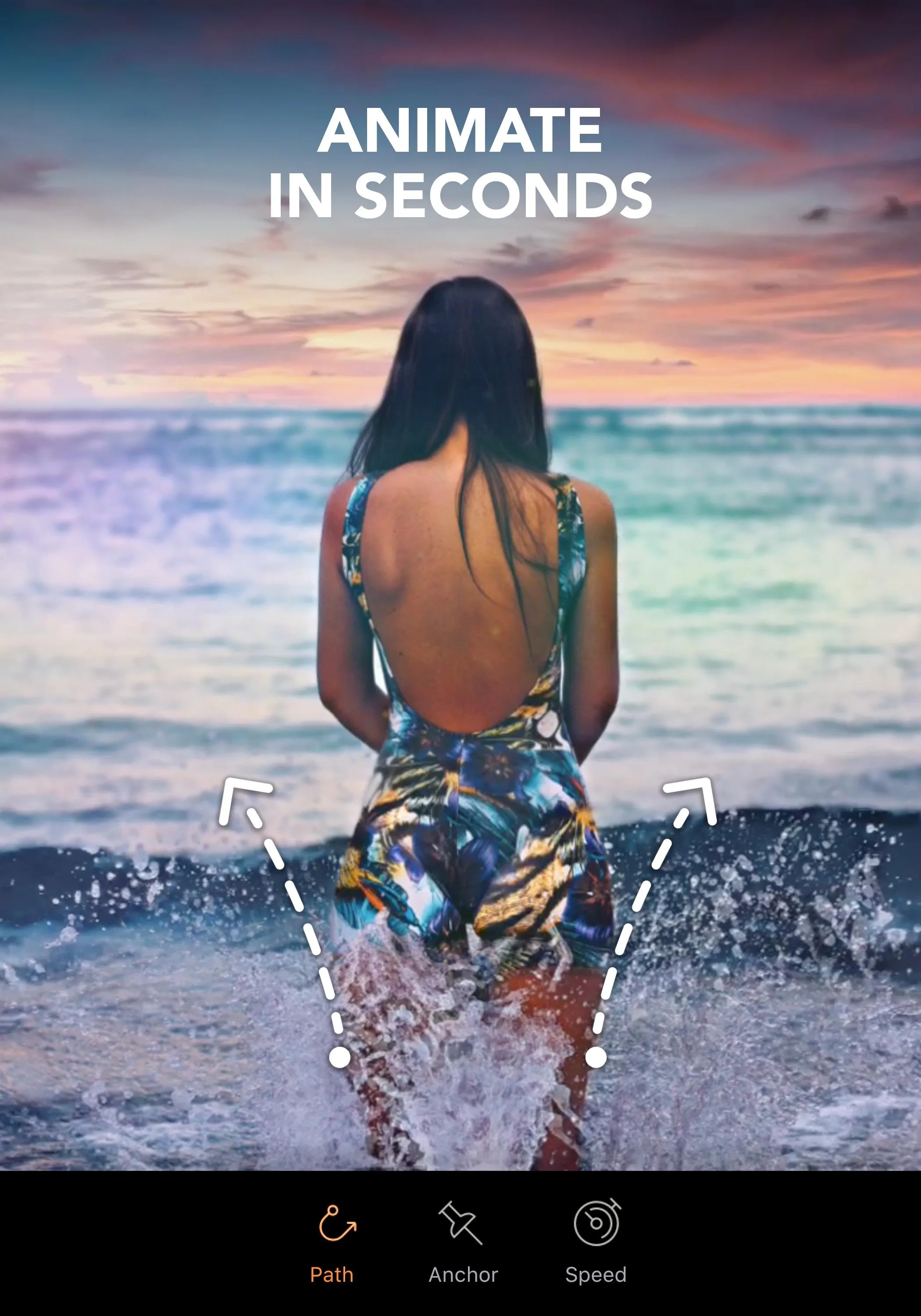
Motionleap MOD APK gives you the Pro toolkit for free: no subscription, just open the app and animate a still photo. You drop a few anchor points, set the direction of movement, and a frozen picture starts to flow — water, clouds, hair, smoke. This build comes from Lightricks, the studio behind the old Enlight Pixaloop, and it opens the premium overlays, 3D effects and paid presets. The file on this page is scanned for malware and installed on a real Android device by our editors before publishing, we have done this since 2018.
What is Motionleap?
Motionleap is a photo animation app from Lightricks. It started life in 2018 as Enlight Pixaloop and took the Motionleap name in 2020, though the package under the hood is still pixaloop. The idea is simple. You take one static photo and make part of it move, while the rest stays sharp and still.
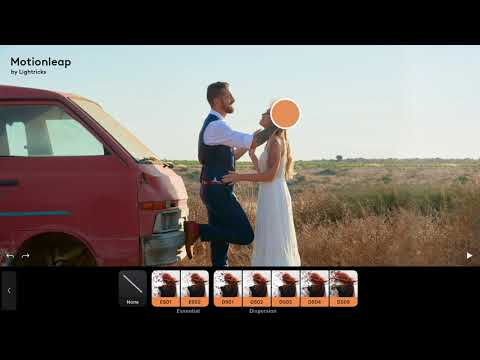
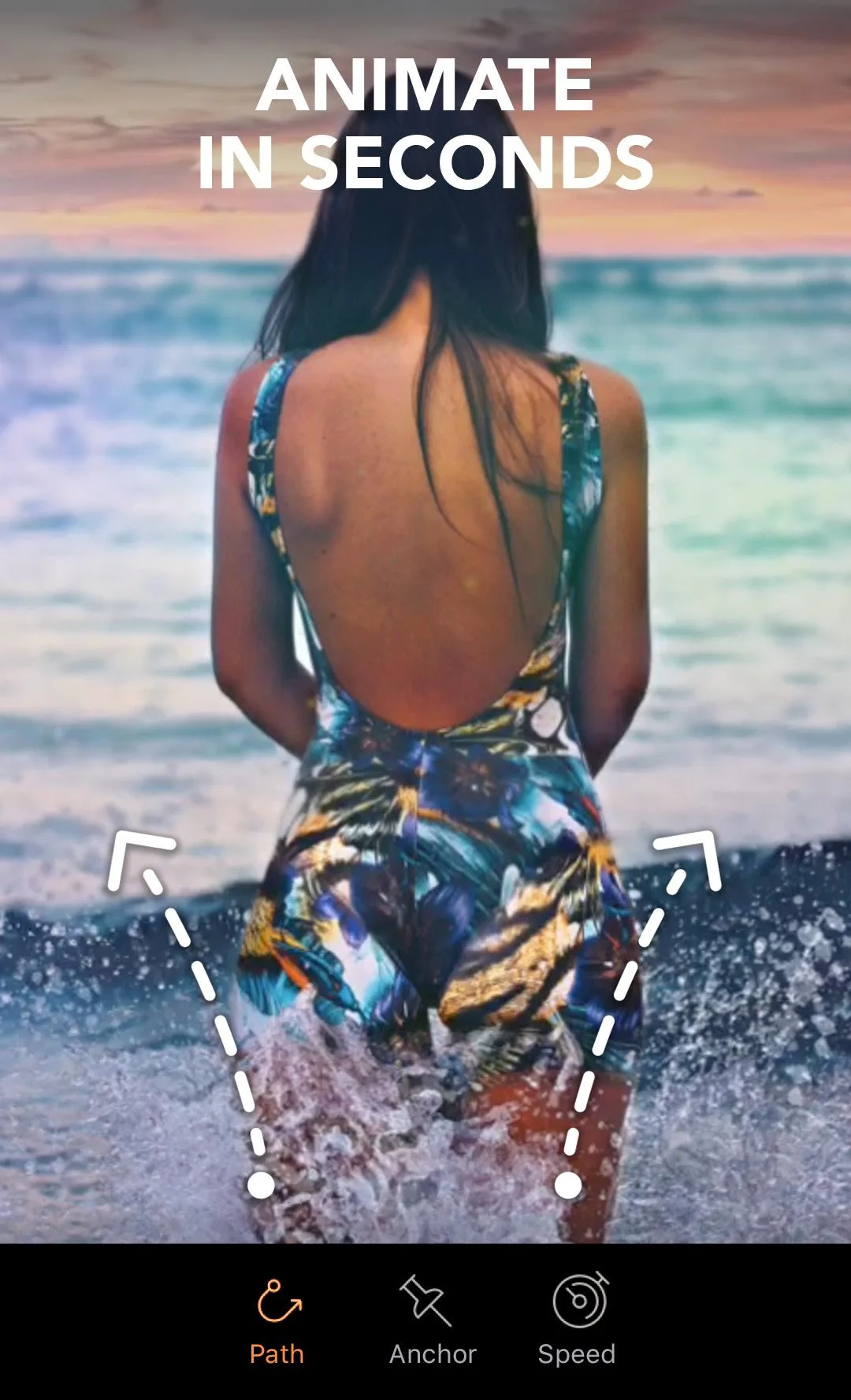
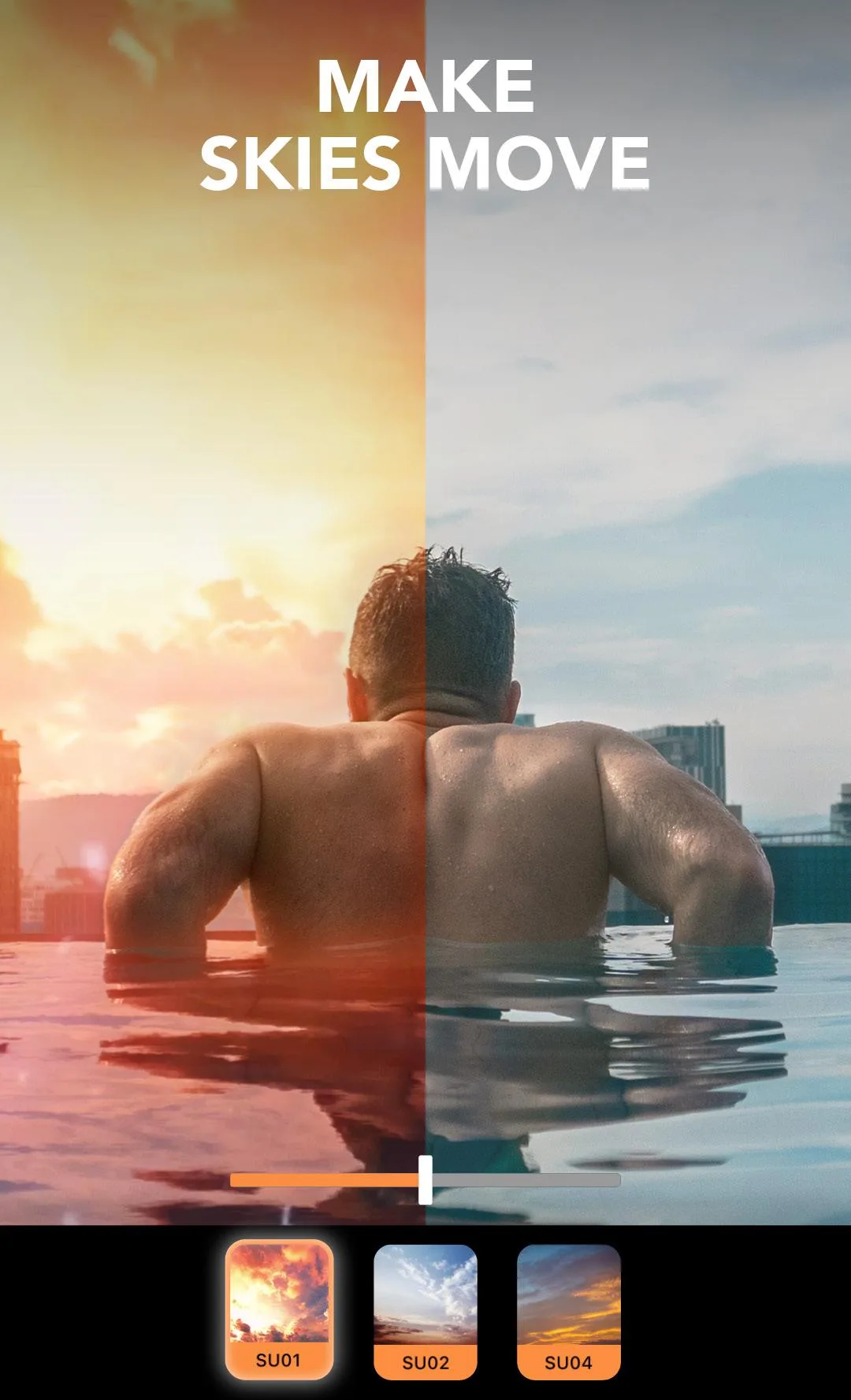
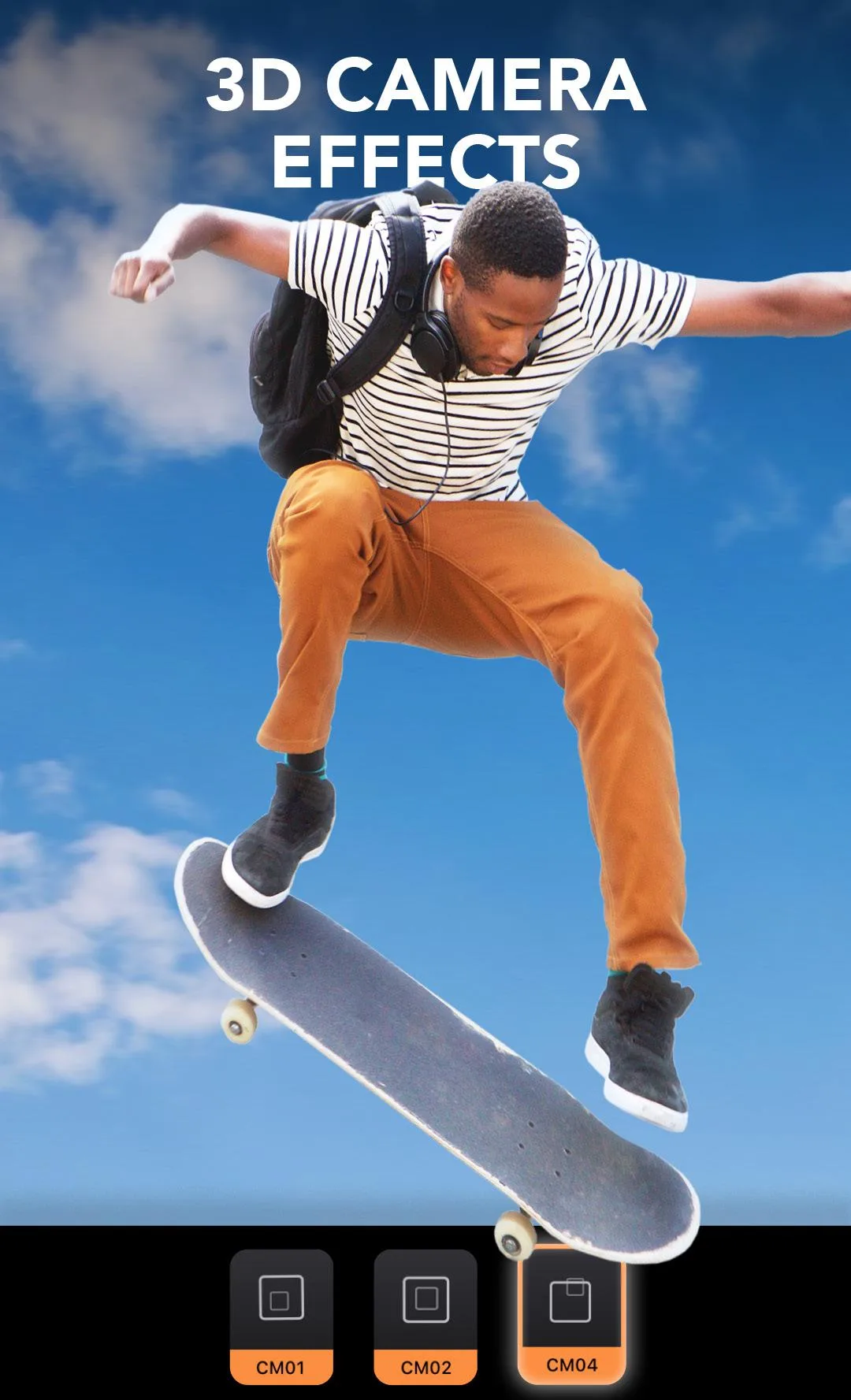
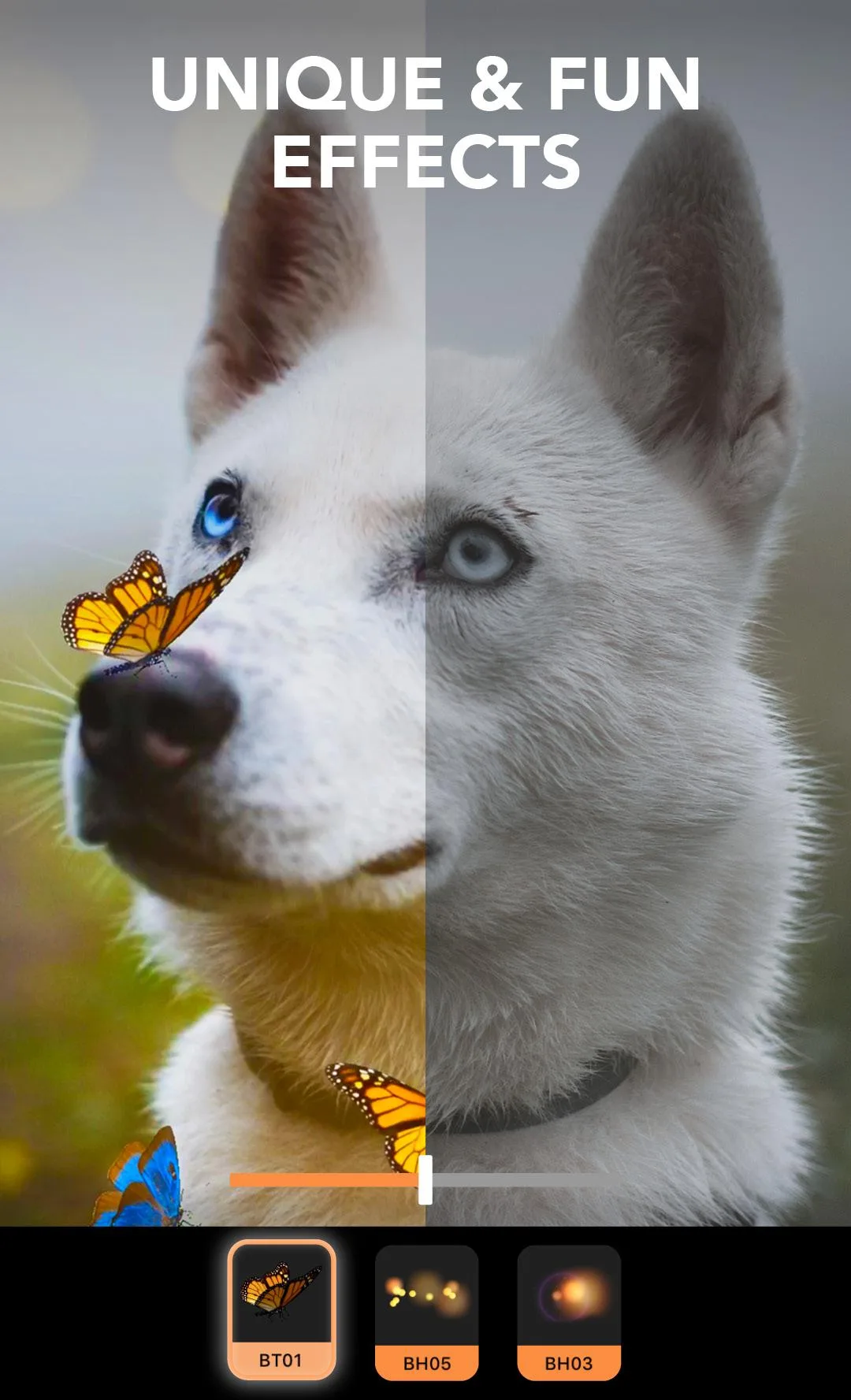
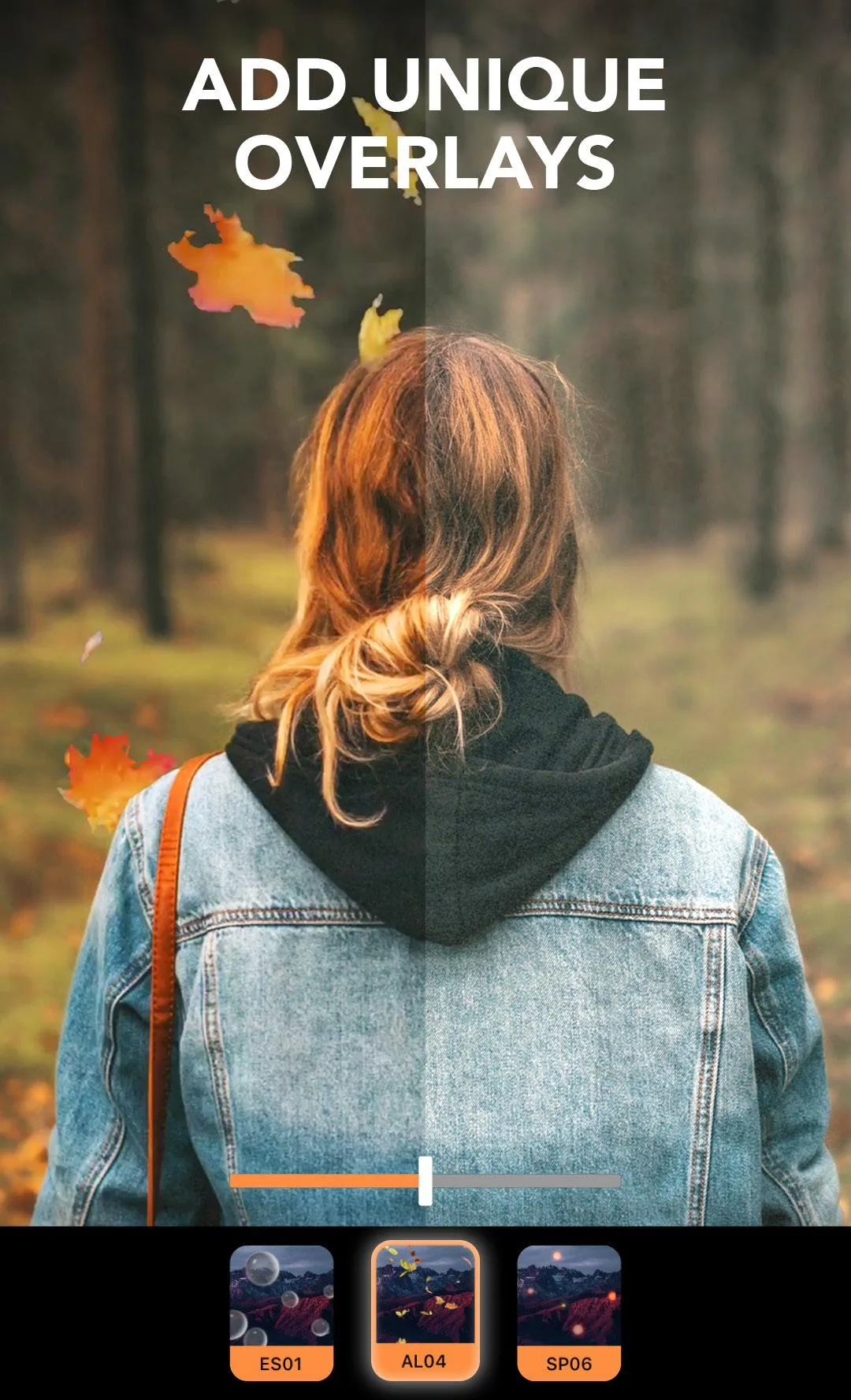
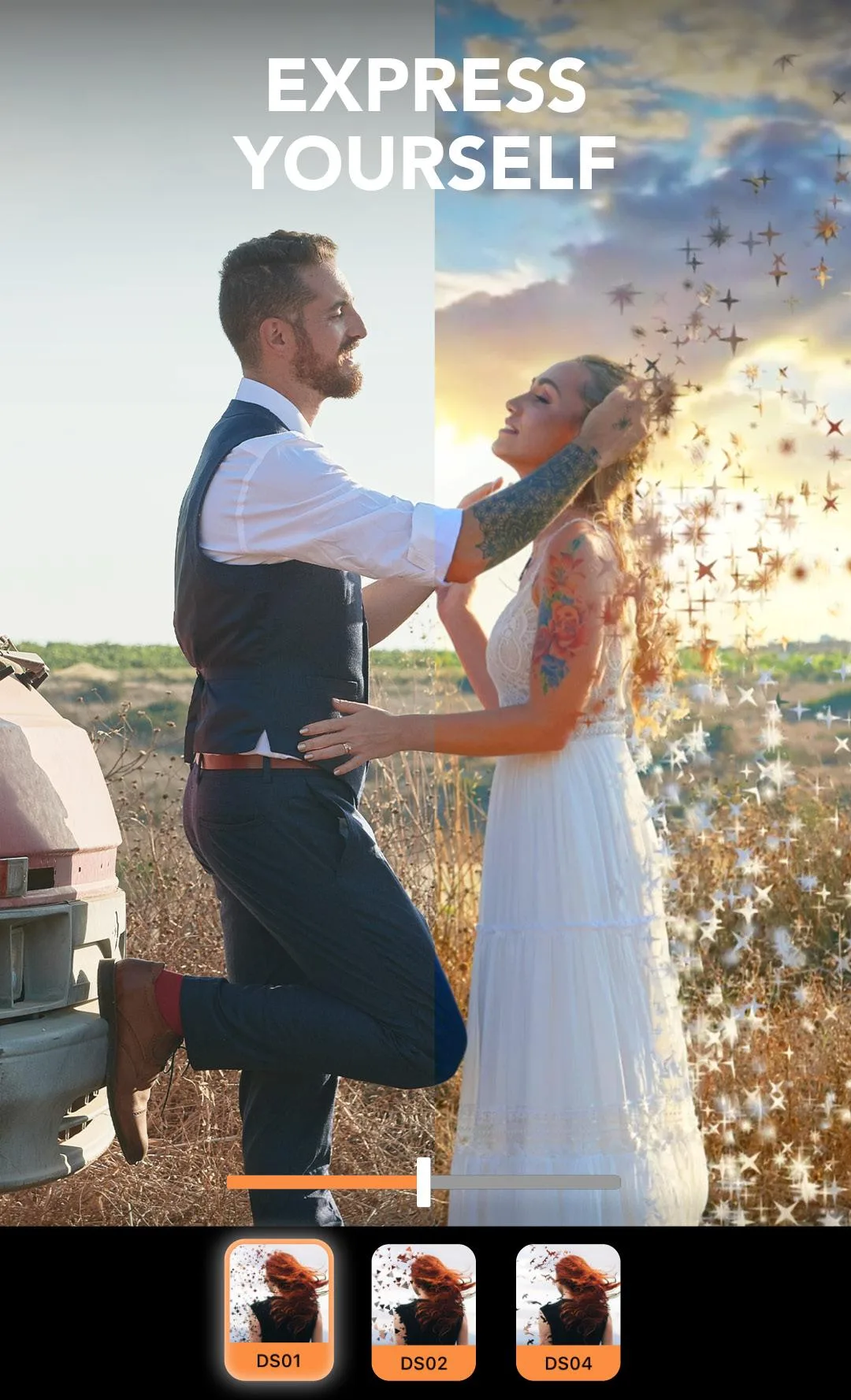
You do it with anchor points. Place a few arrows along the flow you want — down a waterfall, across a sky, through someone's hair — and Motionleap fills in the motion between them. Freeze points lock the areas that should not move, like a face or a building edge. On top of that you get overlays for rain, fog and light, 3D camera moves, sky replacement and filters. When you are done, you export a looping photo or a short video.
What Pro Unlocked gives you
| Pro feature | What it does in the app |
|---|---|
| Premium overlays & effects | The full pack of rain, light, fog and particle overlays, not just the free starter set. |
| No watermark | Your exported photo or video comes out clean, with no Motionleap logo in the corner. |
| Full-quality export | Save in higher resolution and without the length or format limits of the free tier. |
| Paid presets & styles | The locked preset packs and effect styles open from the start. |
All of this is client-side, which means it lives inside the app on your phone. That is exactly the part a MOD can open, so Pro Unlocked here is real for the editing tools. The MOD package for the current build is listed in the "MOD info" line at the top of the page.
Client vs server features
Here is the honest split, and it matters. The motion engine, overlays, 3D moves and export all run on your device, so opening Pro gives you those in full. No server has a say in whether your waterfall moves.
The Text-to-Image AI tools are different. Added around 2022, they send your prompt to Lightricks servers, build the image in the cloud, and send it back. That check happens on their side, tied to your account, so a MOD cannot force it open. If you type a prompt and the app asks you to sign in or subscribe for AI credits, that is the server talking, not a fault in the file. Treat the cloud AI as a maybe, and the offline editor as the real win.
How to download and install Motionleap MOD APK
The download is a single APK, around 137 MB. It runs on Android 7.1 and up.
- Tap the green Download APK button at the top of this page. The file comes down directly, no registration or SMS.
- Allow installs from unknown sources for your browser or file manager (Settings → Security or Apps).
- If the Play Store version is already on your phone, uninstall it first. The MOD has a different signature and won't install over it.
- Open the file, tap Install, then launch Motionleap and pick a photo to start.
First time sideloading an app? Our APK install guide walks through the same steps with screenshots.
Tips for animating photos
- Follow the real flow. Place anchor points along the direction water, clouds, smoke or hair would actually move, and keep them short for a subtle loop.
- Use freeze points on faces, buildings and hard edges so they stay crisp while the rest moves.
- Add one overlay, not five. A single rain or light layer sells the mood; stacking too many looks fake.
- Start from a photo with an obvious moving element — a sky, a river, a flag. Busy scenes are harder to animate cleanly.
- Export at the highest resolution you can, especially if the clip is going to a big screen or a print.
MOD or subscription?
Motionleap itself is free to download, and the paid tier is Motionleap Pro, a subscription. If you use the app a lot and want the cloud AI plus official support, paying for Pro backs the Lightricks team that builds it. That is the straight, no-risk route.
The MOD is for the other case: you want the premium overlays, the clean export and the paid presets without a monthly bill, and you are fine with the offline editor being the part that counts. It is the client-side Pro, opened up. Want more like this? Browse our photo and beauty apps or the wider MOD APK catalog for other editors we have tested.
FAQ
What is Motionleap?
What does Pro Unlocked give you?
Do the AI features work in the MOD?
Is the Motionleap MOD APK safe?
Is Motionleap free?
What are the requirements and size?
Download Motionleap Mod (Pro Unlocked)
- No viruses
- No spyware
- No malware
The reviews (0)