- No viruses
- No spyware
- No malware
com.whatsappThis file was downloaded, scanned and installed by our editors before publishing.
Every file is also checked with VirusTotal before publishing.

WhatsApp Messenger APK (Free Official Download)
Additional information about WhatsApp Messenger APK (Free Official Download)
com.whatsappThe description of WhatsApp Messenger APK (Free Official Download)
The WhatsApp Messenger APK on this page is the official free app from WhatsApp LLC, a Meta company, and it is the same file WhatsApp ships on Google Play, tested on real Android devices by our editors before it went live. This is not a mod. There is no WhatsApp mod, and the app does not need one: text chats, voice calls and video calls are all free. The APK here is the plain original, ready for a manual install or an update when you cannot reach the Play Store.
What is WhatsApp Messenger?
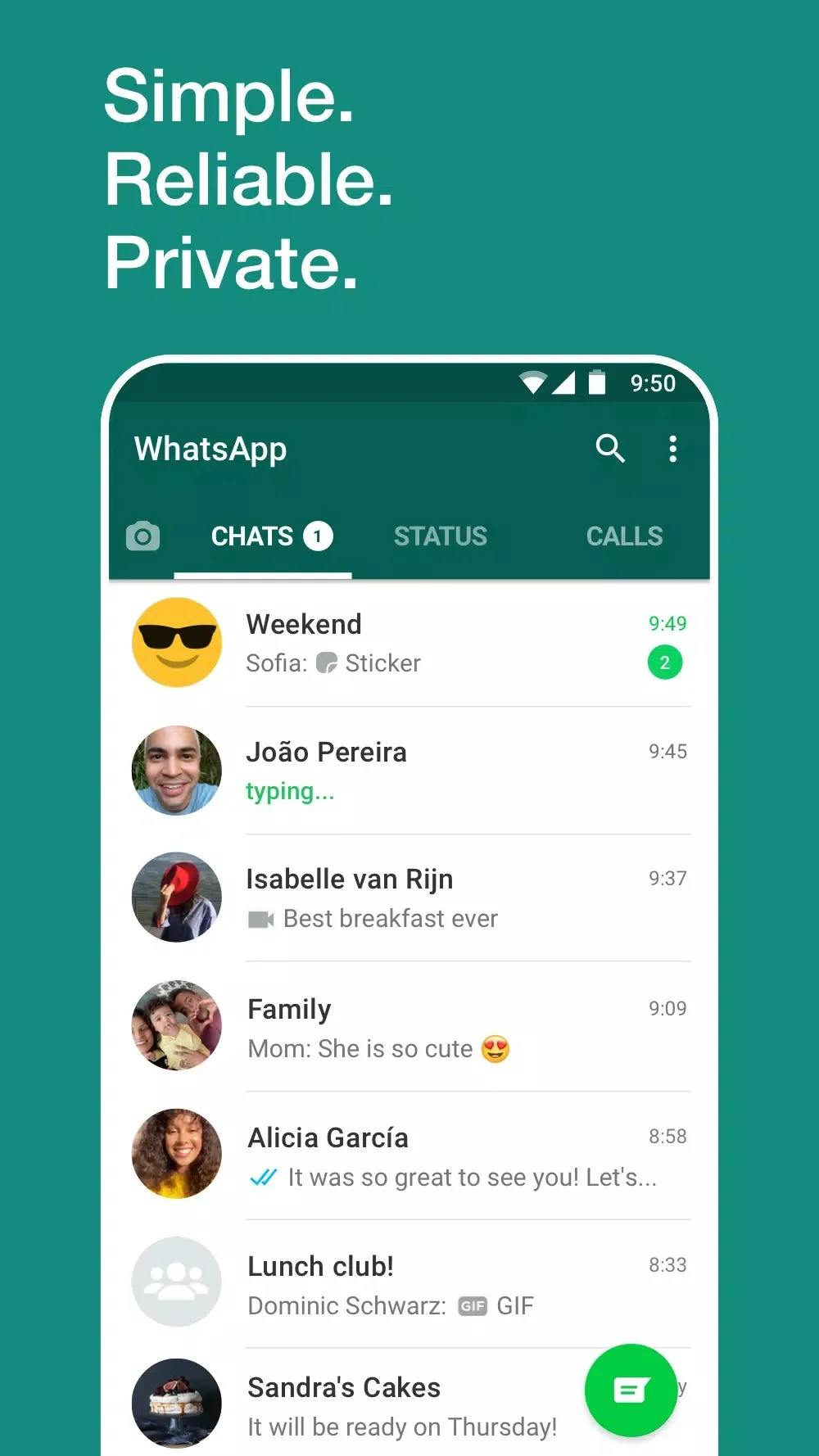
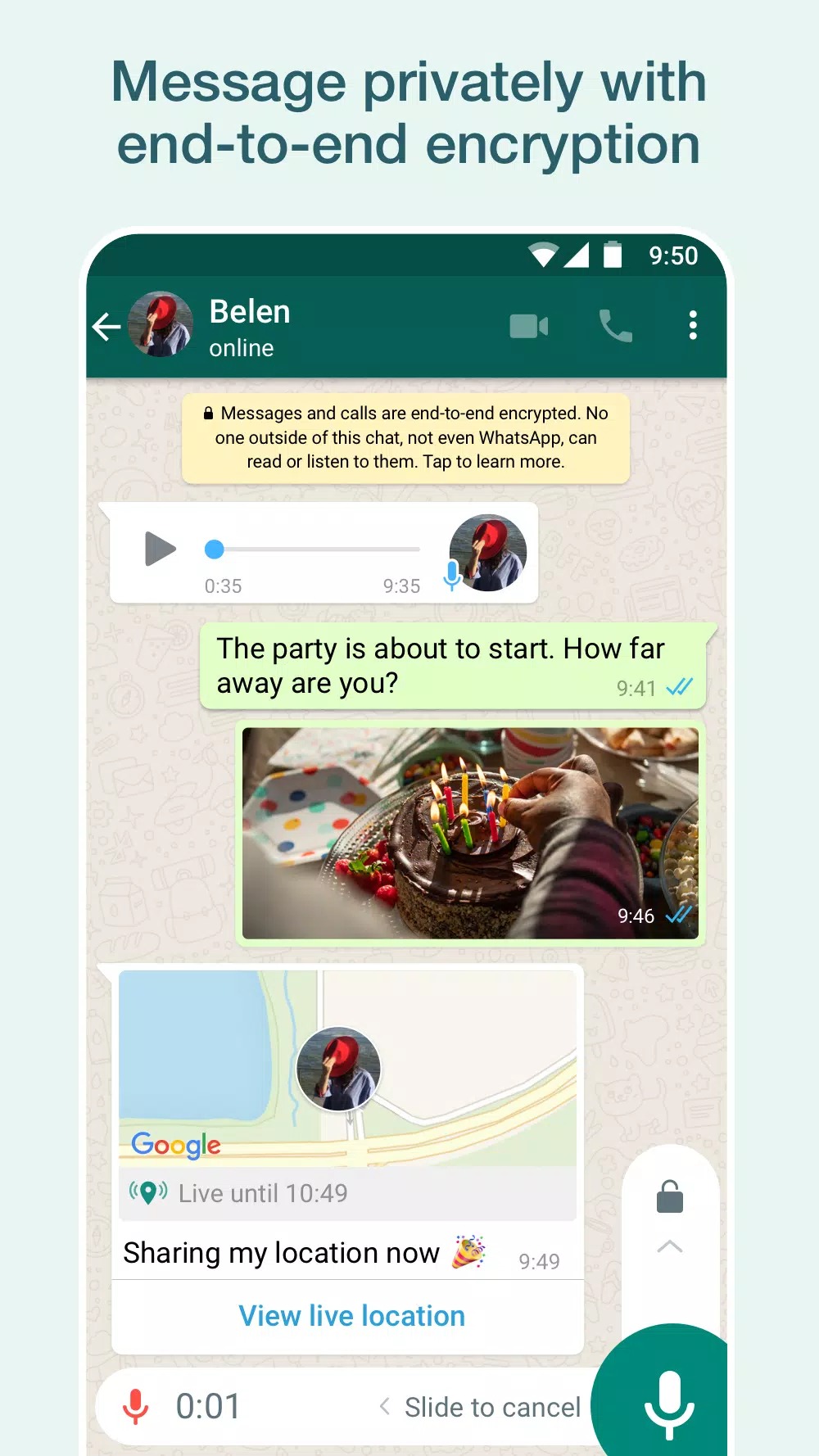
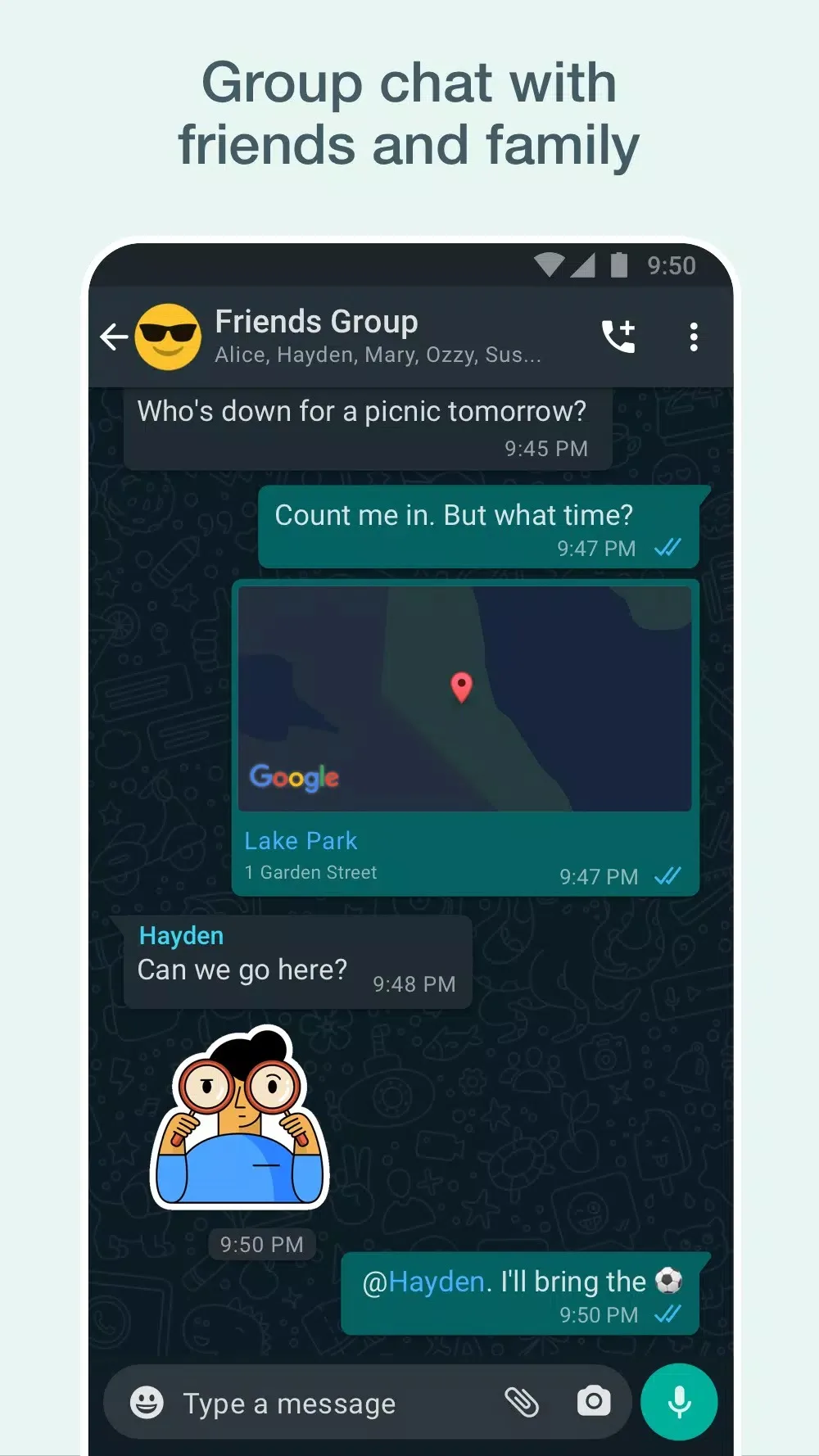
WhatsApp is the most-used messenger in the world, with more than two billion people on it. The Android package is com.whatsapp and the developer is WhatsApp LLC, part of Meta. Personal chats, voice calls and video calls are protected with end-to-end encryption by default, so only you and the person on the other end can read or hear them. You send text and voice messages, make one-on-one or group calls, and share photos, videos, documents and stickers. On top of that you can post Status updates that clear after a day and follow Channels from people and organizations you care about. One phone number runs the account, and the same account works across your phone and up to four linked devices.
Key features
Most of what people rely on is already in the free app:
| Feature | What it does |
|---|---|
| End-to-end encryption | Personal chats and calls are scrambled by default; only you and the other person hold the keys. |
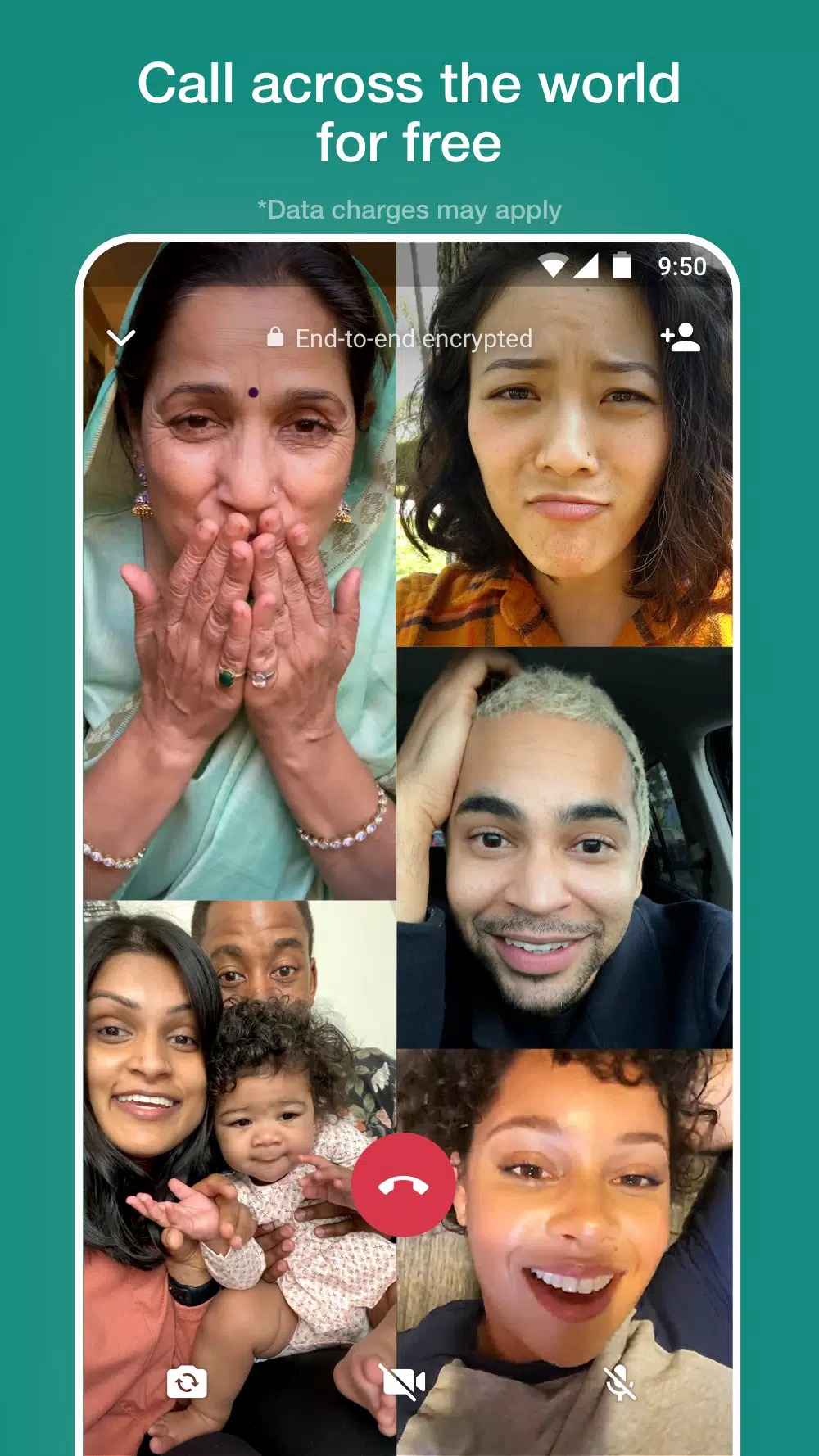
| Voice and video calls | One-on-one or group calls over your mobile data or Wi-Fi. |
| Media and files | Send photos, videos, documents, voice notes and stickers in a chat. |
| Delete for everyone | Pull back a sent message for all participants within the time window WhatsApp allows. |
| Linked devices | Use the same account on up to four extra devices; your phone stays the main one. |
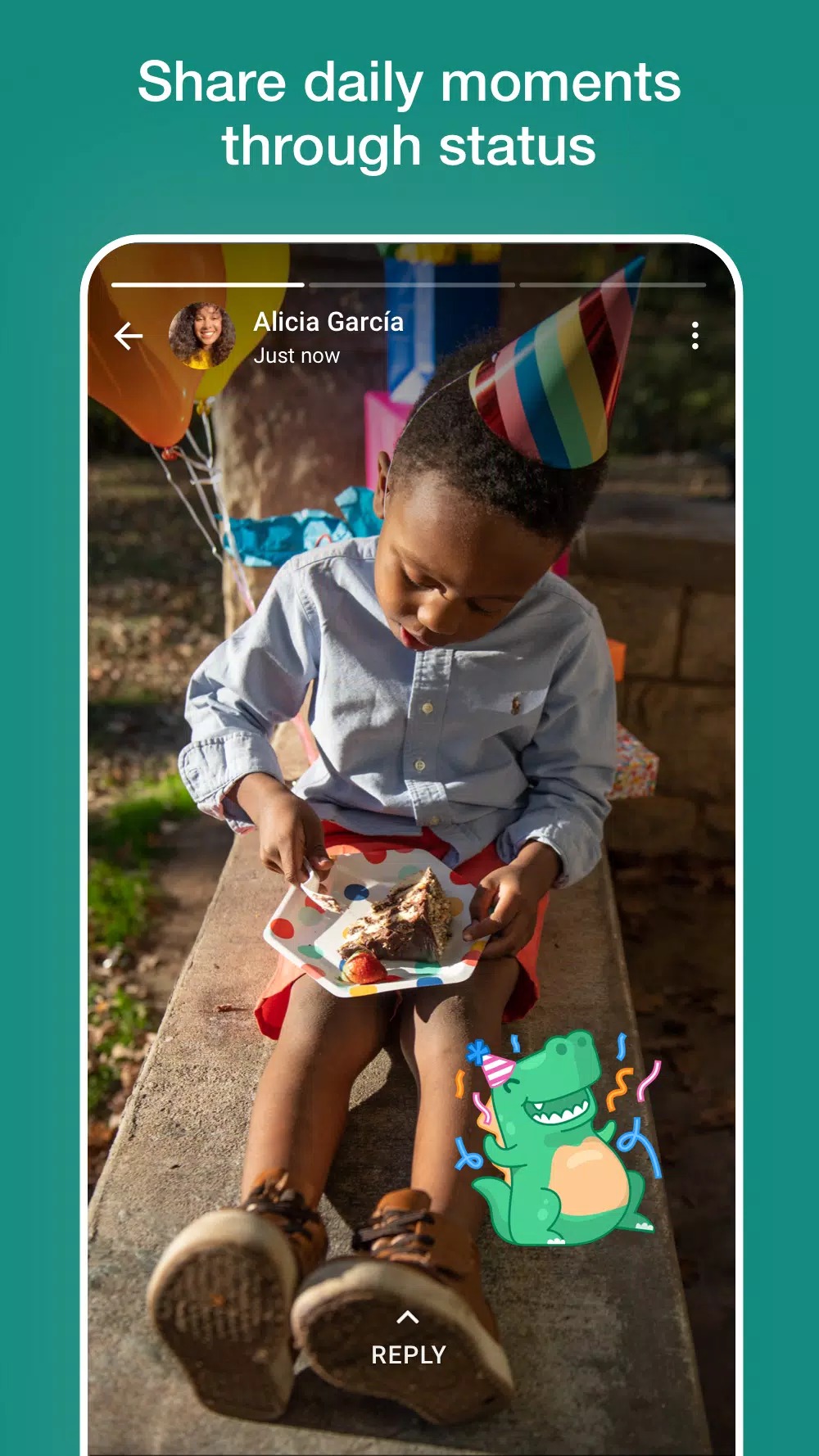
| Status and Channels | Share updates that vanish after a day, and follow Channels for news and announcements. |
Is there a WhatsApp MOD?
Short answer: no. WhatsApp is official and free, so a mod has nothing to add. Files sold as GB WhatsApp, FM WhatsApp or YO WhatsApp are unofficial copies built by third parties, not by WhatsApp. They break WhatsApp's terms of service, and using one can get your phone number banned, either for a while or for good. They also route your private chats through code that nobody has vetted, which is a real privacy and security risk. We only recommend the official app, and that is what this page hands you.
How to download and install the WhatsApp Messenger APK
- Tap the green Download APK button at the top of this page. The file, about 62 MB, downloads directly, with no registration or SMS.
- Allow installation from unknown sources for your browser or file manager (Settings → Security).
- Open the downloaded file and tap Install. You need Android 5.0 or newer.
- Launch WhatsApp, enter your phone number, confirm the code sent by SMS, and your chats are ready.
You can also get WhatsApp from Google Play. First time sideloading an app? Our APK install guide covers the same steps with screenshots.
Updates and safety
Keep WhatsApp on the current version so you get security fixes and new features. The app usually updates itself through the store, and you can grab a fresh APK here when you install by hand. Install only the official file: our editors download each build, scan it for malware and check the signature before it goes live, we have done this since 2018. Before you move to a new phone, back up your chats to Google Drive so nothing is lost. Skip any file that promises anti-ban tricks, hidden online status or paid extras, because those are the unofficial builds that put your number at risk.
APK or Google Play?
If Google Play works on your phone, install WhatsApp there and leave auto-update on; that is the simplest route. The APK on this page is for the cases Play cannot cover: a phone without Google services, a manual install, or an update you want to apply yourself. Either way you end up with the same official app and the same account tied to your number. Want more tools for calls and messages? Browse the communication apps or other Android apps in our catalog.
FAQ
Is WhatsApp Messenger free?
Is this a MOD version?
Are GB WhatsApp or FM WhatsApp mods safe?
Is WhatsApp end-to-end encrypted?
How do I install the APK?
What are the requirements?
Download WhatsApp Messenger APK Android
- No viruses
- No spyware
- No malware
The reviews (0)