- No viruses
- No spyware
- No malware
org.telegram.messengerThis file was downloaded, scanned and installed by our editors before publishing.
Every file is also checked with VirusTotal before publishing.

Telegram APK (Official, Latest Version)
Additional information about Telegram APK (Official, Latest Version)
org.telegram.messengerThe description of Telegram APK (Official, Latest Version)
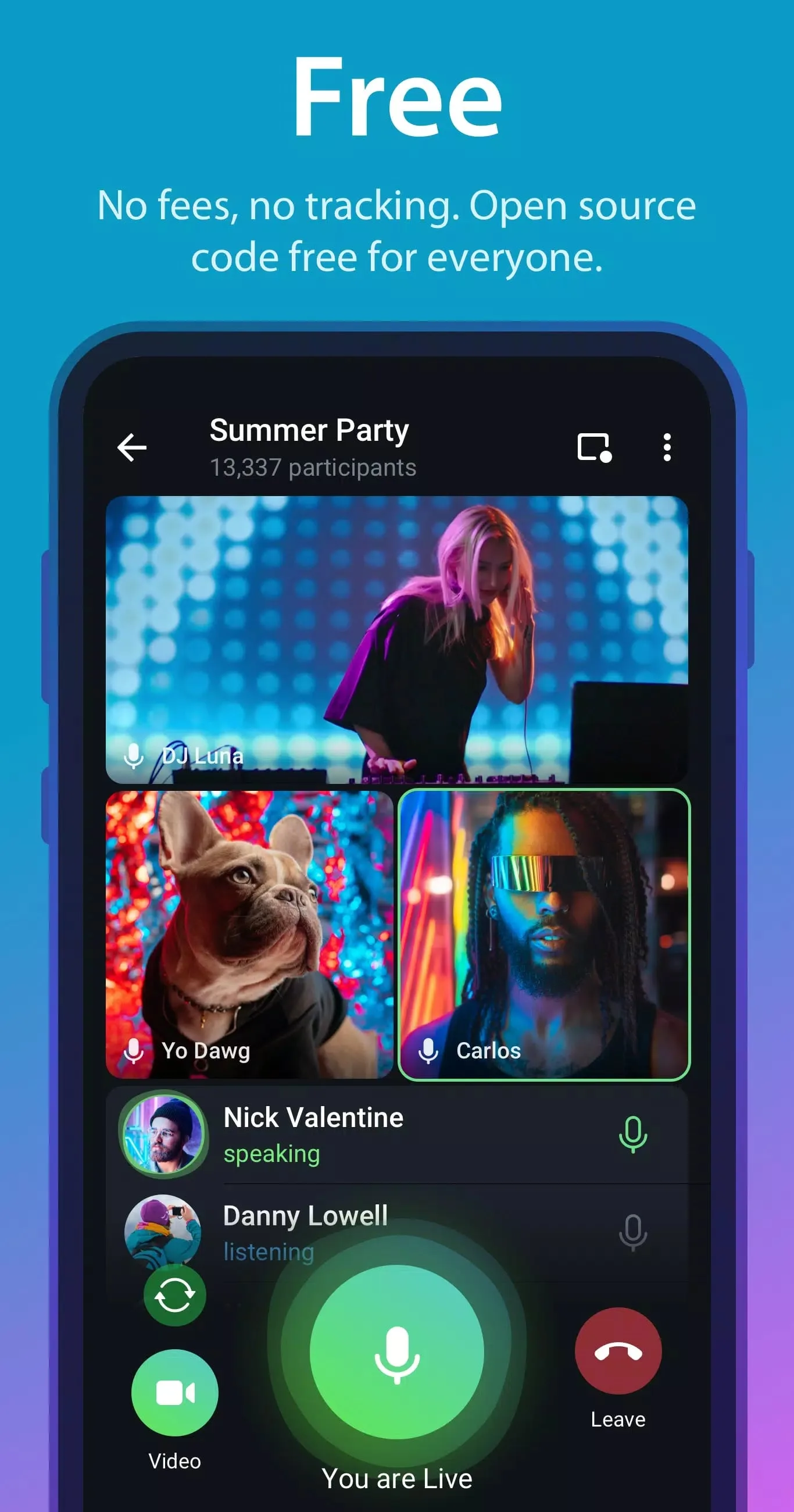
The Telegram APK on this page is the original, official app from Telegram FZ-LLC, the same messenger Telegram ships to Android, tested on real devices by our editors before it went live. This is not a mod, and there is no Telegram mod to look for: the app is free and open-source, so chats, calls, large groups and channels already cost nothing. What you download here is the plain original file, ready for a manual install or an update when you would rather skip the Play Store.
What is Telegram?
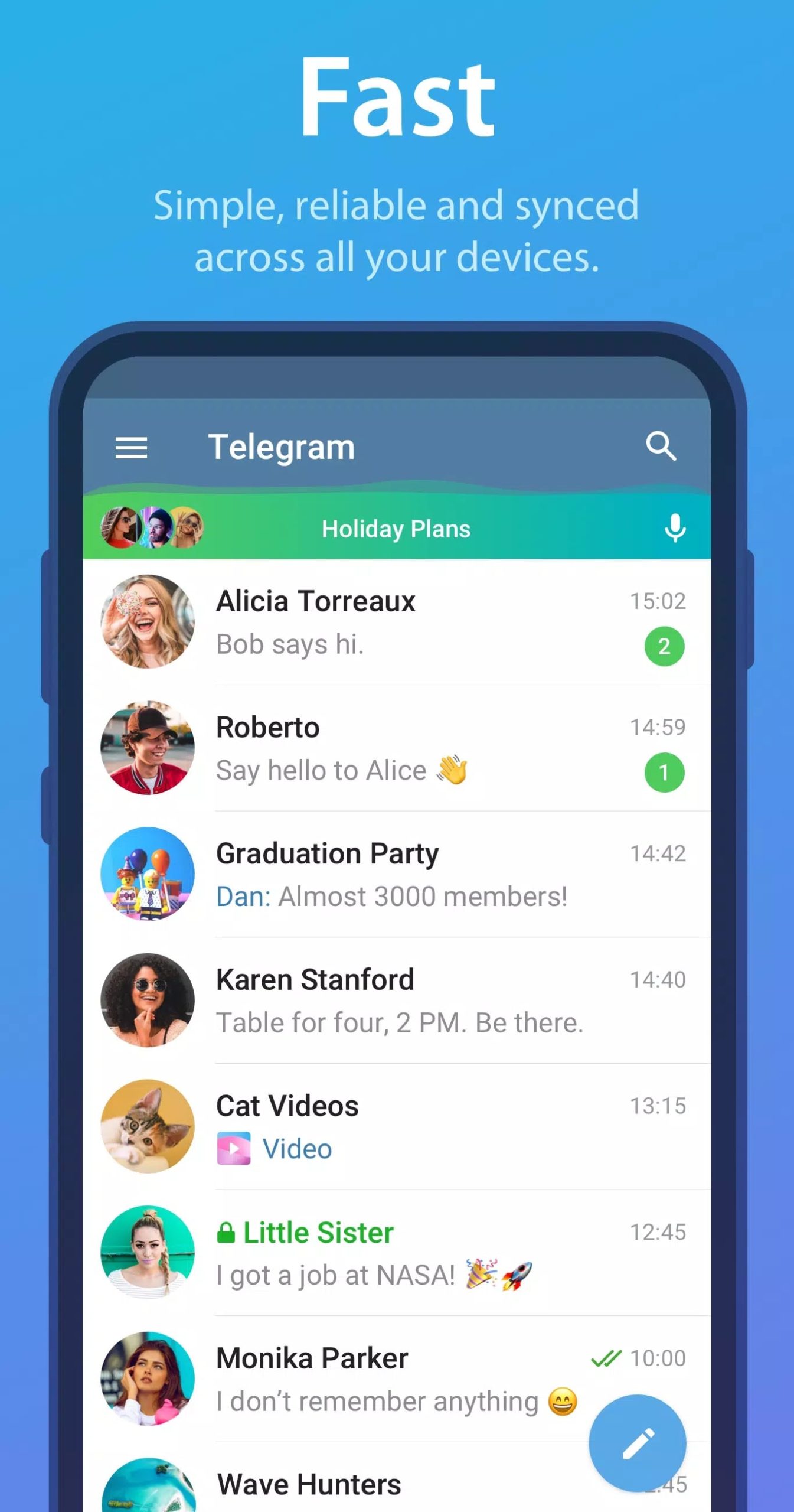
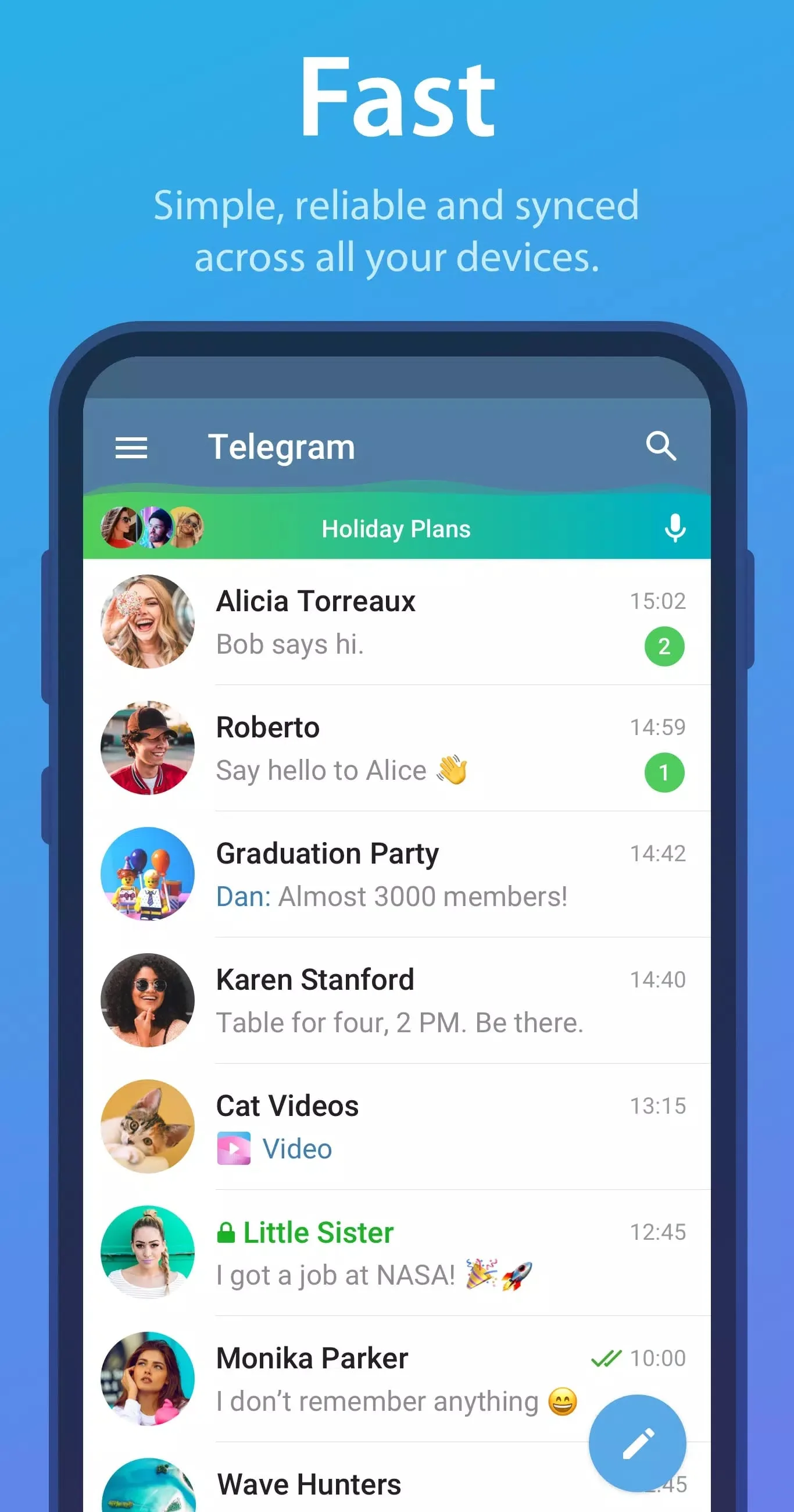
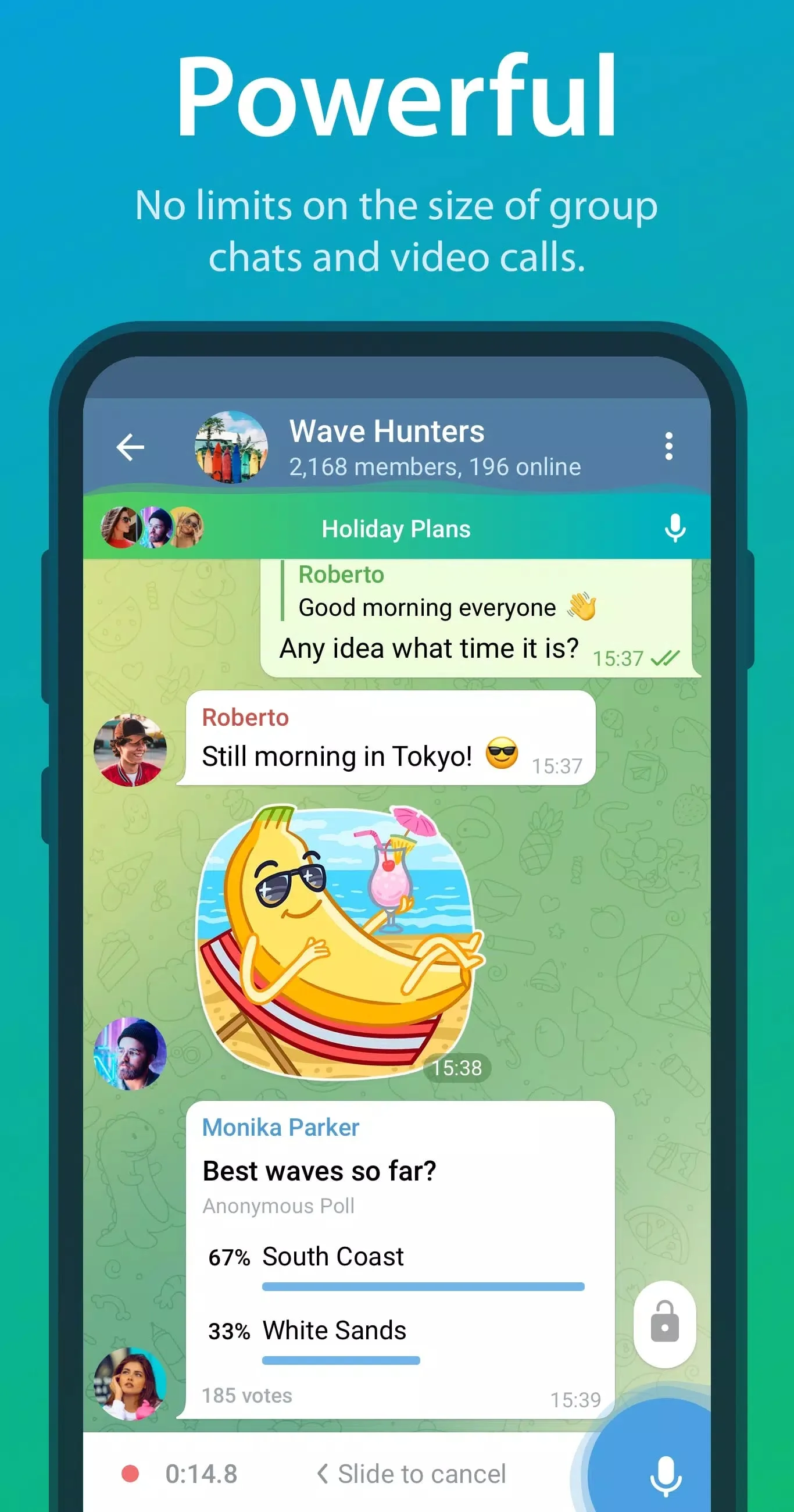
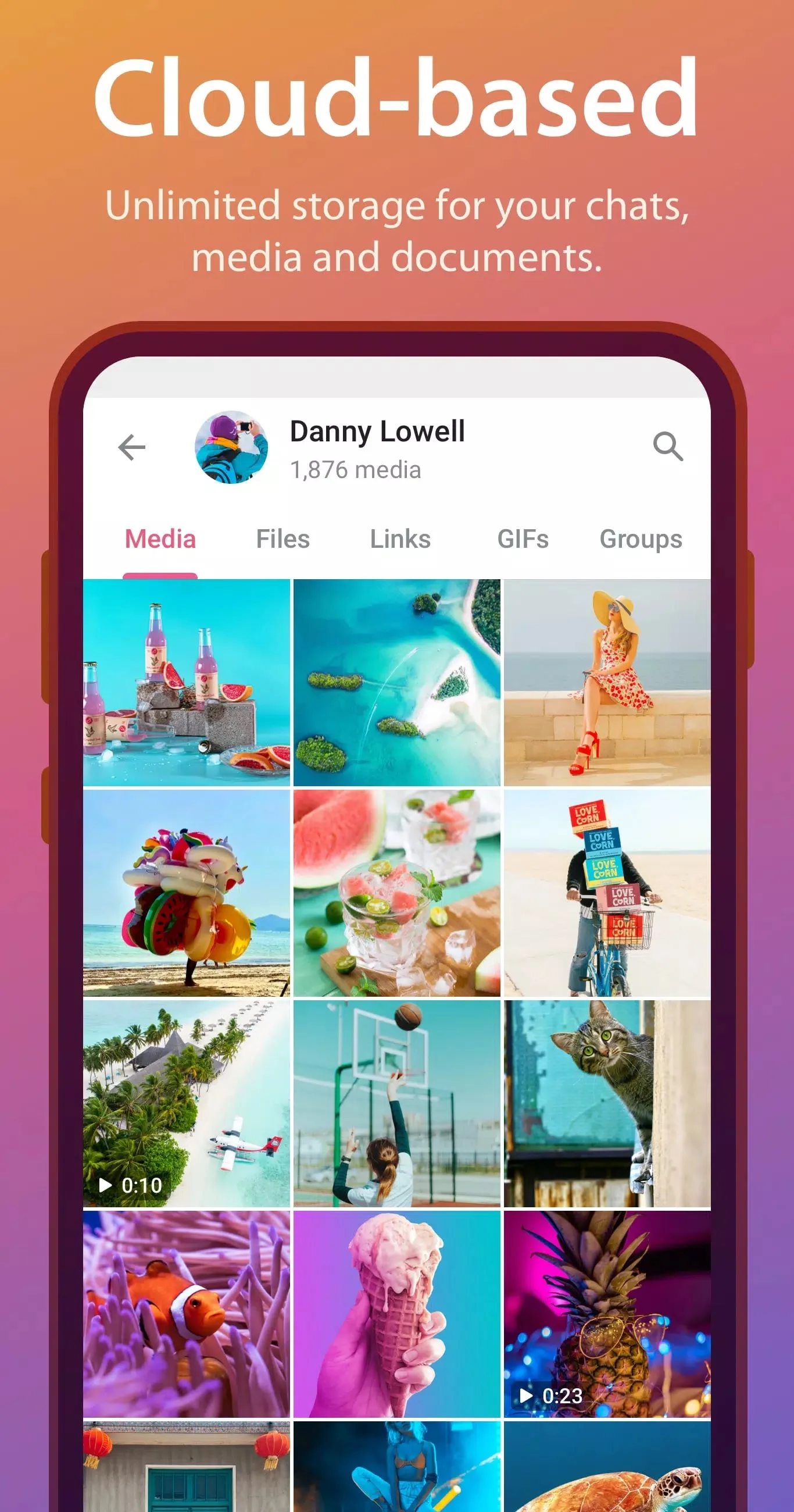
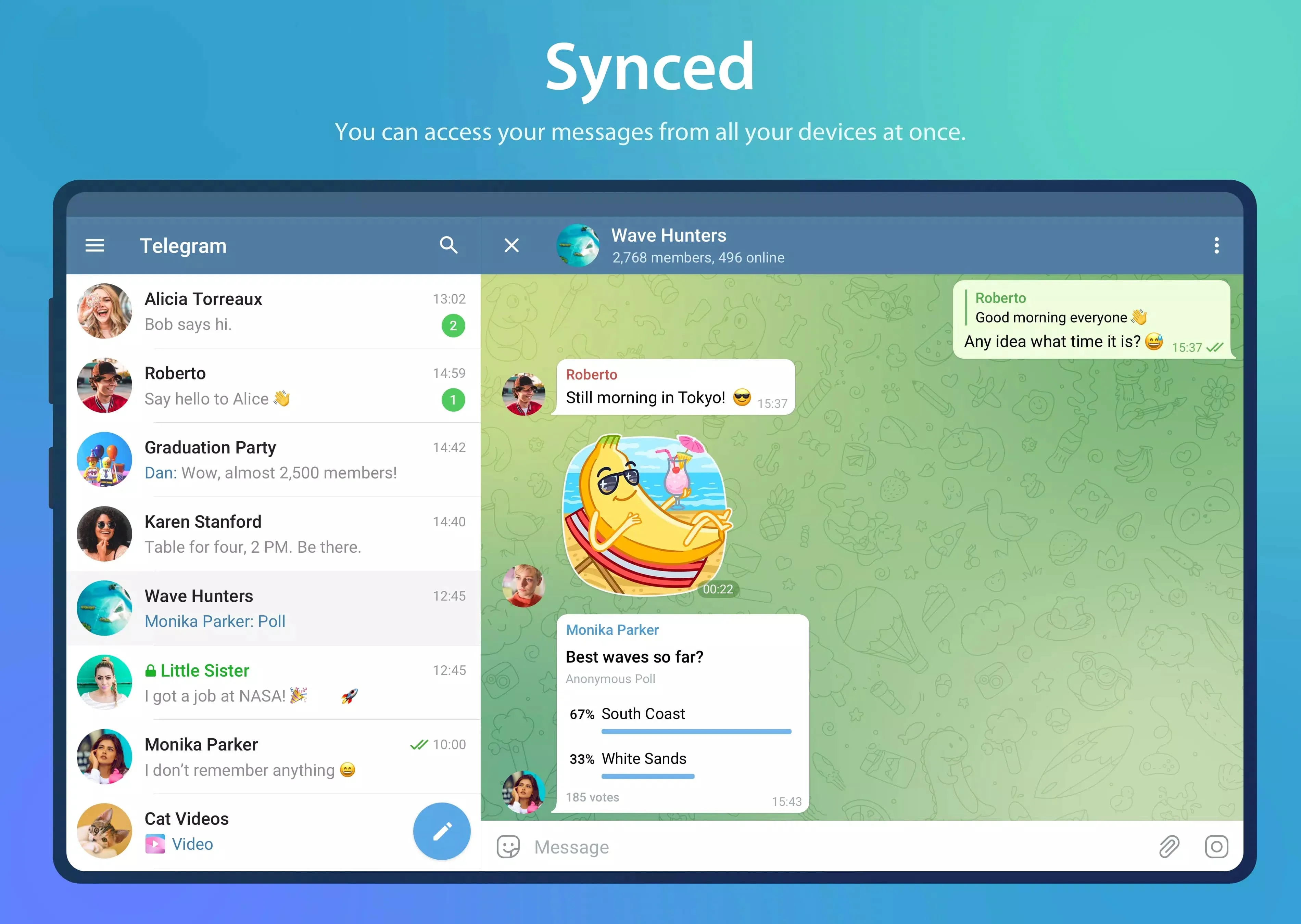
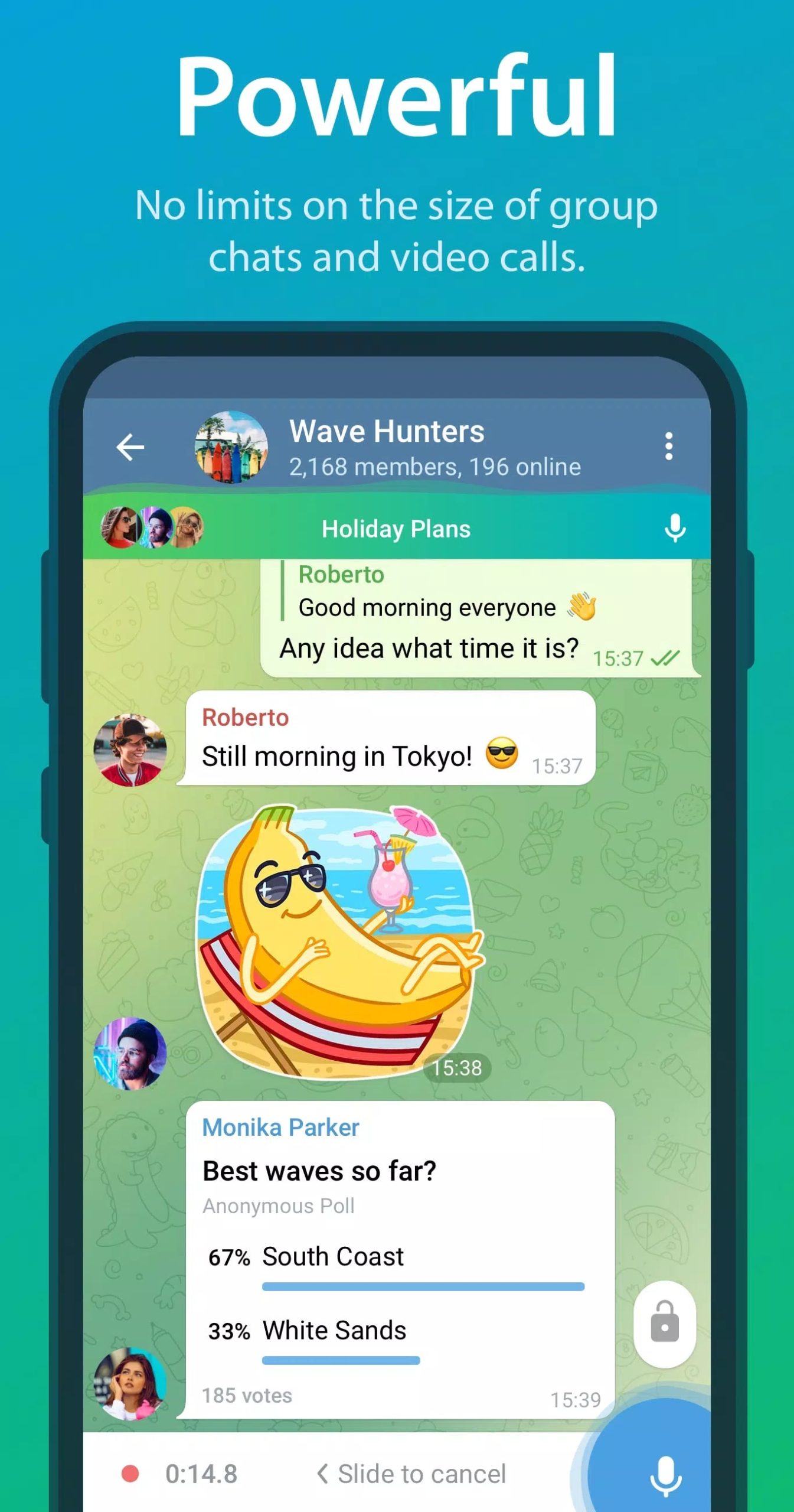
Telegram is a cloud-based messenger from Telegram FZ-LLC. The Android package is org.telegram.messenger. Because your chats live in the cloud, the same account stays in step across your phone, tablet and desktop, and you can pick up a conversation on any of them. You send text and voice messages, make voice and video calls, and share photos, videos and files of almost any type. On top of that Telegram has public Channels for broadcasting to big audiences, Groups that scale to huge member counts, and Bots that handle everything from reminders to games. Close to a billion people use it each month, which is why almost every community, brand or creator you follow probably runs a channel on it.
Is there a Telegram MOD? (Myth-buster)
Short answer: no. Telegram is already free and its app code is open-source, so a mod has nothing real to add. The one thing people search for is a mod that hands you Telegram Premium without paying, and that cannot work. Telegram Premium is a paid subscription checked on Telegram's own servers, not a switch inside the app, so no modified APK can turn it on. Any file sold as a Telegram MOD or a free-Premium build is made by a third party, not by Telegram: at best it does nothing, at worst it takes your account or your data. We hand you the clean original instead.
Key features
Most of what people rely on is in the free app:
| Feature | What it does |
|---|---|
| Cloud chats and sync | Messages live in the cloud, so one account stays in step across phone, tablet and desktop. |
| Large groups and channels | Groups scale to as many as 200,000 members; channels broadcast to an unlimited audience. |
| Any-file sharing | Send photos, videos, documents, music and archives, with a generous size limit per file. |
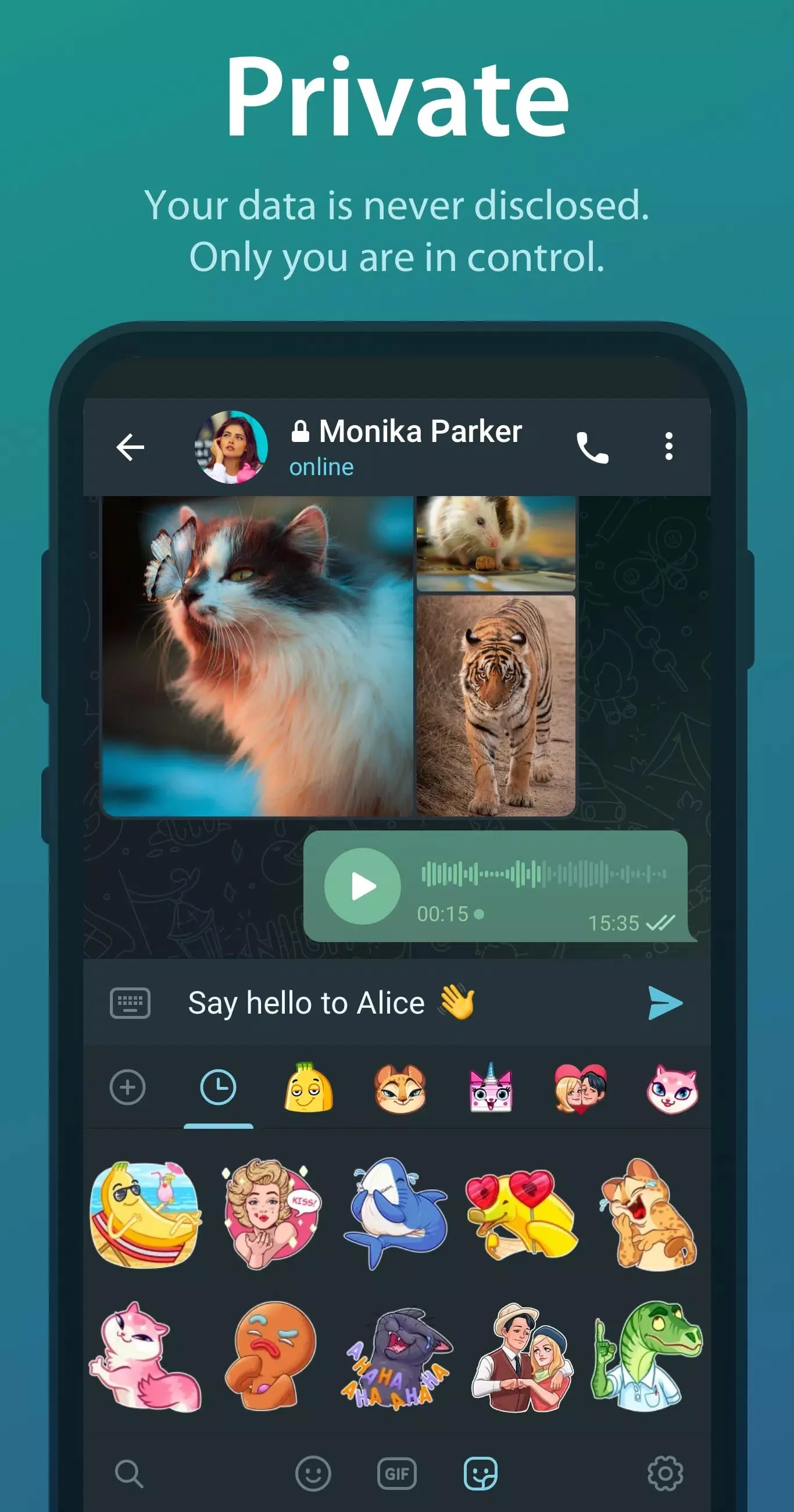
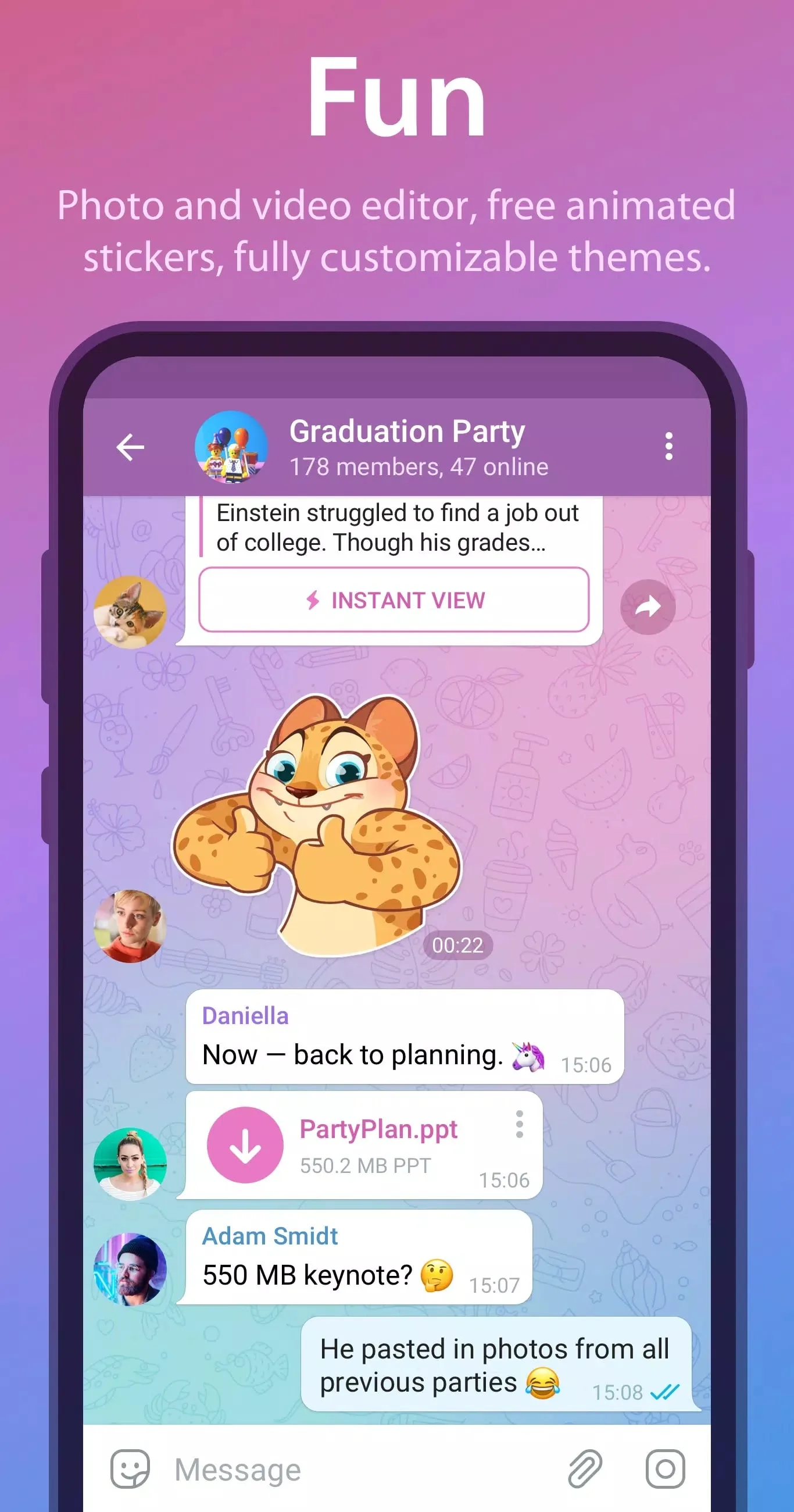
| Stickers and media editor | Built-in editor for photos and videos, plus a large library of stickers, GIFs and emoji. |
| Bots and automation | Bots run reminders, polls, payments, games and custom tools right inside a chat. |
| Secret Chats | Optional device-to-device chats with end-to-end encryption and self-destruct timers. |
How secure is Telegram?
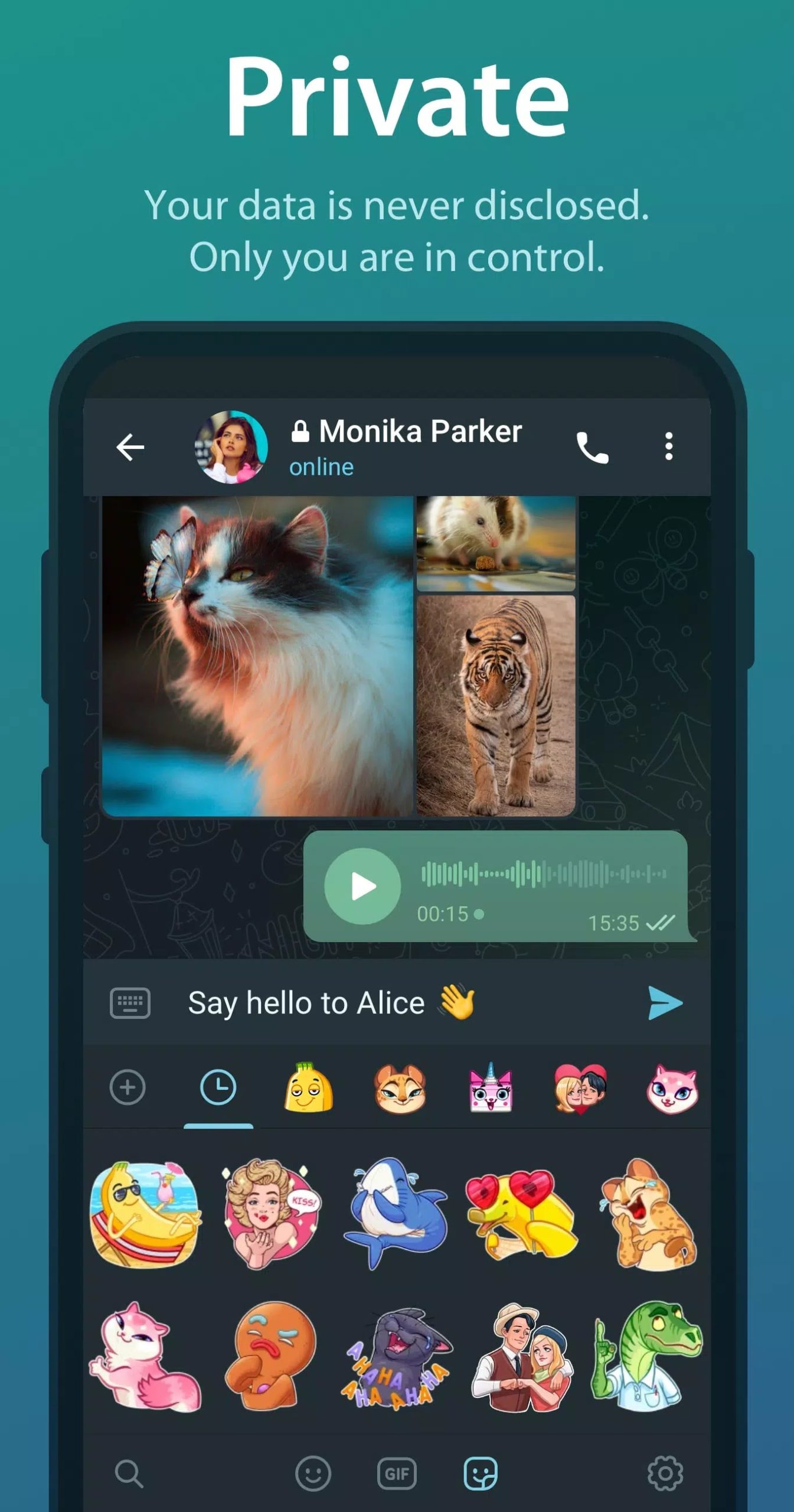
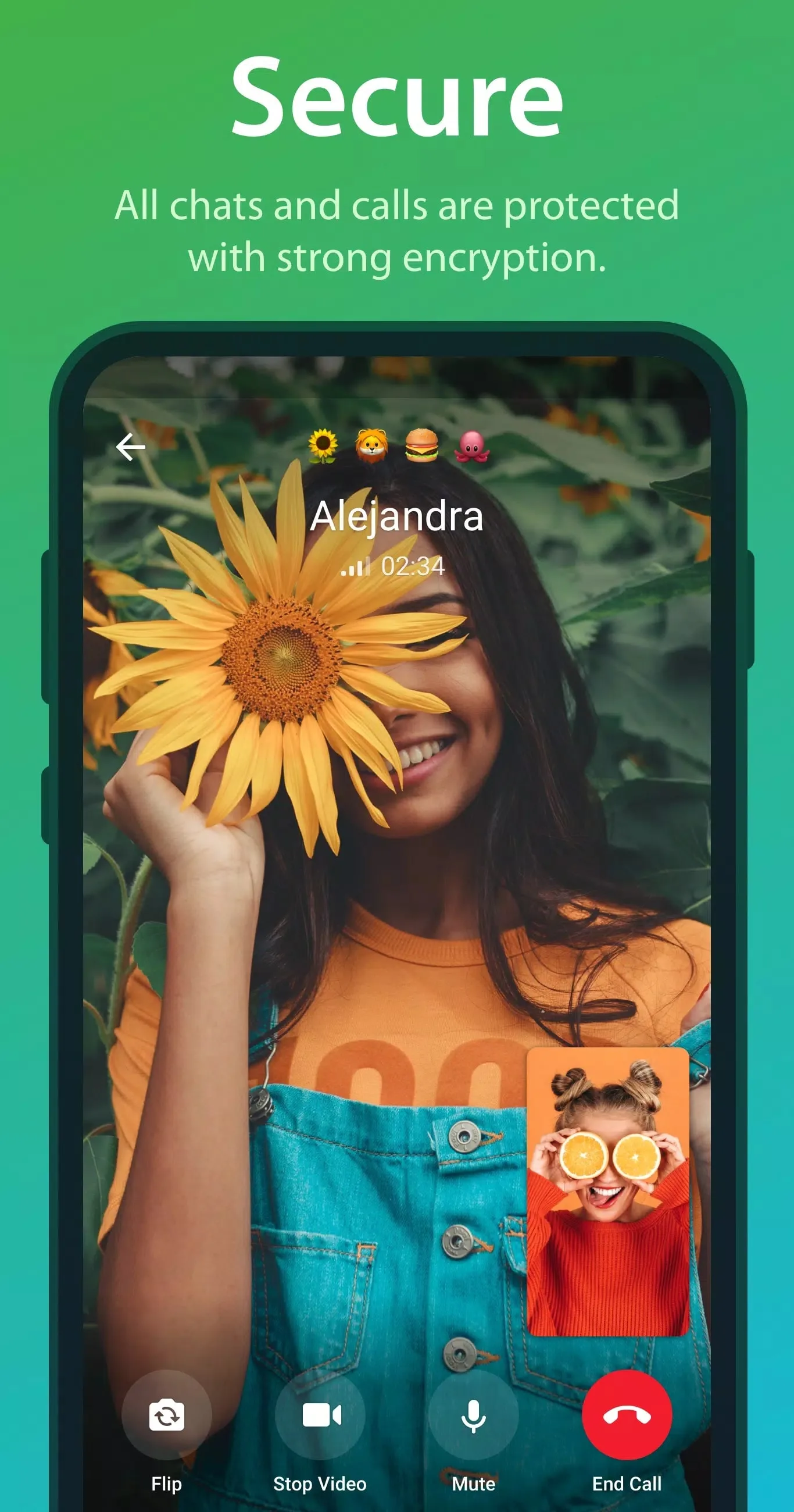
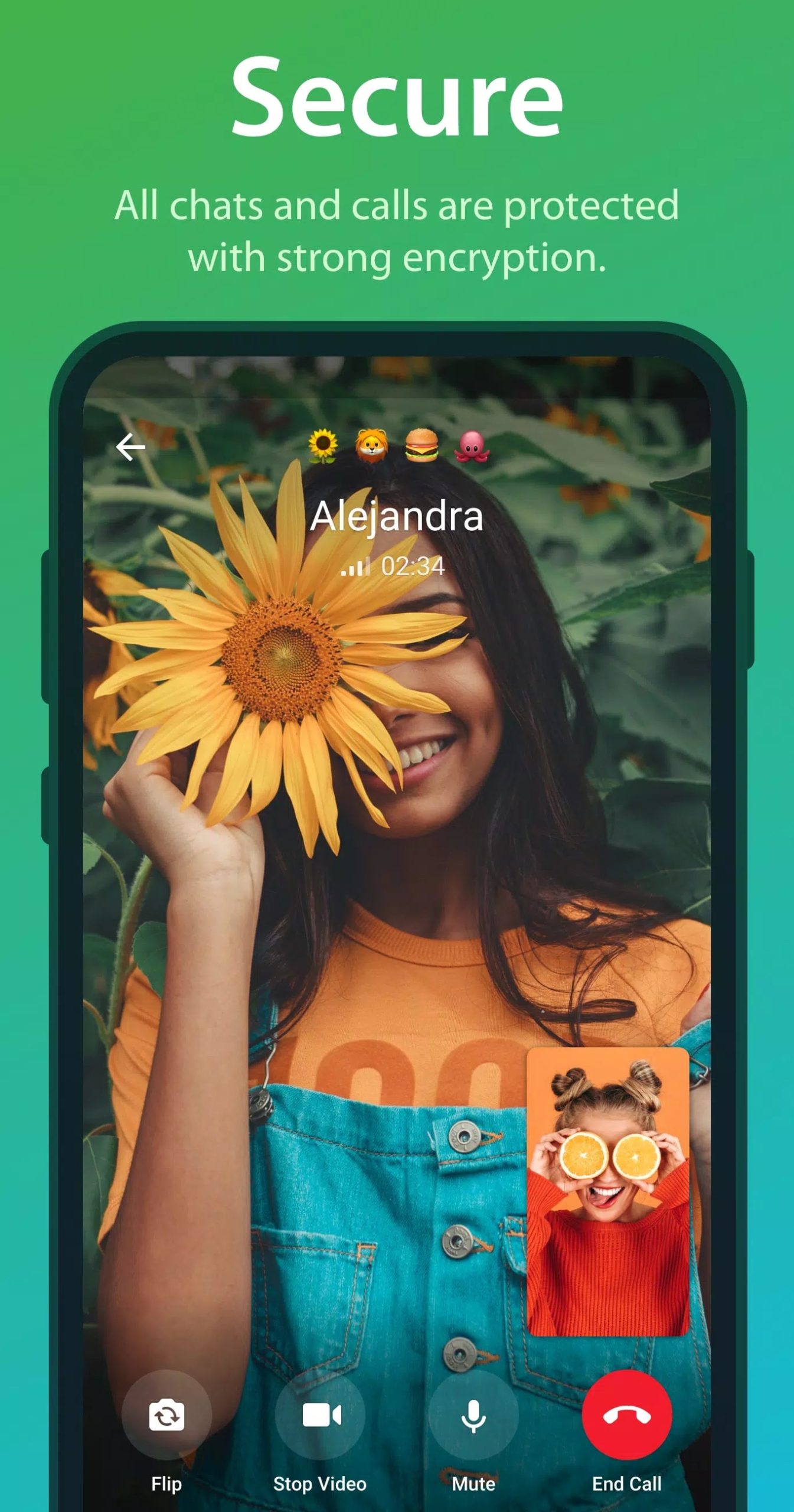
Here is the honest version, because a lot of pages get it wrong. Your ordinary cloud chats are encrypted between your device and Telegram's servers, and they are stored on those servers so they can sync to your other devices. That is client-server encryption, not end-to-end. End-to-end encryption, where only the two devices hold the keys and nothing sits on a server, is reserved for Secret Chats, which you start by hand with one person. Voice and video calls are end-to-end encrypted as well. So Telegram is secure, but "fully encrypted" is a myth: for the strictest privacy on a conversation, use a Secret Chat.
How to download and install the Telegram APK
- Tap the green Download APK button at the top of this page. The file, about 57 MB, downloads directly, with no registration or SMS.
- Allow installation from unknown sources for your browser or file manager (Settings → Security).
- Open the downloaded file and tap Install. You need Android 6.0 or newer.
- Launch Telegram, enter your phone number, confirm the code it sends, and your chats sync down from the cloud.
Installing over an older Telegram keeps your account and settings, so an update is really just a reinstall. First time sideloading an app? Our APK install guide walks through the same steps with screenshots.
Official APK vs Google Play
Both are legitimate, and both give you the same account tied to your phone number. Google Play is the simplest route if it works on your device: install Telegram there and leave auto-update on. The APK on this page is for the cases Play cannot cover, a phone without Google services, a manual install, or an update you want to apply yourself straight from the file. Telegram also publishes an APK on its own site, which often refreshes a little sooner than the Play build. Whichever you pick, your chats, contacts and settings are the same, because they come from the cloud, not the file. Want more chat and calling apps? Browse the communication apps or other Android apps in our catalog.
FAQ
Is this a Telegram MOD or the original app?
Can a mod give me Telegram Premium for free?
Is Telegram end-to-end encrypted?
Why download the APK instead of Google Play?
Is the APK safe?
How big is the download and what do I need?
Download Telegram APK Android
- No viruses
- No spyware
- No malware
The reviews (0)