- No viruses
- No spyware
- No malware
This file was downloaded, scanned and installed by our editors before publishing.
Every file is also checked with VirusTotal before publishing.

Kiryuu APK — Read Manga in Bahasa Indonesia
Additional information about Kiryuu APK — Read Manga in Bahasa Indonesia
The description of Kiryuu APK — Read Manga in Bahasa Indonesia
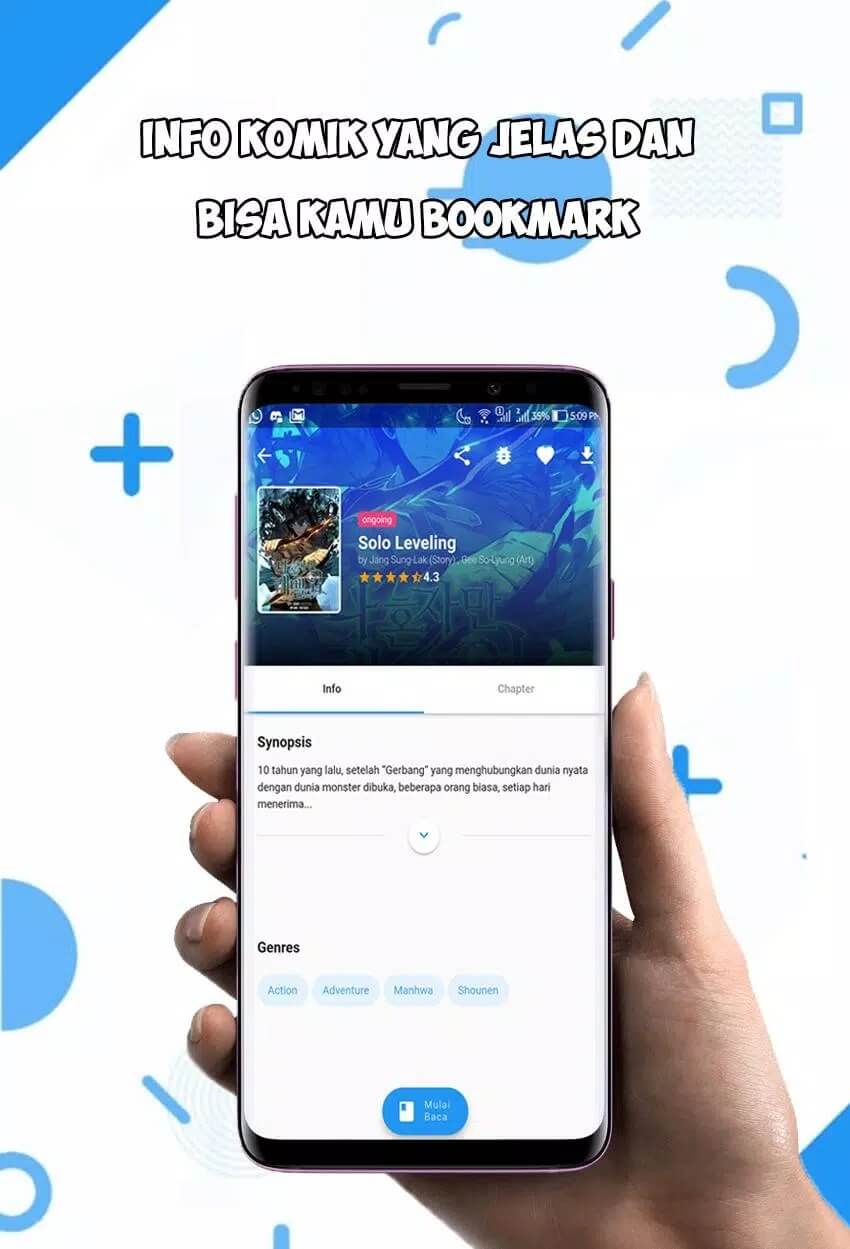
Kiryuu APK is an Android reader for manga, manhwa and manhua in Bahasa Indonesia, so you can browse titles, open a chapter and read straight from your phone without a browser. Search by title, pick a genre, and jump into the newest chapters. One thing up front, and we say it plainly: this is an unofficial app, and you won't find it on Google Play.
The file on this page is scanned for malware and installed on a real Android device by our editors before publishing, we have done this since 2018. That check keeps the download clean, but it does not change the fact that the content itself is unlicensed. More on that below.
What is Kiryuu?
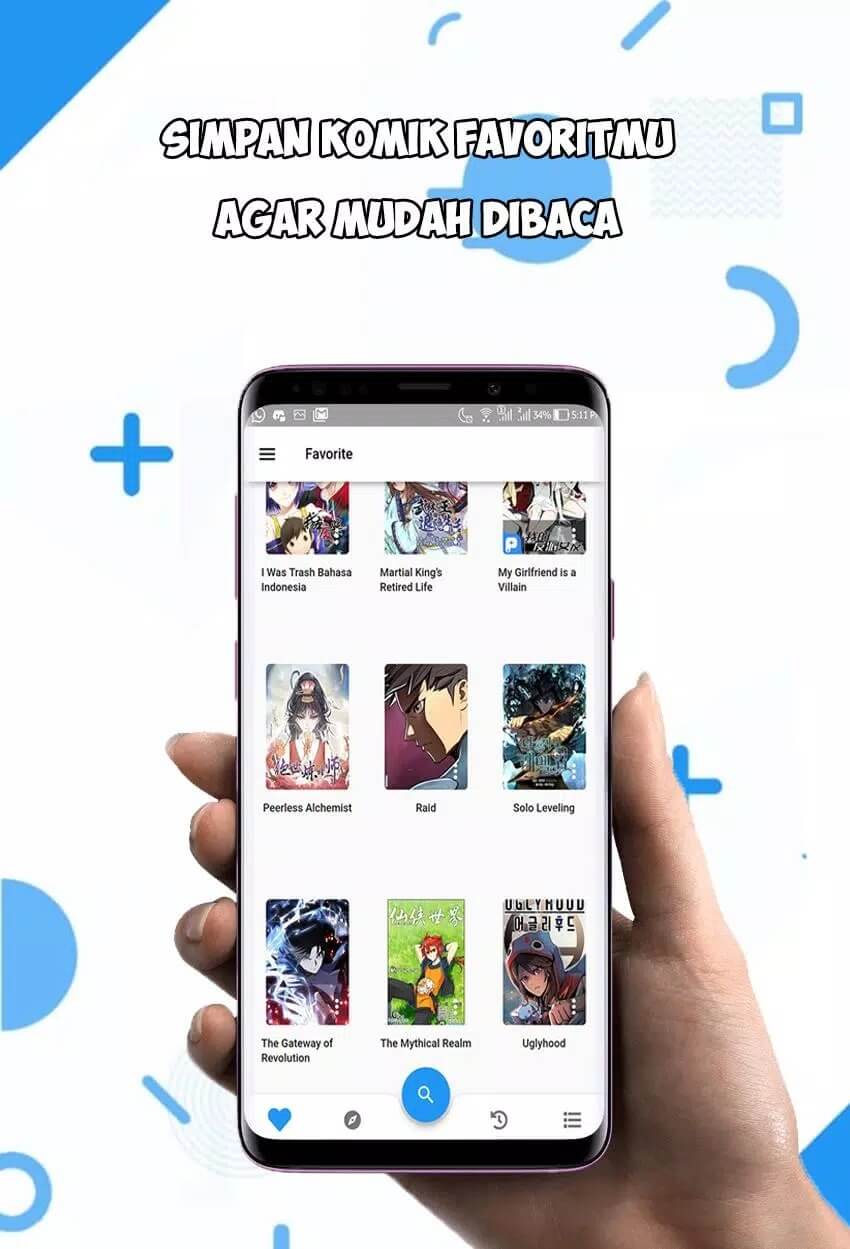
Kiryuu is a comic-reader app built around Indonesian-language manga. Instead of loading a website every time, it wraps the whole library into one lightweight app: you get a search bar, genre lists, and a feed of recently updated chapters. Developer Jutek ID ships it as a small install, version 1.0.8, around 10.5 MB, running on Android 4.2 and up.
If you already read comics on Indonesian aggregator sites, the layout will feel familiar. The draw is convenience. Titles are grouped by genre, ongoing series show their latest chapter, and tapping through to the next page is quick. It is a reader first and last, nothing more complicated than that.
Key features
- Big Indonesian library — manga, manhwa and manhua translated into Bahasa Indonesia, from ongoing weeklies to completed runs.
- Three reading modes — a webview mode, a classic comic (page-by-page) mode, and a webtoon vertical scroll for long-strip titles.
- Offline chapter downloads — save chapters to the app and read them later with no connection.
- Search and genres — look up a title directly, or browse by genre when you want something new.
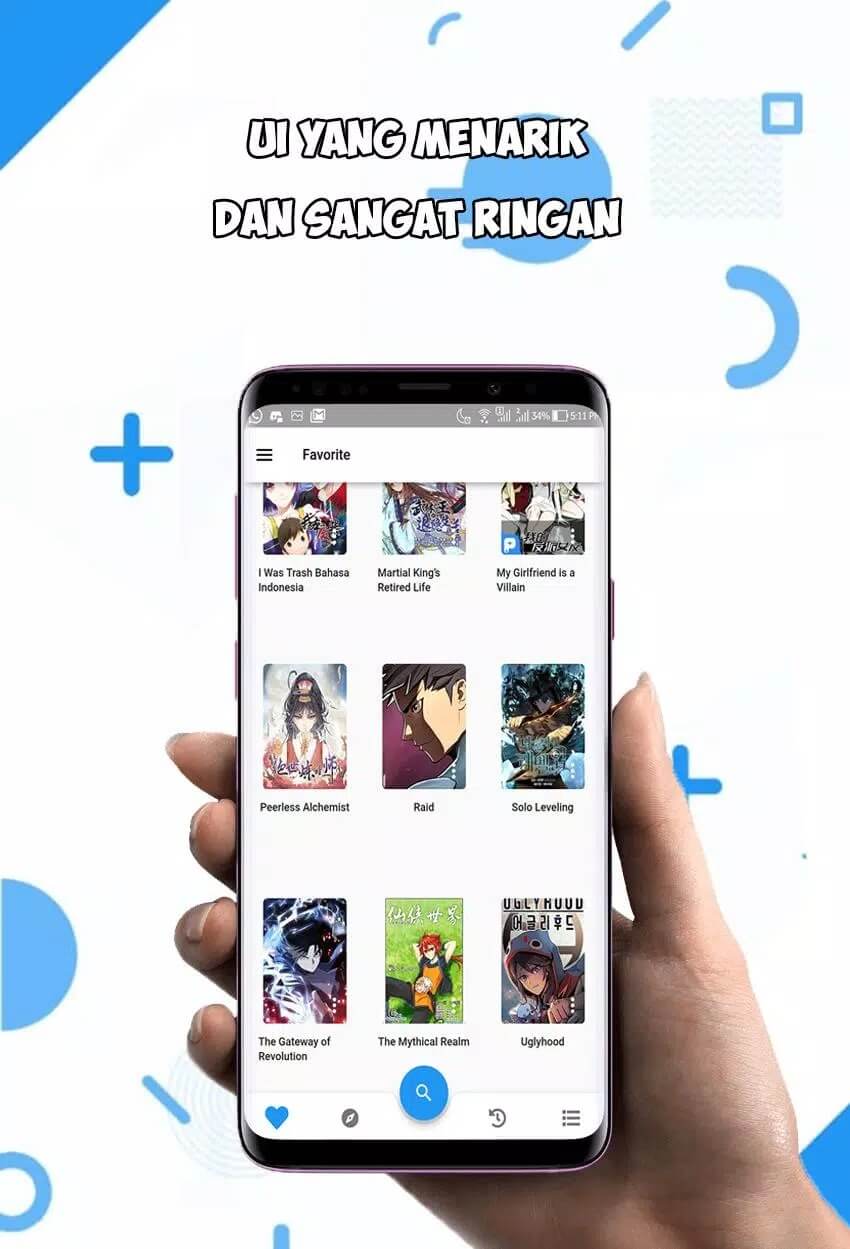
- Light, simple interface — small download, low requirements, easy to move around.
That is the honest feature list. There is no in-app community or comment wall here, no cross-device sync, and no "premium" mod build to chase, some other pages invent those, but the actual app is just a reader.
Is Kiryuu legal and safe?
Here is the part most download pages skip. Kiryuu hosts manga, manhwa and manhua without licenses from the rights holders, which is exactly why it is not on Google Play. Whether reading through it is legal depends on where you live, so check your local laws before you rely on it. We scan the APK for malware and test it on a real phone, and that keeps the file safe to install, but a clean file does not make the content licensed. Two separate things, and we won't pretend otherwise.
Legal alternatives
If you would rather read from a licensed source, a few apps carry official releases, some of them free:
- MANGA Plus by Shueisha — official Shonen Jump titles, with Indonesian among the supported languages, and a free catalog.
- LINE Webtoon — a huge slate of licensed webtoons and manhwa, free to read with daily passes.
- Azuki — legal manga simulpubs on a subscription, with a free sampling of chapters.
- INKR — manga, manhwa and manhua from official publishers, free and paid titles side by side.
- Comikey — licensed manga and webcomics, many readable for free on a timer.
How to download and install
The download is a single small APK, about 10.5 MB, and it installs like any sideloaded app. There is no store listing to go through, so you grab the file here.
- Tap the green Download APK button at the top of this page, the file downloads directly.
- Allow installation from unknown sources for your browser or file manager (Settings → Security).
- Open the downloaded file and tap Install, then launch the app.
- Make sure your phone runs Android 4.2 or newer, older builds won't open it.
First time sideloading an app? Our APK install guide walks through the same steps with screenshots.
Tips and a final note
A couple of things make the app nicer to use. In a chapter, open the reader settings and switch between webview, classic comic and webtoon scroll until one feels right, long-strip manhwa reads best in vertical mode, page-based manga in classic. To read on the go, download chapters over Wi-Fi first, then open them later with data off. And if licensing matters to you, keep one of the legal services above installed alongside it. That is the honest way to cover both.
FAQ
What is Kiryuu APK?
Is Kiryuu on Google Play?
Is Kiryuu legal?
Can I read offline?
What reader modes are there?
How big is the app and what does it need?
Download Kiryuu APK Android
- No viruses
- No spyware
- No malware
The reviews (0)