- No viruses
- No spyware
- No malware
This file was downloaded, scanned and installed by our editors before publishing.
Every file is also checked with VirusTotal before publishing.

Komikcast APK — Aplikasi Baca Komik Bahasa Indonesia


Additional information about Komikcast APK — Aplikasi Baca Komik Bahasa Indonesia
The description of Komikcast APK — Aplikasi Baca Komik Bahasa Indonesia
Komikcast APK is a free Indonesian reader for manga, manhwa and manhua, built around the library on Komikcast.com. You read in Bahasa Indonesia, follow the titles you like, and pull whole chapters onto your phone for offline reading. One thing to be upfront about: the chapters here are unofficial fan scans, so this is a fan reader, not an official publisher app. The file on this page is scanned for malware and installed on a real Android device by our editors before publishing, we have done this since 2018.
It is a small app, around 8.4 MB, and it runs on Android 5.1 and up. That means it works fine on older and low-end phones, which is a big part of why so many readers in Indonesia use it.
What is Komikcast?
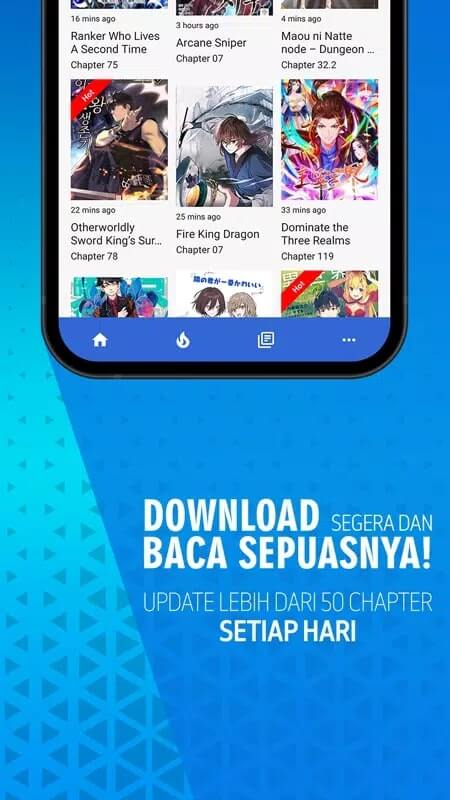
Komikcast is the mobile reader for the Komikcast.com website. The catalogue is large and leans hard into Indonesian scanlations: Japanese manga, Korean manhwa and Chinese manhua, all translated into Bahasa Indonesia. New chapters land constantly, often dozens of fresh releases a day across popular ongoing series, so if you follow weekly titles you rarely wait long.
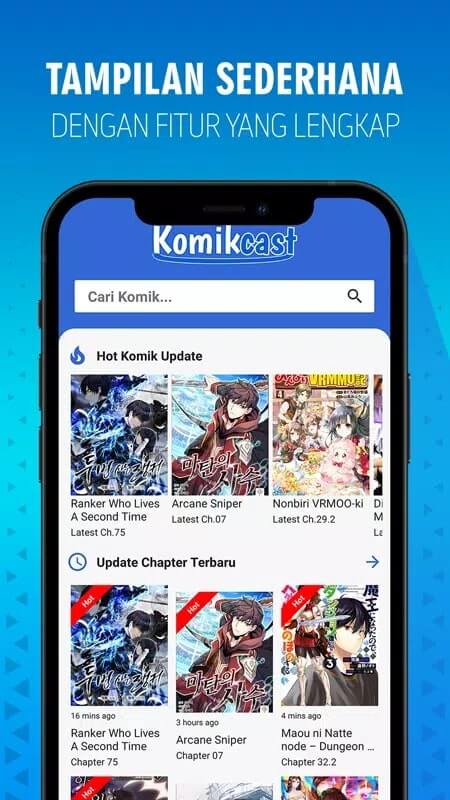
You can read online, streaming pages as you scroll, or save chapters first and read them offline later. The app is basically a lighter, cleaner front end for the same content you would open in a browser, minus the pop-ups and with a proper reading history to keep your place.
Features
| Feature | What it does |
|---|---|
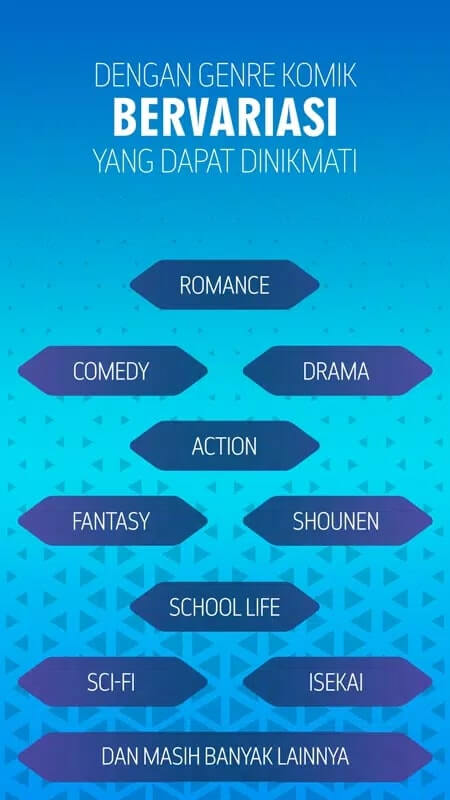
| Catalogue search | Find titles by name or browse by genre and status across the full Komikcast library. |
| Favourites & bookmarks | Save the series you follow so new chapters are one tap away. |
| Offline downloads | Download chapters to your phone and read them with no connection. |
| Daily updates | Fresh chapters posted through the day, tens of new releases across the catalogue. |
| Light & dark theme | Switch to dark mode for night reading that is easier on your eyes. |
| Reading history | Picks up where you stopped, so long series stay easy to track. |
Is it legal? Copyright note
Here is the honest part. Komikcast serves unlicensed scans, translations made and posted by fans without permission from the original creators or publishers. The artists and studios behind these comics do not earn anything when you read here. So you are reading at your own risk, and it is worth knowing that going in.
None of that means the app is unsafe to install, the APK itself is clean and we check it. It is a copyright question, not a malware one. If a series you love is available officially, buying it or reading it on a licensed app is the real way to support the people who made it.
Legal alternatives
If you would rather read the same kind of comics through official channels, a few free and paid options cover most of what Komikcast offers:
- MANGA Plus by Shueisha — free and official, with same-day chapters of big Shonen Jump titles.
- Webtoon — huge catalogue of manhwa and originals, most of it free to read.
- Shonen Jump / Manga UP! — official readers with deep back catalogues for a small subscription.
- Apps from the official publishers of the series you follow, when one exists in your region.
How to download and install
The download is a single small APK, no account and no SMS. It starts from this page.
- Tap the green Download APK button at the top of this page, the file comes down directly.
- Allow installation from unknown sources for your browser or file manager (Settings → Security).
- Open the downloaded file and tap Install, it is about 8.4 MB and needs Android 5.1 or newer.
- Launch the app, search for a title and add it to your favourites to start reading.
New to sideloading? Our APK install guide walks through the same steps with screenshots.
Tips
- Download the next few chapters over Wi-Fi before you head out, then read them offline on the commute.
- Build a favourites list early. It turns the daily flood of updates into a short feed of just your series.
- Switch to the dark theme for reading at night, it is far easier on your eyes in a dark room.
- Clear old downloaded chapters now and then to keep the app light on storage.
FAQ
What is Komikcast?
Is it on Google Play or the App Store?
Can I read offline?
Is Komikcast legal?
What are the legal alternatives?
What are the requirements, and is it safe?
Download Komikcast APK Android
- No viruses
- No spyware
- No malware
The reviews (0)