- No viruses
- No spyware
- No malware
org.kustom.widgetThis file was downloaded, scanned and installed by our editors before publishing.
Every file is also checked with VirusTotal before publishing.

KWGT Kustom Widget Pro APK (Pro Unlocked)
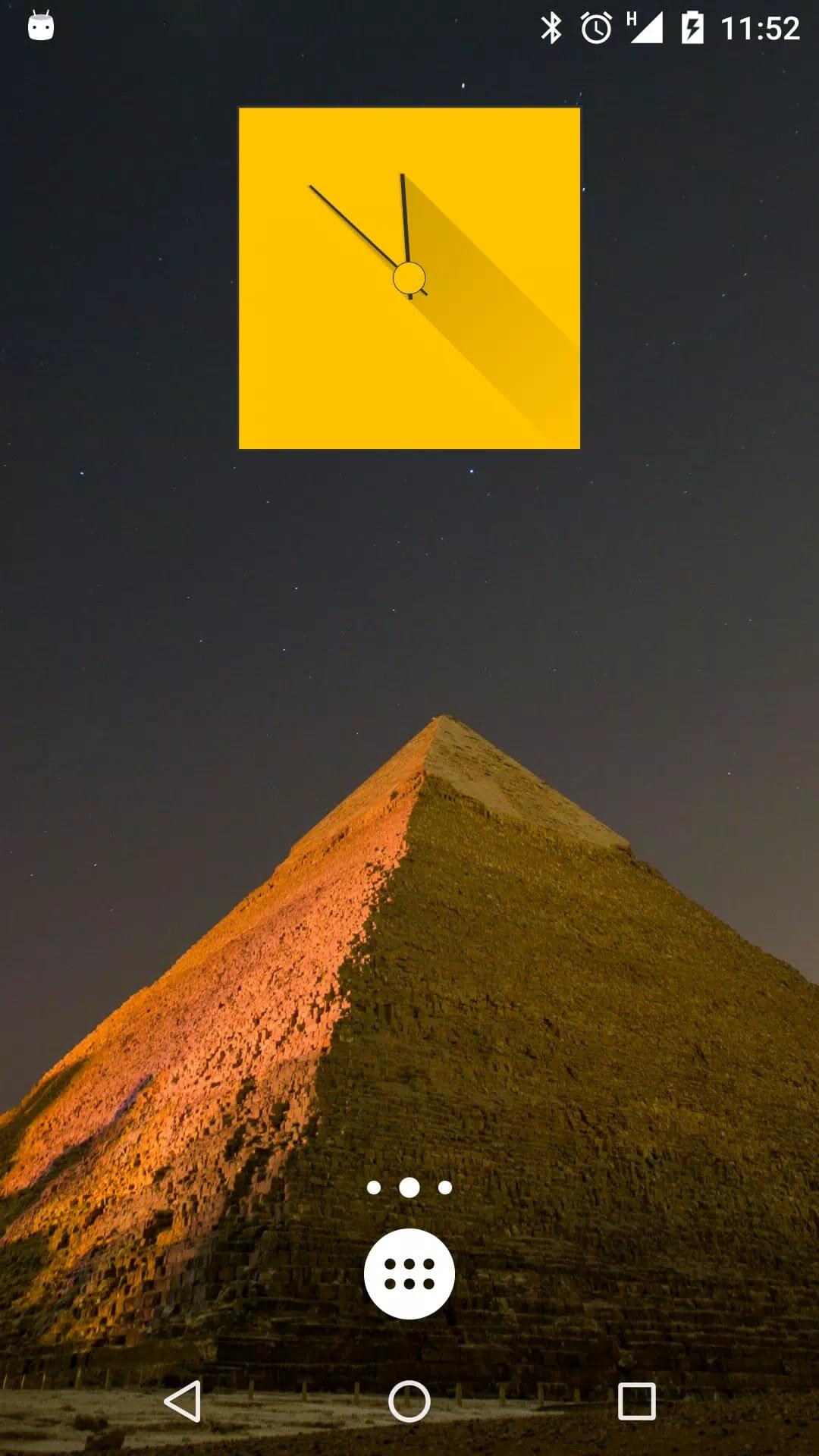
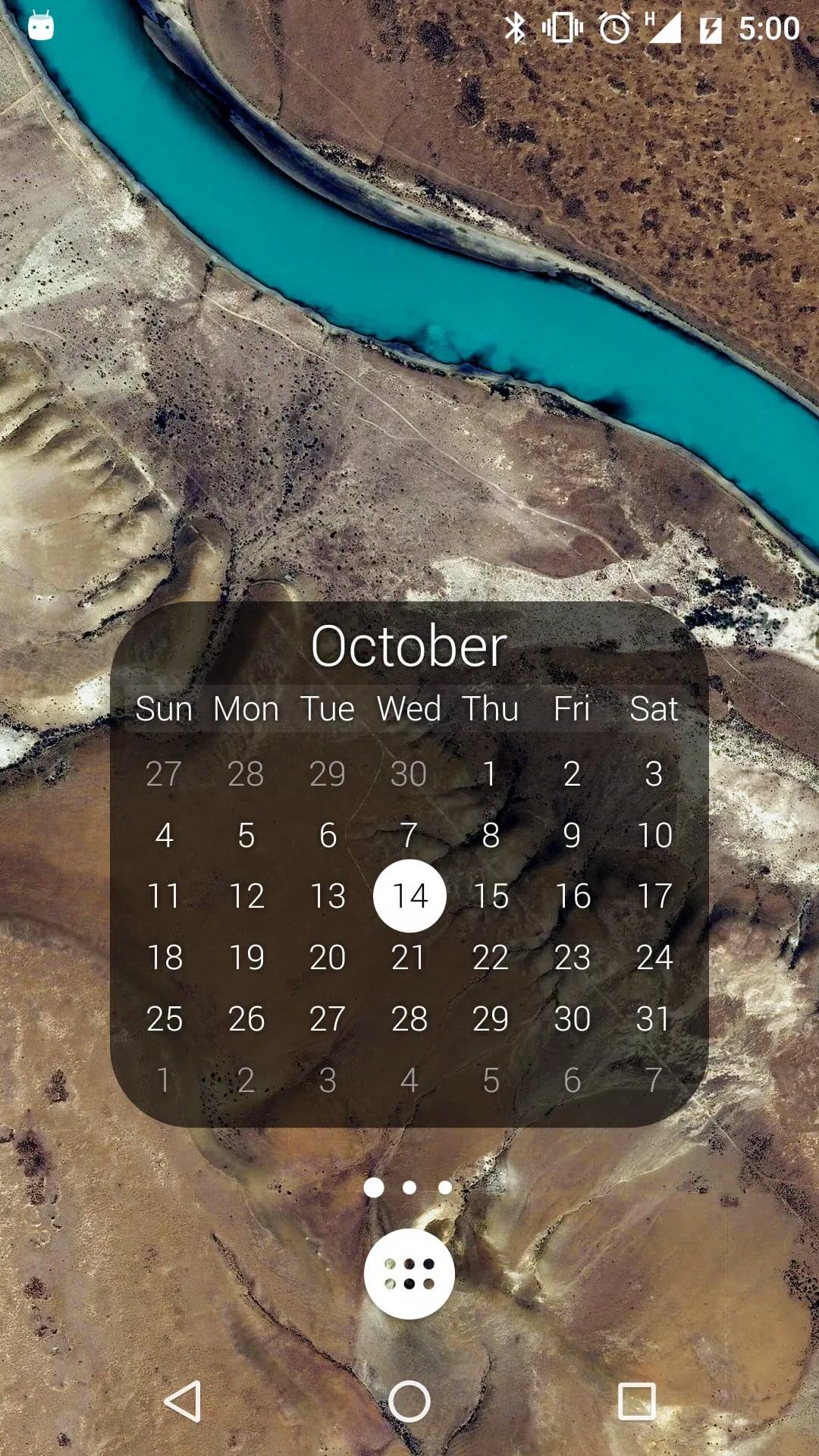
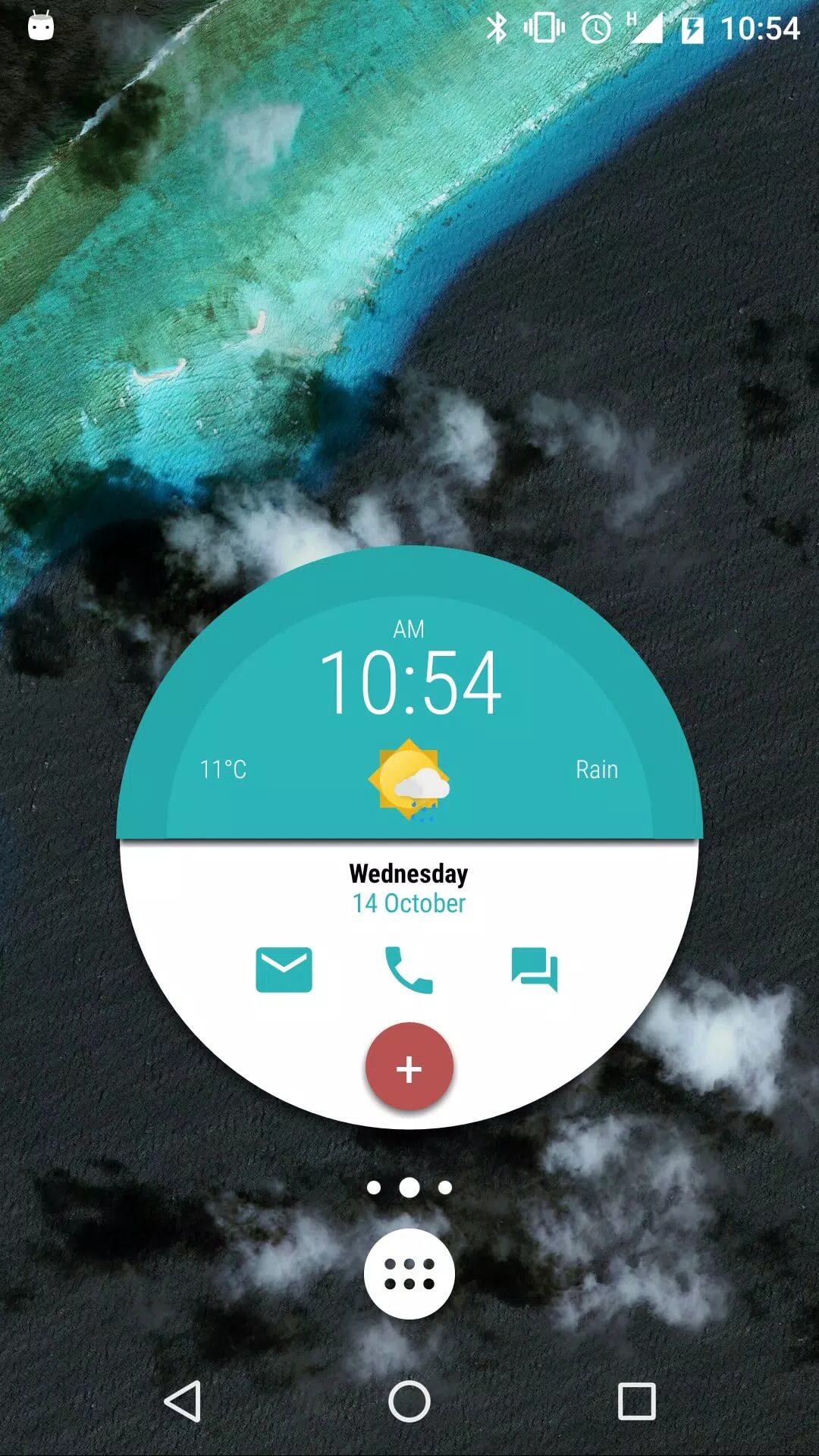
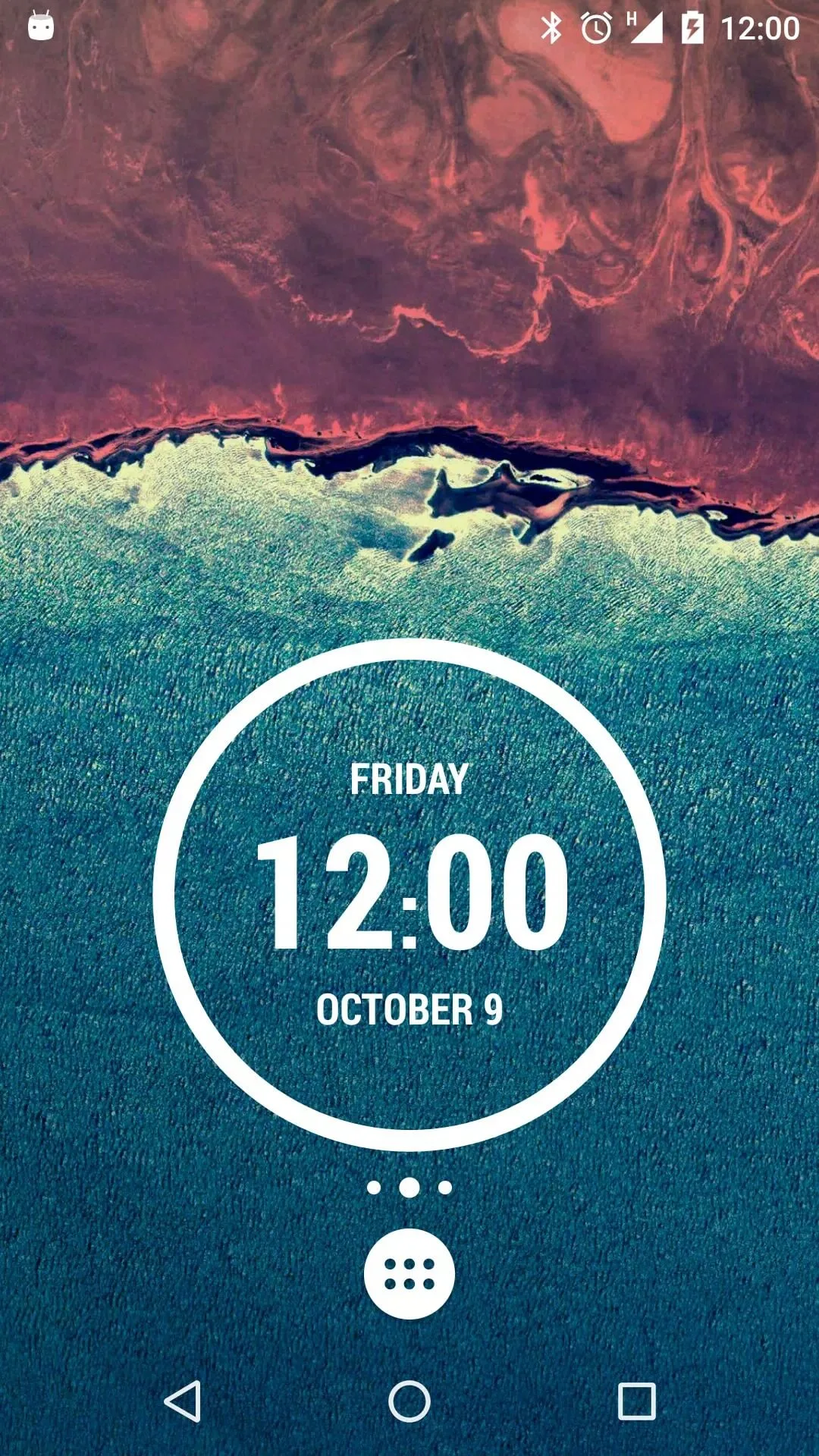
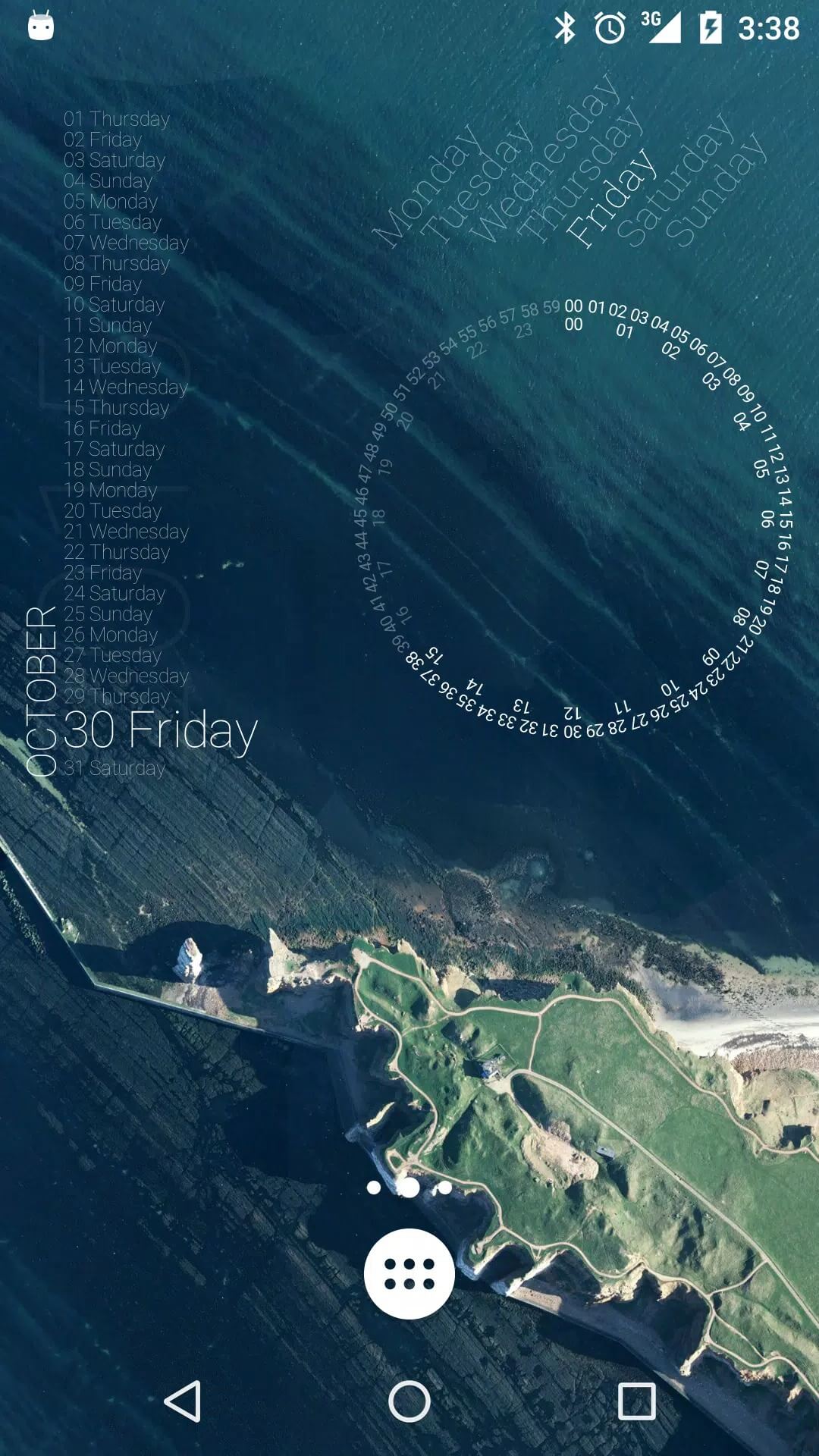
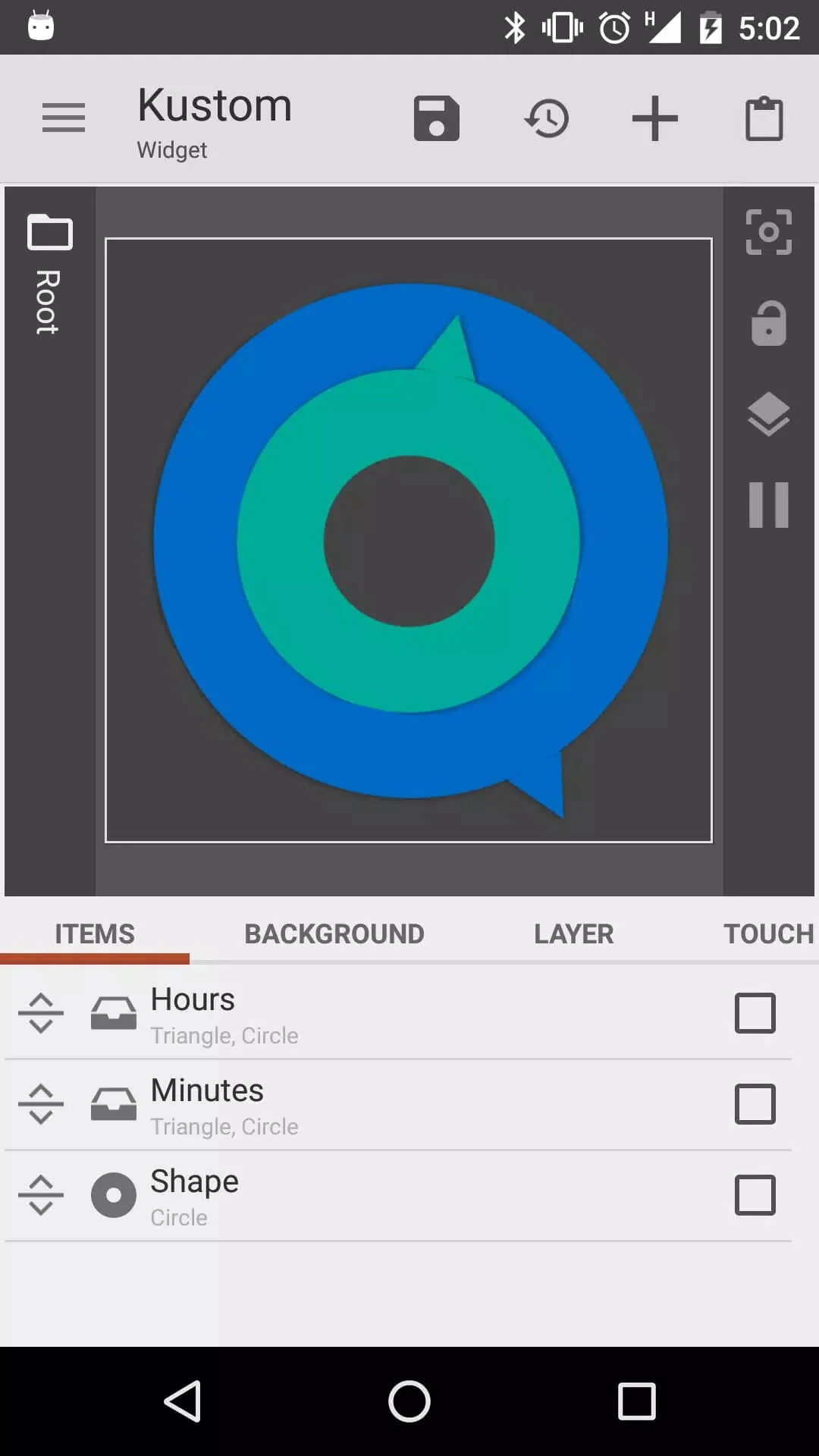
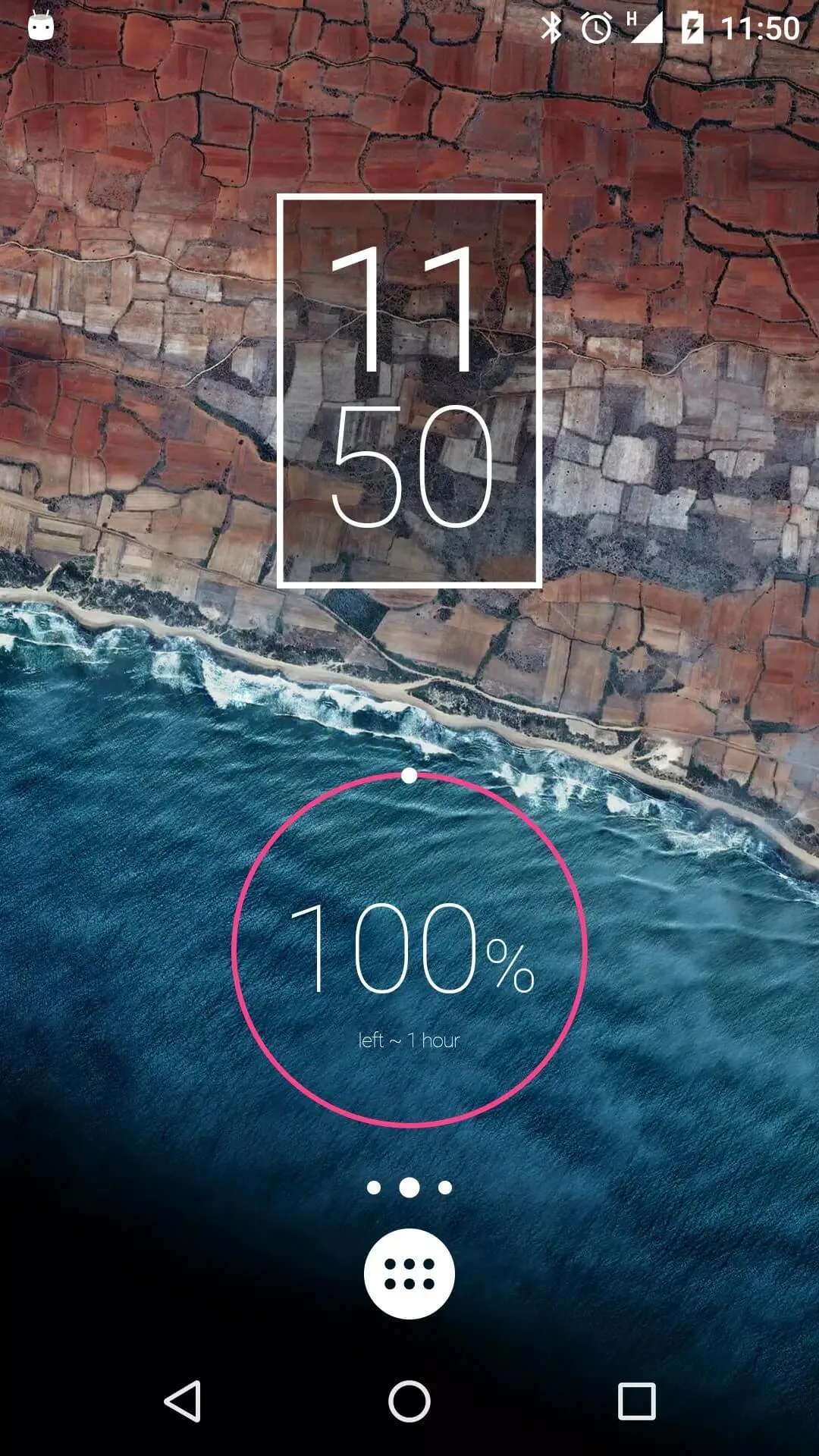
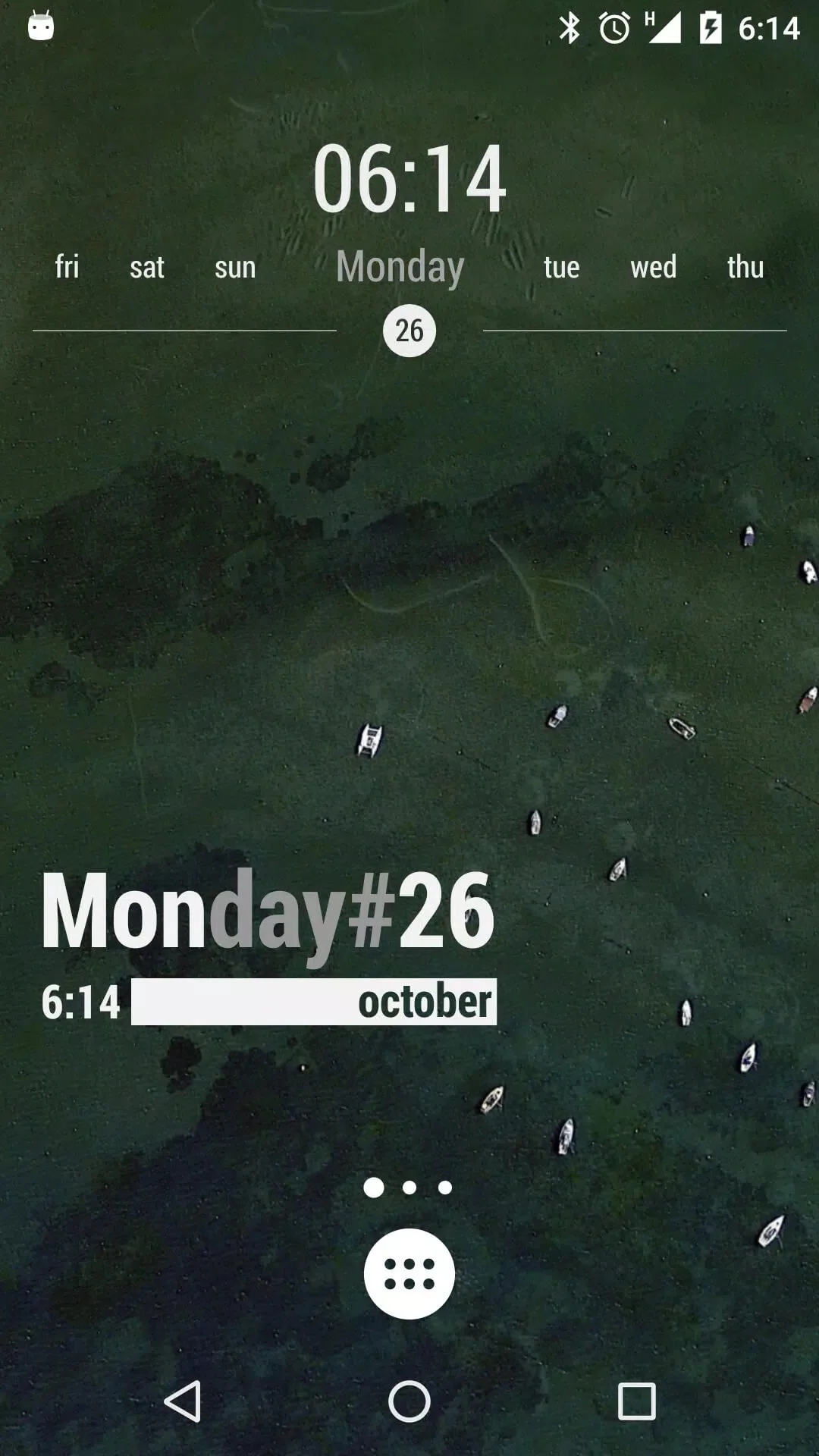
Additional information about KWGT Kustom Widget Pro APK (Pro Unlocked)
org.kustom.widgetThe description of KWGT Kustom Widget Pro APK (Pro Unlocked)
KWGT Kustom Widget Pro APK turns on every paid Pro feature in KWGT: no ads, import from your SD card, and access to all external skins and community presets. The base app is free, and this build opens what the separate Pro Key normally charges for, so you can theme your home screen without buying the key first.
Here is the honest part up front. KWGT itself (org.kustom.widget) is free on Google Play, and the Pro extras sit behind a paid unlocker called Pro Key. "Pro Unlocked" means that lock is flipped on your phone, client-side, with no account or server involved. The file on this page is scanned for malware and installed on a real Android device by our editors before publishing, we have done this since 2018. It runs offline too, since this is personalization, not an online game.
What is KWGT Kustom Widget?
KWGT, short for Kustom Widget Maker, is a widget builder from Kustom Industries. Instead of picking from a fixed set of widgets, you make your own. Clocks (digital or analog), weather, battery and memory readouts, a music player, a map, plain text, even astronomy data, all of it is fair game.
The editor is the real draw. You work in layers, drop in shapes and text, and drive values with formulas so a widget can react to the time, your battery level or the weather. You can also import presets that the community has shared and tweak them to taste. One thing to keep in mind: KWGT is a widget engine, so you need a home screen or launcher that supports widgets to place what you build.
Free app vs Pro Key
The split between the two is clean. org.kustom.widget is the free app and covers the core editor. The paid side is a separate unlocker, Pro Key (org.kustom.widget.pro, around $6.99 on Google Play), from the same developer. Buy the key and it flips the Pro switches inside the free app. Here is what those switches turn on:
| Pro feature | What it does |
|---|---|
| No ads | Removes the ads shown in the free preset picker. |
| Import from SD card | Load presets and skins stored on your device, not just built-in ones. |
| All external skins & presets | Unlocks the full library of community and third-party presets. |
| Preset restore | Save and restore your own preset backups. |
| Buzz Launcher import | Pull in themes shared through Buzz Launcher. |
What the Pro Unlock gives you
With this build, all of that is already on. You do not enter a key or link an account, the Pro state ships flipped:
- Ad-free editor and preset browser.
- Import skins and presets straight from your SD card.
- Every external preset and skin unlocked, not just the free samples.
- Backup and restore for the presets you build.
- Buzz Launcher theme import.
The unlock is local to your phone. There is no online check to pass, so it keeps working offline, and only live data like weather pulls from the internet when you add it.
How to download and install KWGT Kustom Widget Pro APK
The download is a single APK, about 34 MB, and it runs on Android 5.0 and up.
- Tap the green Download APK button at the top of this page, the file downloads directly, no registration.
- Allow installation from unknown sources for your browser or file manager (Settings → Security).
- If you already have KWGT from Google Play, remove it first, this build has a different signature and won't install over it.
- Open the file, tap Install, and let it finish.
New to sideloading? Our APK install guide walks through the same steps with screenshots.
Getting started: your first widget
Installing the app is the easy part. Building a widget is the fun part, and it takes a minute to click.
- Long-press your home screen, open the widget list, and drop a KWGT slot onto the screen (they come in sizes like 4x2 or 5x5).
- Tap the empty slot to open the KWGT editor.
- Pick a preset to start fast, or choose a blank canvas and build from scratch.
- Edit the pieces: swap fonts and colors, move layers, and add formulas for things like battery or clock text.
- Save, and the widget updates live on your home screen.
Pro Key or free?
KWGT is genuinely free, and it is worth saying: if you use it a lot, buying the Pro Key on Google Play is the way to back Kustom Industries and keep the app going. This MOD gives you the same Pro features without paying, which is handy for trying them first or theming an older phone. Want more like this? Browse our personalization apps, or check the full MOD catalog for other unlocked tools.
FAQ
Is KWGT free?
What does the Pro unlock add?
Is the APK safe?
Do I need a launcher?
Does it work offline?
How big is the download and what do I need?
Download KWGT Kustom Widget Pro Mod (Pro Unlocked)
- No viruses
- No spyware
- No malware
The reviews (0)