- No viruses
- No spyware
- No malware
com.lbe.parallel.intlThis file was downloaded, scanned and installed by our editors before publishing.
Every file is also checked with VirusTotal before publishing.

Parallel Space APK — Multiple Accounts & App Cloning
Additional information about Parallel Space APK — Multiple Accounts & App Cloning
com.lbe.parallel.intlThe description of Parallel Space APK — Multiple Accounts & App Cloning
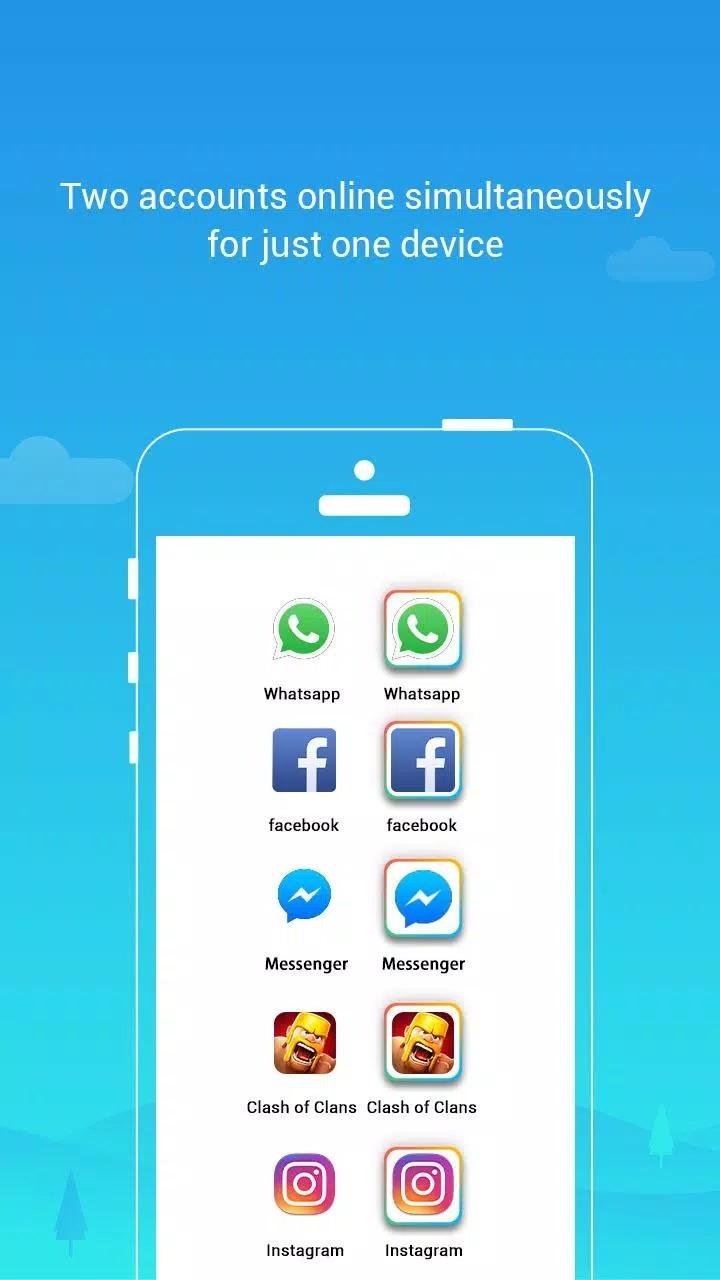
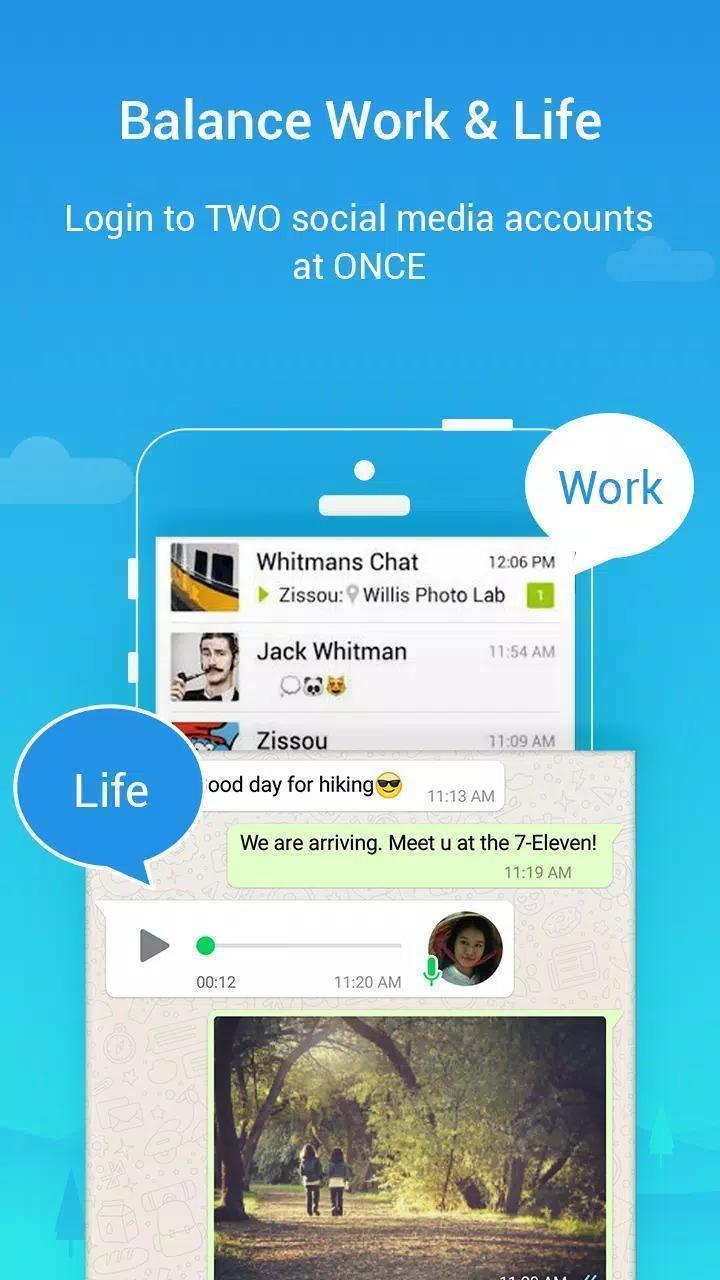
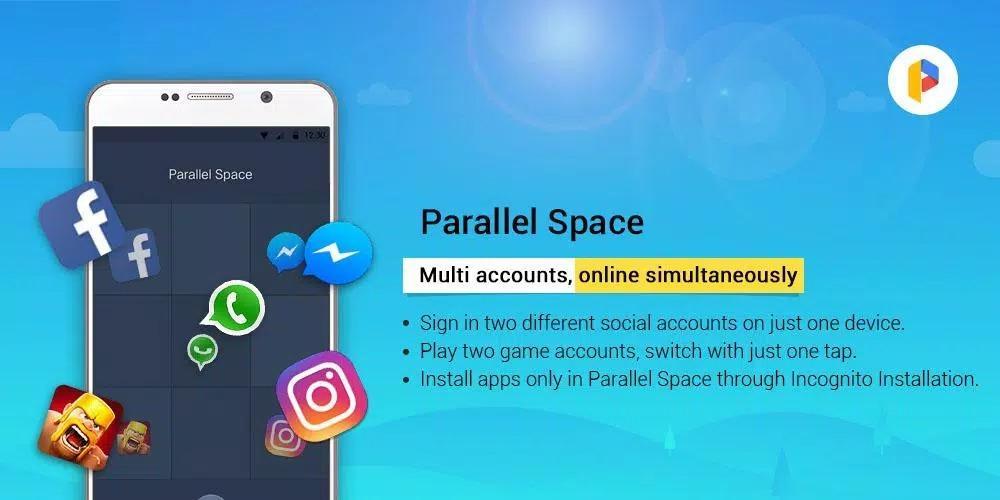
Parallel Space APK lets you clone an app and run two accounts of it on one phone at the same time. A second WhatsApp for work, a spare Instagram, a personal and a business Facebook, all side by side, with no logging in and out. It is made by LBE Tech, and the file on this page is the original build straight from Google Play.
No mod, no cracked "Pro", no server trick. Parallel Space runs right on your device: it builds an isolated copy of an app so each account keeps its own login and data. Every file here is scanned for malware and installed on a real Android device by our editors before publishing, we have done this since 2018.
What is Parallel Space?
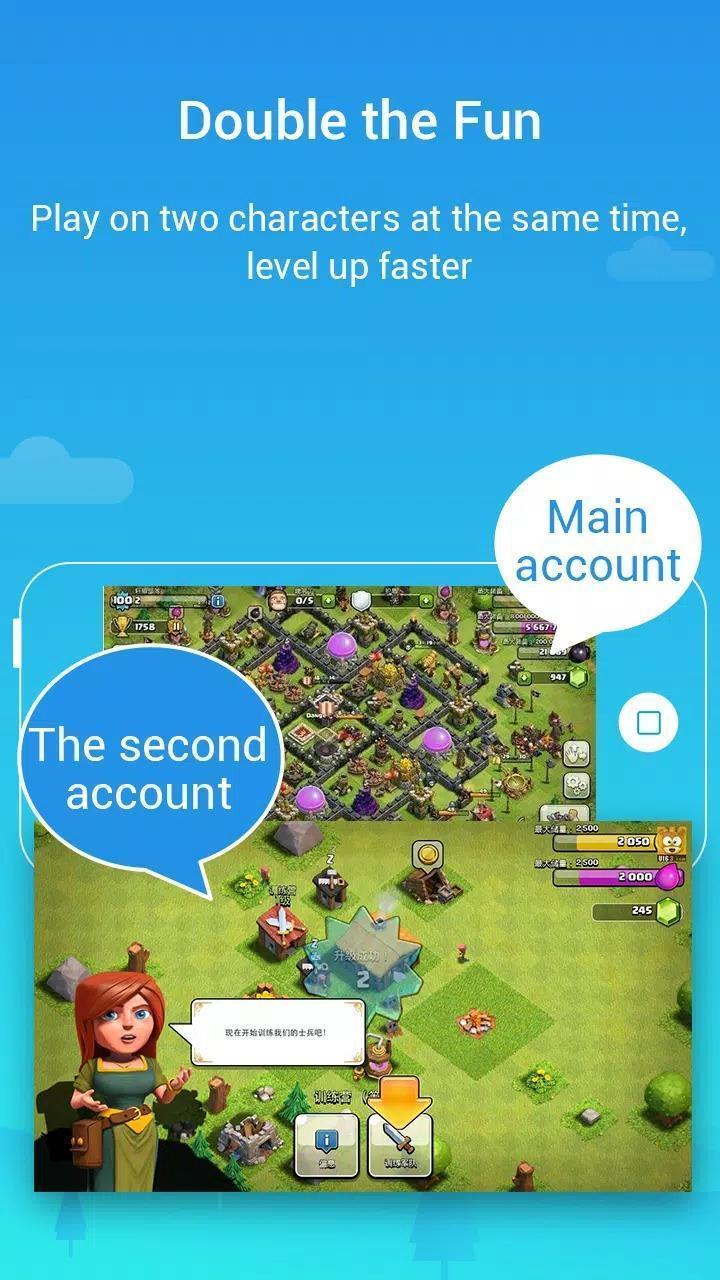
Parallel Space is an app-cloning tool from LBE Tech. It makes a second, separate copy of an app you already have and drops it into its own "space" on your phone. That copy signs in with a different account, so you can chat on two WhatsApp numbers, post from two Instagram profiles, or keep a game running on two logins, all on the same handset.
It sits in the Personalization category and does ship with themes, but that part is a side dish. The real reason people install it is simple: two accounts, one device, no phone-swapping. Everything happens locally on your phone. There is no cloud account and no server behind the scenes.
Key features
| Feature | What it does for you |
|---|---|
| Clone popular apps | Duplicate WhatsApp, Instagram, Facebook, Messenger and most games into a second copy. |
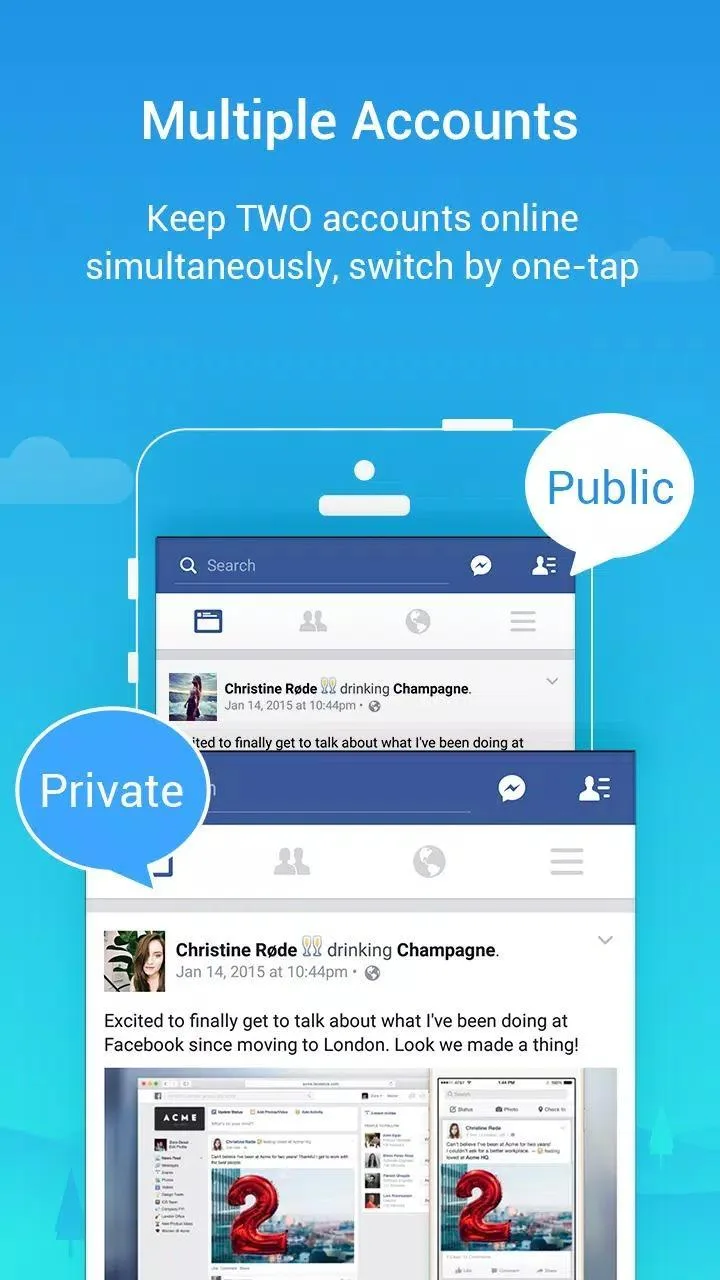
| Two accounts at once | Stay logged into both the original and the clone together, no signing out. |
| One-tap switching | Jump between the cloned app and your main one from a single launcher. |
| Incognito / hide clones | Tuck cloned apps out of sight so they don't sit on your home screen. |
| Themes and personalization | Restyle the Parallel Space launcher with built-in themes. |
| Multi-language interface | The app UI supports a wide list of languages out of the box. |
How app cloning works (client-side)
Here is the honest, non-marketing version. Parallel Space creates a small virtual container on your device and runs a copy of the target app inside it. The clone gets its own storage, so its chats, cache and login are kept apart from the original. That's the whole trick.
It is not a hack of the app or of any account. You are not breaking into anything, you are just running a second instance of software you already have. Because it all lives on your phone, there is nothing "premium" a server unlocks and no online mod to buy. Anyone selling that is selling smoke.
Privacy and safety — read before cloning
Cloning is handy, but go in with clear eyes. To run a copy of an app, Parallel Space asks for permissions like storage and contacts, since the clone needs them to behave like the real thing. That is normal here, but it does mean you trust the utility with real access. Install the original only, not a random "Pro / Premium unlocked" build from another site, those are where the actual risk hides.
One more thing worth saying plainly. Some services notice when you sign in from a cloned copy and may treat it as suspicious, asking for a verification step or briefly limiting the account. Banking and other secured apps are the touchy ones here. Social apps usually run fine, but there is no guarantee, and cloning an app where the rules forbid it can get that account banned. So skip anyone promising "full anonymity" or a bulletproof clone. Use it for convenience, not to dodge a service's terms.
How to download and install
The download is a single APK, around 46 MB, and it needs Android 7.0 or newer. You have two clean ways to get it, pick one, no need to mix them.
- Tap the green Download APK button at the top of this page. The file downloads directly, no registration and no SMS.
- Allow installation from unknown sources for your browser or file manager (Settings → Security), since you are sideloading.
- Open the file, tap Install, then launch Parallel Space and add the app you want to clone.
- Prefer the store route? You can also grab the same app from Google Play. Either path gives you the genuine LBE Tech build.
First time sideloading an APK? Our APK install guide walks through the same steps with screenshots.
MOD or original?
Straight answer: the file we host is the original Google Play version of Parallel Space, not a mod. We keep the "MOD" tag off it on purpose, because there is nothing modded here to give you. App cloning is a client-side feature, so it already works fully in the plain build, a "premium unlocked" copy would add nothing real and could add malware.
You will see other sites push a "Parallel Space Pro MOD". Treat those with care, they are unofficial repackages, and that is your risk. If you just want a clean tool for two accounts, the file on this page is it. Want to style your phone further? Browse more personalization apps in the catalog.
FAQ
What is Parallel Space used for?
Is Parallel Space a MOD?
Is Parallel Space safe, or does it steal data?
Can I get banned in the cloned app?
Which apps can I clone?
What are the requirements?
Download Parallel Space APK Android
- No viruses
- No spyware
- No malware
The reviews (0)