- No viruses
- No spyware
- No malware
This file was downloaded, scanned and installed by our editors before publishing.
Every file is also checked with VirusTotal before publishing.

Apex Launcher APK
Additional information about Apex Launcher APK
The description of Apex Launcher APK
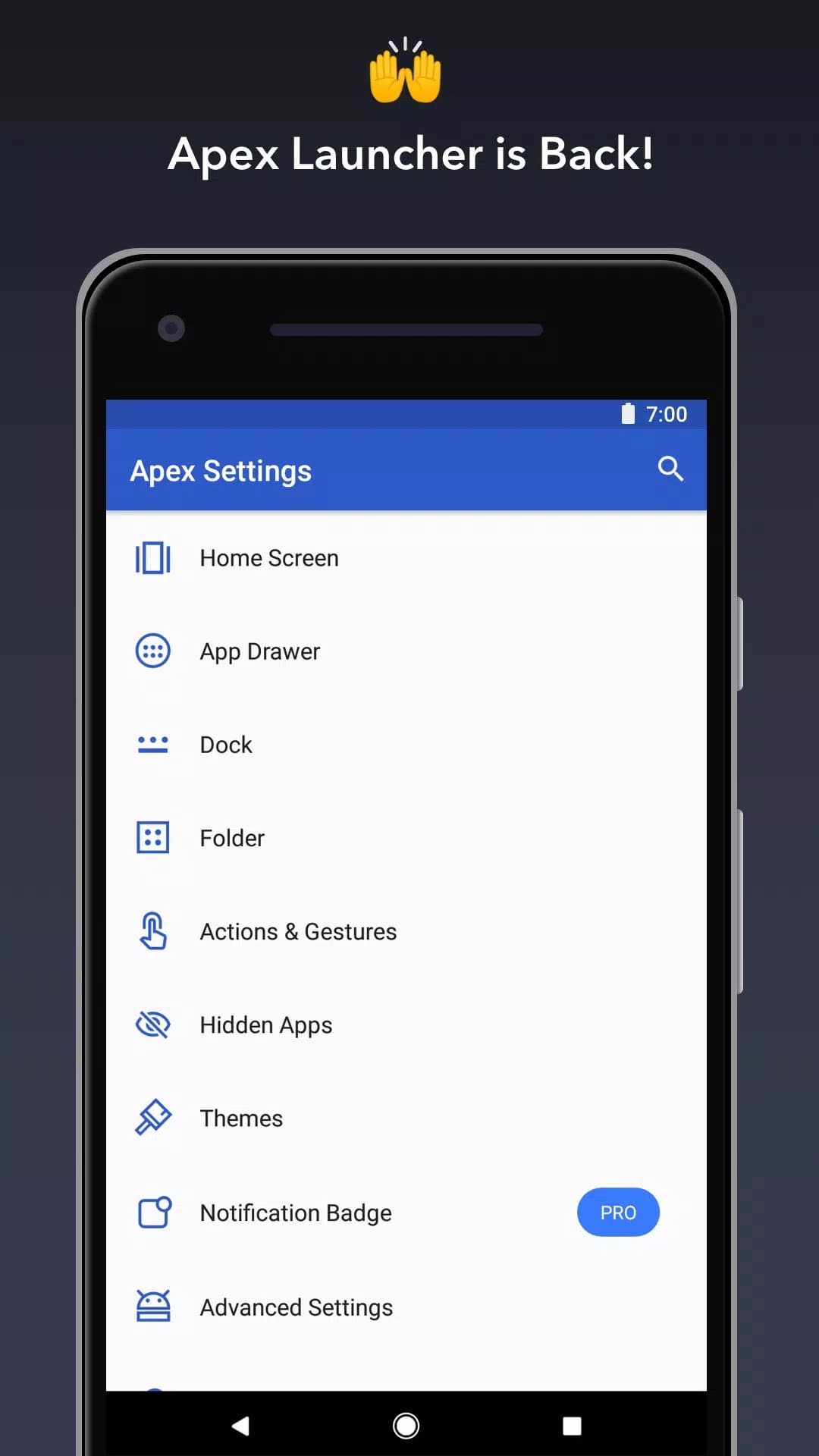
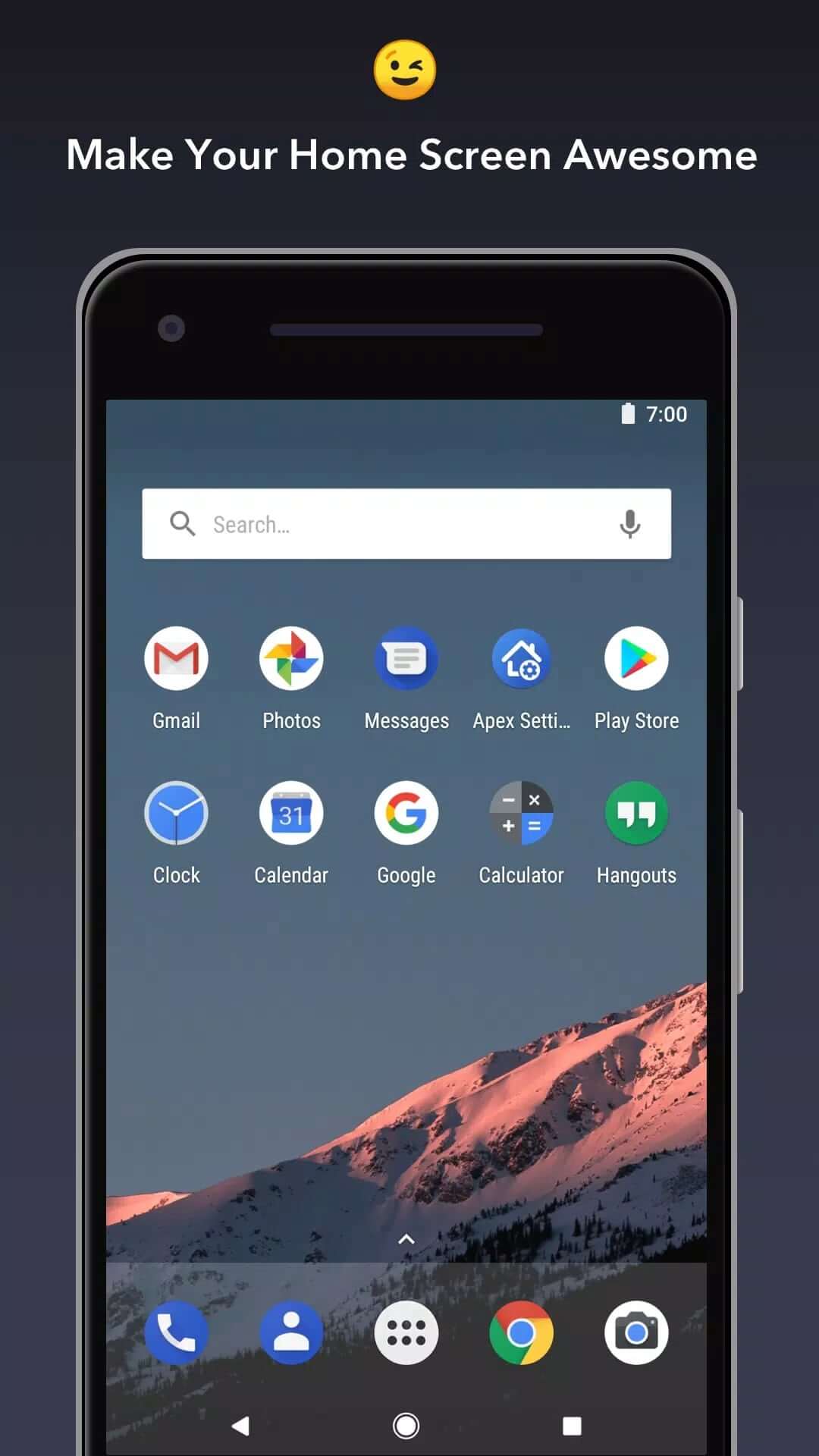
Apex Launcher APK is a free, customizable home screen replacement from Android Does. The file on this page is the original app, not a mod, so what you install is exactly what the developer ships. It swaps out your stock launcher and lets you reshape the home screen and app drawer, change the icon grid, load icon packs and themes, set gestures and hide apps you would rather keep off the screen.
Every build we host is scanned for malware and installed on a real Android device by our editors before publishing, something we have done since 2018. Apex is small, around 17 MB, and runs on Android 5.0 and up. There is no root needed and no sign-up.
What is Apex Launcher?
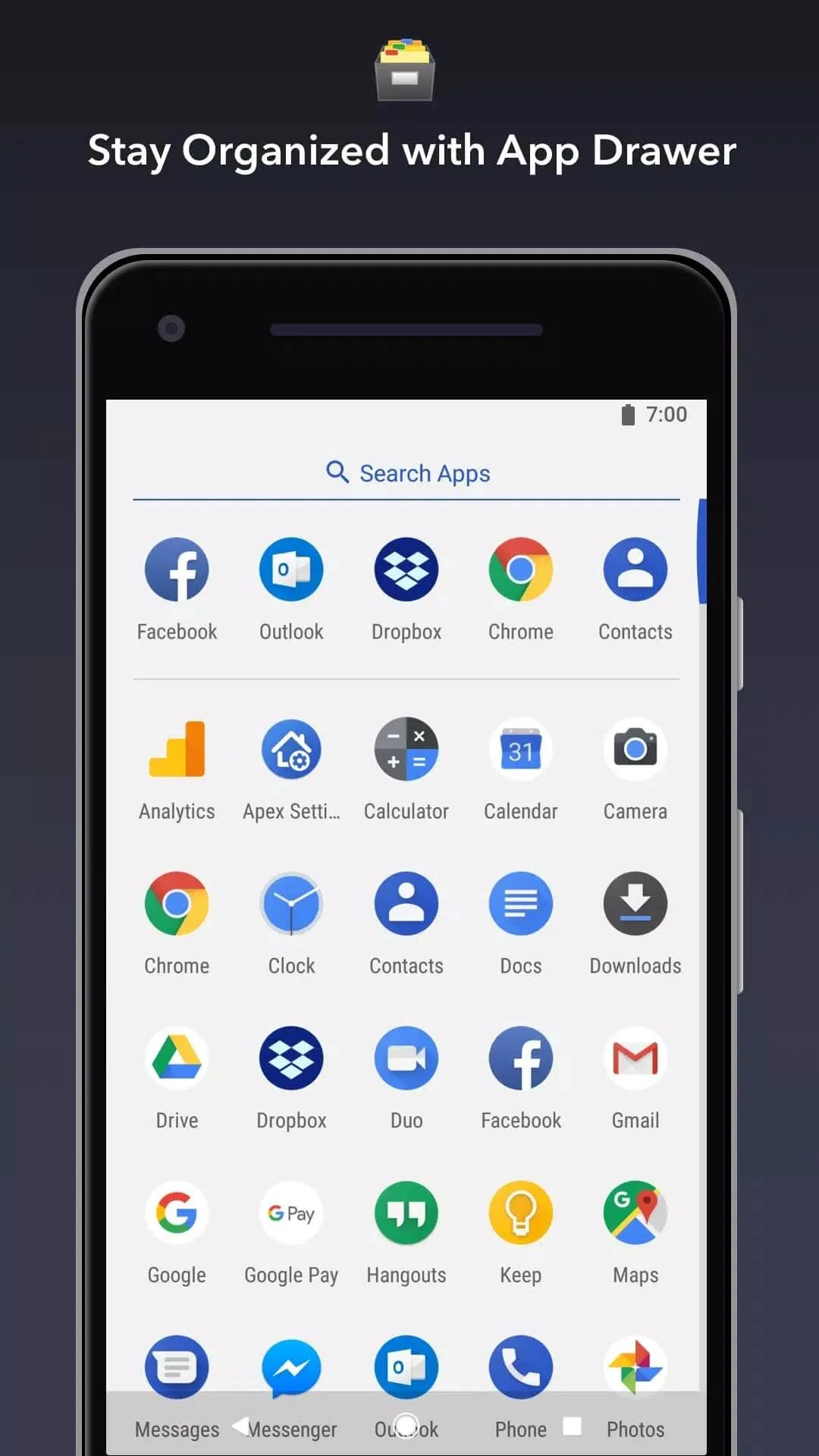
Apex Launcher is a launcher, which means it replaces the default home screen and app drawer that came with your phone. Your apps and widgets still work the same way, but you get full control over how everything looks and behaves: how many icons fit in a row, what your app drawer scrolls like, which shortcut opens when you swipe up. It is aimed at people who want to fine-tune the way their phone feels without rooting it or flashing anything.
It is one of the older names in this space. If you like a clean, familiar layout with room to tweak the details, Apex fits that spot well.
Customization features
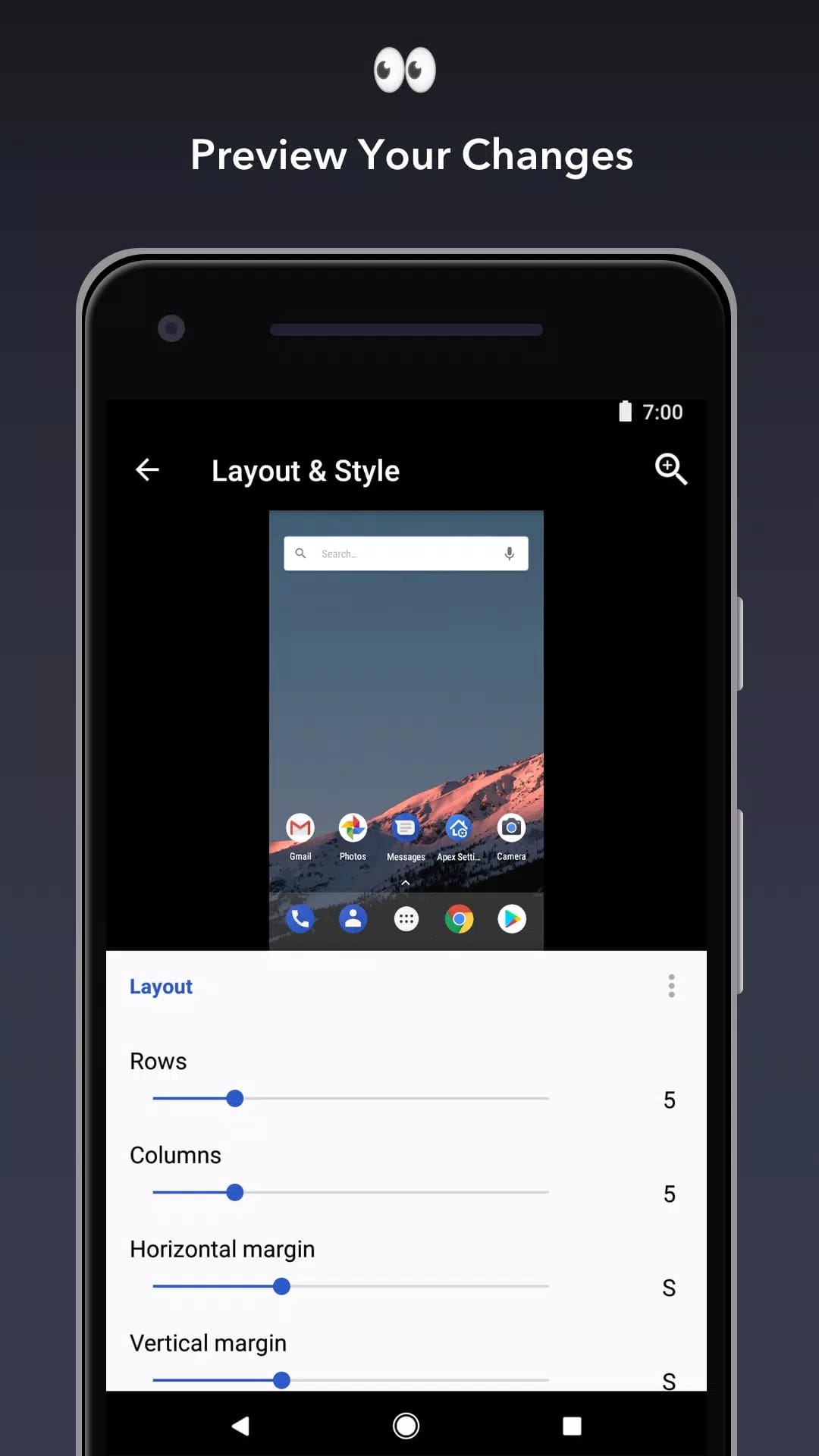
- Home screen grid — set the number of rows and columns, adjust icon size and label text to fit more (or fewer) apps per screen.
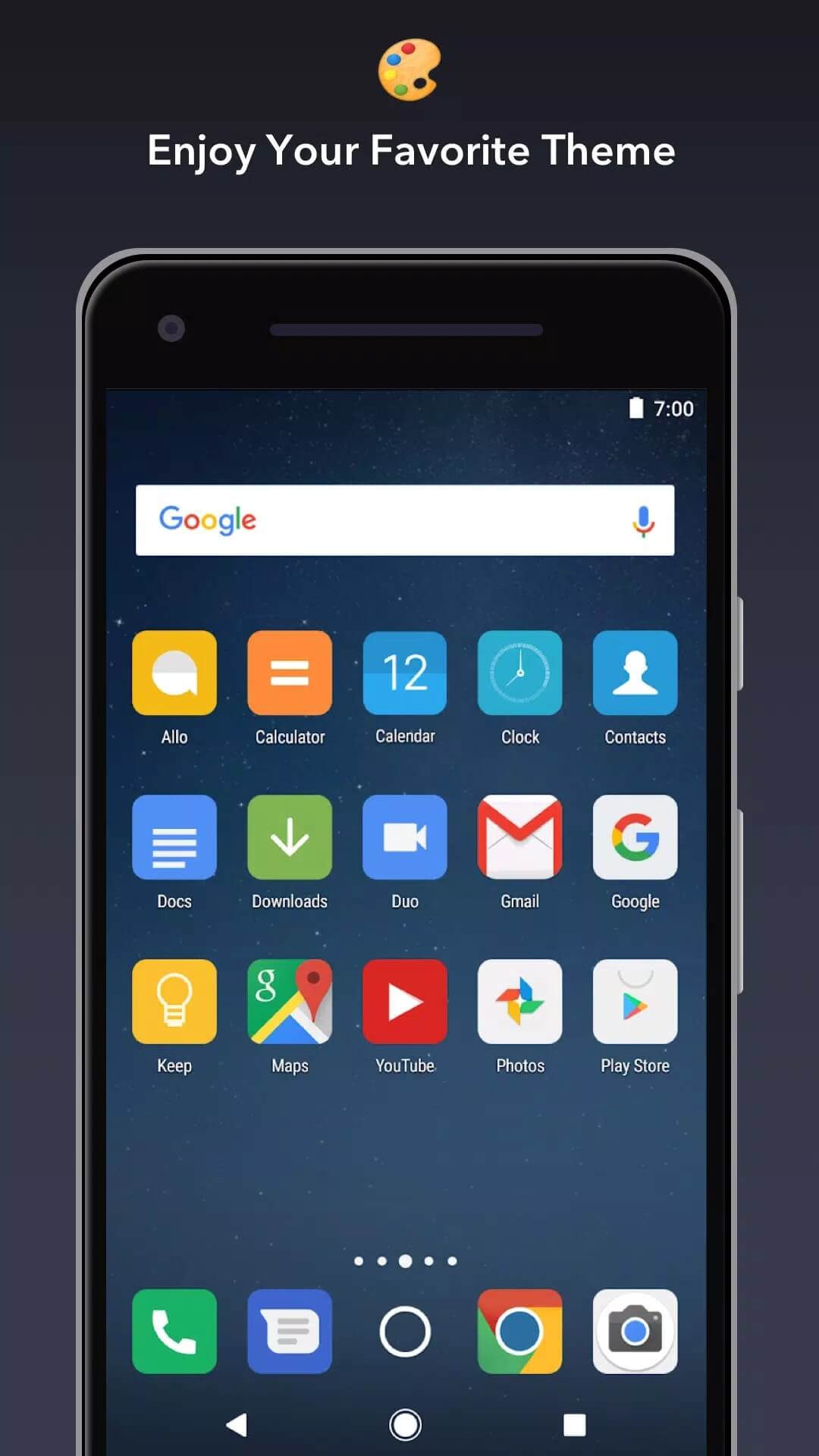
- Icon packs and themes — apply third-party icon packs and switch looks through the built-in Theme Manager.
- Transition effects — pick the animation your screens use when you scroll between pages.
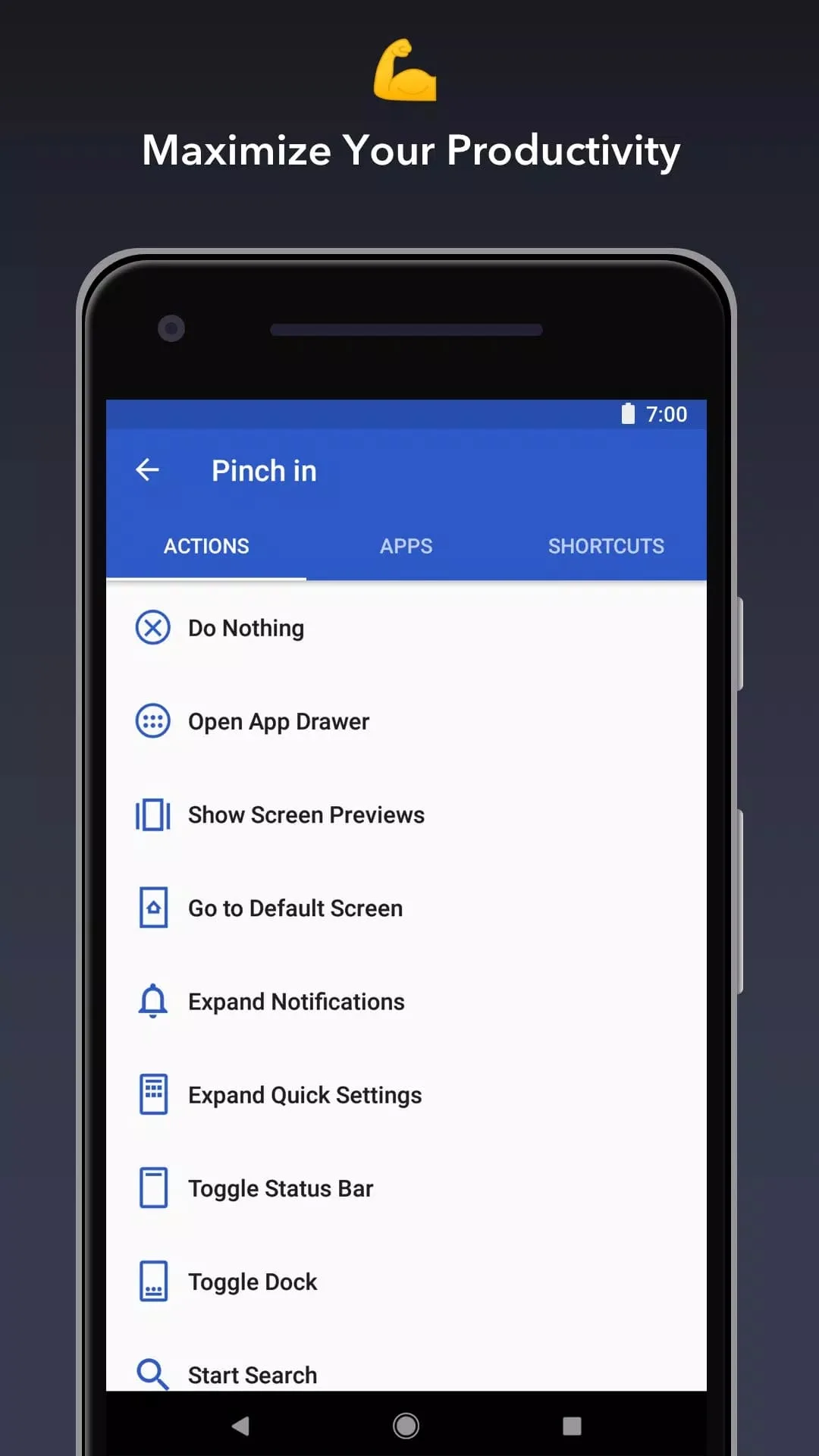
- Gestures — assign a tap, swipe or pinch to open an app, jump to the drawer or trigger a shortcut.
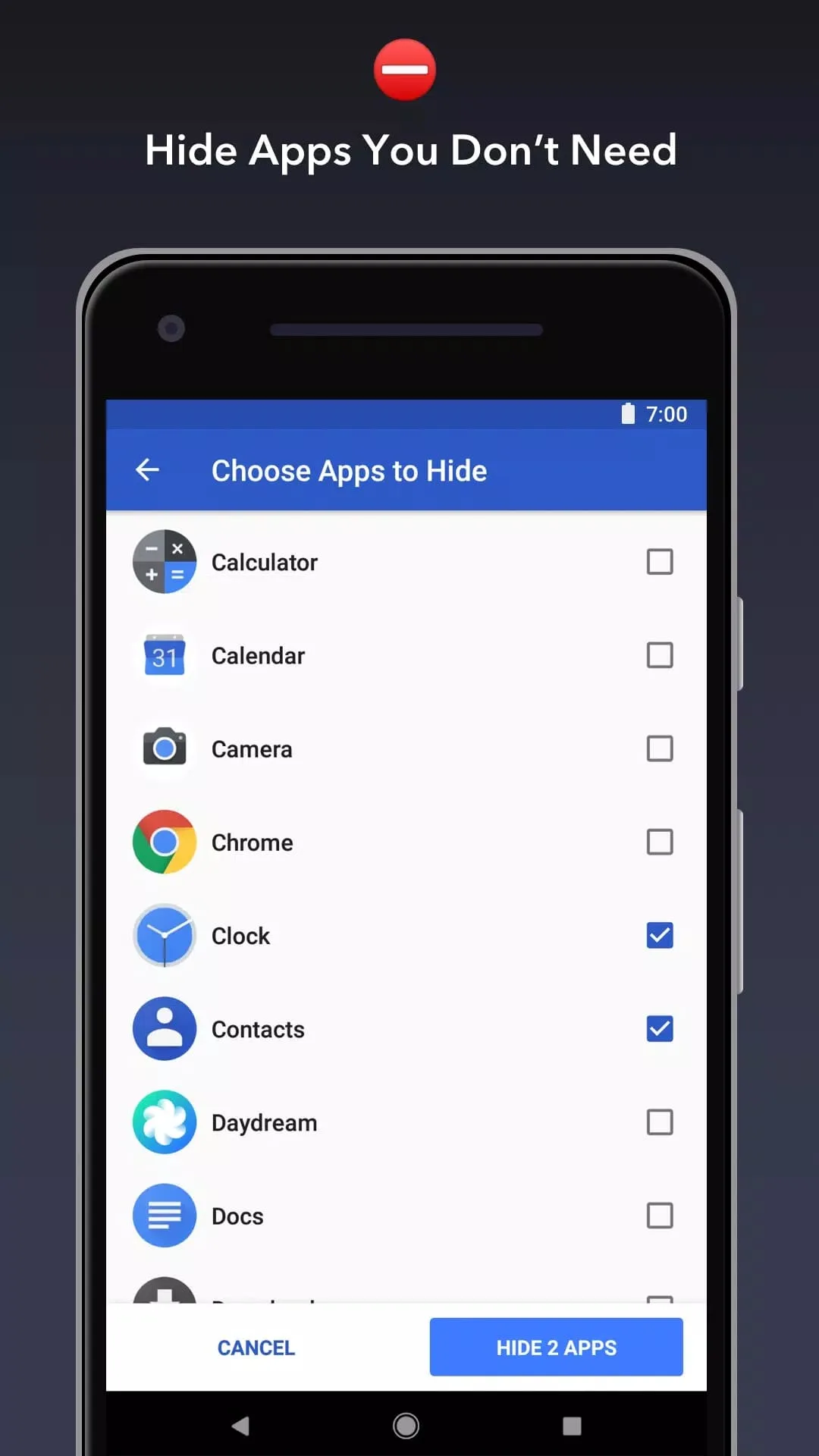
- Hidden apps — keep chosen apps out of the drawer so they do not clutter your list.
- Folders and widgets — group apps into folders and drop widgets where you want them.
- Search bar — show, hide or restyle the search box on your home screen.
Free vs Apex Launcher Pro
The base launcher is free, and most of what people use every day is included without paying. Some of the more advanced options — extra gesture actions, app hiding, certain theme controls and a few power-user settings — sit behind Apex Launcher Pro. Pro is a legal paid unlock, bought as an in-app purchase or a license key from the developer. It is not a mod. We do not host a cracked Pro build here, so if you want those extras, the honest route is to buy Pro and support the people who made the app.
Is Apex Launcher still updated?
Here is one honest note. Apex is no longer in active development. The stable release, version 4.9.36, dates back to 2023, and the app is now widely listed as discontinued. It still installs and runs fine for most people, and the customization it offers works as described. But on the newest Android versions you may hit the odd rough edge, and you should not expect fresh updates or new features. If you specifically want a launcher that is being maintained today, keep that in mind before you settle on Apex.
How to download and install Apex Launcher APK
The download is a single APK, roughly 17 MB, and it needs Android 5.0 or newer. Installing takes a minute.
- Tap the green Download APK button at the top of this page. No registration, no SMS.
- Allow installation from unknown sources for your browser or file manager (Settings → Security).
- Open the file and tap Install.
- Press your home button and pick Apex as the default launcher when Android asks, then set it as the always-on option.
First time sideloading an app? Our APK install guide walks through the same steps with screenshots.
Original vs alternatives
To be clear, this is the original app, not a modified one. Apex is also free on Google Play, so if you would rather grab it there and support the developer, that works too. It is a good pick when you want light, familiar customization — a tidy grid, your own icon pack, a couple of handy gestures — without a steep learning curve. Since active updates have stopped, some people prefer a launcher that is still being worked on. You can compare a few of those in our personalization section and choose the one that suits your phone.
FAQ
Is Apex Launcher free?
What is Apex Launcher Pro?
Is Apex Launcher a mod?
Is Apex Launcher still being updated?
Does Apex Launcher need root?
How big is Apex Launcher and what does it need?
Download Apex Launcher APK Android
- No viruses
- No spyware
- No malware
The reviews (0)