- No viruses
- No spyware
- No malware
This file was downloaded, scanned and installed by our editors before publishing.
Every file is also checked with VirusTotal before publishing.

LMC 8.4 APK — Google Camera (GCam) Port
Additional information about LMC 8.4 APK — Google Camera (GCam) Port
The description of LMC 8.4 APK — Google Camera (GCam) Port
LMC 8.4 APK is a Google Camera (GCam) port built by the developer Hasli, and it brings Pixel-style photo processing — Night Sight, HDR+, Portrait — to phones that never shipped with Google's camera. It is a camera utility, not a game mod or a hack. The port pairs with a small XML config file matched to your phone model, and that is where most of the quality comes from. Every file on this page is scanned for malware and installed on a real Android device by our editors before publishing, we have done this since 2018.
What is LMC 8.4?
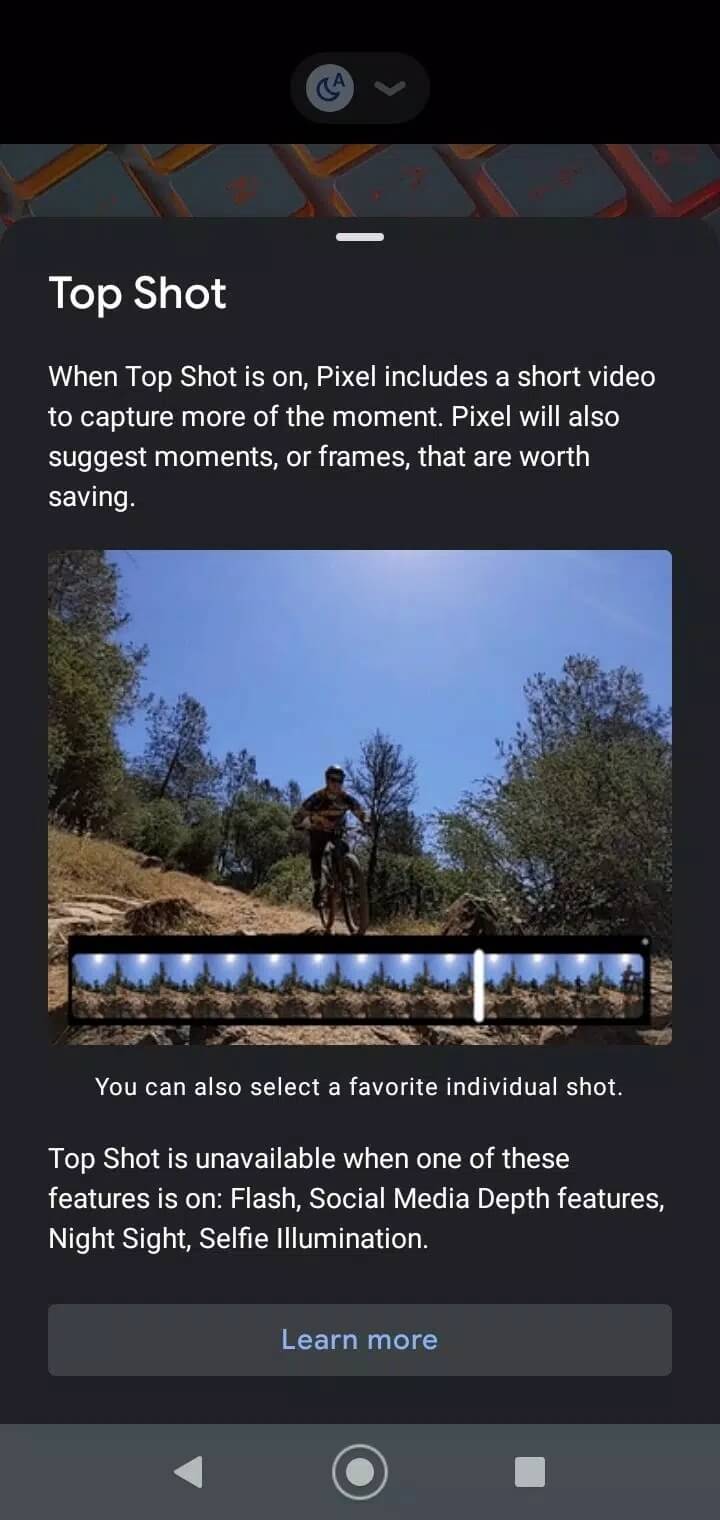
LMC 8.4 is a third-party port of Google Camera, the app that runs on Pixel phones. Hasli takes that camera app and reworks it so it can run on hardware from other brands. The point is the software, not the lens. Google's HDR+ pipeline stacks several frames and blends them, which is why Pixel photos look clean in low light, and getting that pipeline onto a Samsung or a Xiaomi lets your existing sensor produce shots the stock camera app never pulls off.
So this is a swap of the processing brain, not a hardware upgrade. Your phone keeps the same camera sensor. LMC 8.4 just decides how the raw data becomes a photo, and Google's algorithms are the reason the results can jump.
Camera features
| Feature | What it does |
|---|---|
| HDR+ | Stacks multiple frames for cleaner detail and wider dynamic range. |
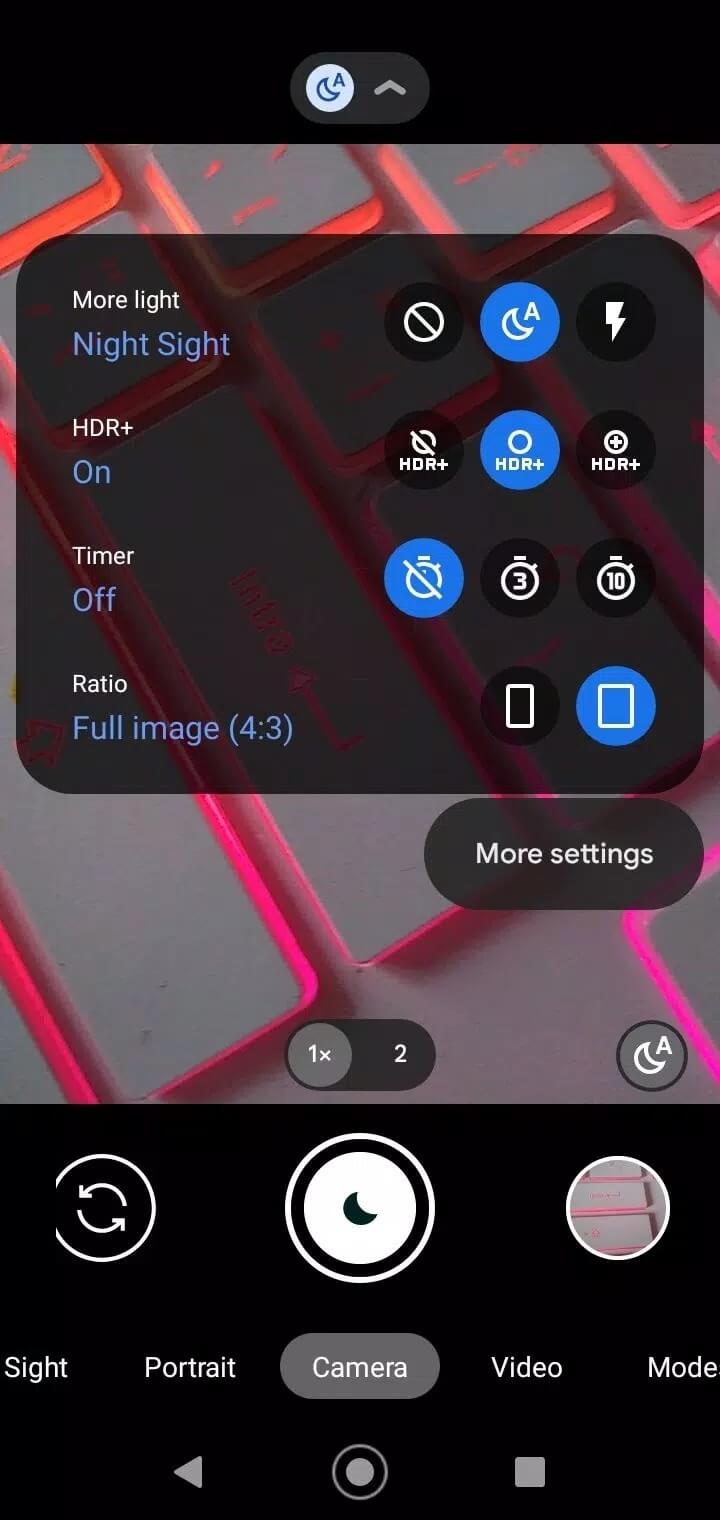
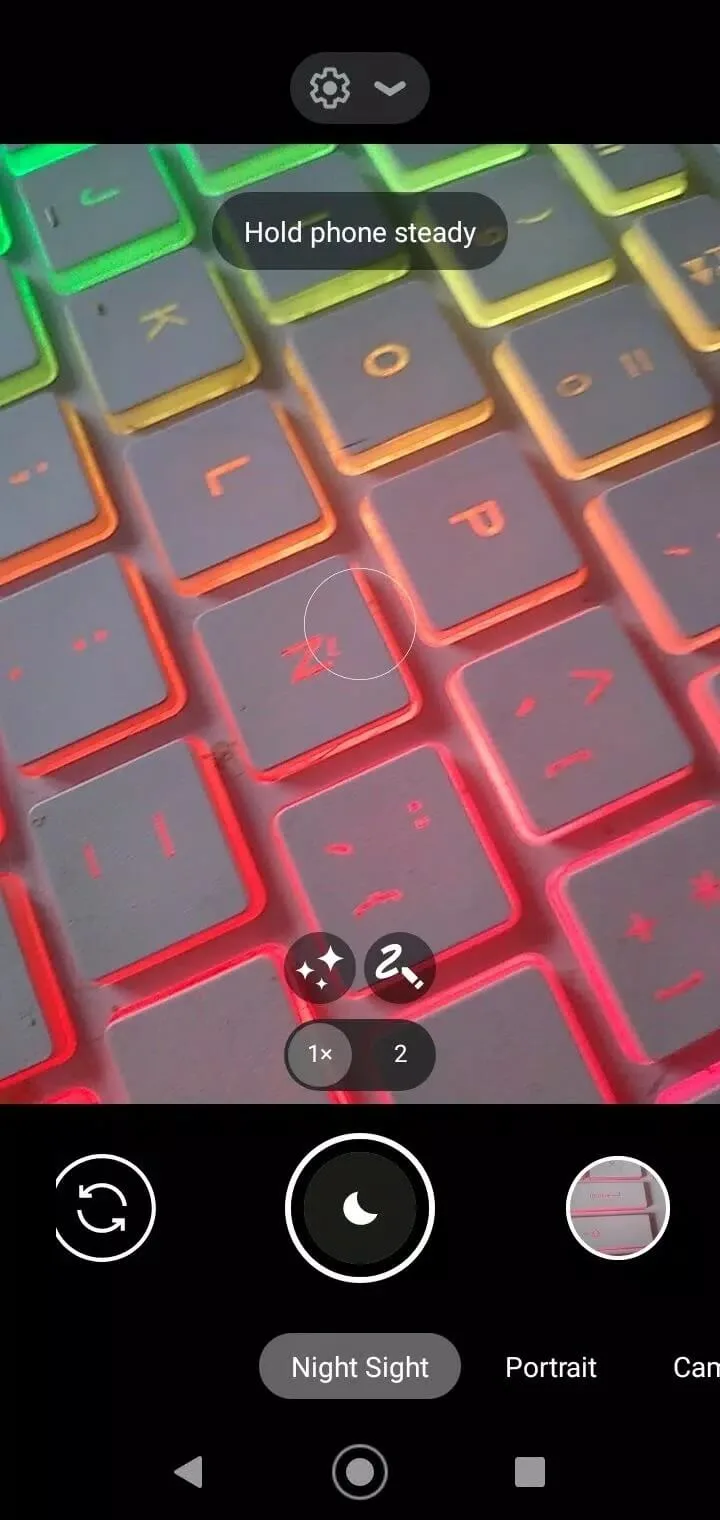
| Night Sight | Long, multi-frame capture for dark scenes; astrophotography on supported phones. |
| Portrait / Lens Blur | Software depth blur behind your subject. |
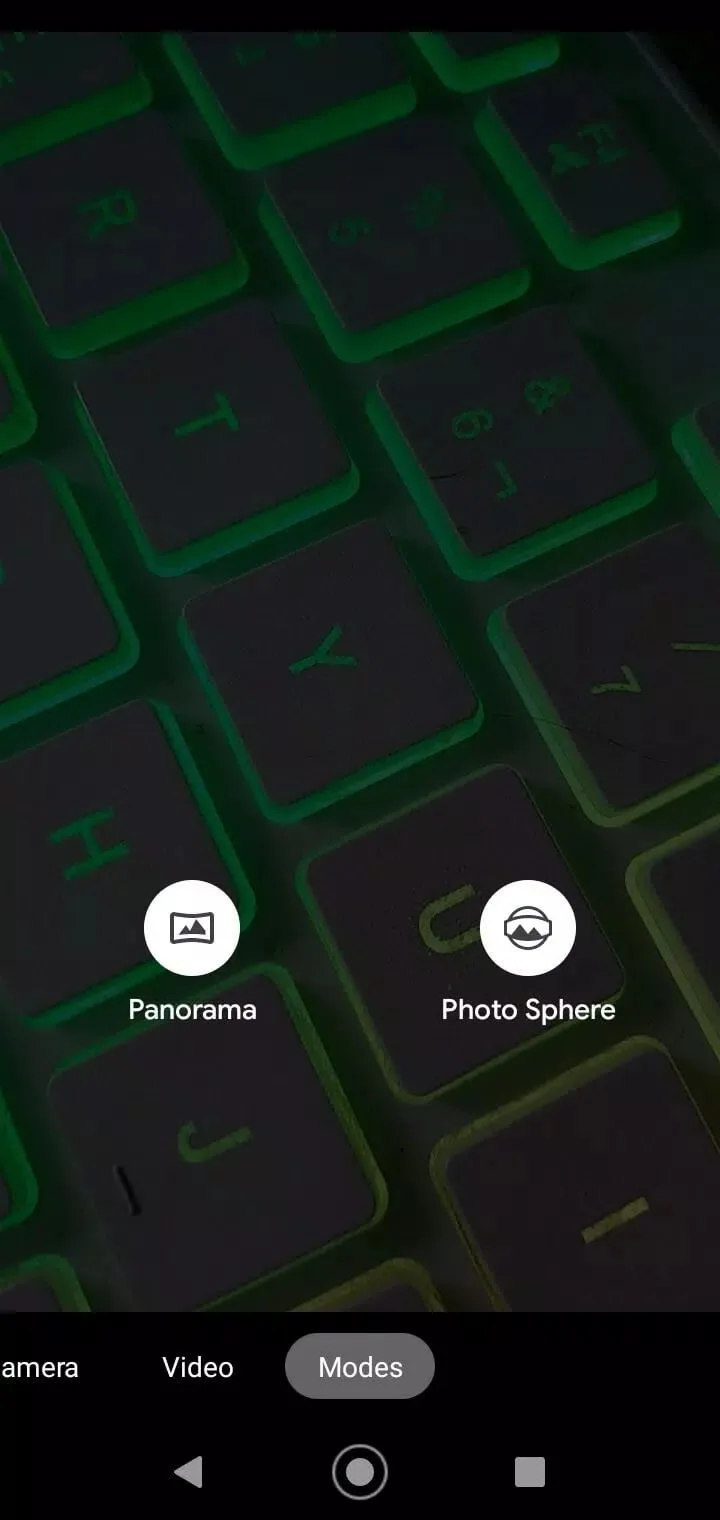
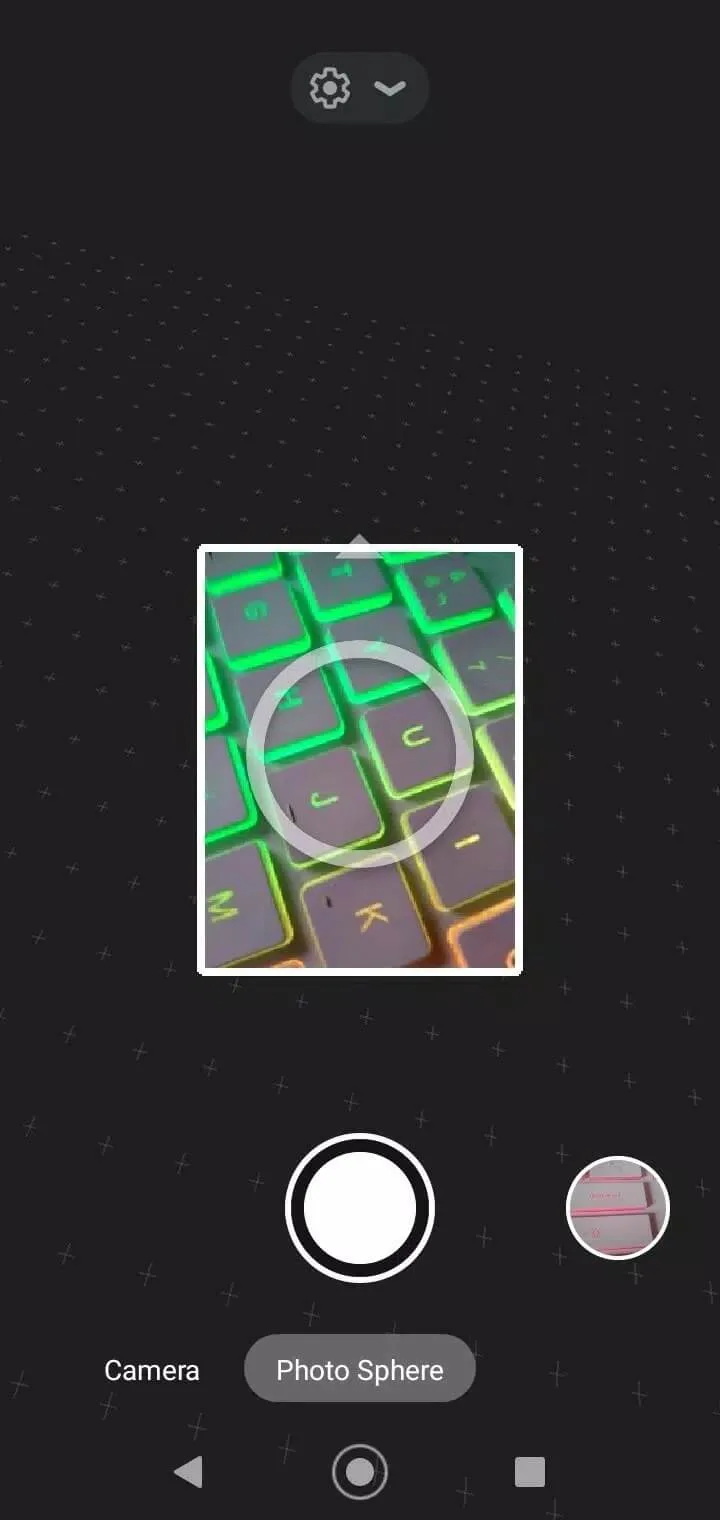
| Panorama | Wide sweeping shots stitched into one image. |
| Time-lapse | Speeds up long recordings into short clips. |
| Manual controls | Set exposure, ISO, shutter and white balance by hand. |
On phones that expose more than one camera to the system, LMC 8.4 can reach the extra lenses too, so a wide or tele shooter may work through the port. Whether every lens shows up depends on your model, and there is more on that below.
Config files: how it works
Here is the part that trips people up. The APK installs the camera engine, but the picture quality and stability come from a config XML file matched to your exact phone model. Install the app on its own and it might look plain, crash, or shoot flat photos. Load the right config and the same app suddenly behaves.
The flow is simple once you know it. Create a folder named LMC8.4/Configs in your internal storage, drop the .xml config for your model inside, then open LMC 8.4, double-tap the blank area next to the shutter, pick your config from the list and save. People share configs per device on GCam forums, and one built for your phone beats a generic one. One honest note: results vary by model, and finding the best config can take a couple of tries.
Compatibility
The port runs on a wide range of Android phones — Samsung, Xiaomi, Vivo, Oppo, Realme and plenty of others. Wide does not mean guaranteed, though. Some phones lock parts of their camera behind APIs the port can't reach, so you may hit crashes, missing lenses, or features that just don't fire.
The safest move is to test it on your own device. Our card lists this build as Android 10.0 and up. If a feature misbehaves, that is usually the config or your phone's camera API, not a broken download.
How to download and install LMC 8.4 APK
- Tap the green Download APK button at the top of this page, the file is around 129.5 MB and downloads directly, no registration.
- Allow installation from unknown sources for your browser or file manager (Settings → Security).
- Open the file, tap Install, then grant the camera and storage permissions when the app asks.
- Add a config for your phone: create the LMC8.4/Configs folder, drop the .xml inside, then load it from the app as described above.
First time sideloading an APK? Our APK install guide walks through the same steps with screenshots.
LMC 8.4 vs stock camera / official GCam
Your stock camera app is the safe default: it is tuned for your exact phone and it always works. LMC 8.4 trades that certainty for reach — more Pixel features and often better low-light shots, but you do the tuning yourself with a config. The official Google Camera, meanwhile, only installs cleanly on Pixel hardware, which is the whole reason ports like this one exist.
Want to compare other camera tools before you commit? Browse our photography apps, where you'll find options like ReLens and mcpro24fps, or head to the full apps catalog for more.
FAQ
What is LMC 8.4?
Do I need a config file?
Which phones are supported?
Is LMC 8.4 a mod or a hack?
Is LMC 8.4 safe and free?
What are the requirements and file size?
Download LMC8.4
- No viruses
- No spyware
- No malware
The reviews (0)