- No viruses
- No spyware
- No malware
com.vicman.toonmeappThis file was downloaded, scanned and installed by our editors before publishing.
Every file is also checked with VirusTotal before publishing.

ToonMe MOD APK (Pro Unlocked)
Additional information about ToonMe MOD APK (Pro Unlocked)
com.vicman.toonmeappThe description of ToonMe MOD APK (Pro Unlocked)
ToonMe MOD APK is the Pro build of VicMan's cartoon photo editor, with the Pro tier open, no watermark and no ads, so your cartoon portraits save clean and every style category is available from the first launch. Our editors scanned the file for malware and installed it on a real Android phone before publishing. One honest note up front: ToonMe is a subscription editor and some of its styles are drawn on VicMan's servers, so read the server-side section below before you expect every effect to work without a connection.
What is ToonMe?
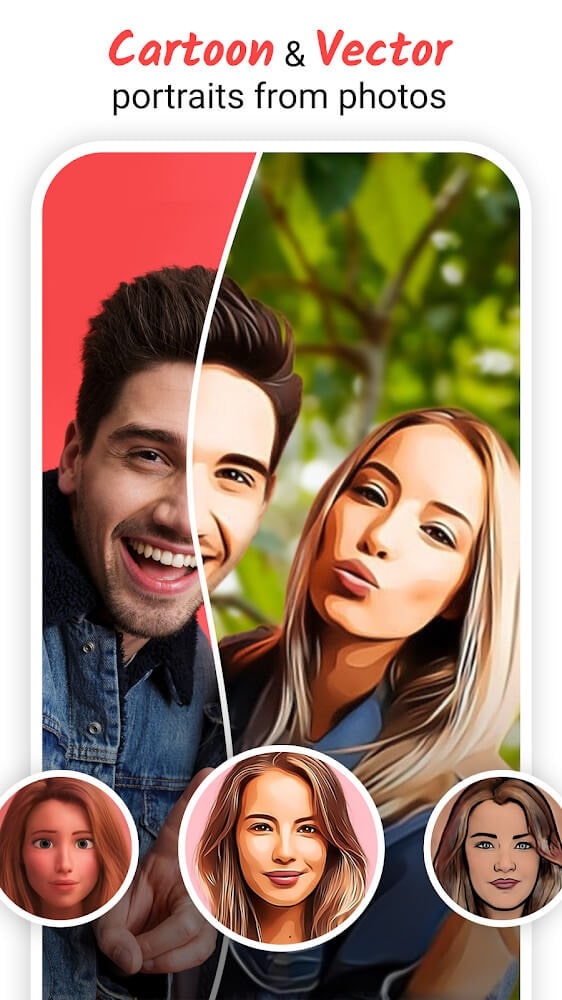
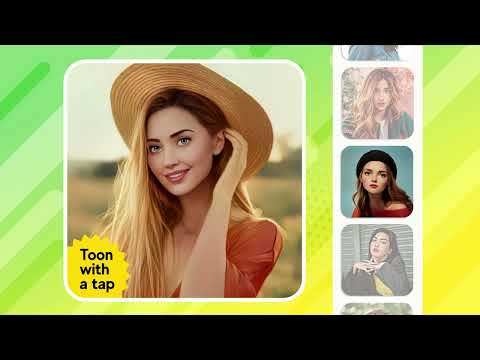
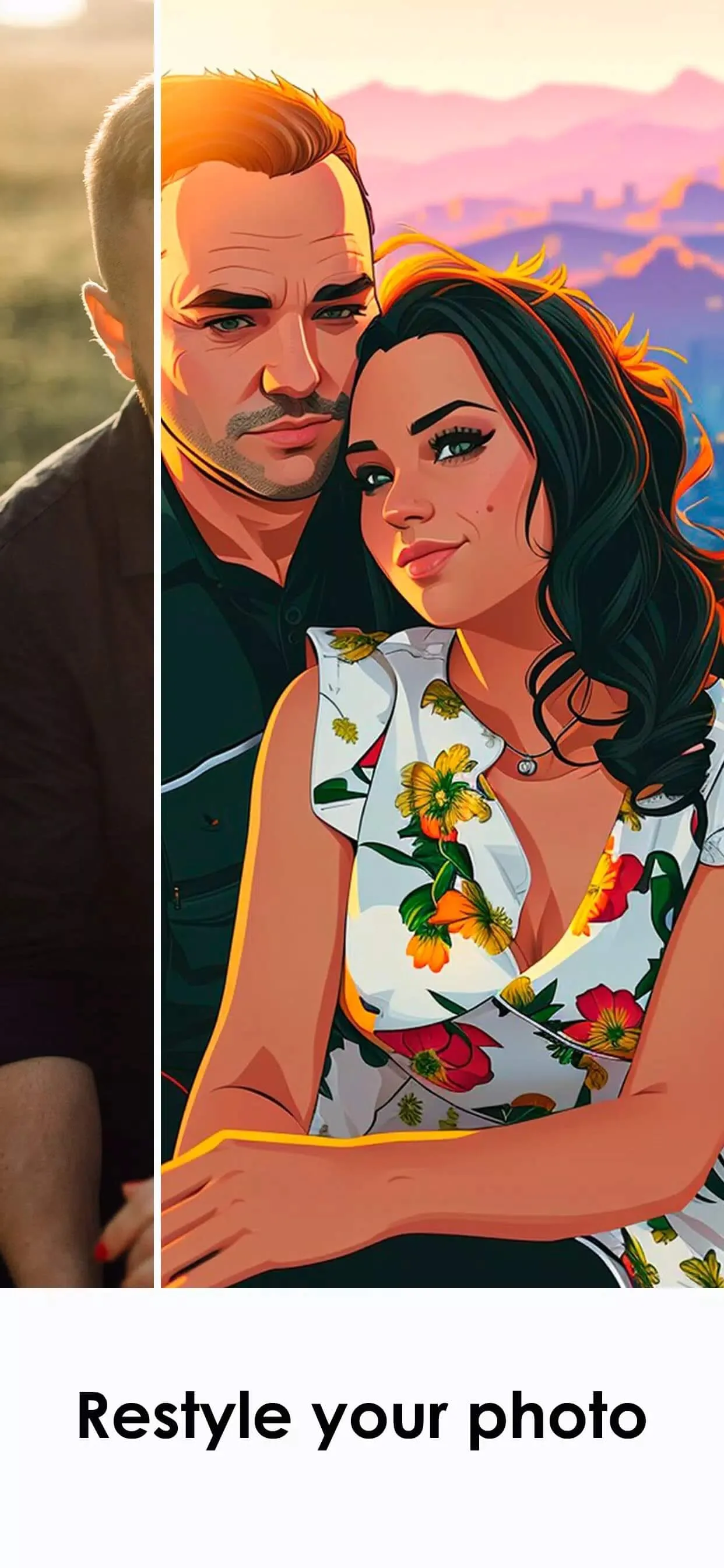
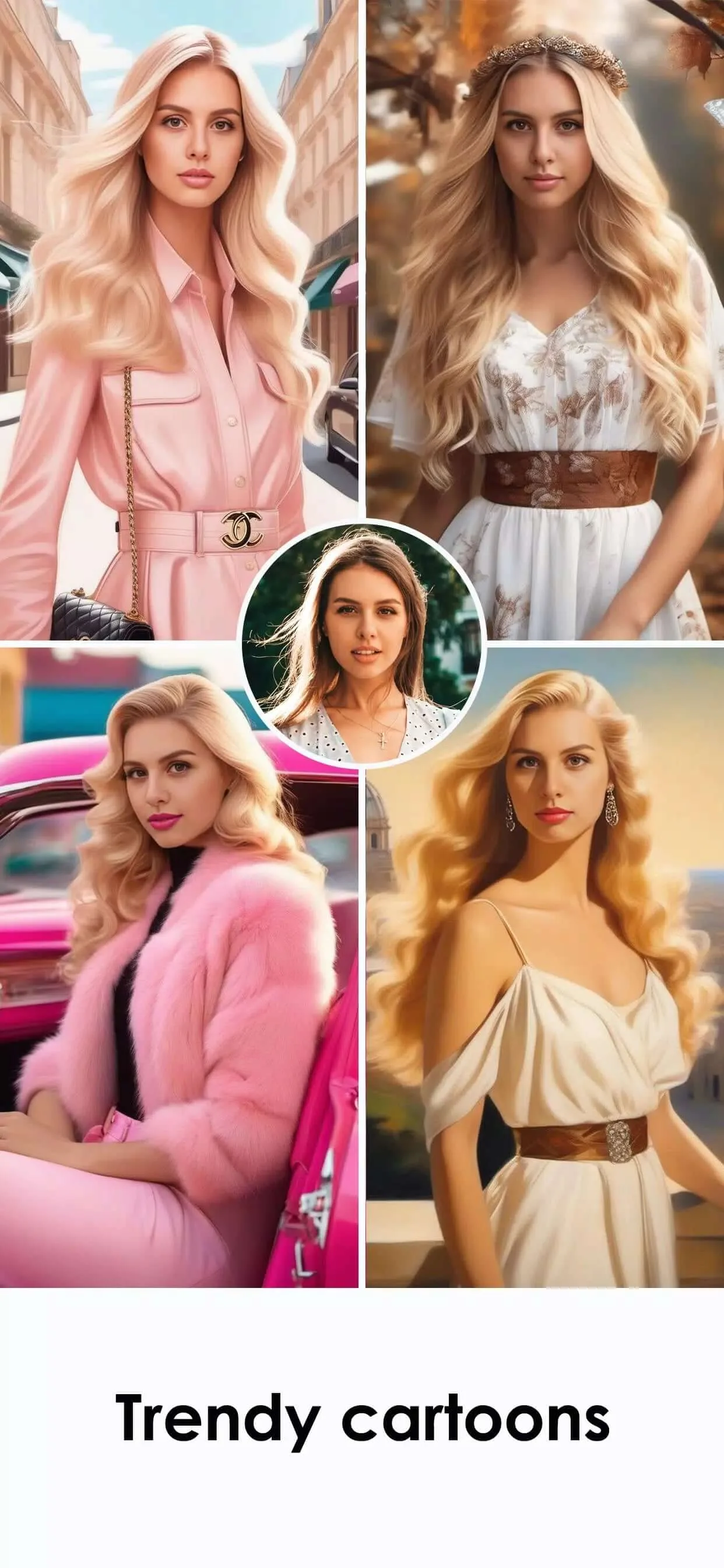
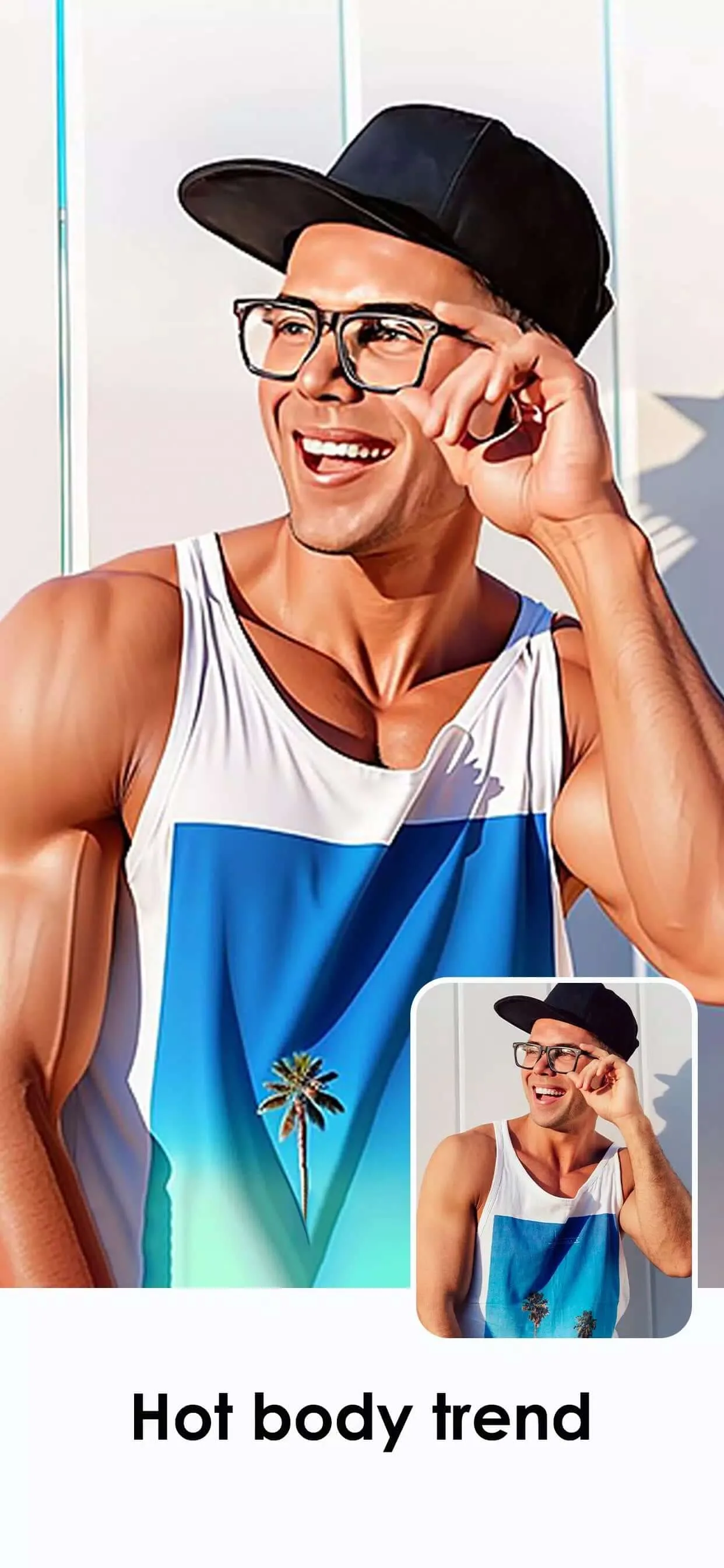
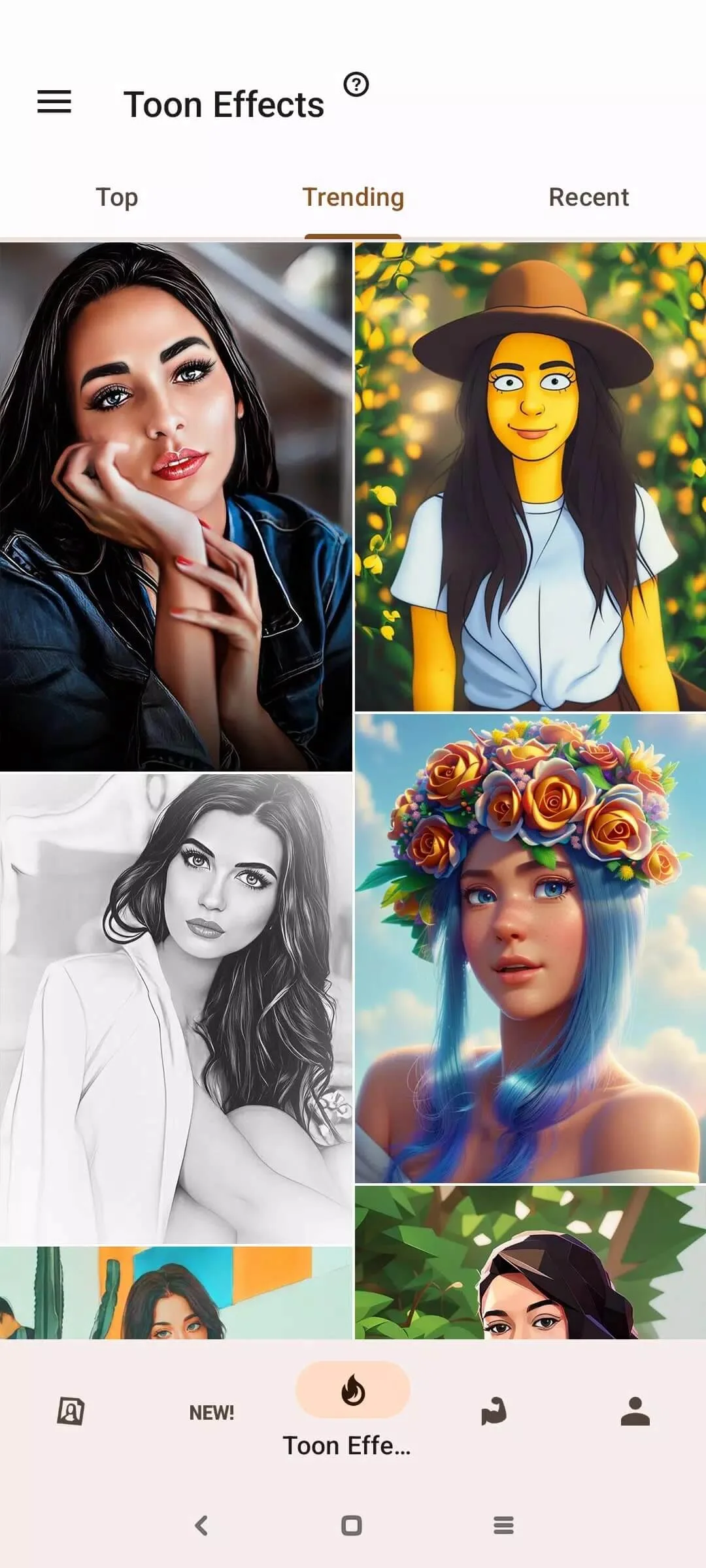
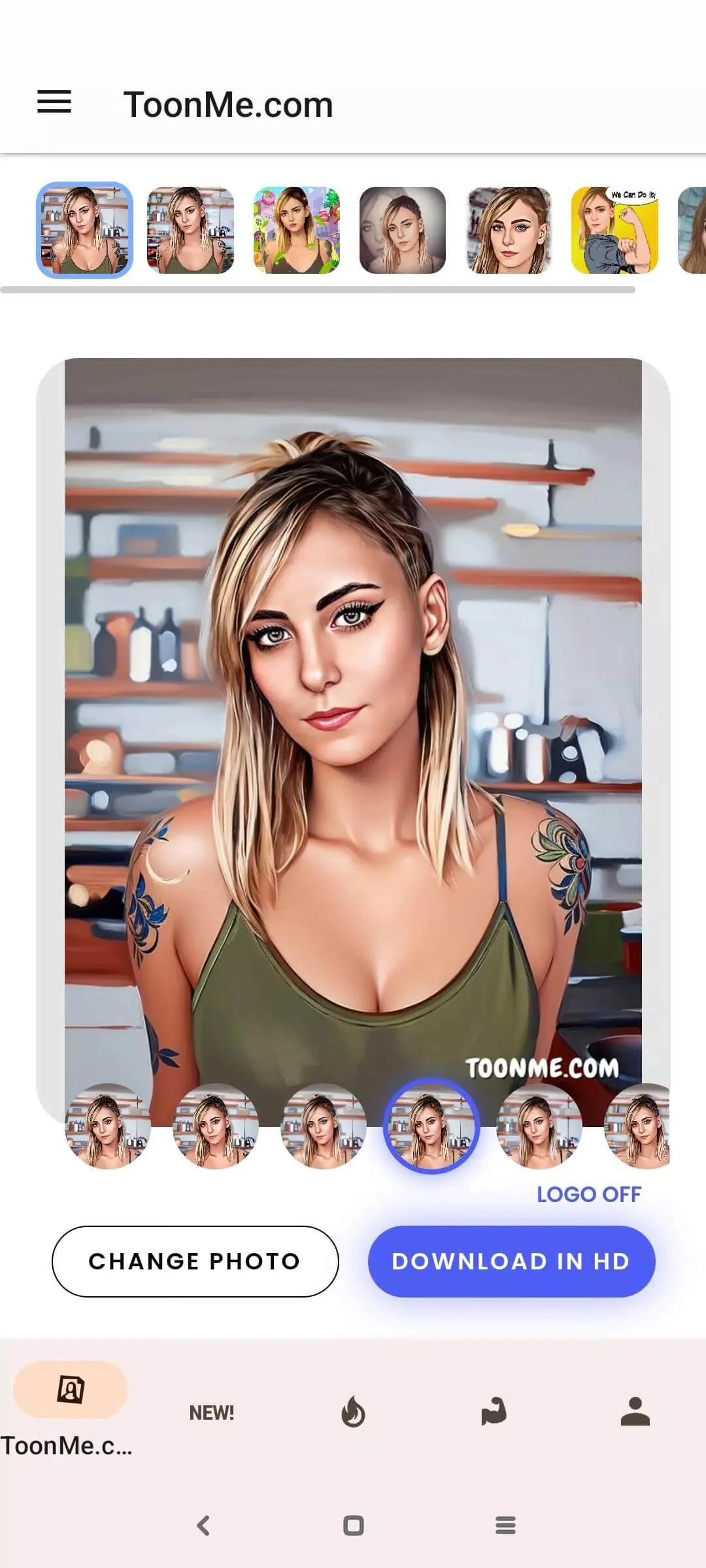
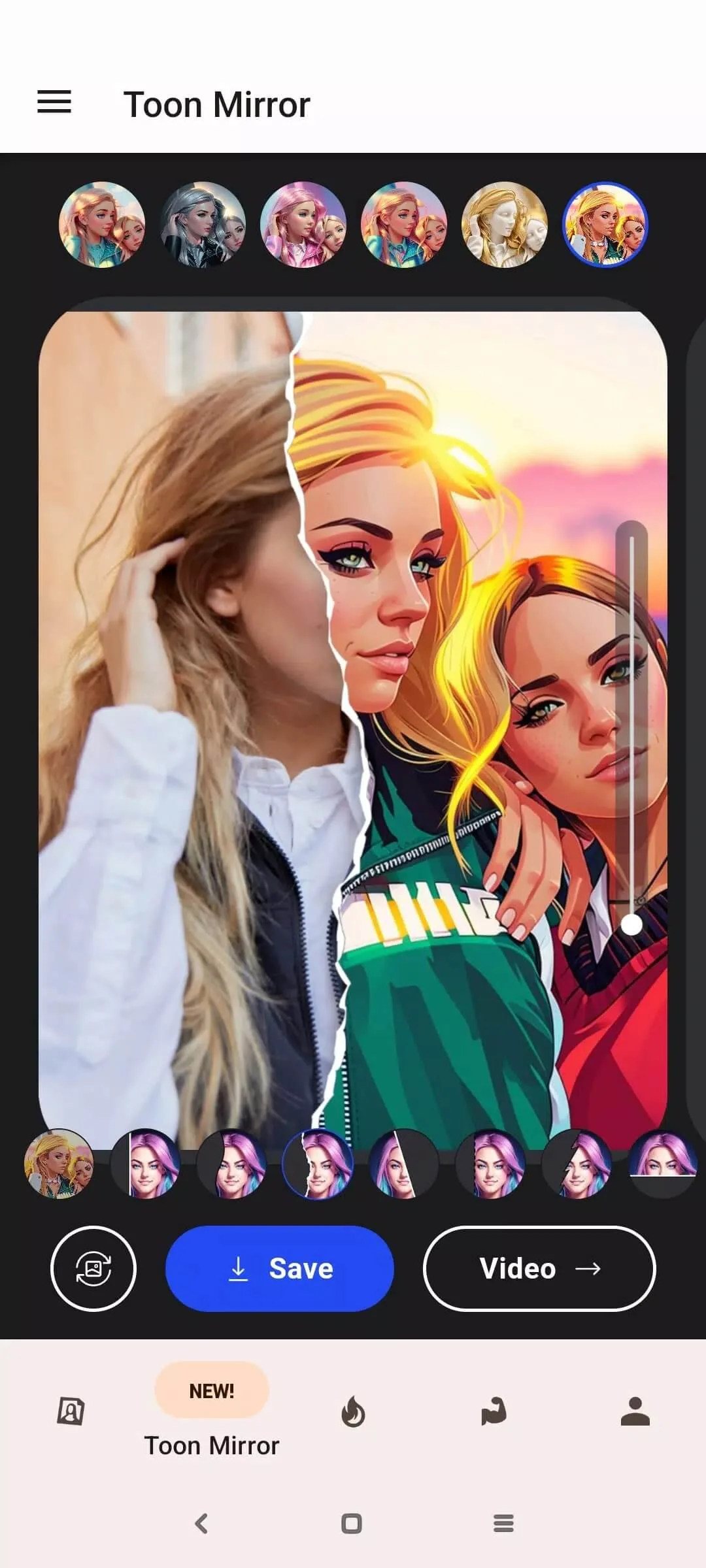
ToonMe is made by VicMan (Linerock Investments LTD), the same studio behind Photo Lab. It turns a selfie into a cartoon or a caricature: you pick a photo, choose a style, and the app draws you as a hand-drawn portrait, a vector illustration or a full-body cartoon.
The style library is wide. There are vector templates that give a clean, drawn look, classic cartoon portraits, full-body scenes, sticker packs and short video effects that add motion to a still. Some of these styles are built as templates and processed on your phone. Others lean on VicMan's cloud to do the heavier drawing, and those need a connection.
What the MOD gives you
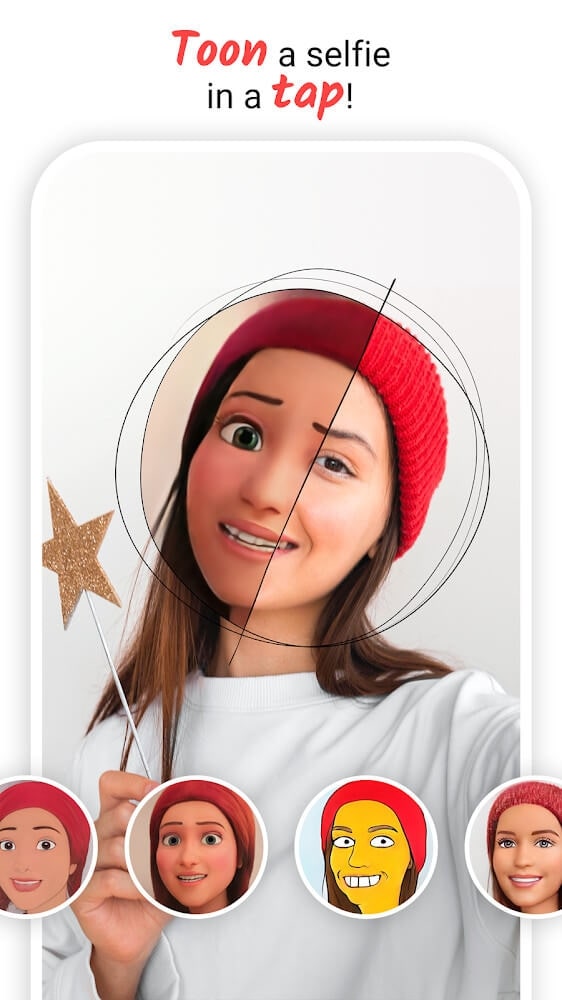
The Pro build lifts the limits the free app puts on you. Here is what changes, and where each part is handled.
| Pro feature | What it does | Where it runs |
|---|---|---|
| Professional Edition open | Opens the Pro-only styles, templates and packs. | Client-side |
| No watermark | Saves and shares your picture clean, without the ToonMe stamp. | Client-side |
| No ads | Removes the banners and the ads between styles. | Client-side |
| HD export | Saves your result at a higher resolution. | Client-side |
Everything in this table is switched on inside the app, so a Pro build handles it. These are the client-side Pro features. The AI styles are a separate case, and the next section explains why.
AI styles and the server side
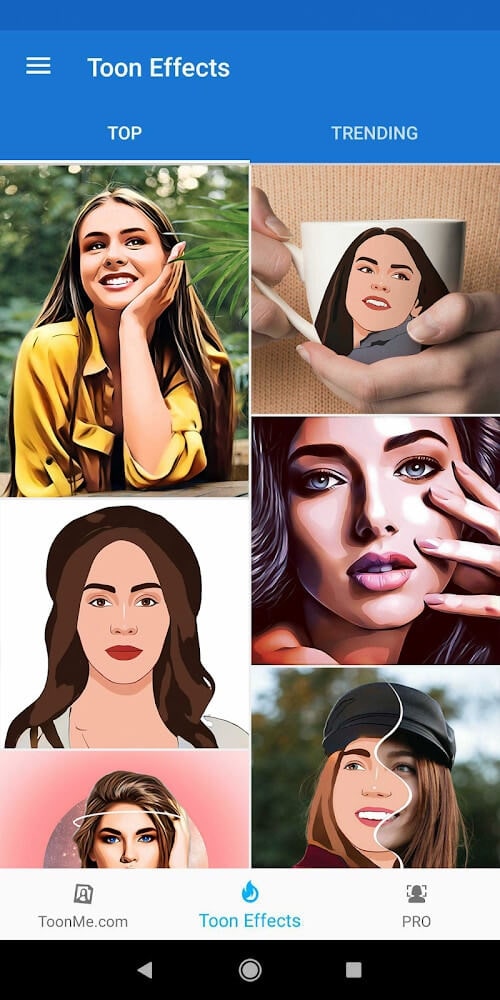
This is the part most download pages skip. ToonMe splits its work between your phone and VicMan's servers.
The template and vector styles are drawn on the device, so they keep working with the app open and no signal. The heavier AI styles are different. They are computed in the cloud, which means they need an internet connection, and some of them can stay tied to a VicMan account or a server check.
So a Pro APK reliably removes the watermark and the ads and opens the Pro style categories on the client side. What it cannot do is move the server drawing onto your phone. If a style is rendered by VicMan, no modified file changes that. Check the MOD info line at the top of this page for what the current build actually carries.
How to download and install ToonMe MOD APK
- Tap the green Download APK button at the top of this page. The file is about 38 MB and downloads directly, no registration or SMS.
- Allow installation from unknown sources for your browser or file manager (Settings then Security).
- If a Play Store copy is already installed, remove it first, since the MOD has a different signature and will not install over it. The app needs Android 5.1 or newer.
- Open the app, pick a selfie, and grant it gallery access when it asks.
New to sideloading? Our APK install guide walks through the same steps with screenshots.
Tips for better cartoon portraits
- Use a clear, front-facing photo. ToonMe reads the face best when it is sharp and centered.
- Shoot in good light. Even, bright light helps the app place the eyes, nose and mouth correctly.
- Try the vector templates for a clean, drawn look, since they run on the phone and process fast.
- Save in HD when the style allows it, so the result stays sharp when you share or print it.
MOD or original?
The original ToonMe is free on Google Play, and VicMan sells ToonMe Pro as a subscription that keeps the paid styles and the ad-free experience stable across updates. A Pro APK mainly gives you an ad-free, watermark-free client with the Pro categories open, while the server-side AI styles still depend on VicMan. Pick the route that matches how you edit: the subscription if you lean on the cloud styles, the Pro build if you mostly want clean saves and the template packs.
Want more editors like this? Browse the photography apps section, or try ToonApp, another cartoon photo editor in the catalog.
FAQ
What does the ToonMe MOD give you?
Does the MOD give the AI styles for free?
Is the ToonMe MOD APK safe?
Do I need the Play Store version?
What are the size and requirements?
Is my version the current one?
Download ToonMe Mod (Pro Unlocked)
- No viruses
- No spyware
- No malware
The reviews (0)