- No viruses
- No spyware
- No malware
This file was downloaded, scanned and installed by our editors before publishing.

Magis TV Pro — Honest Review, Install on TV, PC & Mobile


Additional information about Magis TV Pro — Honest Review, Install on TV, PC & Mobile
The description of Magis TV Pro — Honest Review, Install on TV, PC & Mobile
Magis TV Pro is one of the most talked-about IPTV apps in Latin America, and this is an honest, hands-on review after running it on a TV box, a Windows laptop and an Android phone. You get live channels and a big on-demand library in one plain app, and it does turn on and play. That said, there is more to the story, so this page covers the legal and safety side too.
We tested the file the way we test everything here: it was scanned for malware and installed on a real Android device by our editors before publishing, we have done this since 2018. One thing up front: Magis TV is a third-party streaming service, not a Google Play app, so treat it differently from a normal download.
What is Magis TV Pro?
Magis TV Pro is an online IPTV service. It bundles live TV channels with a video-on-demand library, movies, series, sports and kids content, behind a simple interface. Pick a channel or a title, press play, and it streams. In testing it held up well in the evenings, though the picture can dip during a big match.
The service advertises around 1,300+ channels and 300,000+ hours of content. Treat those as claims from the service, not verified numbers, since nobody outside the operator can audit the catalogue. Day to day, the popular channels and big VOD titles are usually there and load fast.
Compatible devices
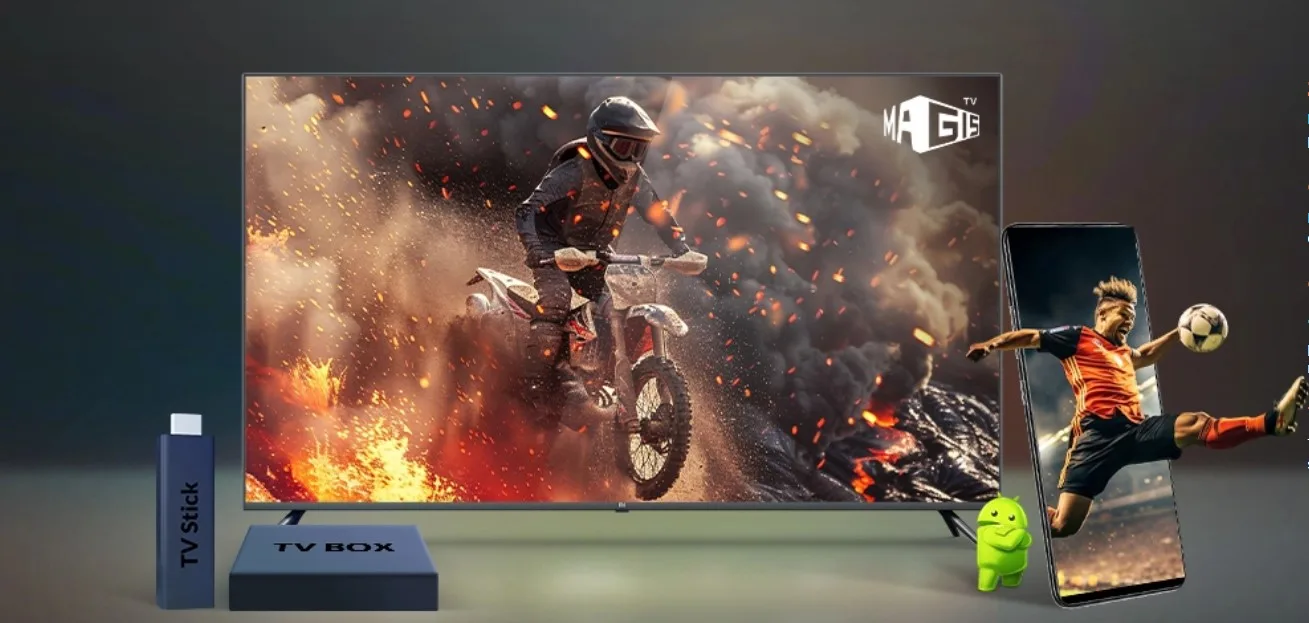
Magis TV Pro runs on most screens people actually use:
- Android TV and generic Android TV boxes
- Amazon Fire TV Stick and Xiaomi Mi TV Stick
- Android phones and tablets, Android 6.0 and up
- Windows and Mac through the web version
- iPhone and iPad via the web player
There is also a separate build labelled for TV and computer, so grab the one that matches your device.
How to install Magis TV Pro on TV, PC and mobile
The steps are short. On Android you sideload an APK, on a computer you just open the web player.
On Android TV or a TV box
- Tap the Download APK button on this page and pick the build labelled for TV and computer.
- In your box settings, allow installs from unknown sources for the file manager or browser.
- Open the file, install it, then launch the app.
- Sign in with your account, then check that Live TV and VOD both load.
On PC (Windows or Mac)
- Open the web version in your browser, no APK needed.
- Log in with your account details.
- Play a live channel to confirm the stream works.
On an Android phone or tablet
- Tap Download APK and choose the mobile build, about 34.5 MB.
- Allow unknown sources for your browser, then open the file and install.
- Sign in, then test a channel and a movie.
For a steadier picture, use a 5 GHz Wi-Fi network or a wired connection on your TV box. First time sideloading an APK? Our APK install guide walks through the same steps with screenshots.
Plans and access
Here is a detail that trips people up: you do not buy Magis TV Pro inside the app. Access is sold by third-party resellers, and you pick a plan by length and number of devices. We won't point you to any specific seller, since prices vary and this is the corner where scams show up. Keep it to one clear plan and skip anything too cheap to be real.
Is Magis TV Pro legal and safe?
This is the part most review pages skip, so let's be straight. Magis TV Pro offers free access to channels and titles that usually require paid subscriptions. Availability of the service may vary depending on your region.
There is a second, more personal risk. Because the app spreads as loose APK files from many sources, always download it from a trusted page like this one. The file on this page is scanned and tested by us, but a copy from elsewhere may not be. As with any sideloaded app, review the requested permissions and keep your device protected.
Legal alternatives
If that risk is more than you want to carry, several legal, free services cover a lot of the same ground:
- Pluto TV — free live channels and on-demand, ad-supported.
- Tubi — a big free movie and series library with ads.
- Crackle — free films and shows, no subscription.
- ViX — free and ad-supported, and strong for Spanish-language viewers.
Want the premium catalogues without the legal cloud? Netflix, Prime Video and DirecTV Go carry the same big shows and sports legally, for a monthly fee.
Verdict
So who is Magis TV Pro for? If you just want to turn it on and watch, it is genuinely easy, and on our test devices it played live TV and movies without fuss. But weigh that against the legal and safety risks, which are real. Our honest take: try a free legal option like Pluto TV or Tubi first, and only consider an IPTV service once you know what it is. Browse more streaming apps on our apps page, check TeleLatino for Latin American channels, or read the APK install guide if you are new to sideloading.
FAQ
What is Magis TV Pro?
Which devices does it support?
How do I install it on TV, PC or mobile?
How much does Magis TV Pro cost and how do I buy it?
Is Magis TV Pro legal and safe?
What are the legal alternatives?
Download Magis TV Pro — an honest review, installation, and my experience on TV, PC, and mobile
- No viruses
- No spyware
- No malware
The reviews (0)