- No viruses
- No spyware
- No malware
This file was downloaded, scanned and installed by our editors before publishing.
Every file is also checked with VirusTotal before publishing.

MicMonster APK — AI Text-to-Speech Voiceover
Additional information about MicMonster APK — AI Text-to-Speech Voiceover
The description of MicMonster APK — AI Text-to-Speech Voiceover
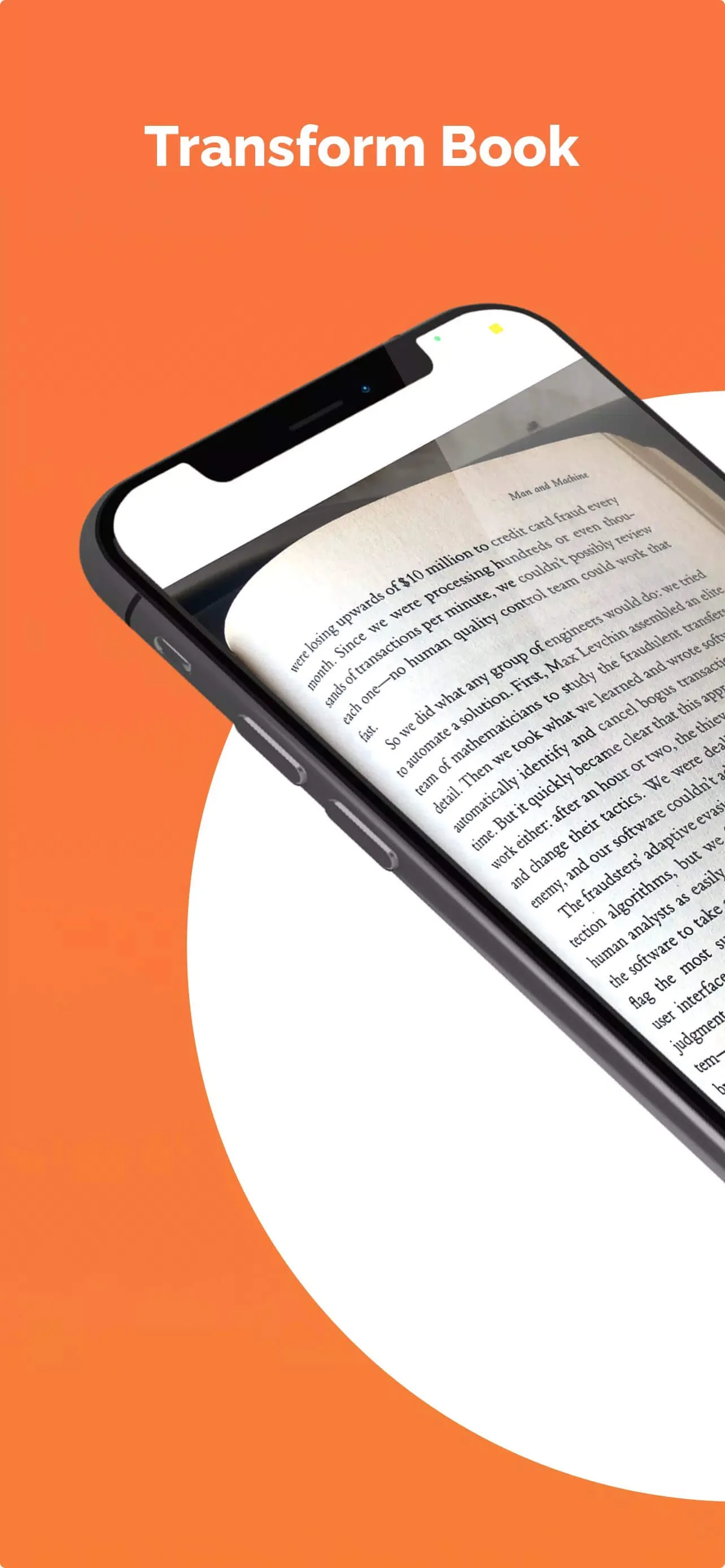
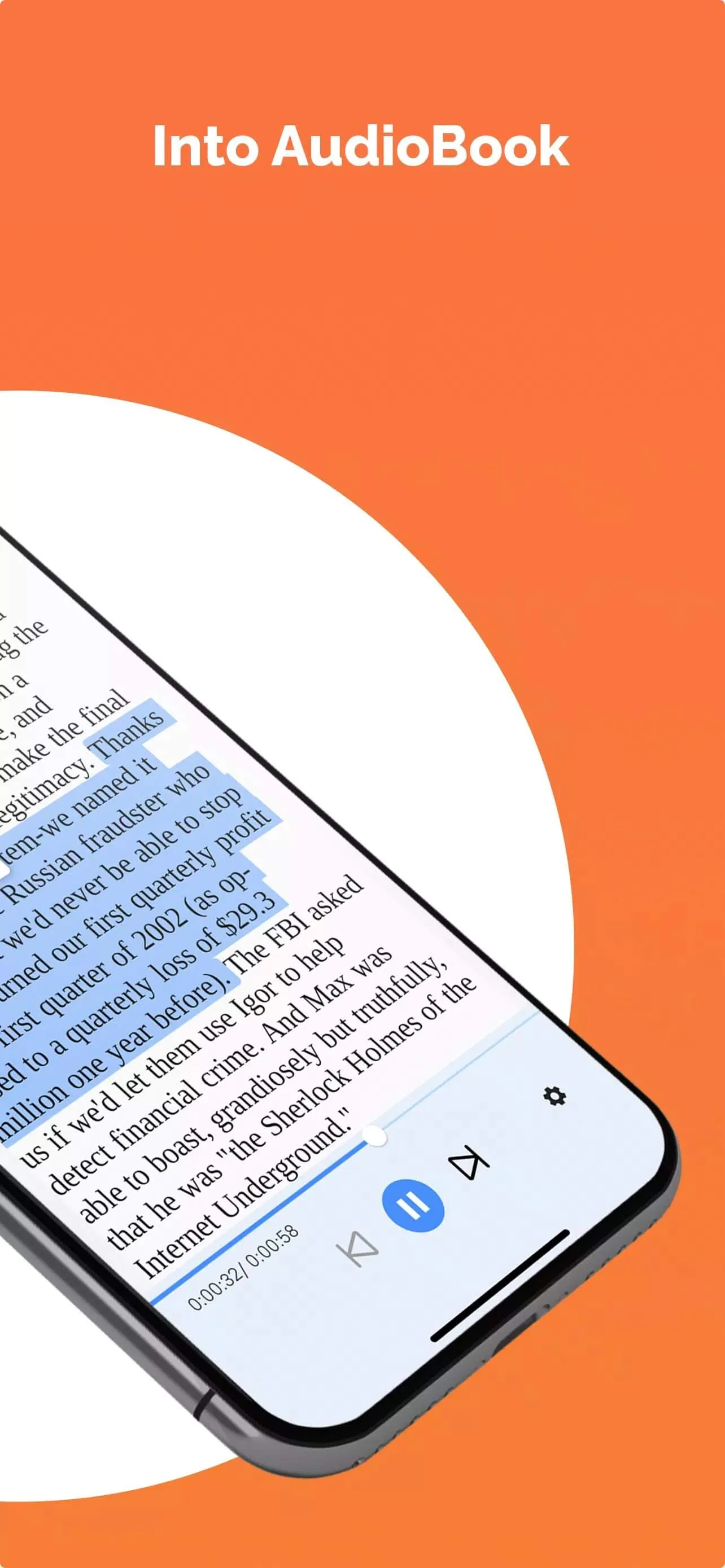
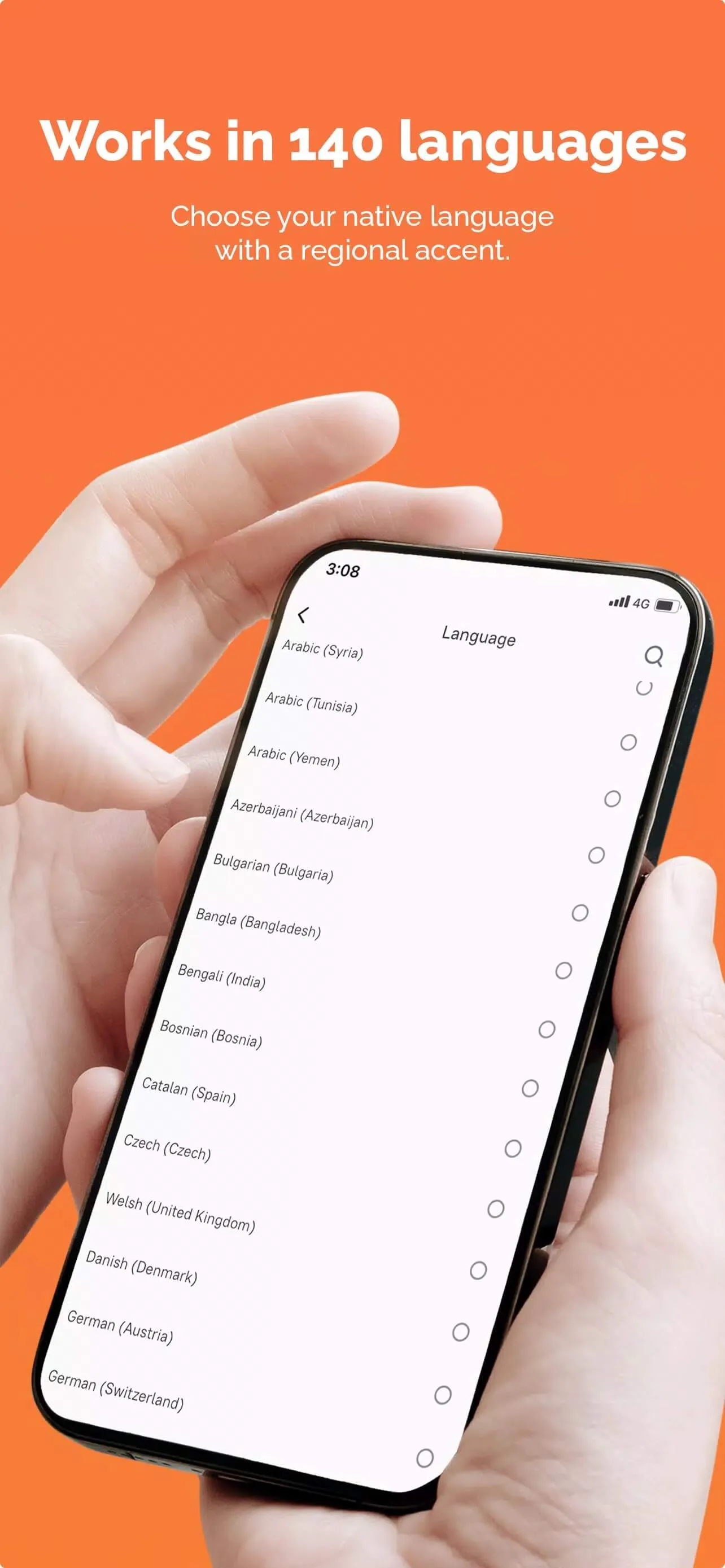
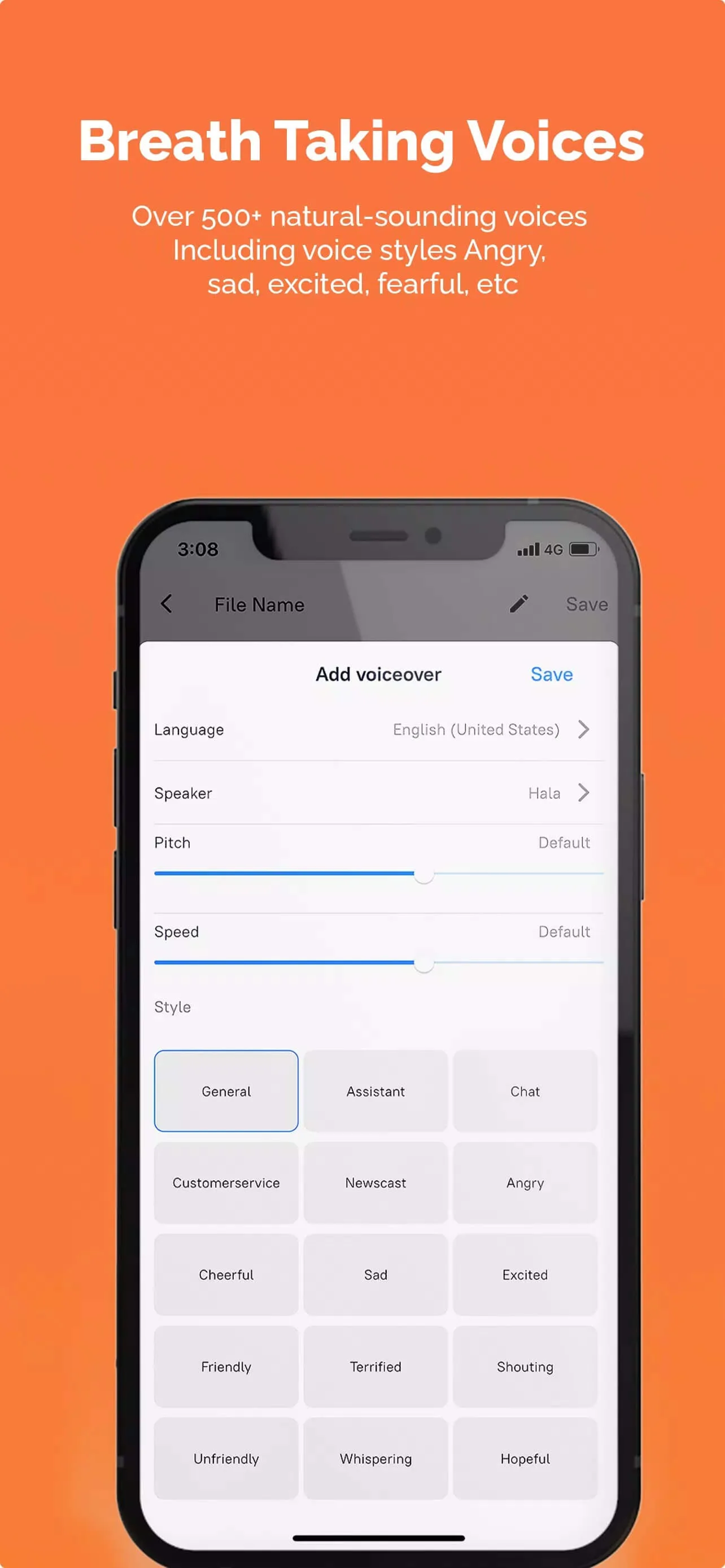
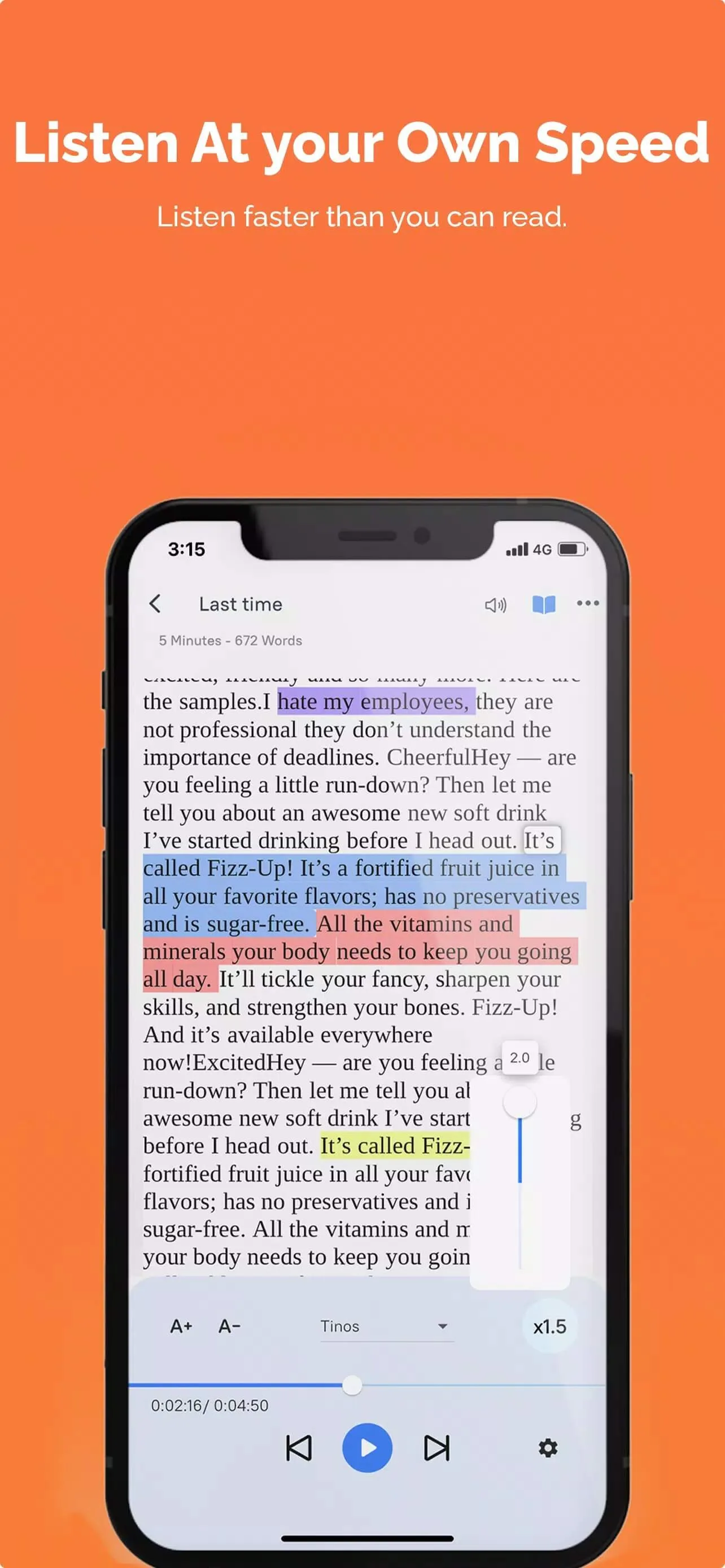
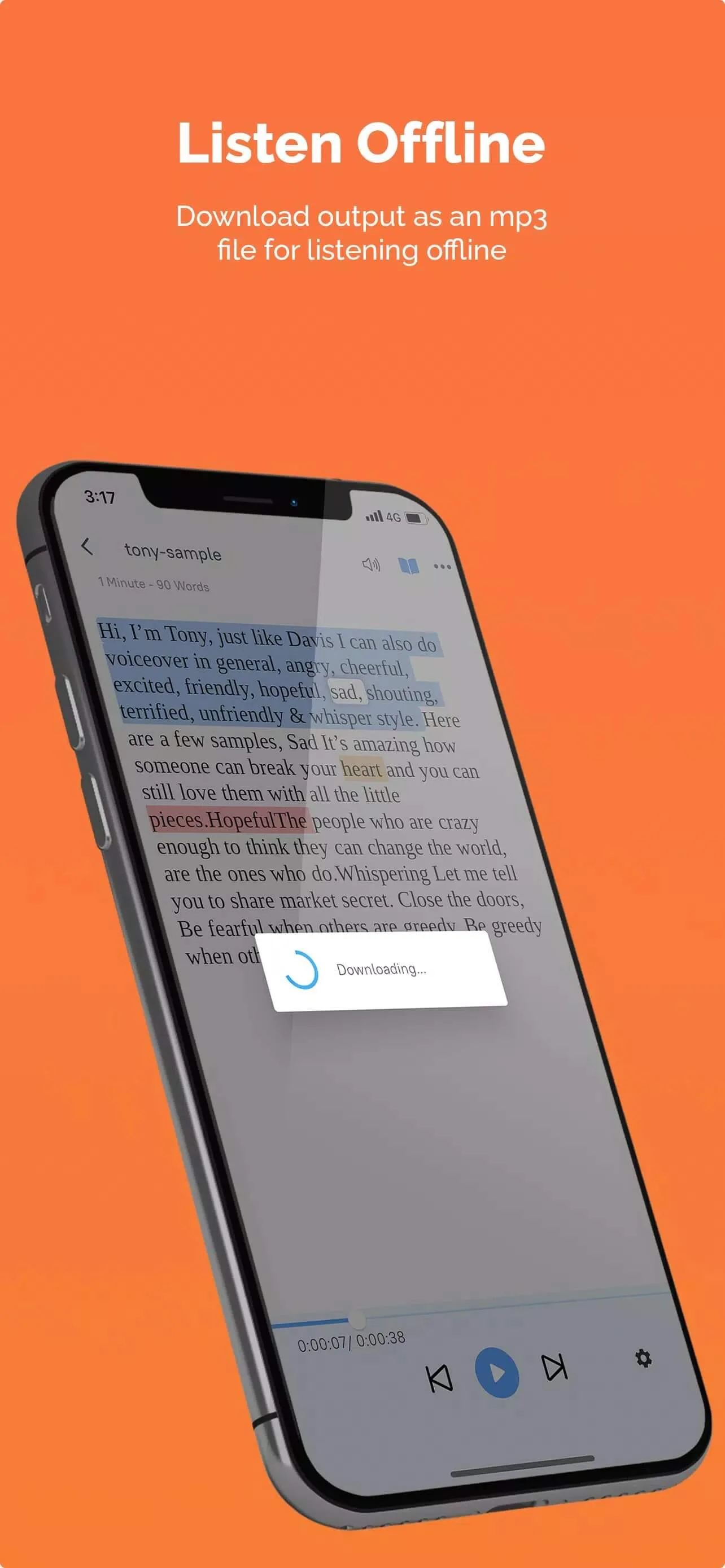
The MicMonster APK turns typed text into natural-sounding speech. You paste in a script, pick a voice, and the app reads it back as a clean voiceover you can export as audio. It supports 140+ languages and 600+ voices, with emotional styles like cheerful, sad or angry. One thing to know up front: this is a cloud AI text-to-speech tool, not a microphone app. The file on this page is scanned for malware and installed on a real Android device by our editors before publishing, we have done this since 2018.
What is MicMonster?
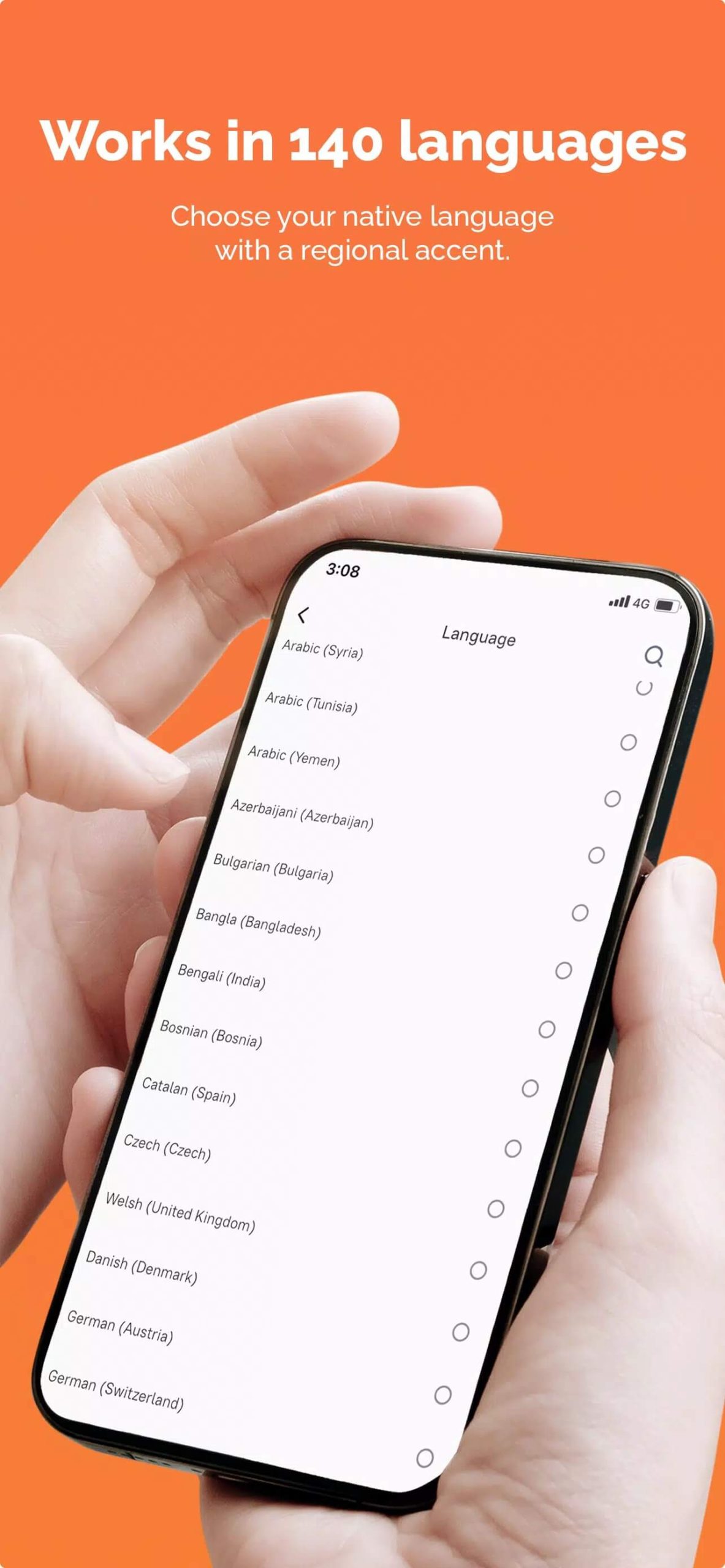
MicMonster is an AI voice generator from Micmonster Inc. The idea is simple. You type or paste text, choose a language and a voice, and the app generates a spoken version you can play or save. It sits in the Productivity / AI Tools category, and people use it for YouTube narration, e-learning, audiobooks, ads and social clips.
The voice library is the main draw. You get 600+ voices across 140+ languages and accents, plus a set of emotional styles so a line can sound upbeat, calm or serious depending on what you need. After the audio is generated, you can export it and drop it straight into your video editor. No recording gear, no studio, just text in and a voiceover out.
Free vs Pro (honest)
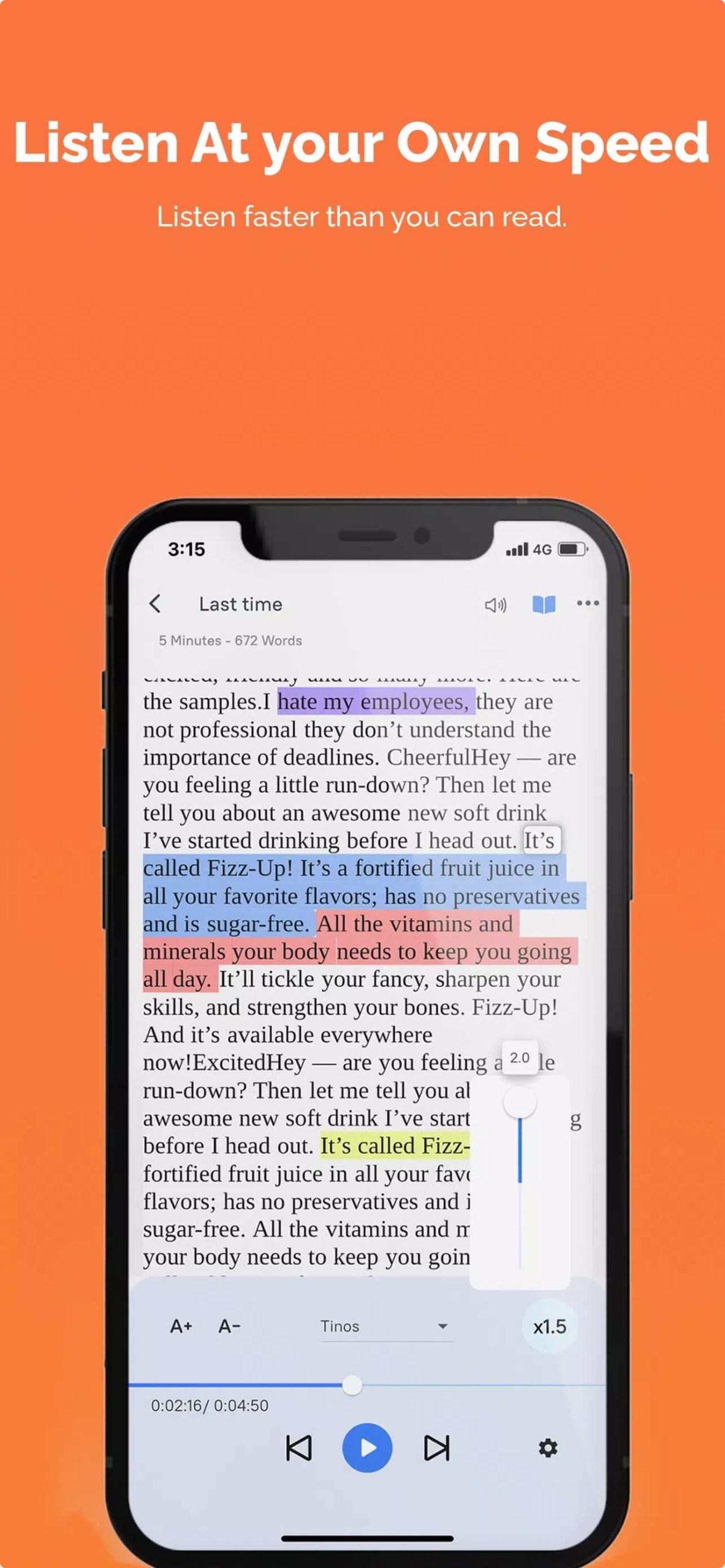
MicMonster runs on a free tier with an upgrade called MicMonster Pro. Here is the split, kept straight so you know what you are getting before you install.
| Plan | What you get |
|---|---|
| Free | A monthly character limit, basic voices, and standard generation. Good for testing the app and short clips. |
| Pro | The advanced editor (speed, pitch, emphasis, pauses), more voices, a commercial-use license, and priority generation. |
The part most pages skip: your character count and the premium voices are tracked on MicMonster's servers, tied to your account. Generation happens in the cloud, not on your phone. That matters for the next section.
What a MOD can and cannot do
Let me be direct here. A MOD cannot unlock unlimited Pro on MicMonster. The character allowance and the premium voices are counted server-side, against your login, so no APK on any site can hand you free Pro or endless characters. Anyone promising "unlimited characters" or "Pro unlocked" for a cloud service like this is selling something that does not exist.
That is why the file here is the clean, original app rather than a fake money MOD. You still get the full free tier, all the languages, and the voice library to try. If you outgrow the free limit, the honest path is the Pro subscription. We would rather tell you that than have you sideload a "cracked" build that only breaks the sign-in.
How to download and install MicMonster APK
The download is a single APK, around 41 MB, and it works on Android 5.0 and up. You will need an internet connection, since the voices are generated online.
- Tap the green Download APK button at the top of this page. The file downloads directly, no registration or SMS.
- Allow installation from unknown sources for your browser or file manager (Settings → Security).
- Open the file, tap Install, and wait for it to finish.
- Launch the app, then sign in or create a MicMonster account to start generating voiceovers.
First time sideloading an app? Our APK install guide walks through the same steps with screenshots, so you can follow along if anything looks unfamiliar.
Tips for better voiceovers
- Match the voice to the language. A native accent for the text you wrote almost always sounds more natural than a generic one.
- Break long scripts into shorter chunks. Shorter passages tend to read more evenly and are easier to re-generate if one line sounds off.
- Use punctuation on purpose. Commas and periods control the pauses, so a well-punctuated script gives you better pacing.
- Want fine control over speed, pitch and emphasis? That lives in the Pro editor, so plan around it if you need frame-accurate timing.
Is it worth it?
For most people, yes. The realistic voices are the strong point, and the free tier is enough to test whether MicMonster fits your workflow before you spend anything. On very long scripts you may catch a slightly synthetic edge on some voices, that is normal for TTS, and switching voices or trimming the text usually helps.
If you make video, e-learning or podcasts regularly, the paid step can be worth it for the editor and the commercial license. Want other tools in this space? Browse more productivity apps in the catalog and compare before you commit.
FAQ
What does MicMonster do?
Is MicMonster free?
Can a MOD unlock unlimited Pro voices or characters?
How many languages and voices are there?
Does MicMonster need internet?
Is the MicMonster APK safe, and what are the requirements?
Download Micmonster: AI Text To Speech
- No viruses
- No spyware
- No malware
The reviews (0)