- No viruses
- No spyware
- No malware
com.roblox.clientThis file was downloaded, scanned and installed by our editors before publishing.

Roblox MOD APK (Mod Menu)
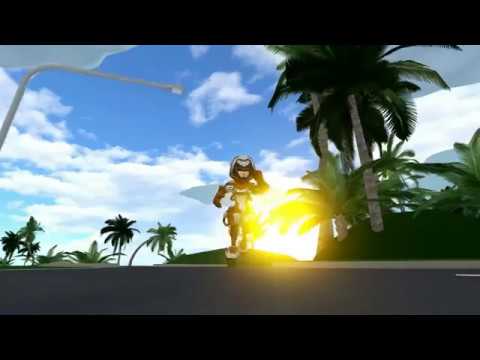
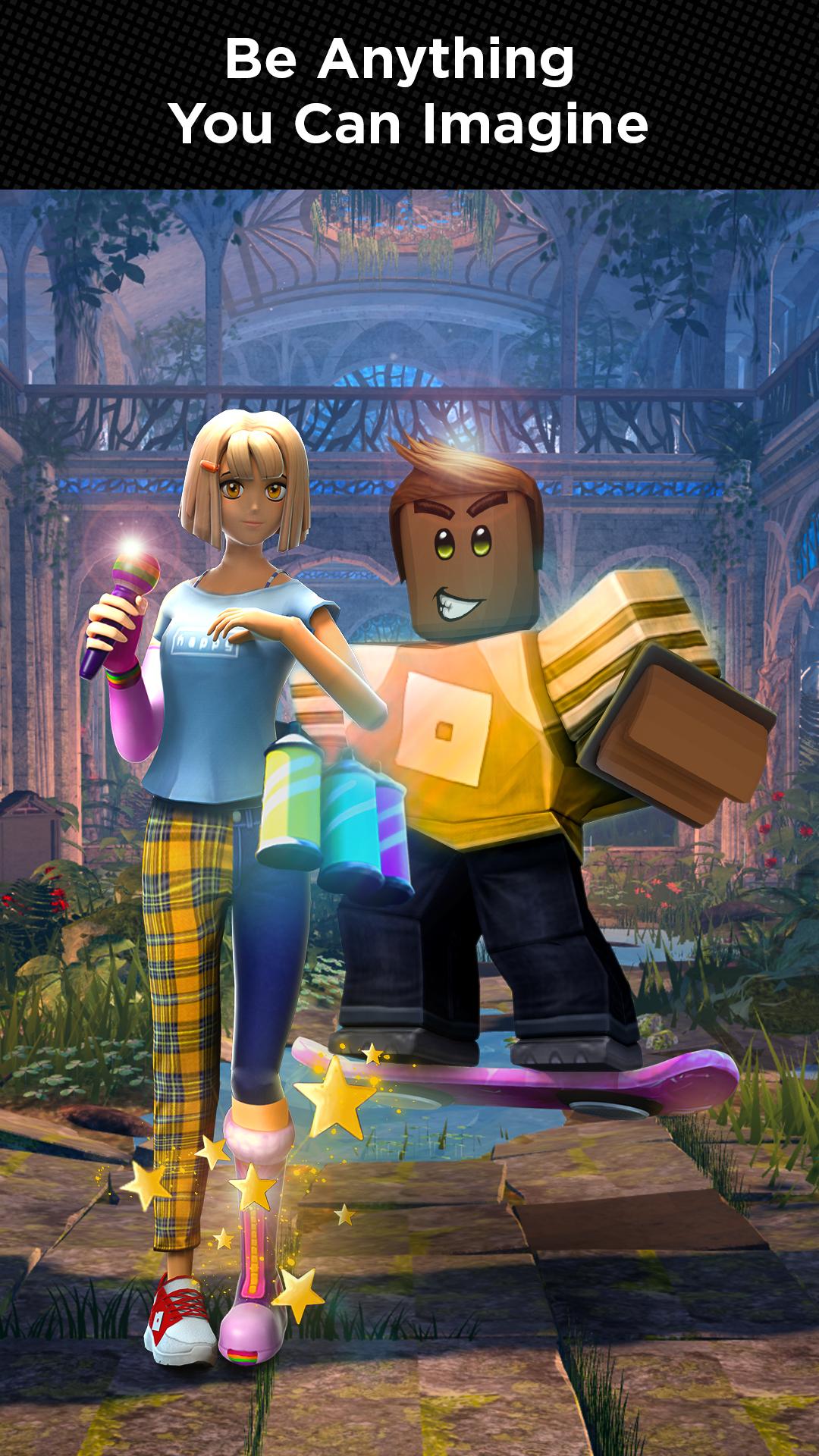
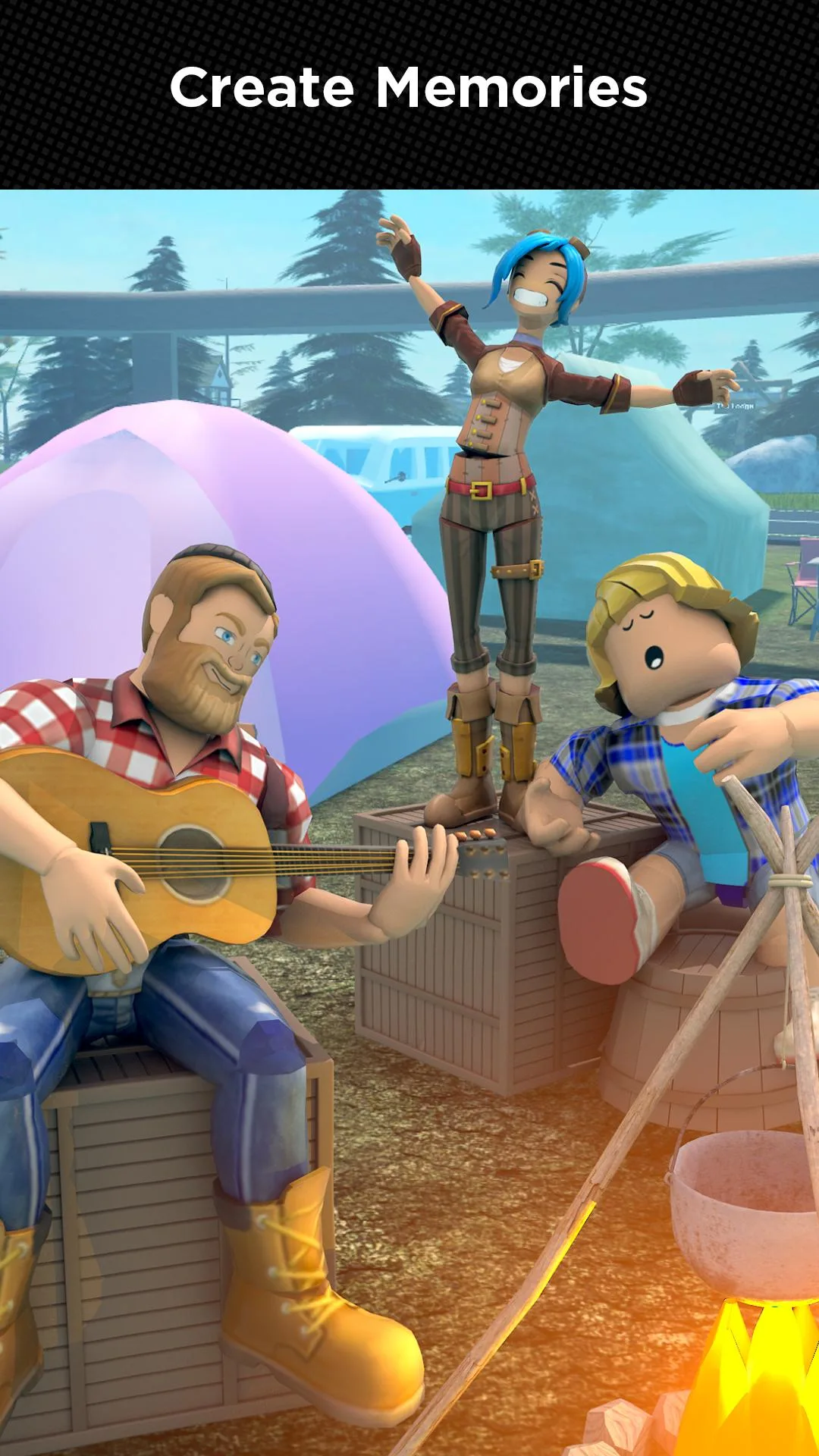
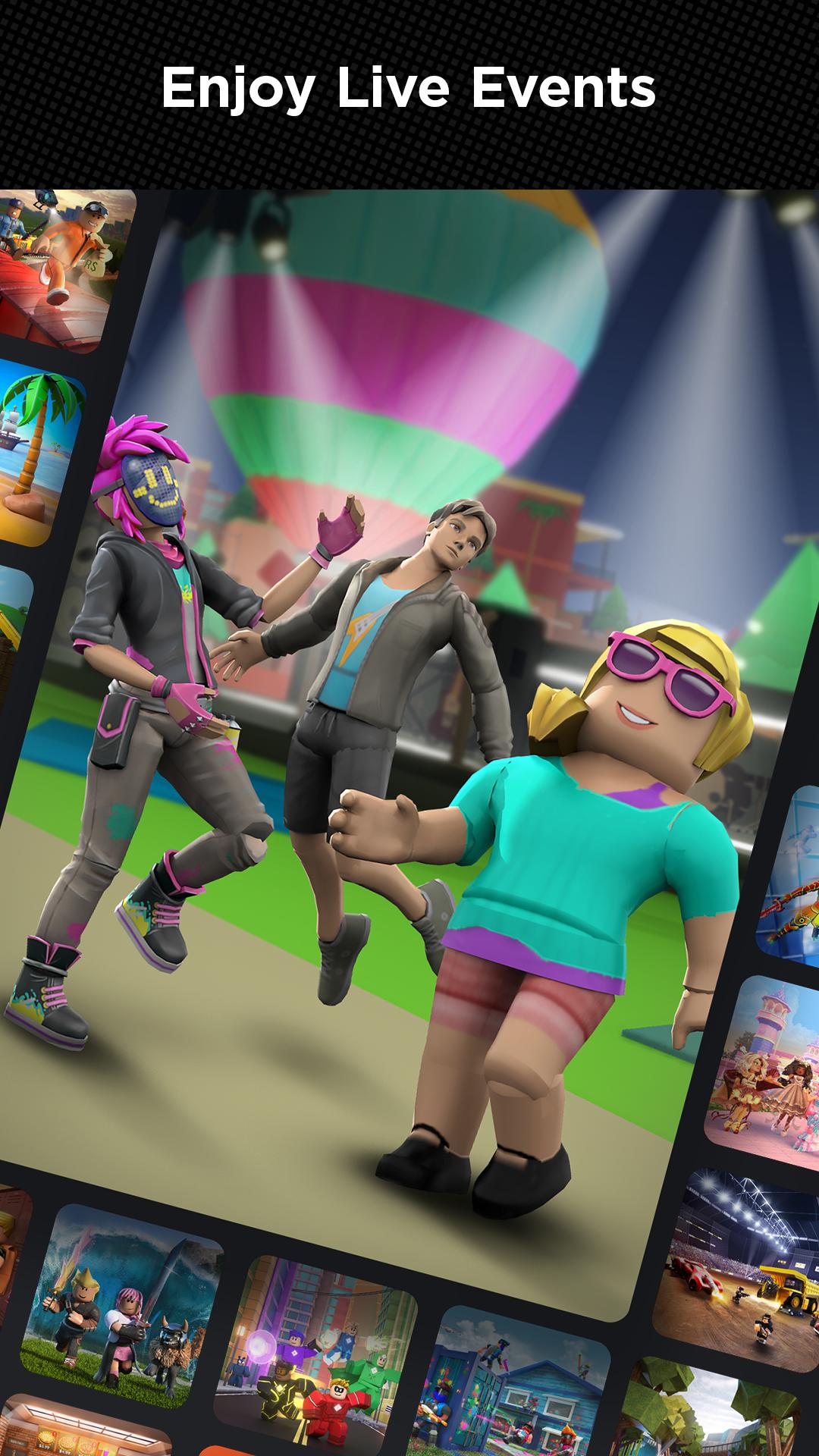
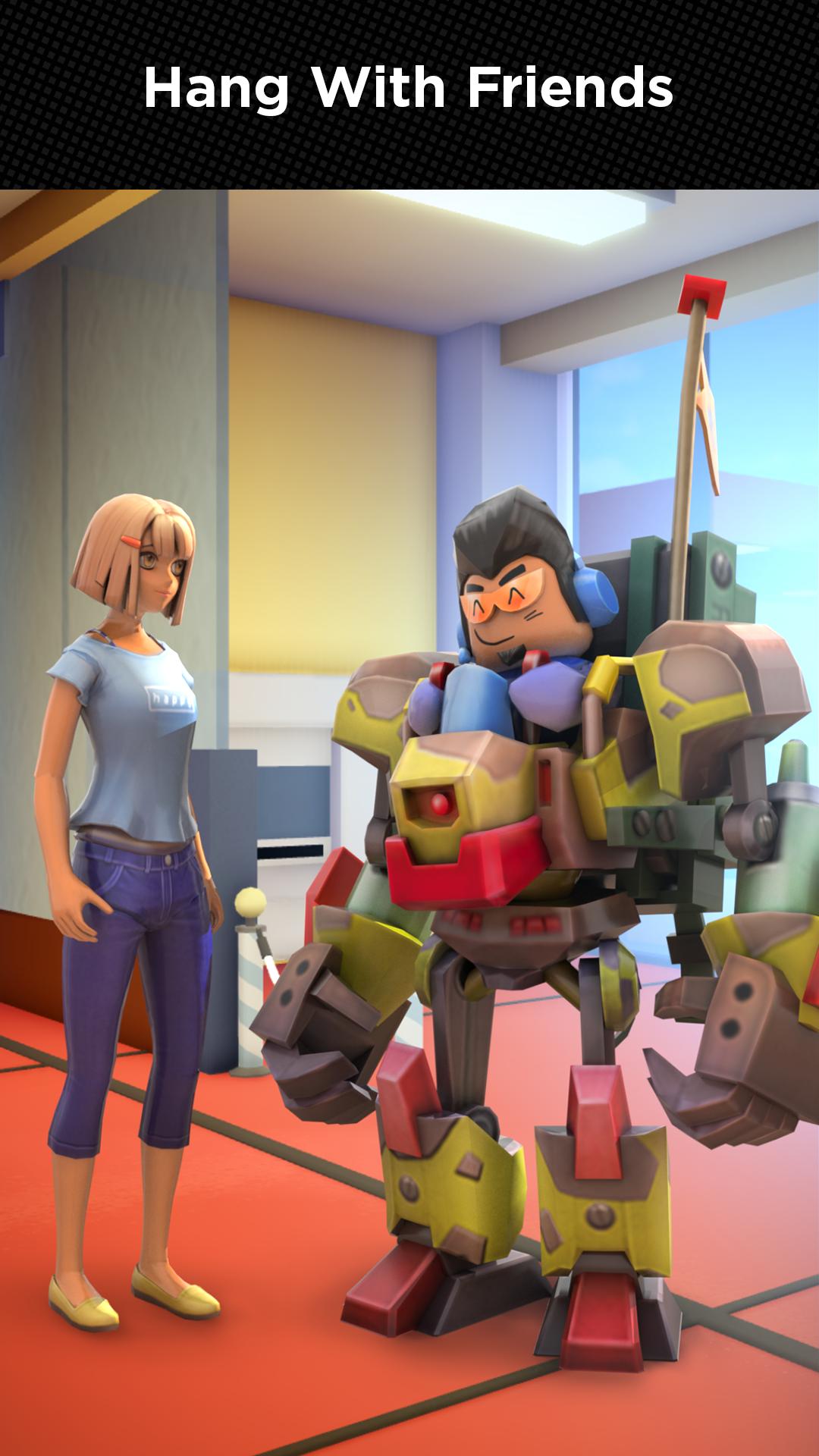
Additional information about Roblox MOD APK (Mod Menu)
com.roblox.clientThe description of Roblox MOD APK (Mod Menu)
Roblox MOD APK is the Roblox app with a built-in mod menu on top of it: fly, mega jump, no-gravity movement, speed and wallhack in the experiences that support them. You tap the menu open inside a game and toggle what you want, no separate injector, no extra tools. On this page you can download the latest working version, scanned for malware and installed on a real Android device by our editors before publishing.
One honest line before you start: this mod does not give you Robux. Robux is stored on Roblox servers, so no APK on any site can add it, the ones promising "unlimited Robux" are lying. What you get here is the menu and its features, nothing to do with the currency.
What is Roblox?
Roblox is not one game, it is a platform by Roblox Corporation with millions of user-made games, called experiences. Obbies, tycoons, role-play worlds, shooters, horror maps, simulators: people build them with Roblox Studio and other players enjoy them for free. It runs across PC, consoles and mobile with one account, so your friends can join from any device. The platform has its own engine and its own currency, Robux, which you buy or earn and spend on avatar items and in-game extras.
Because each experience is coded separately by its own creator, they all behave a little differently. A racing map, an obby and a first-person shooter share almost no code beyond the engine underneath, so what a feature does in one of them may mean nothing in the next. That is the single fact that shapes how the mod menu behaves, and we come back to it below.
What the mod menu includes
The exact features for the current build are always listed in the MOD info line at the top of this page. We check them against the actual file before publishing. As a general picture, the menu is grouped like this:
| Group | What it does in-game |
|---|---|
| Player | Wallhack, teleport around the map, invisible mode. |
| Fly & Jump | Free fly, no gravity, mega jump for reaching places you normally can't. |
| Speed | Speedhack to move faster than the default walk and run. |
| Visuals | X-ray, chams and a dark mode to spot players and objects through walls. |
In practice these split into two kinds. Movement toggles (fly, no gravity, mega jump, speed) change how your character moves and land the biggest effect: you cross an obby in seconds, float over a tycoon map, or reach spots a level was not meant to let you touch. Vision toggles (wallhack, X-ray, chams, invisible) change what you see and how visible you are, which is why they pull the most attention from other players. You open the menu with a small on-screen button once you are inside an experience, flip what you need, and turn it off just as fast.
A fair warning: not every toggle works in each experience. A game runs its own server-side logic, so a creator's anti-cheat or a purely server-controlled mechanic can block a feature in one game while the same feature works fine in another. The menu changes what your client does. It does not overrule the server. Treat the list above as what the file can do, not a guarantee for each game you open.
How to download and install Roblox MOD APK
Everything comes from this page, and the whole thing takes a couple of minutes.
- Tap the green Download APK button at the top of this page, the file downloads directly, no registration or SMS.
- Allow installation from unknown sources for your browser or file manager (Settings → Security).
- If the official Roblox from Google Play is on your phone, remove it first. The mod has a different signature and won't install over it.
- Open the downloaded file, tap Install, then sign in with your Roblox account and pick an experience.
You need Android 8.0 or newer, and Roblox is online-only. It will not run without an internet connection. First time sideloading? Step-by-step screenshots are in our APK install guide.
Ban risk: play it smart
Roblox is an online platform with anti-cheat, so this is worth saying plainly. Using the menu in busy multiplayer experiences can cost you the account, popular games watch for exactly this kind of movement. The safe way to try the mod is on a secondary account you don't mind losing, not the one with your items and friends.
If your main account matters to you, keep the original Roblox on it and use the button in the info table above to get it. The mod is for testing and messing around; your main is for keeping. That is the honest split, and it is your call which side you land on. Nobody can tell you a mod is ban-proof on an online platform, and we won't pretend otherwise.
Why the version matters, and updates
Roblox ships a new client every one to two weeks, so an old build simply stops connecting, the servers reject a client that is too far behind. So the single most important thing about a Roblox mod is that it is current. A menu from two months ago usually just fails to launch.
That is why we keep the latest working version on this page and re-test after Roblox updates. When the build here looks behind, tap Request update and we rebuild it, usually within a few days. One thing not to do: don't update over the mod from Google Play. That replaces it with the plain client and wipes the menu, come back here for the fresh mod instead.
Where to go next
If you're here for the sandbox side of Android gaming, browse more adventure games and the full MOD APK catalog. For a fast multiplayer arena with its own modded build, take a look at Null's Brawl. And if any install step trips you up, the install guide covers the common errors.
FAQ
Does Roblox MOD APK give free Robux?
Is Roblox MOD APK safe to download?
Can I get banned for using the mod menu?
Why do the mod features not work in some games?
How do I install it if I already have Roblox?
How often is the mod updated?
Download Roblox (Mod Menu)
- No viruses
- No spyware
- No malware
The reviews (76)
ilt YouTube
la app
Lentes
Emmanuel