- No viruses
- No spyware
- No malware
This file was downloaded, scanned and installed by our editors before publishing.
Every file is also checked with VirusTotal before publishing.

SssTikTok APK — Save TikTok Videos Without Watermark
Additional information about SssTikTok APK — Save TikTok Videos Without Watermark
The description of SssTikTok APK — Save TikTok Videos Without Watermark
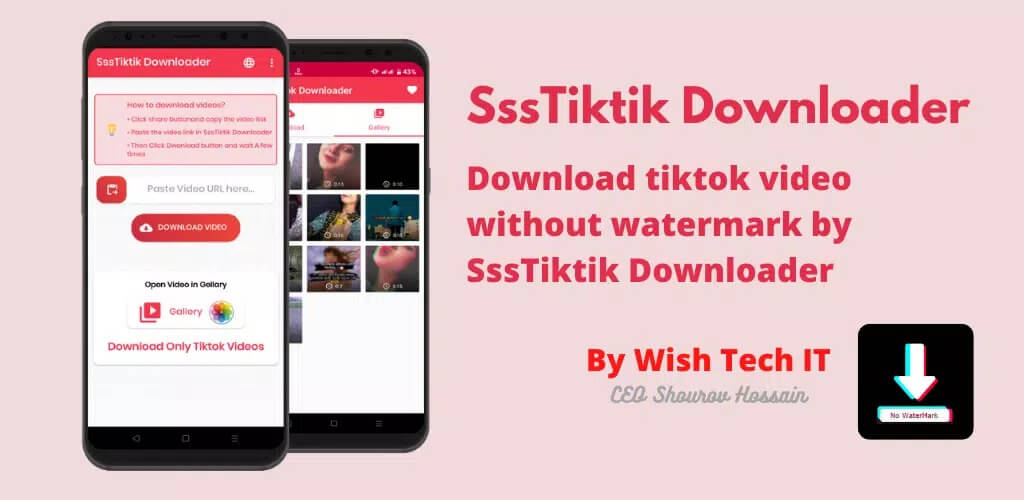
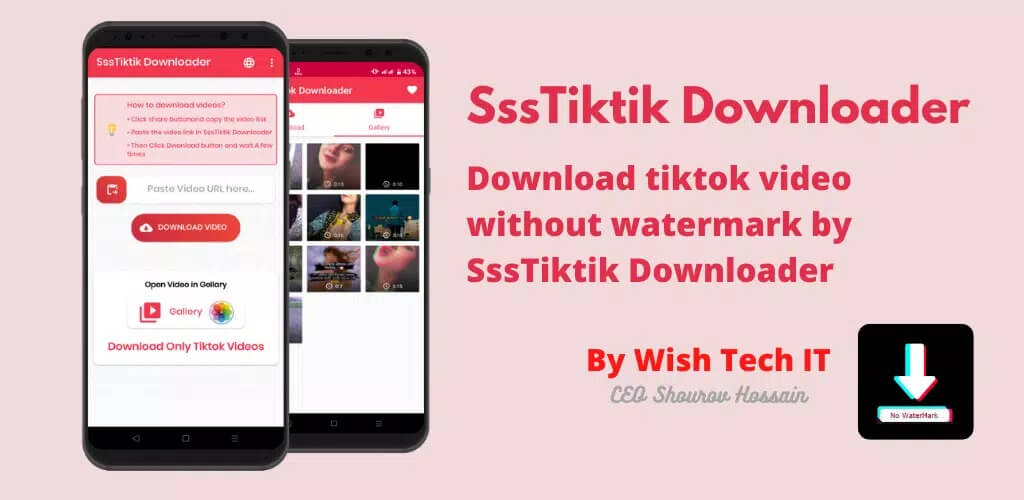
The SssTikTok APK saves TikTok videos to your phone without the watermark, pulls the audio out as an MP3, and does it all with no TikTok account or login. Paste a link, tap save, and the clip lands in your gallery clean, no username stamp and no floating logo across the frame. It is a light tool, around 6.6 MB, so it runs fine on older phones.
The file on this page is scanned for malware and installed on a real Android device by our editors before publishing, we have done this since 2018. One thing to be clear about up front: this is an unofficial third-party downloader, not made by TikTok and not affiliated with it.
What is SssTikTok?
SssTikTok is a small downloader app for Android that grabs TikTok clips and strips the watermark. It is the app version of the ssstik.io web tool a lot of people already paste links into on desktop. Same idea, just on your phone instead of a browser tab. You do not sign into TikTok, and you do not create an account for the downloader either.
It handles the two things most people actually want: a clean video file with no logo or creator handle burned in, and the sound on its own as an MP3. Because it is not an official TikTok product, features and the exact build can shift between versions. We re-check the file after each update.
Key features
- No-watermark saves — the downloaded video has no TikTok logo or username stamped on it.
- MP3 audio extraction — pull just the sound from a clip and save it as an audio file.
- HD quality — grabs the highest resolution the original post offers.
- No login or sign-up — no TikTok account, no registration, no SMS.
- Offline viewing — once a clip is saved, watch it any time without data.
- Light and fast — roughly 6.6 MB, easy on storage and low-end hardware.
How to download a TikTok video
The flow is quick once the app is installed. Have the clip you want open in TikTok.
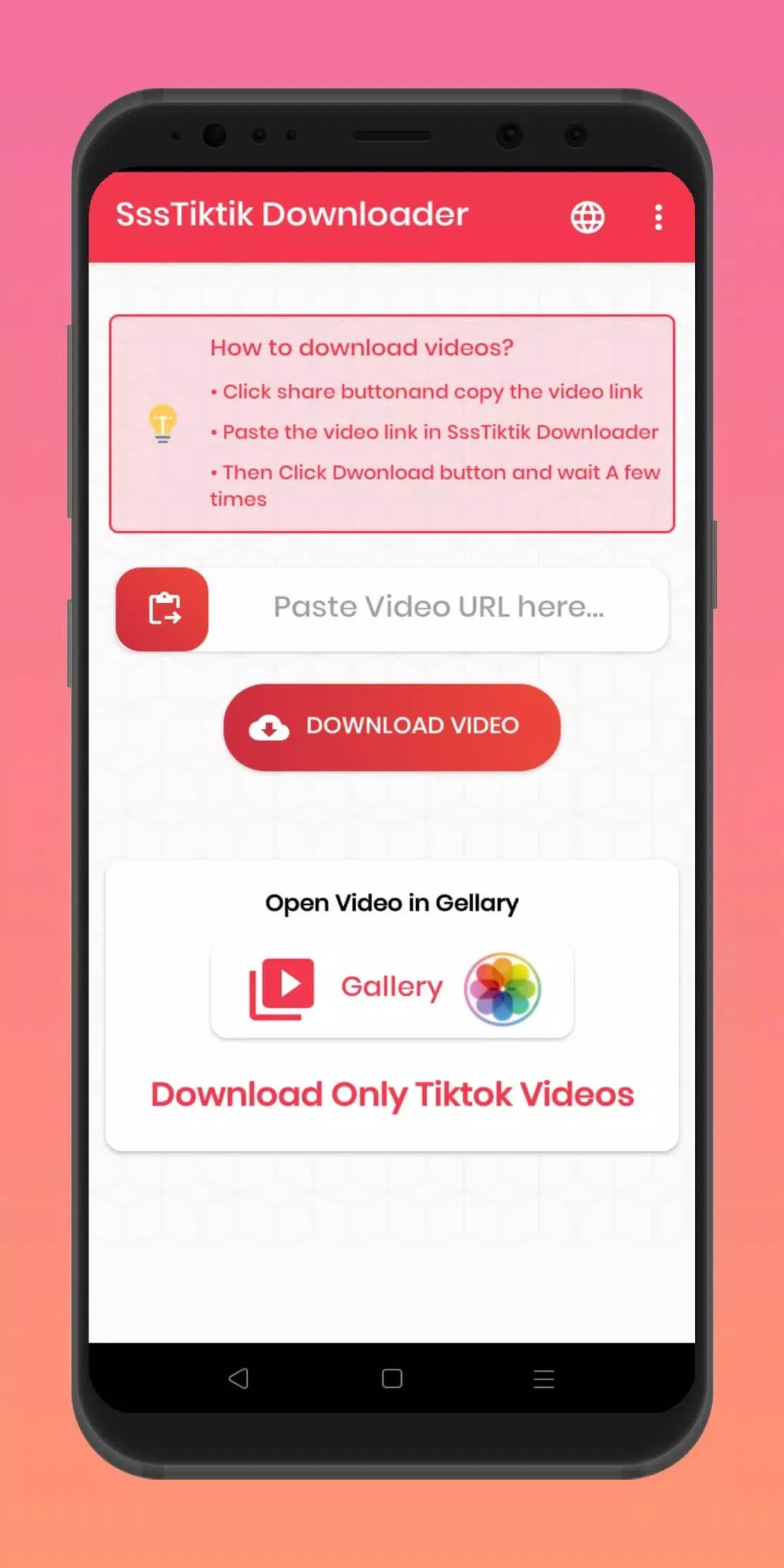
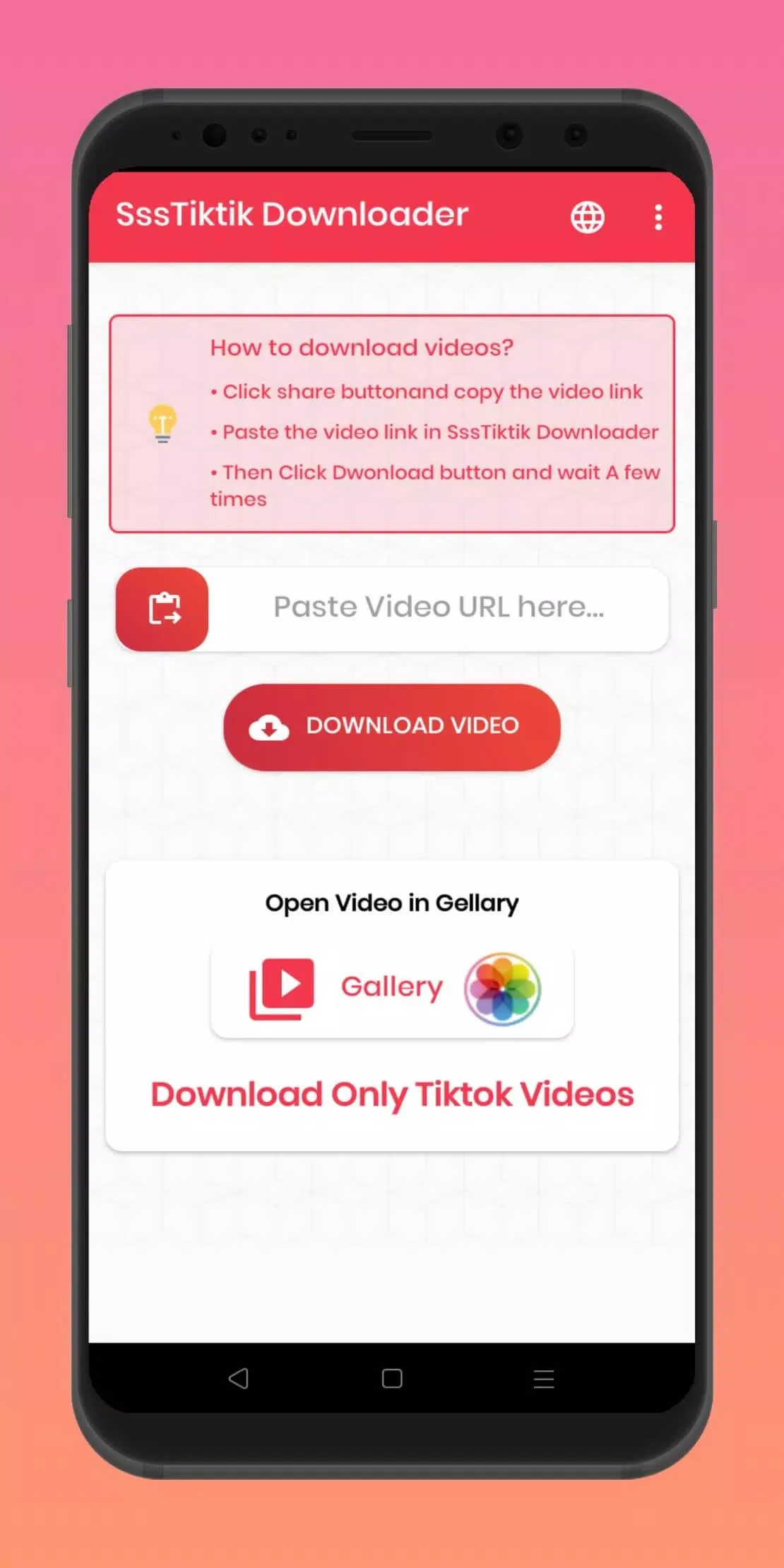
- In TikTok, tap Share on the video and choose Copy link.
- Open SssTikTok and paste the link into the box.
- Pick your output: full video with no watermark, or MP3 for audio only.
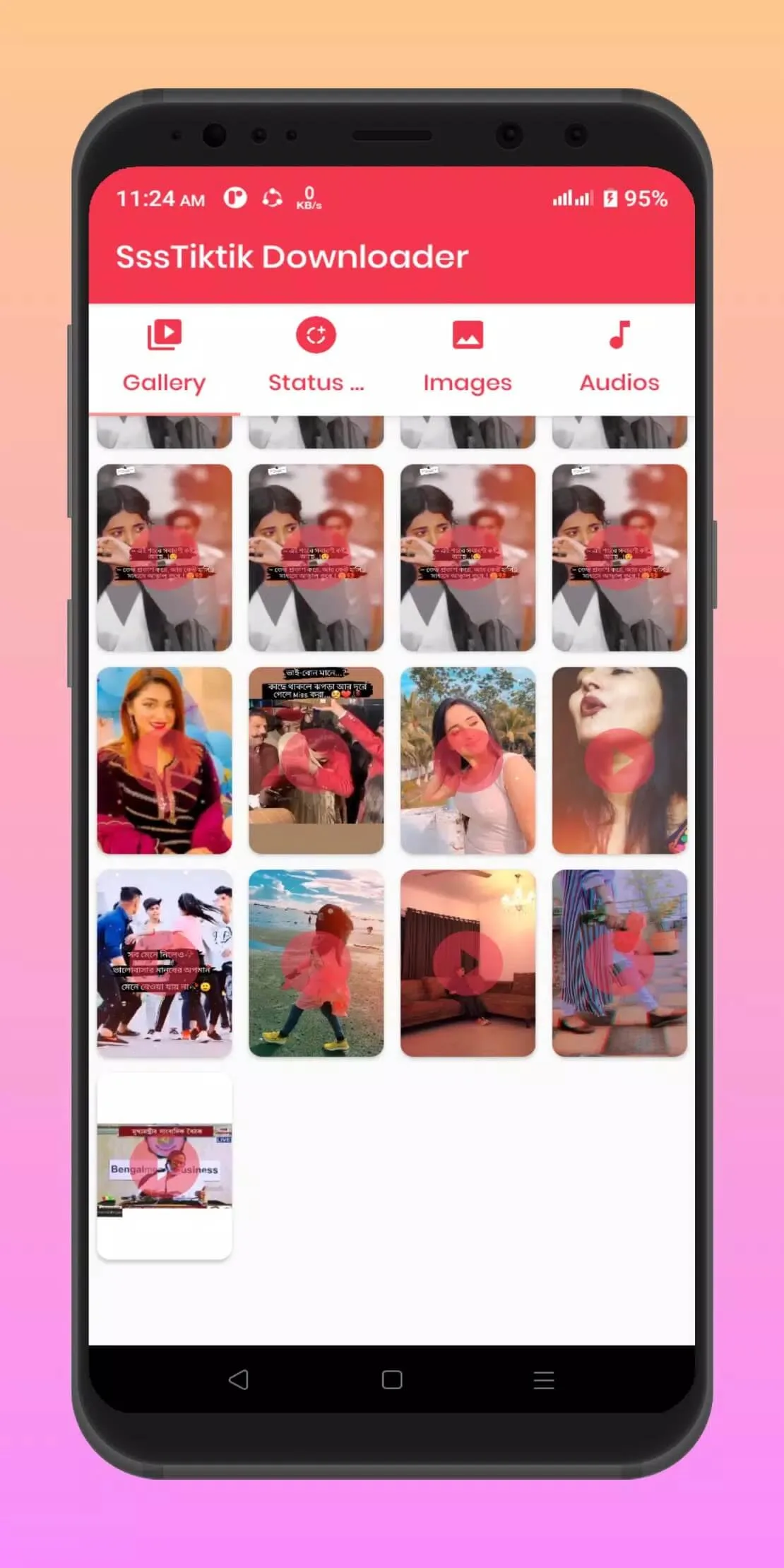
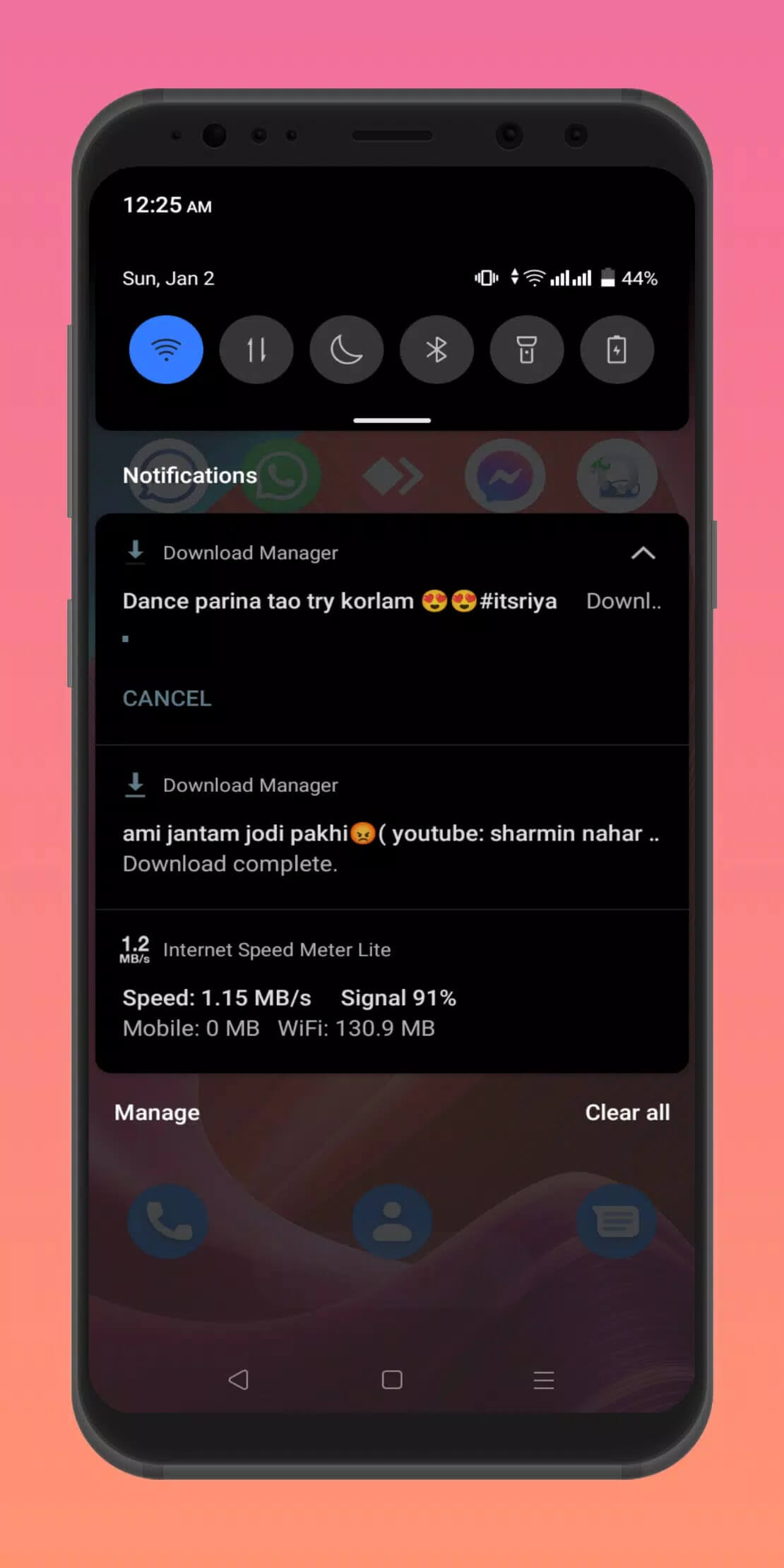
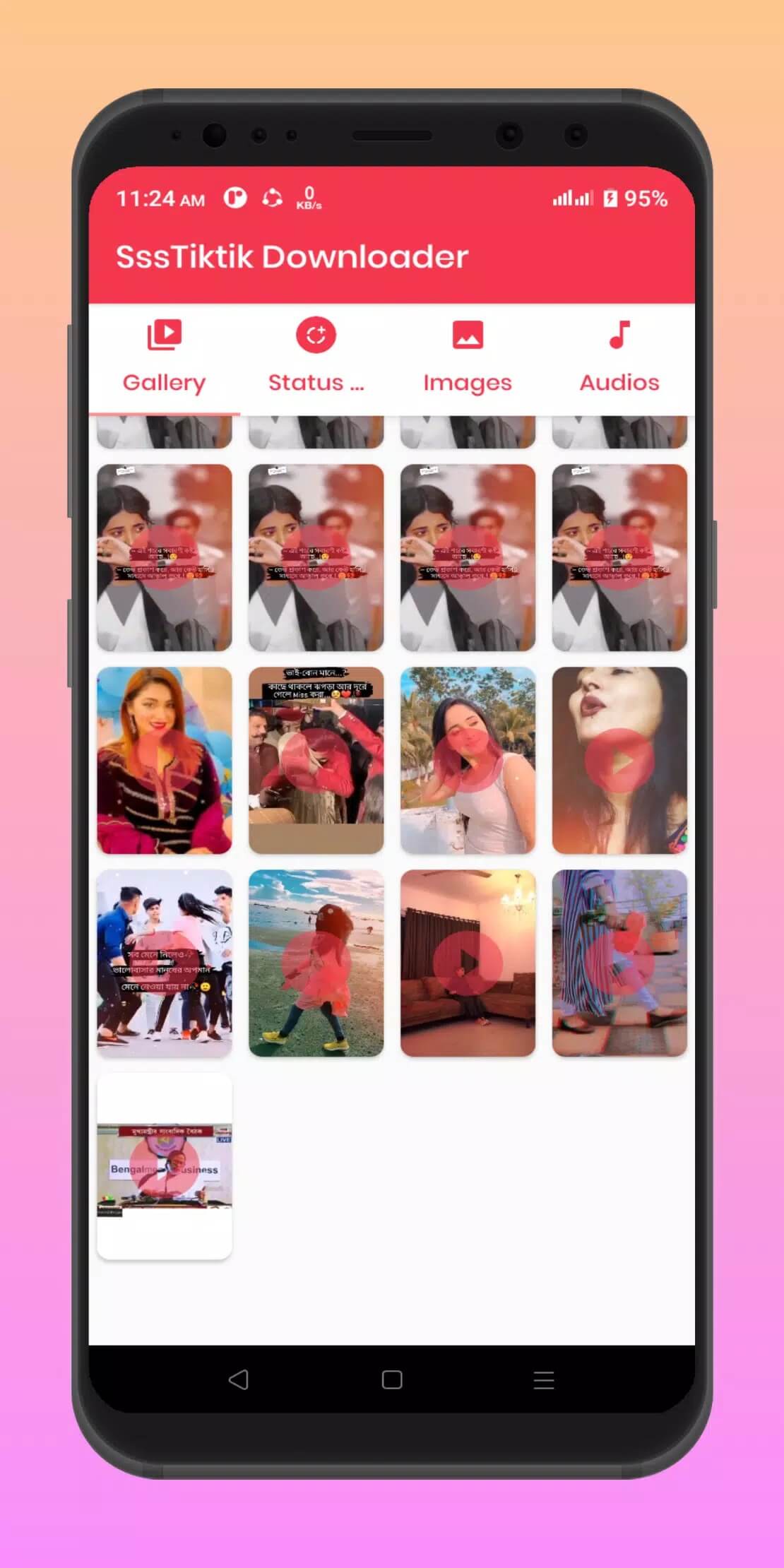
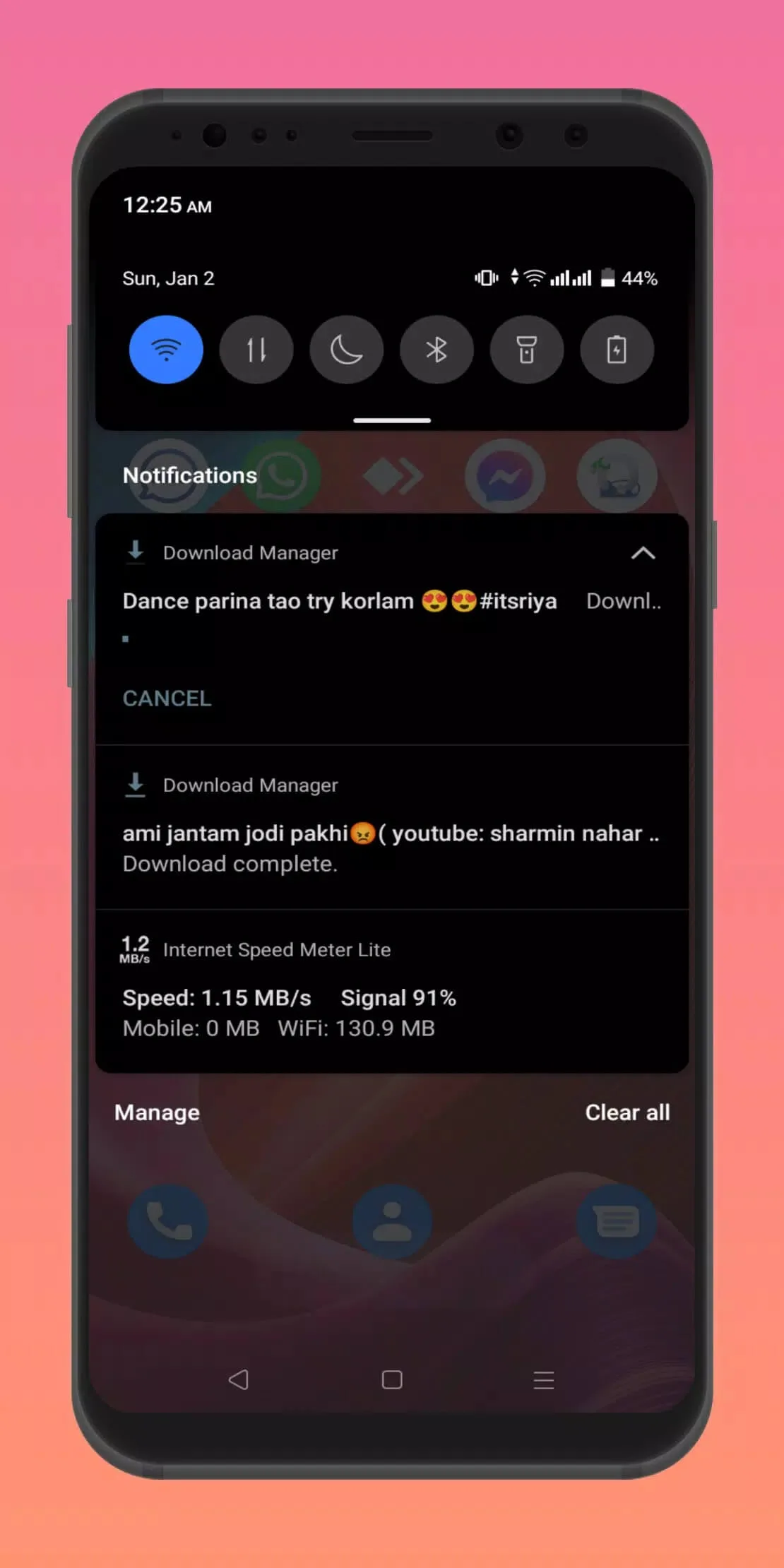
- Tap save, and the file drops into your gallery or downloads folder.
Is it legal and safe to use?
Short answer: it depends on what you save and why. Downloading your own TikToks, or clips you have permission to use, is generally fine. Saving someone else's video without asking can run against TikTok's terms of service and the creator's copyright, especially if you re-upload it and pass it off as your own. Keep it to personal viewing, your own content, or clips where the author is okay with it.
On the safety side, the build here is scanned and test-installed on a real device before it goes live. Grab it from the button on this page rather than a random mirror, and you skip the fake clones floating around.
Compatibility and requirements
SssTikTok needs Android 6.0 or newer and weighs about 6.6 MB. Requirements are low, so it installs on budget and older phones without trouble. The APK on this page is the latest version we have verified.
How to install the APK
- Tap the green Download APK button at the top of this page.
- Open Settings → Security and turn on installation from Unknown sources for your browser or file manager. Note: this is Unknown sources, not Google Play.
- Open the downloaded APK and tap Install.
- Once it is done, you can switch the Unknown sources option back off if you like.
New to sideloading? Our APK install guide walks the same steps with screenshots. You will find more tools like this in the Video Players & Editors section of the catalog.
FAQ
Does SssTikTok remove the TikTok watermark?
Can I download TikTok audio as MP3?
Do I need a TikTok account or login?
Is downloading TikTok videos legal?
Is the APK safe?
What Android version is required?
Download SssTiktok — Save Video Tiktok
- No viruses
- No spyware
- No malware
The reviews (0)