- No viruses
- No spyware
- No malware
com.lemon.lvoverseasThis file was downloaded, scanned and installed by our editors before publishing.
Every file is also checked with VirusTotal before publishing.

CapCut MOD APK (No Watermark, Premium Unlocked)
Additional information about CapCut MOD APK (No Watermark, Premium Unlocked)
com.lemon.lvoverseasThe description of CapCut MOD APK (No Watermark, Premium Unlocked)
CapCut MOD APK is ByteDance’s video editor with the watermark removed, premium filters, transitions and templates unlocked, and no ads, the same editor behind most TikTok and Reels edits, without the paid gate on export. On this page you can download the latest working version of the MOD, scanned for malware and installed on a real Android device by our editors before publishing. We have done this since 2018.
One honest note up front: CapCut Pro is partly a server-side subscription. This file unlocks the local premium features. No watermark, premium effects and export options. It cannot hand you cloud storage or the AI tools that run on ByteDance servers. The section below spells out exactly where the line is.
What is CapCut?
CapCut is a full mobile video editor from ByteDance (package com.lemon.lvoverseas), built for short-form content but capable of a lot more. You work on a multitrack timeline: stack video, audio, text and sticker layers, and trim each one on its own track. It is the tool most creators reach for when cutting TikToks, Reels and Shorts.
The feature list is deep for a phone app:
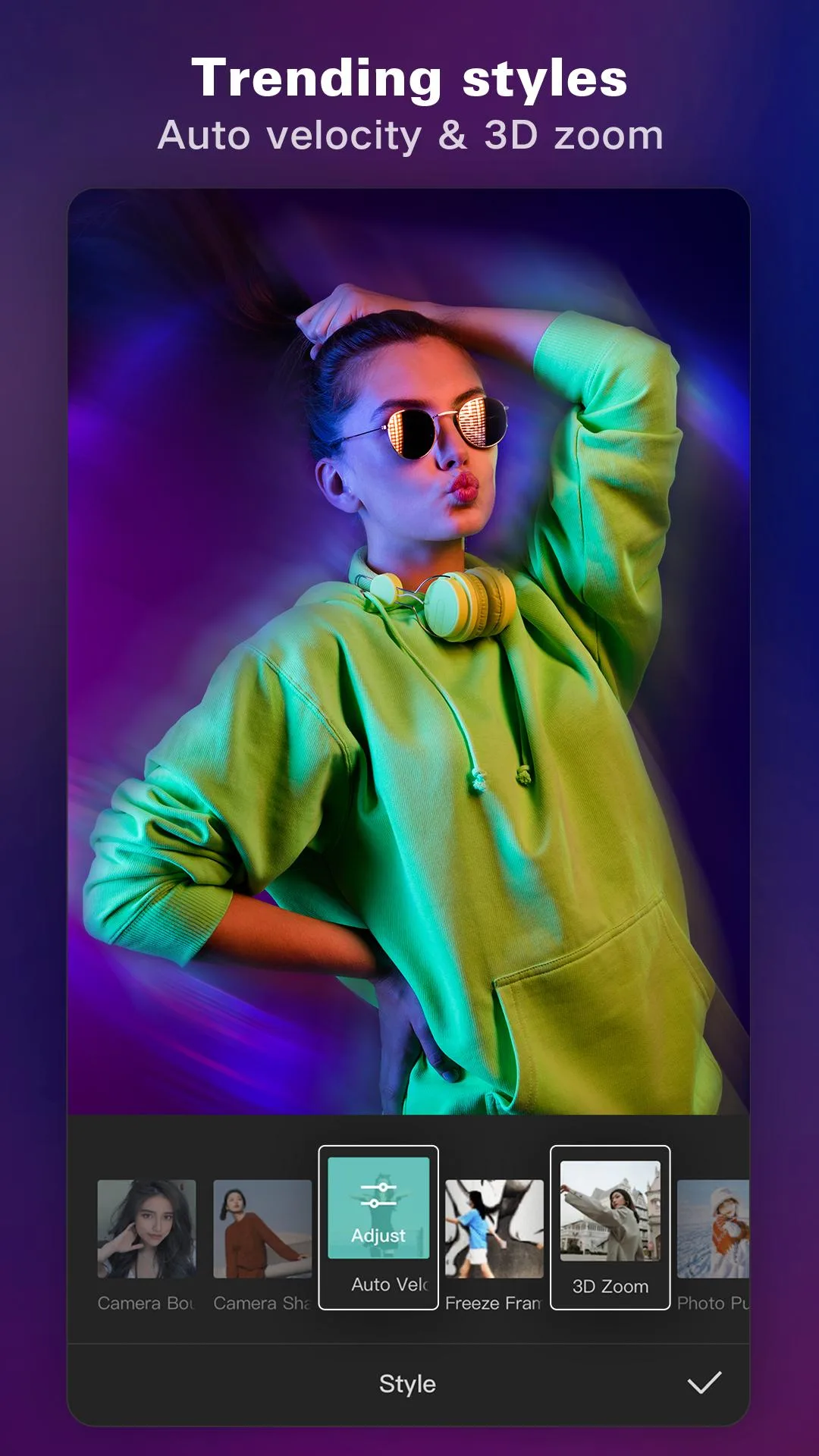
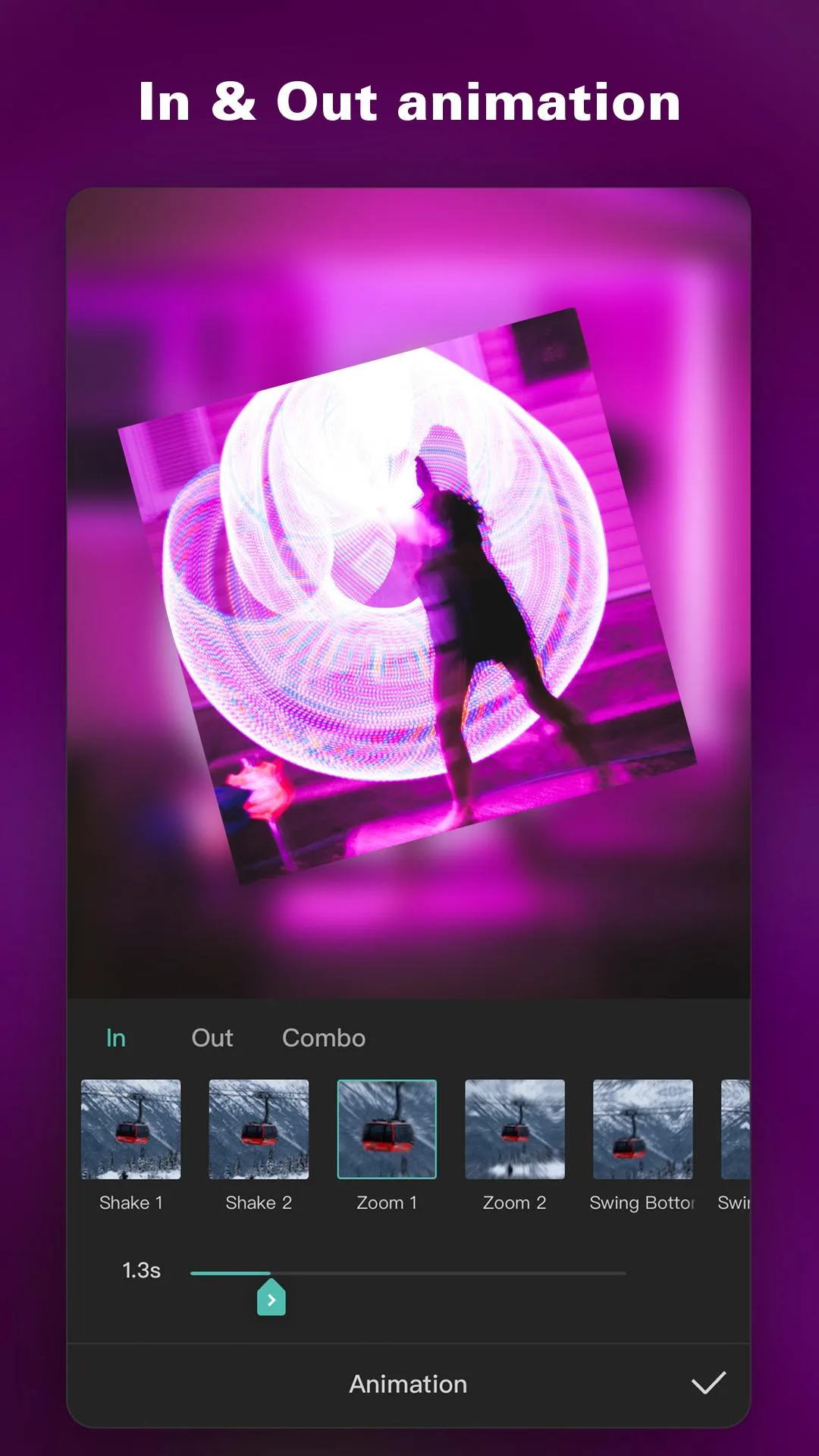
- Keyframes for smooth motion, animate zoom, position and opacity across a clip.
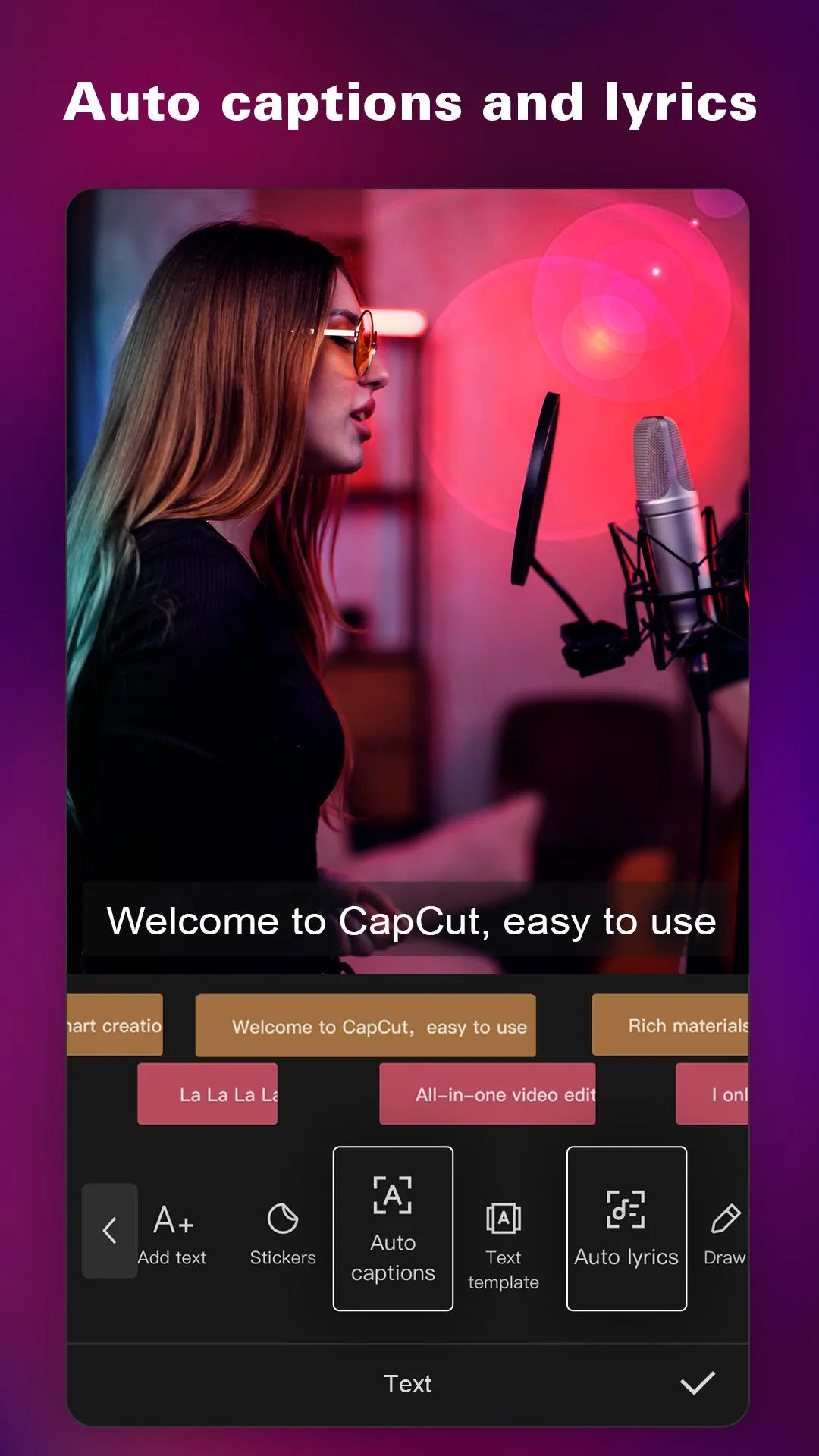
- Auto captions and text-to-speech to turn spoken audio into on-screen subtitles.
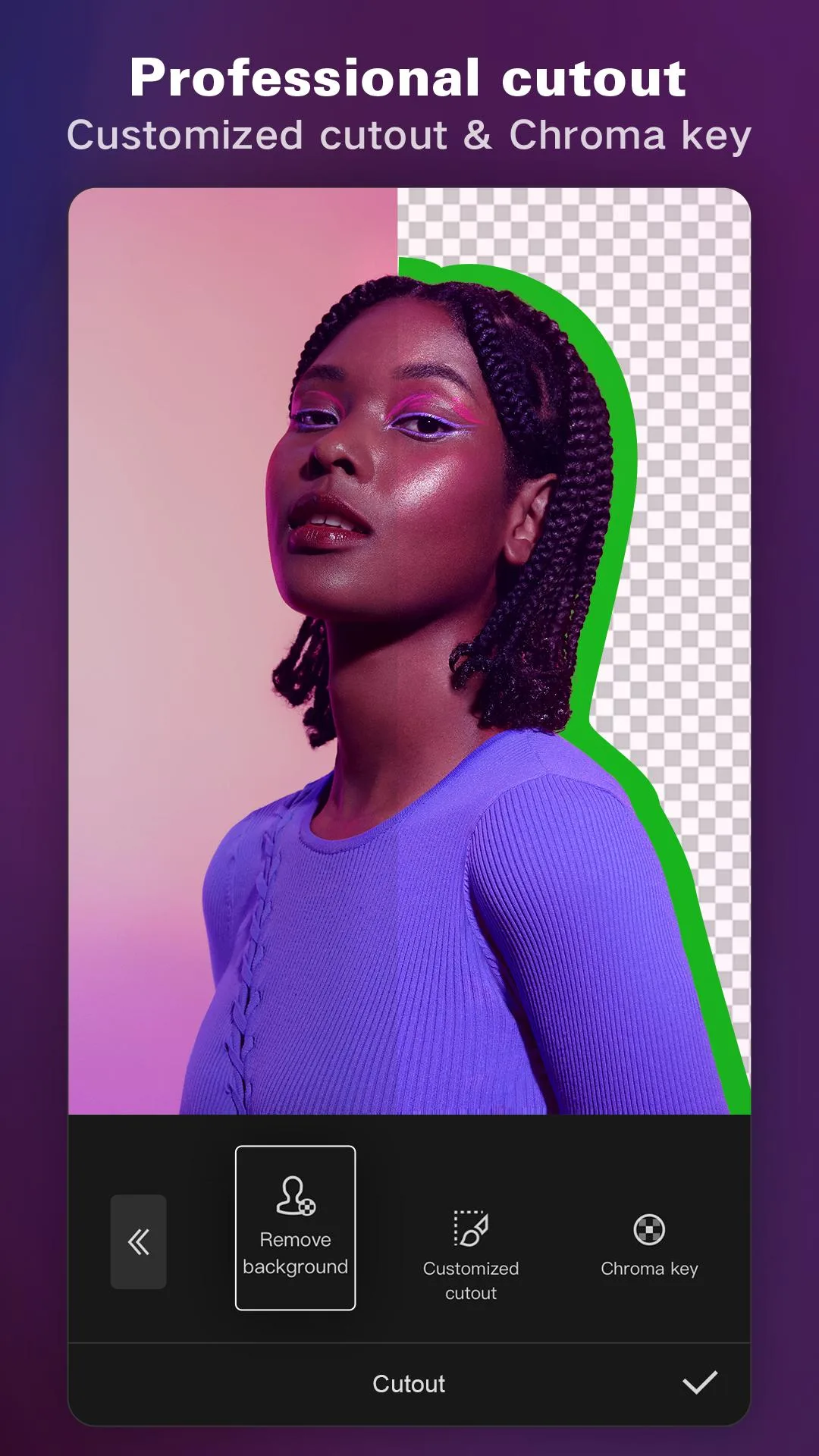
- Background removal and chroma key for green-screen style compositing.
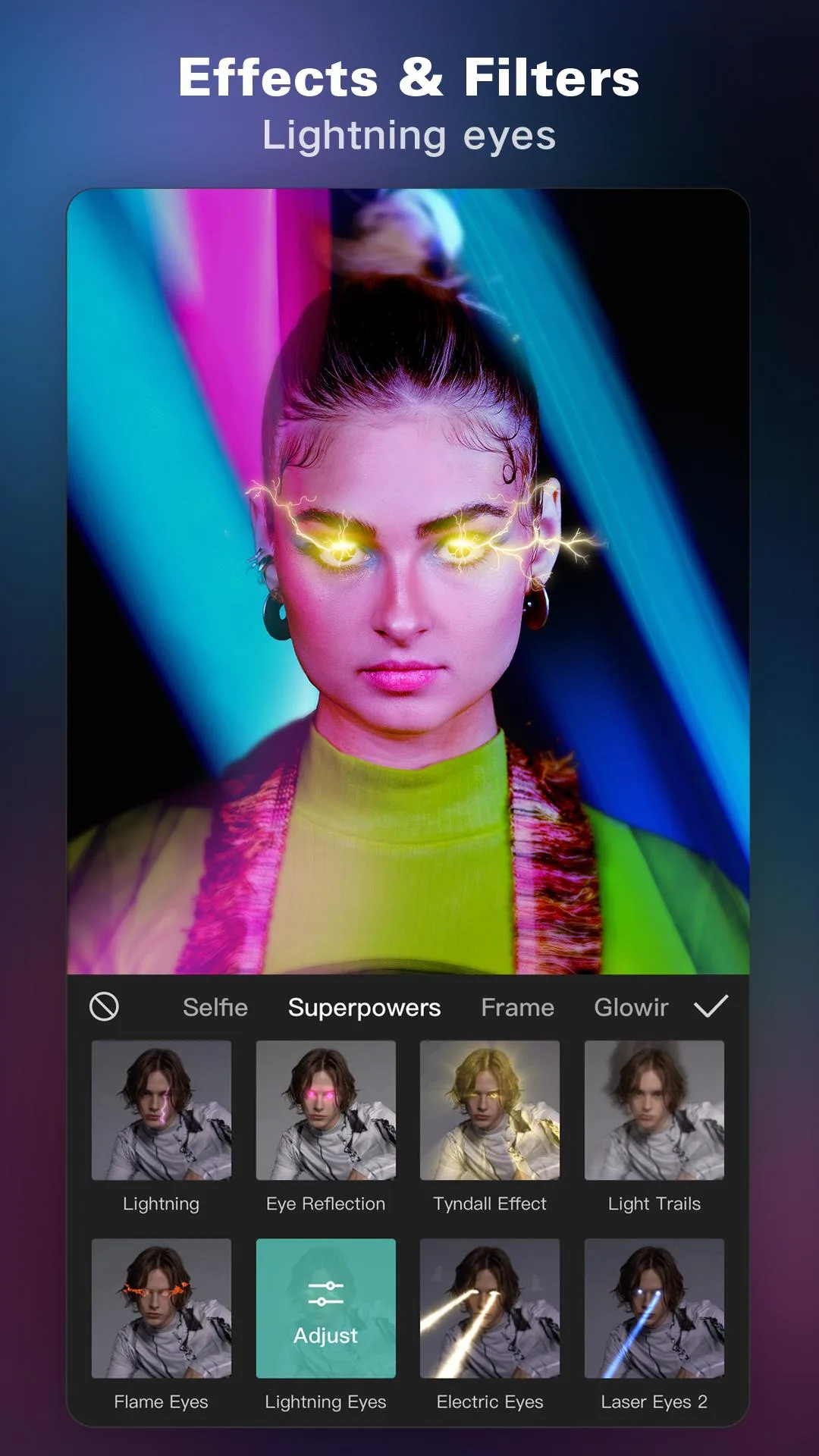
- A large library of transitions, filters and trending effects updated with the platform.
- Export up to 4K at 60fps, with control over resolution, frame rate and bitrate.
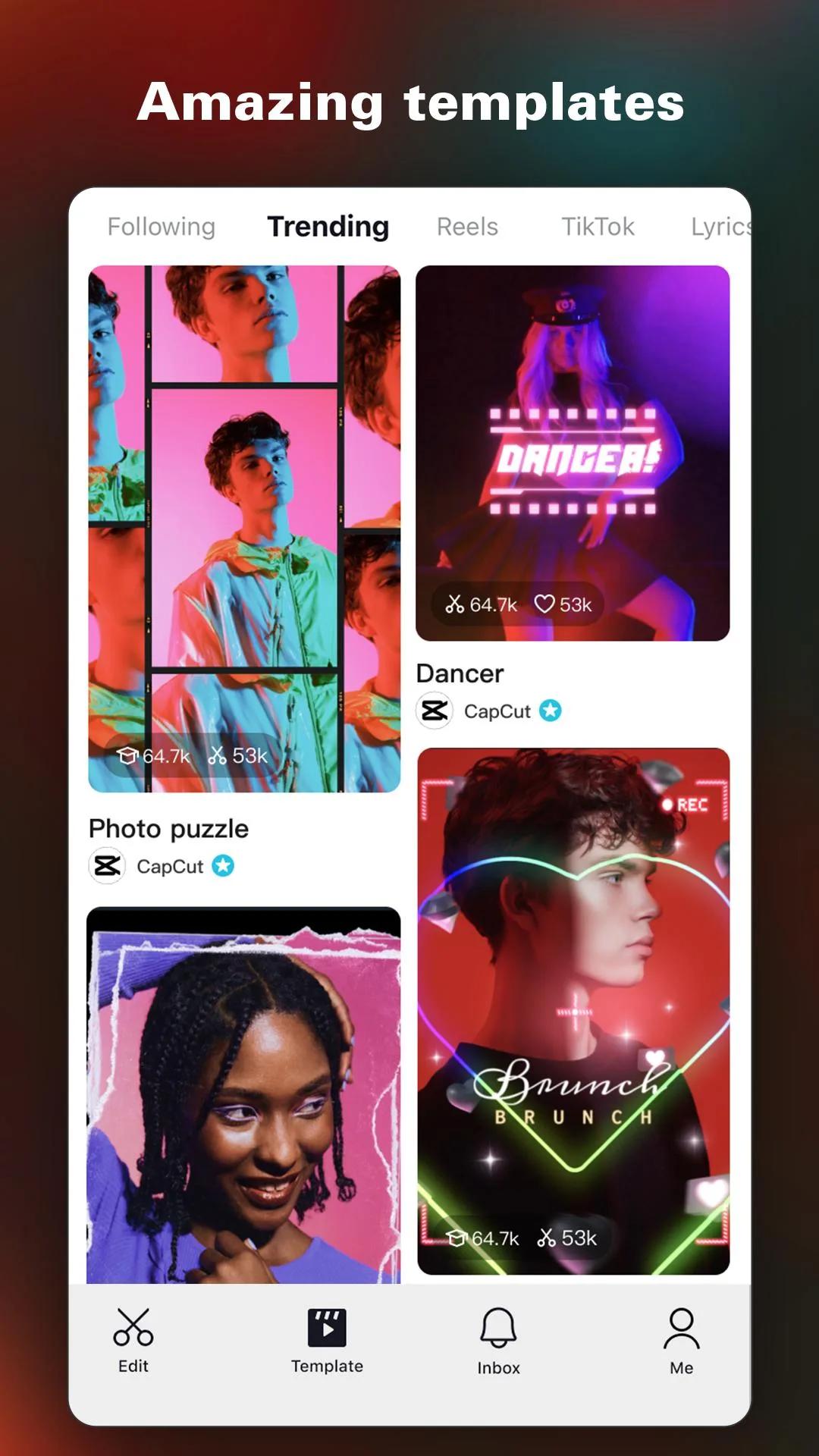
- A template library. Drop your clips into a ready-made edit and export in minutes.
What the MOD unlocks (and what stays online-only)
This is the part the spam sites skip. CapCut mixes local features with cloud features, and a MOD can only touch the local ones. Here is the honest split, checked against the file:
| Feature | Status in the MOD |
|---|---|
| Export watermark | Removed, clips export clean, no CapCut logo. |
| Premium filters, effects and transitions | Unlocked for local use. |
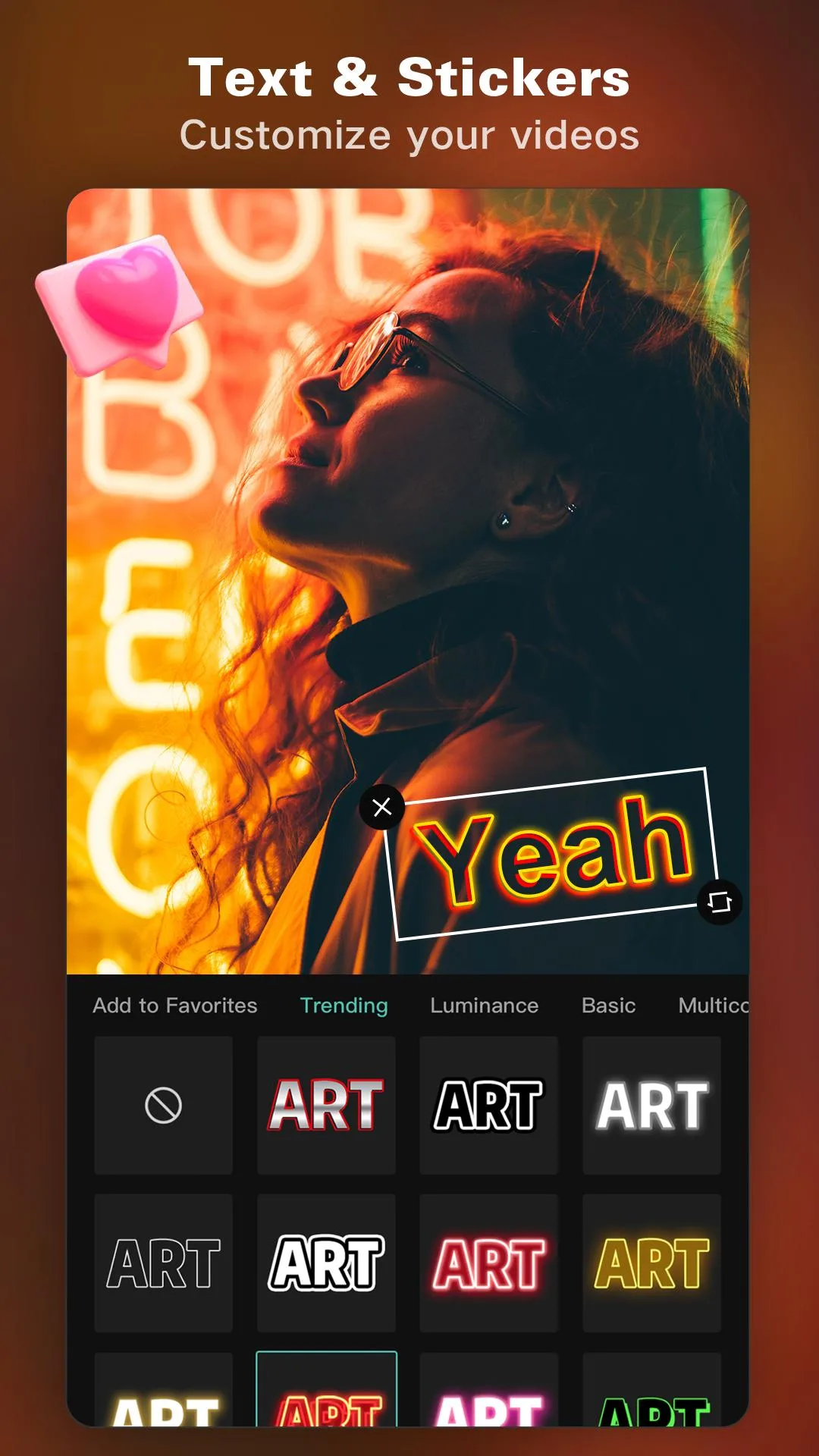
| Premium fonts and text styles | Unlocked. |
| Ads | Removed. |
| Export quality (up to 4K/60fps) | Available, handled on-device. |
| Cloud storage and project sync | Online-only, runs on ByteDance servers, the MOD does not give this. |
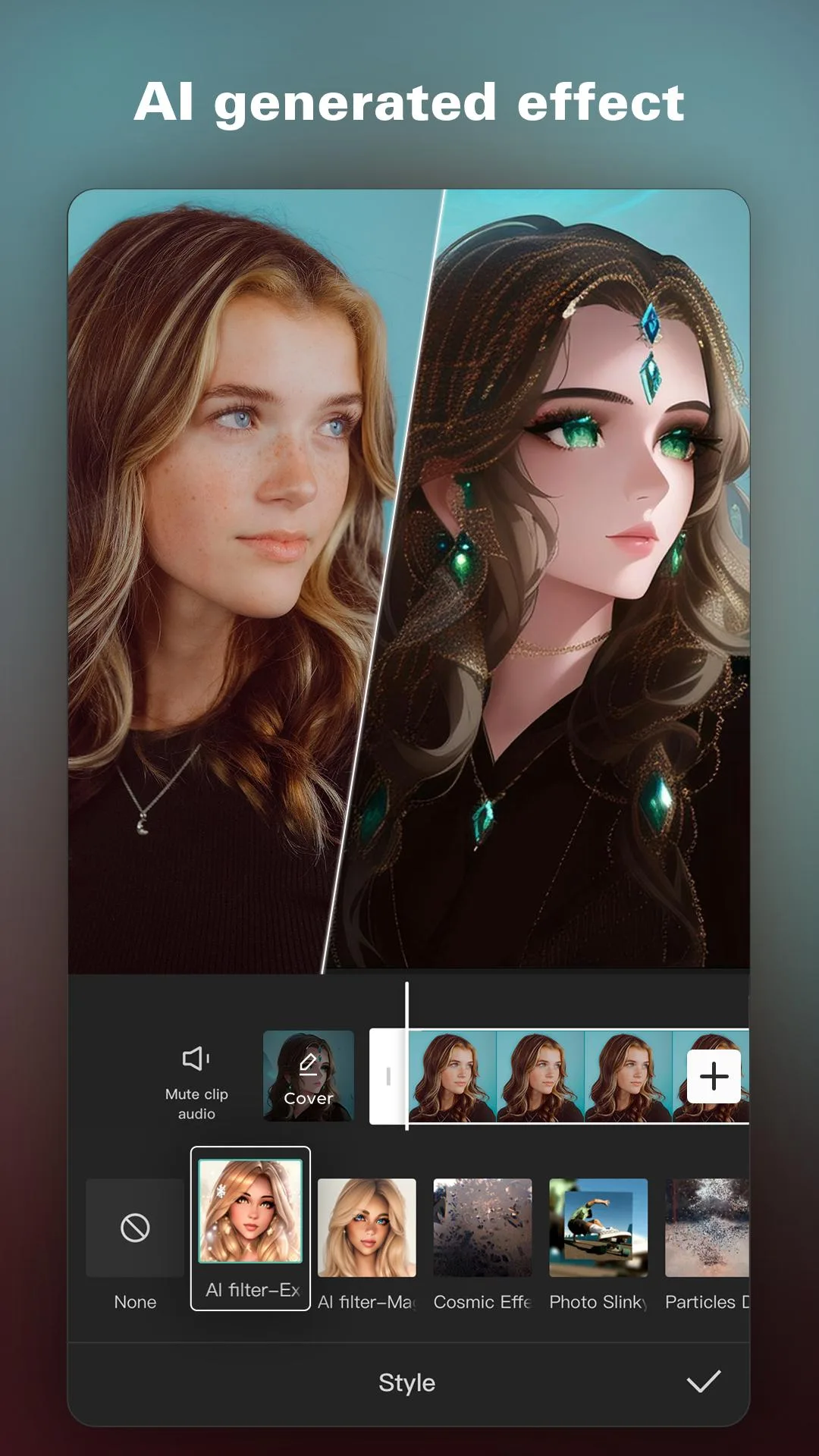
| Server-side AI tools (some AI effects, cloud rendering) | Online-only. These process on ByteDance servers and need an account and connection. |
So the rule of thumb: anything your phone can do on its own, no watermark, premium effects, local export, the MOD opens up. Anything that lives in ByteDance’s cloud stays behind the account and subscription. Any site promising you “full Pro, everything unlocked” is overpromising, and that mismatch is exactly why CapCut MOD builds tend to disappoint people who expected the cloud AI for free.
CapCut is blocked in your country? (India, US and others)
For a lot of readers, an APK is not a shortcut. It is the only way in. A few facts, no politics:
- India: CapCut has been blocked since 2020, alongside TikTok and other ByteDance apps. It is not on the Indian Play Store.
- United States: CapCut was pulled in January 2025 during the TikTok ban and returned in February 2025. Availability there has swung more than once.
- Other markets have seen shorter outages too.
The APK on this page installs without Google Play, so it runs where the store listing is gone. Be honest with yourself about the limits, though: in a blocked region the server-side features (cloud, account sync, some AI tools) may still need a VPN to reach ByteDance, since those parts talk to servers that could be geo-restricted. The local editing, timeline, effects, export, works either way.
How to download and install CapCut MOD APK
- Tap the green Download APK button at the top of this page, the file downloads directly, no registration or SMS.
- Allow installation from unknown sources for your browser or file manager (Settings → Security, or Settings → Apps → Special access → Install unknown apps).
- If the Google Play version of CapCut is already installed, remove it first, the MOD has a different signature and will not install over it.
- Turn off auto-update for CapCut in the Play Store, so a store update does not overwrite the MOD later.
- Open the downloaded file, tap Install, and launch the editor.
First time sideloading an app? Our APK & XAPK install guide walks through the same steps with screenshots.
CapCut MOD vs CapCut Pro subscription
Short and honest. The Pro subscription buys you cloud storage, project sync across devices and the AI tools that render on ByteDance’s servers, the online half of CapCut. The MOD gives you the local premium half for free: no watermark, premium effects and templates, no ads, full-quality export.
If your work lives in the cloud and you lean on AI rendering and sync across a phone and a laptop, the subscription is the honest fit, keep the app from Google Play. If you edit on one phone and just want clean, watermark-free exports with the premium effects unlocked, the MOD is for you.
Tips for better edits
- Start from a template when you are matching a trend, pick one built for the 9:16 Reels and Shorts frame, drop your clips in, and you are most of the way there.
- Run auto captions on any talking clip. Most people watch on mute, and on-screen text keeps them there.
- Use a keyframe zoom to add motion to a static shot, set a keyframe at the start, a slightly larger scale at the end, and the clip pushes in on its own.
- Match export settings to the platform: 1080p at 30fps is plenty for most feeds, and it uploads faster than a 4K file that the app re-compresses anyway.
- Keep audio on its own track so you can duck the music under a voiceover without touching the video edit.
- Time your transitions to the beat, with the premium set unlocked, a clean cut on the downbeat reads better than a flashy effect dropped anywhere.
- Add captions or a hook in the first second. On a phone feed the opening frame decides whether the clip gets watched at all, so put the strongest line where the timeline starts.
Also worth a look from the same shelf: InShot Pro MOD and VN Video Editor as CapCut alternatives, KineMaster for layered pro editing, or TikTok MOD from the same ByteDance family. Browse more in video players & editors.
FAQ
Does the MOD really remove the watermark?
Is CapCut MOD APK safe?
Can I use CapCut in India (or where it's banned)?
Do AI features like auto captions and background remover work in the MOD?
Do I need a CapCut or TikTok account?
How do I update the MOD?
Download CapCut Mod (Premium/Pro Unlocked)
- No viruses
- No spyware
- No malware
The reviews (3)