- No viruses
- No spyware
- No malware
This file was downloaded, scanned and installed by our editors before publishing.
Every file is also checked with VirusTotal before publishing.

SuperSU APK 2.82 Root Access Manager (Pro)
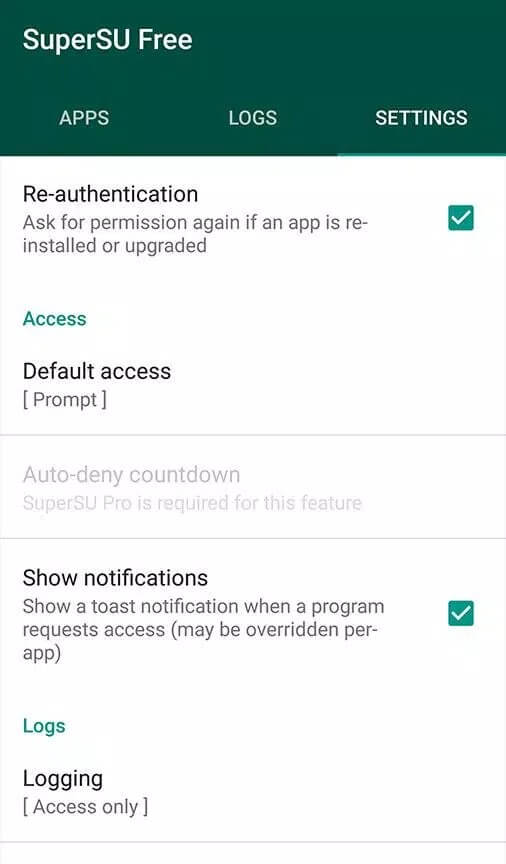
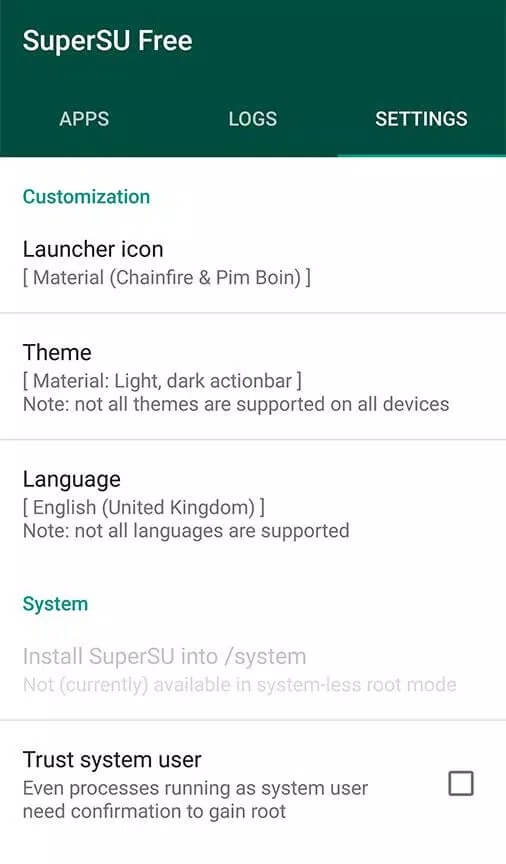
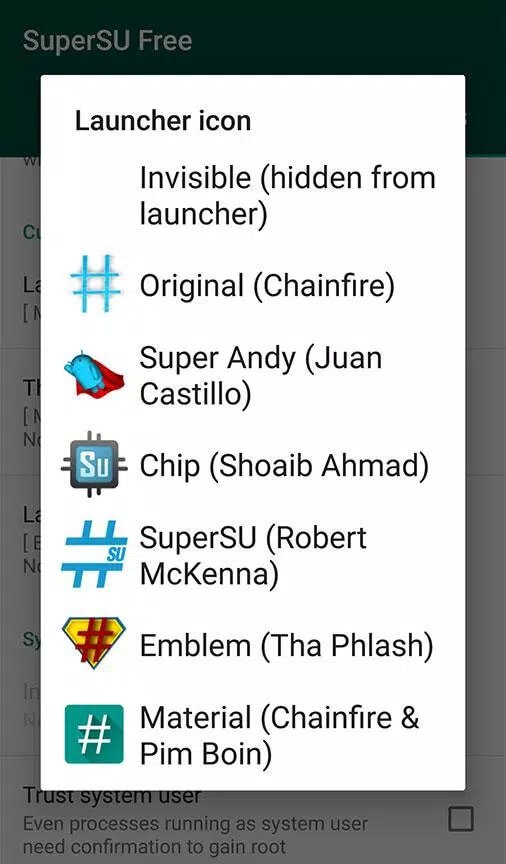
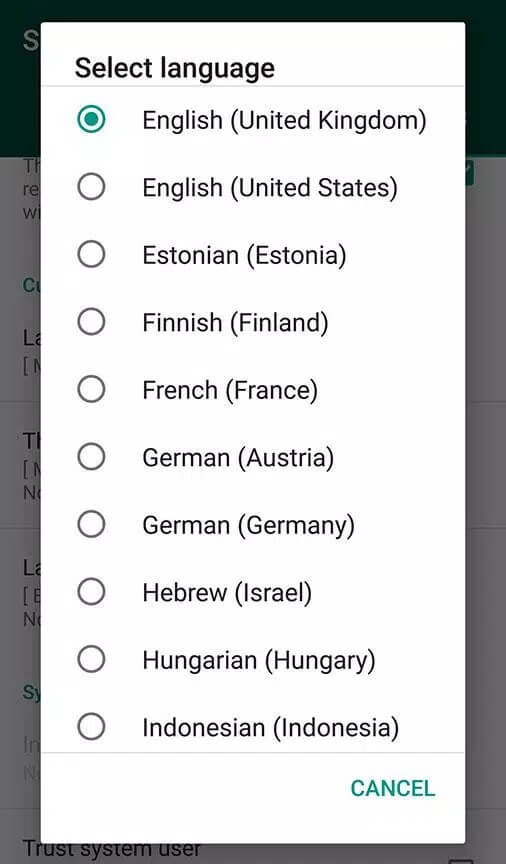
Additional information about SuperSU APK 2.82 Root Access Manager (Pro)
The description of SuperSU APK 2.82 Root Access Manager (Pro)
SuperSU APK is Chainfire's classic root access manager for Android: the app that sits between a rooted phone and the programs asking for root, so you decide which ones get it. Our editors tested this build on a real rooted device before publishing, the same check we have run since 2018.
Two honest points before you download. SuperSU does not root your phone for you; it manages root you already have. And it is legacy software: development stopped years ago and it was pulled from Google Play, so the file here is the last known build, not a fresh one.
What is SuperSU?
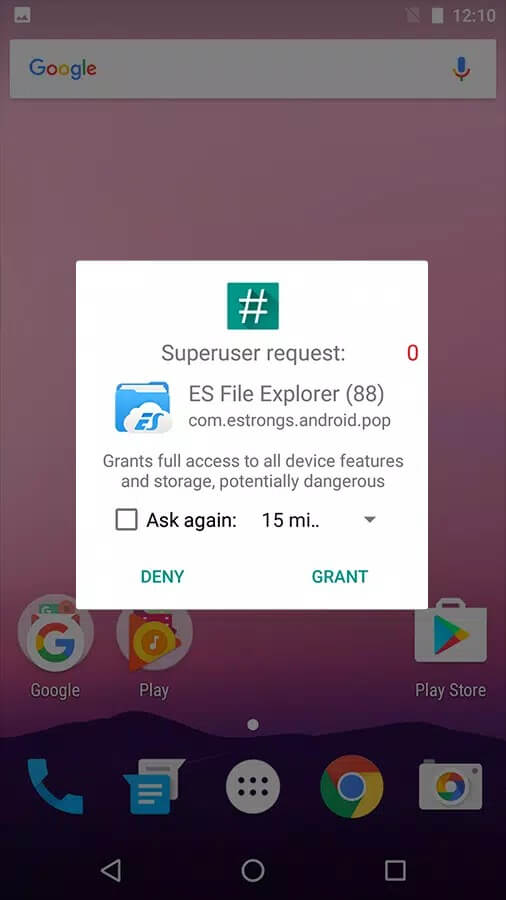
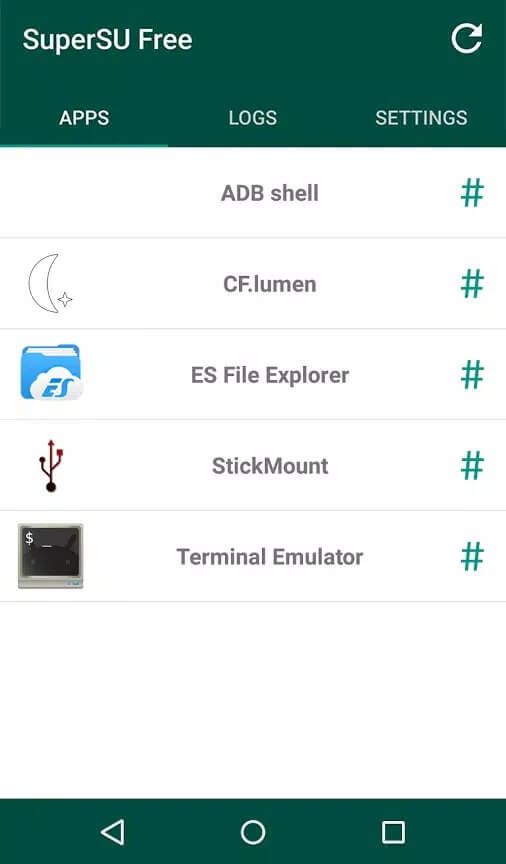
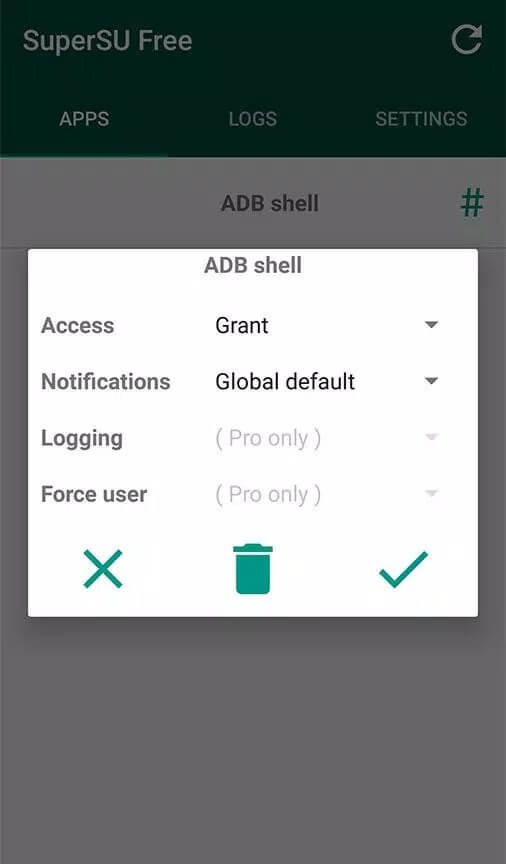
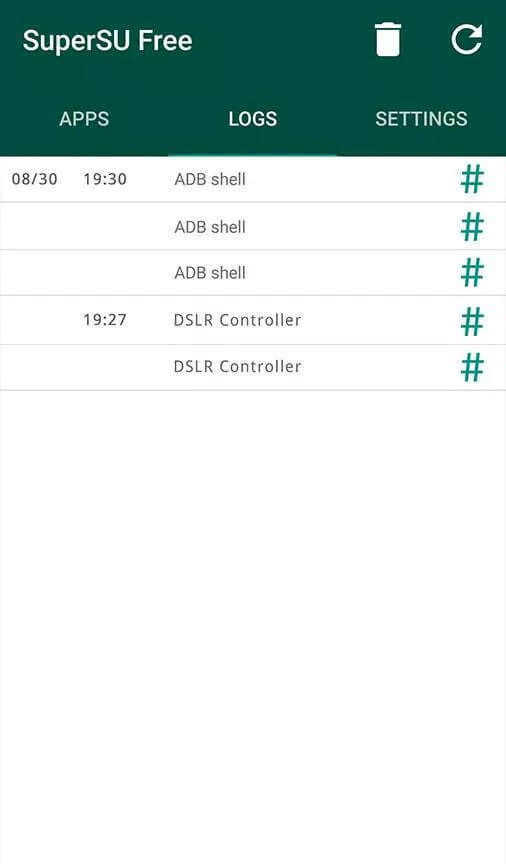
SuperSU is a superuser manager built by Chainfire, one of the best-known names in the Android root scene. When any app requests root, SuperSU catches the request and shows a prompt: grant it, deny it, or grant it just once. It also keeps a log of what asked for root and when, so you can see which apps reached for it.
The key thing to understand: SuperSU is a gatekeeper, not the thing that opens the gate. Rooting itself happens separately, usually by flashing a package through a custom recovery. SuperSU takes over once root is on the device, giving you a single place to control and revoke it.
Status: deprecated, read before installing
SuperSU is no longer maintained. Chainfire stepped back from active development around 2017 and handed the project to CCMT (Coding Code Mobile Technology), and in 2018 it was removed from Google Play. Nothing newer has shipped since.
Age shows in compatibility. The final builds were solid up to about Android 7.1 (Nougat) and worked partially through Android 9 (Pie). On Android 10 and above, SuperSU no longer works as a normal root solution, because it modifies the /system partition, an approach modern Android and its security checks no longer accept. If you are on a recent phone, this is not the tool for you.
SuperSU vs Magisk
Most people comparing the two are really asking which root method still works today. Here is the honest split.
| SuperSU | Magisk |
|---|---|
| Modifies the /system partition to hold root. | Systemless: patches the boot image and leaves /system untouched. |
| Usually fails SafetyNet and Play Integrity on modern Android, so banking apps and Google Pay often refuse to run. | Built to pass Play Integrity and SafetyNet, so banking and payment apps generally keep working. |
| No longer maintained; the last release is years old. | Actively maintained and updated. |
| Best fit: older devices it already supports. | Best fit: Android 10 and newer. |
Short version: for any current phone, Magisk (or KernelSU) is the modern pick. SuperSU makes sense only in the specific cases below.
Who still needs SuperSU
SuperSU is not useless, it is just narrow now. It still earns a place in a few situations:
- Older phones on Android 5 to 7, where SuperSU is stable and well tested.
- Specific custom ROMs or recoveries that were built around SuperSU and expect it.
- Working rooted setups you would rather not touch, where switching root methods risks breaking a device that already runs fine.
- Preservation: keeping the final known build on hand for a phone that still relies on it.
Risks of rooting
Root gives you full control of the device, and that cuts both ways. Before you go down this path, weigh the trade-offs:
- Warranty and OTA updates. Rooting can void your warranty and often blocks official over-the-air system updates.
- Bricking. A wrong step while changing system files can leave the phone unbootable.
- Banking and Pay stop working. Apps that check device integrity may refuse to run on a rooted phone, Google Pay and many banking apps included.
- Security exposure. Granting root to the wrong app hands it deep access, and malware with root is far harder to contain.
- App blocks. Some games and apps with integrity checks detect root and lock you out.
Root is for experienced users who understand what they are changing. If any of this is new to you, read up first and take it slowly.
How to download and install SuperSU APK
This assumes your device is already rooted, or that you are flashing the package through a custom recovery. SuperSU cannot root the phone on its own.
- Tap the Download APK button at the top of this page. The file is small, around 6 MB, and downloads directly with no registration.
- Allow installation from unknown sources for your browser or file manager (Settings → Security).
- Open the file and tap Install. On a rooted device you can also flash the SuperSU ZIP through a custom recovery instead.
- Launch SuperSU and let it update the su binary if it asks. Then grant root to apps as their prompts appear.
Do not look for SuperSU on Google Play; it was removed in 2018 and is not there. New to sideloading? Our APK install guide walks through the same steps with screenshots. For current alternatives, browse other tools or the wider MOD APK catalog.
FAQ
Does SuperSU root my phone?
Is SuperSU still supported?
Does it work on Android 12, 13 or 14?
SuperSU or Magisk?
What are the risks of rooting?
How big is SuperSU and what does it need?
Download SuperSU (Pro Unlocked)
- No viruses
- No spyware
- No malware
The reviews (0)