- No viruses
- No spyware
- No malware
com.xvideostudio.videoeditorproThis file was downloaded, scanned and installed by our editors before publishing.
Every file is also checked with VirusTotal before publishing.

VideoShow Pro APK (VIP Unlocked)

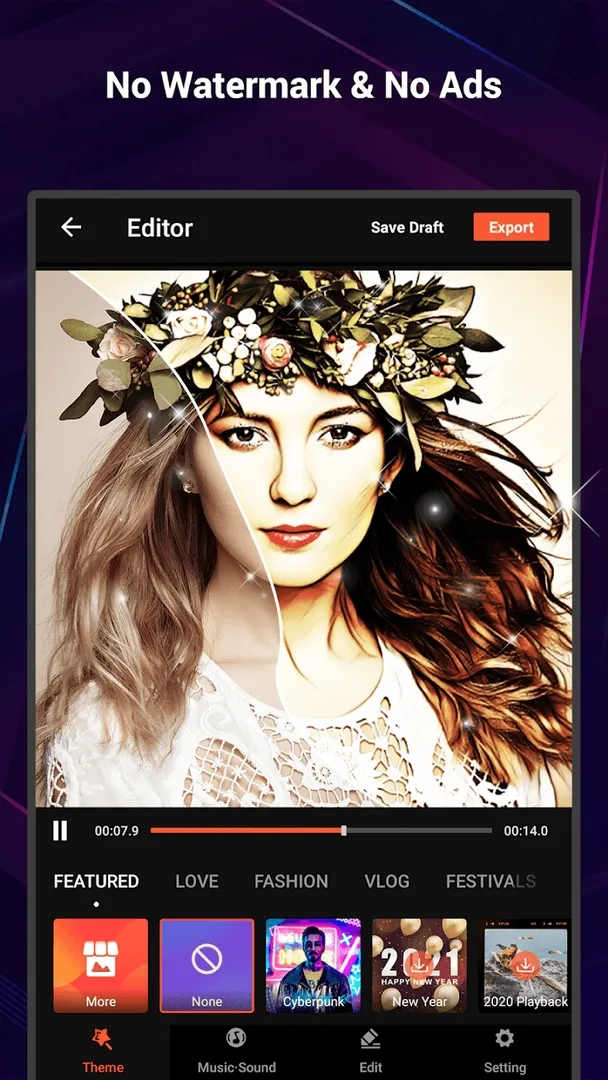
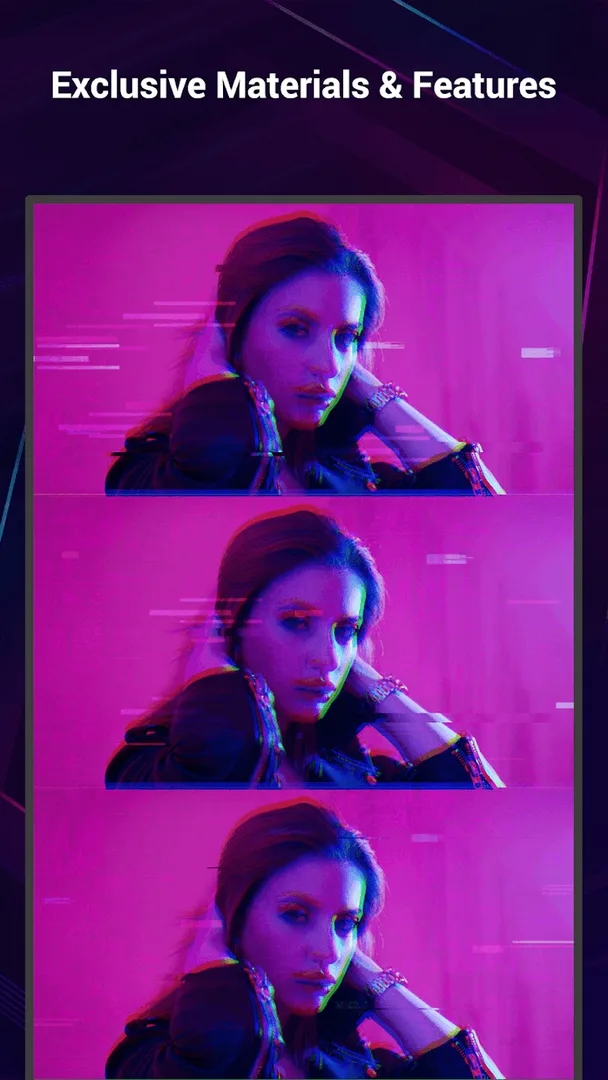
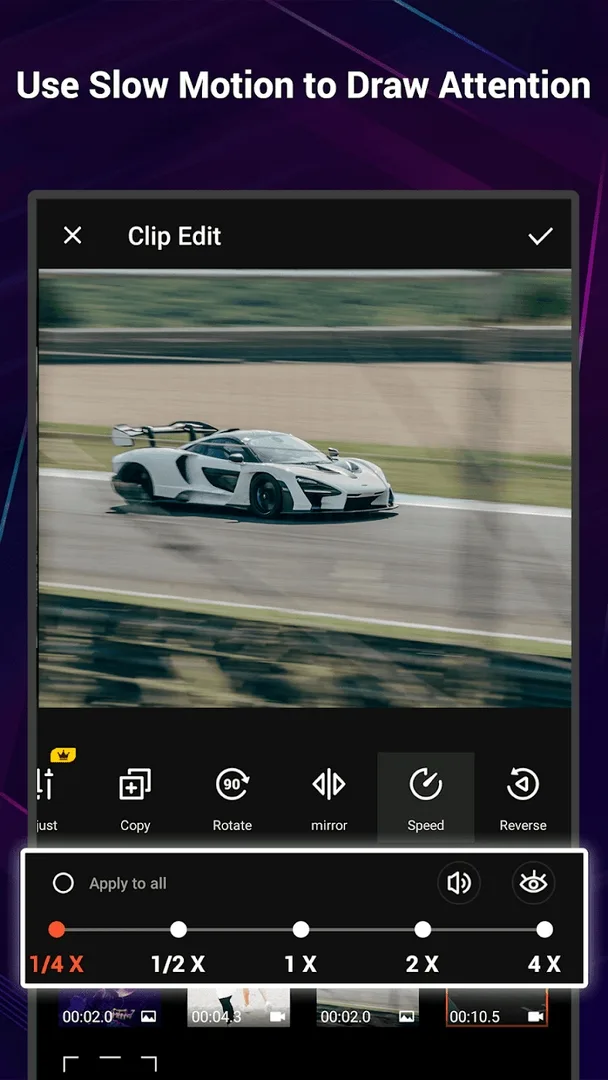
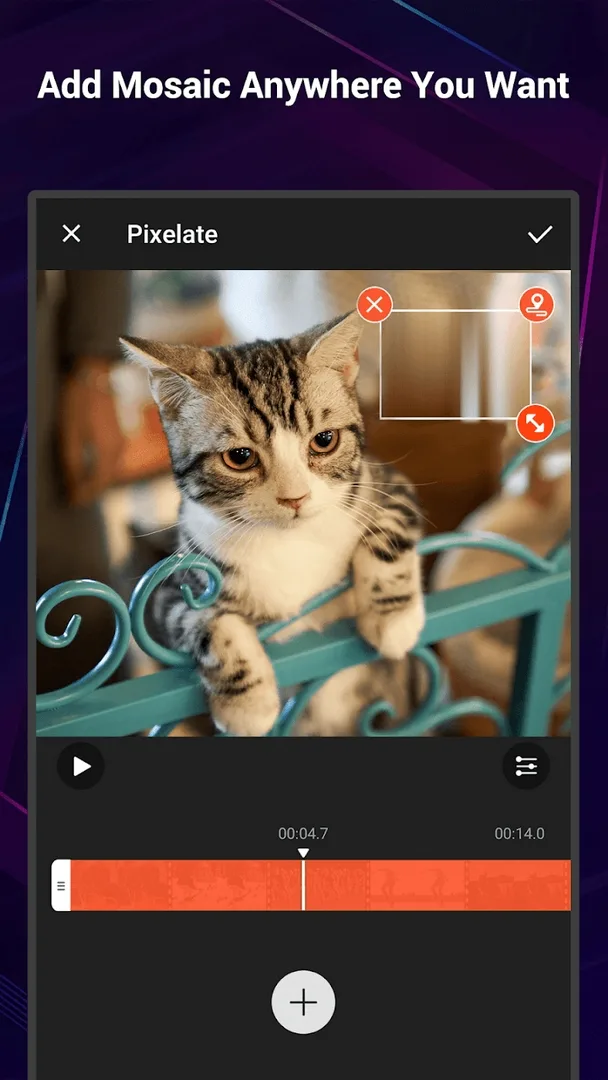
Additional information about VideoShow Pro APK (VIP Unlocked)
com.xvideostudio.videoeditorproThe description of VideoShow Pro APK (VIP Unlocked)
VideoShow Pro APK is the VIP build of EnjoyMobi's mobile video editor, with the watermark gone, the ads gone and the premium effects, themes and stickers opened up. Our editors scanned the file for malware and installed it on a real Android phone before publishing. One honest note first: taking off the watermark and the ads is a client-side change the MOD handles well, but some cloud material packs and part of the high-resolution export are pulled from EnjoyMobi's servers, so read the client-versus-cloud section before you expect every extra to work for free.
What is VideoShow Pro?
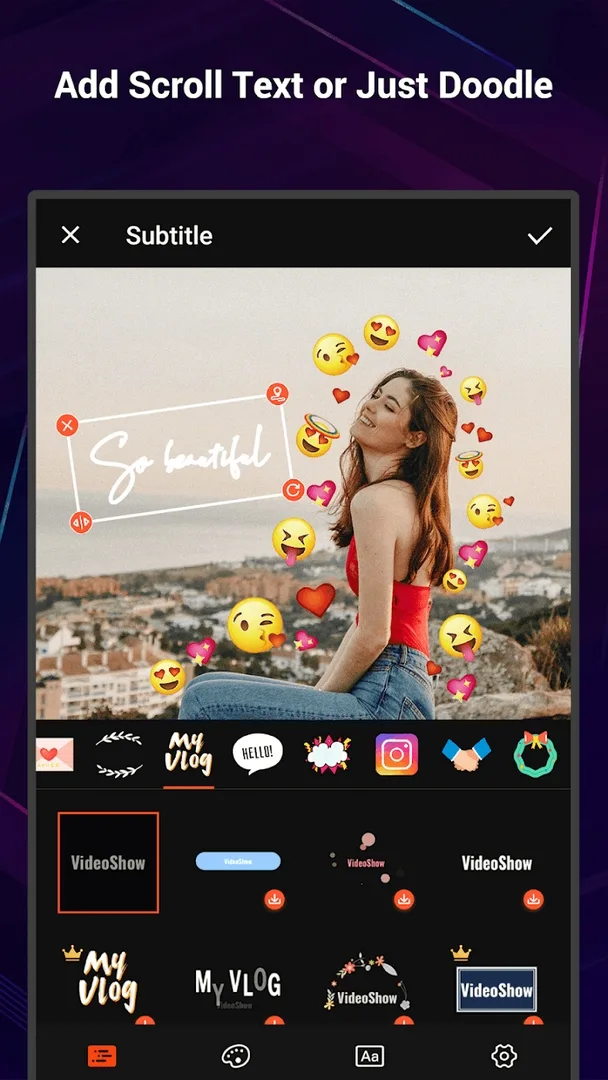
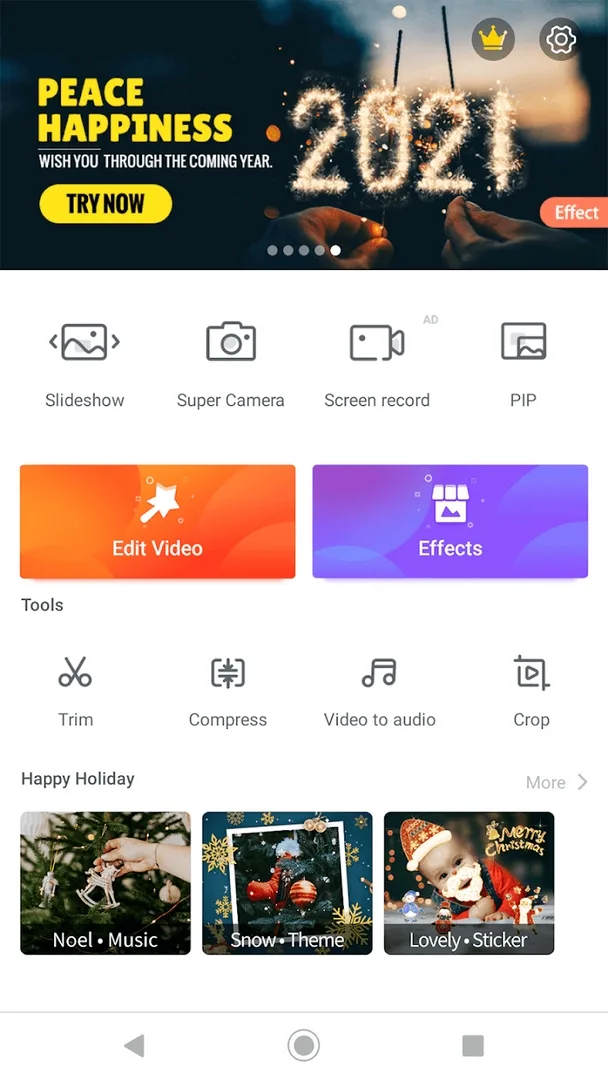
VideoShow is a mobile video editor from EnjoyMobi, also known as Xvideostudio. It is built for editing clips straight on your phone: you trim and join footage, add music and sound, drop in transitions, and finish with effects and FX. It also builds slideshows from your photos and lets you place text and stickers over the frame.
The rest of the toolset covers what short-form creators reach for most: themes for a quick look, speed control for slow and fast motion, video compression for long clips, and export up to 1080p or 4K. It runs on most Android phones from Android 5.0 up.
What the VIP MOD gives you
The VIP build lifts the limits the free app puts on your exports, effects and themes. Here is what changes and where each part is handled.
| Feature | What it does | How it is applied |
|---|---|---|
| No watermark | Saves and shares your video clean, without the VideoShow stamp in the corner. | Client-side |
| No ads | Removes the banners and the clips that play between actions. | Client-side |
| All effects, themes and stickers | Opens the effect, theme and sticker packs kept behind VIP. | Mostly client-side |
| HD and 4K export | Raises the export ceiling for sharper output. | Mixed, see below |
| Premium materials | Opens the extra material packs offered to VIP members. | Cloud, see below |
The watermark and the ads are the parts a modified file removes reliably, because both are switched off inside the app itself. The premium materials and the higher export tiers lean on EnjoyMobi's servers, and the next section explains what that means. This opens the editor's premium tools on your device, not anything on the server side.
Client side and cloud, honestly
This is the part most download pages skip. VideoShow splits its work between your phone and EnjoyMobi's servers.
The editing itself runs on the device. Trimming, music, transitions, basic effects and text are processed locally, so the MOD taking off the watermark and the ads is dependable, and it keeps working offline. What the file cannot do is move server work onto your phone. Some premium material packs, cloud themes and part of the 4K pipeline are fetched from EnjoyMobi, and those can still ask for an account or a paid tier. No modified APK changes that.
One more thing to expect: an update from the Play Store can reset the VIP state, since the official app checks it on its own. If that happens, reinstall the APK build from this page. There is no game account to get banned here, because this is a utility, not an online game. Check the MOD info line at the top of this page for what the current build actually carries.
How to download and install VideoShow Pro APK
- Tap the green Download APK button at the top of this page. The file is around 133 MB and downloads directly, no registration or SMS.
- Allow installation from unknown sources for your browser or file manager (Settings then Security).
- If the Play Store copy is installed, remove it first, since the MOD has a different signature and will not install over it. It needs Android 5.0 or newer.
- Open the app, grant it gallery and storage access, and start a new project.
New to sideloading? Our APK install guide walks through the same steps with screenshots.
Tips for editing
- Shoot and import vertically for Shorts, Reels and TikTok, so you are not cropping the frame later.
- Add music and a few transitions early, then cut the clips to the beat for a tighter result.
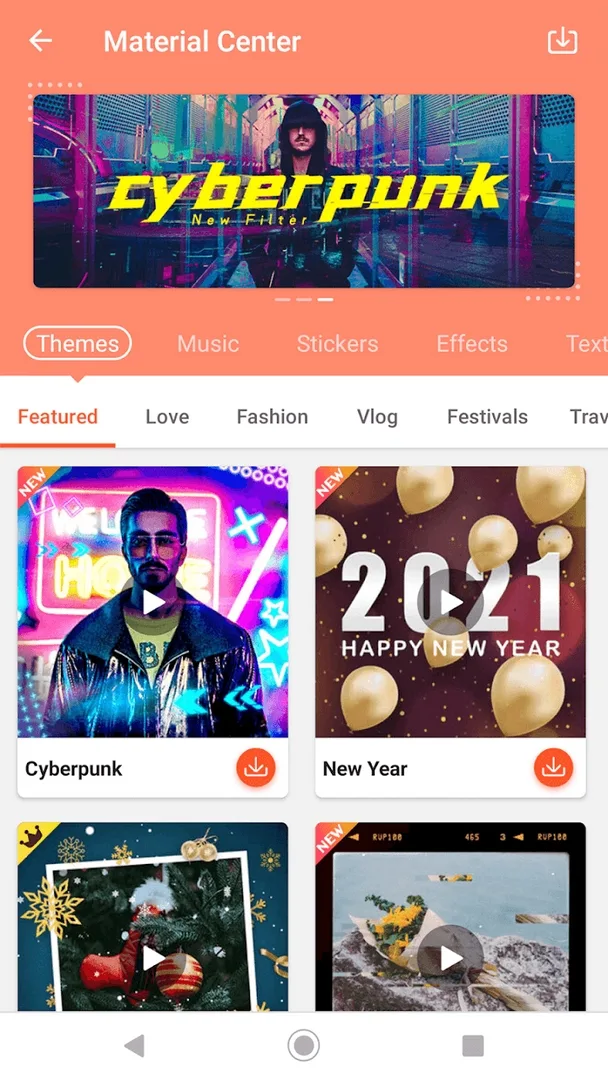
- Lean on the themes when you want a fast edit; they set the look, titles and pace in one tap.
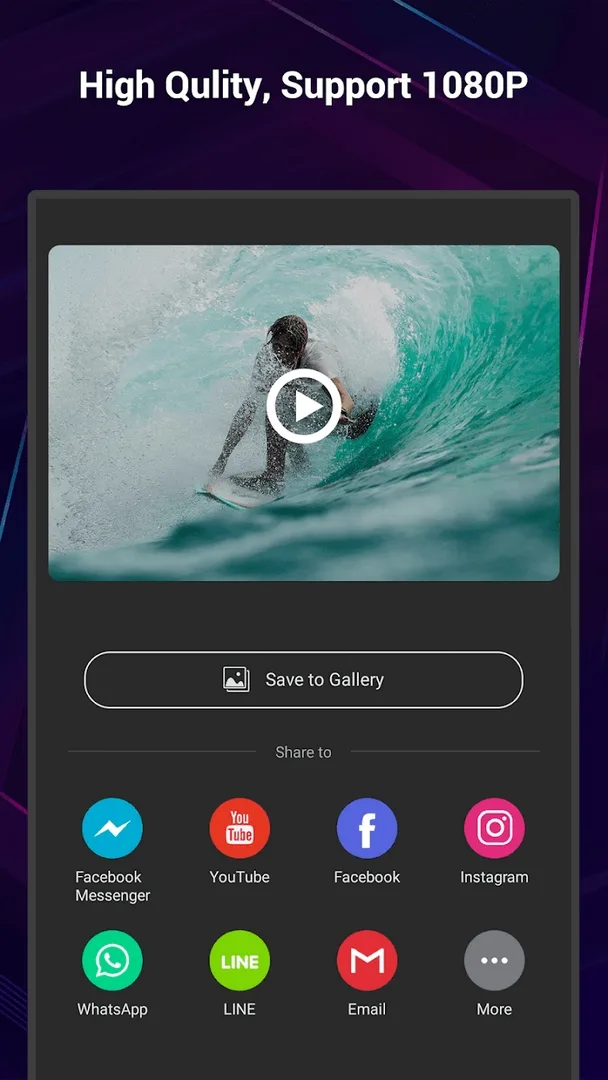
- Export at 1080p for social apps, which handles sharpness and file size well on most phones.
- Compress long clips before you send them, so the upload does not stall on mobile data.
VIP APK or Play version?
The Play Store version is free, but it stamps a watermark on your exports, shows ads, and keeps the best effects and HD output behind a paid VIP subscription. The APK on this page gives you that VIP state open on the client side: no watermark, no ads, and the effect and theme packs ready to use. The cloud materials and part of the 4K export still depend on EnjoyMobi, so pick the route that fits how you edit. The subscription is steadier if you lean on cloud content across updates; the MOD is the better fit if you mostly want clean, watermark-free exports and the effect packs.
Want to compare more editors? Try VivaVideo Pro, browse the video players and editors category, or look through more Android apps in the catalog.
FAQ
What does the VIP MOD open in VideoShow Pro?
Does it remove the watermark?
Does it work offline?
Is the APK safe to install?
Will VIP stay after a Play update?
How big is the download and what does it need?
Download VideoShow Pro Video Editor MOD (Unlocked)
- No viruses
- No spyware
- No malware
The reviews (0)