- No viruses
- No spyware
- No malware
This file was downloaded, scanned and installed by our editors before publishing.
Every file is also checked with VirusTotal before publishing.

SnapSave APK — Facebook Video Downloader for Android
Additional information about SnapSave APK — Facebook Video Downloader for Android
The description of SnapSave APK — Facebook Video Downloader for Android
SnapSave APK is a simple Facebook video downloader for Android. You copy the link to a video or reel on Facebook, paste it into the app, and it saves the clip to your phone in the quality Facebook hands over, ready to watch offline. No sign-up, no SMS. The file on this page is scanned for malware and installed on a real Android device by our editors before publishing, we have done this since 2018.
What is SnapSave?
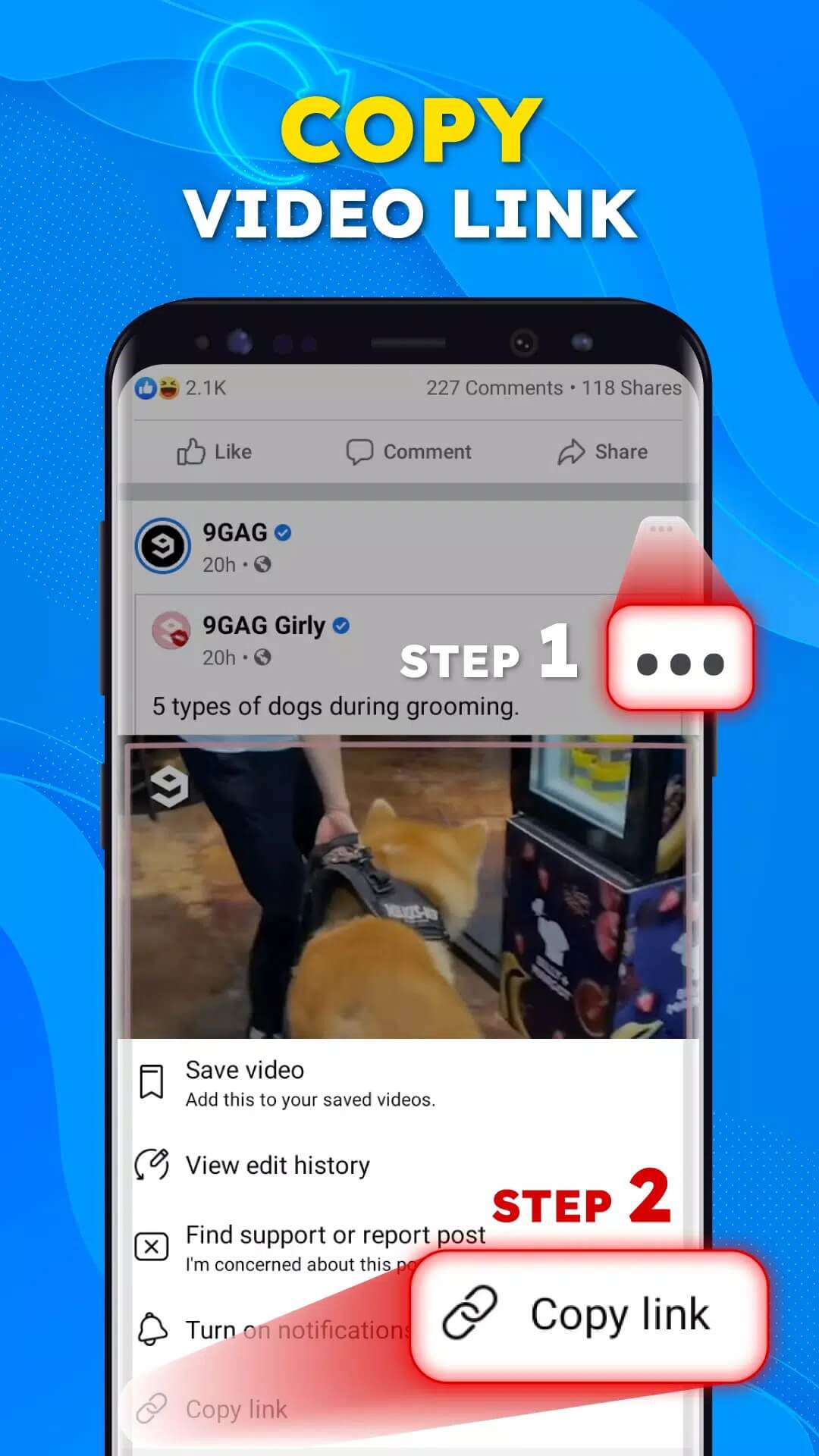
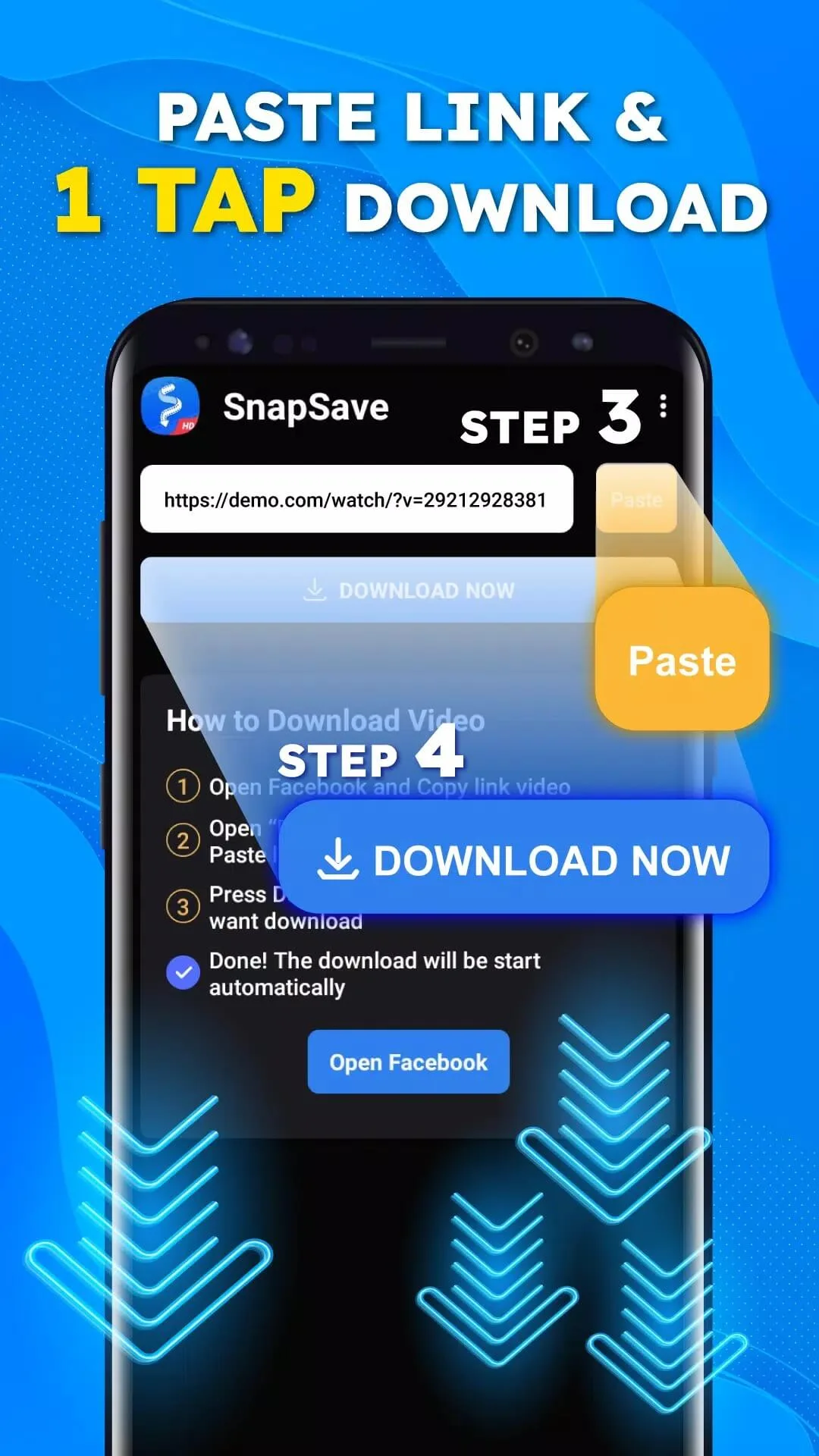
SnapSave is a lightweight downloader made by GIGA Studio (Apps for Mobile). The idea is basic, and it works. Find a public Facebook video you want to keep, open the share menu, copy the link, then paste that link into SnapSave. The app reads the link, pulls the video file, and drops it into your phone's storage so you can open it in your gallery. That is the whole job.
It helps to be clear about what this is. SnapSave is a thin client built around link parsing, not a video editor or a media suite. There is no trimming, no filters, no format conversion. What you get is a quick, no-fuss way to save Facebook clips onto your device and rewatch them without opening the Facebook app.
Key features
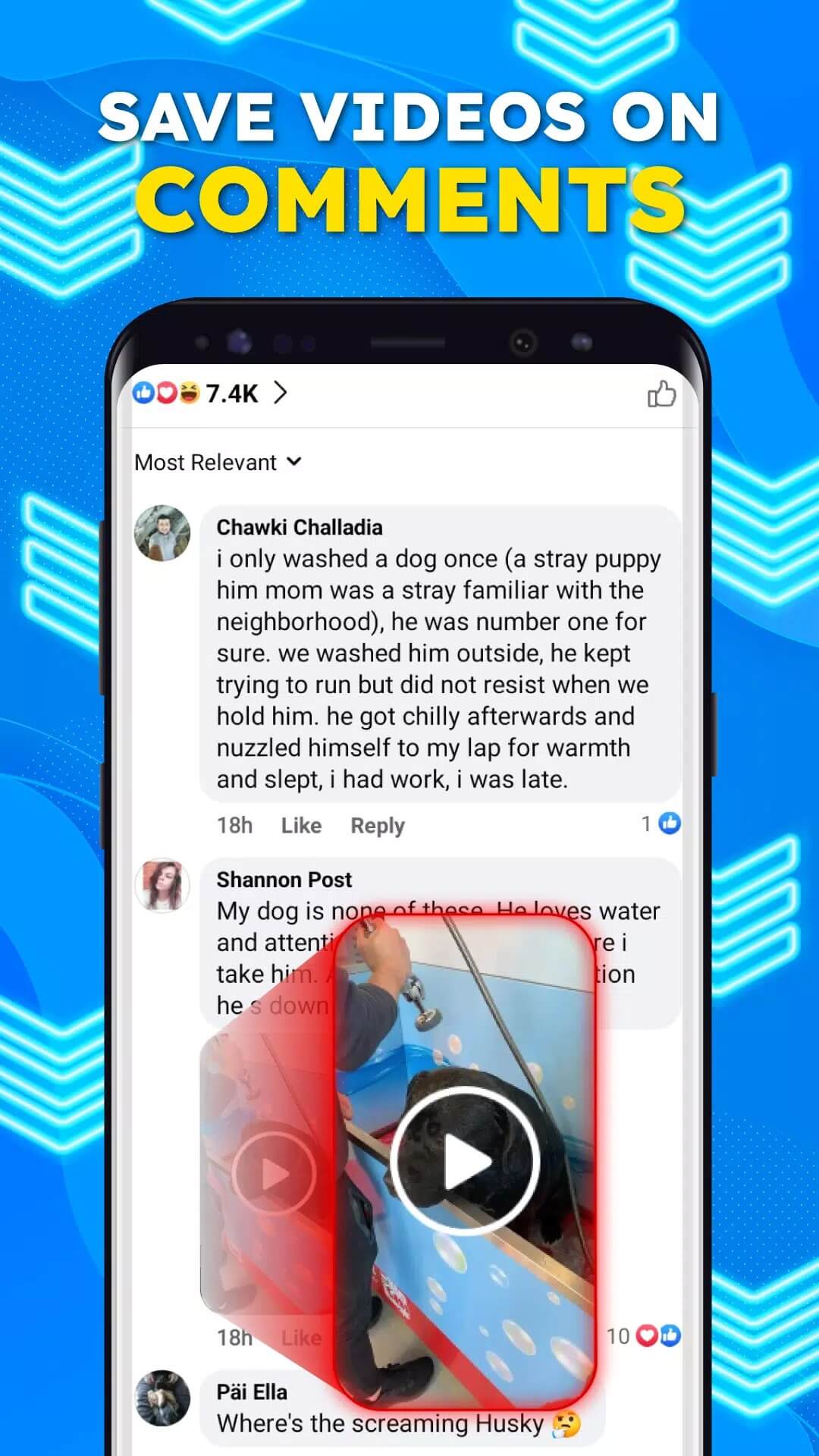
- Paste a Facebook video or reel link to grab the clip, no account login needed.
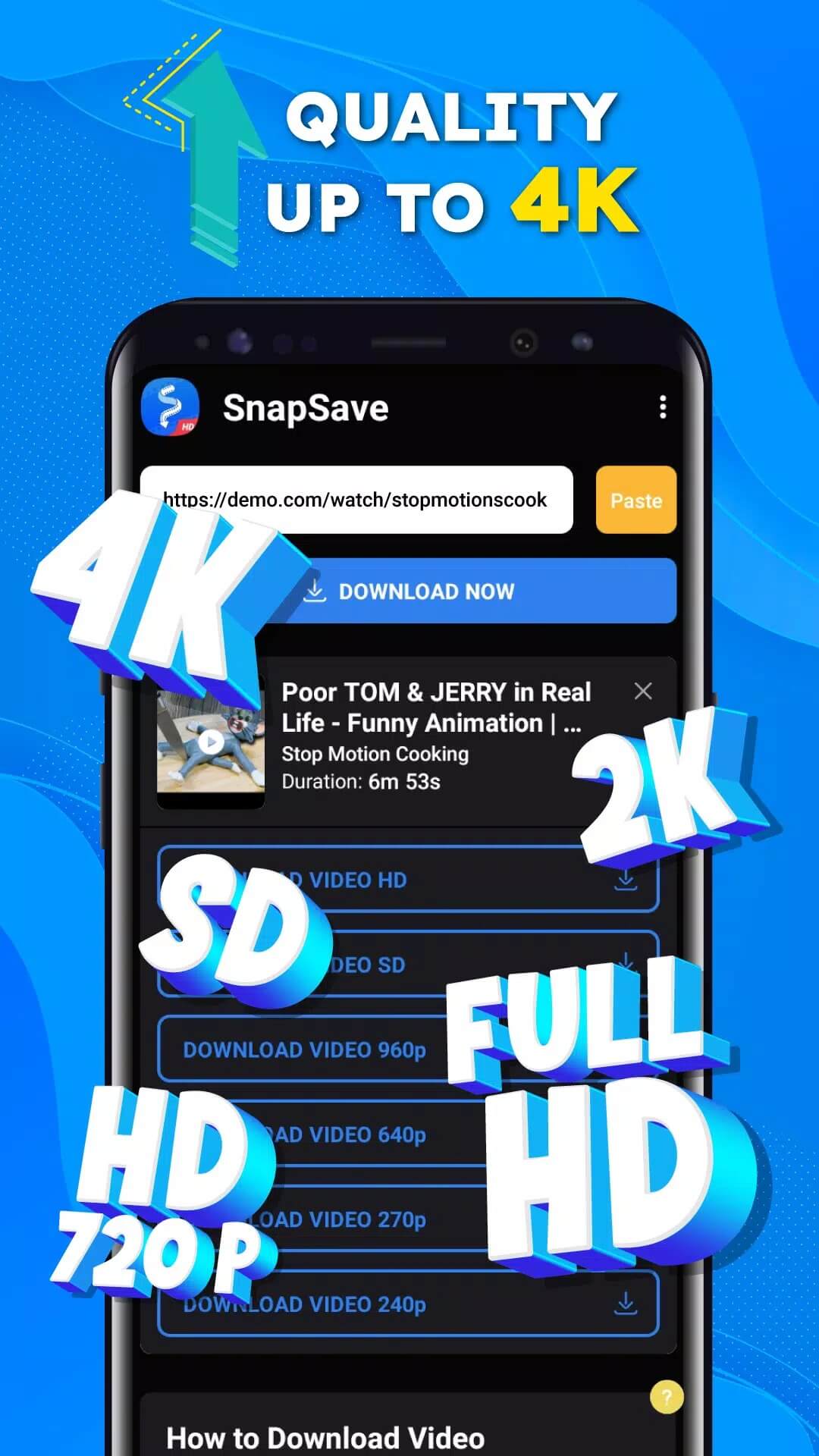
- Saves in the quality Facebook serves, usually HD or Full HD; there is no 4K or 8K guarantee here.
- Stores downloaded clips on your phone, so you can watch them offline later.
- Plain interface, no registration, next to no learning curve.
SnapSave app vs snapsave.app website
Here is the part that trips people up. There is a popular web service at snapsave.app that runs in your browser, and there is this separate Android app. They share a name, not a codebase. The website lets you paste links without installing anything, and it advertises higher-resolution grabs from several platforms. The app is a standalone downloader you keep on your phone, focused on Facebook. If you have seen claims about 4K, 8K, TikTok or Instagram support, those belong to the web tool, not this APK. Pick whichever fits you: the browser for a one-off, the app if you save from Facebook often.
How to download and install SnapSave APK
Getting it running takes a couple of minutes. One thing to know up front: the app was pulled from Google Play back in 2022, so this APK is how you install it now.
- Tap the green Download APK button at the top of this page. The file is about 54 MB, with no registration and no SMS.
- Allow installation from unknown sources for your browser or file manager (Settings → Security).
- Open the downloaded file, tap Install, then launch SnapSave. It runs on Android 5.0 and up.
First time sideloading? Our APK install guide walks through the same steps with screenshots.
Is it legal and safe? (Facebook ToS)
Downloading a video is one thing, what you do with it is another. Save your own uploads, or clips where the creator has given you the go-ahead, and you are on solid ground. Mass-downloading other people's videos or reposting them somewhere else breaks Facebook's Terms of Service and can cross copyright lines, so keep it to personal use. On the safety side, the APK here is scanned and installed on a real device before we publish it, and you should only grab it from the button on this page.
Tips
- Copy the full link to the post, not a shortened link or a profile URL.
- Use a steady internet connection while the clip downloads, so it doesn't cut off half-finished.
- Private or friends-only videos will not download; the app can only reach public posts.
- Check you have free storage before saving longer clips.
FAQ
What is SnapSave APK?
Is SnapSave on Google Play?
In what quality does SnapSave save videos?
Is downloading Facebook videos legal?
Is the SnapSave APK safe?
What are the requirements?
Download SnapSave
- No viruses
- No spyware
- No malware
The reviews (0)