- No viruses
- No spyware
- No malware
This file was downloaded, scanned and installed by our editors before publishing.
Every file is also checked with VirusTotal before publishing.

Whats Web APK (WhatsApp Web Scanner & Status Saver)
Additional information about Whats Web APK (WhatsApp Web Scanner & Status Saver)
The description of Whats Web APK (WhatsApp Web Scanner & Status Saver)
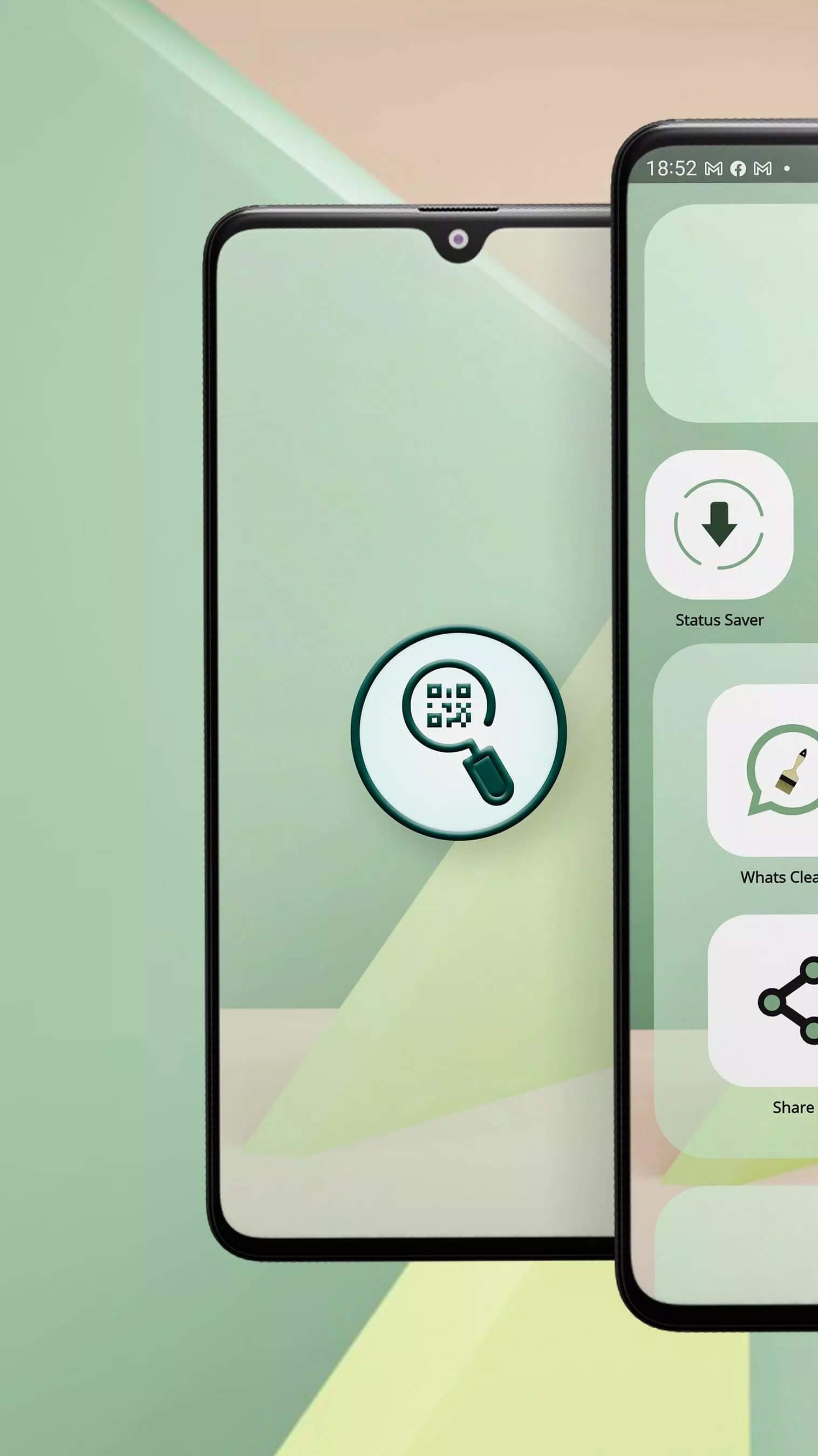
Whats Web APK is a third-party companion utility for WhatsApp Web, built by developer ITamazons. It is not the official WhatsApp app, and it is not a MOD. What it does is scan the WhatsApp Web QR code so you can open your chats in a linked session, run a second account on the same phone, and save status photos and videos. The file on this page is the original build, scanned for malware and installed on a real Android device by our editors before publishing, the standard check we have run since 2018.
What is Whats Web?

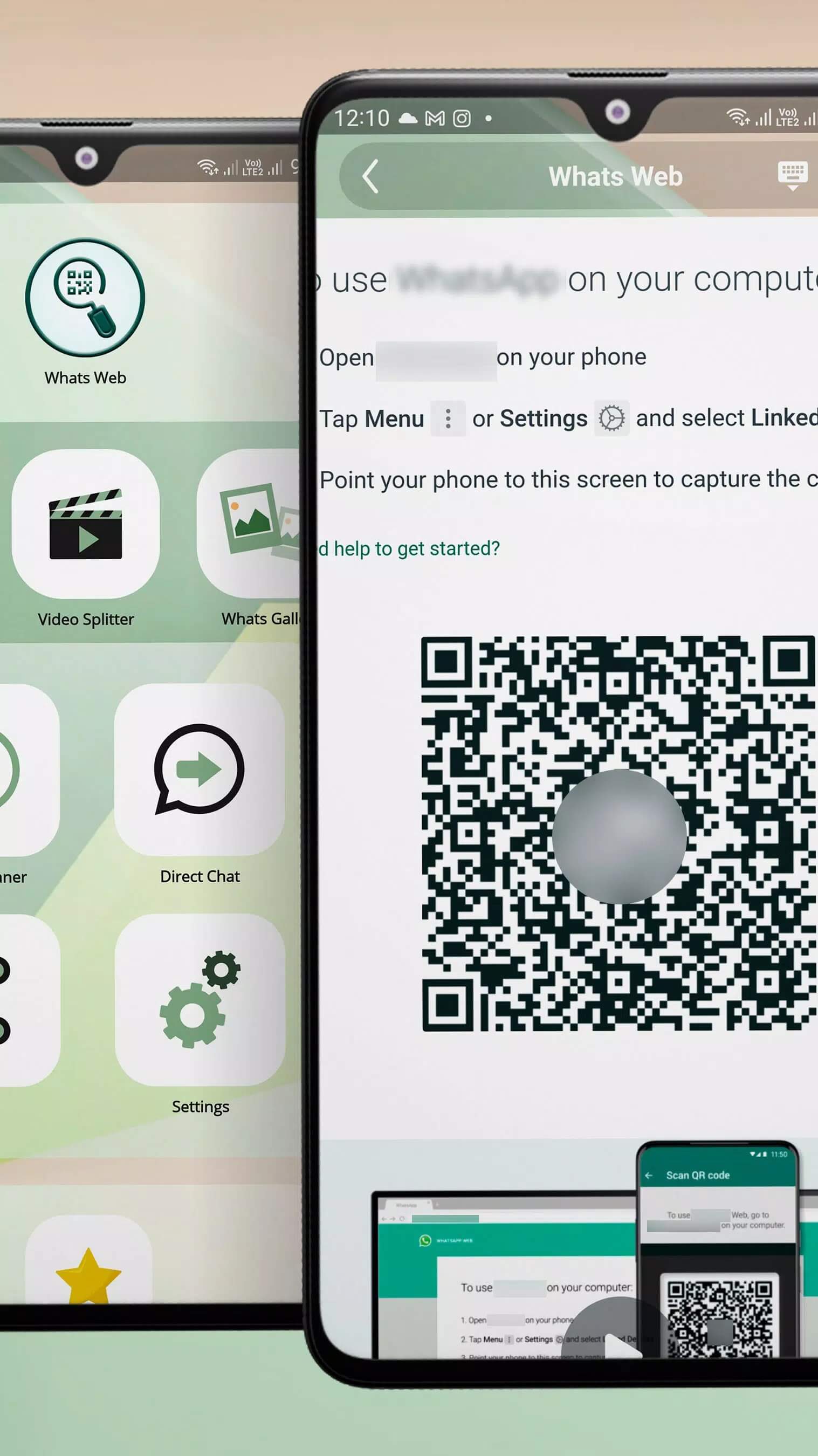
Whats Web is a companion tool that sits on top of your existing WhatsApp session. It does not replace WhatsApp, and on its own it does not talk to Meta's servers. Instead it opens the same QR scanner you would use for WhatsApp Web on a computer, points it at the Linked Devices feature, and mirrors your chats inside the app.
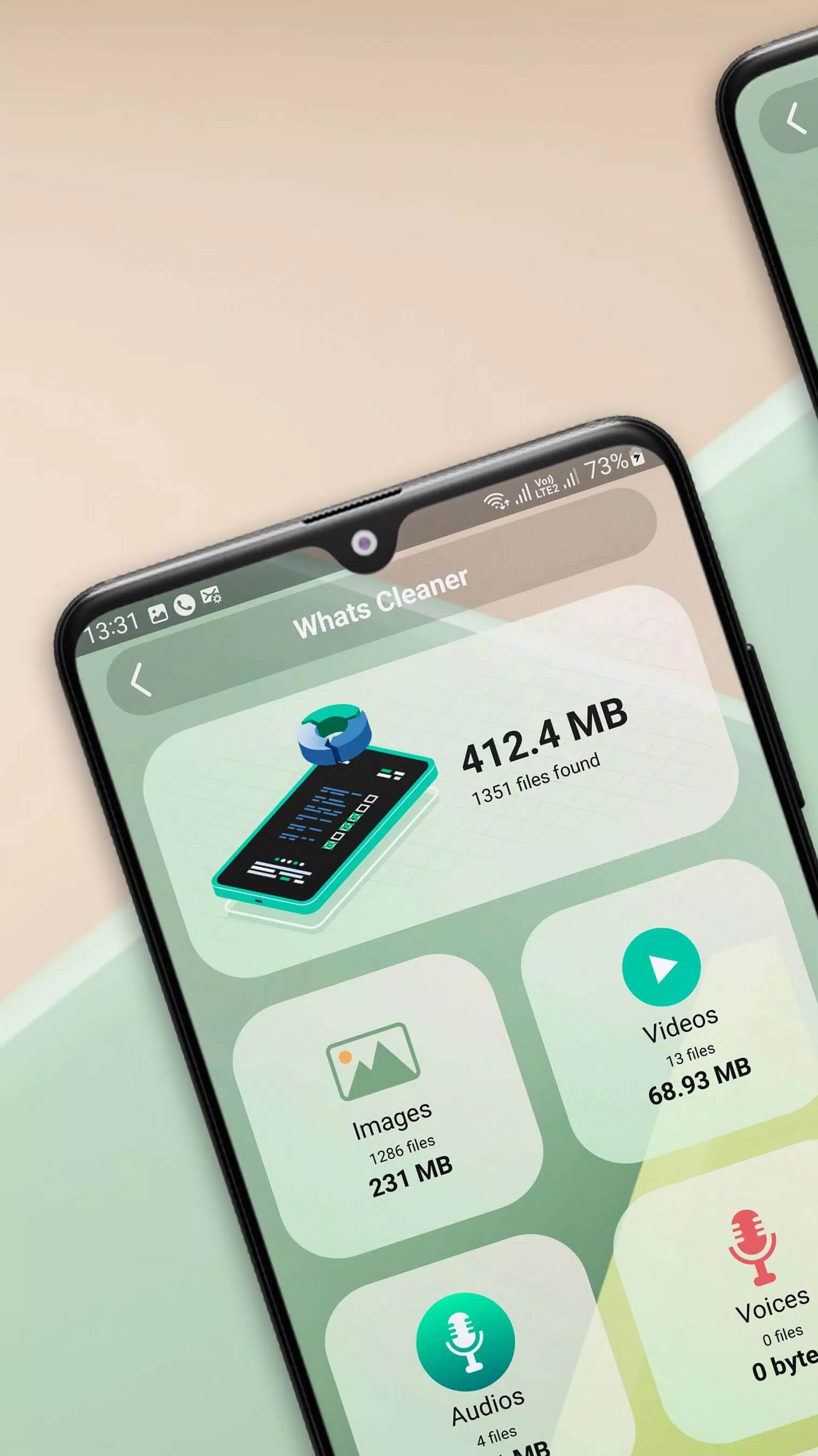
Around that core it adds the extras people usually look for: a way to run a second account through a separate web session, a status saver for photos and videos, and a direct chat option that lets you message a number without saving it to your contacts first. Everything it does works through your own WhatsApp login. Nothing more.
Features

- WhatsApp Web QR scan: open your chats in a linked session straight from the phone.
- Dual account: run a second WhatsApp account through a separate web session on the same device.
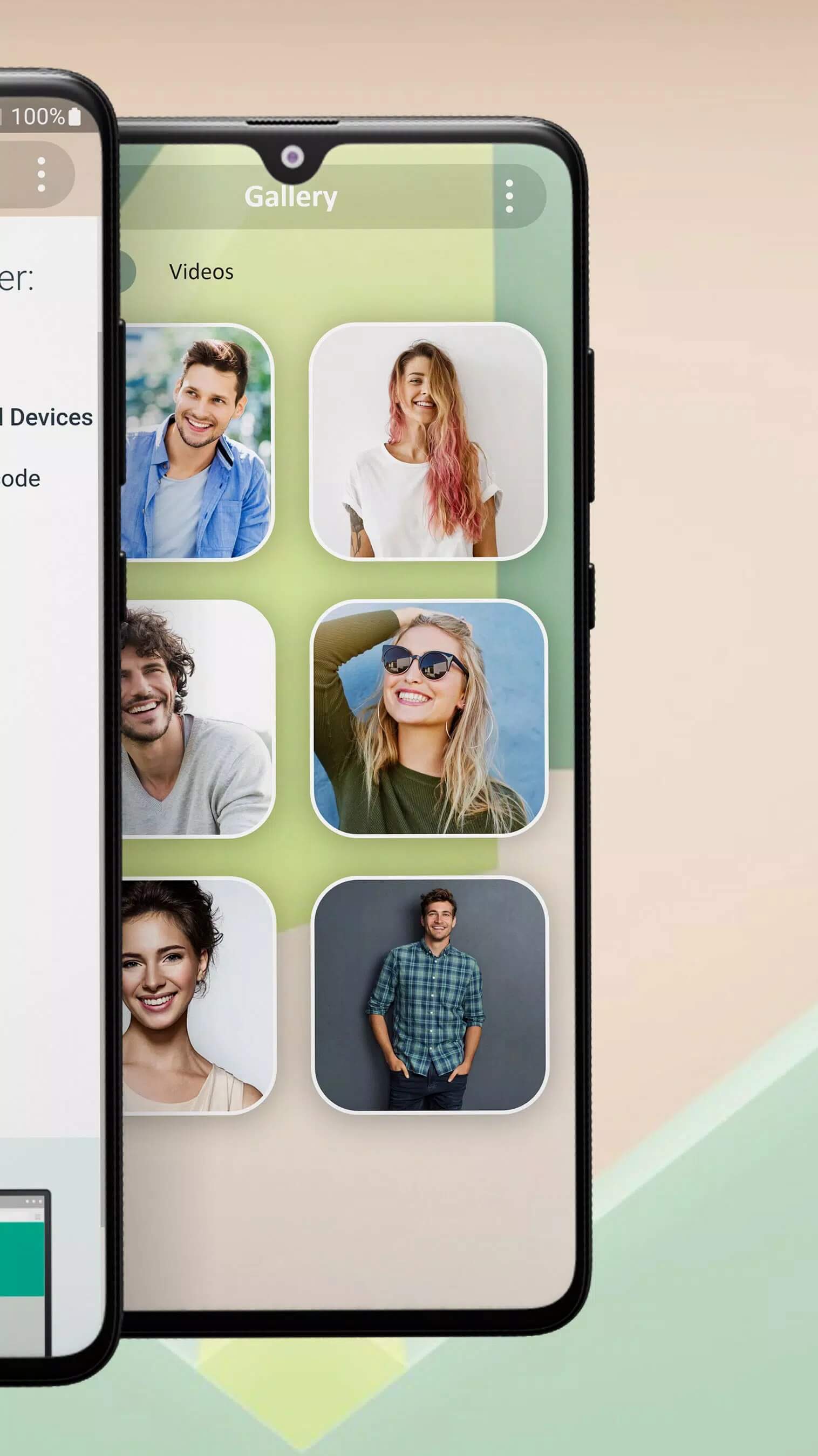
- Status saver: keep photos and videos from other people's statuses in your device storage.
- Direct chat: message a phone number without adding it to your contact list.
- Simple interface: a small, single-purpose app with no learning curve.
Those are the real functions, and we kept the list to what the app actually does. The tool cannot hide your last seen, your profile photo or your status, and it cannot change any WhatsApp privacy setting. Any listing that promises this is either wrong or a sign of an unsafe build, so we left it out.
Privacy and safety

Here is the honest part. Whats Web is not affiliated with WhatsApp or Meta. To work, it asks to scan the WhatsApp Web QR code, and that scan hands the app access to your live WhatsApp session, the same access a linked computer would have. Treat that seriously.
A few plain rules keep you safe:
- Install this kind of tool only from a source you trust, and scan the QR only inside an app you chose to install yourself.
- Never scan a QR code that someone else sends you, and never enter another person's login.
- Do not install so-called mod versions of this utility. A companion app that touches your session has no reason to be repackaged, and a repackaged one can quietly read your chats.
- The official way to do the same thing is built into WhatsApp itself: open WhatsApp, go to Linked Devices, and scan from there.
How to download and install Whats Web APK
- Tap the green Download APK button at the top of this page. The file is about 20 MB and downloads directly, no registration or SMS.
- Allow installation from unknown sources for your browser or file manager (Settings then Security).
- Open the downloaded file and tap Install. The app needs Android 6.0 or newer.
- Launch Whats Web, then follow its prompt to scan the WhatsApp Web QR code and link your session.
New to sideloading? Our APK install guide walks through the same steps with screenshots. Make sure WhatsApp is already installed and you are online before you scan.
Whats Web vs official WhatsApp Web
You do not need a third-party app to use WhatsApp on a second screen. The official route is built in: open WhatsApp Messenger, tap Linked Devices, and scan the QR on your computer or tablet. It is free, it comes from Meta, and it carries no extra privacy questions.
So where does Whats Web fit? Its appeal is the extras around the scanner. The status saver and the second-account trick are handy, and neither is part of the official app. If those features are what you came for, the tool does the job, as long as you accept the trade-off of giving it your session. If you only want your chats on a bigger screen, the built-in Linked Devices feature is the safer pick. Browse more communication apps in the catalog for other options.
FAQ
Is Whats Web an official WhatsApp app?
Is Whats Web a MOD?
Is it safe to scan the QR code?
Can Whats Web hide my last seen or status?
What does the status saver do?
What are the requirements?
Download Whats Web APK Android
- No viruses
- No spyware
- No malware
The reviews (0)