- No viruses
- No spyware
- No malware
com.vksoft.iosemojis.keyboardThis file was downloaded, scanned and installed by our editors before publishing.
Every file is also checked with VirusTotal before publishing.

iOS Emojis for Android APK (iPhone Emoji Keyboard)
Additional information about iOS Emojis for Android APK (iPhone Emoji Keyboard)
com.vksoft.iosemojis.keyboardThe description of iOS Emojis for Android APK (iPhone Emoji Keyboard)
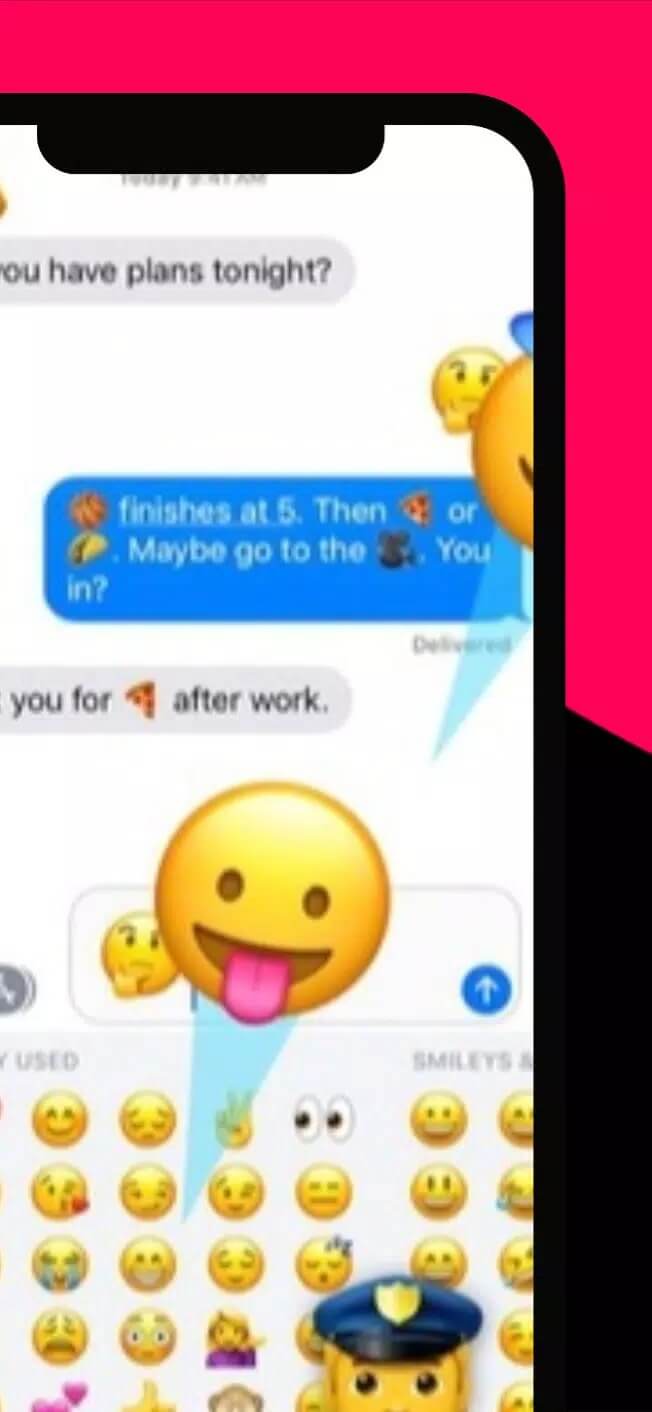
iOS Emojis for Android is a free keyboard app that gives you Apple-style emojis on your phone, and it works with no root. You install it like any other keyboard, switch to it in a chat, and your smileys, hearts and hand signs come out in the rounded iPhone look instead of the stock Android set. No system tweaks, no rooting, no risky flashing.
The file on this page is scanned for malware and installed on a real Android device by our editors before publishing, we have done this since 2018.
What is iOS Emojis for Android?
iOS Emojis for Android is a custom keyboard from CodeX Studio. It runs as its own input method, which is a fancy way of saying it replaces the on-screen keyboard you type with. Once you turn it on, every emoji you tap shows up in the Apple/iOS style rather than the default Android one. That is the whole point: if your friends are on iPhones and you want your texts to match theirs, this keeps things looking the same.
It does not root your device, and it does not touch the system files. It sits alongside your other keyboards, and you pick it when you want it. Simple as that.
Key features
| Feature | What it does |
|---|---|
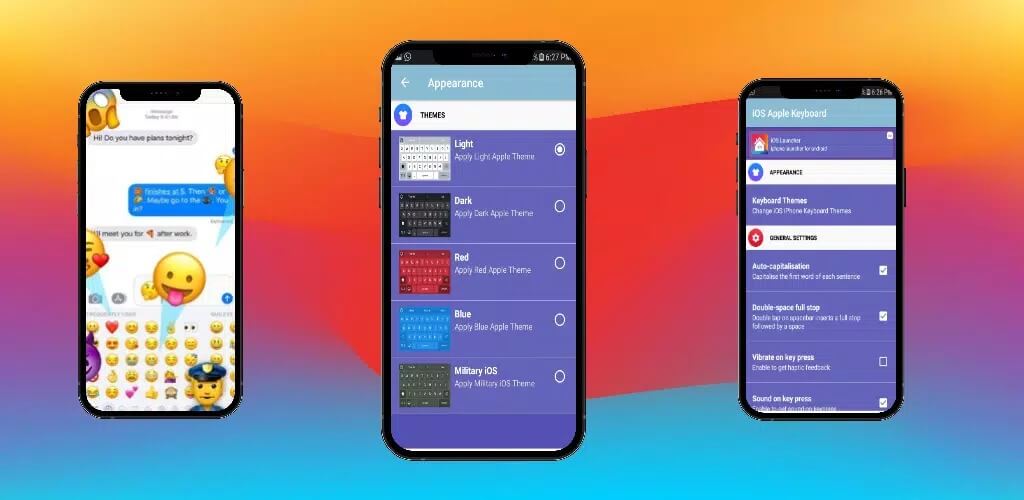
| iPhone-style emoji set | Full set of Apple-look emojis, from faces to flags, ready to type. |
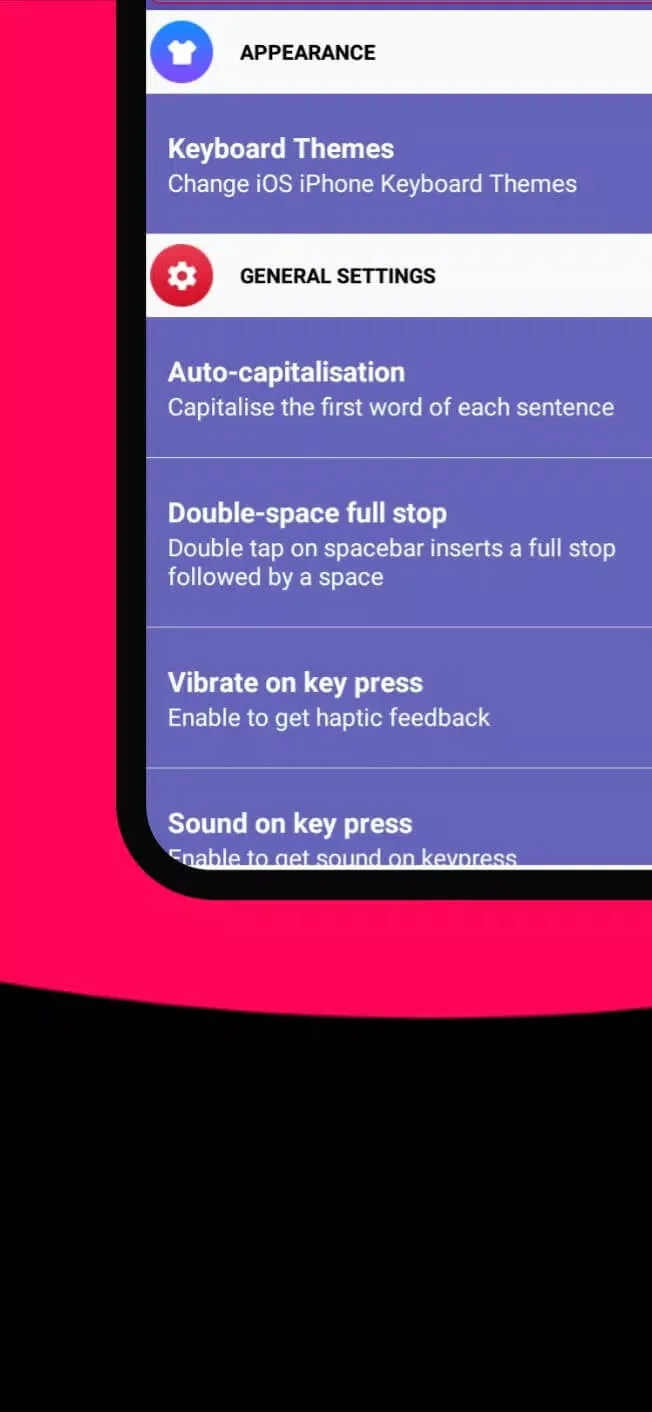
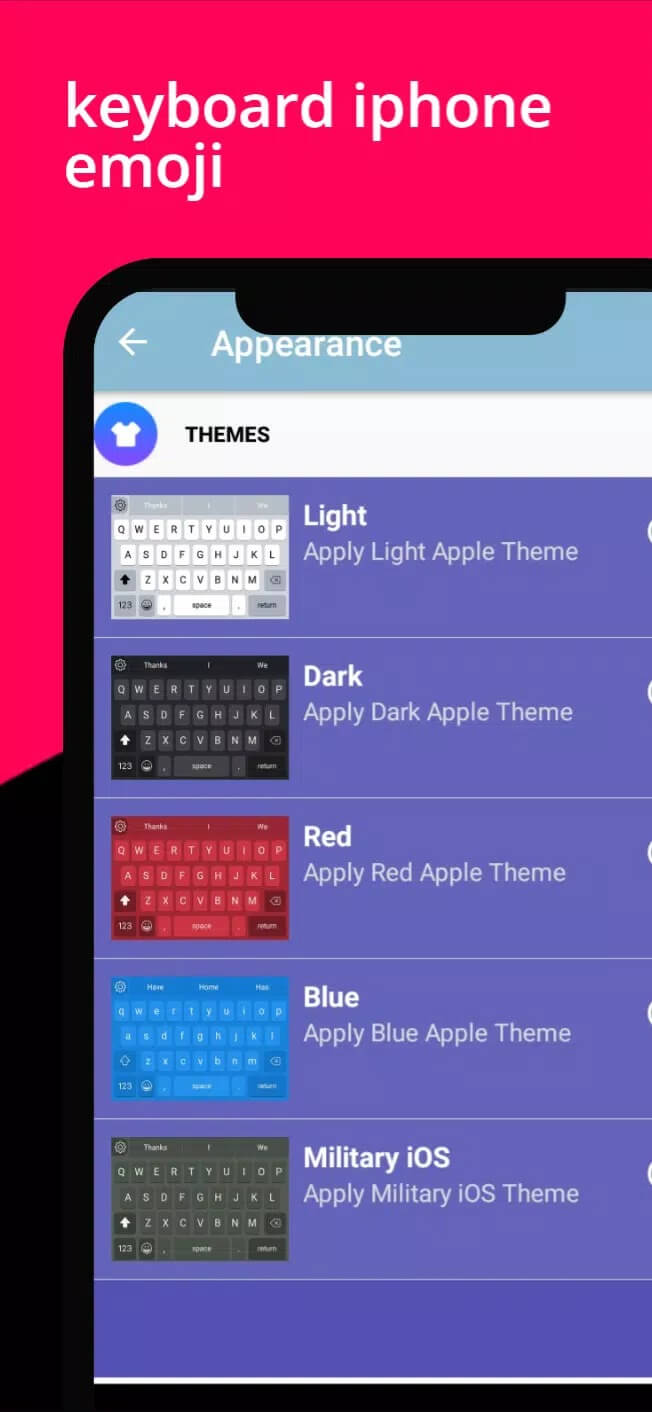
| Keyboard themes | Change the background, pick a color or a gradient so the keyboard fits your taste. |
| Emoji categories | Emojis are sorted into groups, so you find the one you want fast. |
| Key size settings | Make the keys taller or shorter to suit your thumbs and screen. |
| No root | Works on a normal, unrooted phone. Nothing to unlock or flash. |
Nothing here is locked behind a paywall trick or a fake unlimited badge. It is a keyboard, and the iPhone emoji set is the reason to grab it.
How to set it up
The download is a small APK, and setup takes a minute once it is installed.
- Tap the green Download APK button at the top of this page, the file downloads directly, no registration.
- Allow installation from unknown sources for your browser or file manager (Settings → Security).
- Open the file, tap Install, then open the app.
- Go to Settings → Language & input, find the keyboard in the list and switch it on.
- Set it as your default keyboard, so it comes up automatically.
- Open any chat, tap the keyboard switch key if needed, and start typing your iPhone emojis.
First time sideloading an app? Our APK install guide walks through the same steps with screenshots.
Where iOS emojis show up (honest note)
Here is the part most pages skip. This keyboard types Apple-style emojis in the apps you use it in, chats, notes, search bars, anywhere the keyboard pops up. It does not swap the system emoji font across your whole phone. So an emoji another app draws on its own, or one already sitting in a message you received, still shows in your phone's native style.
One more thing worth knowing. What the person on the other end sees depends on their device. If they are on an older Android or a different platform, the emoji renders in their font, not yours. That is just how emoji work between phones, and no keyboard can change it.
Tips
- Set it as your default keyboard, not just an enabled one, for the most reliable typing.
- If the keys feel small, pick a high-contrast theme so you can see them at a glance.
- Test the emoji categories inside your main messenger first, so you know where each group lives.
- Keep the app updated. New emoji designs land with updates, so an older build may be missing a few.
Is it worth it?
If you want iPhone emojis on Android without root, yes, this is an easy pick. Install is quick, it stays out of your way, and you switch to it only when you want the Apple look. There is no grind and nothing to configure beyond turning the keyboard on. For more skins, fonts and keyboard tools, browse our personalization apps in the catalog.
FAQ
Does iOS Emojis for Android need root?
How do I turn it on?
Will it replace emojis everywhere on my phone?
Can I customize the keyboard?
Is it safe to install?
What are the requirements?
Download iOS Emojis For Android
- No viruses
- No spyware
- No malware
The reviews (0)