- No viruses
- No spyware
- No malware
com.robtopx.geometryjumpThis file was downloaded, scanned and installed by our editors before publishing.
Every file is also checked with VirusTotal before publishing.

Geometry Dash MOD APK (Full Unlocked)
Additional information about Geometry Dash MOD APK (Full Unlocked)
com.robtopx.geometryjumpThe description of Geometry Dash MOD APK (Full Unlocked)
The Geometry Dash MOD APK gives you the full paid game with every icon, colour and skin unlocked from the first launch. Instead of buying the game and then grinding through levels to earn cosmetics, you get the whole thing open: all the main levels, all the customization, ready to play. Here is the honest part other sites skip. The single-player game runs offline, so unlocked levels and icons work on your device and stay there. Anything online, leaderboards, star ratings, level verification and uploading your own levels, is checked on RobTop's servers, and a modded client does not count there. Every build on this page is scanned for malware and installed on a real Android device by our editors before it goes live, a check we have run since 2018.
So treat this as two things in one: a fully unlocked offline platformer that works, and an online mode you should still play on the official app. Below we spell out exactly what the mod changes, what it cannot touch, and how to install it.
What is Geometry Dash?
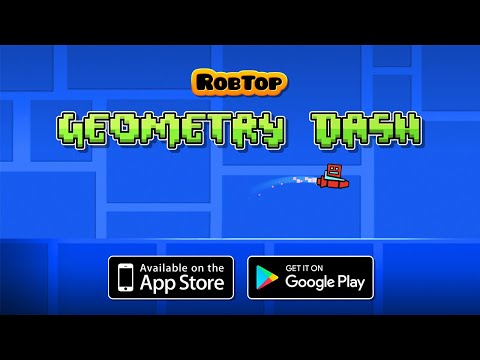
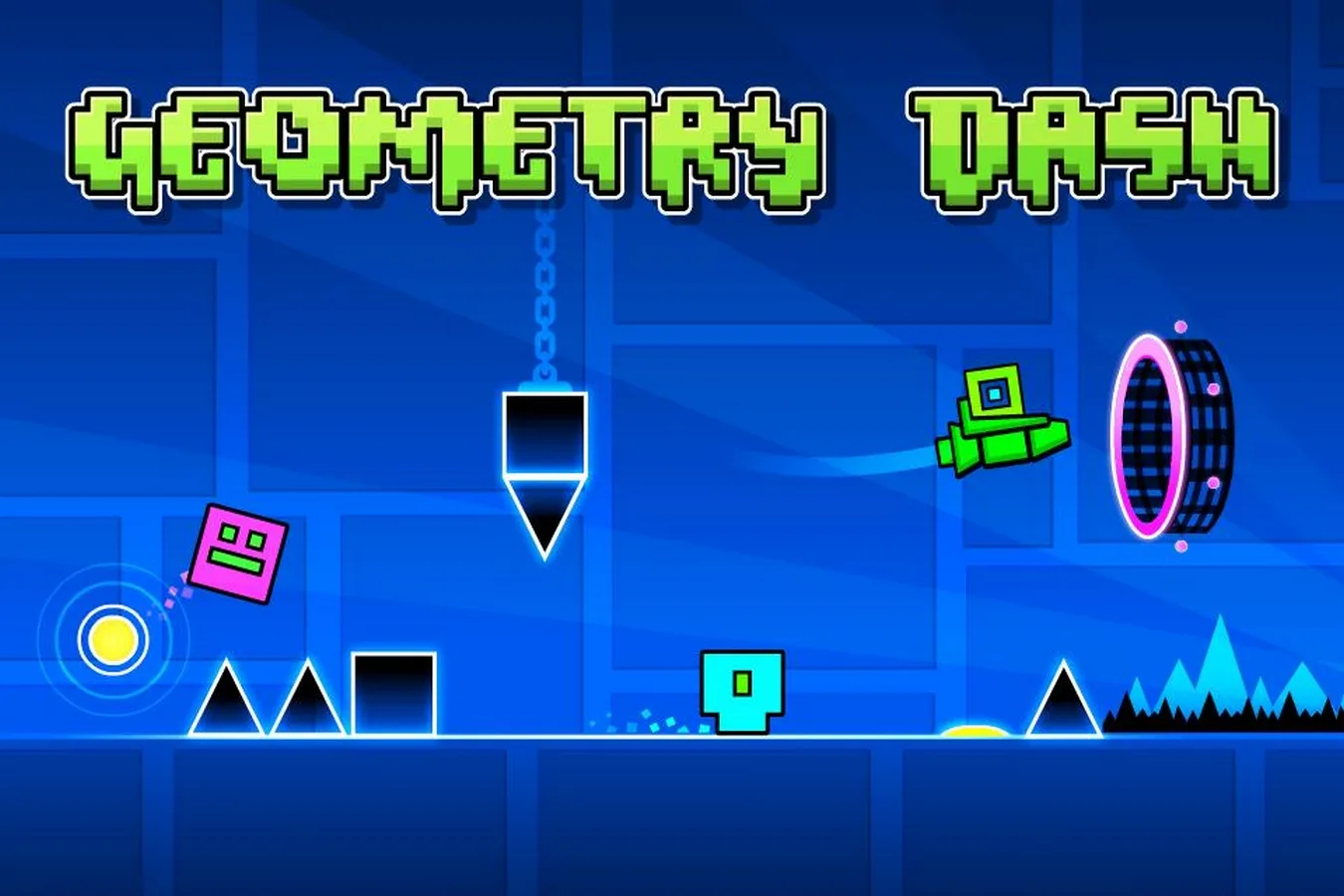
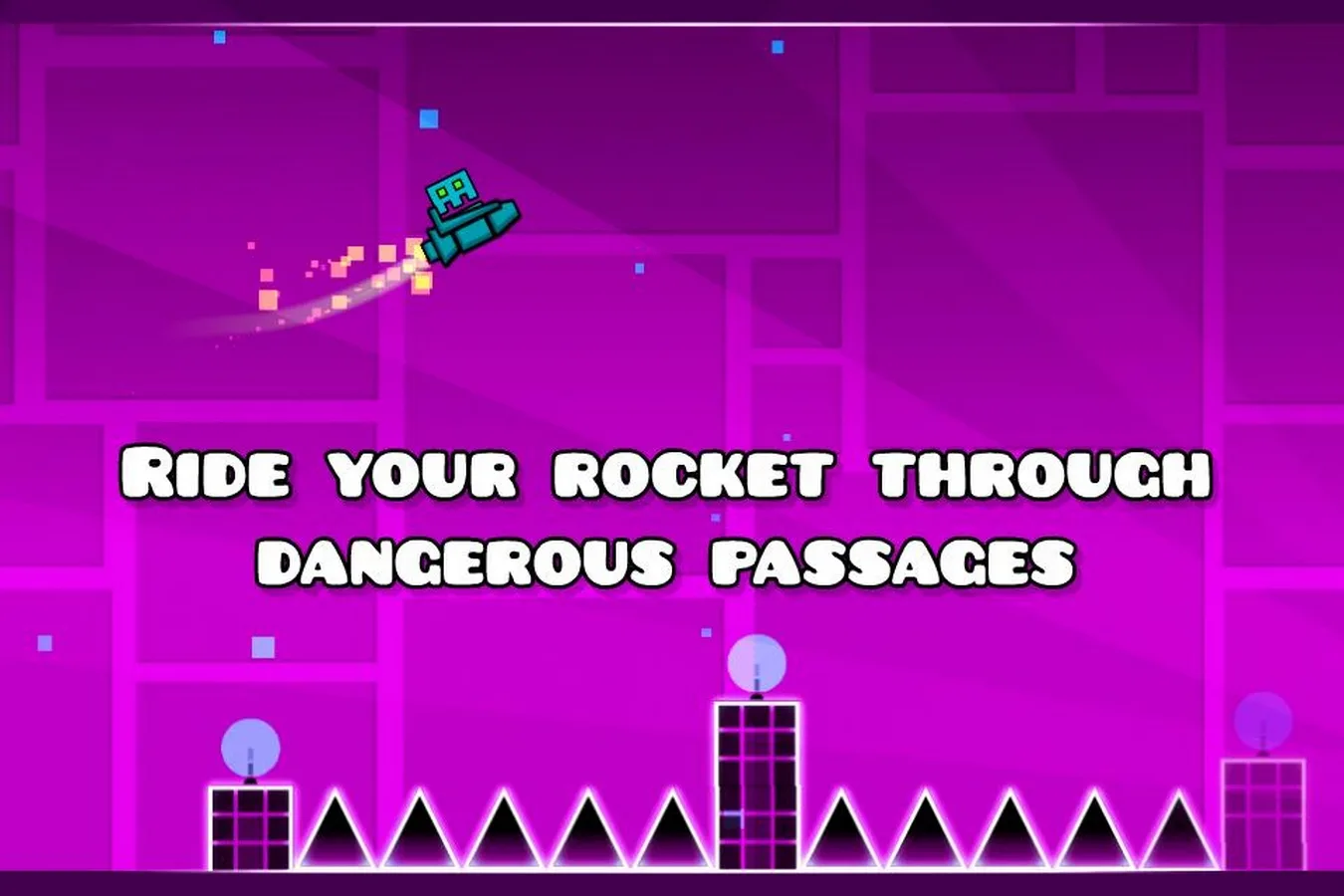
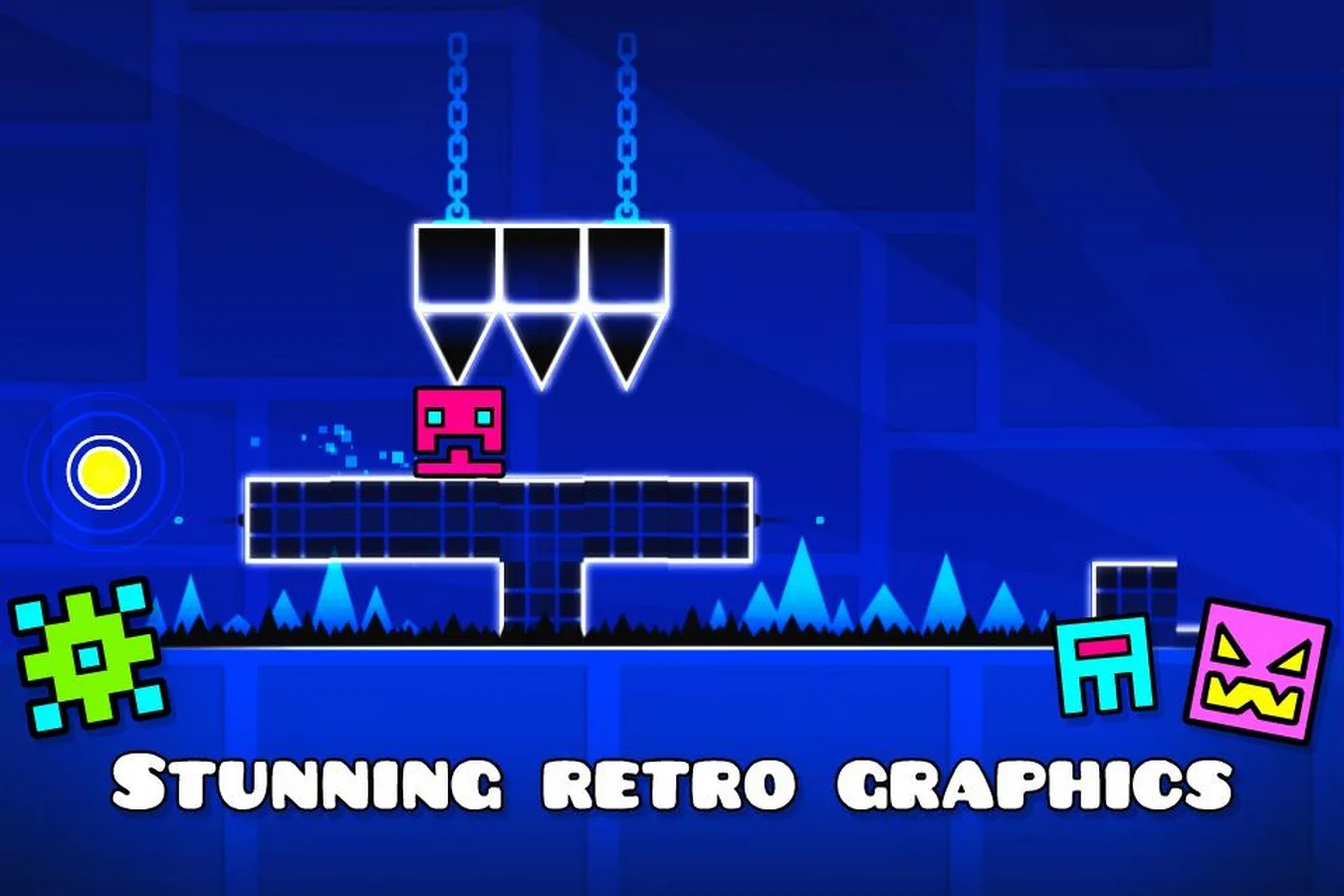
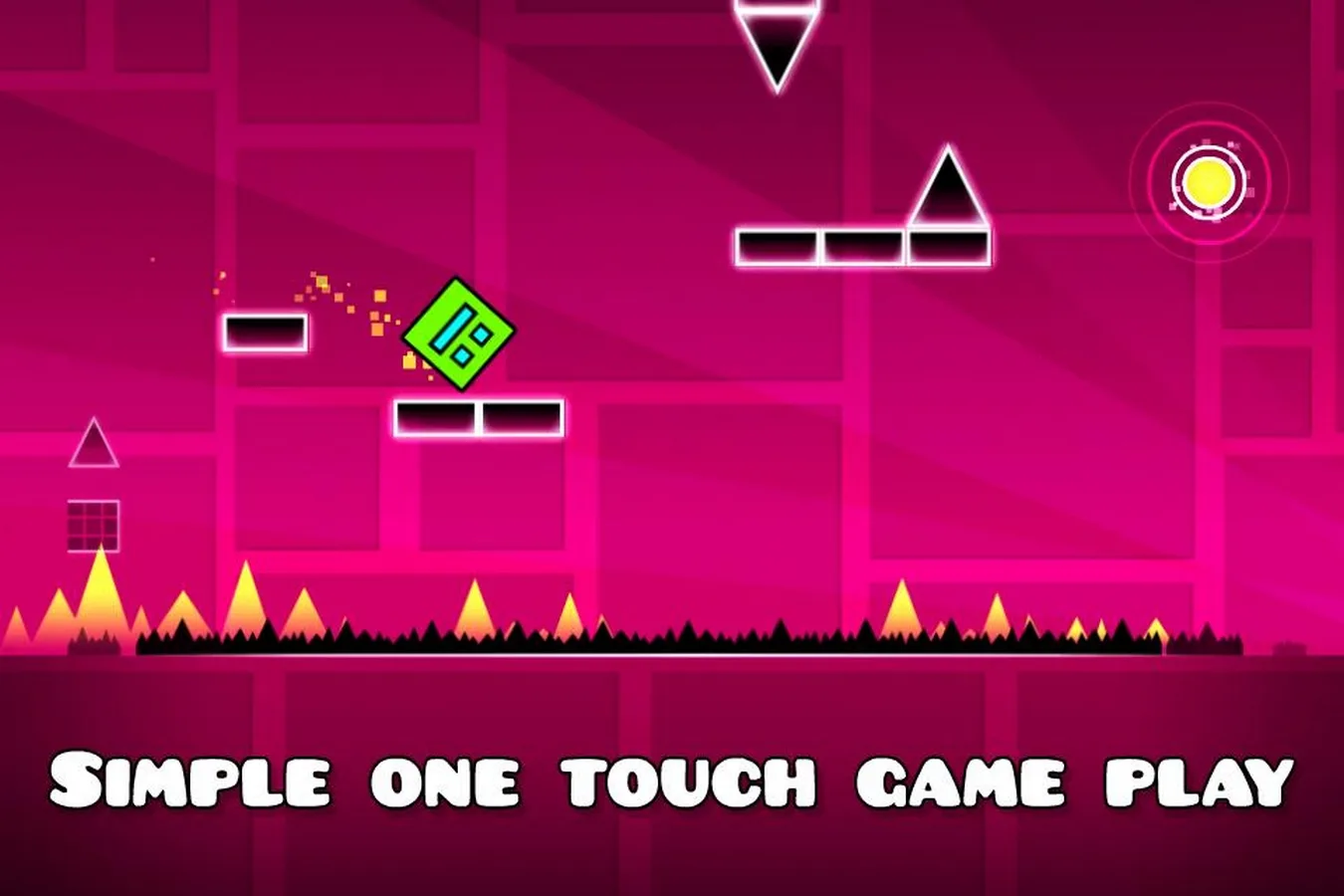
Geometry Dash by RobTop Games is a rhythm-based platformer built around one simple, brutal idea: jump in time with the music. You guide a little square through spikes, gaps and moving obstacles, and one hit sends you back to the start. The levels are synced to their soundtracks, so timing is everything, and clearing a hard level can take hundreds of attempts. It is famous for that difficulty, for a huge library of user-made levels, and for a built-in editor that lets players design and share their own stages. It is a paid game on Google Play with a massive community around it.
What the MOD unlocks: offline vs online
| MOD feature | What it does |
|---|---|
| Full version unlocked | The complete paid game is open, no purchase gate. |
| All icons, colours and skins | Every cosmetic is available from the start, unlocked locally. |
| Practice extras (if included) | Some builds add practice helpers like god mode or noclip for training. See the «MOD info» line at the top of the page. |
| Online scores and uploads | Not affected. These run on RobTop's servers and do not count with a mod. |
The split is simple. Single-player levels and every cosmetic are stored on your device, so they work offline and stay unlocked. The online side is different. Leaderboards, the star and reward system, level verification and publishing your own levels are all validated by RobTop's servers. A modified client cannot make the server award those, so mod progress does not show up online and can be rejected there. If a build lists god mode or noclip, treat them as practice tools, not a way to earn real online records.
Ban risk on online features
For playing on your own, there is no ban risk. The offline game does not report to a server, so unlocked icons and levels are yours to enjoy. The risk is only on the online features. If you sign in and use a modded client to chase leaderboard spots or upload verified levels, that breaks the rules and your submissions can be blocked or wiped. The safe approach: use the mod to play and practise offline, and keep the official app for anything that touches online rankings.
How to download and install
- Tap the green Download APK button at the top of this page. The file downloads directly, with no registration or SMS.
- If the Google Play version is installed, remove it first. The MOD has a different signature and will not install over it.
- Allow installation from unknown sources for your browser (Settings, then Security).
- Open the file, tap Install and launch the game. Every icon and level is already unlocked.
First time sideloading? Our APK install guide walks through the same steps with screenshots.
Tips for clearing hard levels
- Live in Practice mode first. Placing checkpoints and rehearsing a section beats throwing yourself at the full level from the start.
- Learn the music, not just the screen. The jumps line up with the beat, so listening tells you when to tap before you even see the spike.
- Use headphones and turn on the audio, since sound cues carry the timing more reliably than reflexes alone.
- If taps feel late, check your device's touch latency and any built-in delay setting, then adjust before a long practice run.
MOD or original?
If you want to support RobTop and play the full online side, star ratings, verified records and sharing levels with the community, buy the original from Google Play (link in the info table above). If you would rather open everything and practise the hardest levels offline today, the MOD is the way. When your thumbs need a rest, try a different kind of rhythm app like Incredibox, or browse more arcade games and fresh MOD APKs in the catalog.
FAQ
Is Geometry Dash MOD APK safe to download?
Does the mod work online, for leaderboards and level uploads?
Is Geometry Dash free with the mod?
Can I get banned for using the mod?
Do I need root to install the mod?
How do I update the MOD when the game gets a new version?
Download Geometry Dash Unblocked: Master the Ultimate Rhythm-Based Platformer
- No viruses
- No spyware
- No malware
The reviews (7)