How to create effective website navigation
Last updated: Jun 19, 2026
Effective website navigation is crucial for enabling users to easily explore and locate the desired sections of your site. By providing a seamless navigation experience, users are more likely to spend a longer time on your site and have a higher chance of revisiting it in the future. Furthermore, well-structured navigation also plays a significant role in optimizing your site for search engines, as it allows for better indexing of your content. Also, you should pay attention to the inexpensive rental of Windows VPS servers.
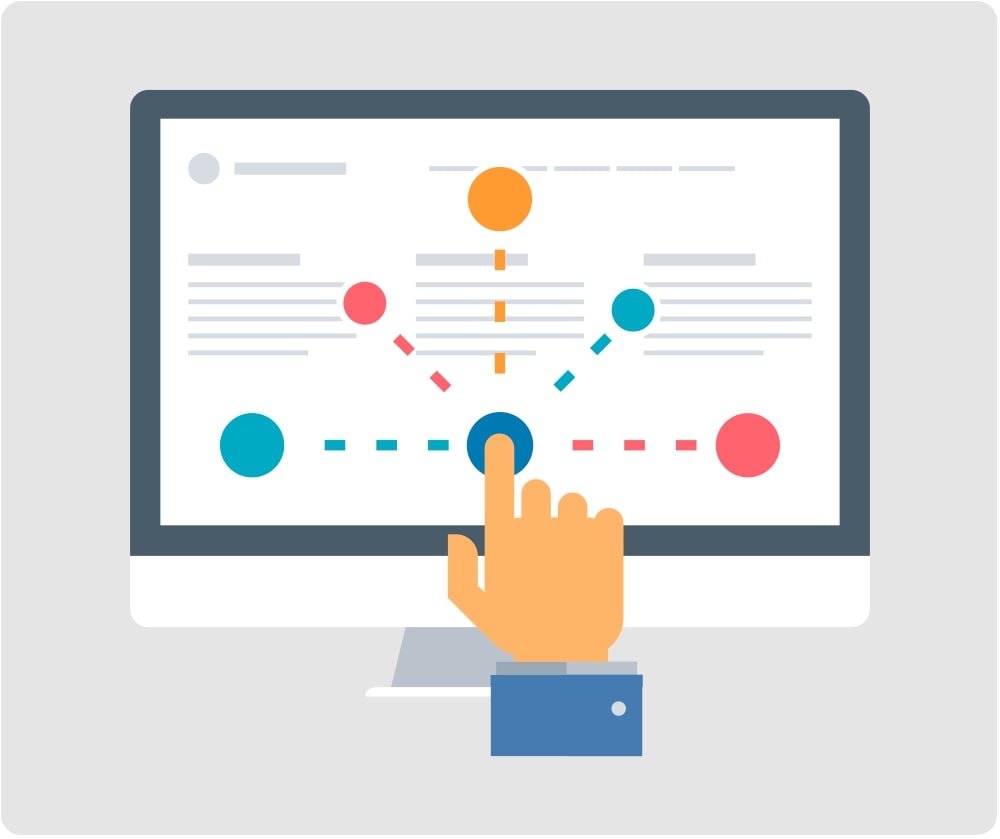
What is site navigation
The site navigation system is a set of methods, techniques and special elements that allow you to navigate from one page to another. Both the conversion rate and the successful promotion of a web resource depend on the quality of navigation. It is comparable to the layout of a residential building. Thanks to a good layout, you can easily find the right room, do not get lost and do not confuse the entrance to the bedroom with the entrance to the kitchen. But if there are a lot of rooms, corridors and doors in the house, a person can easily get lost. The same is true with websites. Confusing navigation, endless links that take the user to the wrong place is confusing. A person cannot find what he needs. Thoughtful navigation is also important for search engines. The fact is that it is important for search aggregators to understand what role this or that page plays on your web resource. In addition, logical navigation improves behavioral metrics as visitors find what they are looking for faster. Here are the main characteristics of good navigation:- Clarity. It is necessary that all components of the menu or user interface are clearly visible and understandable to anyone at an intuitive level. Ideally, the user should make 3 clicks on any page or section on the site.
- Availability on any page of the website. Every page should have well-designed navigation elements. This gives the visitor the ability to navigate from any section to where they want to go.
- Thoughtful visual design. Navigation elements should contrast with the background and body text, but not stand out from the overall color scheme of the web resource.
Types of site navigation and types of its implementation
Of the many types of navigation, you can give preference to those that will bring the greatest benefit to your web resource. Language navigation. It is used at sites where visitors speak different languages. The person visiting the site is prompted to select the desired language in which the content will be displayed. As a rule, language navigation is used on the websites of various international companies. Thanks to it, you can not create several identical websites with content in different languages.- Main. Links to the main sections of the resource, as a rule, are placed in the menu. Most web resources use only it, since this type of navigation is suitable for small projects with several dozen pages.
- Global. These are the links that the user should see from any page. This ensures easy navigation on the site. An example is links to the main page.
- Advertising navigation. Here we are talking about links placed to attract visitors to other web resources or pages where a product or service is offered. Advertising navigation is designed in the form of both text and graphics.
- Thematic. These are links to related topics. For example, similar information on news sites. It can also be links under one material, by which you can go to the next or previous one. A striking example of such navigation is photo galleries. As a rule, under each photo they contain links leading to the next or previous one.
- Navigation in context. For the most part, it is used for internal linking of pages on a web resource in order to achieve better SEO optimization. Such navigation looks like a link in the text of the page, directing the user to another site or section.
- Index. Thanks to it, the user sees in which part of the site he is currently located. A good solution for large sites and web resources with numerous sections. Such navigation gives the visitor the opportunity not to get lost in a large information flow.
- Geographic. It is mainly used for large resources or travel sites, where it is important to clearly show the geolocation of the section in which the visitor is located. Geographic navigation is most often used in conjunction with links to useful articles about a country or place of interest.
- Search. Allows you to enter a query in the search bar so that the system finds all the materials containing it on the web resource. Some sites give out on request not only their own, but also results from search engines.
How to make site navigation easy
Convenient navigation should help the user easily navigate the site, understand which section or page he is currently on, where he came from and where he can go. So, what navigation elements need to be added so that the guest does not get confused. A cap. It must be visually separated from other elements of the page and included there:- Logo. We recommend placing it at the top left, as this is familiar to users.
- The name of the company and a short description of the activity - tagline (if this information is not in the logo). You can also include your unique selling proposition.
- Regions of work, delivery of orders. Do not list all subjects. This information should be concise.
- Contact details. If there are several offices or stores in the header of the site, indicate important information only for the main one. The hat should not be overloaded.
- Be sure to add a business hours next to the phone number so that customers know when to call you.
- Link to the shopping cart page if you have an online store.
- Callback order form. It should be specified only if your specialists can quickly process requests from it. It is necessary for users who, for one reason or another, cannot call the company themselves.