- No viruses
- No spyware
- No malware
This file was downloaded, scanned and installed by our editors before publishing.
Every file is also checked with VirusTotal before publishing.

PicSay Pro APK — Full Photo Editor (Paid Unlocked)


Additional information about PicSay Pro APK — Full Photo Editor (Paid Unlocked)
The description of PicSay Pro APK — Full Photo Editor (Paid Unlocked)
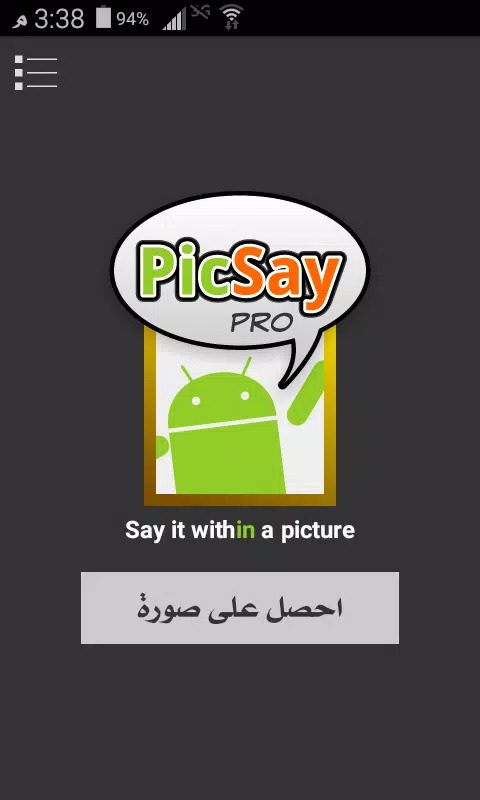
PicSay Pro APK is the full, paid version of Shinycore's touch photo editor, and this page gives you that complete Pro build with every tool already open. Add word balloons, drop stickers on a shot, run effects like Lomo or Tilt-shift, and touch up a photo with your finger. It runs entirely on your phone, so no account and no internet are needed once it is installed.
The Pro edition normally costs money on Google Play. Here you get the same editor without the purchase step. The file on this page is scanned for malware and installed on a real Android device by our editors before publishing, we have done this since 2018.
What is PicSay Pro?
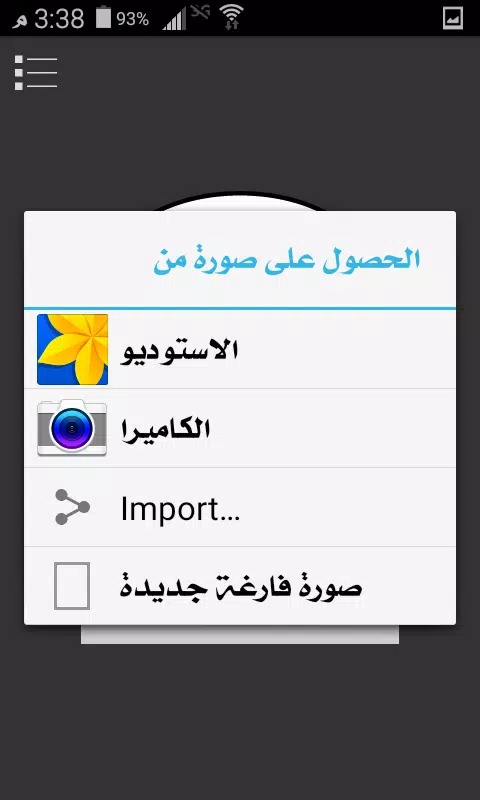
PicSay Pro is a lightweight photo editor made by Shinycore Software. You open a picture straight from your gallery and edit it right there, either by tapping the image or working through the menus. It is built for quick, hands-on edits rather than deep desktop-style layers.
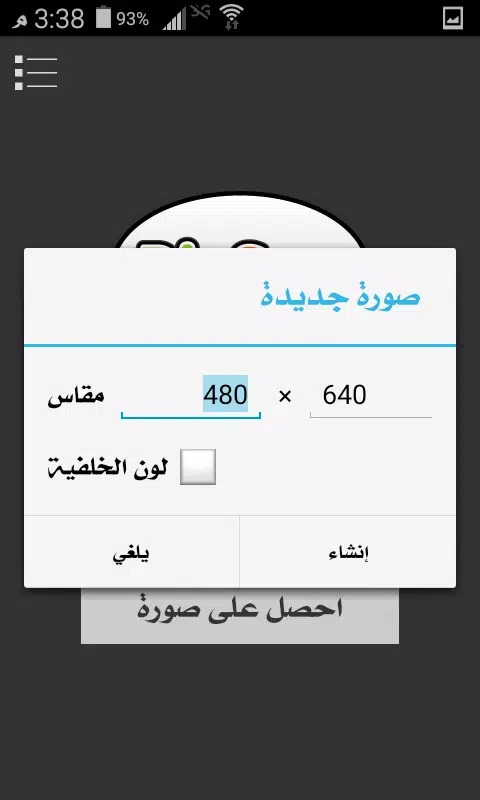
When you load a shot you can pick the working quality, high, medium or low, which is handy on an older phone or when you just want a fast crop and caption. The whole thing feels more like sketching on a photo than fighting with a heavy tool set. That simple approach is why it stuck around for so long.
Creative features
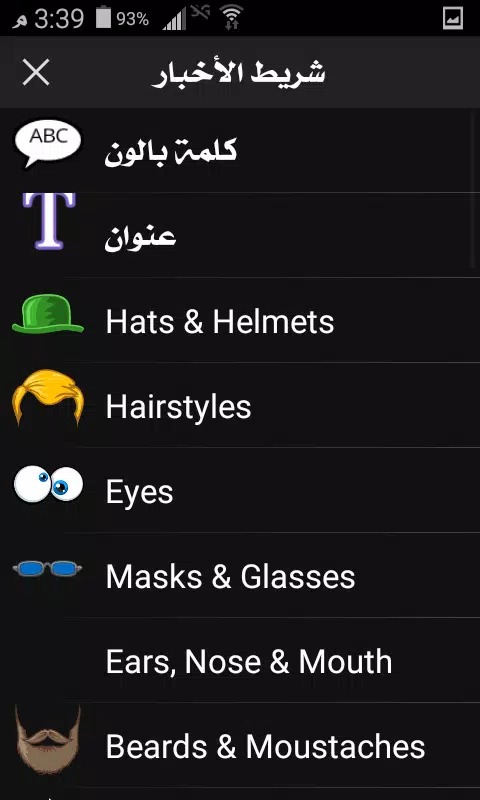
Most of the fun in PicSay Pro comes from the extras you drop on top of a photo. Here is what you actually get to work with.
| Tool | What it does |
|---|---|
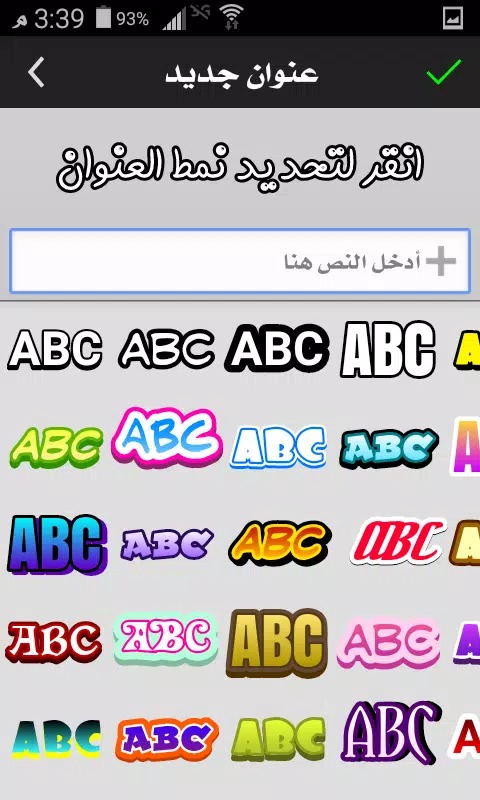
| Word balloons & text | Add comic-style speech balloons and captions in different fonts, great for memes and reactions. |
| Stickers & props | Drop on hats, glasses, signs and more, then move, scale and rotate each one to fit. |
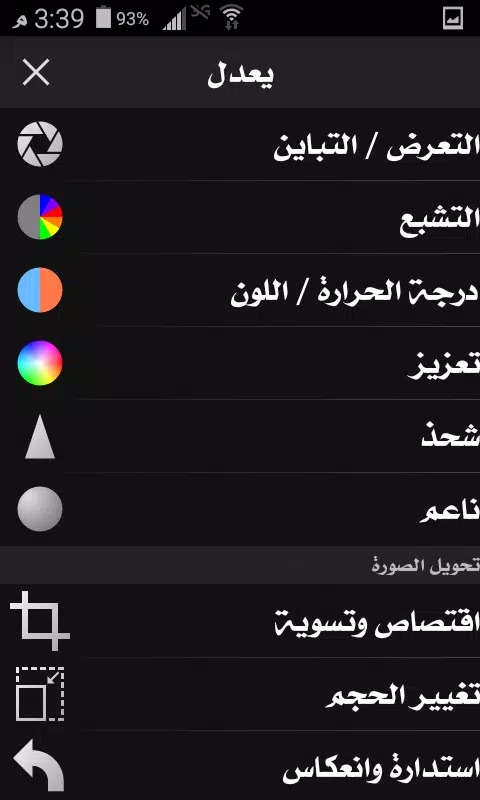
| Effects | Brightness, contrast, hue, pixelize, spotlight and distortion, plus Cross Process, Lomo, Vignette, faux HDR, Tilt-shift and Pencil Sketch. |
| Color splash | Turn a photo black and white and paint the color back into one part for a standout look. |
One honest note. PicSay Pro edits one photo at a time, so there is no batch processing, if you need to run the same effect across a whole folder, this is not the app for that. For single-shot edits, though, it is quick and the controls are easy to learn.
Paid app vs this version
The original PicSay Pro is a paid app, around $3.99, sold on Google Play and the Amazon Appstore as a one-time purchase. There is no subscription and nothing runs on a Shinycore server. The version here is the complete Pro edition with the tools unlocked, so you get the paid feature set without buying it first.
Because everything happens on your device, you do not sign in and you do not need a connection to edit. If the app earns a spot on your phone and you want to back the developer, buying it once on Play is the way to do that. Either way, the editor itself works the same, all local.
Performance
PicSay Pro is small, roughly 11.8 MB, and it stays light while you work. It installs fast and opens quickly even on modest hardware. Because it supports Android 2.2 and up, it runs on old handsets that many newer editors will not touch anymore.
Edits apply without much lag, and the quality picker lets you keep things smooth on a weaker chip. It is a steady, no-frills tool. Nothing fancy under the hood, and that is the point.
How to download and install PicSay Pro APK
The download is a single small APK, so setup takes about a minute.
- Tap the green Download APK button at the top of this page, the file downloads directly, no registration or SMS.
- Allow installation from unknown sources for your browser or file manager (Settings → Security).
- If a Google Play version is already installed, remove it first, the APK won't install over it because of the different signature.
- Open the file, tap Install, then launch PicSay Pro and load a photo from your gallery.
First time sideloading an app? Our APK install guide walks through the same steps with screenshots.
Tips for better edits
- Pair a word balloon with a bold font for fast, shareable memes.
- Use color splash on a black-and-white photo to make one subject pop.
- Drop a spotlight effect to draw the eye to a face or a detail.
- Set the export quality to match where the image is going, high for prints, lower for quick chat shares.
- Stack a subtle Vignette or faux HDR over a flat photo to add some depth.
Want more tools like this? Browse our photography apps or the wider art and design catalog for editors that fit the same quick, on-phone workflow.
FAQ
Is PicSay Pro free?
Who develops PicSay Pro?
Does PicSay Pro work offline?
What can I do with PicSay Pro?
Is the PicSay Pro APK safe?
What are the requirements?
Download PicSay Pro Download
- No viruses
- No spyware
- No malware
The reviews (2)