- No viruses
- No spyware
- No malware
com.adobe.lrmobileThis file was downloaded, scanned and installed by our editors before publishing.
Every file is also checked with VirusTotal before publishing.

Adobe Lightroom MOD APK (Premium Unlocked)
Additional information about Adobe Lightroom MOD APK (Premium Unlocked)
com.adobe.lrmobileThe description of Adobe Lightroom MOD APK (Premium Unlocked)
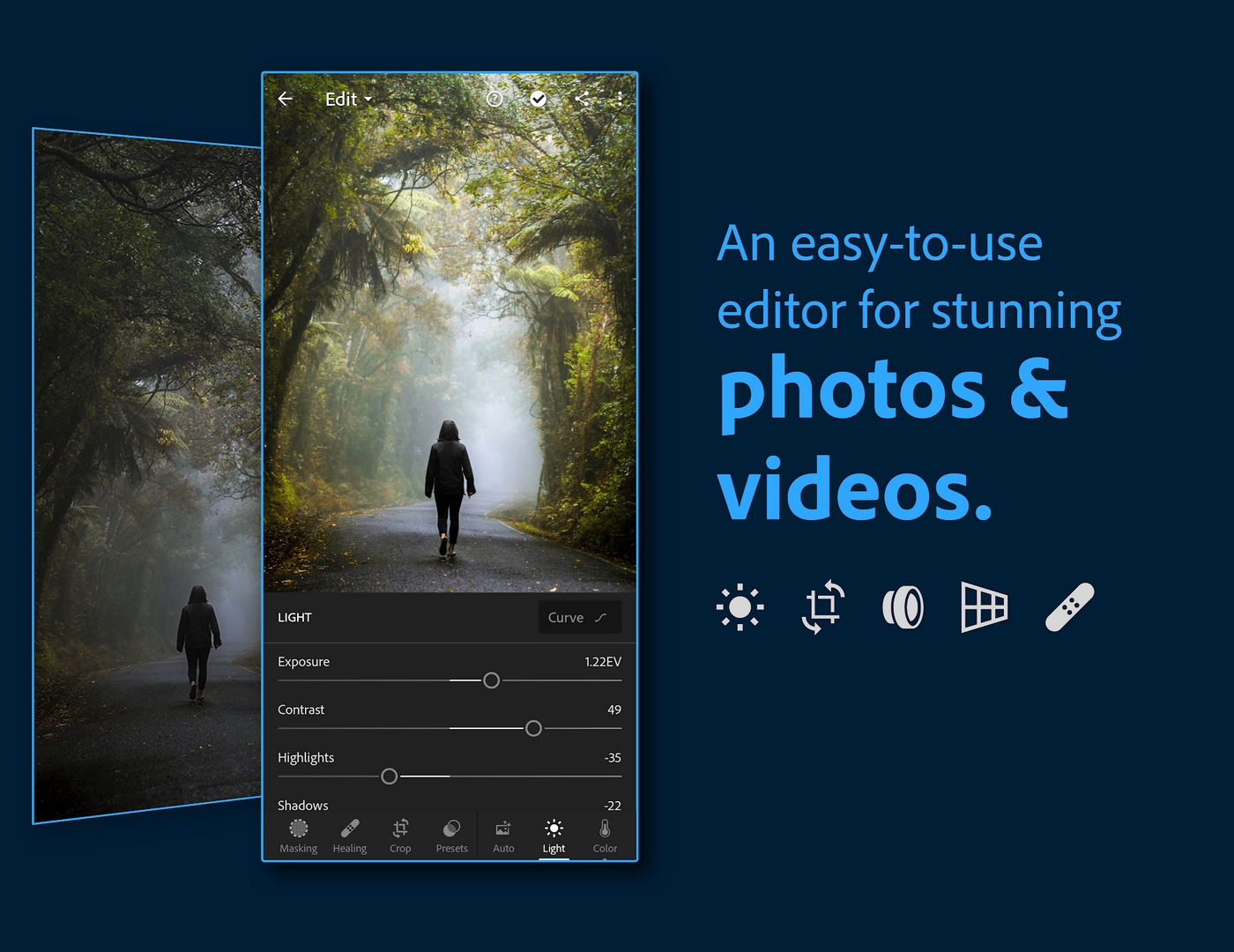
Adobe Lightroom MOD APK gives you the premium editing tools unlocked on your phone: masking, selective edits, curves, HSL, the healing brush and high-quality export, all open from the start without a subscription. You edit right on the device, so these controls work whether you are online or not. One honest note up front: the cloud and AI parts of Lightroom still run on Adobe's servers and need a signed-in account. This file is scanned for malware and installed on a real Android device by our editors before publishing, we have done this since 2018.
So think of it this way. The editing engine lives on your phone; the storage, sync and smart AI suggestions live on Adobe. A MOD can open the local tools. It cannot fake a paid Adobe account, and we are not going to pretend otherwise.
What is Adobe Lightroom?
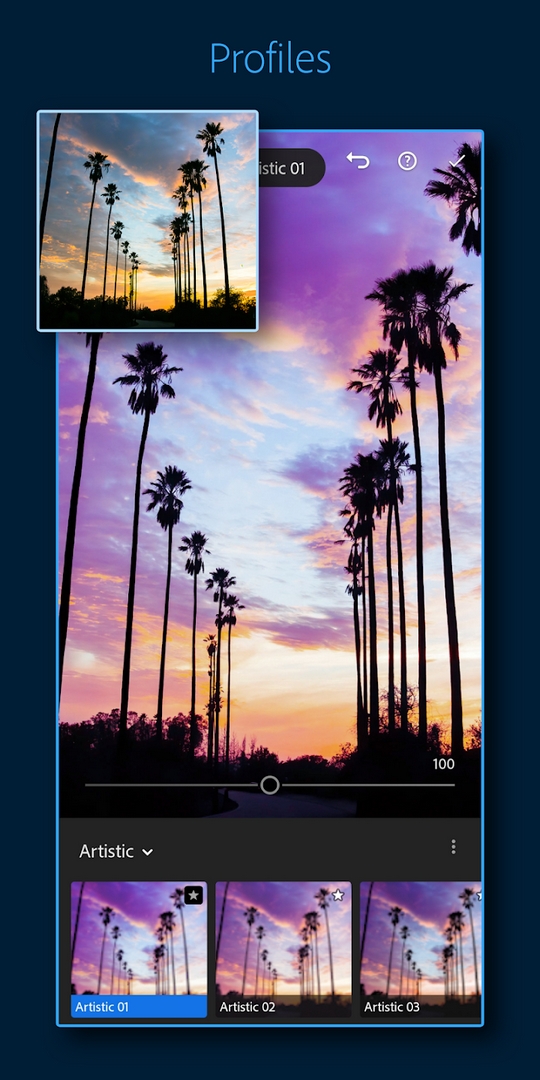
Adobe Lightroom is Adobe's professional photo editor built for phones and tablets. You get real control over exposure, contrast, color, tone curves and white balance, plus color profiles, cropping and geometry fixes, all with a clean touch interface. It reads RAW files from your camera or phone, which gives you far more room to push color and recover detail than a normal JPEG.
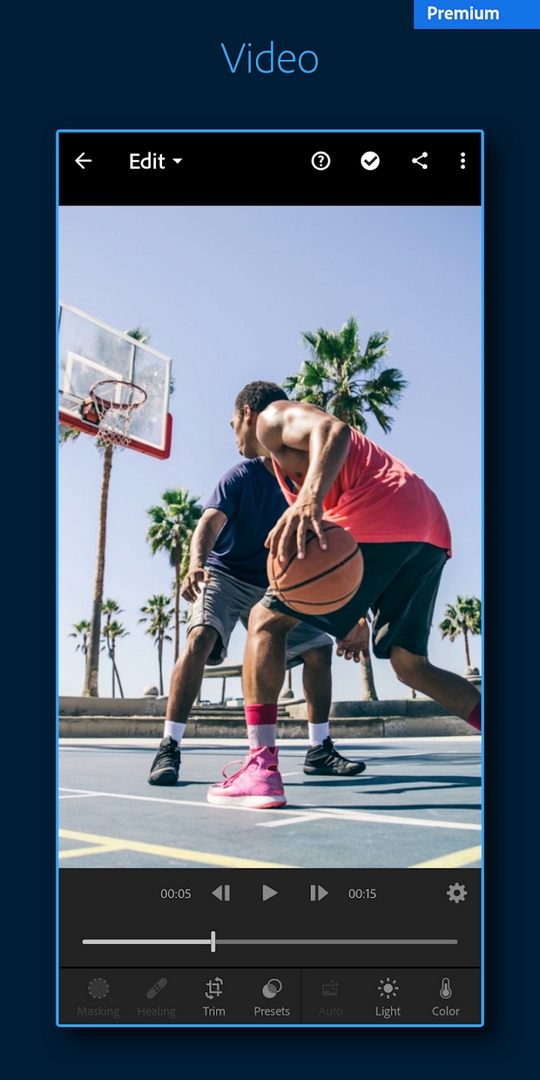
It is not a toy filter app. You can stack local adjustments, mask specific parts of a photo, and share straight to social once you are done. There are short interactive tutorials built in, and an auto-enhance button when you just want a quick fix. Photographers use it because the results hold up, and the same edits you learn on desktop carry over to the phone.
What the MOD unlocks
| Feature | What it does |
|---|---|
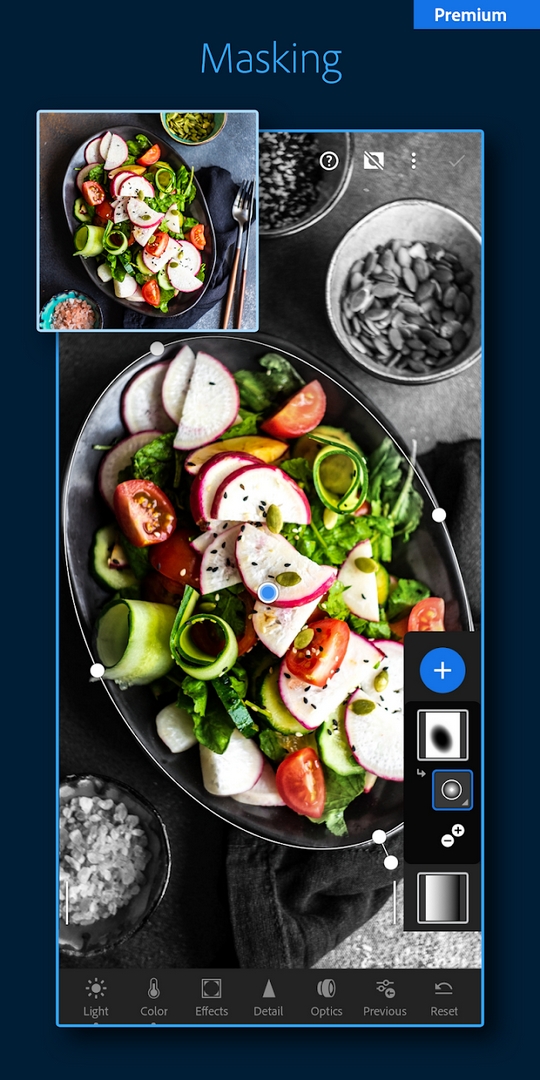
| Masking & selective edits | Adjust just the sky, a face or one object without touching the rest of the frame. |
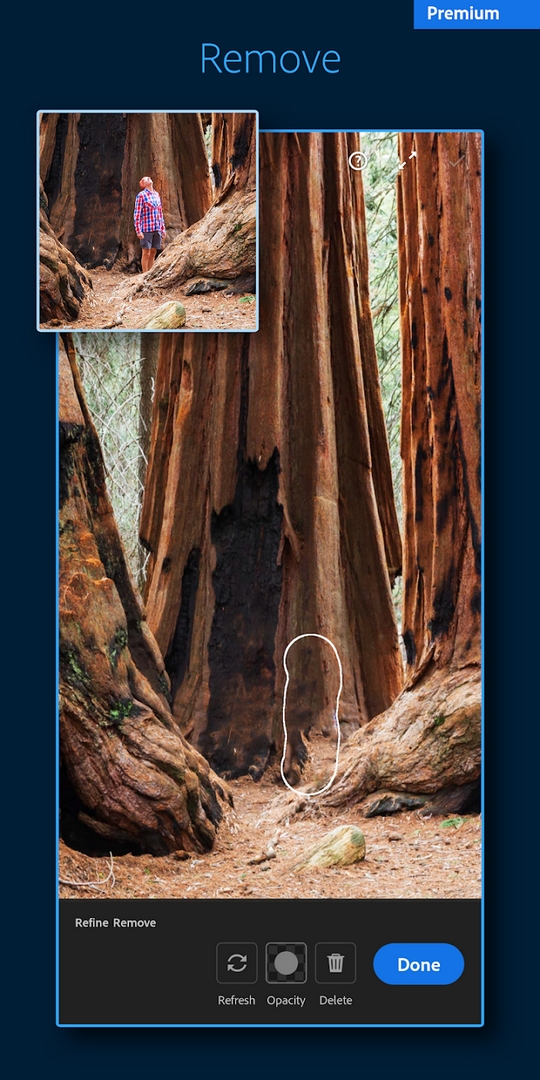
| Healing brush | Remove spots, dust and small distractions by painting over them. |
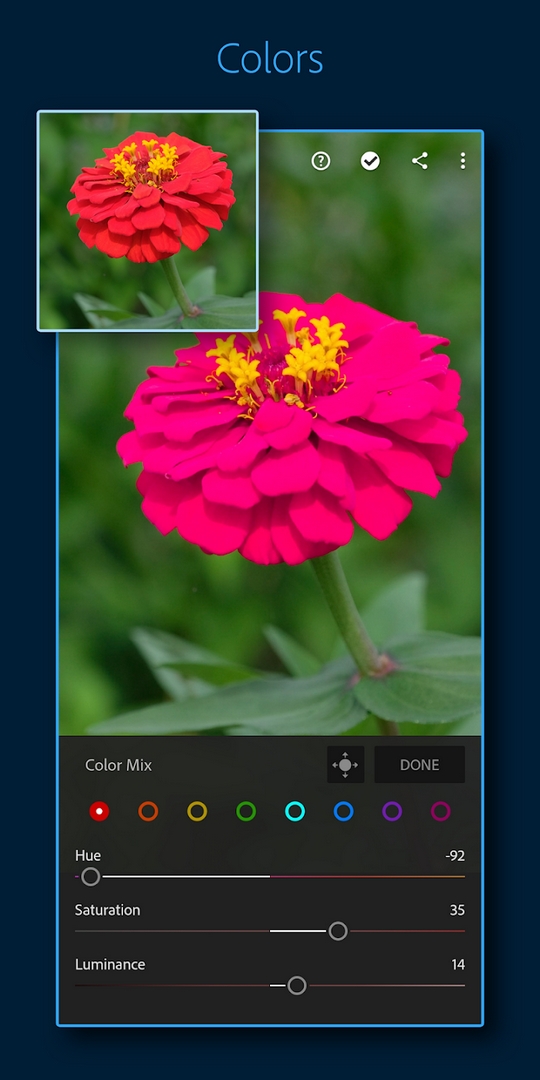
| Tone curve & HSL | Full control over highlights, shadows and each color channel for a custom look. |
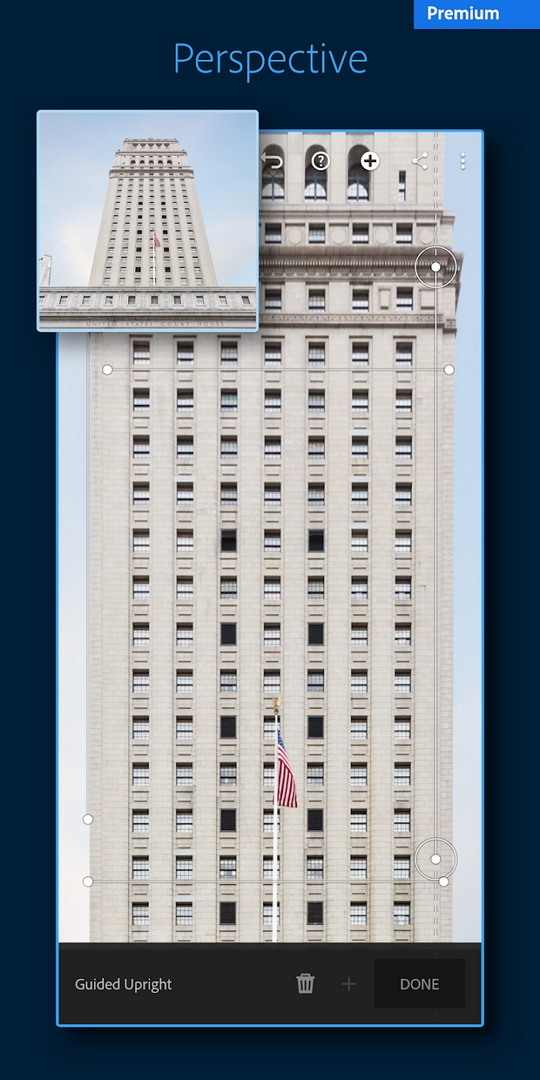
| Geometry & crop | Straighten lines, fix lens distortion and reframe with precision. |
| High-quality export | Save your edits at full resolution instead of a downscaled free-tier file. |
All of the above are local tools, so they run on your device and work offline. Here is the line the aggregator pages skip: cloud storage, cross-device sync and Adobe's server-side AI (the preset recommendations and some neural tools) are tied to a signed-in Adobe account and an active subscription. A MOD does not create those, and they may not work on this build. The exact MOD package is listed in the "MOD info" line at the top of this page.
Client vs cloud: what actually works offline
This is the part worth being straight about. Editing in Lightroom happens on your device, so every tool above is available offline, on a plane, on the metro, anywhere. Your adjustments are calculated on your phone's own processor, not fetched from Adobe.
Cloud backup, syncing your library across devices, and the server-side AI features are a different story. They check in with Adobe, need you to log in, and expect a paid plan. The MOD unlocks the editor, not the account. If you mainly want to sit down and edit photos, that difference will not slow you down at all.
How to download and install Adobe Lightroom MOD APK
The download is a single APK from this page, roughly 124 MB, and it runs on Android 8.0 and up.
- Tap the green Download APK button at the top of this page, the file downloads directly, no registration or SMS.
- Allow installation from unknown sources for your browser or file manager (Settings → Security).
- If the Google Play version is already installed, remove it first, the MOD won't install over it because it has a different signature.
- Open the file, tap Install, then launch Lightroom and start editing.
First time sideloading an APK? Our APK install guide walks through the same steps with screenshots.
Editing tips
- Shoot or import in RAW when you can. It holds far more color and detail, so your edits have room to breathe.
- Do your heavy lifting with masks. Local, on-device adjustments let you fix the sky and the subject separately.
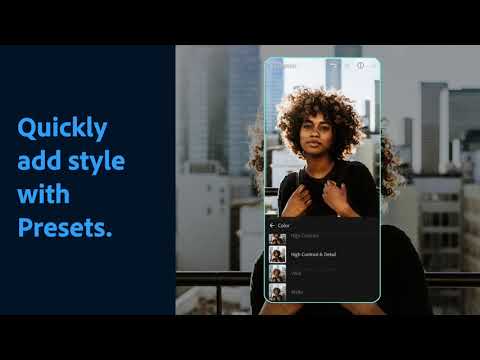
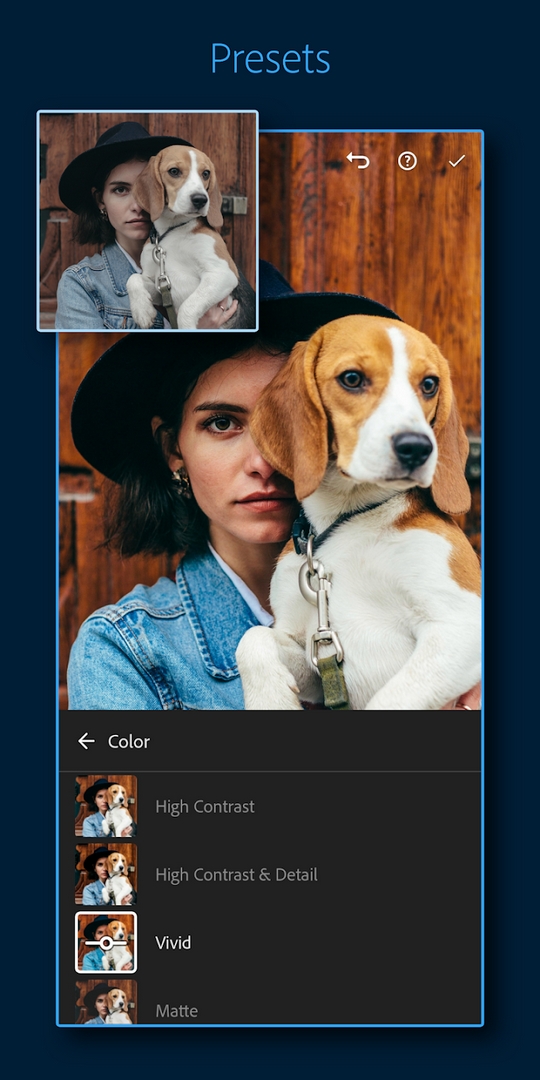
- Treat presets as a starting point, not a finish line. Drop one on, then tune exposure and white balance to taste.
- Export at maximum quality. There is no reason to save a downscaled file once the premium export is open.
- Lean on the tone curve for contrast. It gives a cleaner result than pushing the basic contrast slider.
MOD or official subscription?
It comes down to what you need. An official Adobe plan gives you cloud storage, sync across your phone, tablet and desktop, the server-side AI features, and steady updates straight from Adobe. The MOD gives you the local premium editing tools with no subscription, but no cloud and no guaranteed updates, and running a modified build does go against Adobe's terms of service. If you edit on one phone and don't care about syncing a library, the MOD covers you. Want the full ecosystem? The paid plan is the honest answer. You can browse more photography apps or other MOD apps in the catalog.
FAQ
What does the Lightroom MOD unlock?
Do the AI features and cloud sync work in the MOD?
Can I edit offline?
Is the Lightroom MOD APK safe?
How big is the file and what are the requirements?
Should I use the MOD or official Lightroom?
Download Adobe Lightroom Mod (Premium Unlocked)
- No viruses
- No spyware
- No malware
The reviews (1)