- No viruses
- No spyware
- No malware
com.imaginstudio.imagetools.pixellabThis file was downloaded, scanned and installed by our editors before publishing.
Every file is also checked with VirusTotal before publishing.

PixelLab MOD APK (Pro Unlocked)
Additional information about PixelLab MOD APK (Pro Unlocked)
com.imaginstudio.imagetools.pixellabThe description of PixelLab MOD APK (Pro Unlocked)
PixelLab MOD APK gives you the full Pro toolkit with no watermark and no ads: 3D text, every font, all the stickers and effects, plus export up to Ultra HD. It is the same text-and-graphics editor from App Holdings that has passed 10M+ installs, only here the paid tools are open from the first tap. The file on this page was scanned for malware and installed on a real Android device by our editors before publishing, the check we have run since 2018.
No account, no subscription, no trial timer. You open the app, drop text or a logo onto a photo, and save it clean.
What is PixelLab?
PixelLab is App Holdings' "text on pictures" editor for Android. You add text, logos, stickers and small graphics on top of any photo or a plain background, then move, rotate and layer each piece until it looks right. It is built for quick design work on a phone, not a heavy desktop suite.
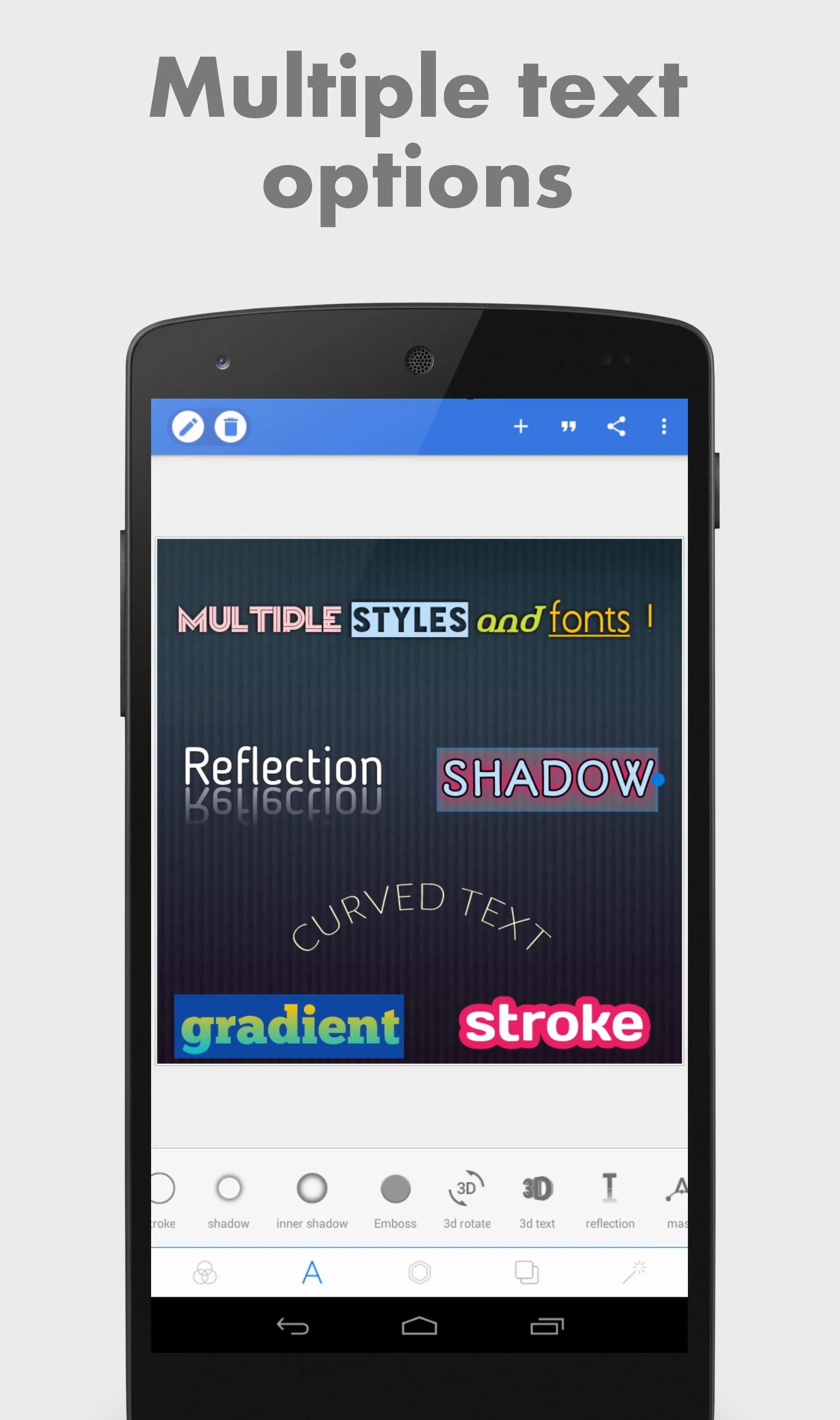
The app ships with 100+ fonts, split across Basic, Fancy, Non-Latin and handwritten sets, so you can match a mood or a language without hunting for extra downloads. Text sits on its own layers, which makes editing painless. You can work straight from your gallery, tweak an image, then save and share to any app you like.
What the MOD gives you
| MOD feature | What it changes in the app |
|---|---|
| Pro features unlocked | The whole Pro toolset is open from the start, no in-app purchase prompt. |
| No watermark | Your exported images come out clean, with no PixelLab stamp in the corner. |
| No ads | Banner and interstitial ads are stripped out, so the workspace stays quiet. |
| All fonts & stickers | Every font pack and sticker set is available, nothing is locked behind Pro. |
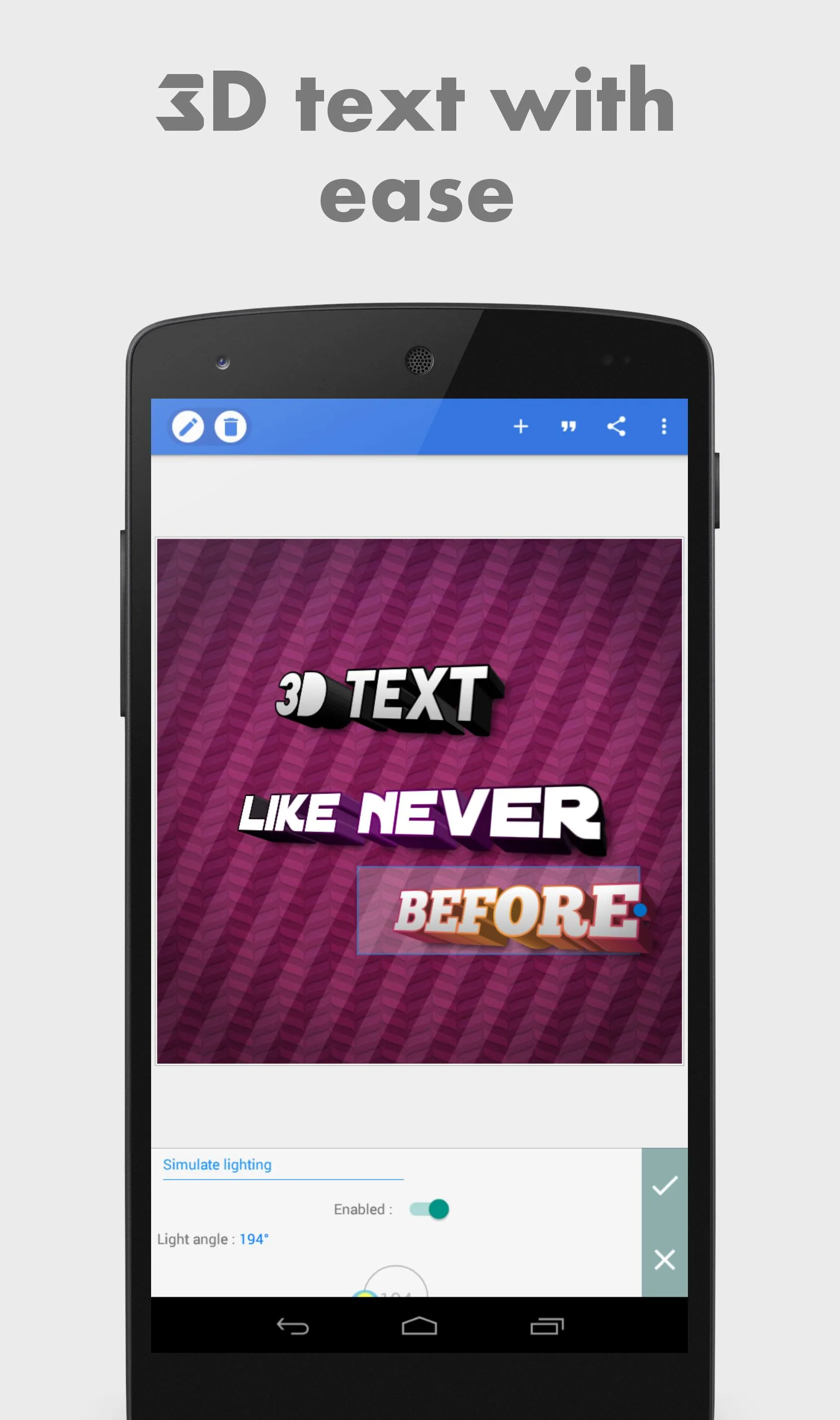
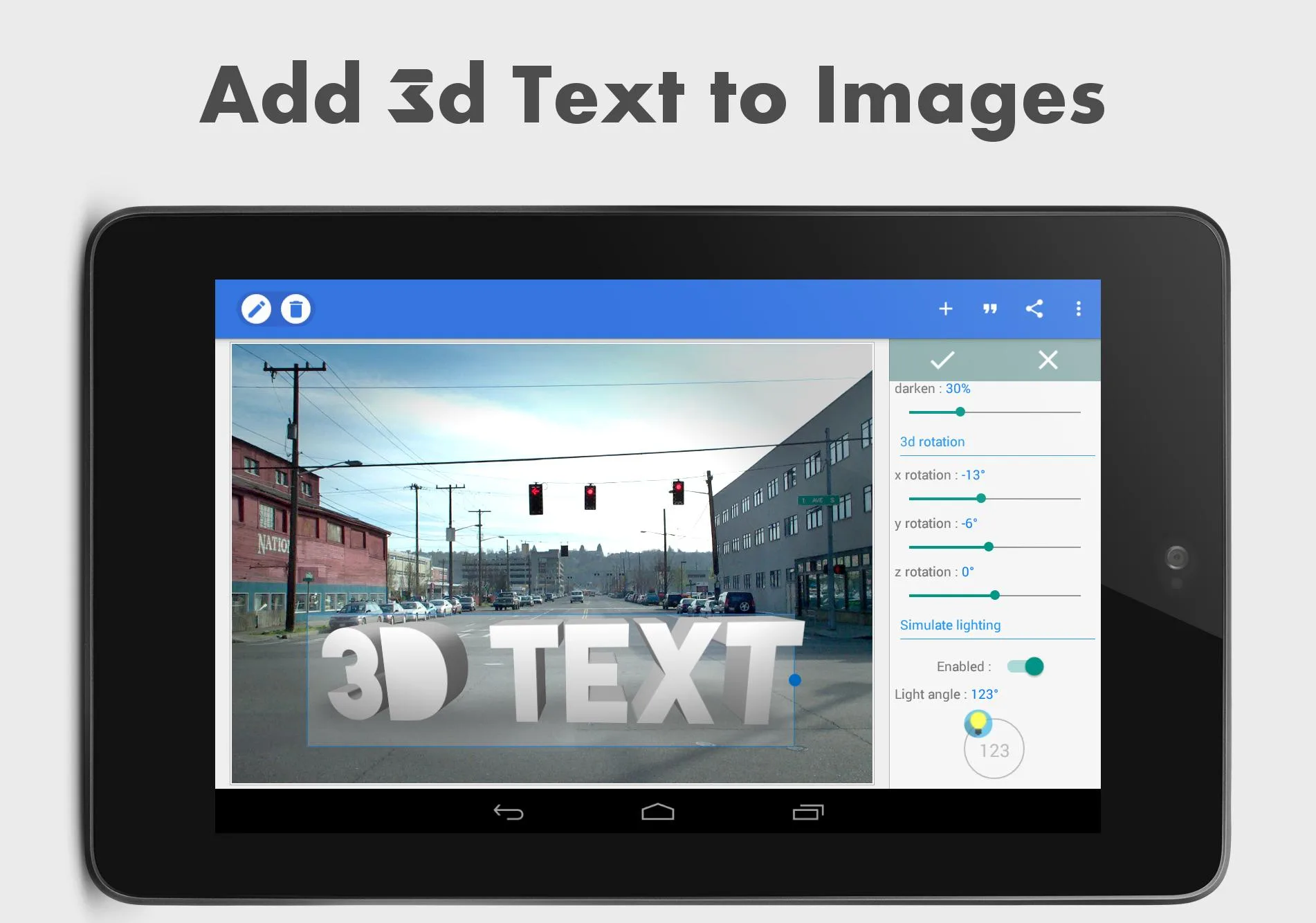
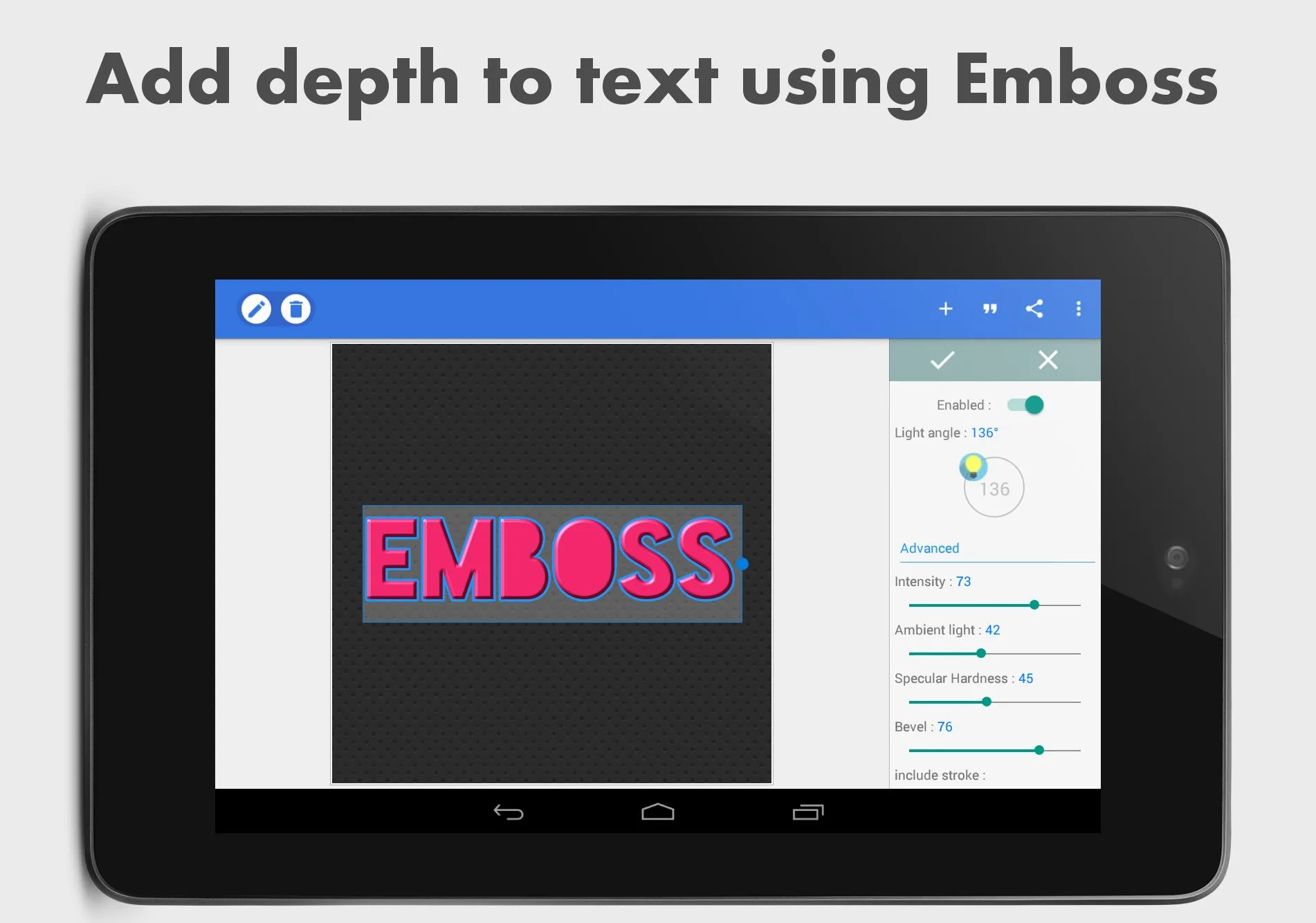
| 3D text + shadow, outline, gradient | Full styling: extrude text into 3D, add drop shadows, outlines and colour gradients. |
| Export up to Ultra HD | Save at the highest resolution the app offers, so letters stay sharp. |
One honest note. This unlock is client-side. PixelLab Pro is a set of on-device features, not a server subscription, so the MOD opens the paid tools locally and everything runs offline. That is exactly why the no-watermark and no-ads part is real here, and not just a claim.
Why the unlock is clean
Some apps keep their premium status on a server, and a MOD can only change what you see on screen while the server quietly ignores it. PixelLab is not that kind of app. Pro is a one-time buy that switches on features stored in the app itself, so a modified build can flip those same switches on your device. The result is genuine: the Pro tools work, the ads are gone, and exports come out without the watermark. Simple as that.
How to download and install PixelLab MOD APK
The download is a small APK, so it lands fast and there is no extra data to pull afterwards.
- Tap the green Download APK button at the top of this page, the file downloads directly, no registration or SMS.
- Allow installation from unknown sources for your browser or file manager (Settings → Security).
- If the Google Play version is already installed, remove it first, the MOD won't install over it because the signature differs.
- Open the file, tap Install, then launch PixelLab and start editing.
The APK is around 14.7 MB and needs Android 5.0 or newer, so it runs fine on older and low-end phones too. First time sideloading? Our APK install guide walks through the same steps with screenshots.
What you can make
- Posters and cover art with bold, styled headlines.
- Thumbnails for YouTube that read clearly at small sizes.
- Logos and banners with layered text and shapes.
- 3D text and quote graphics for social posts.
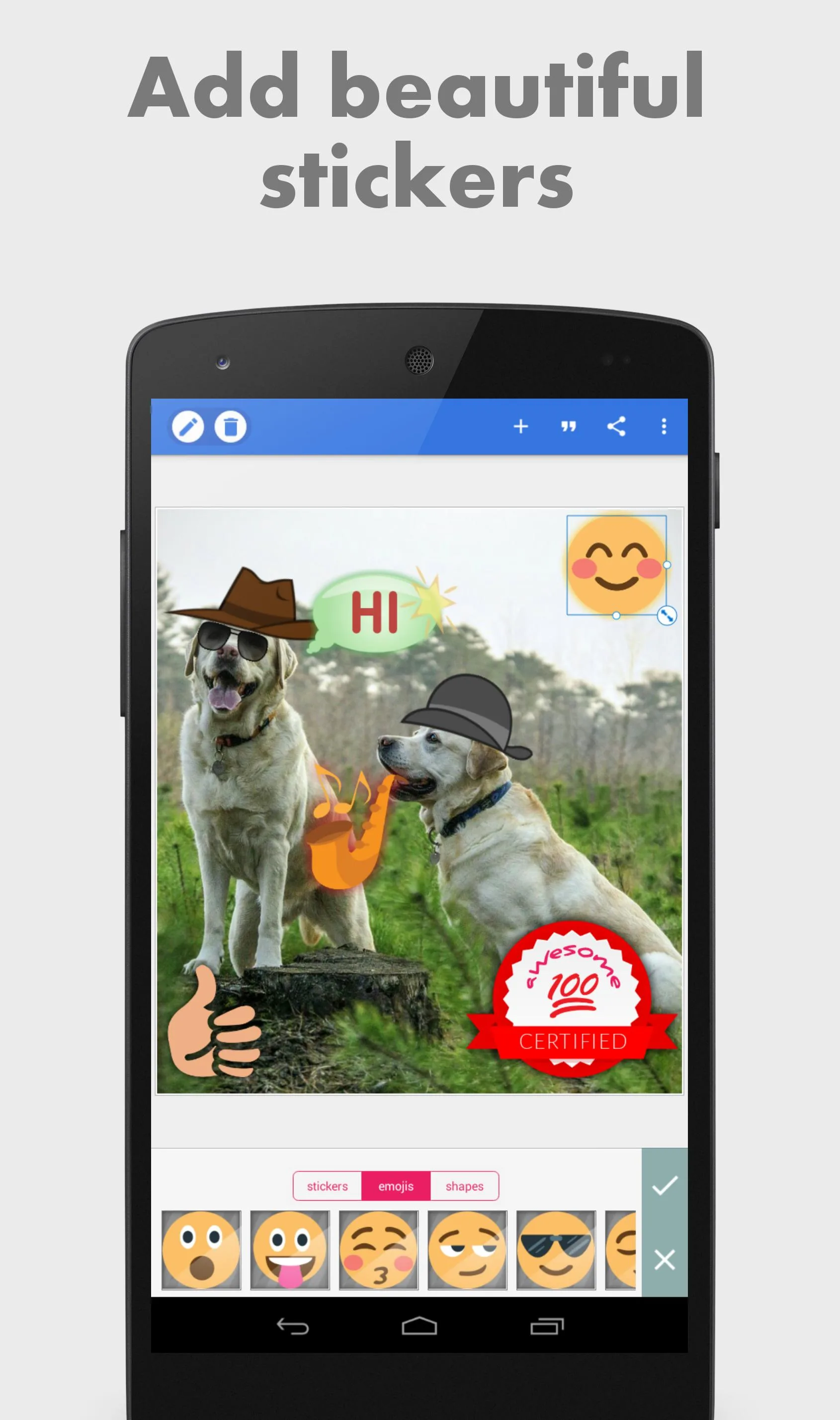
- Sticker and emoji art dropped over your own photos.
- High-quality exports up to Ultra HD, so the lettering stays crisp when you zoom or print.
MOD or original?
The original PixelLab is free to install, and buying Pro inside it is a fair way to support App Holdings if the app earns a spot in your workflow. The MOD is for people who want the Pro tools, the clean exports and an ad-free canvas without the purchase, all working offline on the device. Both are the same core editor, so the choice is really about how you want to pay for the extras. Want more like this? Browse our photography apps or see what else is in the MOD catalog.
FAQ
What does the PixelLab MOD unlock?
Does it remove the watermark?
Do I need an account or subscription?
What is PixelLab used for?
Is the PixelLab MOD APK safe?
How big is it and what does it need?
Download PixelLab Mod (Premium Unlocked)
- No viruses
- No spyware
- No malware
The reviews (0)