- No viruses
- No spyware
- No malware
com.wemagineai.voilaThis file was downloaded, scanned and installed by our editors before publishing.
Every file is also checked with VirusTotal before publishing.

Voilà AI Artist APK (Cartoon Photo Filter)
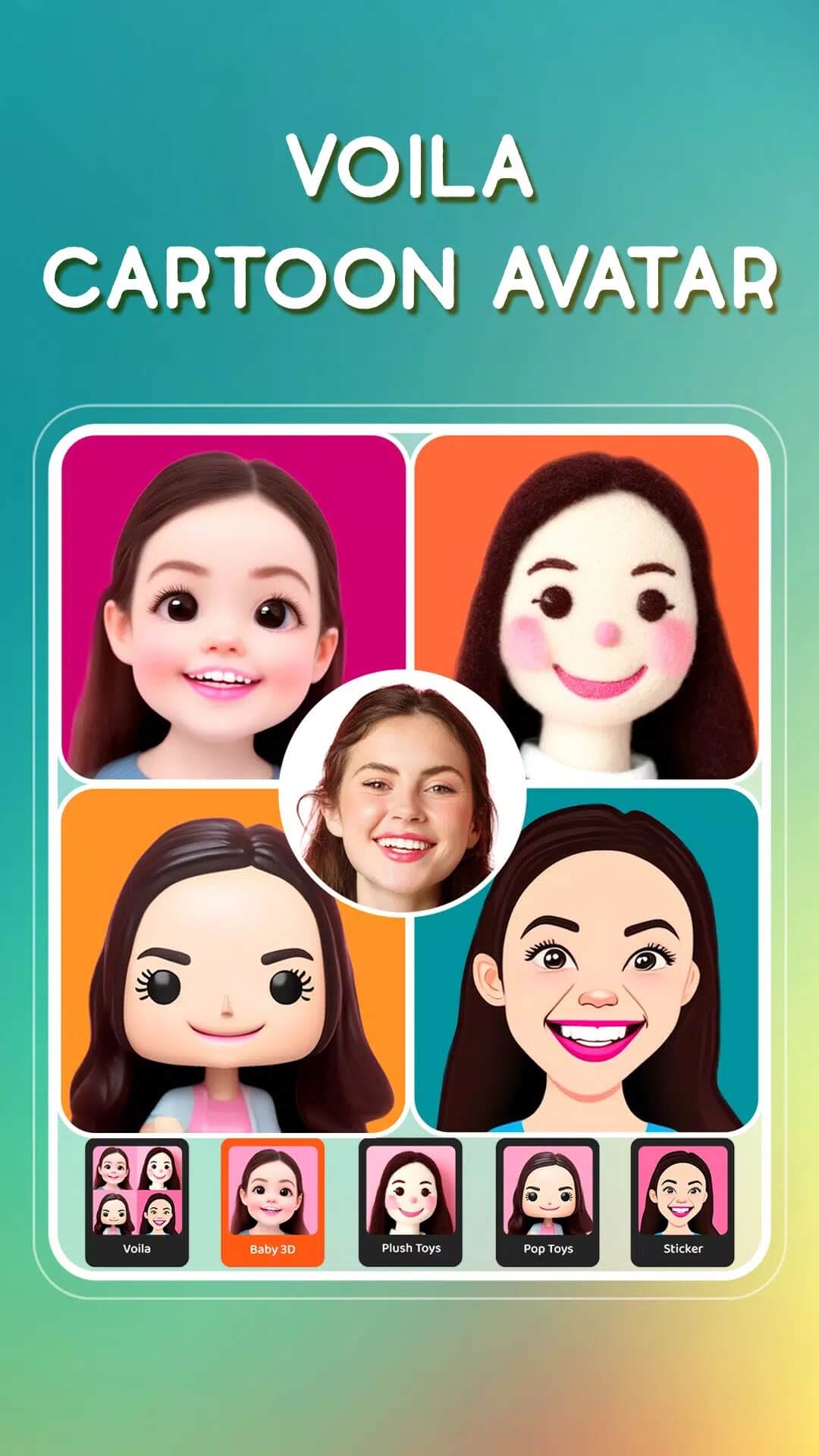
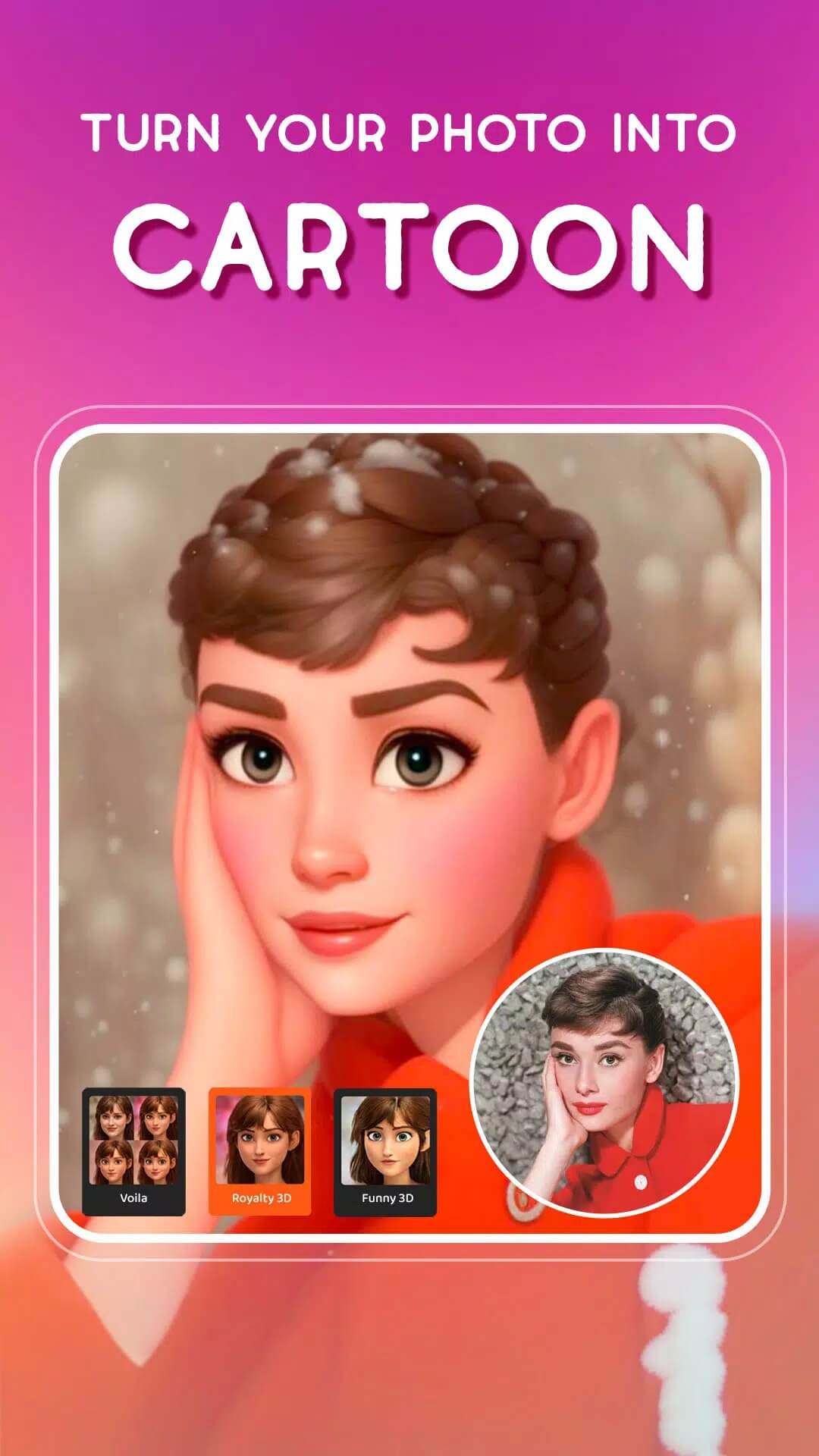
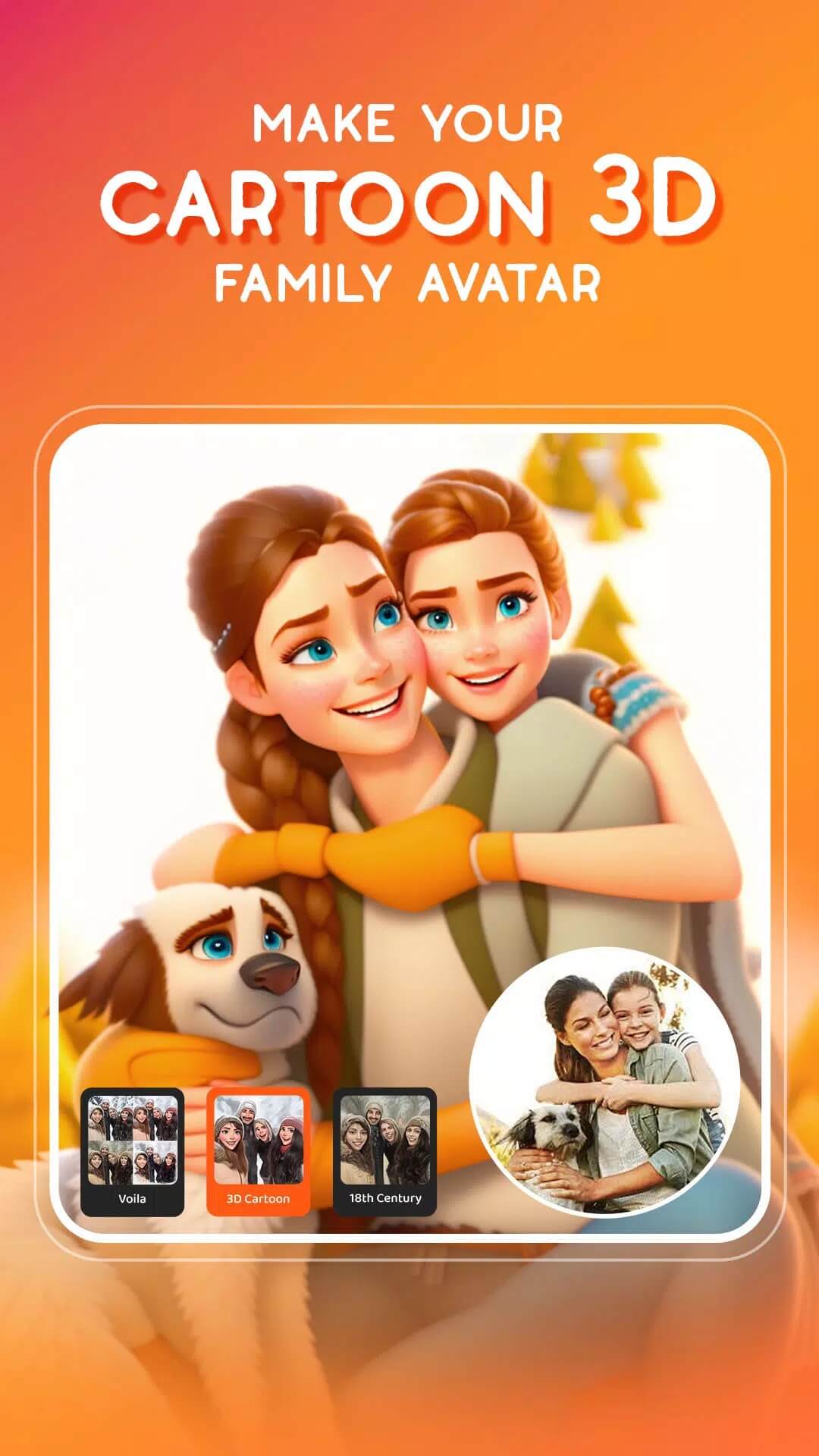
Additional information about Voilà AI Artist APK (Cartoon Photo Filter)
com.wemagineai.voilaThe description of Voilà AI Artist APK (Cartoon Photo Filter)
Voilà AI Artist APK turns a normal selfie into a 3D cartoon, a Renaissance-style portrait or a hand-drawn caricature, all drawn by AI. It is the app from Wemagine.AI that went viral in 2021 for its 3D cartoon avatars, and this page hosts the original Android build, scanned for malware and installed on a real device by our editors before publishing. One thing to be clear about from the start: the art styles are computed on Wemagine's servers, not on your phone, so you need an internet connection, and there are a few honest notes below on what a MOD can and cannot do here.
What is Voilà AI Artist?
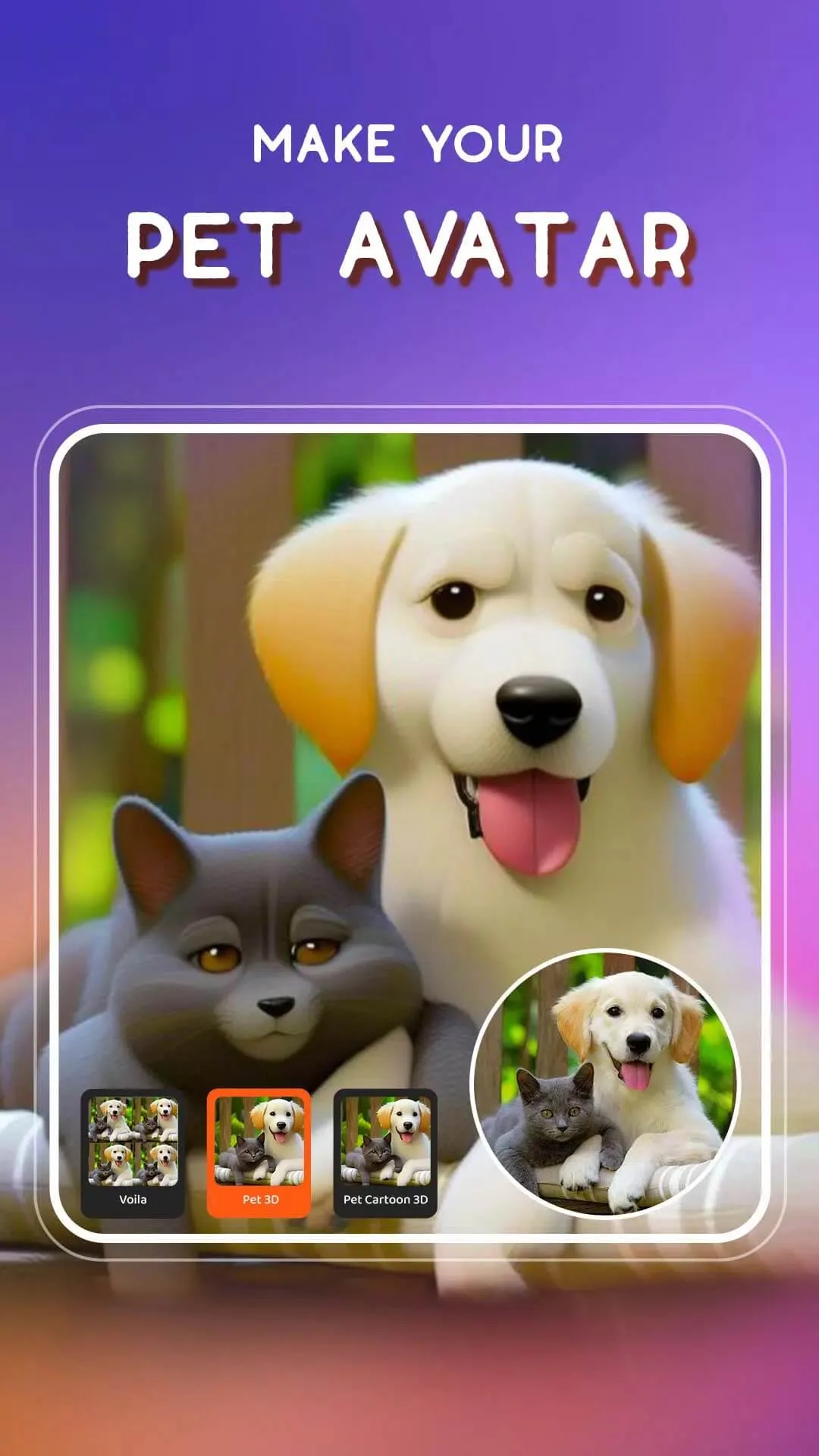
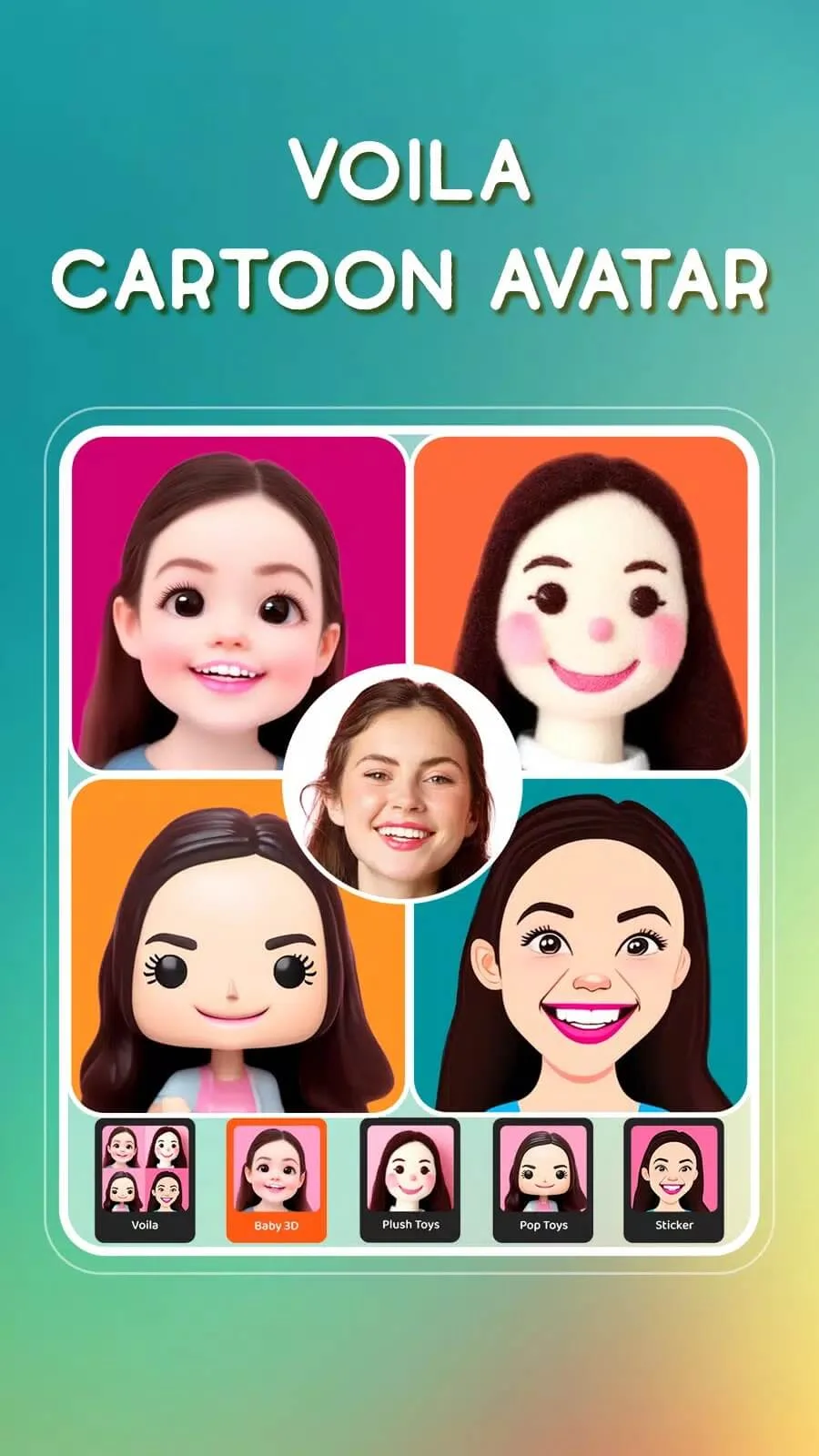
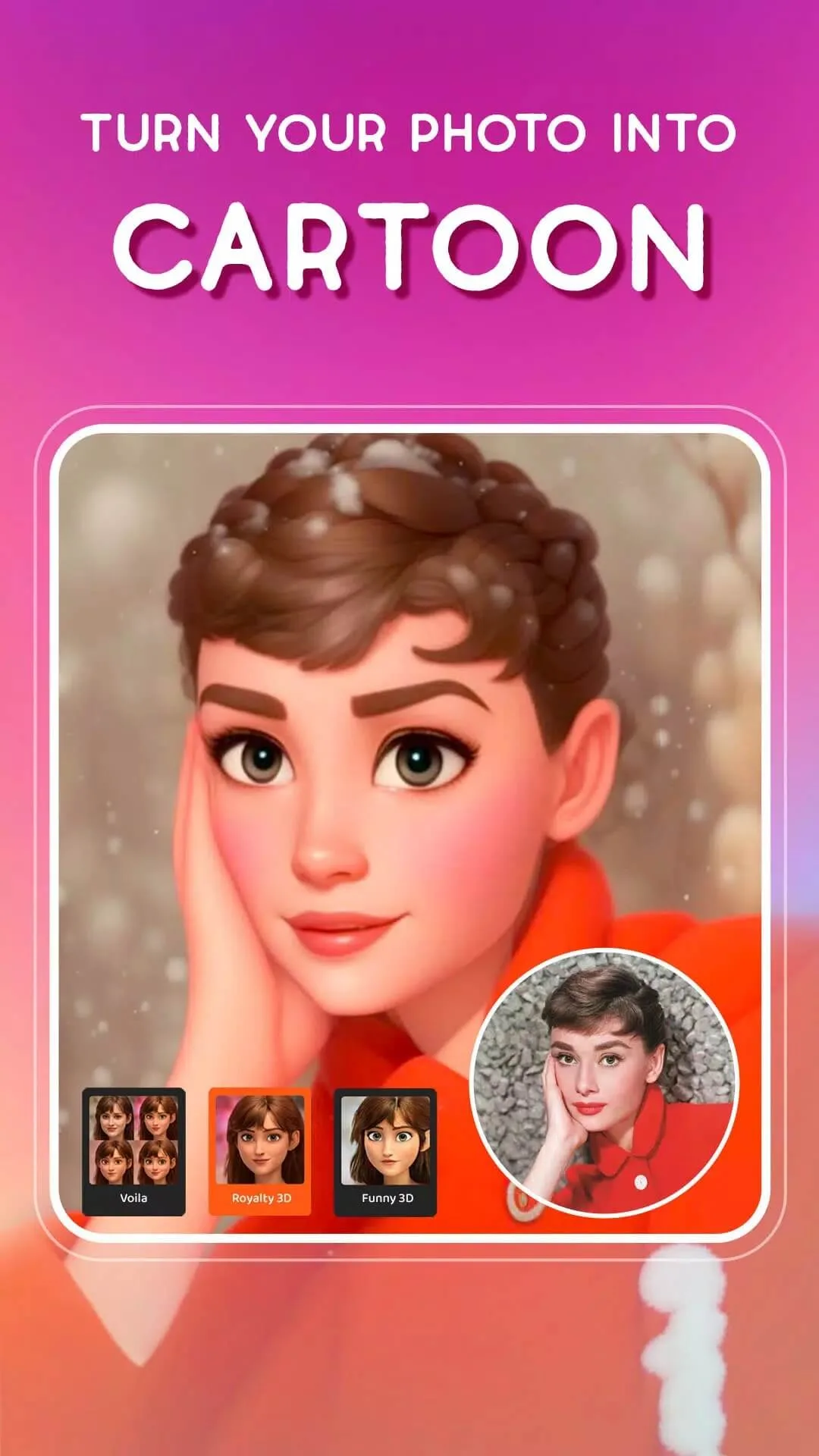
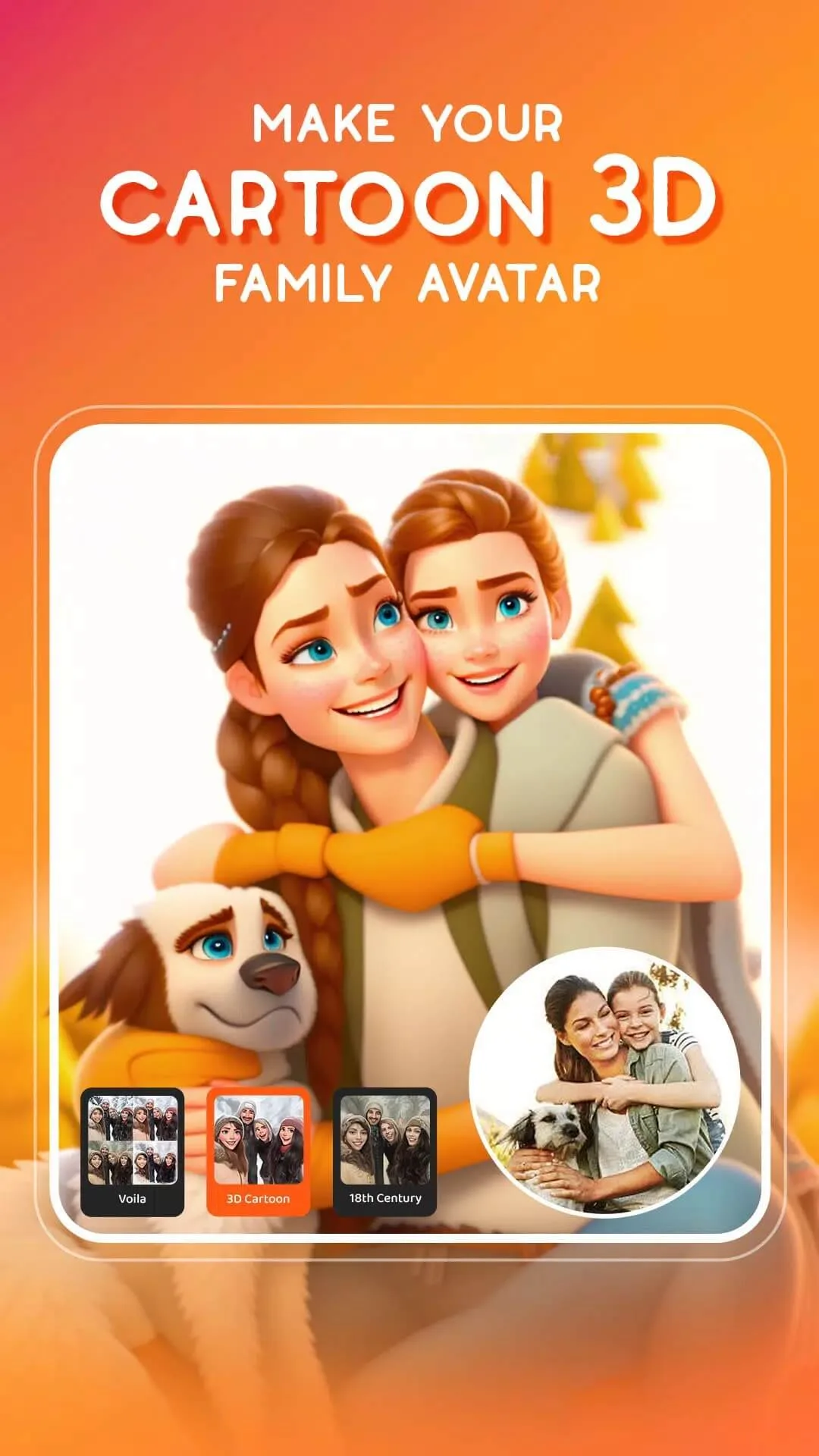
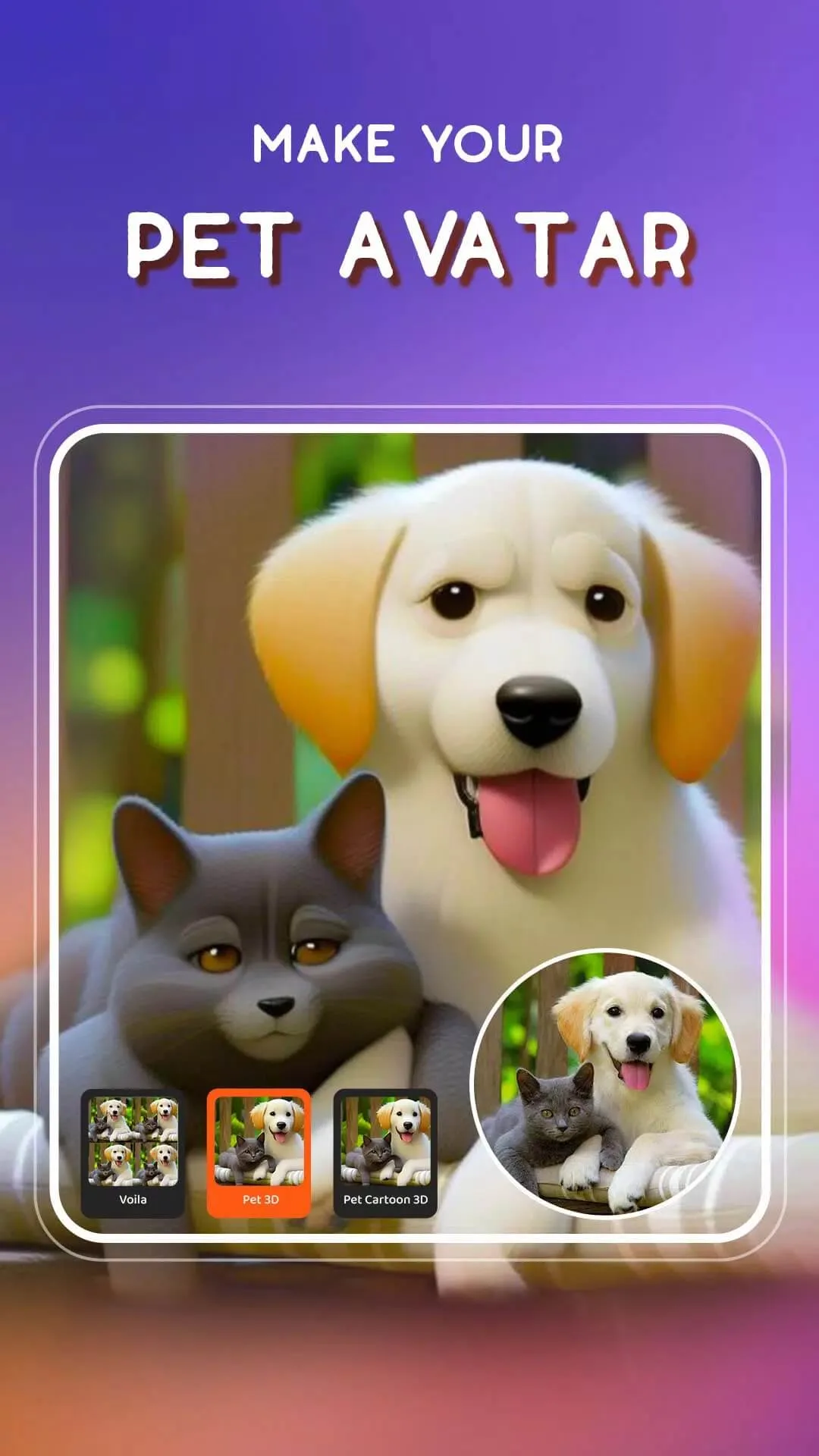
Voilà AI Artist is a photo app that redraws your face in a chosen art style. Pick a look, let the AI render it, then save or share the result. The catalogue covers 3D Cartoon in the Pixar and Disney vein, Renaissance oil-painting portraits, Hand-Drawn Caricature, plus Baby and Royalty versions of your photo.
The package name is com.wemagineai.voila, it sits in the Photography category, weighs about 42 MB and runs on Android 5.0 and newer. The free version gives you a set of styles with a small watermark on the finished image.
How the AI works: client vs server
This is the part that decides everything about MODs. When you tap a style, your photo is sent to Wemagine's servers, the model draws the new image there, and the finished picture comes back to your phone. Almost nothing happens on the device itself, which is why the app does not work offline.
Because the heavy work lives on the server, a modified APK cannot make that server hand out Pro styles for free. Pro is tied to your account and subscription on Wemagine's side, not to a switch inside the app file. So a build that promises Pro without paying either does nothing extra or is simply not what it claims. The free tier still gives you real styles, just with the watermark.
Voilà Pro and the MOD reality
Voilà Pro is the paid tier. It removes the watermark and the ads, renders faster and opens the full style list. It starts with a free 3-day trial, then costs roughly $2.99 a week, $5.99 a month or $29.99 a year, billed through your app store account.
| Voilà Pro changes | What you get |
|---|---|
| Watermark | A clean image with no Voilà stamp. |
| Ads | No ad breaks between renders. |
| Full styles | The complete style list, not only the free set. |
| Speed | Priority rendering on the servers. |
What we host here is the original Voilà AI Artist APK, the same file you would get from Google Play, not a Pro-for-free build. There is no reliable way to get Pro without paying, because the styles render server-side. If you want the full set and want to support the studio, the honest route is the Pro subscription in the store.
How to download and install the Voilà AI Artist APK
- Tap the Download APK button at the top of this page. The file is about 42 MB and downloads directly, no registration.
- Allow installation from unknown sources for your browser or file manager (Settings → Security).
- Open the downloaded file and tap Install.
- Launch the app and give it access to your camera and photos so you can pick an image.
- Choose a style and let the render finish. You need an internet connection for this step.
New to sideloading? Our APK install guide walks through the same steps with screenshots.
Tips for best results
- Use a clear, front-facing photo with good light. The AI reads faces best when they are sharp and well lit.
- Keep the face large in the frame and not covered by hair, hands or sunglasses.
- Try several styles on the same photo. A shot that looks flat as a caricature can look great as a 3D cartoon.
- For social posts, crop to a square or vertical frame before you export.
- Do not upload other people's photos without their consent, since the image leaves your phone to be processed.
Privacy and verdict
Every render happens on a server, so your photo is uploaded each time you apply a style. Read Wemagine's privacy policy and the app permissions so you know how images are handled, and keep sensitive photos off it if that matters to you.
Our editors tested this APK on a real device and scanned it for malware before it went live. Download it only from the button on this page. If you like the idea but want to compare, Photo Lab offers similar server-rendered art and cartoon effects, and you can browse more photography apps or fresh MOD APKs in the catalogue.
FAQ
Does Voilà AI Artist need the internet?
Is there a real MOD or Pro-for-free version?
What styles does it offer?
How much is Voilà Pro?
Is it safe, and what happens to my photos?
What are the download size and requirements?
Download Voilà AI Artist
- No viruses
- No spyware
- No malware
The reviews (0)