- No viruses
- No spyware
- No malware
com.lyrebirdstudio.tbtThis file was downloaded, scanned and installed by our editors before publishing.
Every file is also checked with VirusTotal before publishing.

PicsApp APK — Photo Editor & Collage Maker
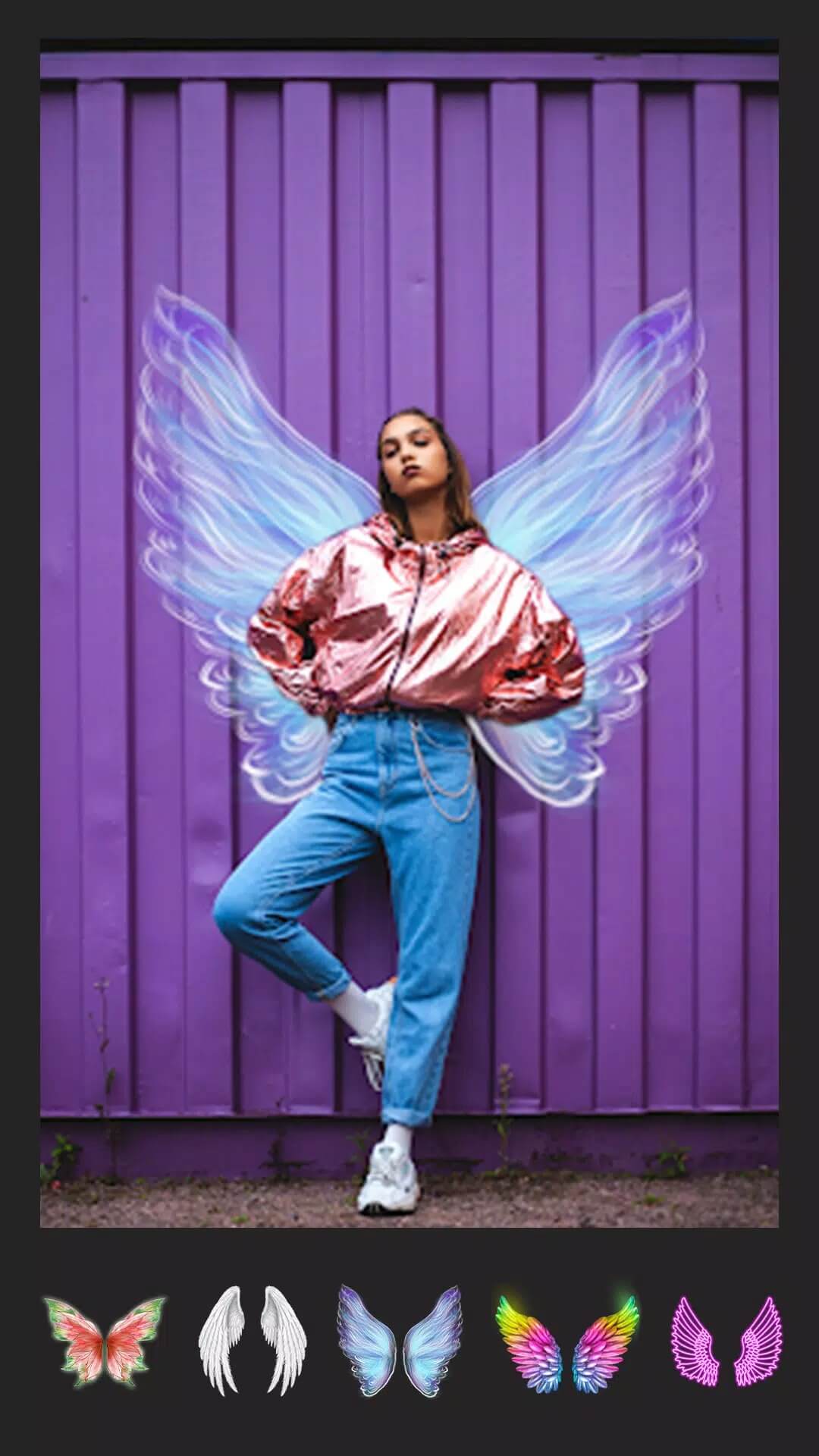
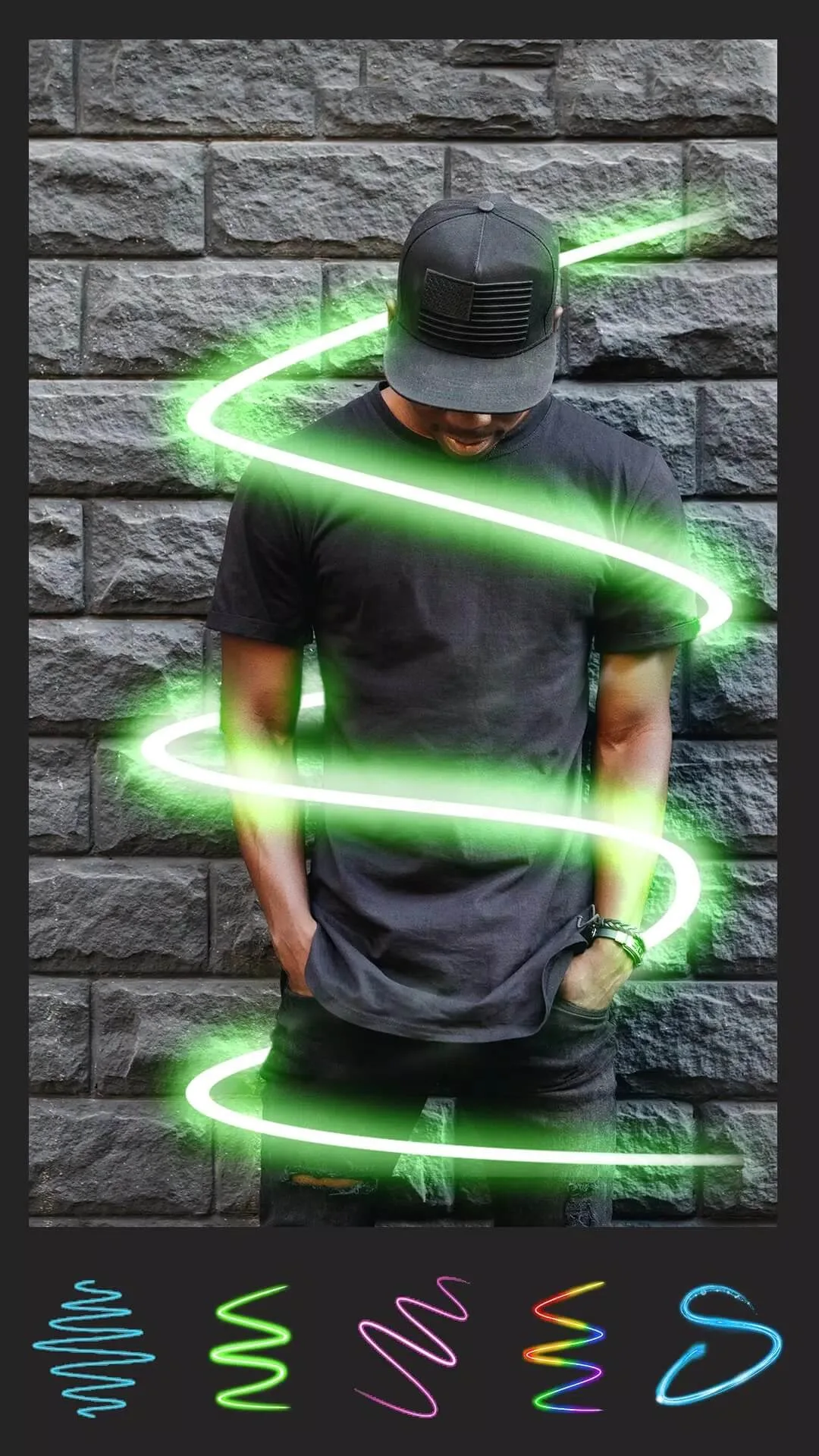
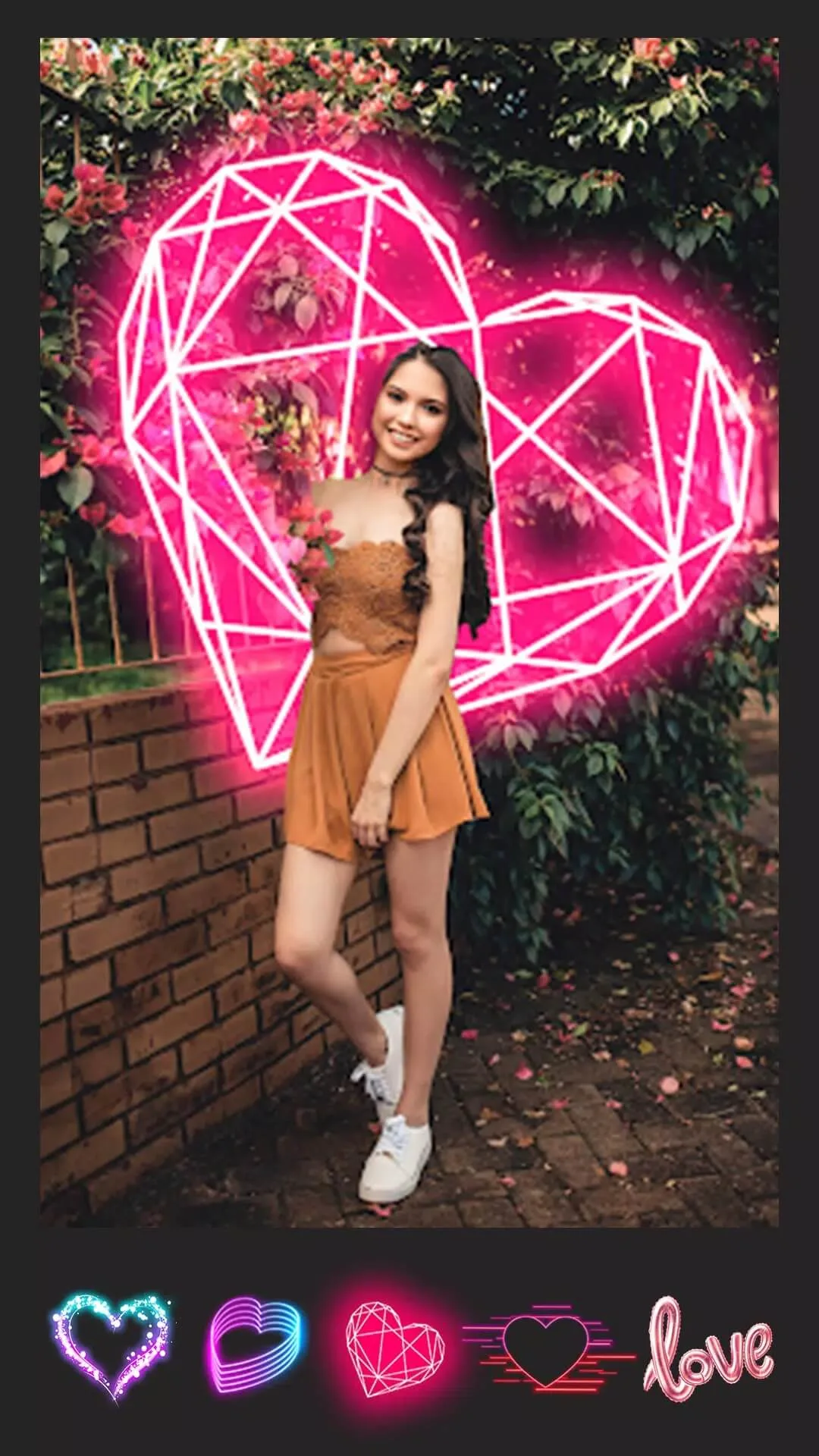
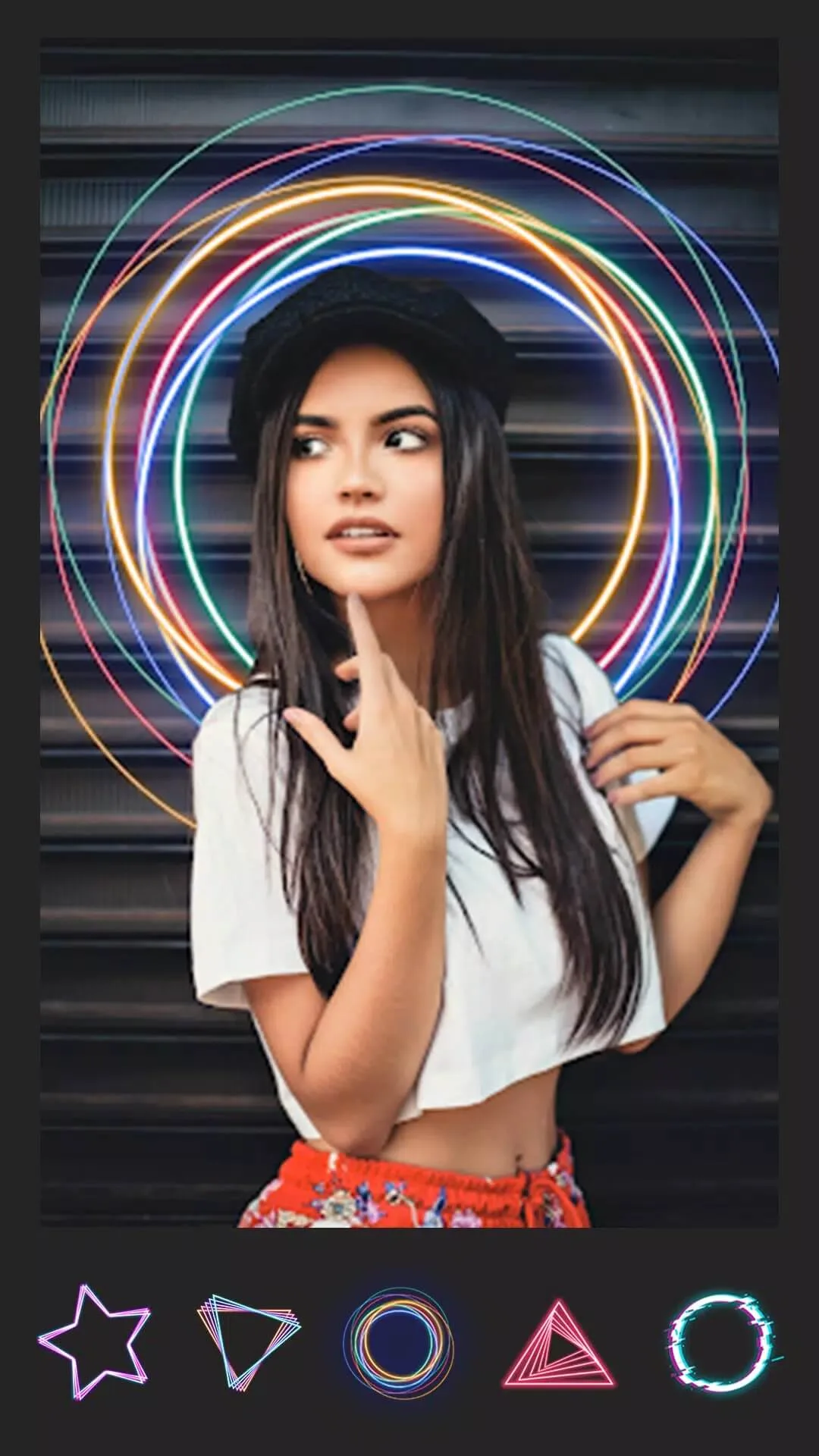
Additional information about PicsApp APK — Photo Editor & Collage Maker
com.lyrebirdstudio.tbtThe description of PicsApp APK — Photo Editor & Collage Maker
PicsApp APK is a free photo editor from Lyrebird Studio, the same team behind a long line of Android photo apps. You get trending filters, a drip effect, neon and spiral looks, background swaps, a collage maker, plus text and stickers, all in one light app. Everything runs on your phone, so your photos stay on your device. The file on this page is scanned for malware and installed on a real Android device by our editors before publishing, we have done this since 2018.
What is PicsApp?
PicsApp is Lyrebird Studio's photo editor and collage app for Android (package com.lyrebirdstudio.tbt). It is built for quick edits you share straight to social, not a heavy desktop-style suite. Open a photo, pick a filter or effect, add a caption, and you are done in a minute or two. The app leans toward the trendy side of editing, drip art, neon glow, spiral swirls, rather than slow pro-level color grading.
It is free to start. A few filters and extra content packs may sit behind a paid tier in the original, but the core editor, collages and most everyday tools are open from the first launch.
Editing and effects
The effects are where PicsApp spends most of its energy. Here is what you get to play with:
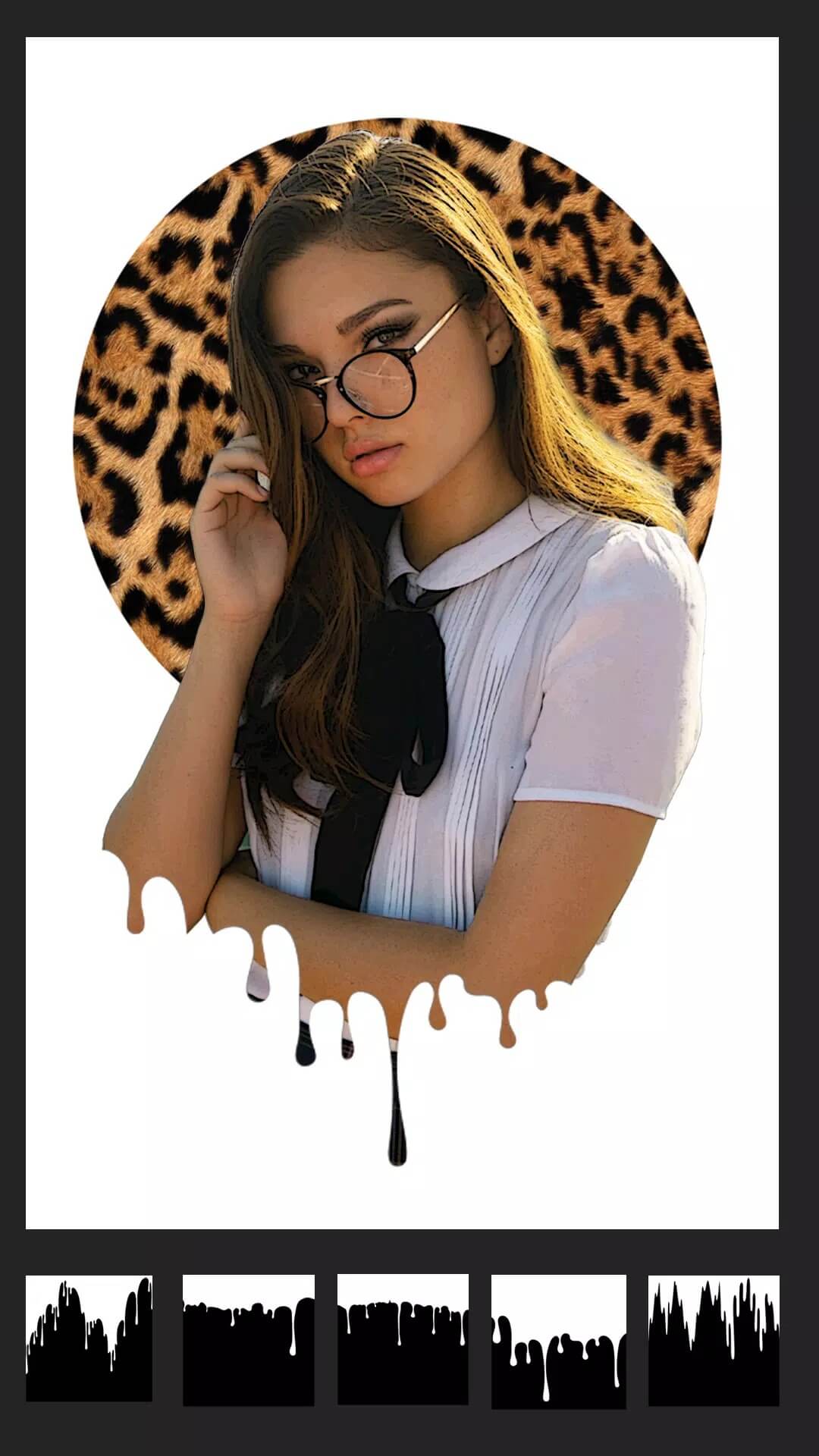
- Drip effect — paint dripping shapes over your photo and use them as a spotlight, so one part of the image pops in color while the rest fades back.
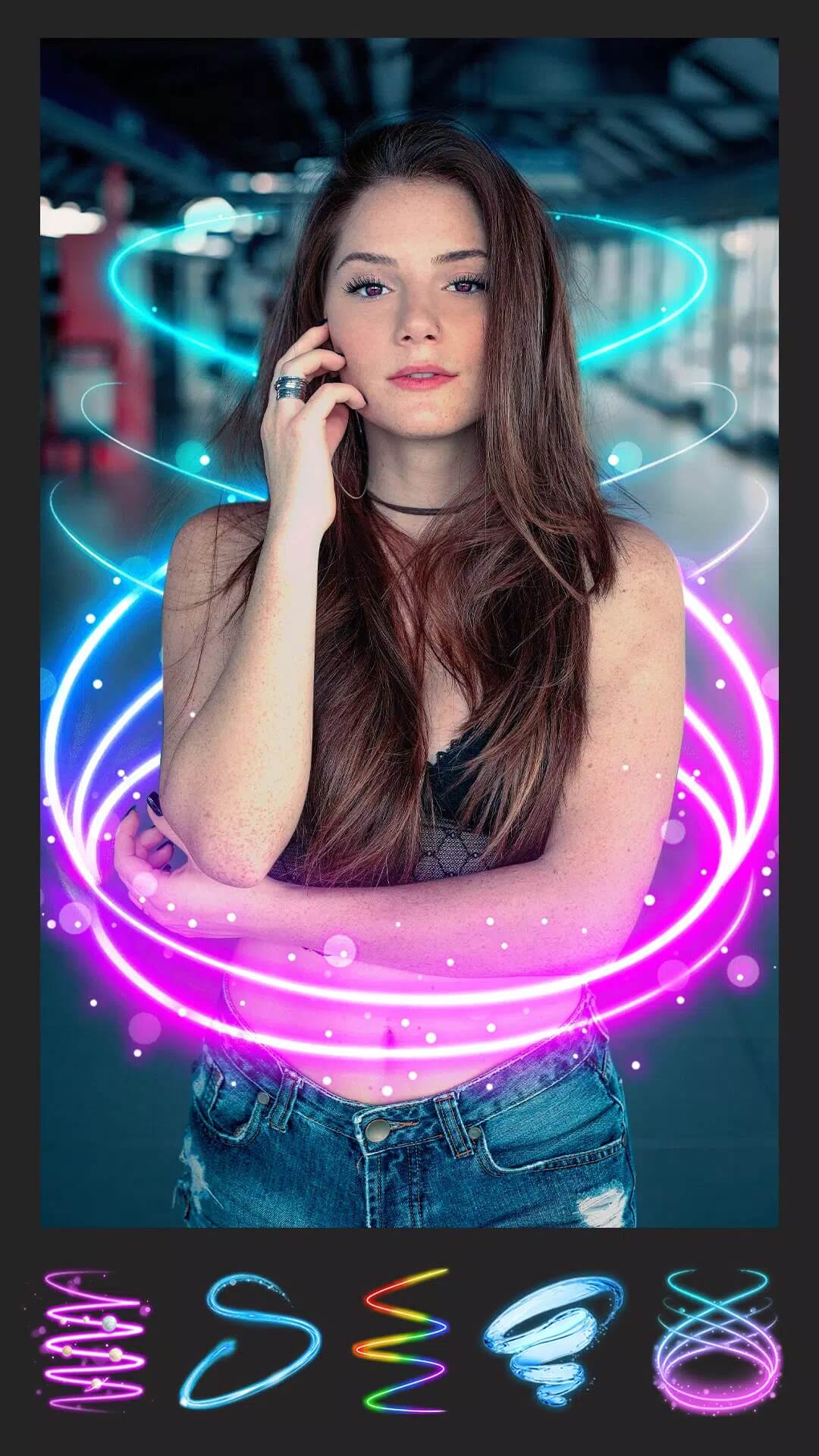
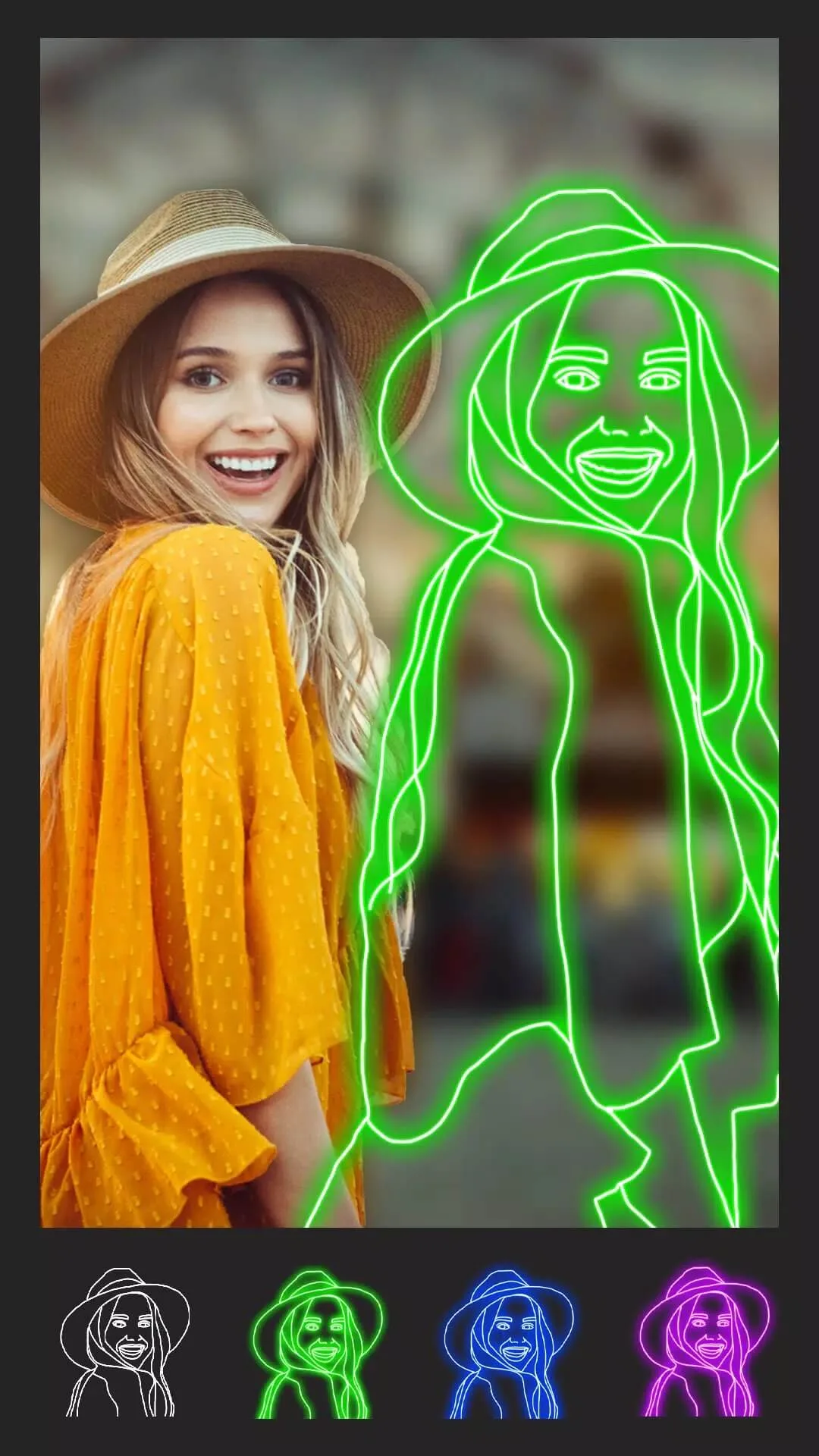
- Neon and spiral looks — glowing outlines and swirling light trails that sit well on portraits and night shots.
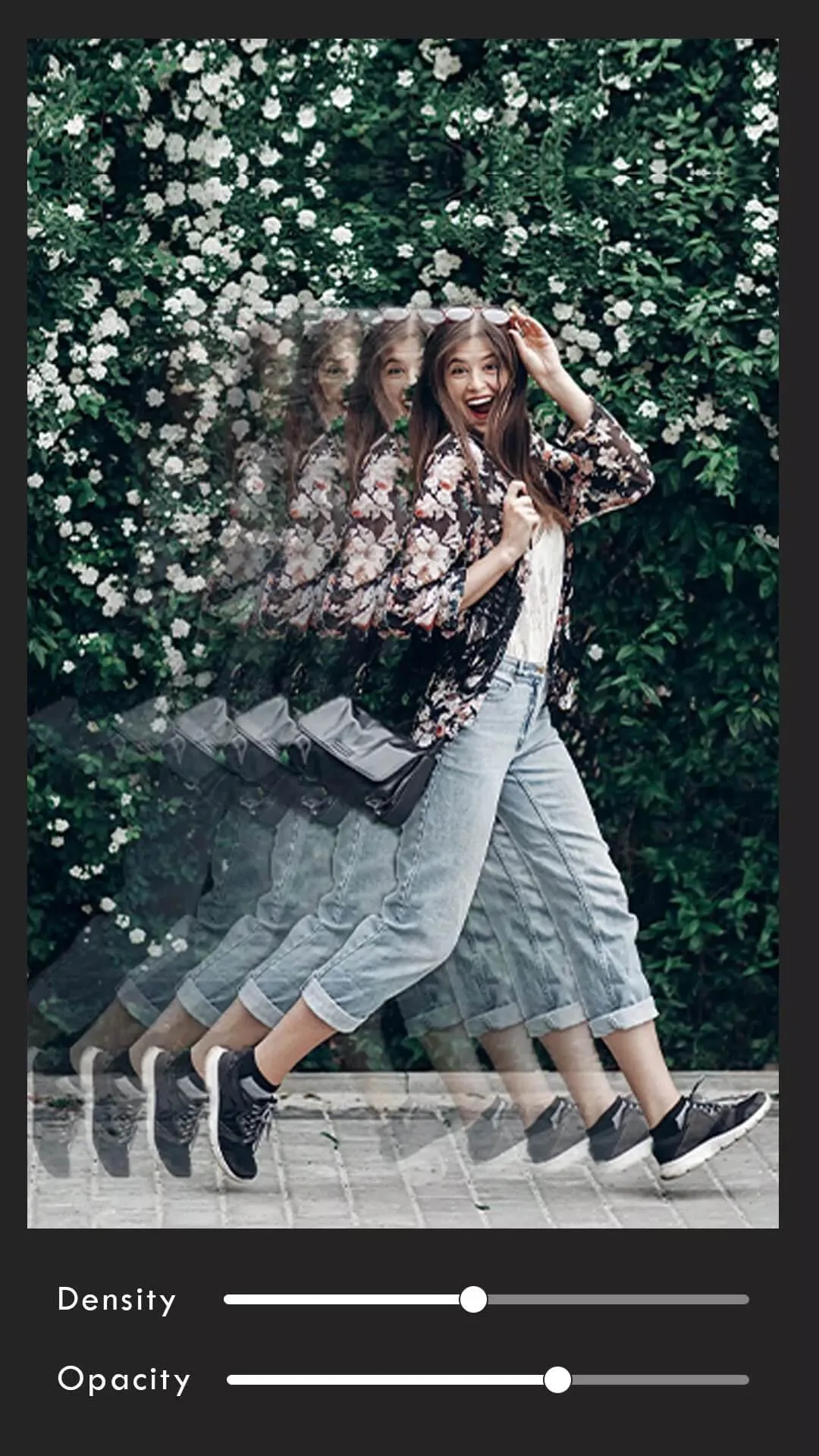
- Adjustable filters — slide the strength up or down instead of an all-or-nothing preset, so a look never feels too heavy.
- Special effects and background swaps — cut out your subject and drop in a new backdrop, or layer an overlay for a different mood.
All of this is processed locally on your phone. No upload, no account, no waiting on a server to render your edit.
Collage maker
Since the app carries "collage" in its name, the grid tool earns its own look. You can pull several photos into one layout, then adjust the frame and the spacing between them. Swap the background behind the grid, round the corners, and line up shots from the same day into a single post.
It is simple on purpose. Pick your pictures, choose a layout, drag them into place, and export. That covers most of what people want a collage for, a before-and-after, a trip recap, or a set of matching shots for a story.
Text and stickers
You can drop captions onto any photo in a range of fonts and colors, resize them, and move them wherever they read best. On top of that there is a large sticker library sorted by theme and mood, so you can label a photo, mark a moment, or add a bit of personality without leaving the app.
How to download and install PicsApp APK
The download is a single APK, and setup takes a minute. Here is the order:
- Tap the Download APK button at the top of this page, the file comes down directly, no sign-up.
- Allow installation from unknown sources for your browser or file manager (Settings → Security).
- Open your Downloads folder and tap the .apk file.
- Tap Install, then open the app.
- Grant access to your gallery when asked, so PicsApp can load and save your photos.
The app is around 73 MB and needs Android 6.0 or newer, which covers most phones in use today. New to sideloading? Our APK install guide walks through the same steps with screenshots.
Free vs paid content
The base editor is free. You can crop, filter, build collages, add text and use a good chunk of the effects without paying anything. That said, one honest note: some premium filter packs, extra stickers or watermark removal may be locked behind a purchase or subscription in the original app, and no APK changes that, since the paid content is tied to Lyrebird Studio's own store. Everything else is yours from the start.
Want more apps like this? Browse our photography section for other editors and camera tools we have tested.
FAQ
Is PicsApp free?
Who makes PicsApp?
Can I make collages in PicsApp?
What effects does PicsApp have?
Is the PicsApp APK safe?
What are the requirements?
Download PicsApp Photo Editor & Collage
- No viruses
- No spyware
- No malware
The reviews (0)