- No viruses
- No spyware
- No malware
photo.editor.photoeditor.photoeditorproThis file was downloaded, scanned and installed by our editors before publishing.
Every file is also checked with VirusTotal before publishing.

Photo Editor Pro — Polish MOD APK (Pro Unlocked)
Additional information about Photo Editor Pro — Polish MOD APK (Pro Unlocked)
photo.editor.photoeditor.photoeditorproThe description of Photo Editor Pro — Polish MOD APK (Pro Unlocked)
The Photo Editor Pro Polish MOD APK hands you the Pro side of InShot's photo app: no ads, every filter and effect pack open, and export with no watermark on your pictures. You get the full toolbox that the free build normally hides behind a subscription. The file on this page is scanned for malware and installed on a real Android device by our editors before publishing, we have done this since 2018.
Polish is a fast, everyday editor, not a heavy desktop tool. It runs on Android 6.0 and up and weighs about 28.2 MB, so it fits even on an older phone.
What is Photo Editor Pro — Polish?
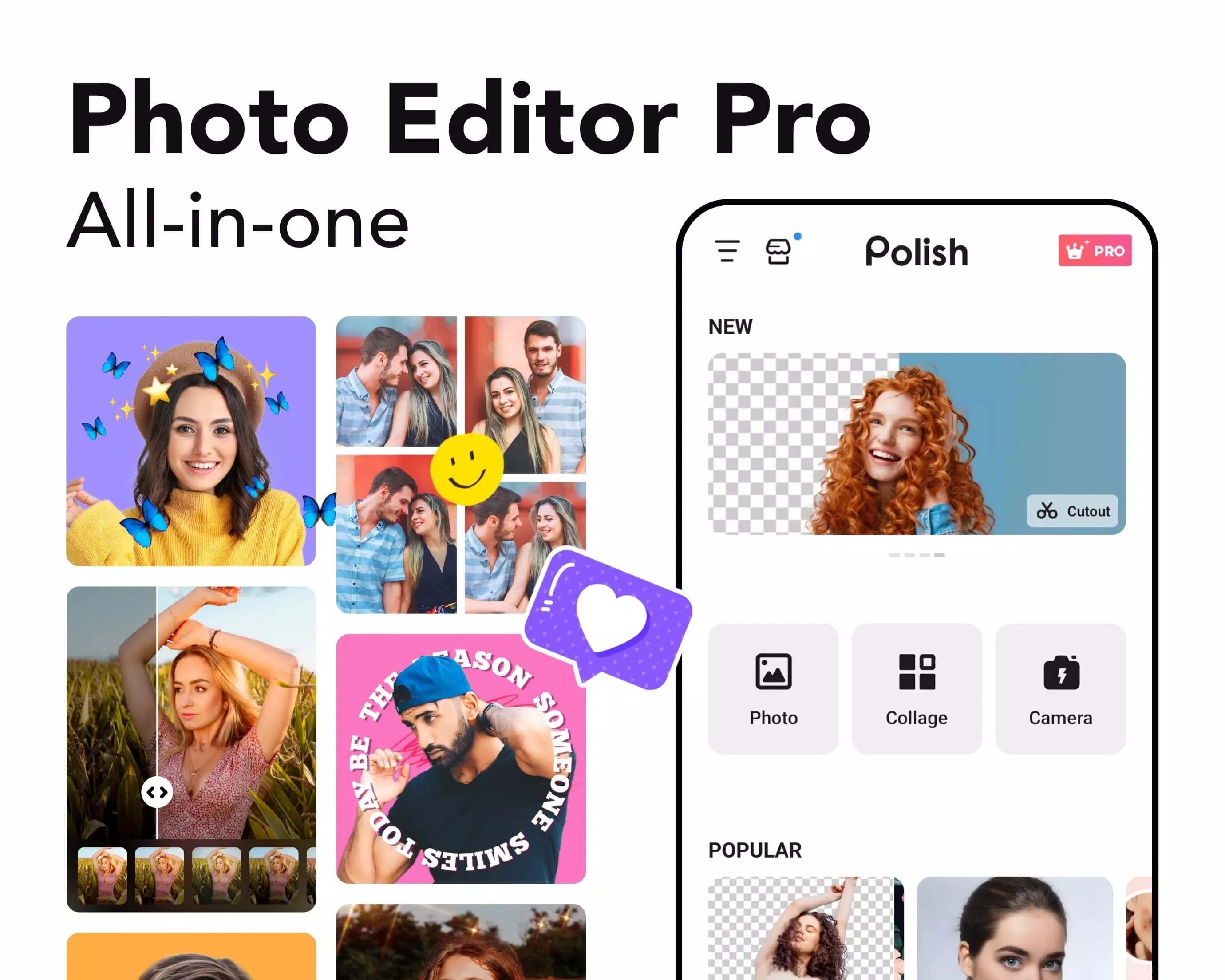
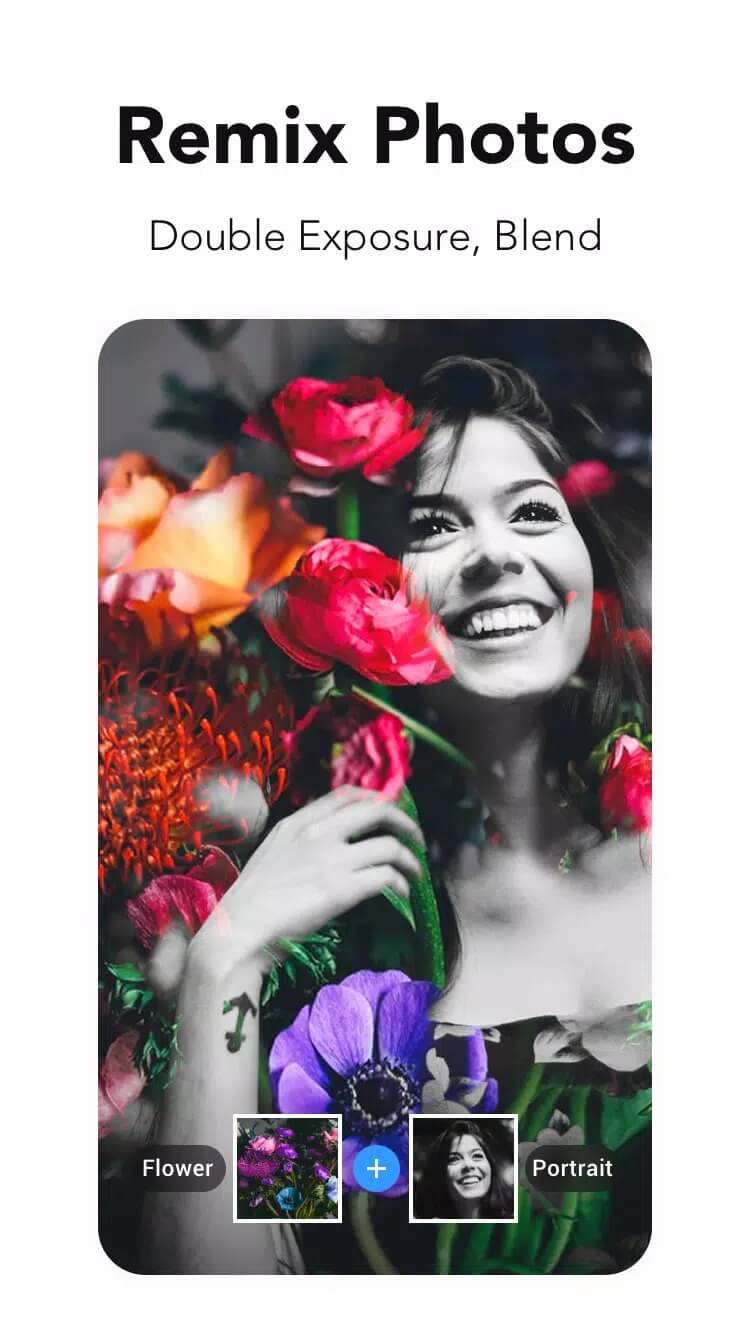
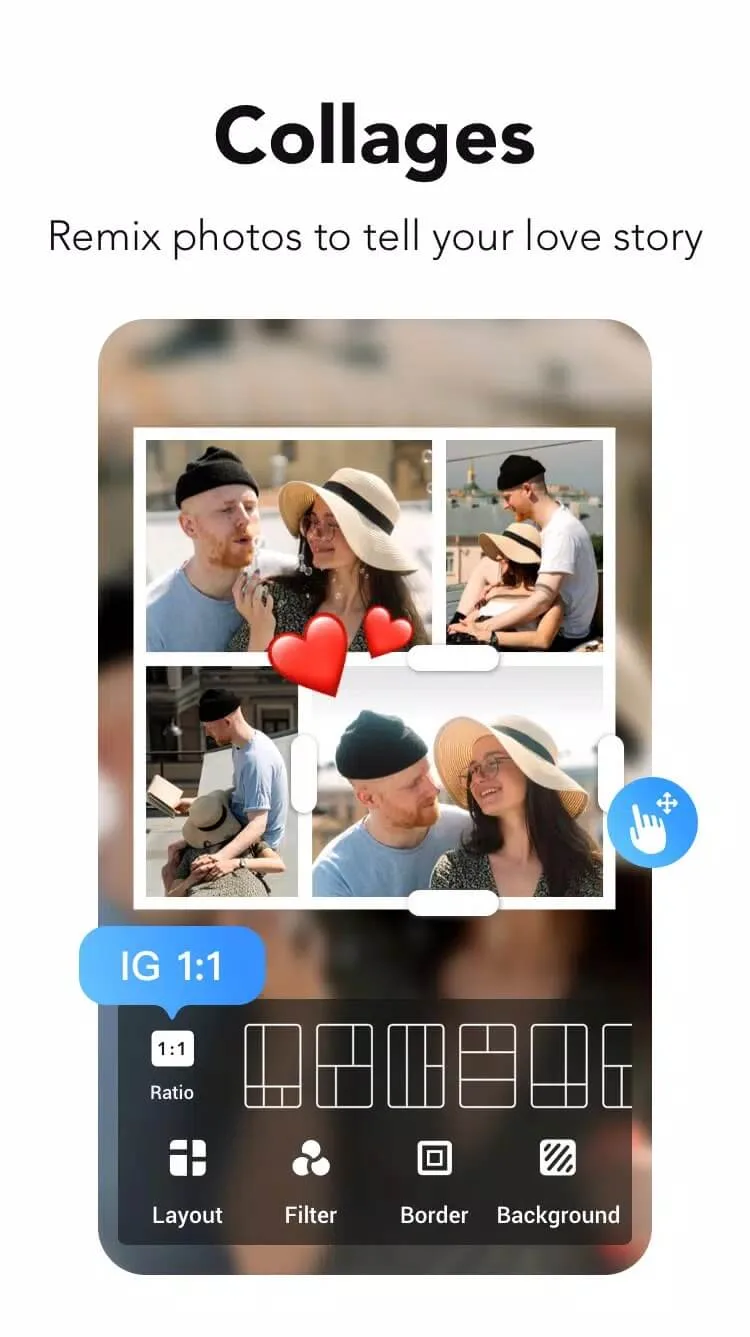
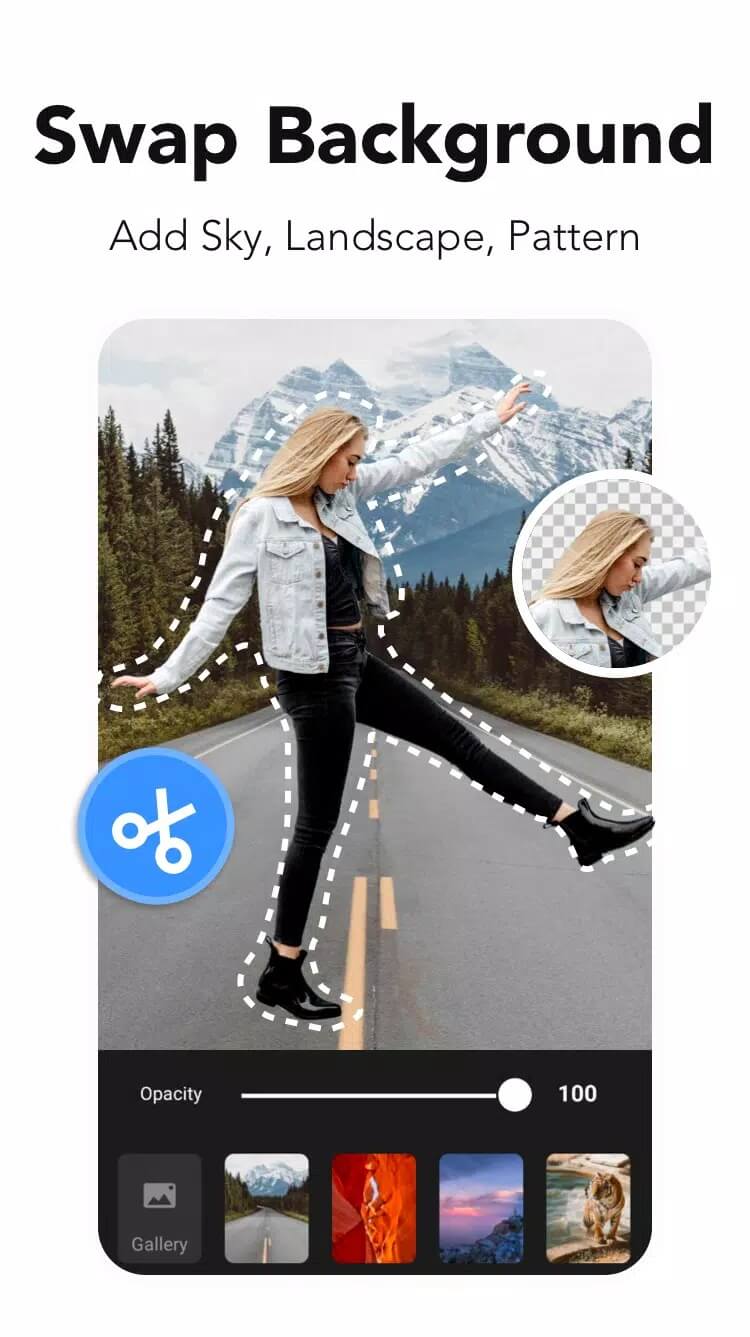
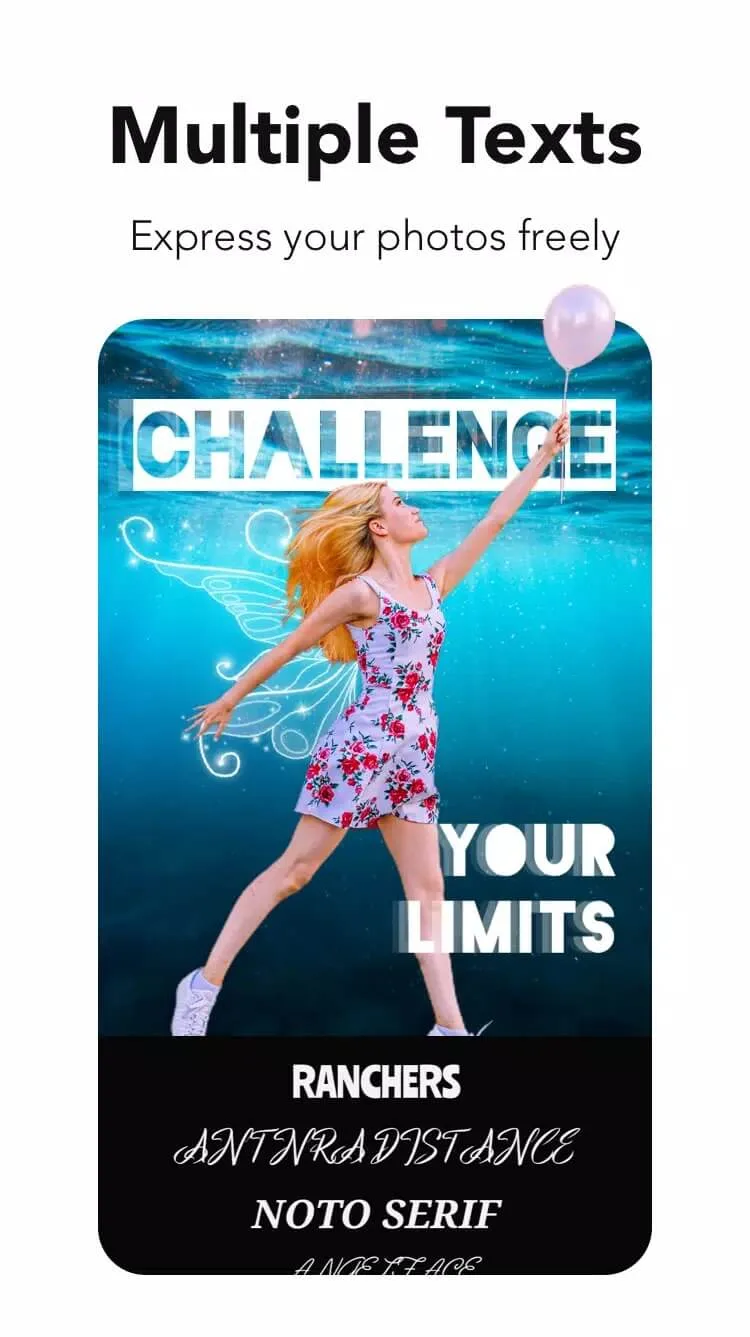
Photo Editor Pro — Polish is a photo editing app from InShot Inc., the same studio behind the InShot video editor. It sits in the Photography category and does a bit of everything: 1000+ effects and filters, collages of up to 18 photos in one frame, plus frames, stickers and text you can drop on top of a shot.
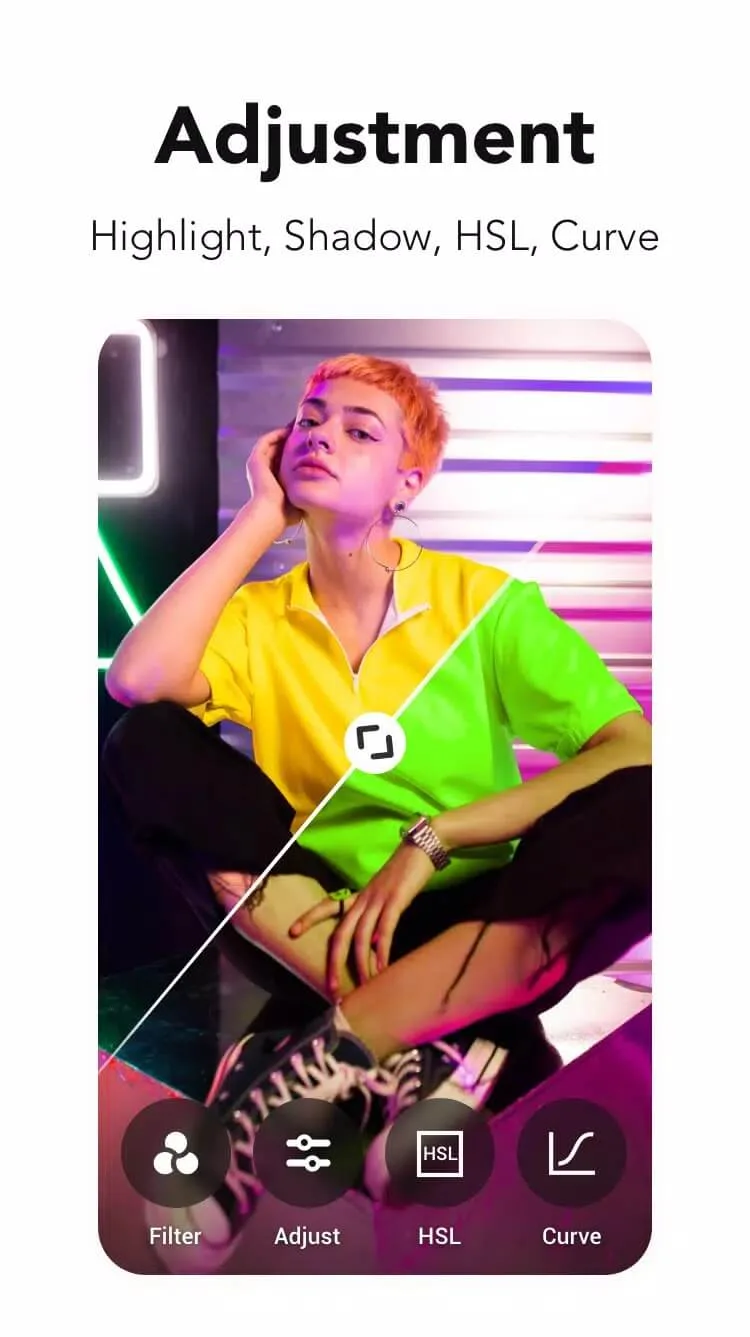
The basics are all here too. You can adjust brightness, contrast and saturation by hand, then reach for the fun stuff, neon, drip and glitch effects that give a plain photo some edge. When you are done, export the result and share it straight to your social apps. It is the kind of editor you open, fix a picture in a minute, and close.
What the MOD (Pro) unlocks
| MOD feature | What it changes in the app |
|---|---|
| Pro unlocked | Every filter, effect and premium pack is open, no subscription prompt. |
| No ads | Banners and interstitial ads between edits are removed. |
| Watermark-free export | Your saved photo comes out clean, without the app logo on it. |
One honest note. This is a client-side unlock: the Pro flag is flipped on your own device, so all of it works offline. Nothing here touches your account or a login. The classic editing tools are the whole point of the MOD, and they are the part that always runs on your phone.
Client Pro vs cloud AI
Here is the line most sites skip. The classic Polish tools, filters, collage, frames, the neon and drip effects, brightness and contrast, all of that is processed on your device. A MOD unlocks them locally, they run offline, and this is where the Pro build is fully honest.
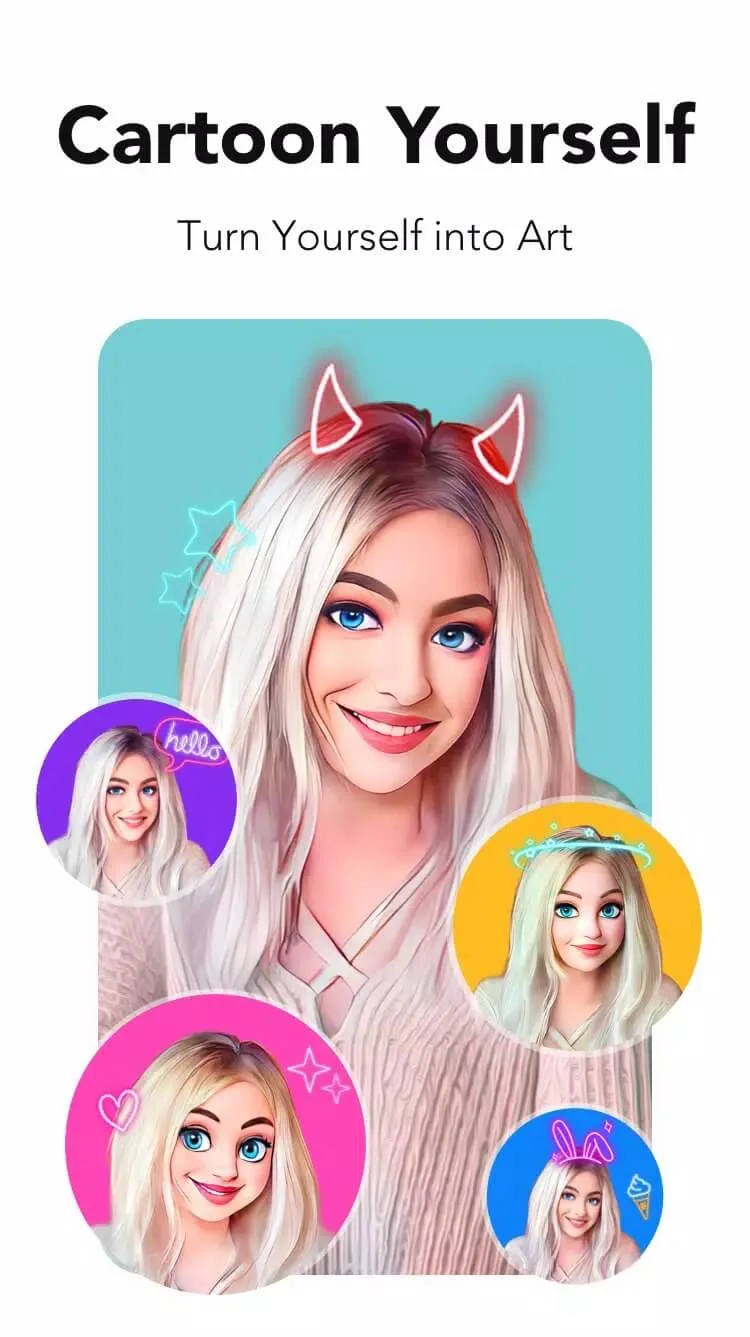
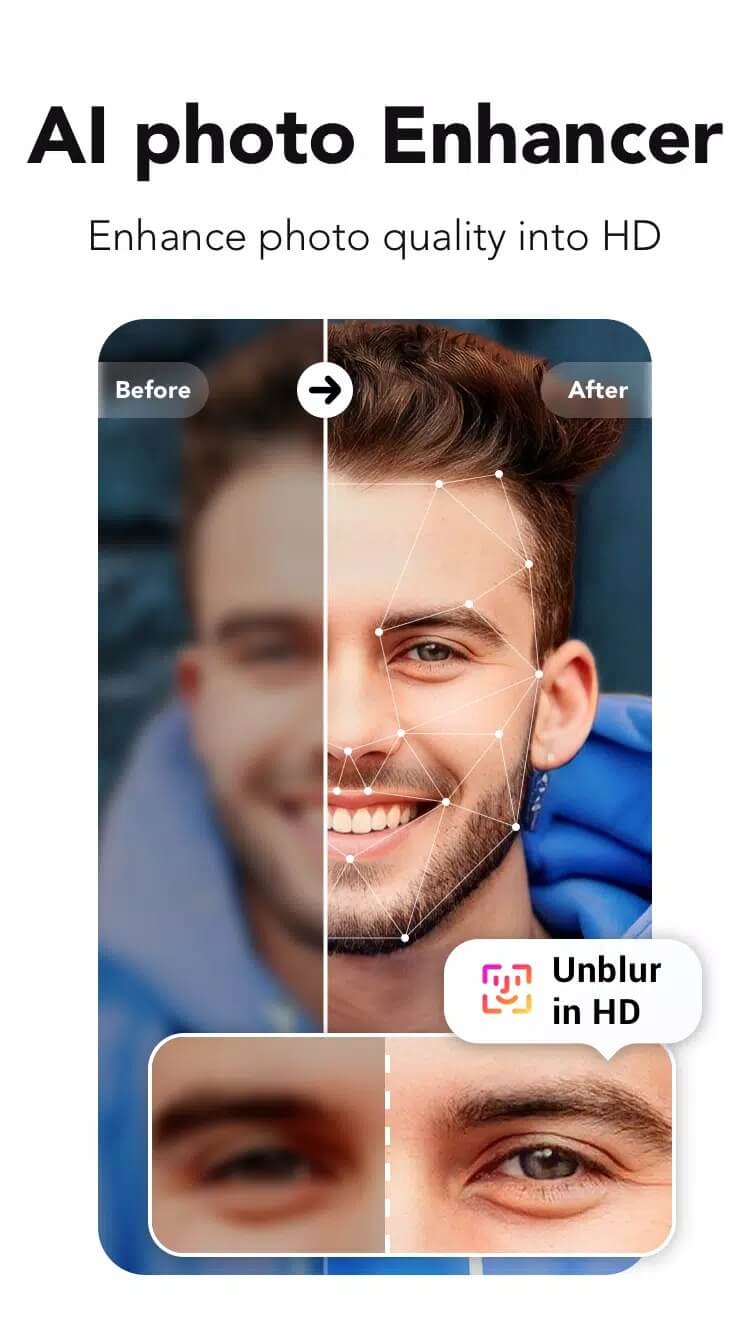
The newer AI features are a different story. AI enhancer, AI avatar, AI makeup and the aging filter send your photo to InShot's servers to be processed, so they need an internet connection and can come with their own limits. A MOD cannot make those unlimited, because the work happens in the cloud, not on your phone. So think of it this way: local Pro tools are yours to use freely, cloud AI plays by InShot's rules.
How to download and install Photo Editor Pro — Polish MOD APK
The download is a single APK, around 28.2 MB, and it installs like any sideloaded app.
- Tap the green Download APK button at the top of this page, the file downloads directly, no registration or SMS.
- Allow installation from unknown sources for your browser or file manager (Settings → Security).
- If the original Google Play version is installed, remove it first, the MOD won't install over it because it carries a different signature.
- Open the file, tap Install, then launch the editor and start on your first photo.
First time sideloading? Our APK install guide walks through the same steps with screenshots. Keep a little free storage open and you are set, it is a light app.
Tips for better edits
- Building a collage? Put the same filter on every frame so the set looks like it belongs together.
- Go easy on neon and drip. A touch reads as a style; the whole photo drenched in it just looks busy.
- Export at the highest quality the app offers, especially if the photo is headed for print or a big screen.
- Add text on a duplicate layer, not the original, so you can move or delete it later without redoing the edit.
- Fix brightness and contrast first, then apply a filter. Filters read better on a balanced base image.
MOD or original?
The original in Google Play is free, but you edit around ads and hit a Pro subscription for the good filters and packs. The MOD clears the ads and opens those Pro packs locally, so you keep the money and skip the upsell. The trade-off is the cloud AI, which stays server-side either way and follows InShot's limits. For most edits, filters, collage, effects, corrections, the MOD gives you the full app with nothing held back. Want more like it? Browse our photography apps or see other MOD APKs in the catalog.
FAQ
What does the Polish MOD unlock?
Does the MOD work offline?
Are the AI features (AI avatar, enhancer) unlimited?
Who develops Photo Editor Pro — Polish?
Is the MOD APK safe?
What are the requirements?
Download Photo Editor Pro — Polish
- No viruses
- No spyware
- No malware
The reviews (0)