- No viruses
- No spyware
- No malware
ridmik.keyboardThis file was downloaded, scanned and installed by our editors before publishing.
Every file is also checked with VirusTotal before publishing.

Ridmik Keyboard APK — Free Bangla Keyboard for Android
Additional information about Ridmik Keyboard APK — Free Bangla Keyboard for Android
ridmik.keyboardThe description of Ridmik Keyboard APK — Free Bangla Keyboard for Android
Ridmik Keyboard is the free Bangla keyboard from Ridmik Labs, with around 170 million installs and a name Bengali typists have trusted for over a decade. You type Bangla the easy way: write in the Latin alphabet with the Avro-style phonetic layout, and it turns into proper bangla script as you go. No paywall, no "premium" tier to buy. The file on this page is the original APK of the latest version, scanned for malware and installed on a real Android device by our editors before publishing, we have done this since 2018.
One honest note up front. This is not a hacked or cracked build, and there is nothing to unlock. Ridmik is already free on Google Play, so the APK here is just the clean, current release for people who prefer to sideload it.
What is Ridmik Keyboard?
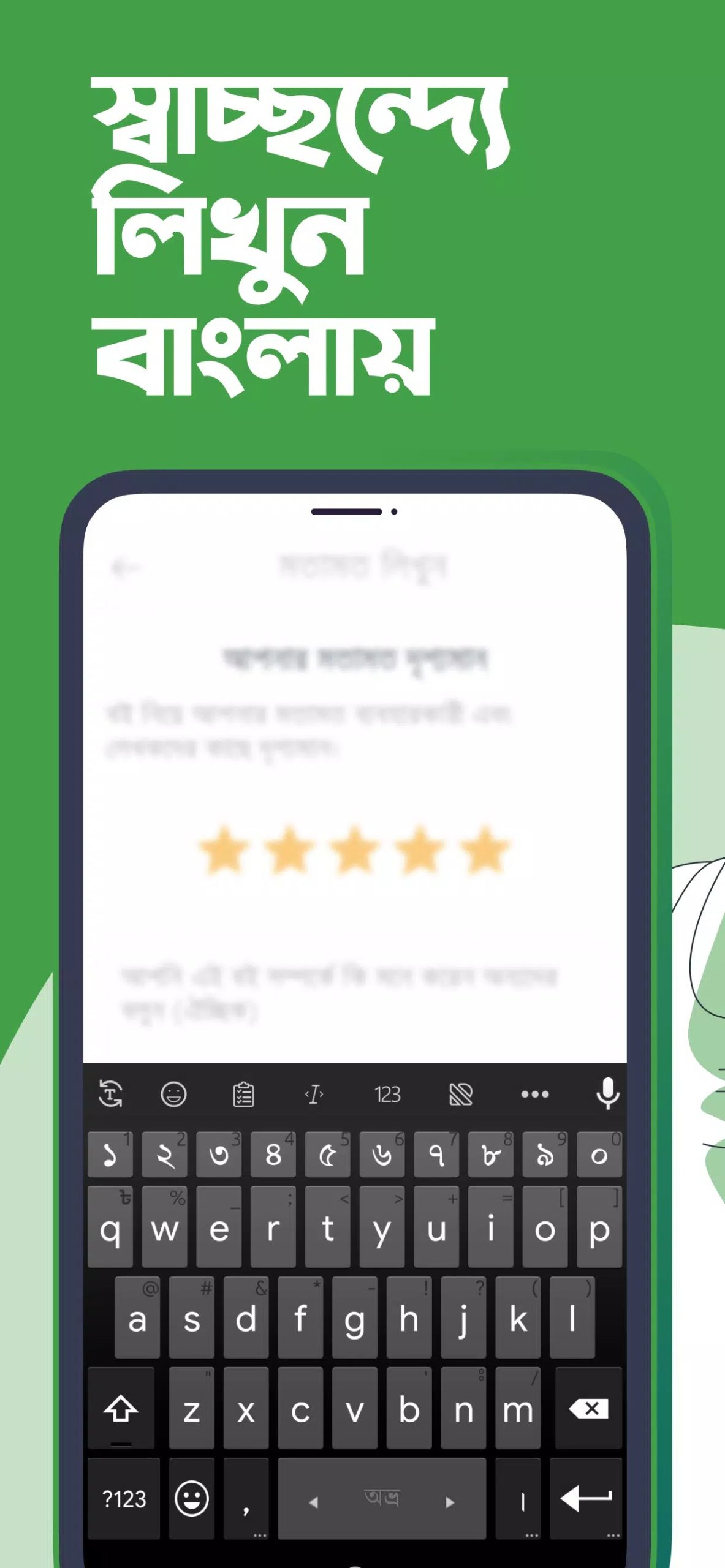
Ridmik Keyboard is a Bangla (Bengali) typing keyboard made by Ridmik Labs. It is built around three well-known layouts, so most Bengali users find one that matches how they already type:
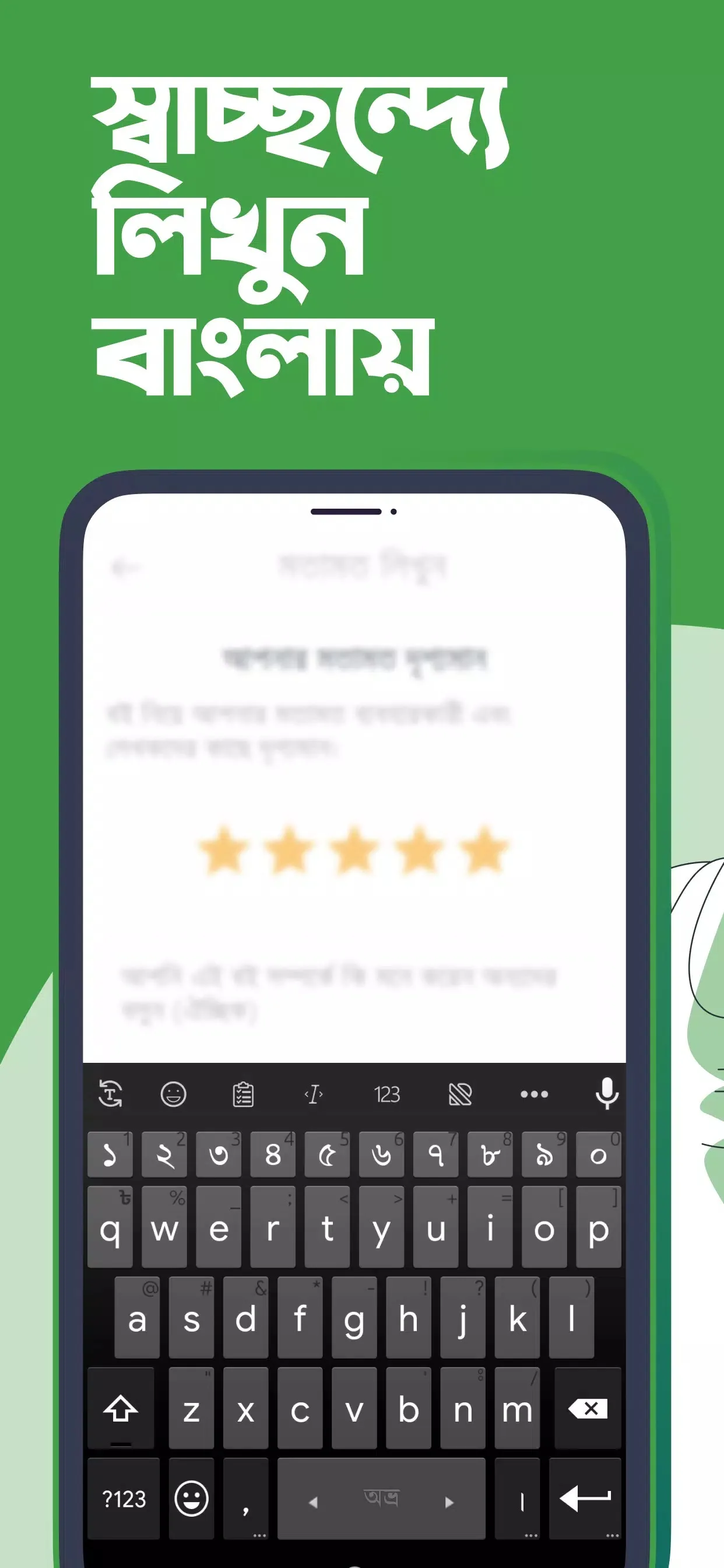
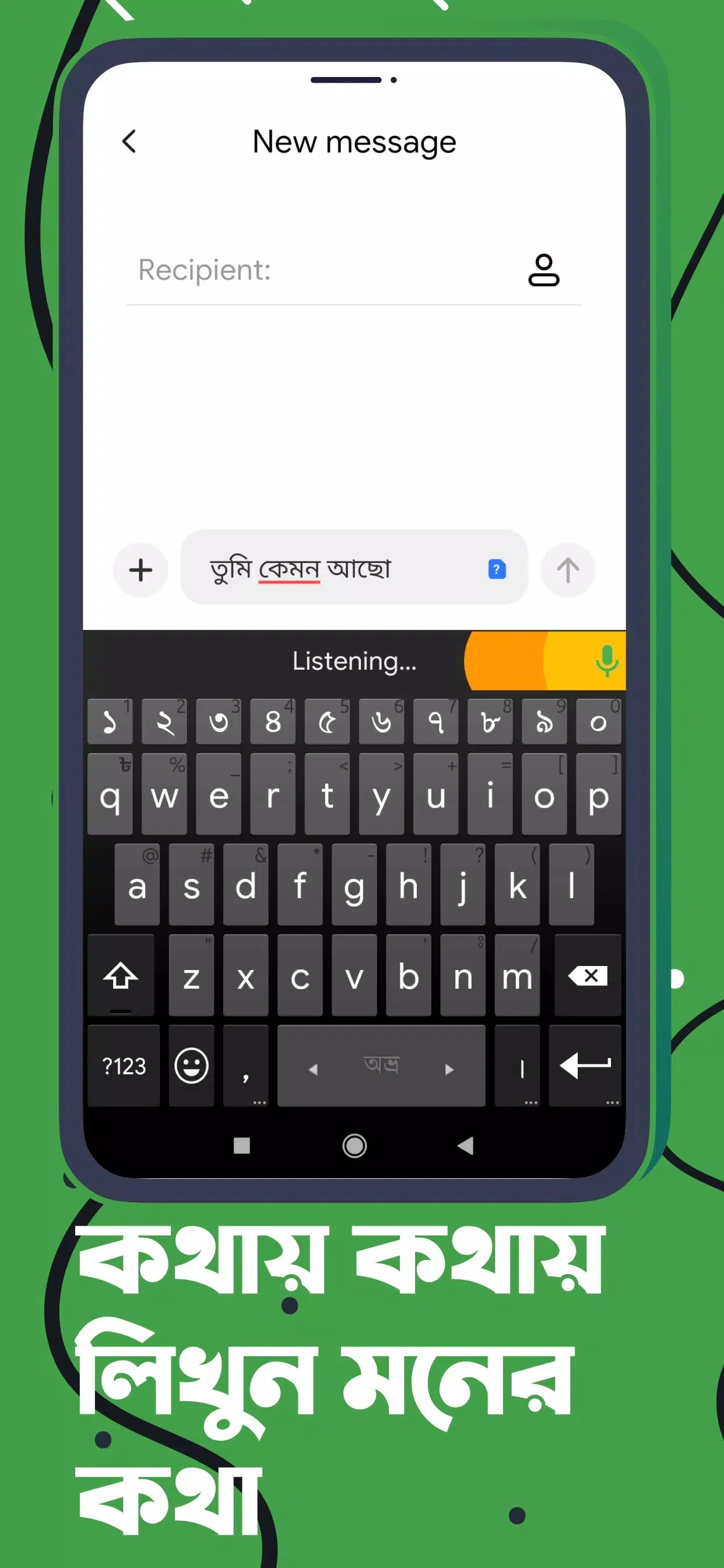
- Avro-compatible phonetic — type "amar" and get আমার. You spell words the way they sound in English letters, and the keyboard converts them to bangla.
- Probhat — a fixed layout where each key maps to a Bangla character, popular with people who learned to type on it.
- Jatiyo / National — the standard national layout for Bangla.
The audience is simple. Native Bangla speakers, plus anyone learning the language who wants to write it on a phone without hunting for characters. It handles English too, so you can switch between the two mid-sentence.
Key features
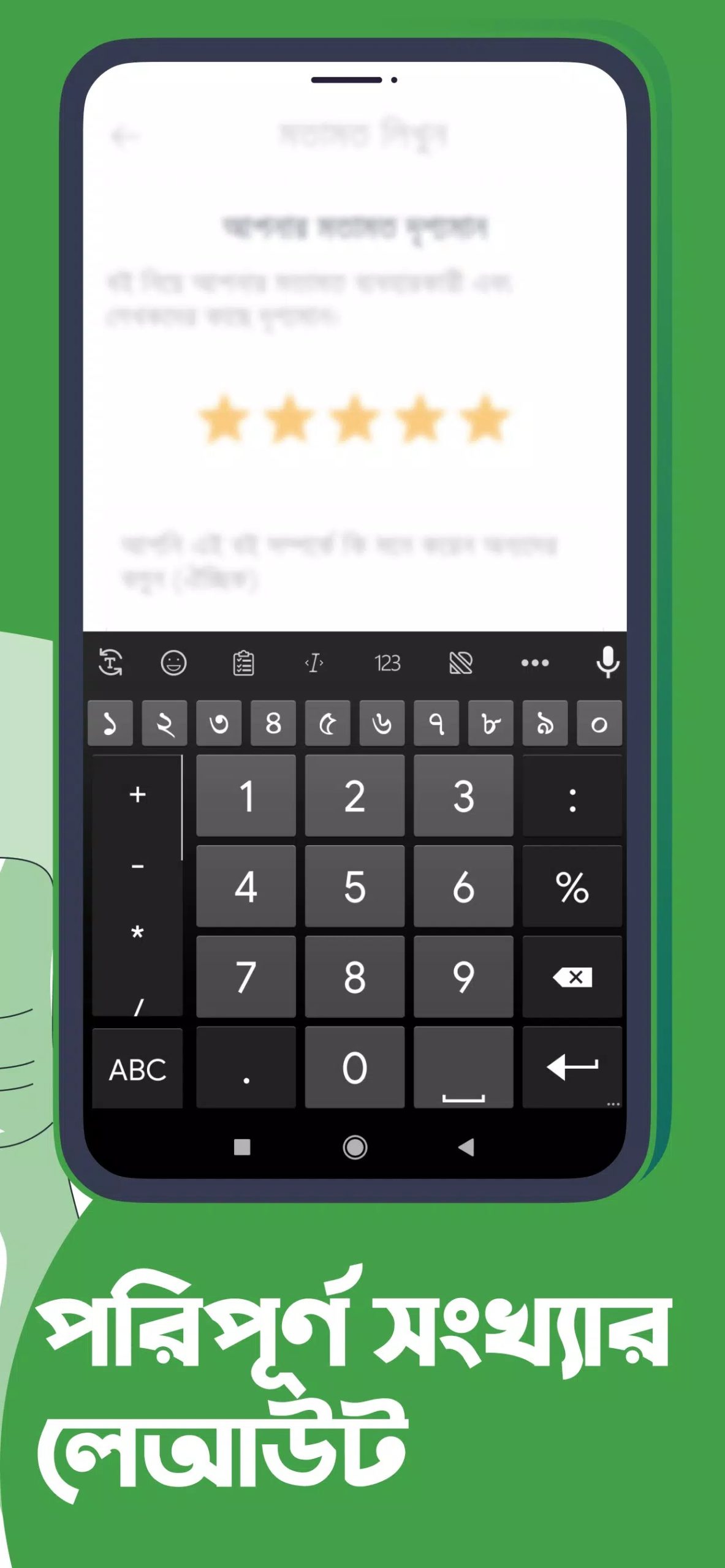
| Feature | What it does |
|---|---|
| Phonetic input | Type in Latin letters, get Bangla script live as you type. |
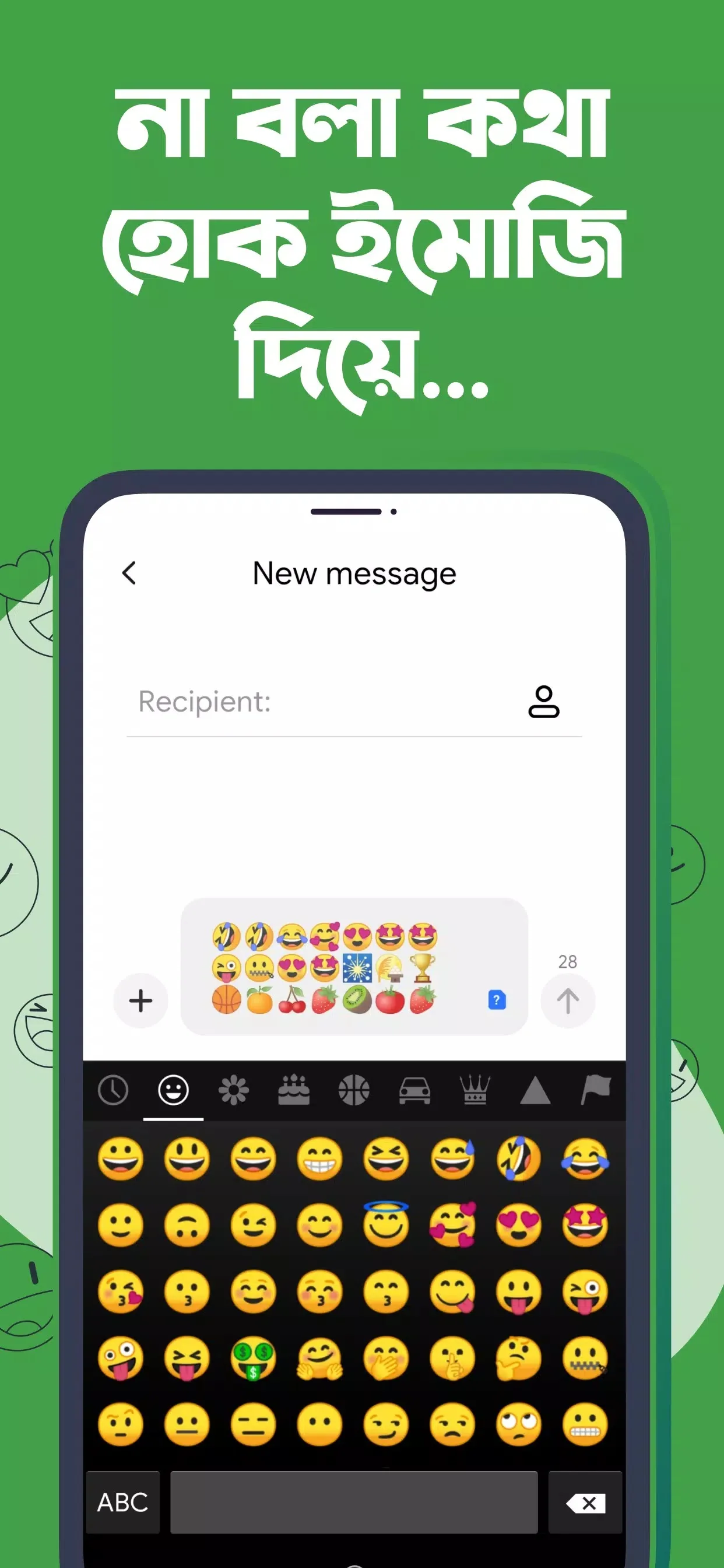
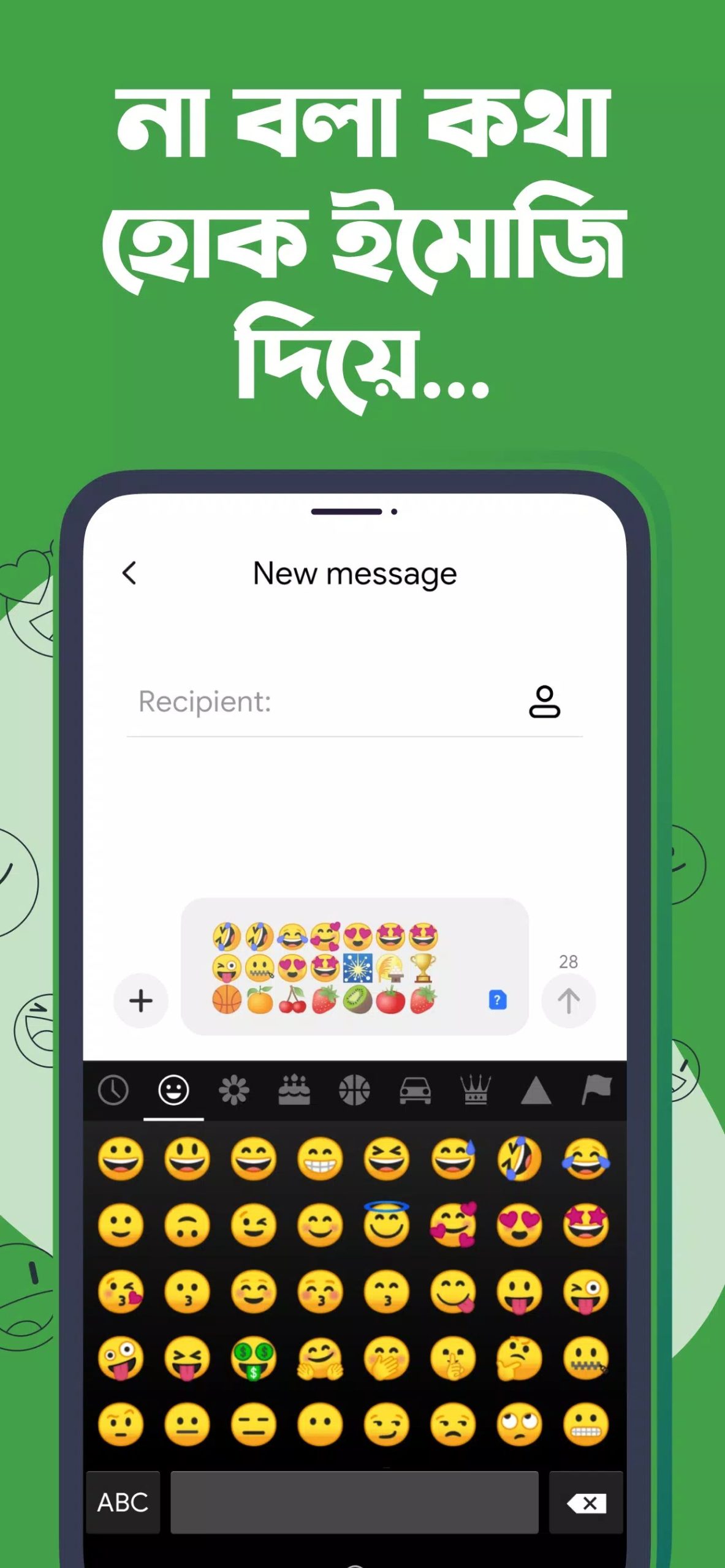
| Word suggestions & emoji | Next-word predictions speed up sentences, plus quick emoji access. |
| Personal dictionary | The keyboard remembers words you add, so your names and slang stick. |
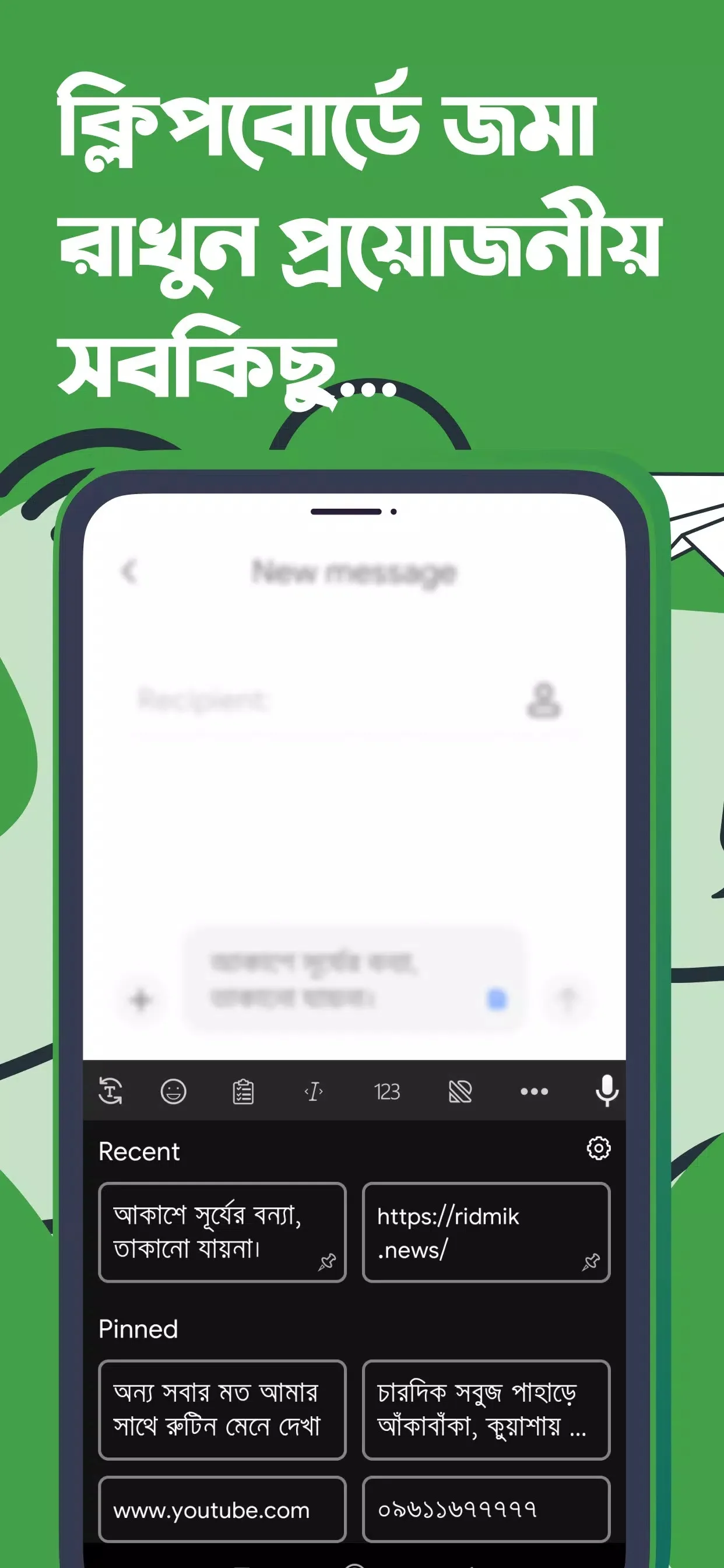
| Clipboard | Pull back recent copies without leaving the keyboard. |
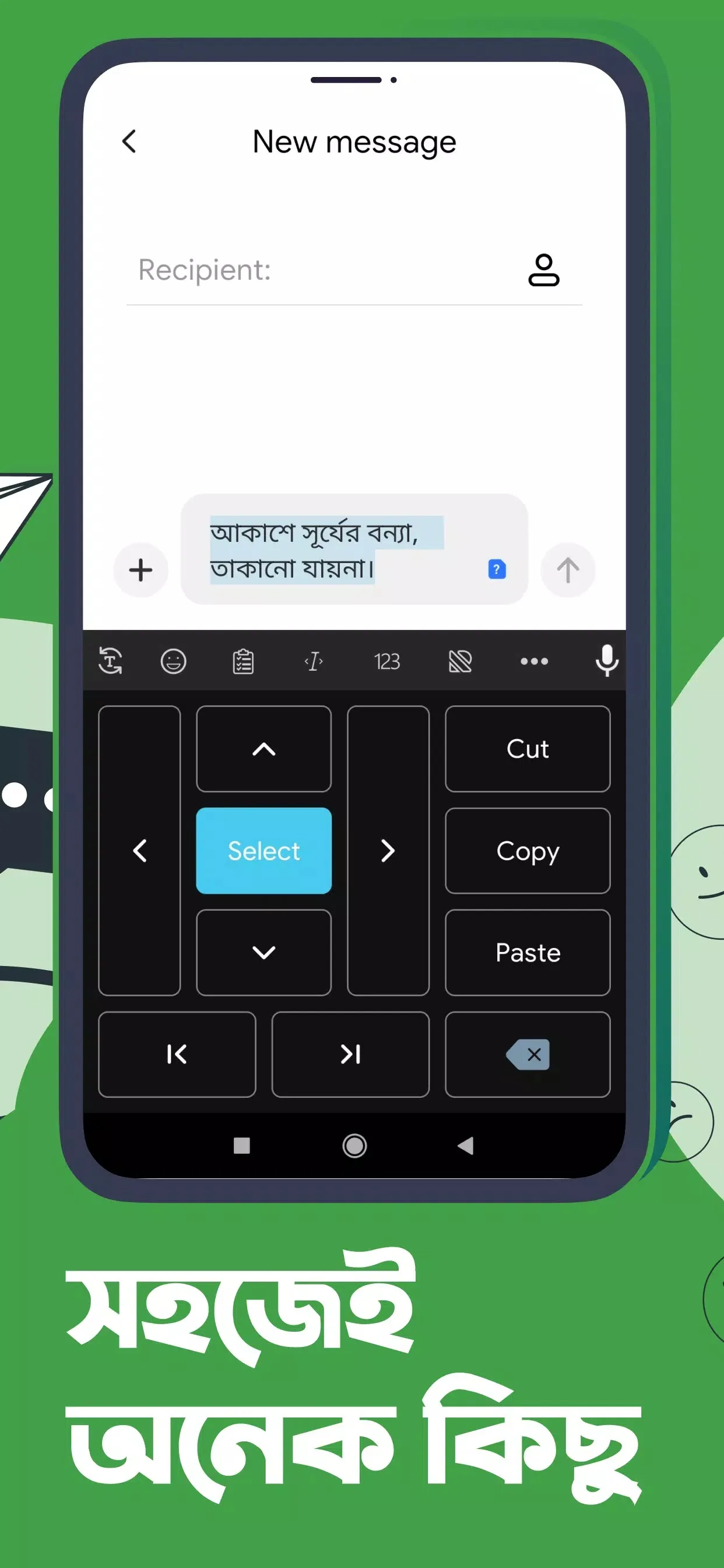
| Quick edit tools | Move the cursor and select text with on-keyboard controls. |
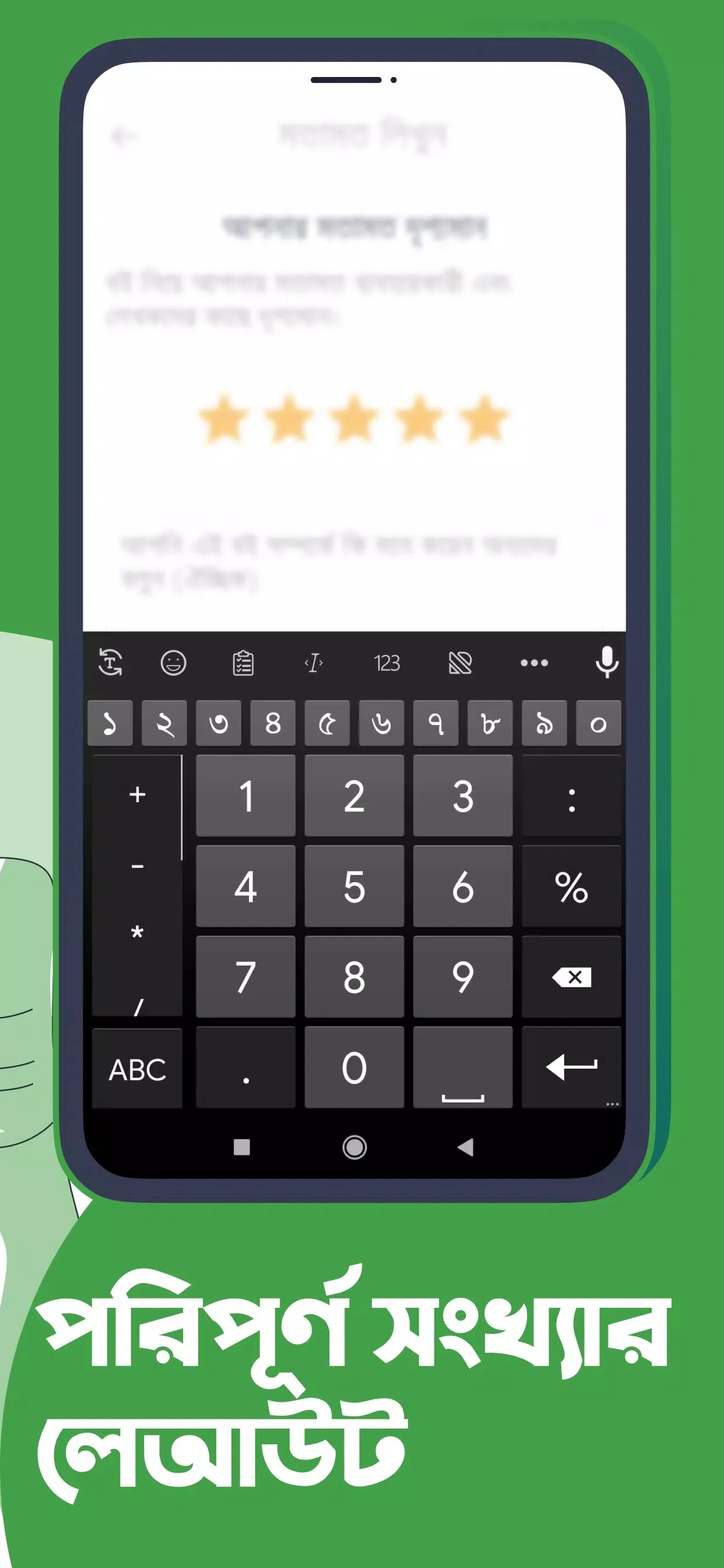
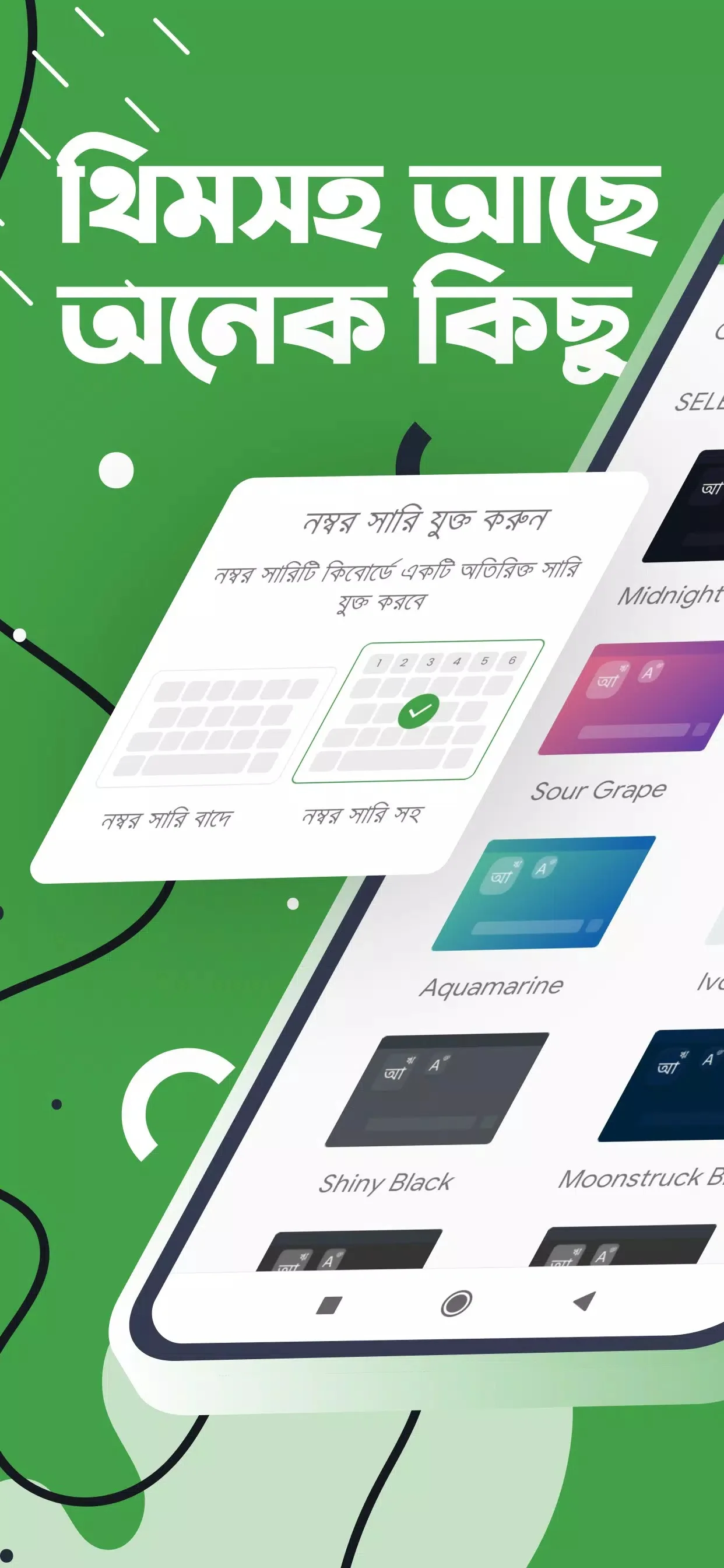
| Adjustable layout | Set the keyboard height and turn the number row on or off. |
| Add-on languages | Optional Arabic and Chakma keyboards you can enable. |
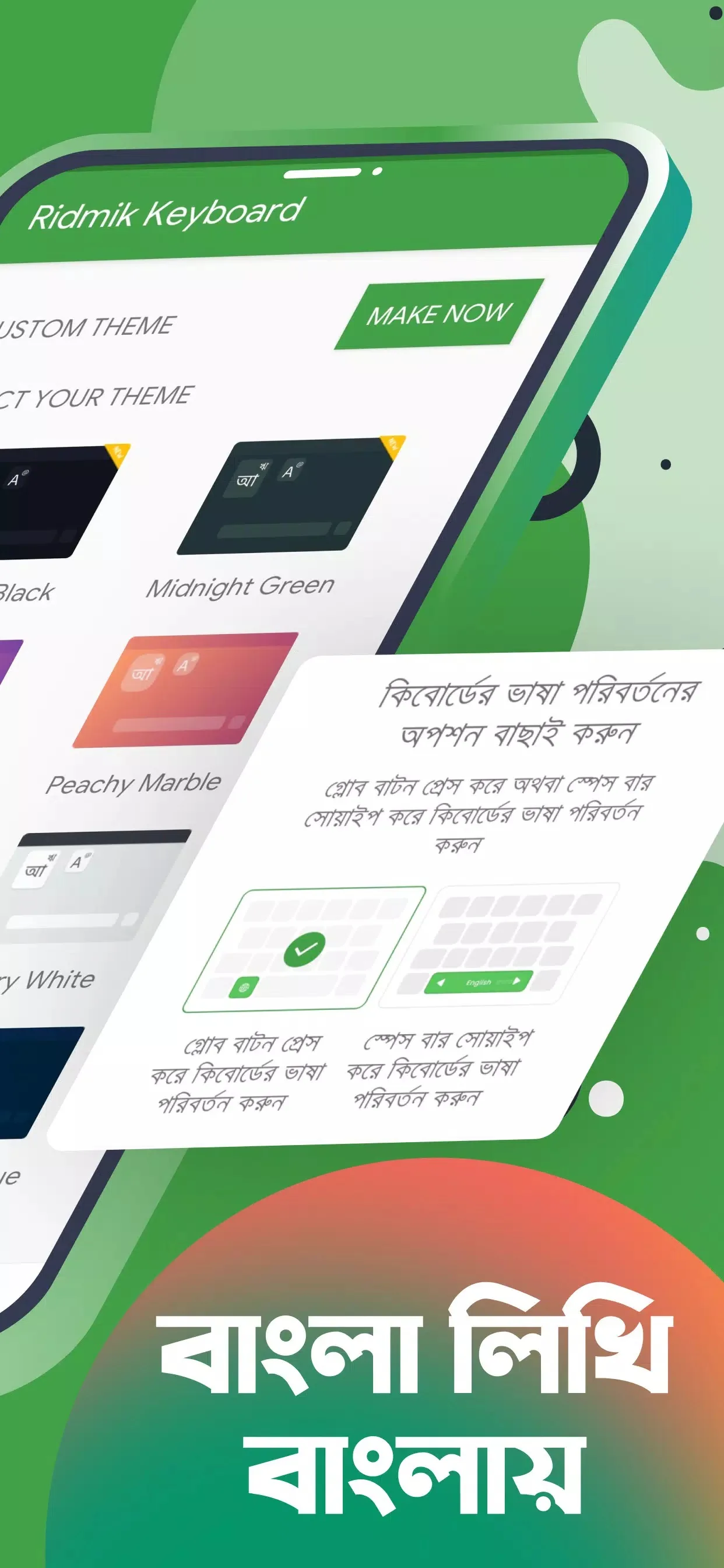
| Themes | Skins and color options to change how it looks. |
Is Ridmik Keyboard free? (and is it a MOD?)
Yes, it is completely free, and no, there is no MOD. This matters, because the card here once carried a "MOD info" label, which is misleading. Ridmik has no paid features to crack open, no locked keyboard, no subscription. Every layout, every add-on language and every theme comes with the normal app.
So what you download from this page is the plain, original APK of the latest version. "Latest" just means the current build, nothing modified. If a site promises you a "premium unlocked" Ridmik, that is a sign of a repacked file, not a real feature. Stick to the clean APK and you are set.
Privacy and offline typing
Ridmik works offline. According to the developer, the text you type stays on your device and is not sent over the internet, and the word suggestions are learned locally rather than on a server. Ridmik Labs also states it has run for around 11 years without collecting personal data. We pass those points along as the developer's own claims, not as a guarantee from us, though they line up with how an offline keyboard is expected to behave. For everyday Bangla chats and notes, you are typing on the device, full stop.
How to download and install the APK
The download is a small file, roughly 28 MB, and it runs on Android 4.4 and up. Here is the whole process.
- Tap the green Download APK button at the top of this page. The file comes down directly, no registration or SMS.
- Allow installation from unknown sources for your browser or file manager (Settings → Security).
- Open the file and tap Install.
- Go to Settings → Language & input and pick Ridmik as your default keyboard, then choose your Bangla layout the first time it opens.
First time sideloading anything? Our APK install guide walks through the same steps with screenshots.
APK or Google Play?
Both get you the same free app, so it comes down to what fits you. Google Play is the easiest way to stay on the newest version, since updates land on their own. The APK on this page is handy when Play is not available on your device, when you are on a slow or blocked connection, or when you want a specific version in hand. Either way you are getting the official Ridmik build. Want more tools like this? Browse our productivity apps for other keyboards and utilities.
FAQ
Is Ridmik Keyboard free?
Does Ridmik Keyboard work offline?
Which Bangla layouts does it support?
Who develops Ridmik Keyboard?
How do I set it as my default keyboard?
How big is the APK and what does it need?
Download Ridmik Keyboard APK Android
- No viruses
- No spyware
- No malware
The reviews (0)