- No viruses
- No spyware
- No malware
videoeditor.videorecorder.screenrecorderThis file was downloaded, scanned and installed by our editors before publishing.
Every file is also checked with VirusTotal before publishing.

XRecorder MOD APK (Pro Unlocked)
Additional information about XRecorder MOD APK (Pro Unlocked)
videoeditor.videorecorder.screenrecorderThe description of XRecorder MOD APK (Pro Unlocked)
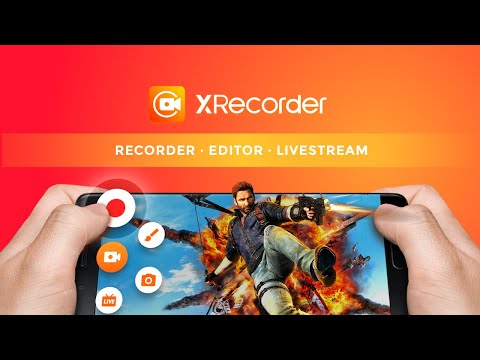
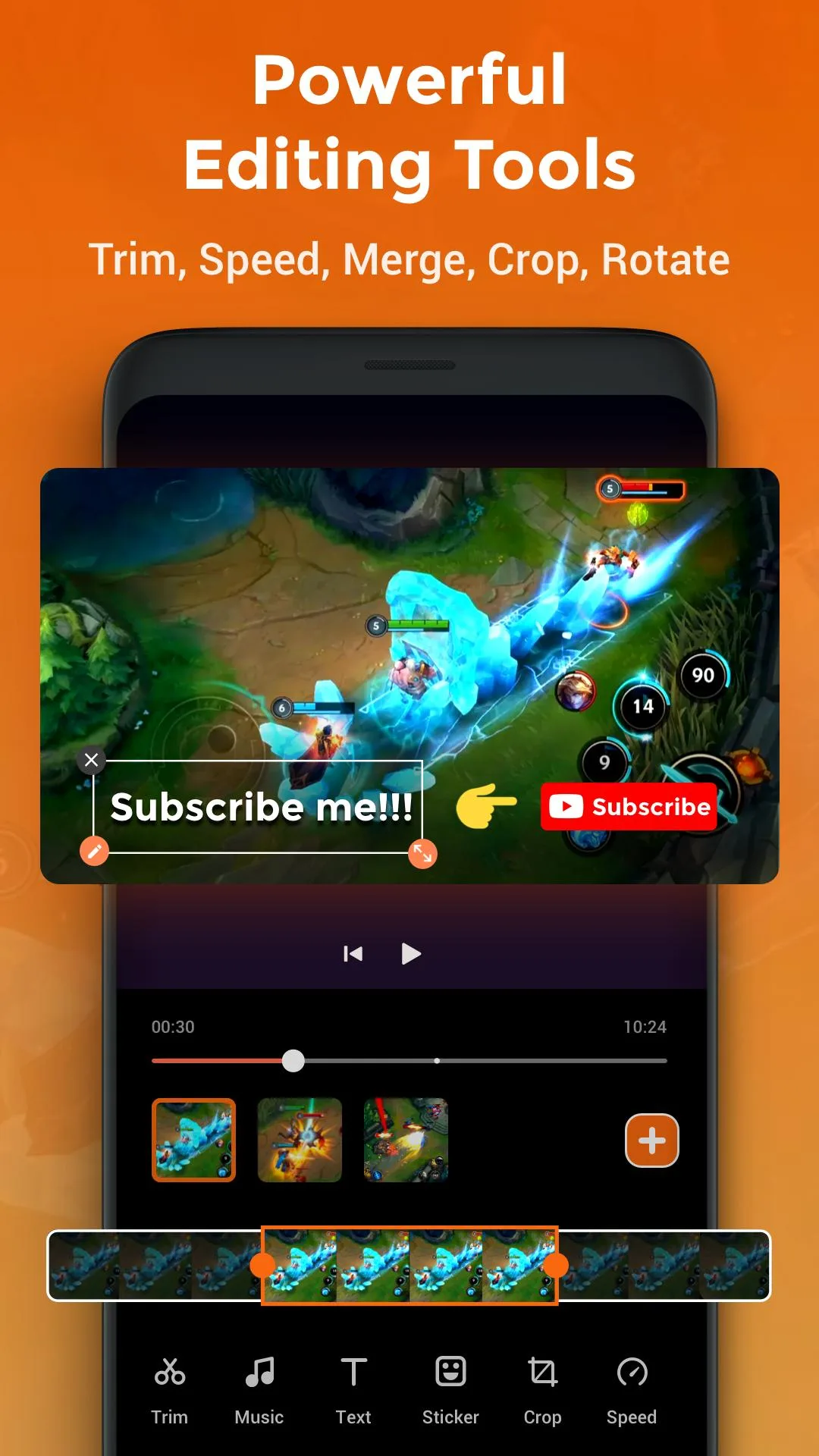
XRecorder MOD APK is the screen recorder from InShot Inc. with the Pro features already switched on: no watermark on your clips, no ads in the app, and HD capture up to 1080p with the full built-in editor open. It records your screen with sound, from gameplay to tutorials, and our editors scanned the file and installed it on a real Android device before it went live.
The free app is genuinely good, but it stamps a watermark on every video, shows ads, and holds the higher quality settings behind a paid Pro plan. This build turns those limits off from the first launch.
What is XRecorder?
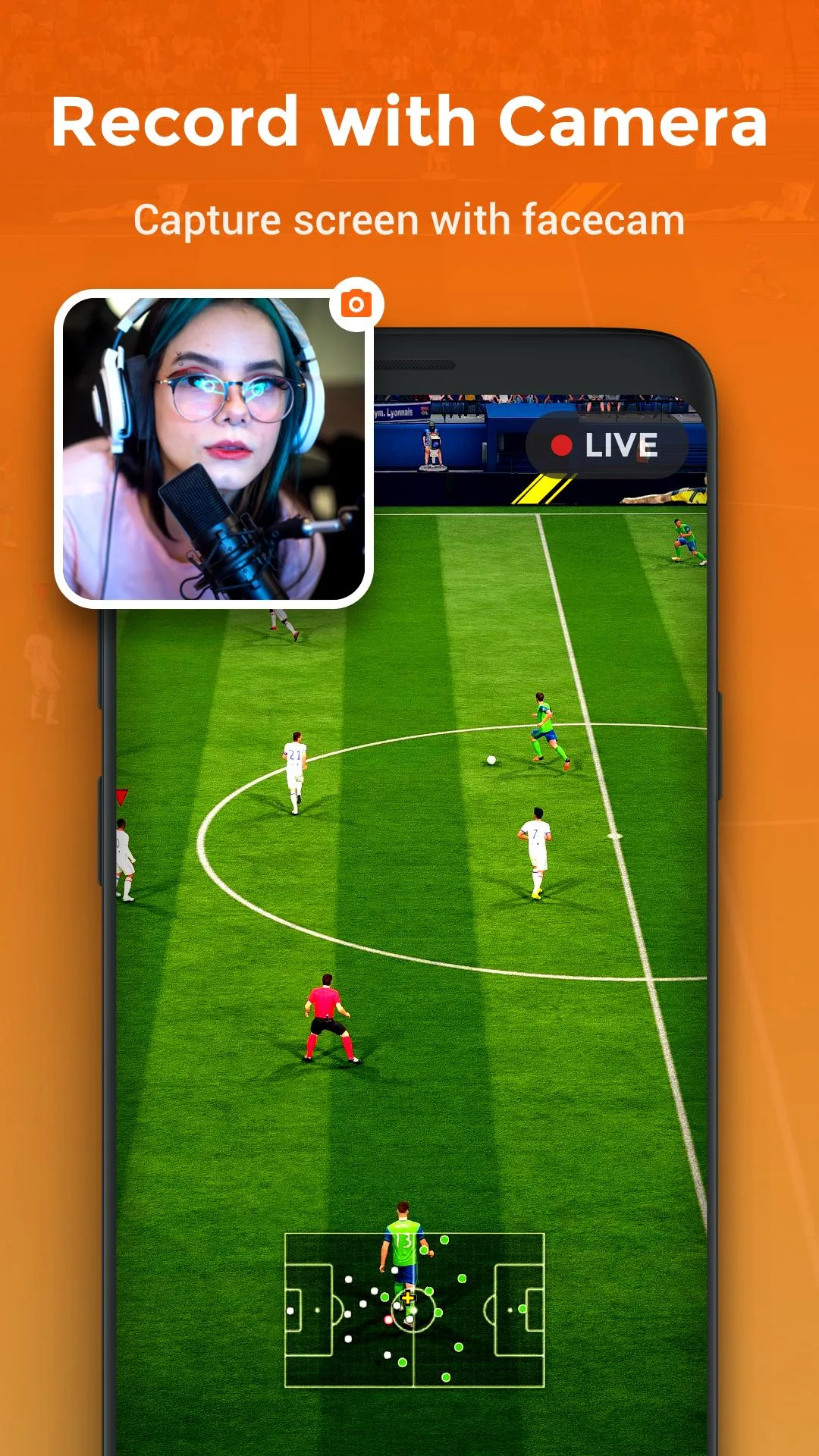
XRecorder is a lightweight screen recorder for Android, made by InShot Inc. and used by more than 100 million people. It captures whatever is on your screen along with the sound, so it fits gameplay, app walkthroughs, video calls, and short reviews.
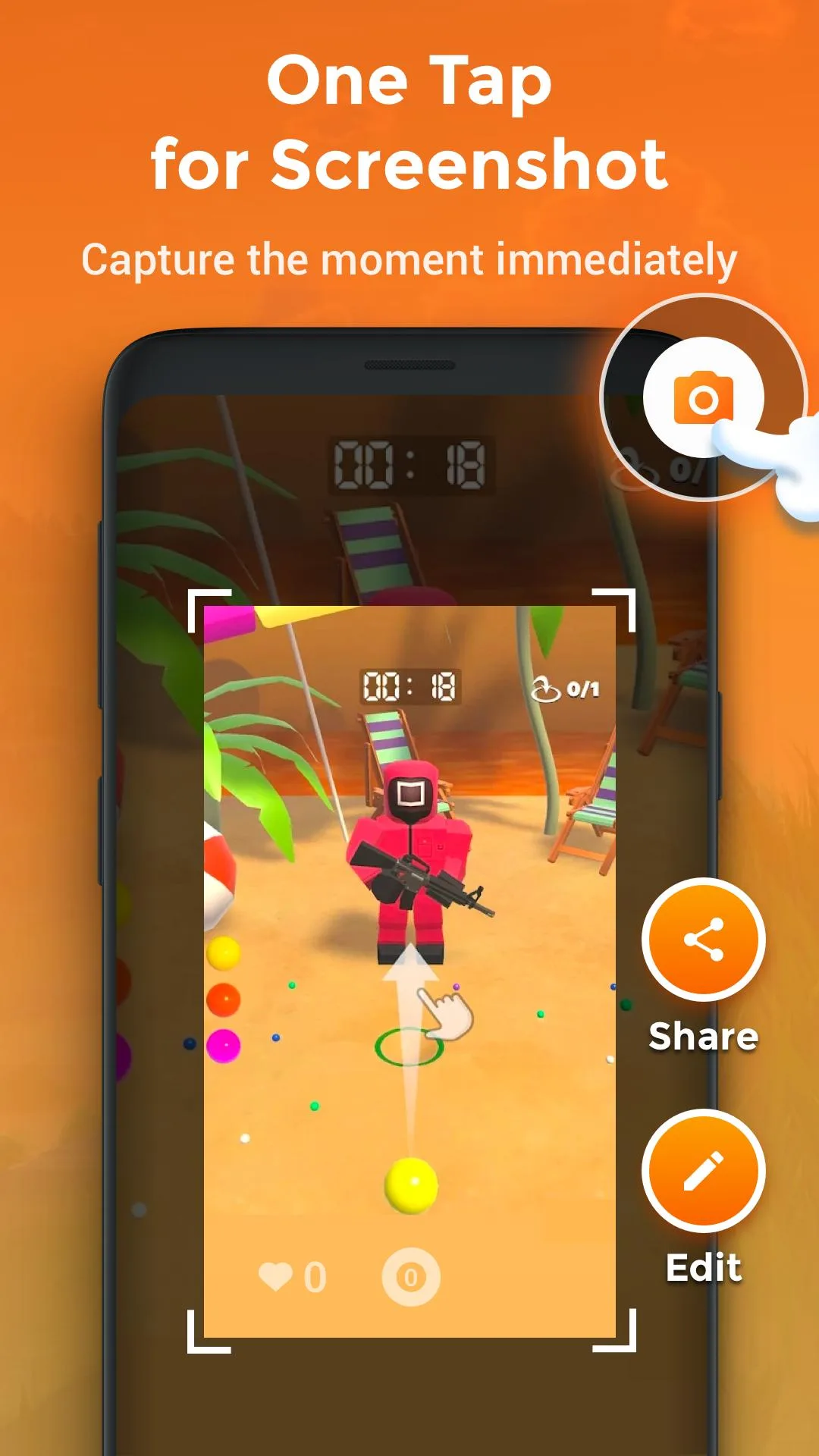
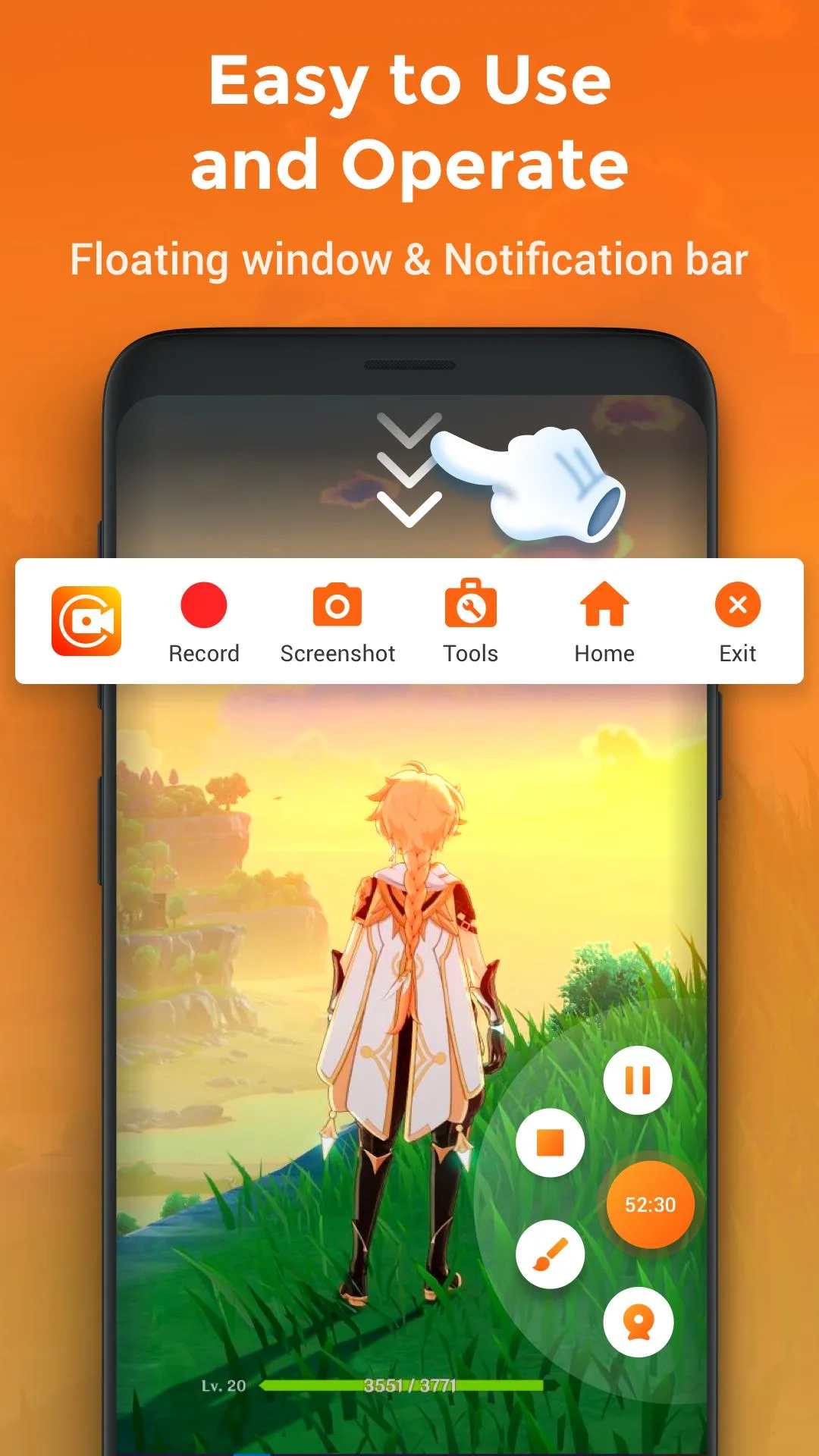
The control lives in a small floating button that sits over your screen: one tap starts the recording, another pauses or stops it. You can also grab screenshots, pick the resolution and frame rate, and trim or join clips in the editor without leaving the app. The download is about 31 MB and runs on Android 5.0 and newer.
What the Pro build removes and adds
The Pro plan in XRecorder is about polish and quality settings, not a different app. Here is what the mod turns on:
| Pro feature | What it changes |
|---|---|
| No watermark | Your recordings come out clean, with no XRecorder logo in the corner. |
| No ads | The banners and full-screen ads inside the app are gone. |
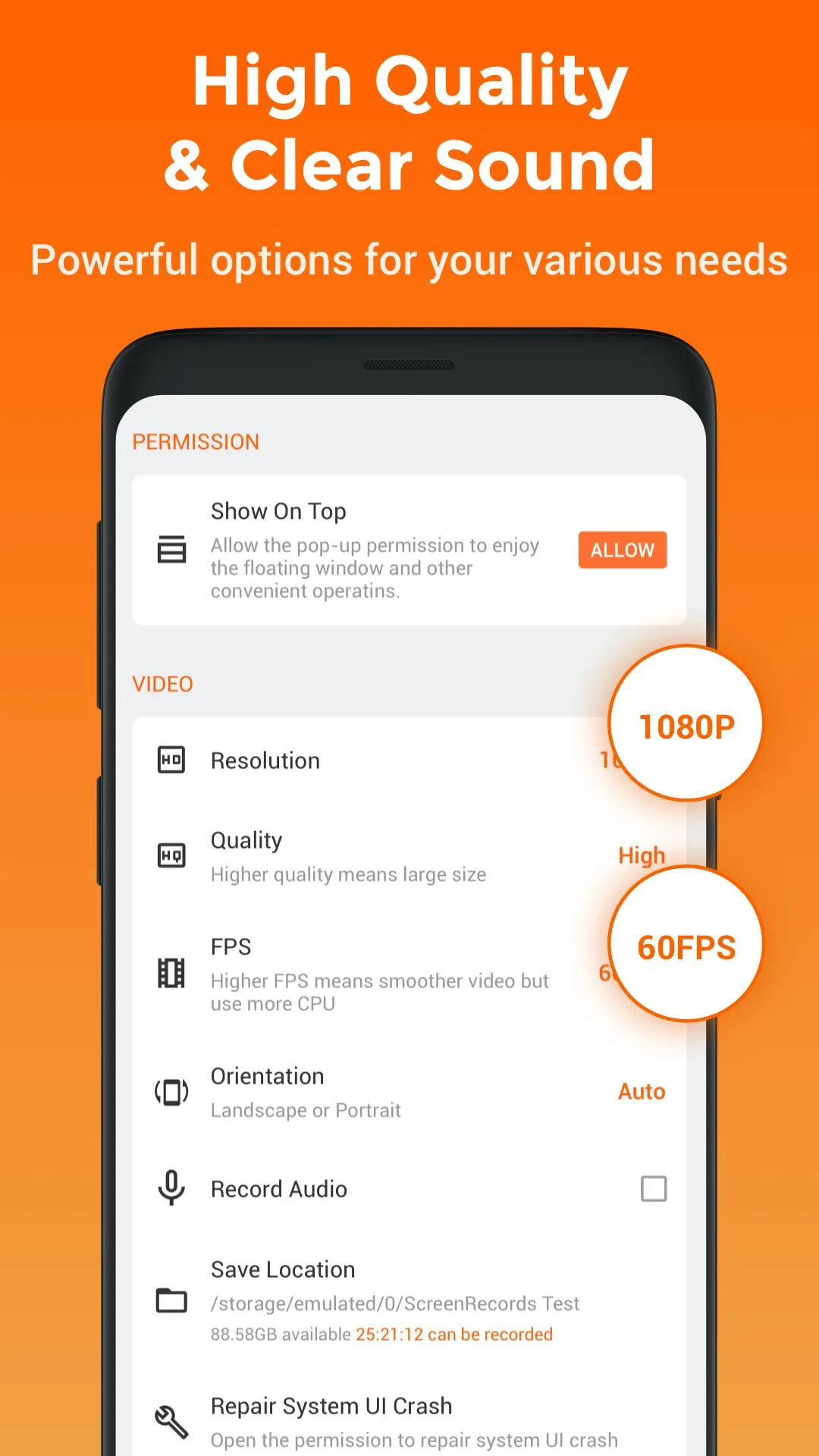
| HD recording | Higher resolution up to 1080p, a stronger bitrate, and a smoother frame rate for gameplay. |
| Full editor | Trim, join, add music, and step through frame by frame, with no paid gate. |
These are all things the app does on your phone, not on a server. That is why a client-side Pro build can switch them on for real: the watermark, the ads, and the quality caps are decisions the app makes locally, so a modified app simply stops enforcing them.
It works on your device, with one caveat
XRecorder does not render your video on a remote server, so the Pro settings above are handled fully on the phone. That is the honest reason this mod is reliable where server-based ones are not.
The one caveat: any newer feature that ties into an account or cloud storage can still ask you to sign in, and those we do not promise. If a function needs InShot's servers, no local mod can fake it. Everything that runs on your device, though, works as described.
How to record your screen
- Open XRecorder and give it the recording and overlay permissions Android asks for the first time.
- Set your quality: resolution, frame rate, and bitrate in the settings gear. Pick 1080p for gameplay.
- Tap the floating button, then start the recording. A short countdown gives you time to get ready.
- Stop or pause from the same button when you are done.
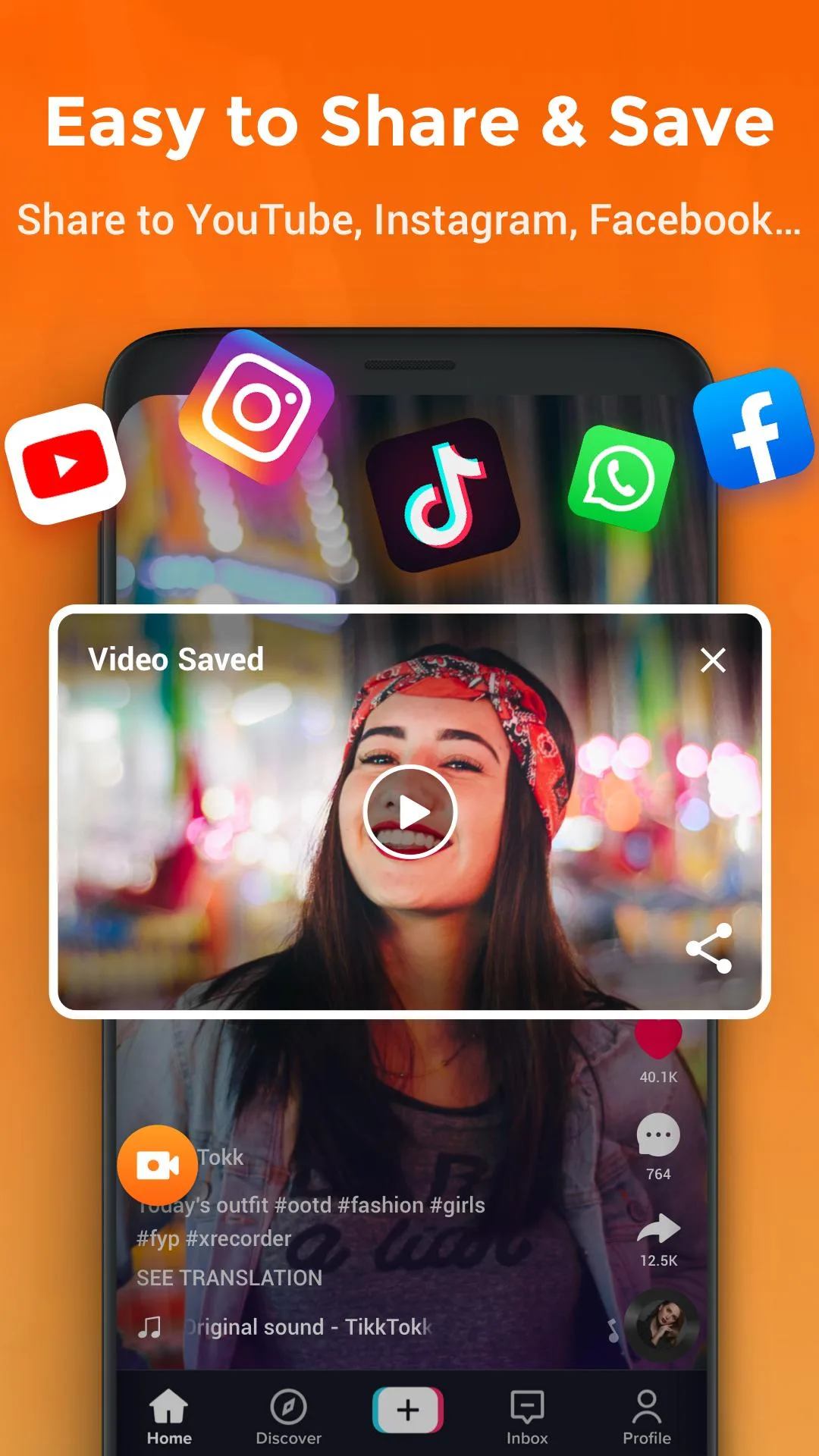
- Trim the ends or add music in the built-in editor, then save or share.
How to download XRecorder MOD APK
- Tap the green Download APK button at the top of this page. The file downloads directly, no registration or SMS.
- Allow installation from unknown sources for your browser or file manager (Settings then Security).
- If the Play Store version is already on your phone, remove it first. The mod has a different signature and will not install over it.
- Open the file, tap Install, and launch XRecorder. The Pro features are on from the start.
First time sideloading an app? Our APK install guide walks through the same steps with screenshots. The download is about 31 MB and needs Android 5.0 or newer.
Tips for better recordings
- Use 1080p and the higher frame rate for gameplay; drop to 720p to save space on long tutorials.
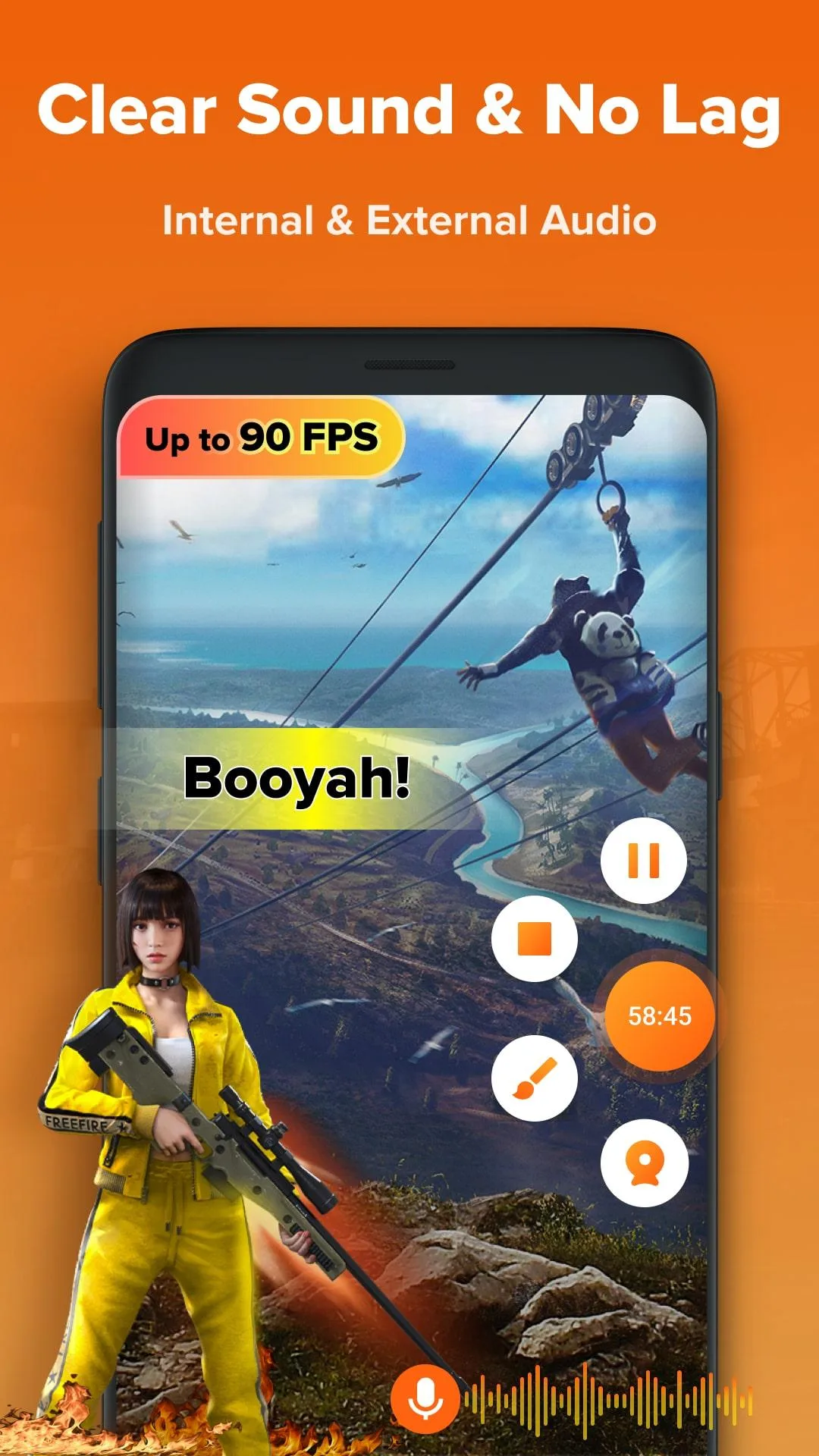
- Turn on internal audio so your recording keeps the app or game sound, not just the mic.
- Keep the floating button near a corner so it stays out of the shot and is easy to reach.
- Trim the dead seconds at the start and end in the editor before you share.
XRecorder or the Play version?
The app is free on Google Play, with the Pro plan sold as a subscription. If you record now and then and do not mind a watermark, the free listing is fine. If you want clean 1080p clips and the full editor without the paid plan, this build is for you. For more from the same studio, see the InShot Pro MOD video editor or the mcPRO24fps MOD camera app, or browse more video players and editors and other apps in the catalog.
FAQ
What does the Pro build give me?
Does XRecorder record internal audio?
Is the Pro mod reliable?
Is there a recording time limit or a watermark?
Is the APK safe to download?
What are the requirements and size?
Download XRecorder Mod (Pro Unlocked)
- No viruses
- No spyware
- No malware
The reviews (0)