Unleash Your Creative Potential: The Best Design Apps in 2024
Why is mobile design the future?
Before we dive into the sea of cool apps, let's suss out why mobile design has become such a big deal. According to a Statista study, in 2024, more than 80% of internet traffic comes from mobile devices. This means that creating on the go isn't just a whim anymore, it's a necessity for the modern designer."Mobile design apps aren't just tools, they're portals into a world of limitless possibilities. They allow you to create anywhere, anytime, turning every idea into a masterpiece," – Alexei Novikov, Creative Director of "DesignMaster" studio.Now hold onto your hats, let's get cracking with our top 5!
Top 5 apps to unleash your creative potential
1. Procreate Pocket: Pocket-sized power for digital artists
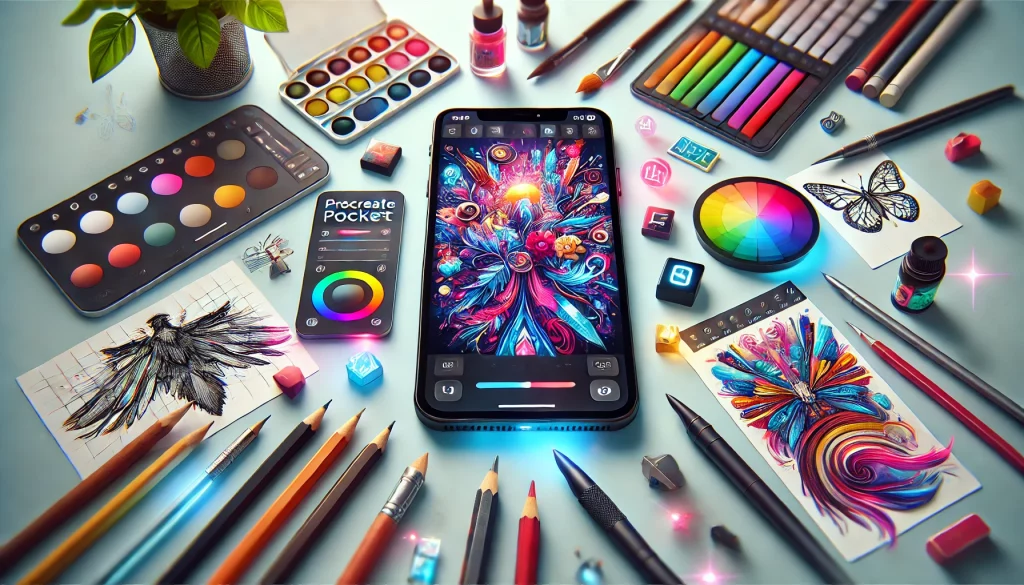 Procreate Pocket is like stuffing an entire art studio into your smartphone. It's the little brother of the famous Procreate for iPad, but don't think it's a weakling!
Key features:
- Over 200 customisable brushes
- Advanced layers and blending modes
- P3 wide colour support
- Export in PSD, PDF, JPEG and PNG formats
2. Adobe Illustrator Draw: Vector graphics in your pocket
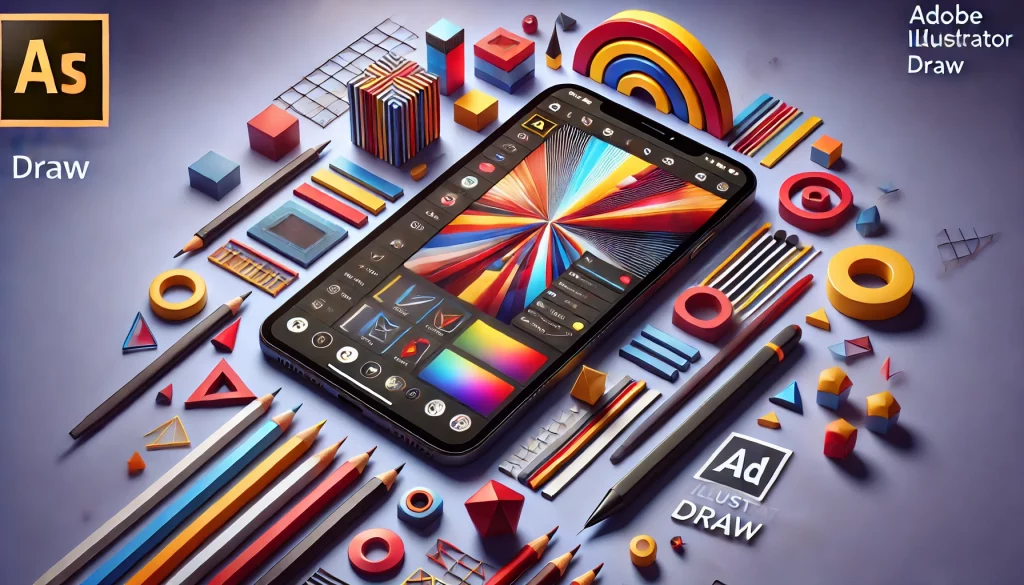 Adobe is like the Rolls-Royce of the design world. And their Illustrator Draw doesn't disappoint. It's a powerful tool for creating vector graphics right on your Android smartphone.
What you can whip up:
- Logos on the fly (in a good way)
- Instagram illustrations
- Sketches for future projects
3. Snapseed: Photoshop for the masses
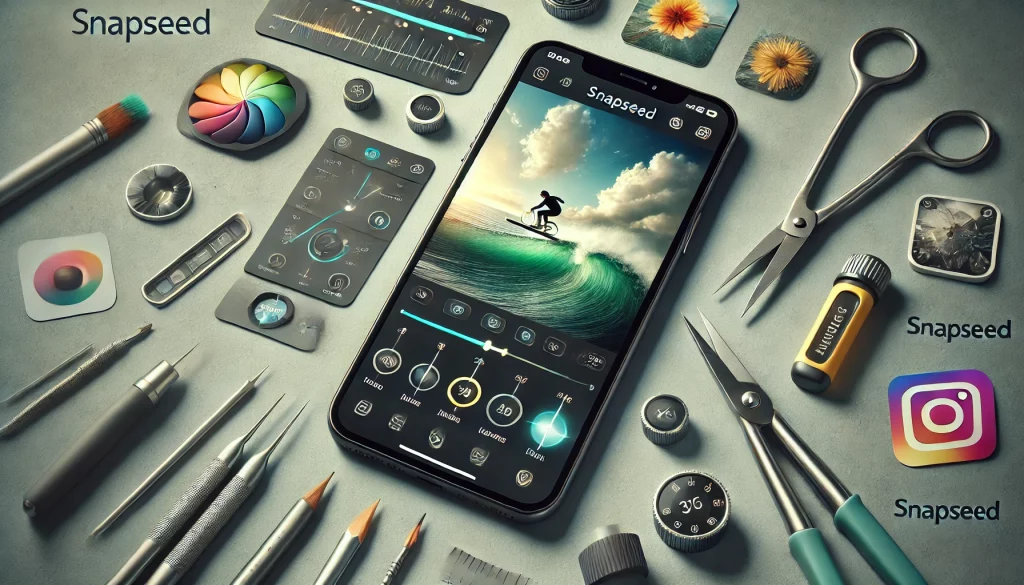 Okay, technically this is a photo editing app. But listen, in 2024, the line between photography and design has completely blurred. Snapseed is a Swiss Army knife for working with images.
Why designers are gaga over it:
- Advanced correction tools
- Selective area processing
- Ability to save and apply presets
- RAW file support
4. Canva: Design for one and all
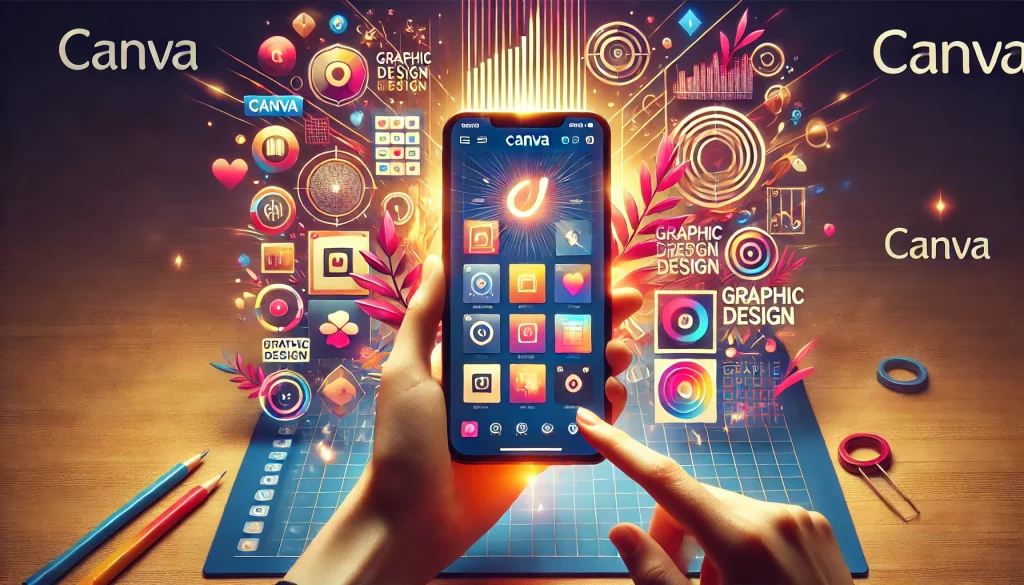 Canva is like if you crossed the simplicity of Paint with the power of professional graphic editors. It's the perfect choice for those who want to create cool content but aren't ready to spend years learning complex programs.
What you can cook up:
- Social media posts
- Presentations
- Infographics
- Banners and logos
5. Concepts: For those who think in sketches
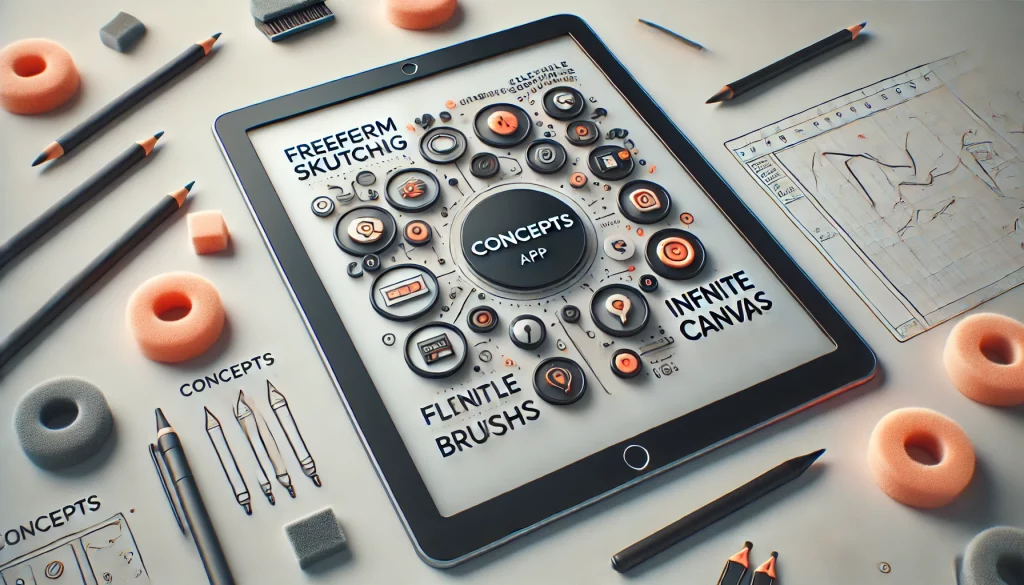 Concepts is like a digital notebook on steroids. It's perfect for architects, product designers, and anyone who likes to start with a sketch.
Features that'll hook you:
- Infinite canvas
- Vector brushes
- Precise measurements and scaling
- Export to CAD formats
Comparison table of apps
| App | Target audience | Complexity level | Pricing policy |
|---|---|---|---|
| Procreate Pocket | Professional artists | High | One-time purchase |
| Adobe Illustrator Draw | Vector illustrators | Medium | Subscription |
| Snapseed | Photographers and retouchers | Low | Free |
| Canva | Marketers and SMM | Low | Freemium |
| Concepts | Architects and industrial designers | Medium | Freemium |
How to choose the perfect app for you?
Choosing an app is like choosing a brush for an artist. There's no one-size-fits-all solution, but there are a few things to keep in mind:- Define your goals. Do you want to draw, edit photos, or create graphics for social media?
- Assess your skill level. Beginners might want to start with something simple like Canva.
- Think about your budget. Are you ready to pay for a subscription or do you prefer a one-time purchase?
Mobile design trends in 2024
The world of mobile design is changing faster than you can say "flat design". Here are a few hot trends this year:- Neomorphism: volumetric elements that seem to protrude from the background
- Dark themes: save battery and look stylish
- Micro-animations: small movements that bring the interface to life
- 3D elements: add depth and realism to the design
How to use mobile apps in professional design?
Many are sceptical about using mobile apps in "serious" projects. But the reality is that the boundaries between mobile and desktop design are blurring. Here are a few ways to integrate mobile apps into your workflow:- Use Procreate Pocket for quick idea sketches
- Create vector illustrations in Adobe Illustrator Draw and finish them on desktop
- Process photos for projects in Snapseed right at the shooting location
- Prototype interfaces in Concepts before detailed elaboration
Tips for optimising work with mobile design apps
- Invest in a good stylus. This will significantly improve accuracy and comfort.
- Set up cloud storage for seamless syncing between devices.
- Learn hotkeys and gestures. This will speed up your work tremendously.
- Regularly make backups. Better safe than sorry, eh?
- Experiment with different apps. Sometimes the perfect solution is where you least expect it.
FAQ: Answers to burning questions
Can mobile apps completely replace desktop programs?
For some tasks – yes. But for complex projects, it's still more convenient to use a desktop. Mobile apps are better viewed as an addition to your main toolkit.Which app is best for beginner designers?
Canva is a great start. It's intuitive and allows you to create beautiful designs without deep knowledge.Is it worth paying for premium versions of apps?
It depends on your needs. If you use the app daily for work, then premium features can significantly ease your life and save time.Conclusion: Creativity without borders
2024 opens up incredible opportunities for mobile design. With the apps from our top 5, you can bring to life the boldest ideas, wherever you are. Don't be afraid to experiment and try new things. Remember, the best app is the one that helps you express your unique creativity.Call to Action
Ready to take your design to the next level? Download one of the recommended apps right now from / and start creating! Share your work in the comments or send it to us by email – we'd love to see your masterpieces! Official Procreate website Statistics show that in 2024, the market for mobile design apps grew by 15% compared to the previous year. This indicates that more and more professionals and amateurs are turning to mobile solutions to realise their creative ideas.Mobile design: myths and reality
Despite the growing popularity of mobile design apps, there are still many myths surrounding them. Let's sort out what's true and what's fiction.Myth 1: You can't create professional designs on a phone
Reality: With modern powerful smartphones and advanced apps like Procreate Pocket or Adobe Illustrator Draw, creating professional designs on a phone is not only possible but is becoming the norm. Many famous designers and illustrators regularly publish works entirely created on mobile devices.Myth 2: Mobile apps are only suitable for amateurs
Reality: While many apps are indeed aimed at a wide audience, there are also professional solutions. For example, Concepts is actively used by architects and industrial designers to create precise drawings and 3D models.Myth 3: Working without a mouse and keyboard is inconvenient
Reality: Yes, the transition can be unfamiliar at first. But many designers note that working with fingers or a stylus gives more freedom and "liveliness" to lines. Moreover, modern apps offer many gestures and shortcuts that make work fast and convenient.Integrating mobile design into the workflow
 Incorporating mobile apps into your design process can significantly boost productivity. Here are a few tips on how to do it most effectively:
- Use mobile apps for brainstorming and creating quick sketches. This will help capture ideas at any moment when they come to mind.
- Create colour palettes and mood boards on the go using apps like Adobe Capture. You can then use them in other projects.
- Edit photos for projects right at the shooting location. This is especially useful for SMM specialists and content creators.
- Use cloud services to sync projects between mobile and desktop devices. This way you can start work on your phone and finish on your computer.
- Experiment with new styles and techniques. Mobile apps often offer unique tools that aren't available in desktop versions.
The future of mobile design
Looking at the pace of technology development, we can confidently say that the future of mobile design looks very exciting. Here are a few trends we can expect in the coming years:- Integration with AR and VR: Design apps will start actively using augmented and virtual reality capabilities. Imagine being able to "try on" your design in the real world just by pointing your phone's camera.
- Artificial Intelligence: AI is already actively used in some apps, but in the future, its role will significantly increase. It will be able to suggest design options, automatically process images, and even create content based on simple descriptions.
- Collaborative design: We expect the development of features for real-time collaboration. This will allow design teams to work effectively on projects even while being in different parts of the world.
- Improved desktop integration: The boundaries between mobile and desktop applications will become increasingly blurred. We'll see a smoother transition between devices and full project synchronisation.
- Specialised apps: More niche apps will appear, tailored for specific tasks or design industries.
The reviews (0)