- No viruses
- No spyware
- No malware
This file was downloaded, scanned and installed by our editors before publishing.
Every file is also checked with VirusTotal before publishing.

InDown APK — All Video Downloader
Additional information about InDown APK — All Video Downloader
The description of InDown APK — All Video Downloader
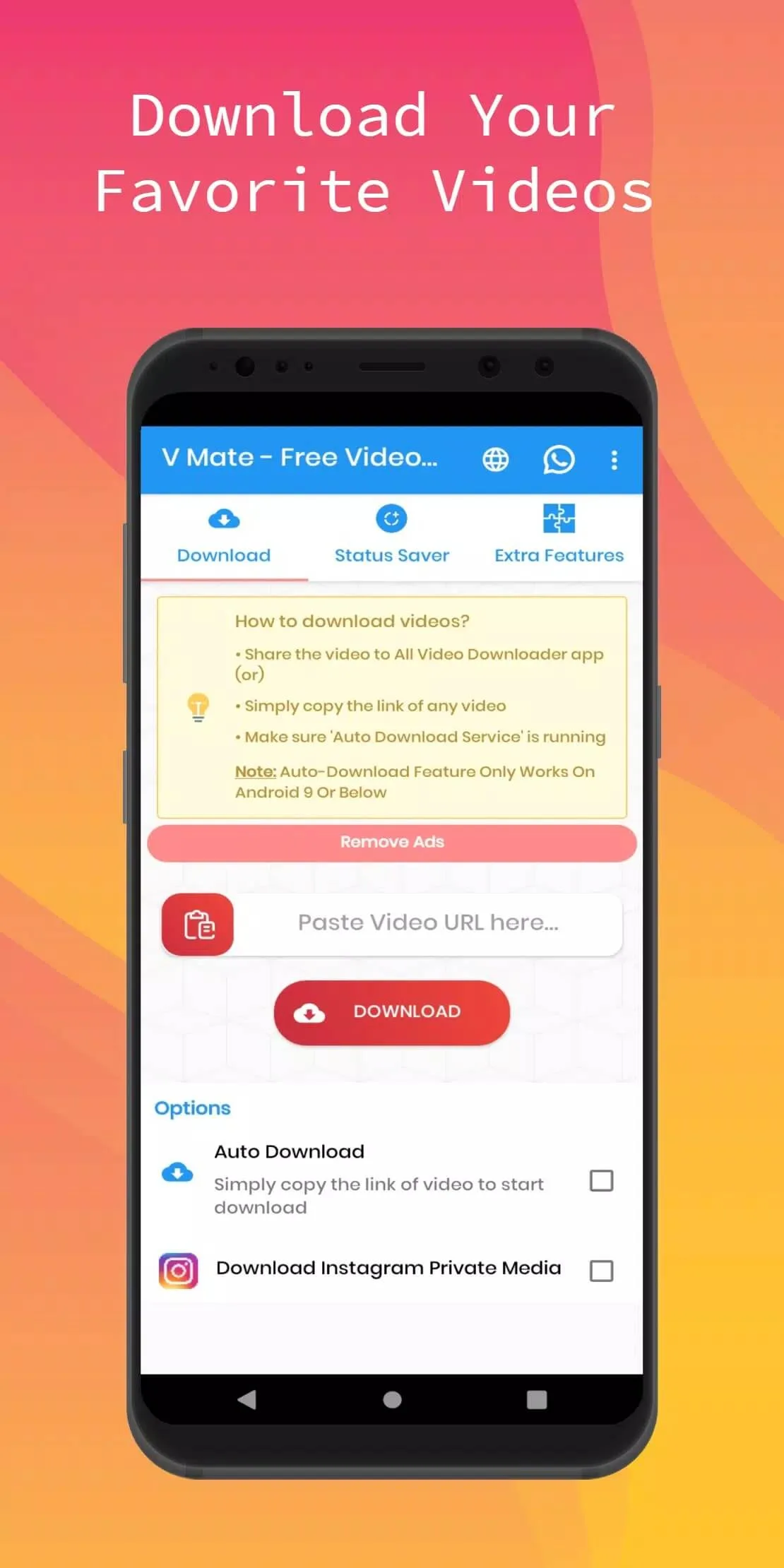
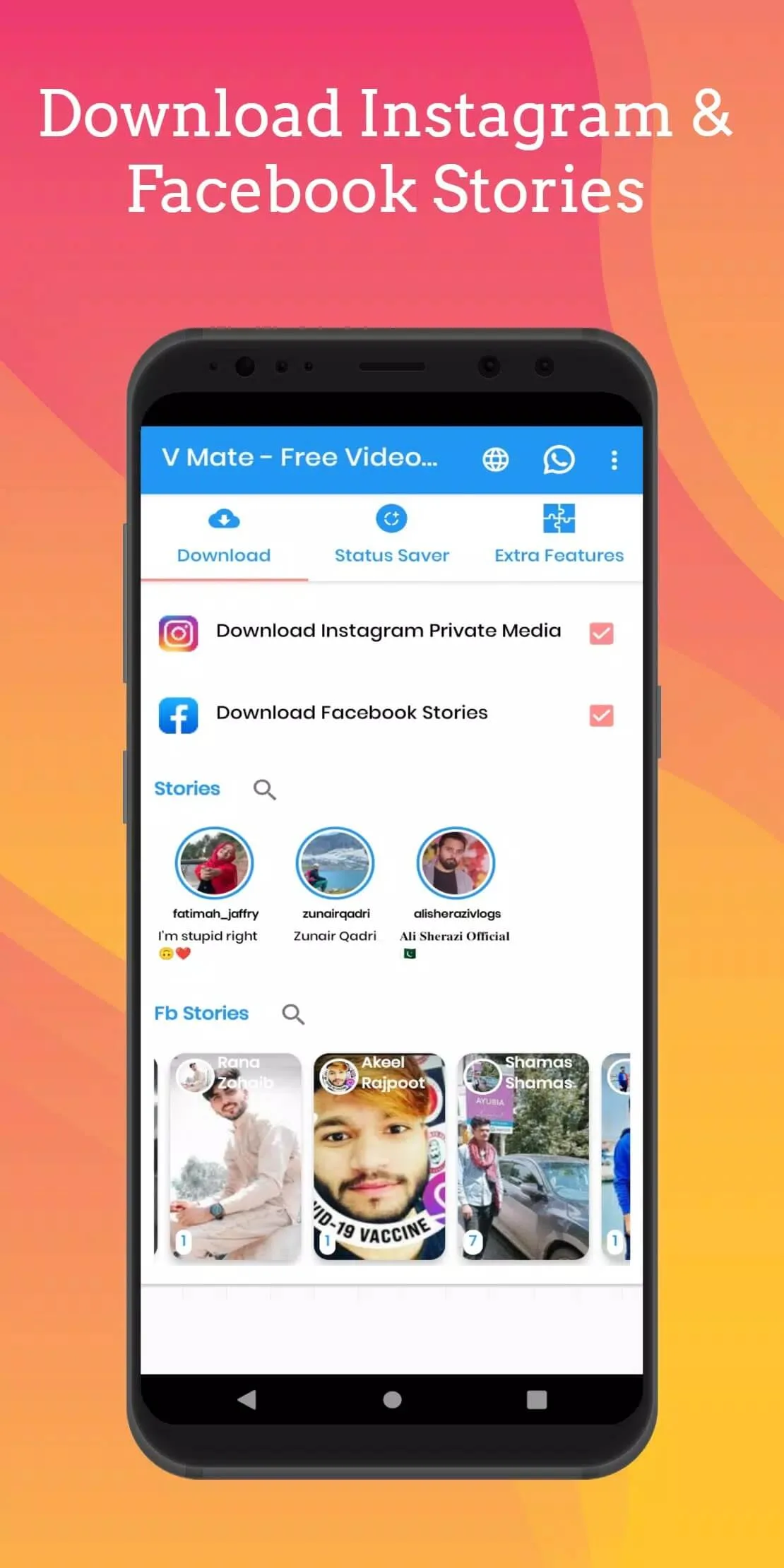
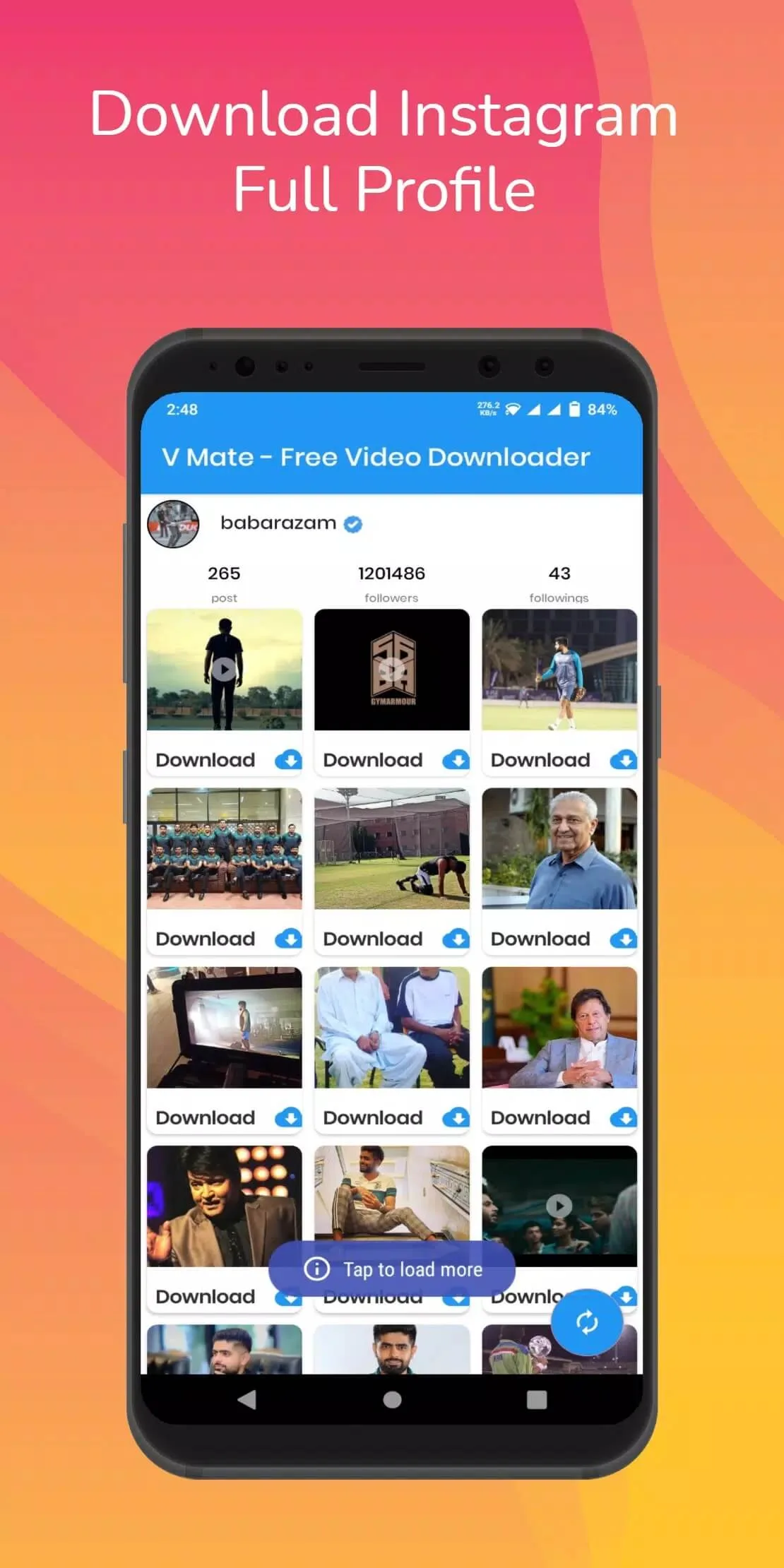
InDown all video downloader is a free Android app that saves videos and photos from Instagram, TikTok and other social apps straight to your phone. Paste a link, tap download, and the clip lands in your gallery for offline watching. It is a small Tools app, not an APK or game store, and the file on this page is scanned for malware and installed on a real Android device by our editors before publishing, we have done this since 2018.
What is InDown?
InDown is a video downloader built by Sialkot Inc. Its job is simple: grab a video or photo you found in a social app and save a copy to your device gallery, so you can watch it later without data or dig for it again. It sits in the Tools category, weighs about 8 MB, and runs on Android 4.4 and up, so even an older phone handles it fine.
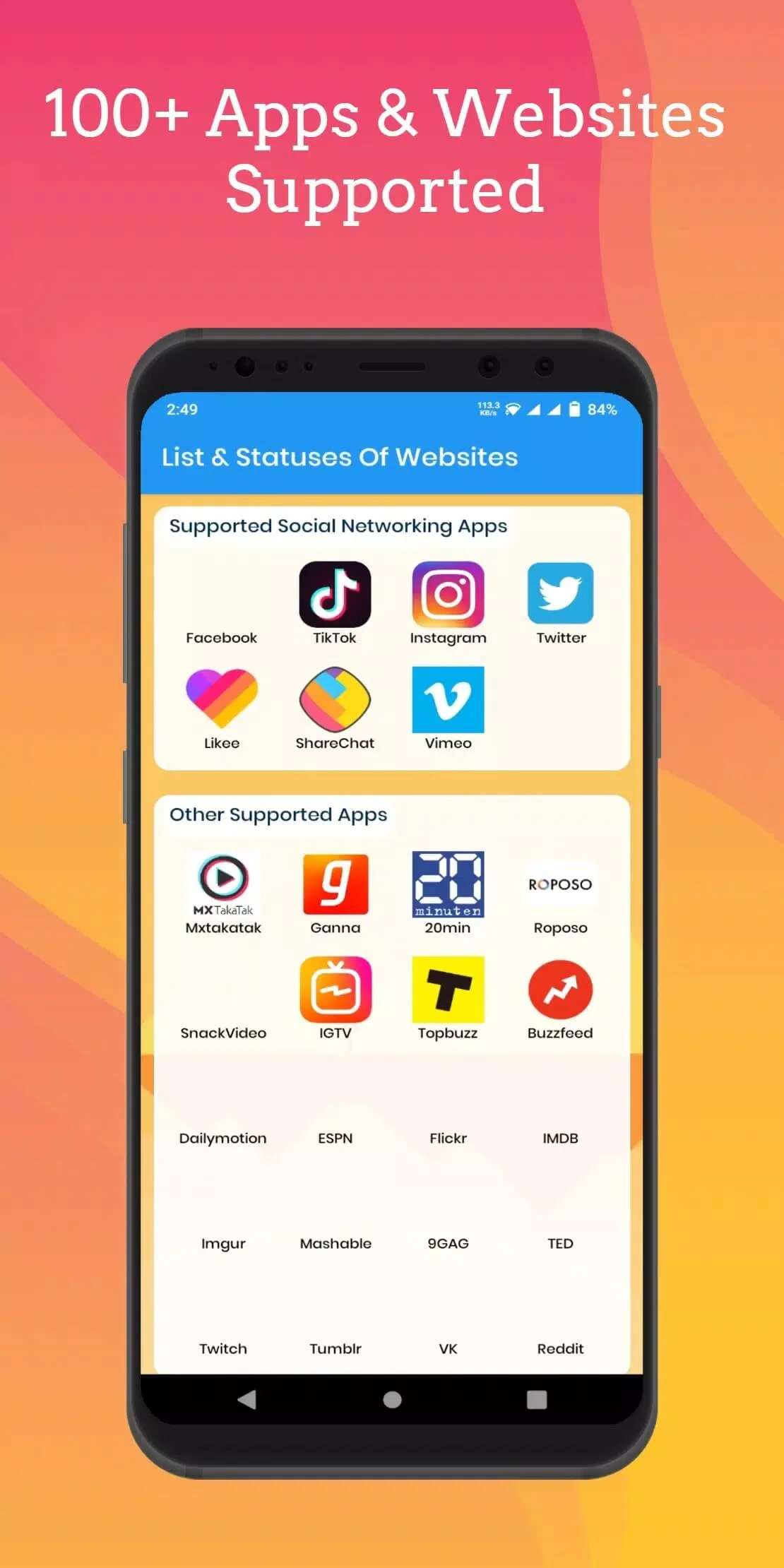
One thing worth knowing. Several apps carry the InDown name. The one on this page is com.adnanskt.allvideodownloaderapp, the build from Sialkot Inc, and that is the exact package we tested. It handles Instagram, TikTok and a range of other sites where you can paste a link.
Key features
- Paste and download. Copy the video link from the social app, drop it into InDown, and it pulls the file.
- Saves in HD when the source allows, and often without the platform watermark, though that depends on where the clip came from.
- A built-in download manager keeps your saved clips in one list, so nothing gets lost.
- Light on resources. At around 8 MB it installs fast and won't drag down a low-end phone.
How to download and install InDown All Video Downloader
The download is a single small APK. Here is the whole process.
- Tap the green Download APK button at the top of this page. The file downloads directly, no registration or SMS.
- Allow installation from unknown sources for your browser or file manager (Settings → Security).
- Open the downloaded file and tap Install. It is about 8 MB, so it finishes in seconds.
- Launch the app, paste a video link, and save your first clip.
New to sideloading? Our APK install guide walks through the same steps with screenshots.
Is it legal? Terms of use and copyright
The app itself is legal. A downloader is just a tool, and saving your own videos for offline viewing is fine. The grey area is the content. Clips and photos on Instagram or TikTok belong to the people who made them, and each platform has its own terms of service about saving media.
So keep it fair and simple. Download your own posts, or content where the creator has clearly given permission. Don't reupload someone else's video as your own, and don't pass off other people's work. Saving a clip for personal offline viewing sits in a grey zone that varies by country, so use your judgement and respect the original author.
Availability note
InDown was removed from Google Play back in 2022, and it has not been updated since. That is why you install it as an APK file from this page rather than from the store. Nothing is broken with the app, it just no longer has an official Play listing. If a store-backed download matters to you, one of the alternatives below is worth a look instead.
Alternatives
Want a downloader that is still on the store, or a backup option? A couple of choices cover most needs. Many social apps now have a built-in save or repost feature for your own posts, which skips a third-party app entirely. For everything else, you can browse more downloaders and handy utilities in our Tools section and pick one that fits your phone.
FAQ
What is InDown used for?
Is InDown safe?
Is it legal to download videos with InDown?
Does InDown remove watermarks?
Why isn't InDown on Google Play?
What are the requirements?
Download InDown — All Video Downloader
- No viruses
- No spyware
- No malware
The reviews (0)