- No viruses
- No spyware
- No malware
This file was downloaded, scanned and installed by our editors before publishing.
Every file is also checked with VirusTotal before publishing.

DU Battery Saver PRO APK (Unlocked, Final)
Additional information about DU Battery Saver PRO APK (Unlocked, Final)
The description of DU Battery Saver PRO APK (Unlocked, Final)
DU Battery Saver PRO APK is the final archived build of the battery manager from DU Apps Studio, the PRO edition with its power modes, custom profiles and widgets already open. One thing to know up front: this app was pulled from Google Play and is no longer updated, so what you download here is a preserved legacy version, tested on a real Android device by our editors before publishing, not a live release.
Because of that status, treat this as an app for old phones and for people who used it back then and want the same tool again. On a current device, read the honesty sections below before you install.
What is DU Battery Saver PRO?
DU Battery Saver was a battery manager made by DU Apps Studio (also known as DianXinOS, a developer tied to Baidu). It watched charge level, running apps and temperature, then offered simple ways to stretch a phone through the day. The PRO edition added a set of extras on top of the free app, with the same interface and the single DU name across every screen.
What the app actually did:
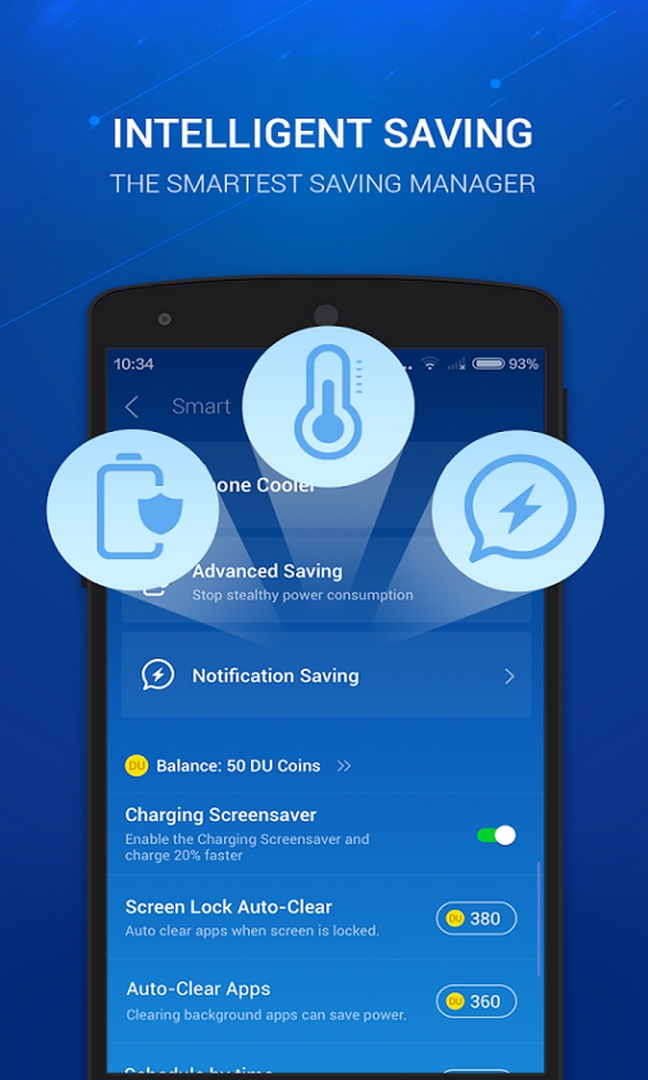
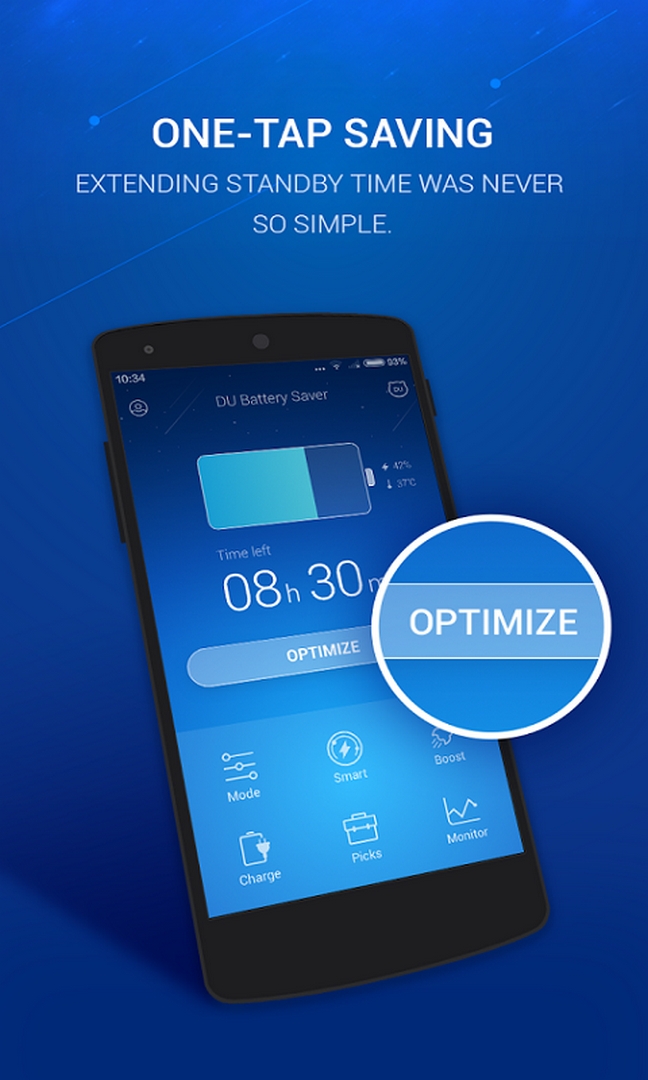
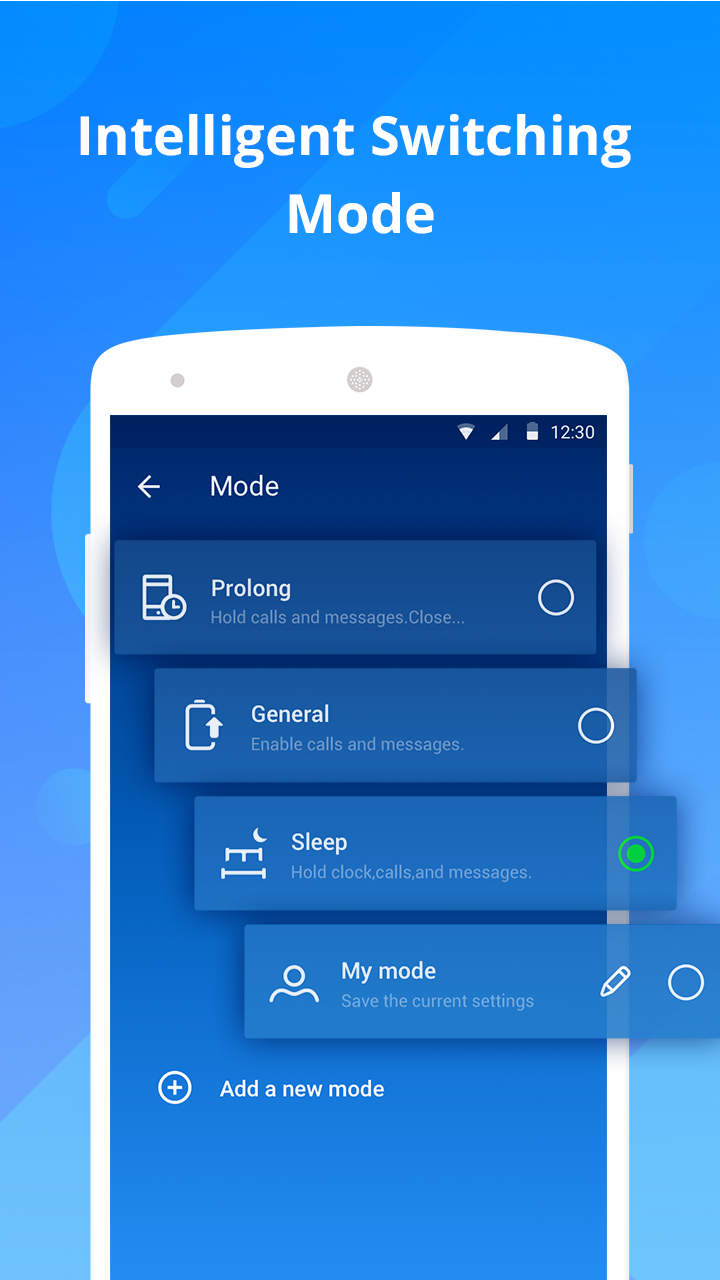
- Power modes: ready-made profiles such as power-saving, general and sleep, each toggling brightness, sync and connectivity for you.
- Custom profiles: your own rules for when the screen dims, when sync pauses and what runs at night.
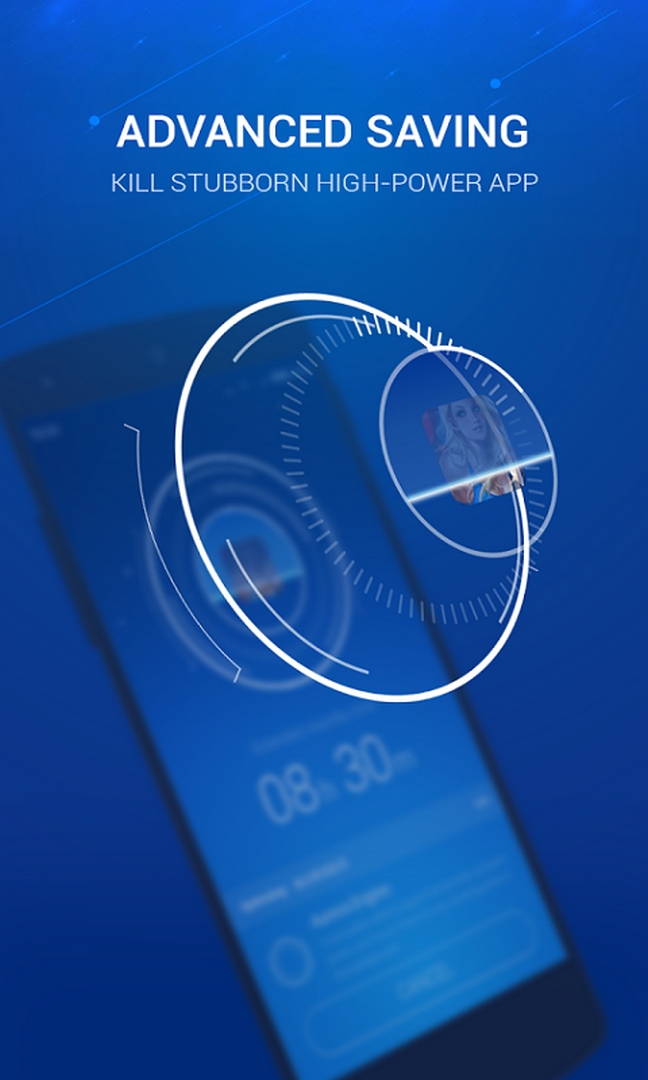
- Background cleanup: a one-tap way to close apps sitting in memory.
- Home-screen widgets: charge percentage and a quick toggle without opening the app.
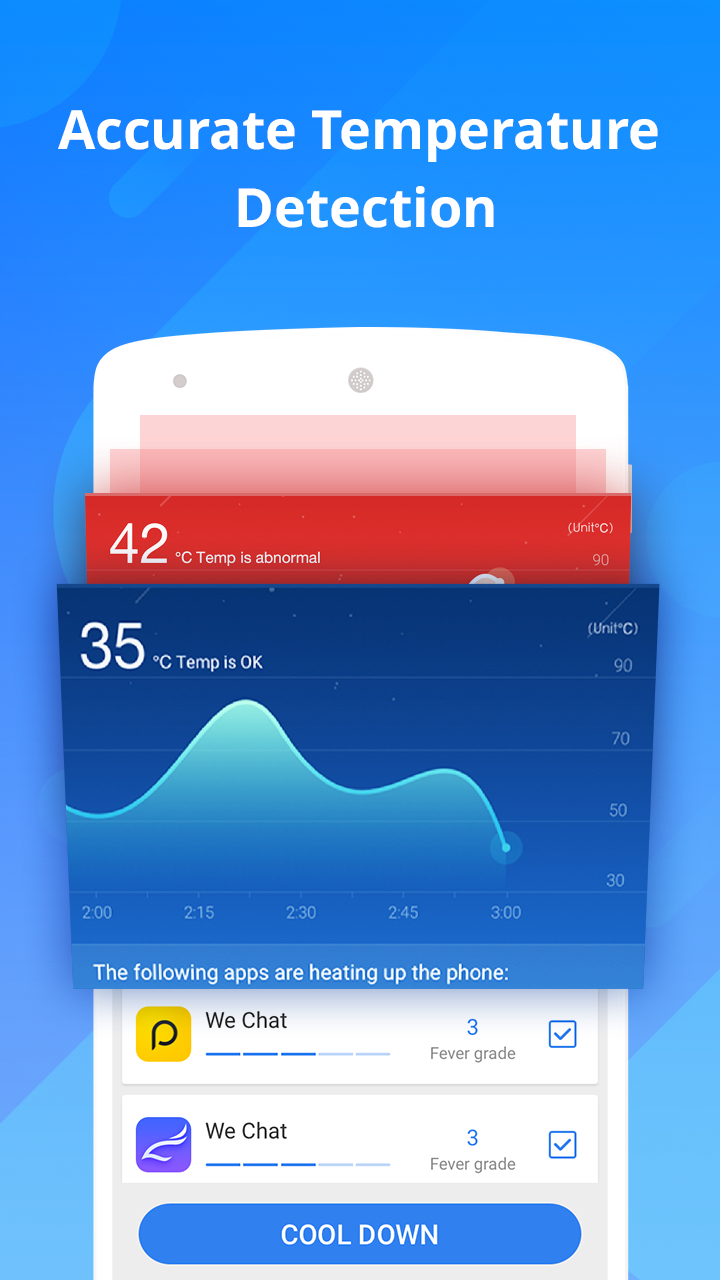
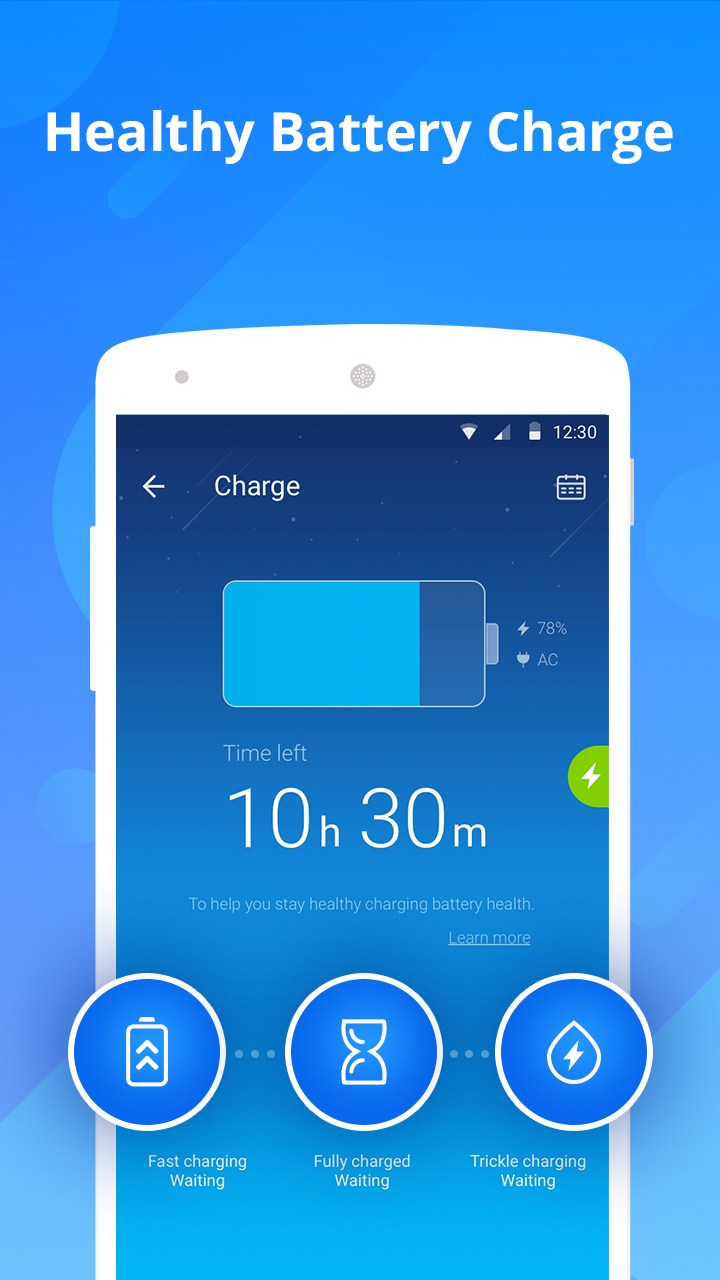
- System monitor and charge view: battery temperature, remaining time estimate and a staged charging screen.
Why it was removed from Google Play
Apps from the DU group were taken off Google Play over policy violations, and the tools were later left unmaintained. DU Battery Saver is one of them, which is why you no longer find it in the official store and why it circulates only as an archived APK like the one on this page.
Be clear about what that means. There are no updates and no developer support. Nothing new will be built for it, and any bug that exists in the final release stays. We keep the file because people still ask for it, but we are not going to pretend it is a current, backed app.
What the PRO build gives
The PRO edition opens the paid extras locally inside this build. It does not change anything on a server, and it does not touch how your phone charges at the hardware level.
| PRO feature | What it does |
|---|---|
| All power modes and custom profiles open | Every saving profile and rule is available, no paywall inside the app. |
| Home-screen widgets | Charge and quick-toggle widgets ready to place. |
| No ads or upsell | The PRO build drops the banner ads and the prompts to buy that the free app carried. |
To keep expectations straight: this build opens the PRO menus and removes the ads, and that is all. It cannot add battery capacity or make an old cell hold more charge.
Does a battery saver still help in 2026?
Honest answer: much less than it used to. Modern Android already manages background apps on its own through Doze and adaptive battery, so a separate saver has far less to do than it did in 2015.
Third-party boosters give a limited effect at best. The old "kill all background apps" trick can even work against you: many apps just relaunch a moment later, and restarting them costs more power than leaving them idle. The real wins are still the boring ones, lower brightness, fewer background syncs and turning off radios you are not using. DU Battery Saver can automate some of that with its profiles, but it will not perform miracles on the battery itself.
How to download the DU Battery Saver PRO APK
The file is small, around 14 to 15 MB, and it targets Android 4.1 and up, which fits the old phones this build was made for.
- Tap the green Download APK button at the top of this page. The file downloads directly, no registration or SMS.
- Allow installation from unknown sources for your browser or file manager (Settings, then Security).
- Open the downloaded file, tap Install, then launch it and pick a power mode.
First time sideloading? Our APK install guide walks through the same steps with screenshots. One caveat for newer phones: on Android 12 and up, system rules restrict what a saver can do to autostart and background apps, so parts of DU may sit idle or fail to keep apps closed. That is the operating system, not a broken file.
Alternatives on a modern phone
If your device runs a recent Android version, the built-in battery saver in Settings does most of what DU offered, and it works with the system instead of against it. For a supported tool that is still maintained, a monitor like GSam Battery Monitor Pro shows real drain per app so you can find what actually costs you charge. You can also browse more Android tools and other apps in the catalog.
FAQ
Is DU Battery Saver PRO still on Google Play?
Who made DU Battery Saver?
What does the PRO build give?
Is it safe to install?
Does it work on modern Android?
Does a battery saver actually extend battery life?
Download DU Battery Saver PRO & Widgets Final (Unlocked)
- No viruses
- No spyware
- No malware
The reviews (1)