- No viruses
- No spyware
- No malware
This file was downloaded, scanned and installed by our editors before publishing.
Every file is also checked with VirusTotal before publishing.

MT Manager APK (VIP Unlocked)
Additional information about MT Manager APK (VIP Unlocked)
The description of MT Manager APK (VIP Unlocked)
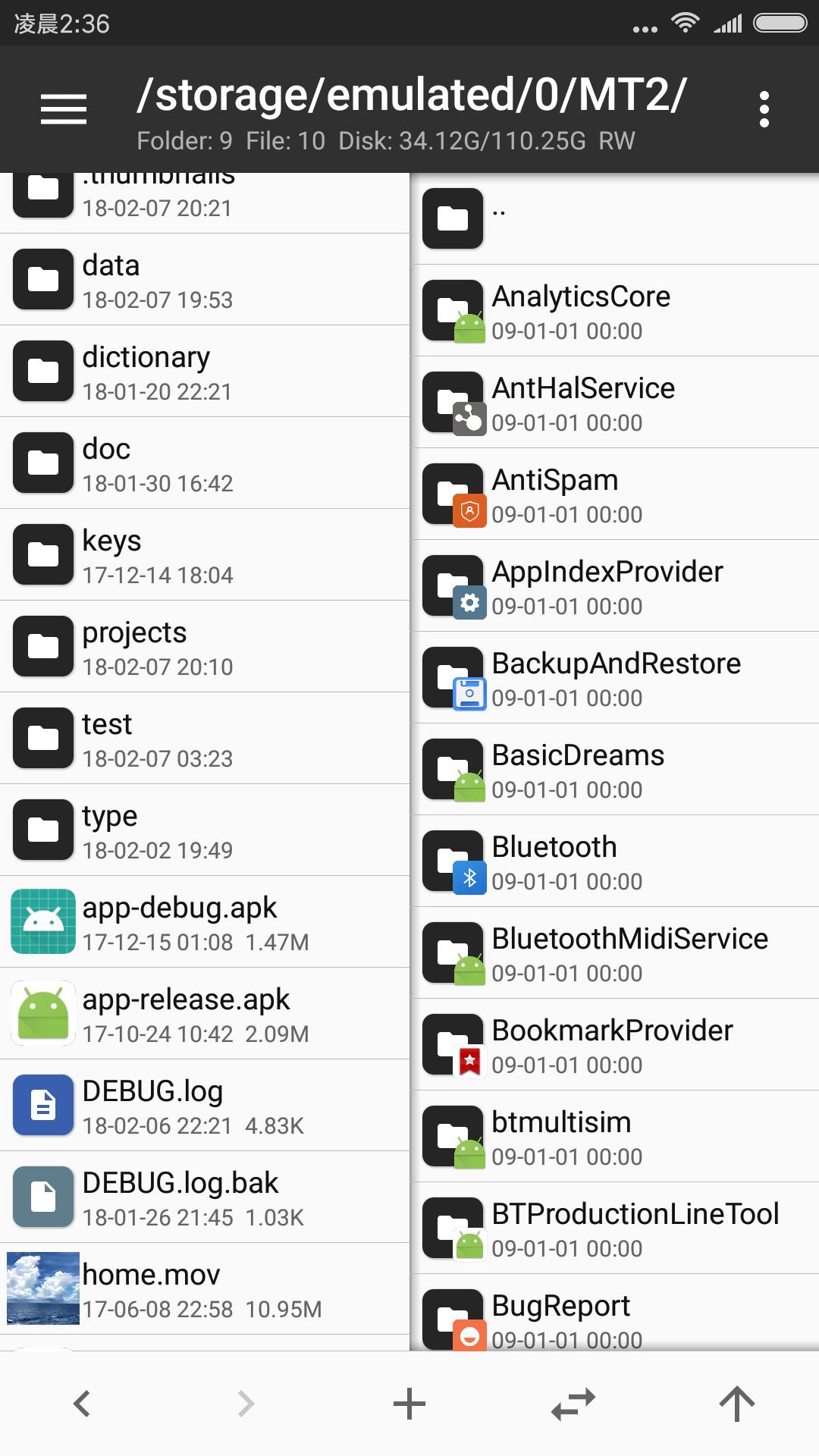
MT Manager APK is a powerful offline file manager and APK editor built for developers and modders. It handles DEX and smali code, ARSC and XML resources, app signing and archive editing, all from a fast two-panel interface. The VIP Unlocked build opens the paid Pro tools, and everything runs on the device with no internet needed. The file here is downloaded, scanned for malware and installed on real Android devices by our editors before publishing, tested by our editors on real devices.
One thing to know before you start: MT Manager is not published on Google Play. It comes from its author (bin.mt) and trusted APK mirrors, so it installs as a sideloaded APK. We host a scanned copy of the current version and point you to the right build for your phone.
What is MT Manager?
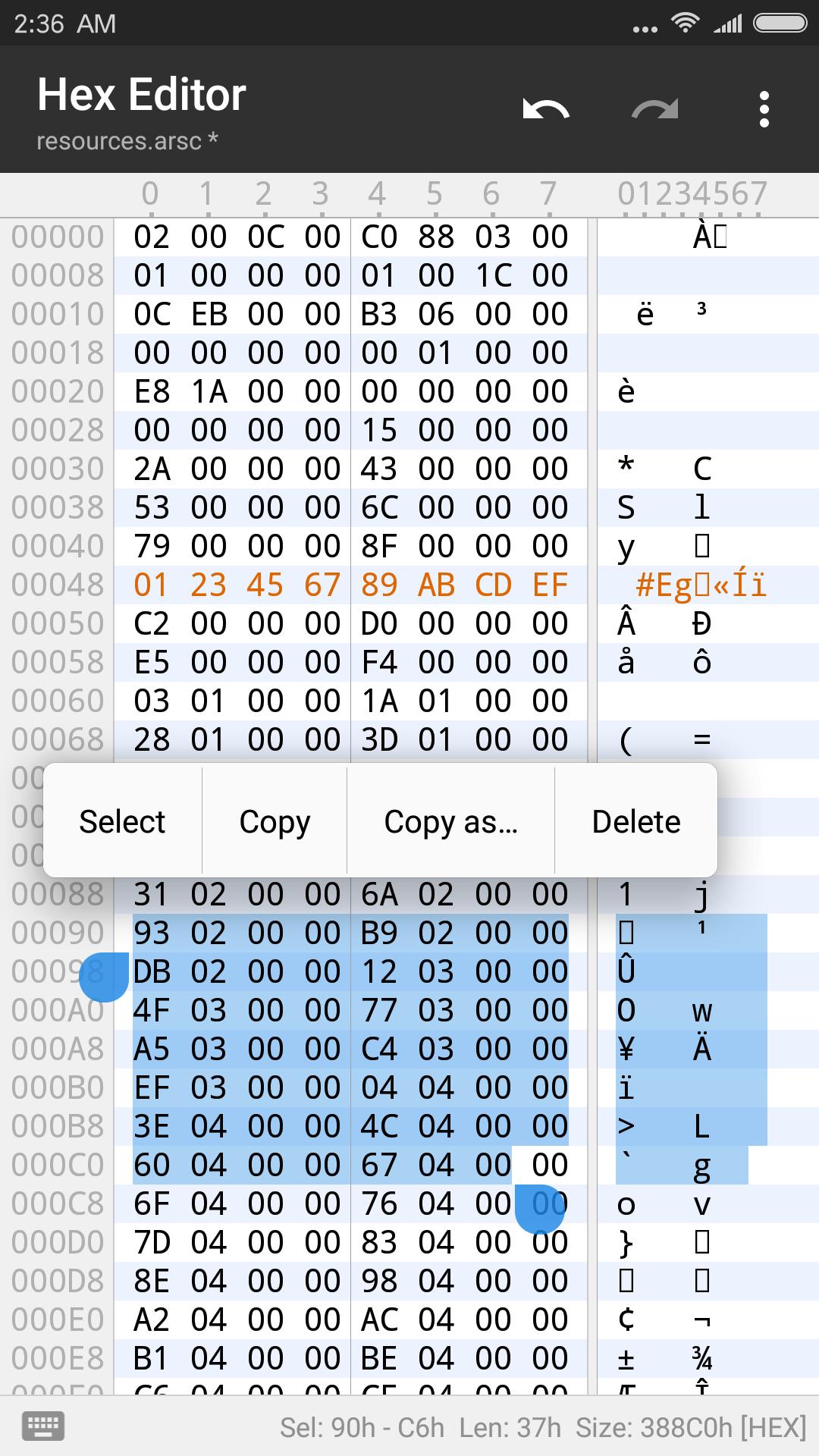
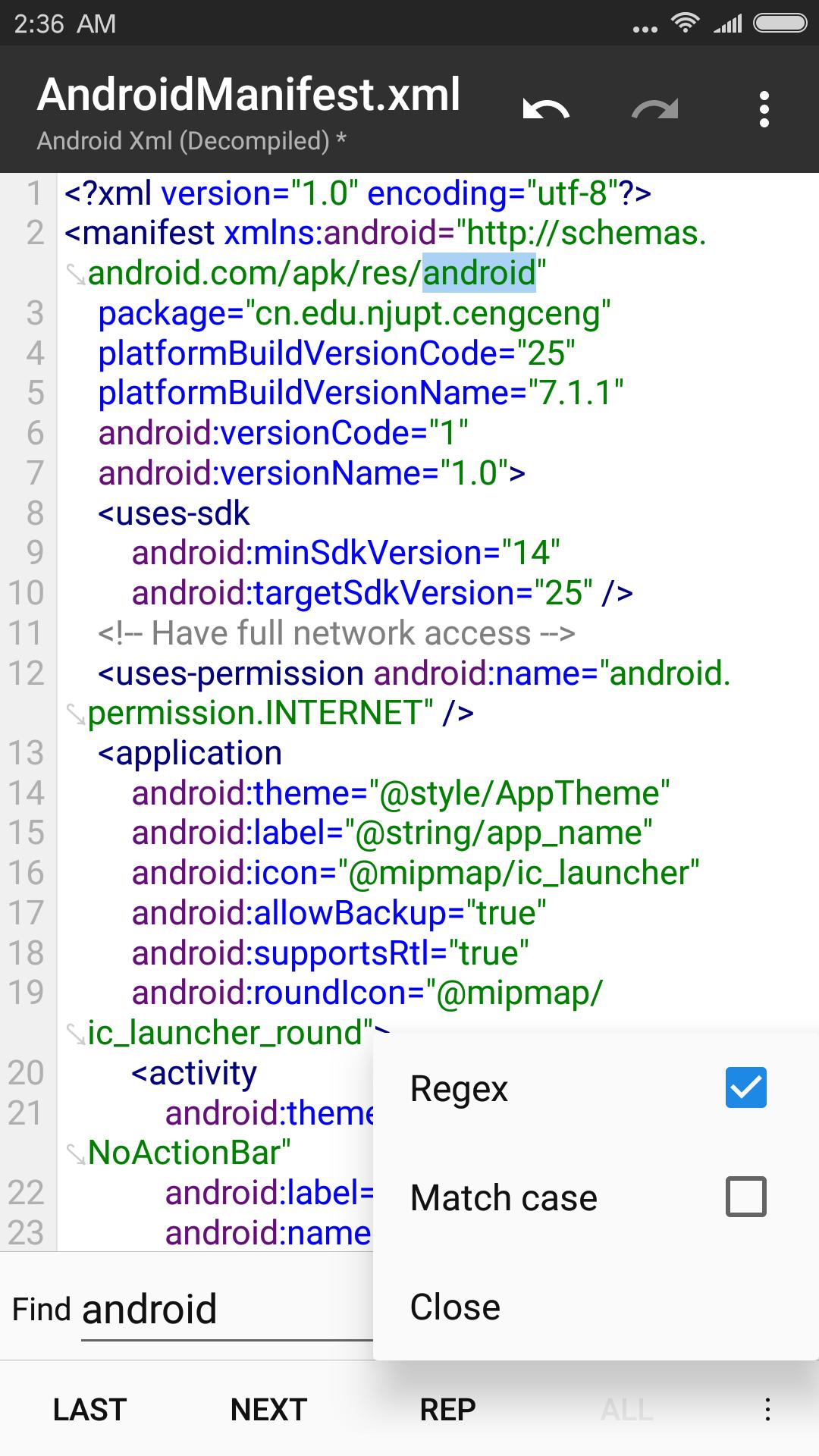
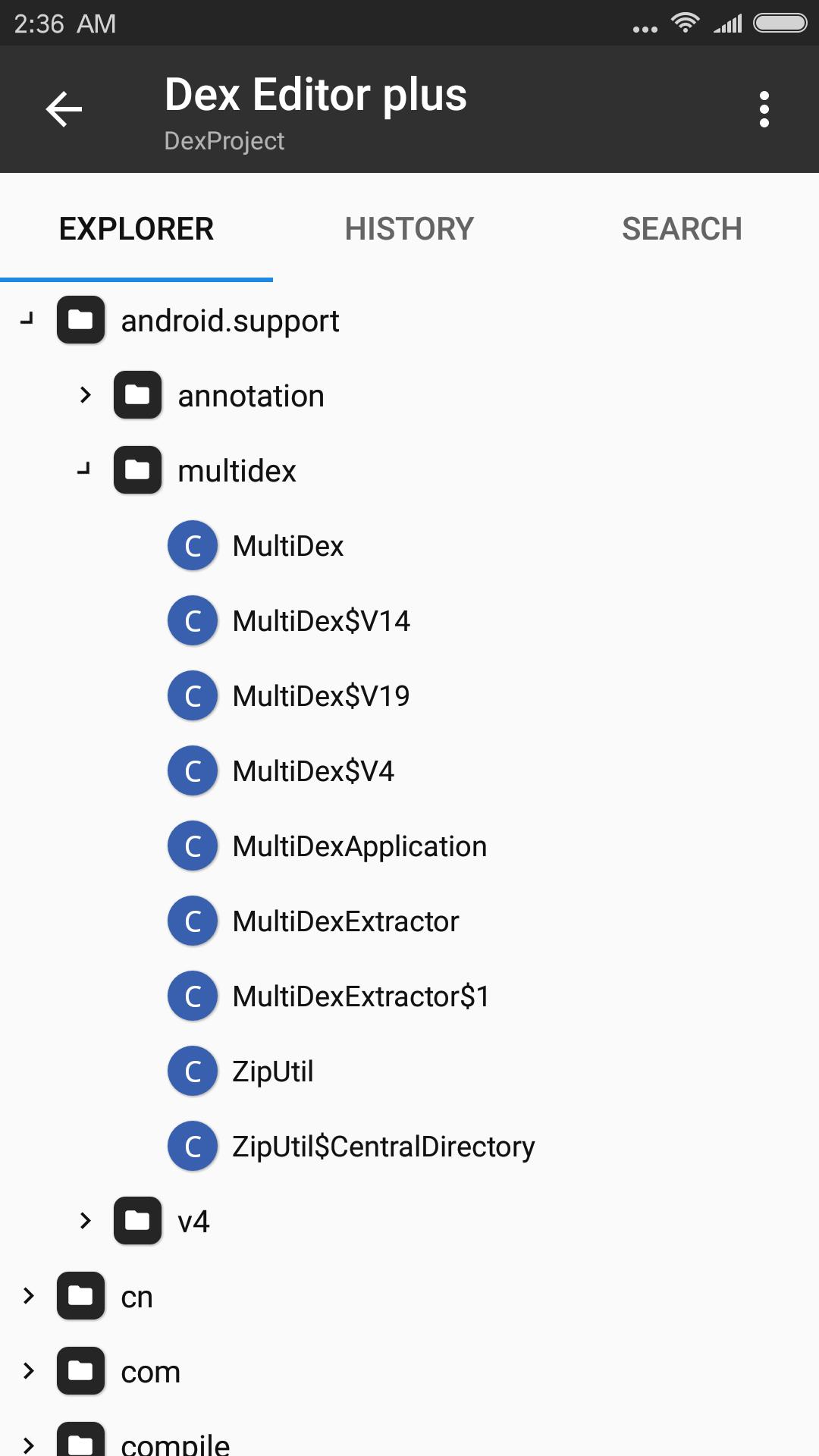
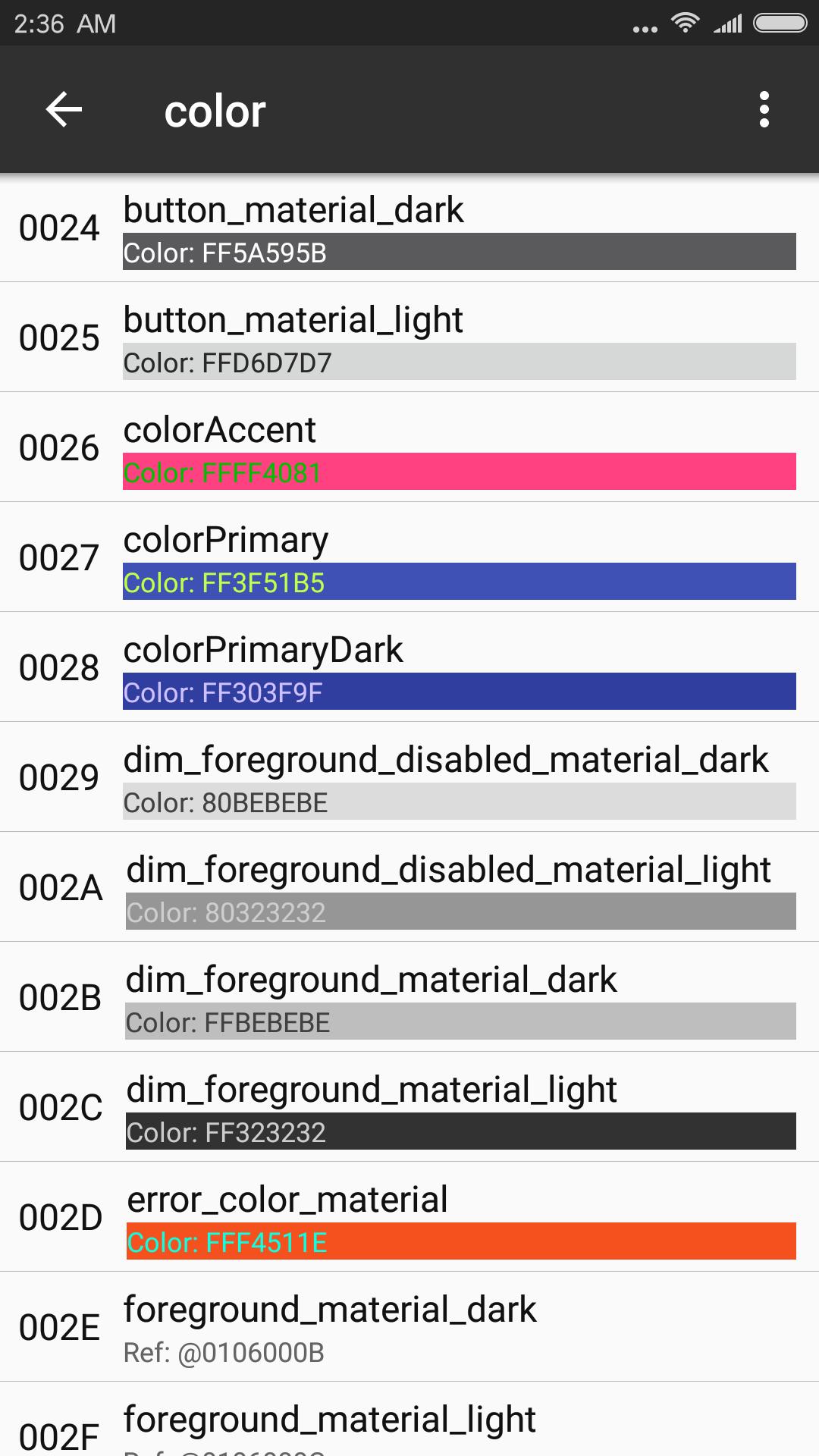
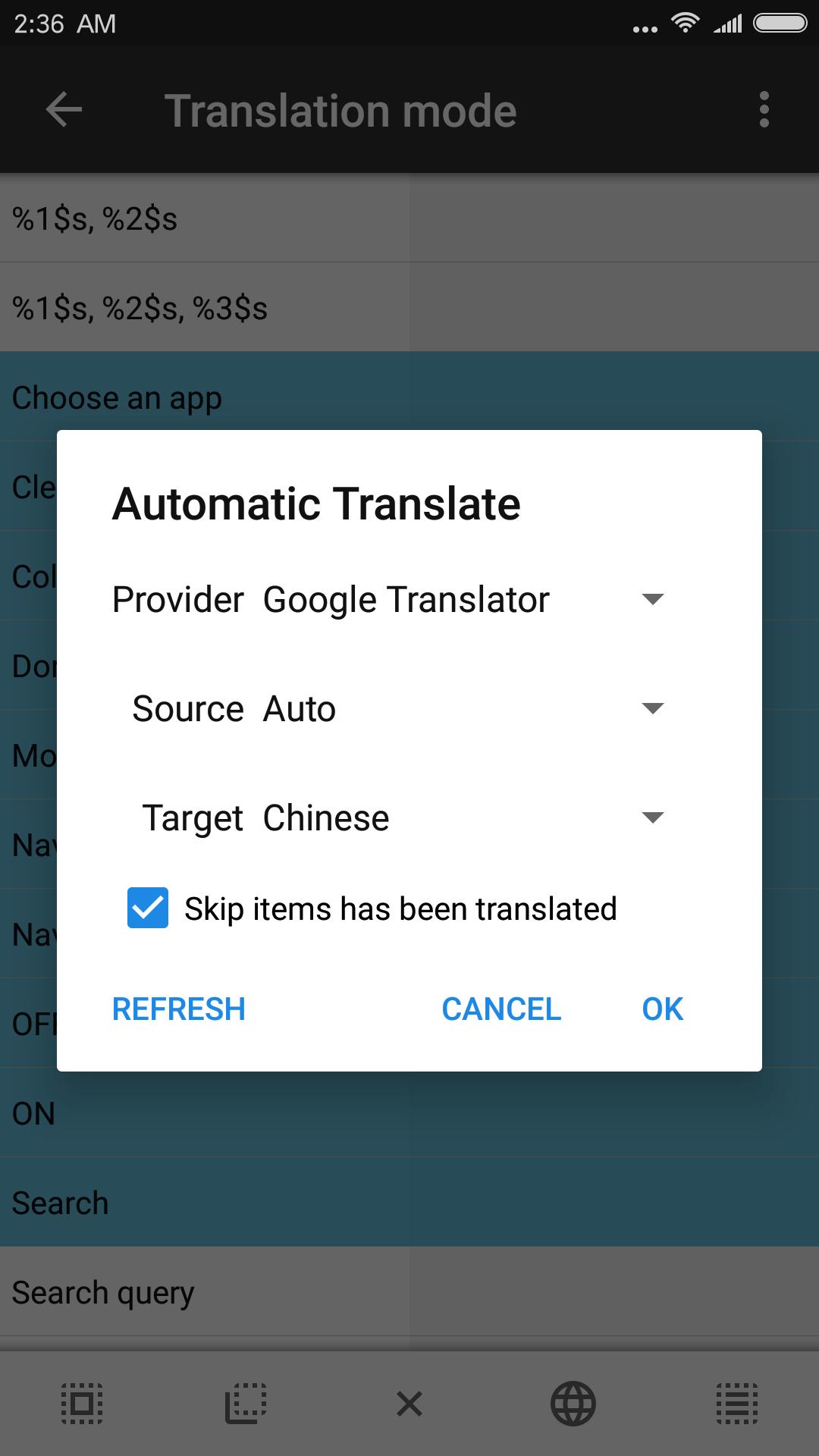
MT Manager is a two-panel file manager with a serious APK editor attached. It lets you open an APK and edit its DEX bytecode and smali code, change ARSC and XML resources, re-sign the package, and clone apps so you can run more than one account. It reads inside ZIP, RAR and TAR archives without full extraction, includes a text and hex editor, and has a built-in string translator handy for localizing app resources.
In short, this is a reverse-engineering and localization tool, not a photo or data storage app. If you edit APKs, translate apps or dig into how an app is built, this is the kind of tool you keep on hand.
What VIP Unlocked gives you
| VIP feature | What it unlocks |
|---|---|
| Advanced text editor | Full editing tools for code and resource files, beyond the free viewer. |
| Image viewer and music player | Preview images and play audio found inside packages without leaving the app. |
| Script execution | Run scripts for repeat tasks during editing. |
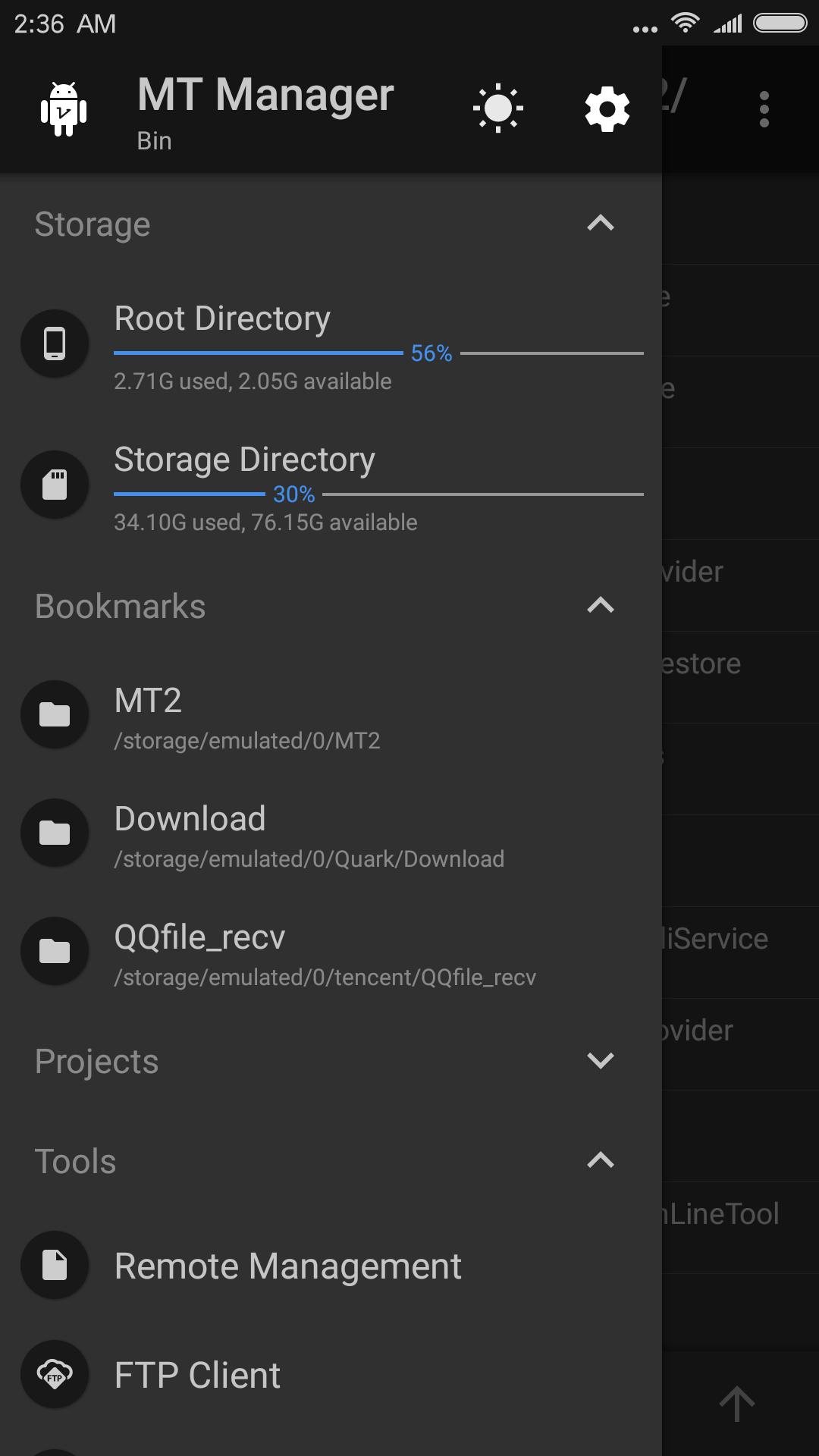
| FTP and extra tools | Connect over FTP and use the additional Pro editing utilities. |
To be clear, VIP Unlocked simply opens MT Manager's own paid tier. It is not a way to break into other people's apps. The exact package for the current build is listed in the «MOD info» line at the top of this page.
Not on Google Play — where to get it
MT Manager is distributed by its author and through APK mirrors, not through the Play Store, so there is no official Play listing to install from. That is normal for this kind of developer tool. Install it from a source you trust, which is why we scan the file before hosting it.
MT Manager ships in separate builds for different chips. On a modern phone pick the ARM64 build. If you see an «incompatible version» warning, try the other one, since older devices may need the ARMv7 build instead.
How to download and install MT Manager
- Tap the Download button at the top of this page — the file downloads directly, no registration or SMS.
- Pick the build that matches your phone (ARM64 for most current devices).
- Allow installation from unknown sources for your browser in Android settings (Settings → Security).
- If an older MT Manager is installed, remove it first to avoid a signature conflict.
- Open the file, tap Install, and launch the app.
Step-by-step screenshots are in our APK & XAPK install guide.
Tips for getting started
- Back up any APK before you edit it, so you can restore the original if a change breaks something.
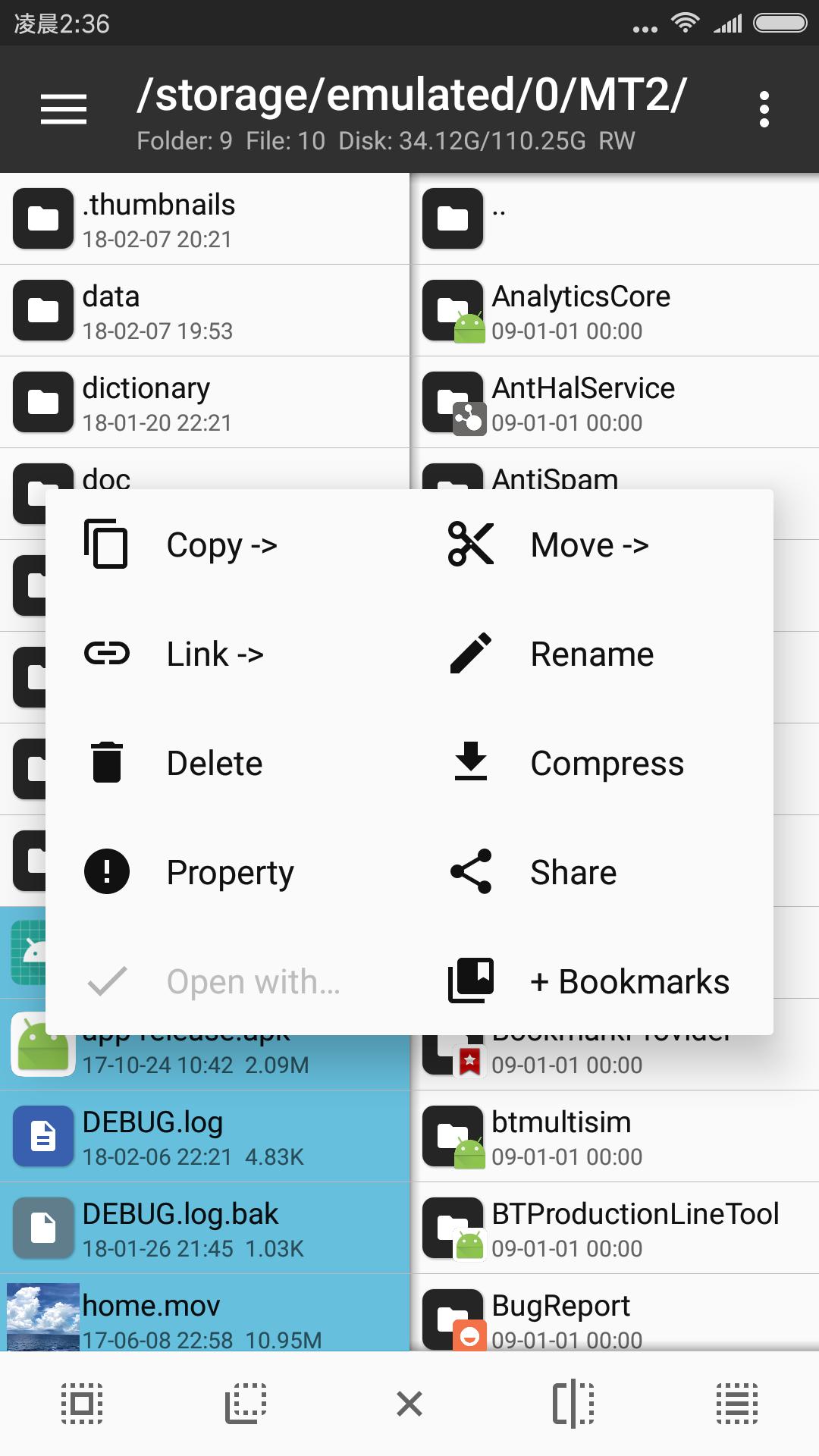
- Work in the two-panel view to copy between folders and packages quickly.
- Use the built-in string translator when localizing resource text instead of editing line by line.
- After editing smali or resources, rebuild and re-sign the APK so it will install.
- Root is not required for basic file and APK work; it only helps for system partitions.
MOD or original?
The free MT Manager is enough for everyday file and APK tasks. Choose the VIP Unlocked build if you want the Pro tools like the advanced editor, script execution and FTP, and install it from a checked source either way. If you want more of this kind of software, look at APK Editor Pro, browse the wider tools category, or read our Android terms glossary for a plain-language rundown of APK, XAPK and MOD.
FAQ
What is MT Manager used for?
Is MT Manager on Google Play?
What does VIP Unlocked give?
Is MT Manager safe to download?
Does it need root?
Which build do I download, ARMv7 or ARM64?
Download MT Manager Mod (VIP Unlocked)
- No viruses
- No spyware
- No malware
The reviews (1)