- No viruses
- No spyware
- No malware
com.antivirusThis file was downloaded, scanned and installed by our editors before publishing.
Every file is also checked with VirusTotal before publishing.

AVG AntiVirus PRO MOD APK (Premium Unlocked)
Additional information about AVG AntiVirus PRO MOD APK (Premium Unlocked)
com.antivirusThe description of AVG AntiVirus PRO MOD APK (Premium Unlocked)
AVG AntiVirus PRO MOD APK is the security app from AVG Mobile, part of Avast under Gen Digital, with the Premium locks opened on the client side: App Lock, no ads and the extra protection tools are on from the first launch. Our editors scanned this file for malware and installed it on a real Android phone before publishing, the check we have run since 2018. One honest note up front, and it matters more here than with most apps: an antivirus is a security tool, so a repacked build from a random source is exactly the kind of file you should not trust blindly. Read the section on what the MOD does and does not change before you rely on it.
What is AVG AntiVirus for Android?
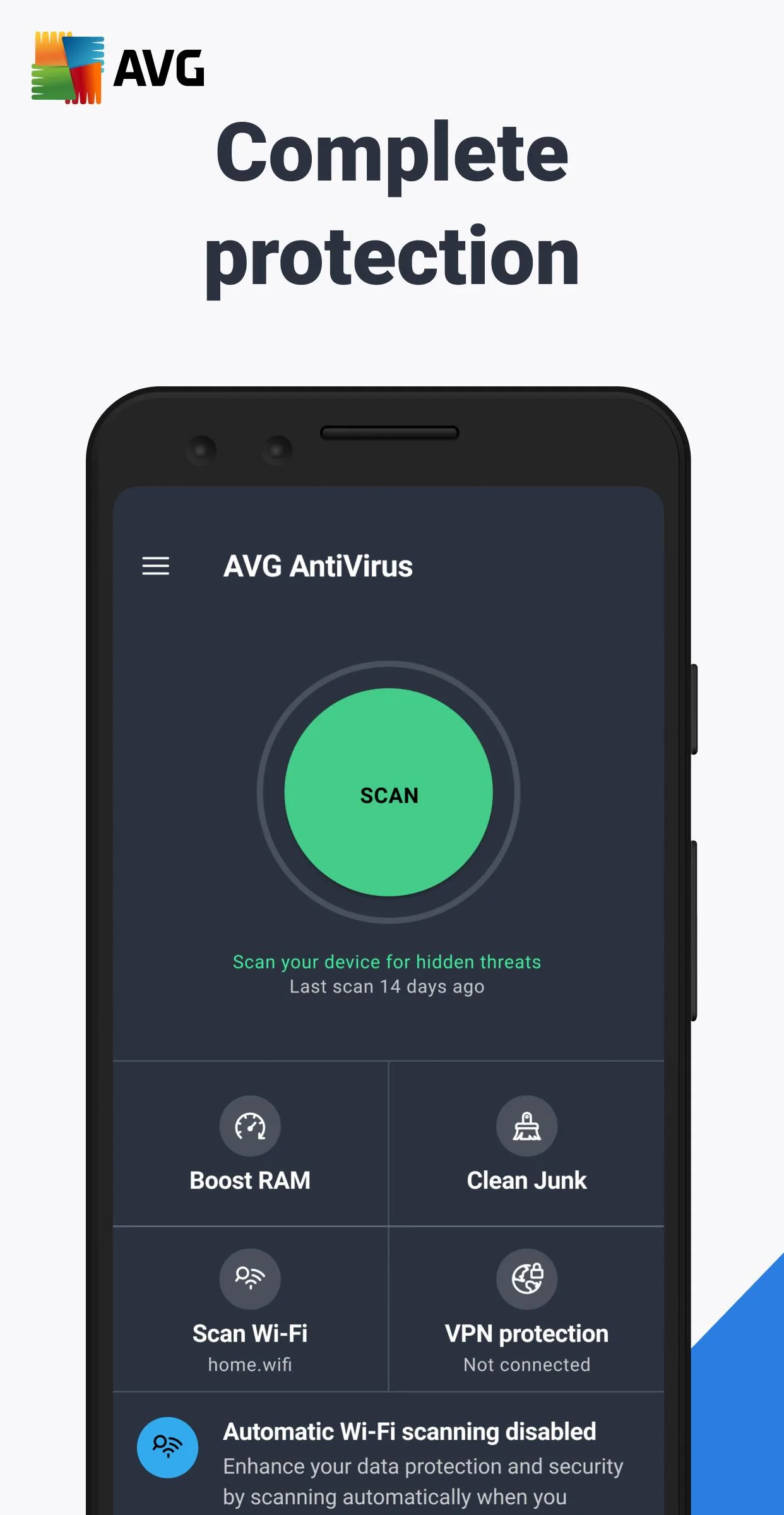
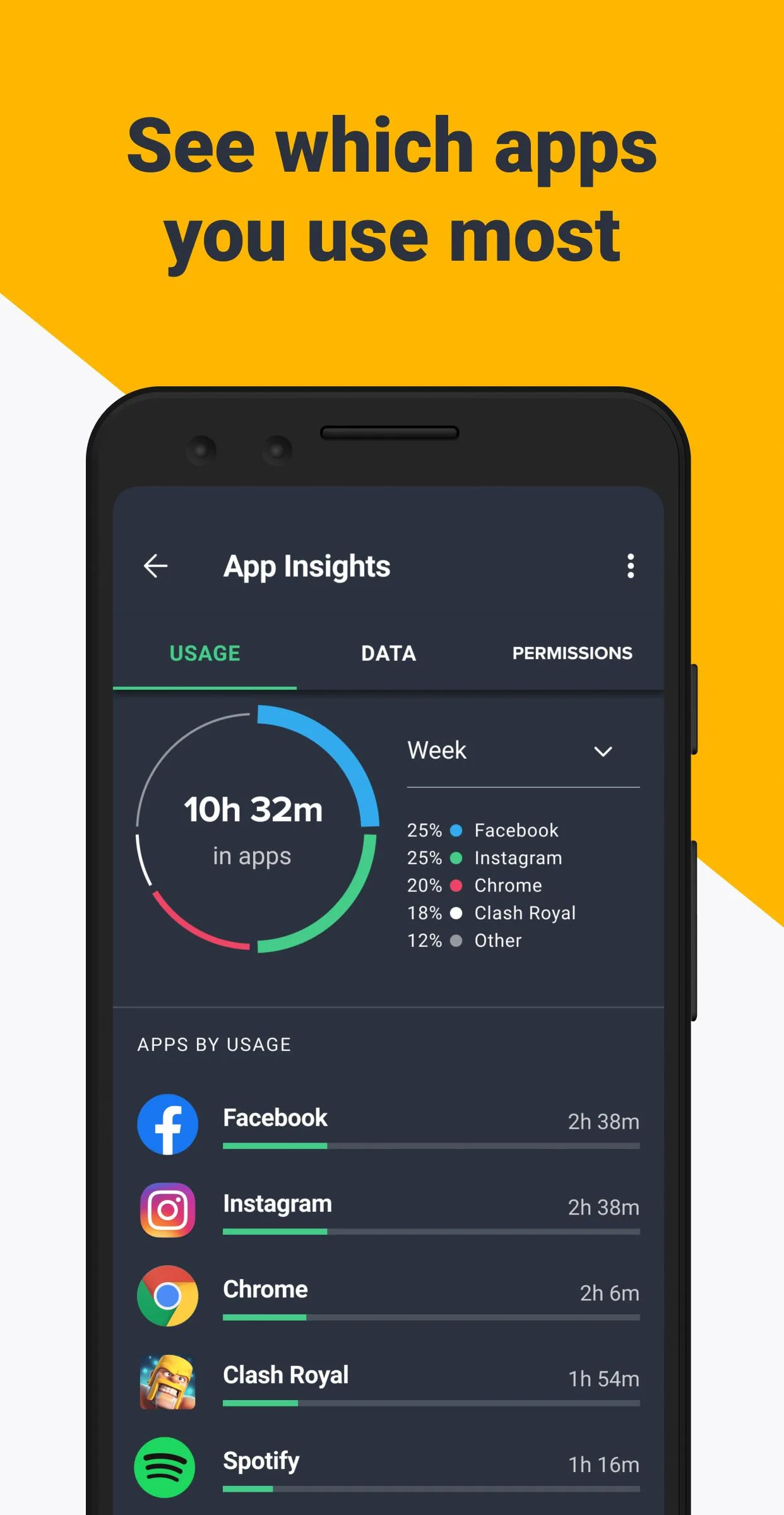
AVG AntiVirus is a mobile security app made by AVG Mobile, now part of Avast (Gen Digital). On your phone it scans apps and files in real time, flags and removes malware, and checks links and sites before they can do harm. It also blocks scam calls and clears junk and memory to keep the device running lighter.
The app is built around four areas:
- Protection: real-time scanning of apps and files, plus a Wi-Fi Scanner that checks the network you join.
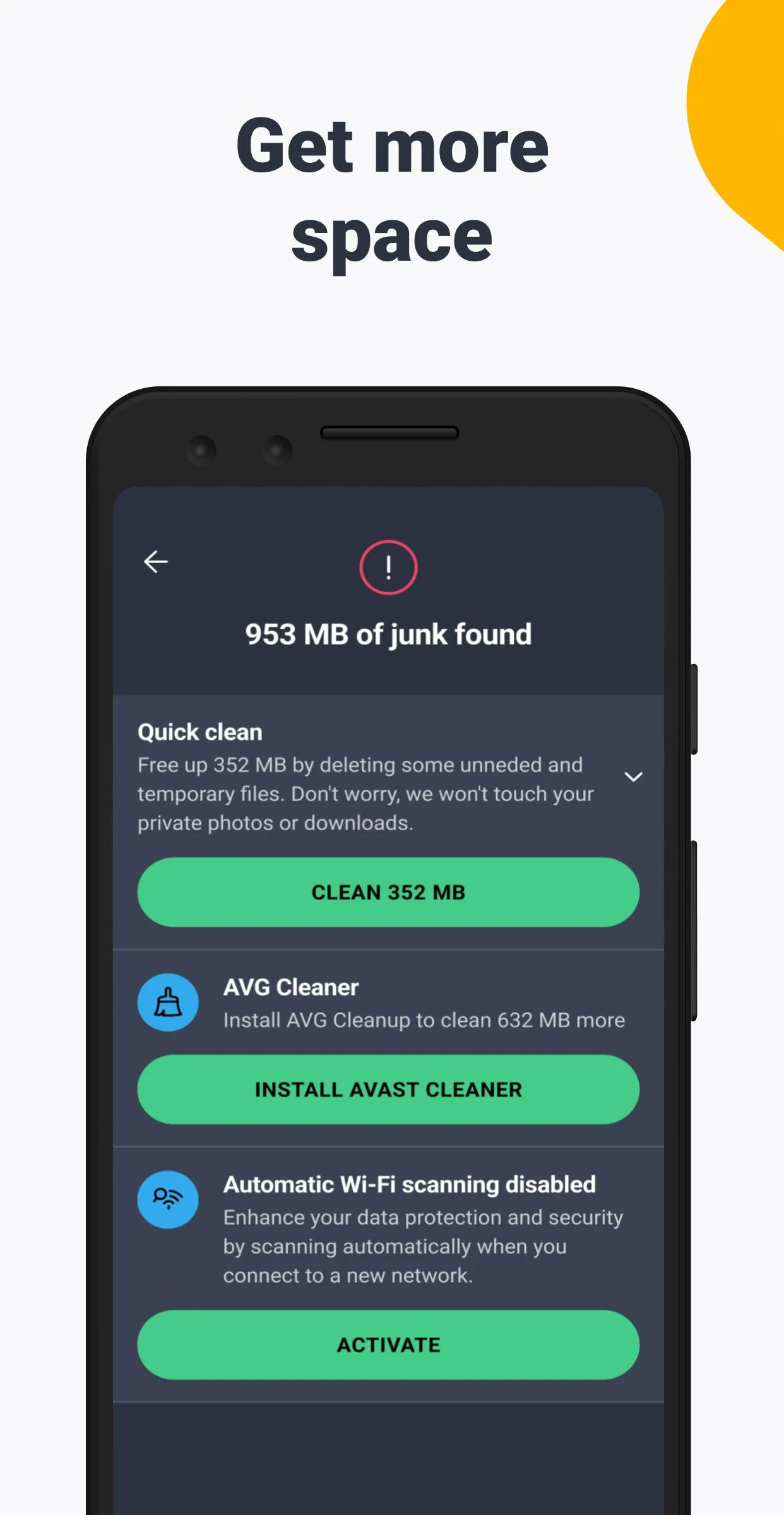
- Performance: a junk cleaner and memory tools that free up space and RAM.
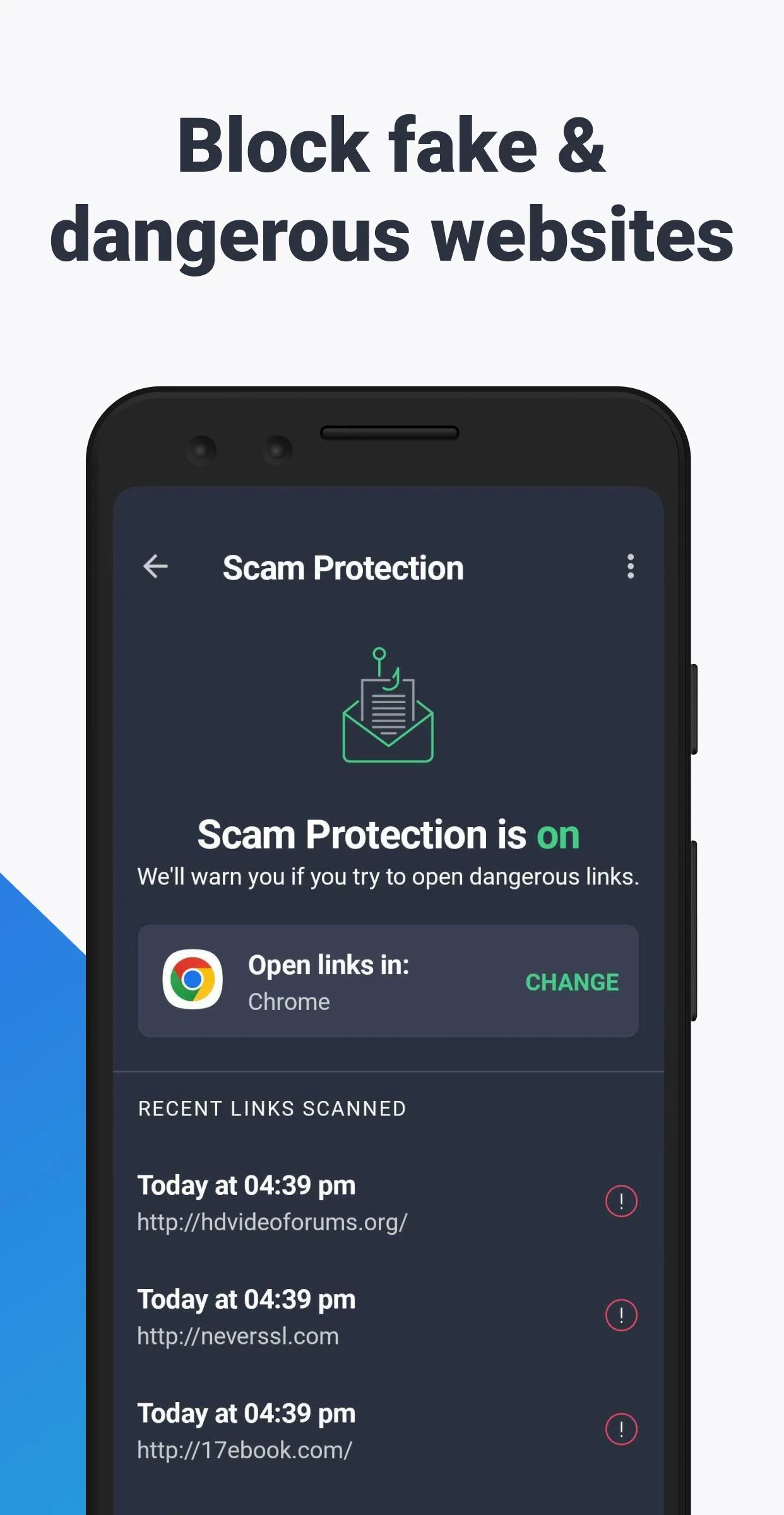
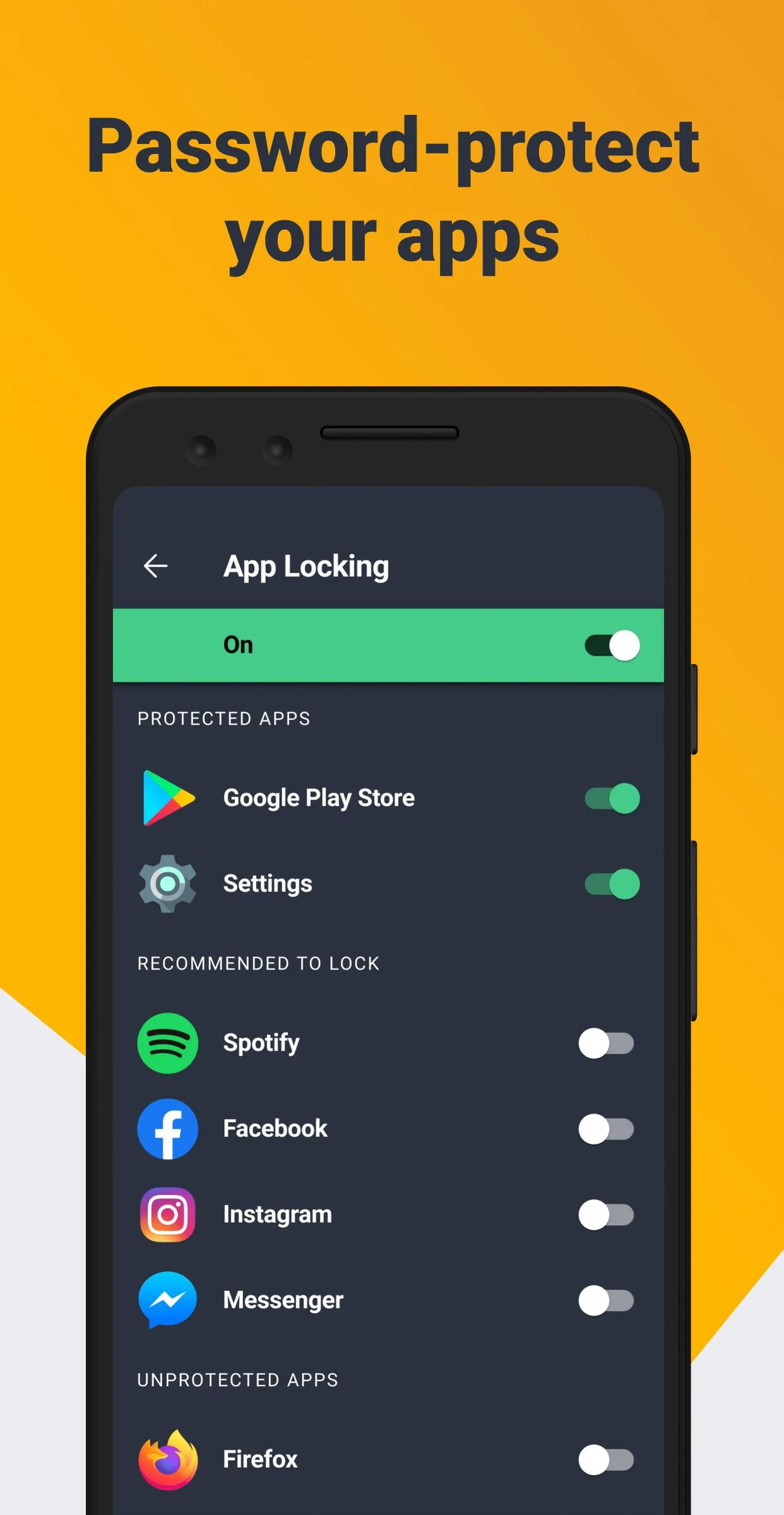
- Privacy: App Lock for sensitive apps, plus scam and unsafe-site blocking.
- Anti-Theft: locate, lock or wipe a lost phone from a browser.
Free vs Premium (what the MOD opens)
The core scanner is free. Premium adds convenience and stronger privacy tools, and on the official app it runs as a subscription. Here is what each side gives you.
| Free | Premium / Pro |
|---|---|
| Real-time virus scan | App Lock for private apps |
| Wi-Fi Scanner | No ads |
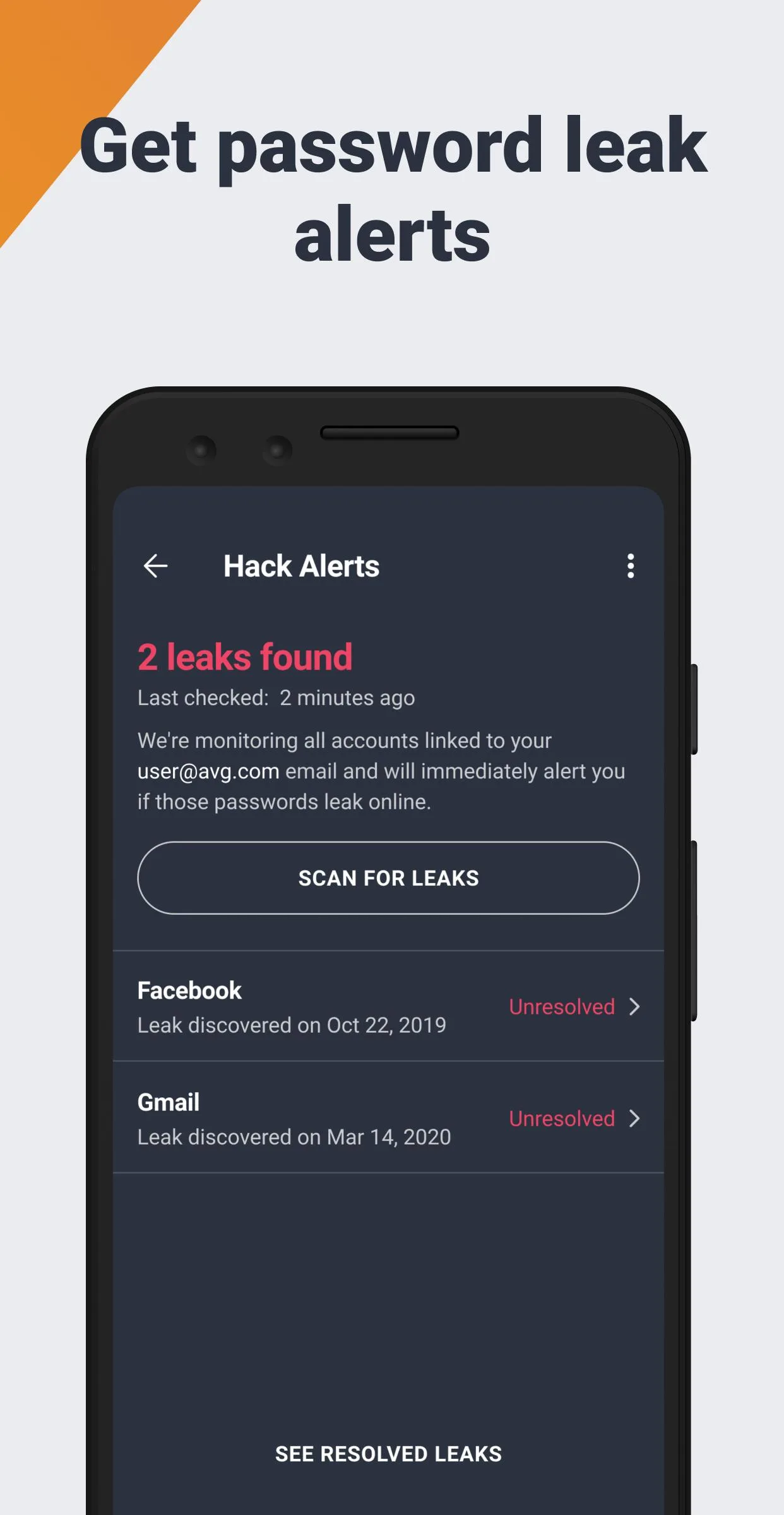
| Junk and memory cleanup | Advanced scam and unsafe-site protection |
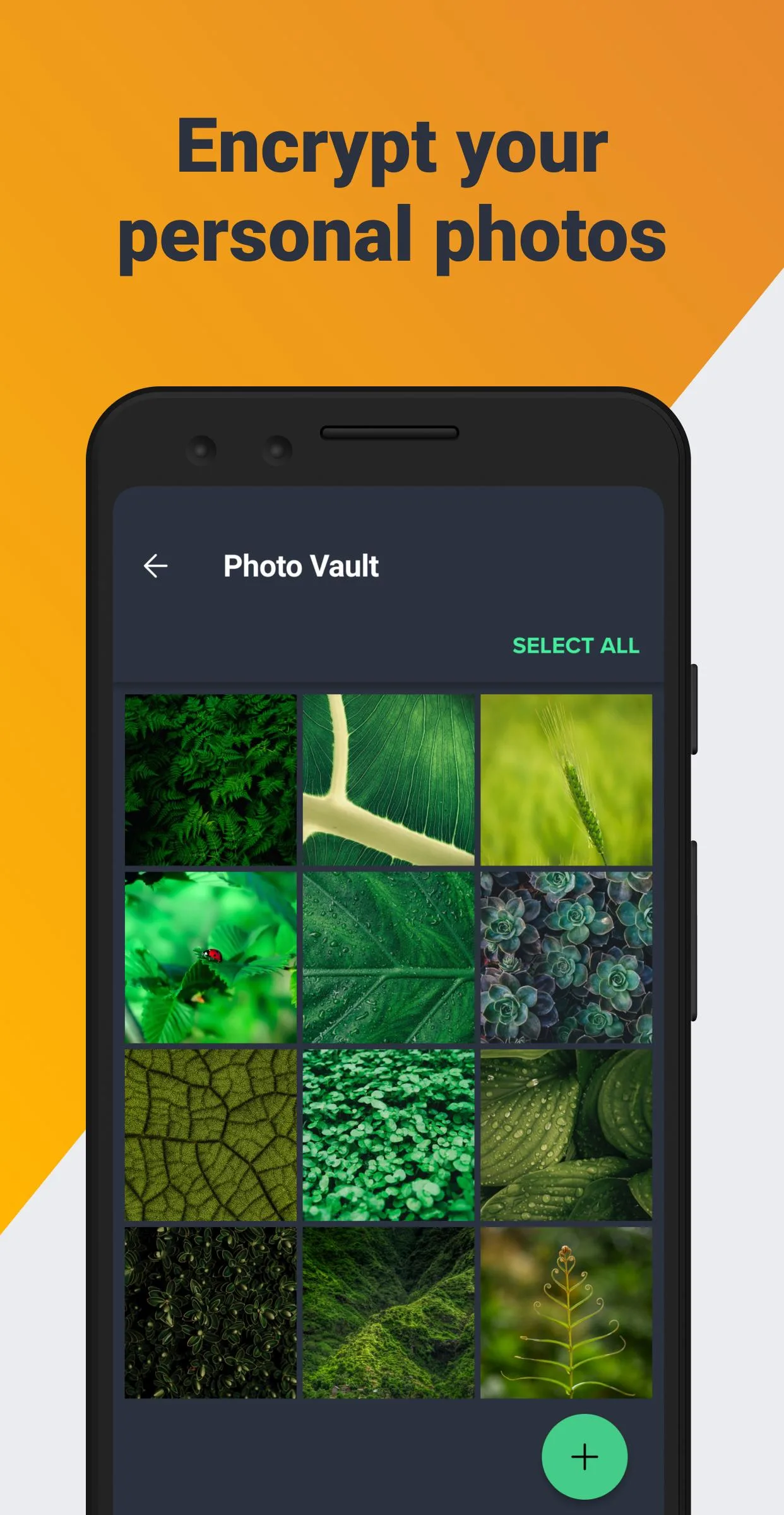
| Manual scans | Automatic cleaning and photo vault |
The MOD opens the client-side Pro features, mainly App Lock and the removal of ads. Check the MOD info line at the top of this page for what the current file actually carries.
What the MOD does NOT change
This is the honest part, and it is why an antivirus MOD is not like a game MOD. Some Premium features do not live in the app at all. They run through AVG's own service.
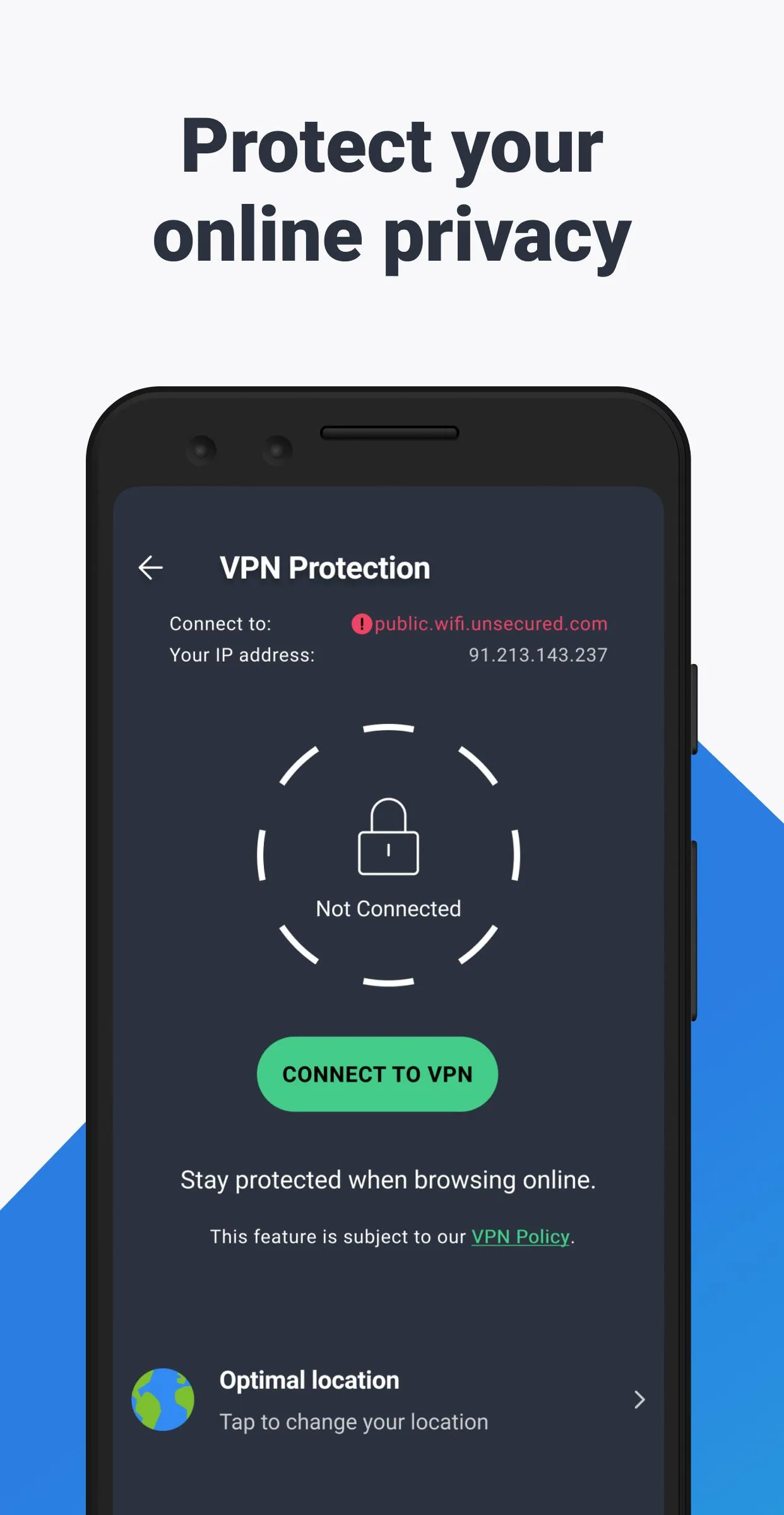
A modified APK can turn off ads and open App Lock on the client, but the parts tied to your account or AVG's servers stay with AVG. That includes the VPN, cloud-based file checks and the virus-database updates that keep detection current. The MOD removes premium locks in the interface. It does not rebuild the server behind them, so do not count on a full VPN or cloud scanning for good. There is no game account here to get banned from, since this is a utility, but there is also no promise that server-side Premium will stay on.
How to download and install AVG AntiVirus MOD APK
- Tap the green Download APK button at the top of this page. The file is about 60 MB and downloads directly, no registration or SMS.
- Allow installation from unknown sources for your browser or file manager (Settings then Security).
- If the Google Play version is already installed, remove it first. The MOD has a different signature and will not install over it.
- Open the downloaded file and tap Install. The app needs Android 9.0 or newer.
- On first launch, grant the permissions it asks for, since it cannot scan apps or lock them without access.
New to sideloading? Our APK install guide walks through the same steps with screenshots.
Is a modded antivirus a good idea?
Be honest with yourself about what you want. For real, day-to-day protection, the official AVG from Google Play is the better call: it gets current virus definitions, full cloud checks and the complete service, and it stays updated on its own. A security app is only as good as how fresh its detection is.
The MOD makes sense if you want to try the Pro interface, App Lock and the ad-free experience without paying for a subscription. If you keep it, keep the virus definitions updated so the scanner still catches new threats. Whichever build you run, download it only from the button on this page, since a tampered security app is worse than none.
MOD or original?
The original AVG is free on Google Play, with Premium sold as a subscription. The MOD gives you the Pro interface with the client locks removed, but without the server-tied extras described above. Pick the one that fits how you use it.
Want more security and cleanup tools? Take a look at Avast Antivirus Premium, the sister app from the same company, and browse our Android tools and other MOD APKs in the catalog.
FAQ
What Pro features does the AVG MOD open?
Does the MOD give VPN and cloud features for free?
Is the MOD APK safe to download?
Can I get banned for using it?
Which version is current?
How big is the download and what does it need?
Download AVG AntiVirus PRO MOD (Premium Unlocked)
- No viruses
- No spyware
- No malware
The reviews (0)