- No viruses
- No spyware
- No malware
This file was downloaded, scanned and installed by our editors before publishing.
Every file is also checked with VirusTotal before publishing.
![Game Killer for Android [Latest]](/wp-content/uploads/2019/08/GameKiller_logo-150x150.webp "Game Killer for Android [Latest]")
Game Killer APK (Game Value Editor)
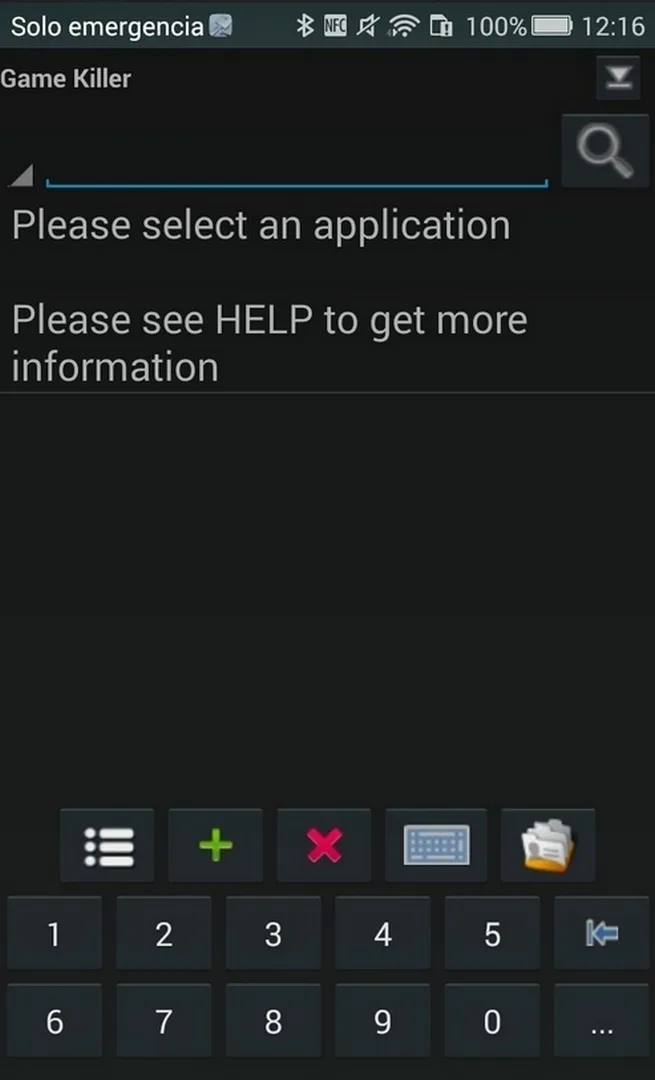
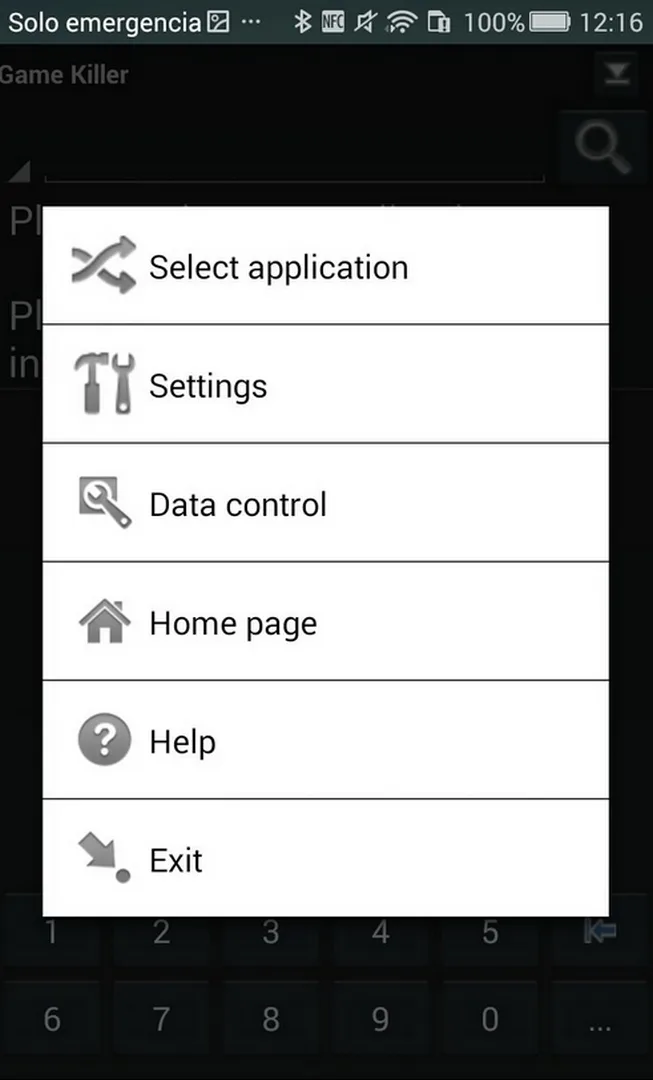
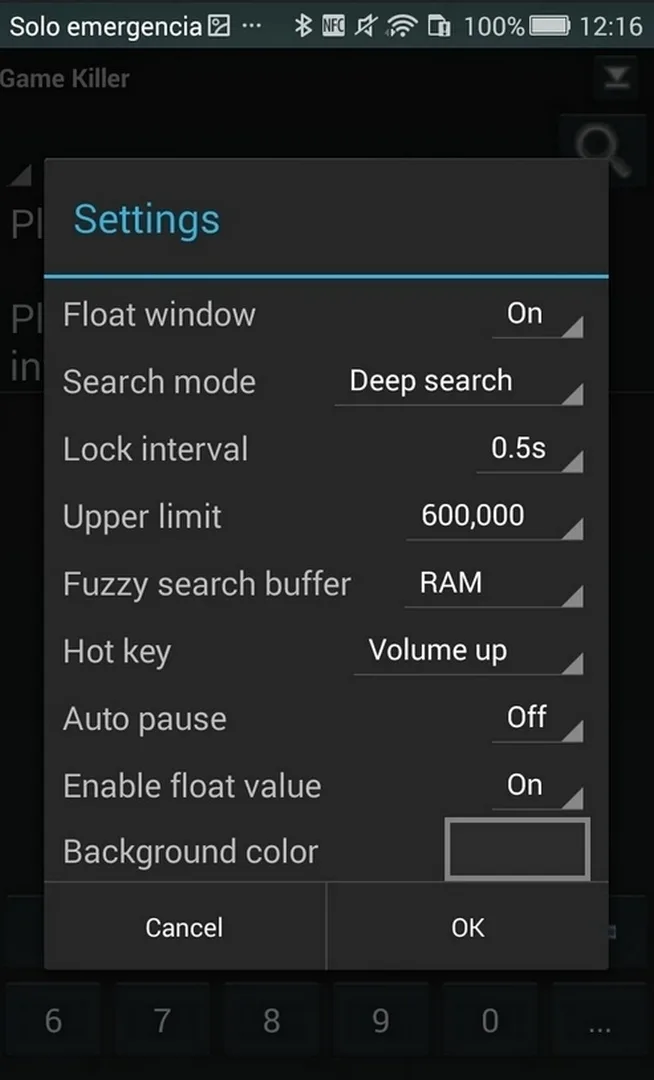
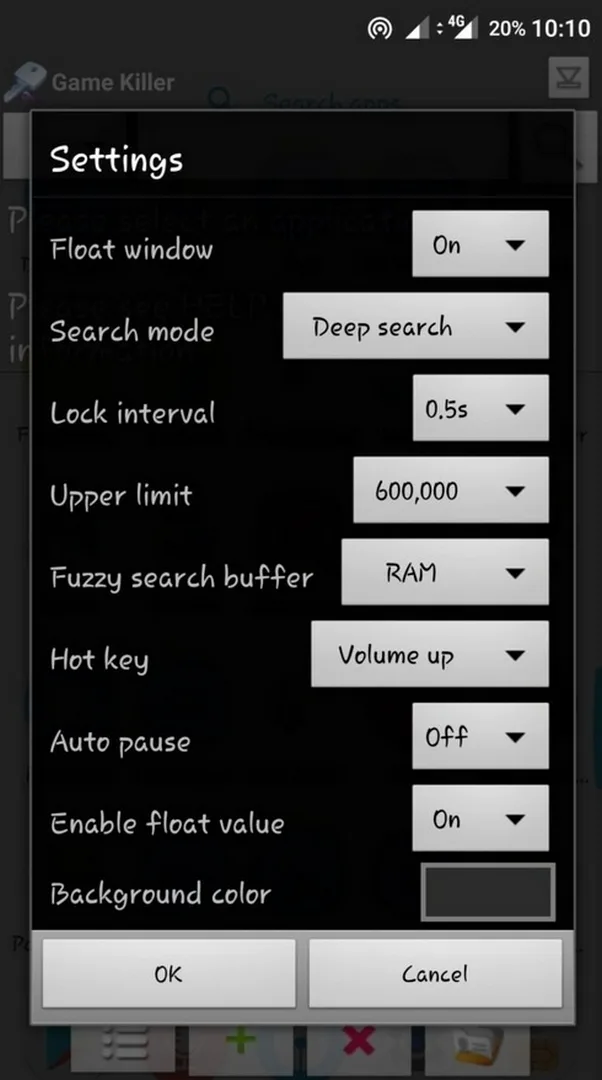
Additional information about Game Killer APK (Game Value Editor)
The description of Game Killer APK (Game Value Editor)
Game Killer APK is a memory editor for Android games: it reads the values held in a running game, coins, gems, lives, and lets you change them while you play. It is not a game and not a MOD of one title. It is a single tool that works across many offline games, which is why people look for the game killer apk before anything else. On this page you can download the original tool, scanned for malware and installed on a real Android device by our editors before publishing.
One thing to know up front: Game Killer is not on Google Play, and it never will be. Google's rules ban cheat and memory-editing tools, so the only safe way to get it is as an APK from a checked source like this page. The app that does sit in Google Play under the name «Game Killer» is a puzzle game by a different developer, not this tool. So skip the store and grab the file here.
What is Game Killer?
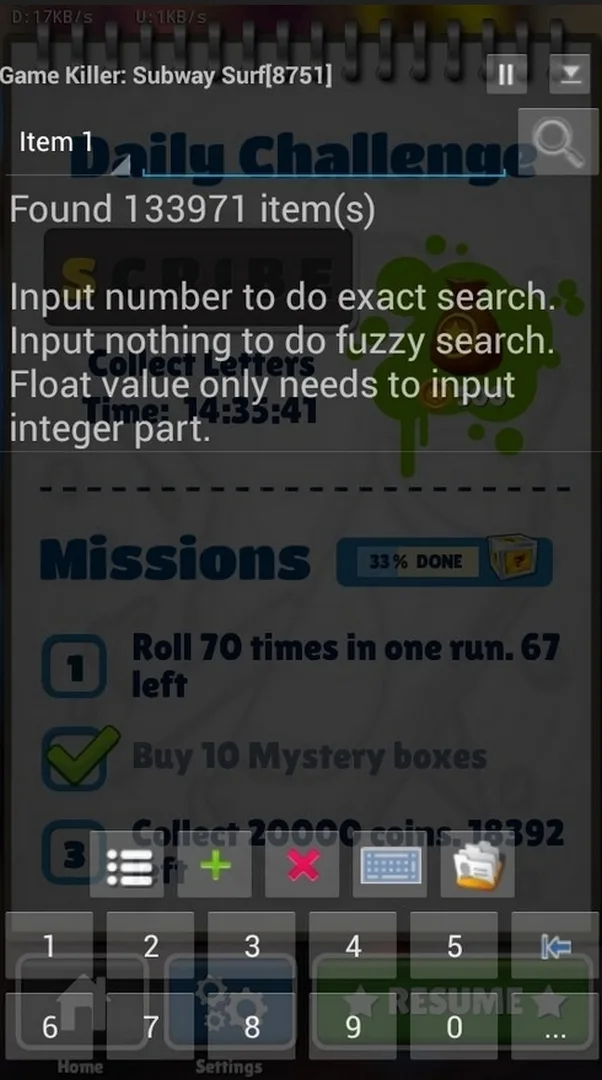
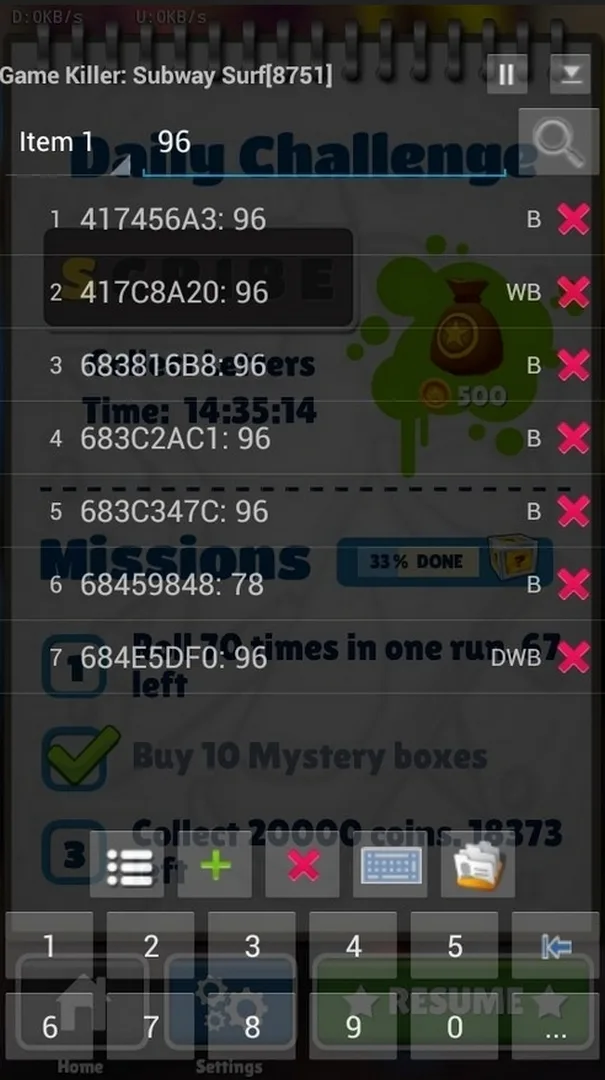
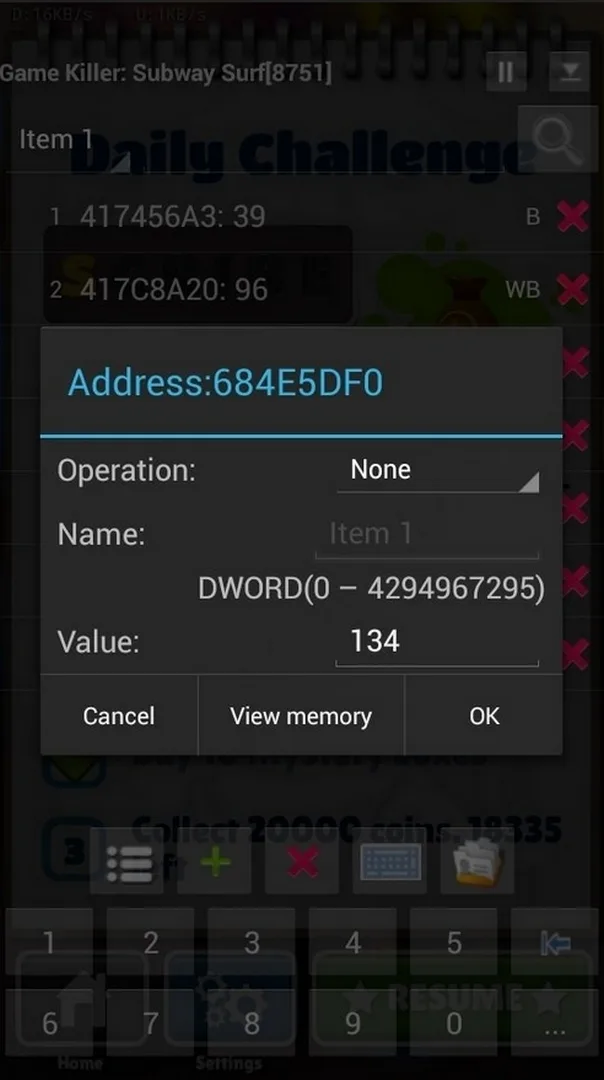
Game Killer scans the memory of a game that is already running. You find a value you can see, say, your coin count, enter it in Game Killer, and search. The tool returns every memory address that holds that number. Change the value in the game, search again, and the list narrows to the one address that matters. Edit it, and your coins update on the spot.
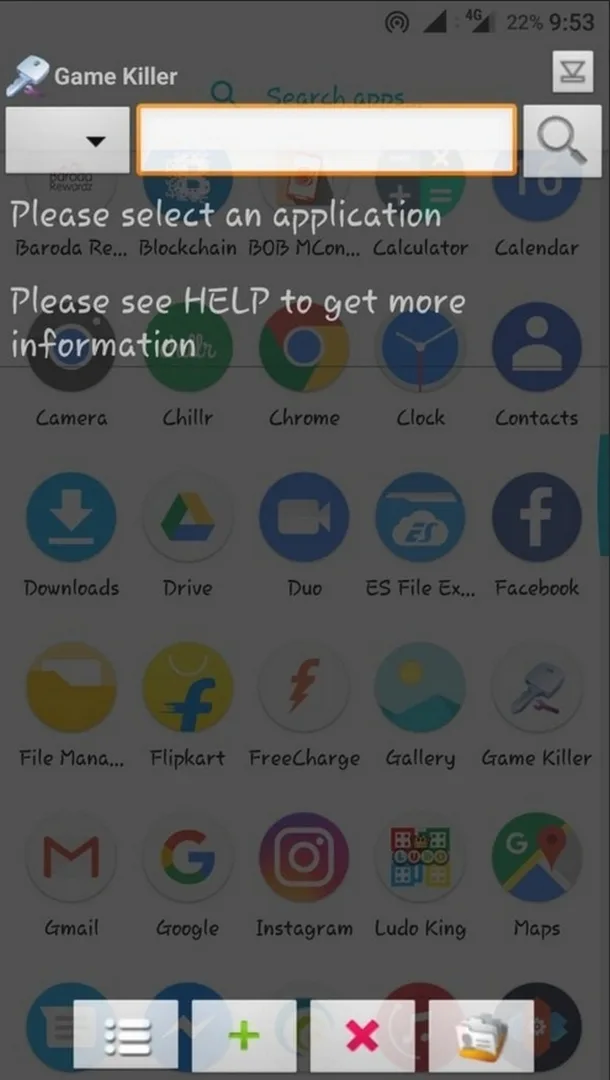
It works the same way as GameGuardian and the classic Chinese «eight-door artifact» it grew out of. A small floating icon sits on top of the game, so you can search and edit without leaving it. Because it works at the memory level, one tool covers a wide range of single-player games instead of a single title.
Requirements and limitations
Be clear-eyed about what this tool needs and what it can do. The classic version needs root to reach a game's memory. It runs on Android 4.1 and up, but it is an old build, on newer Android versions the classic tool may not work at all, and results vary by device.
It also works with offline games only. In online games the important numbers, coins, gems, your balance, live on the game's server, not on your phone. Editing your local copy changes nothing that sticks, and the account risks a ban. That is not a flaw to hide; it is simply where the tool stops being useful.
How to use Game Killer (step by step)
- Launch Game Killer, then minimise it, the floating icon stays on screen.
- Open the offline game you want to work with and note a number you can see, for example your coin count.
- Tap the floating icon, type that number into Game Killer, and hit Search.
- Go back to the game and change the value, spend or earn a few coins.
- Search again in Game Killer to narrow the results down to the single address that matches.
- Edit that address to the value you want, return to the game, and check it. Done.
If the first search returns too many results, that second refining search is what pins down the right one. New to sideloading tools? Our APK install guide walks through the same steps with screenshots.
Classic 4.x vs new Game Killer 5.x
Two things share the name, and it helps to know which you are after. The classic version is a light memory editor that needs root, the file on this page. It is small and does one job: search a value, change it.
The newer «Game Killer» from its official site is a different beast: a no-root sandbox platform with ready-made mods built in, Speed Mod, Save Editor, Auto Clicker and Dual Space. It is much heavier and runs games inside its own space instead of editing memory directly. If you want the lightweight classic editor and have root, the file here is for you. If you'd rather avoid root and use packaged mods, the new platform is the other route.
Is Game Killer safe and legal?
The file on this page was downloaded, scanned and installed on a real Android device by our editors before publishing, the standard check we have run since 2018. There are many fake «Game Killer» files around, so download only the original from the button on this page. Using it in single-player, offline games is fine. Using it in online games can get your account banned, and it changes nothing on the server anyway. One grown-up note: root gives any app deep access to your phone, so it lowers your device's built-in protection, worth knowing before you root just for this.
Alternatives
If the classic Game Killer will not run on your Android version, our GameGuardian page covers a memory editor that works with root or through a virtual space with no root at all, often the better fit on newer phones. For patching apps and removing licence checks, Lucky Patcher is the other well-known tool. You can also browse the wider tools section for editors and utilities in one place.
FAQ
Is Game Killer APK safe?
Does Game Killer need root?
Does Game Killer work on online games?
Why is Game Killer not on Google Play?
How do I use Game Killer?
Which games work with Game Killer?
Download Game Killer for Android [Latest]
- No viruses
- No spyware
- No malware
The reviews (1)