- No viruses
- No spyware
- No malware
This file was downloaded, scanned and installed by our editors before publishing.
Every file is also checked with VirusTotal before publishing.

MyTV+ APK — Live TV & VOD for Android
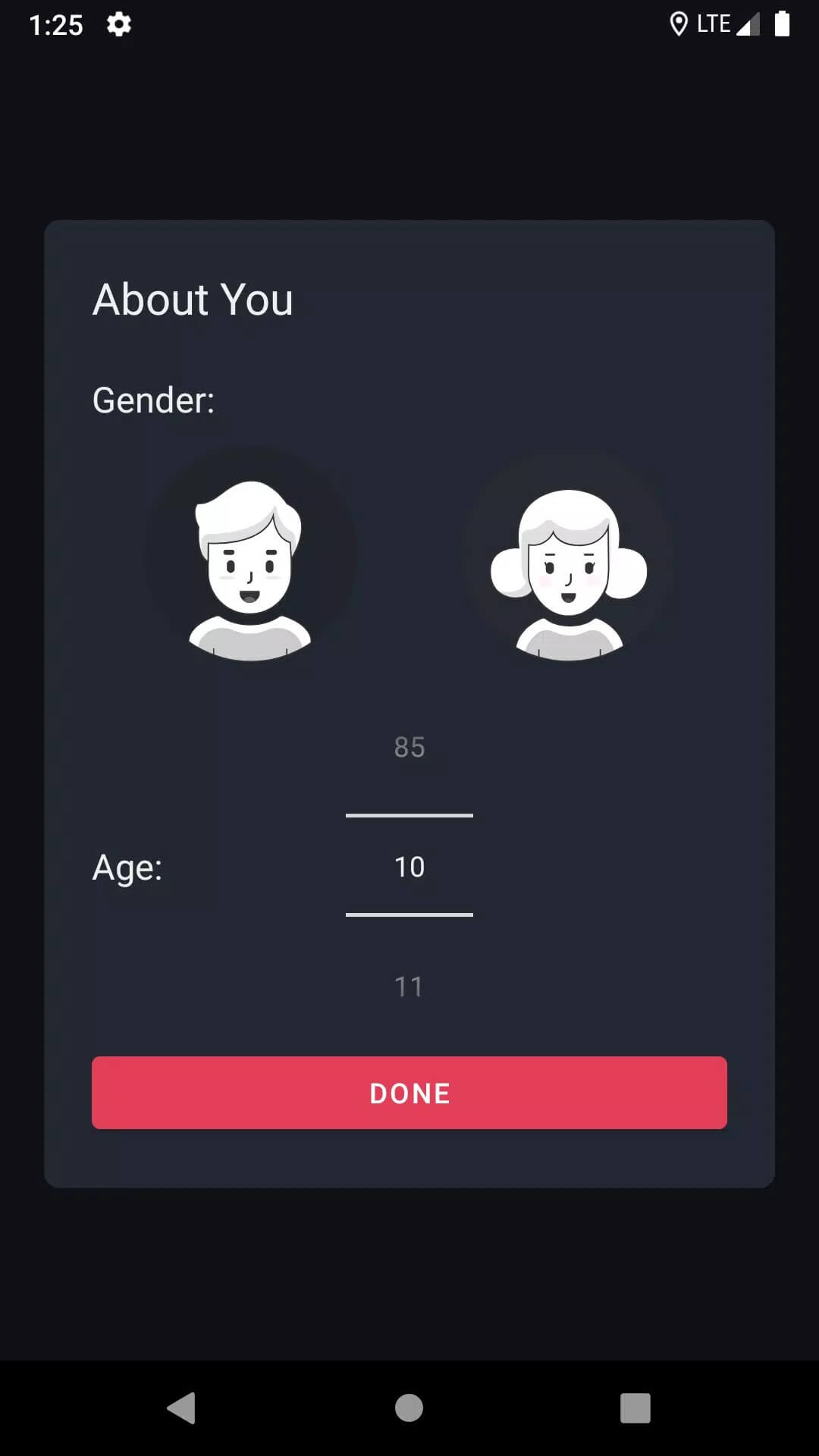
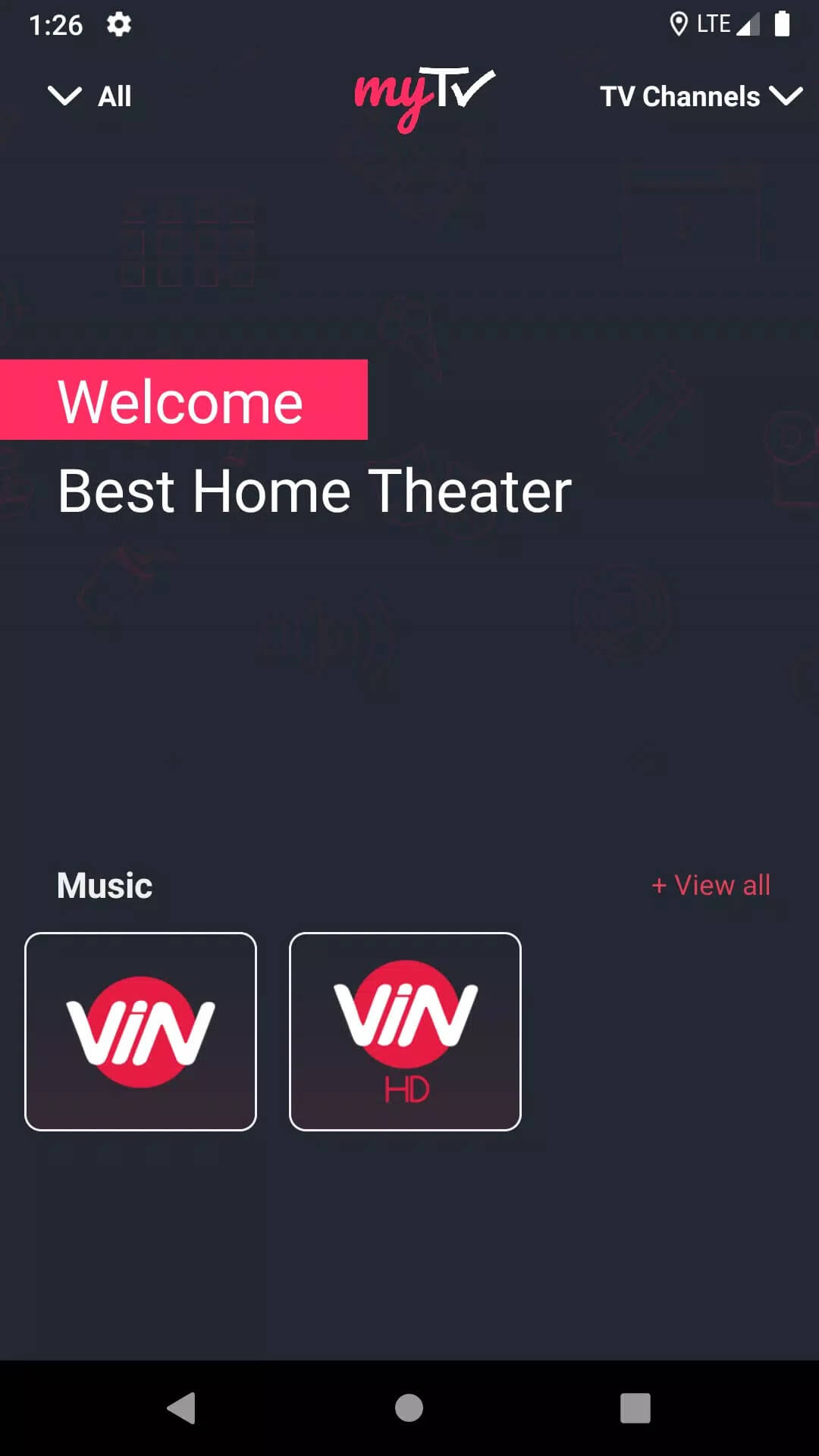
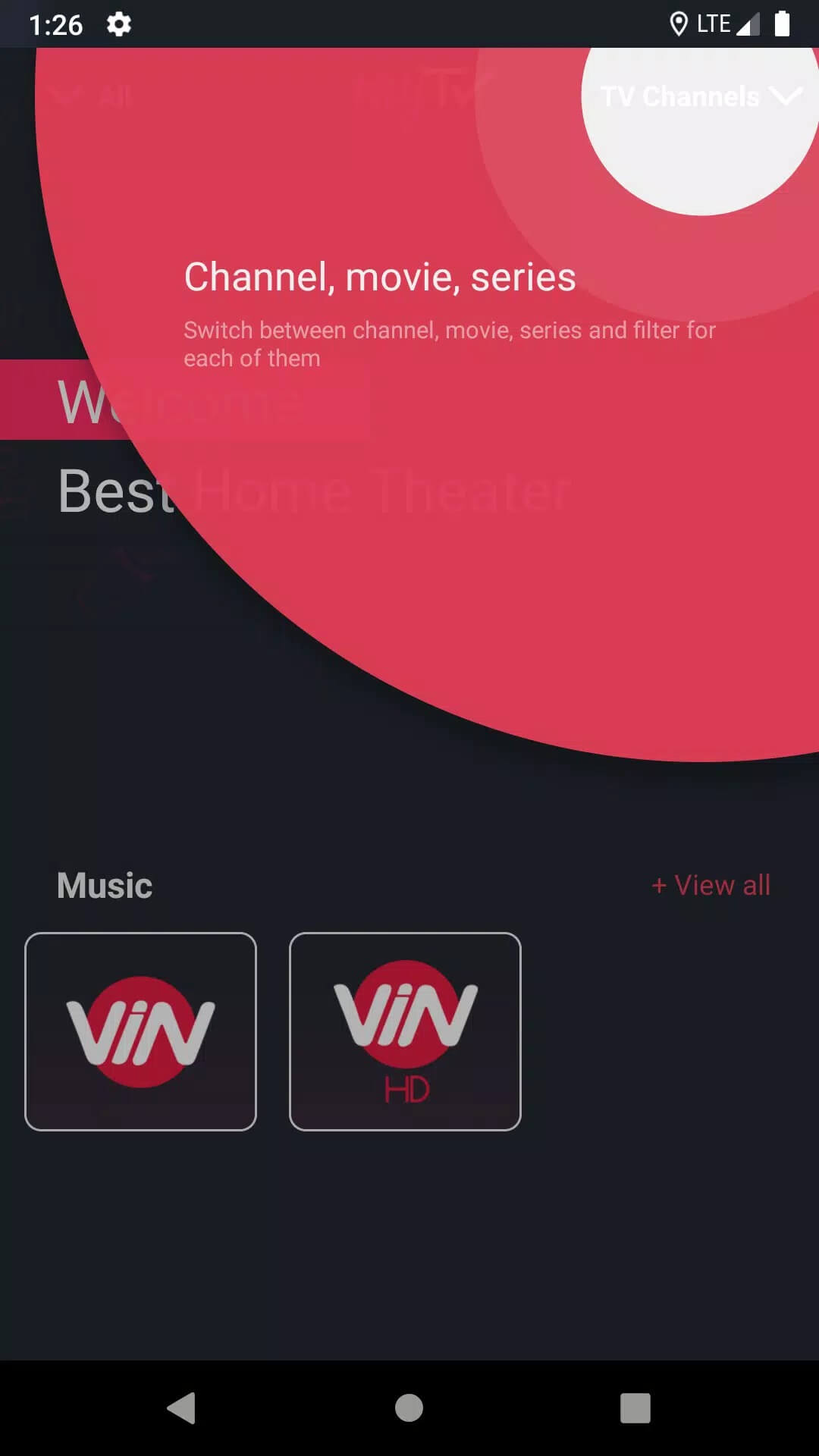
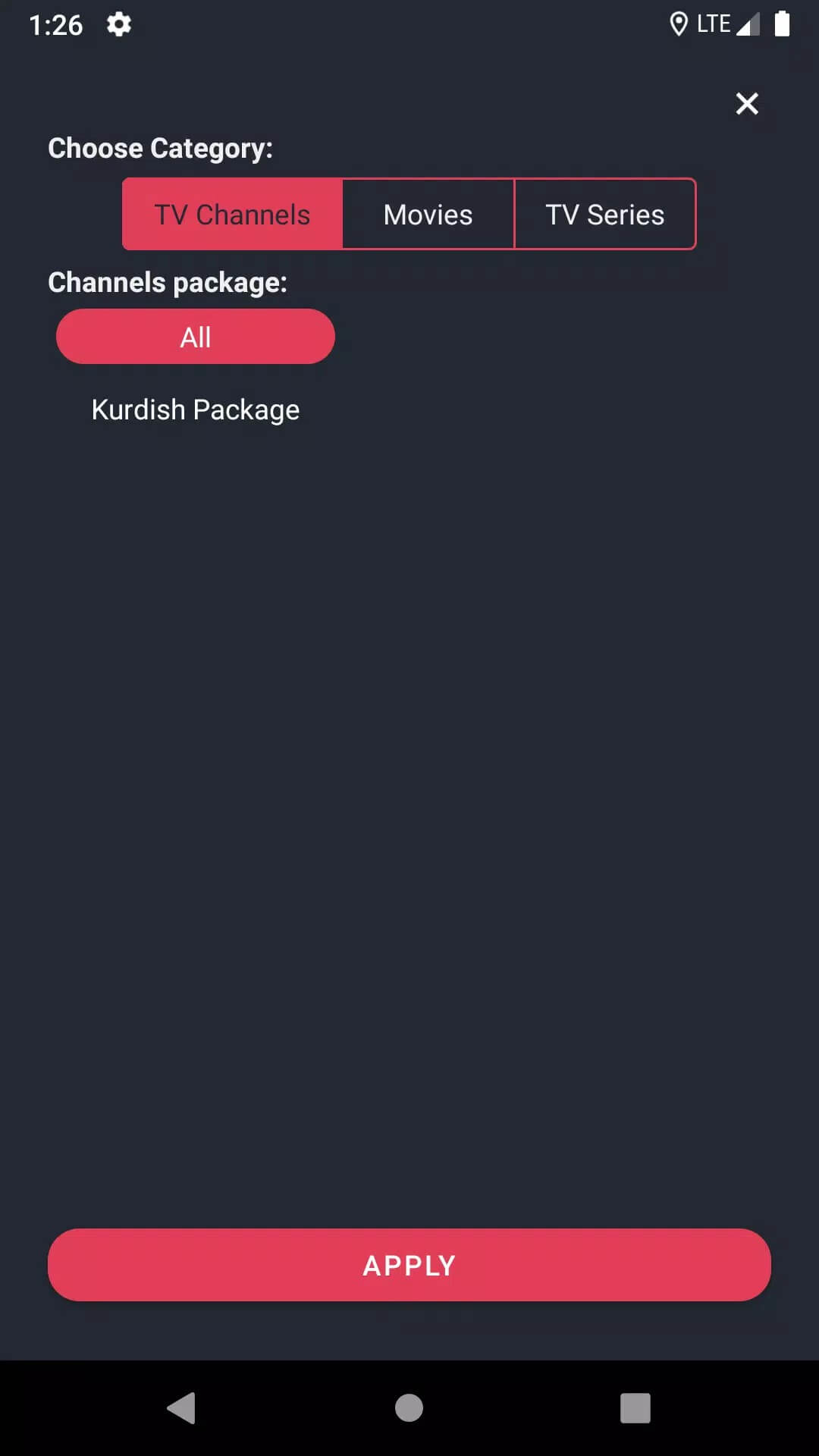
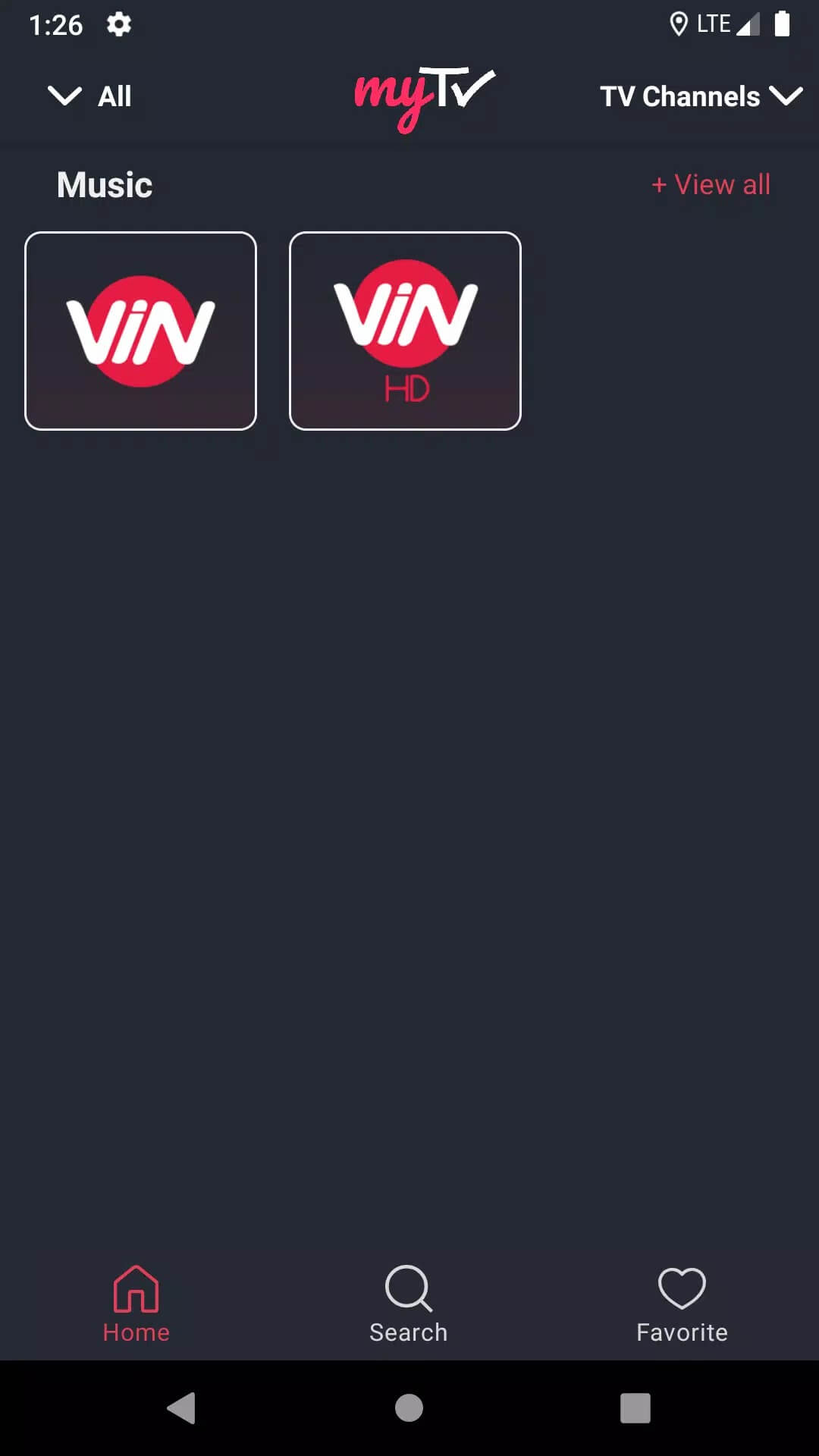
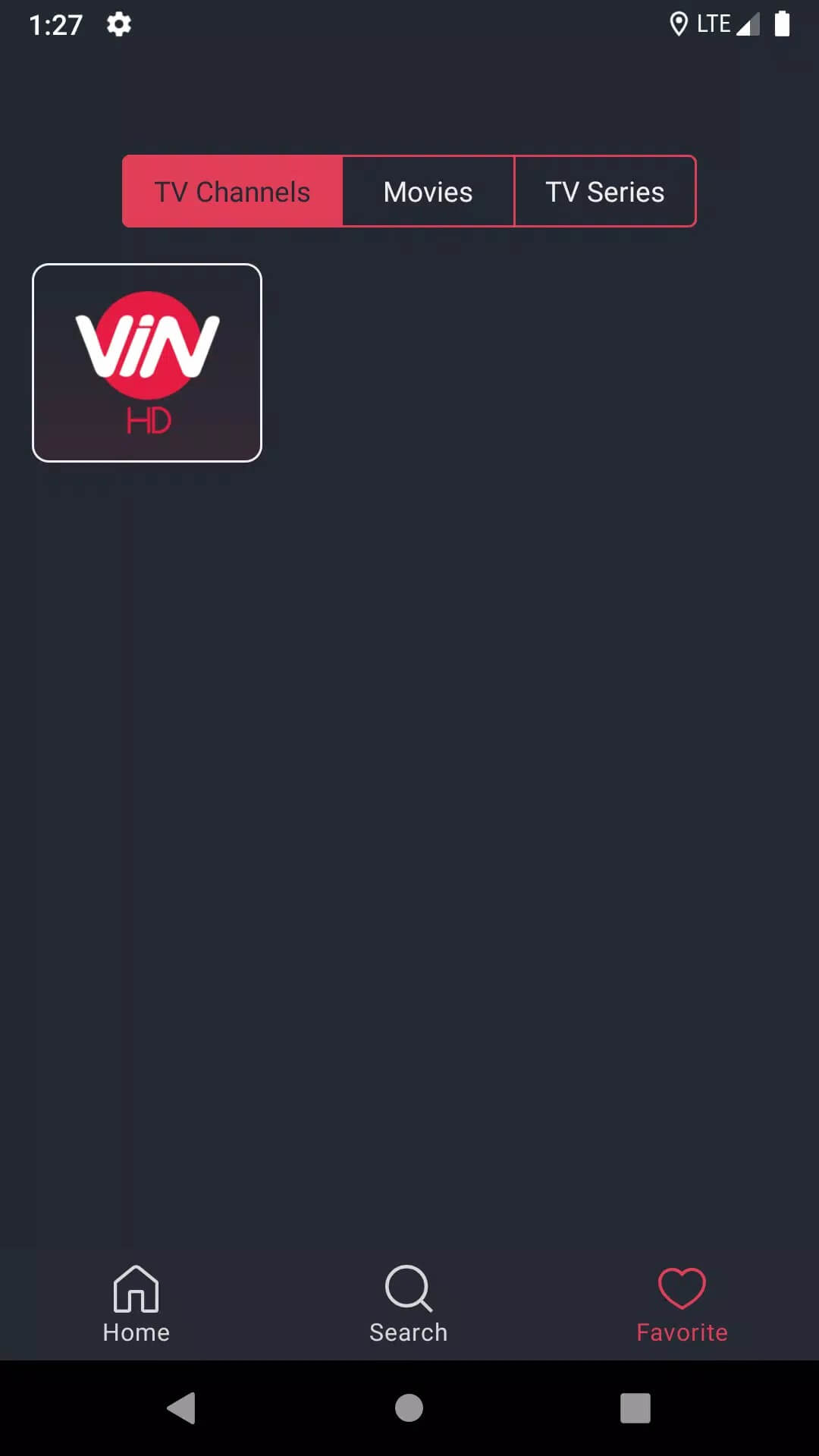
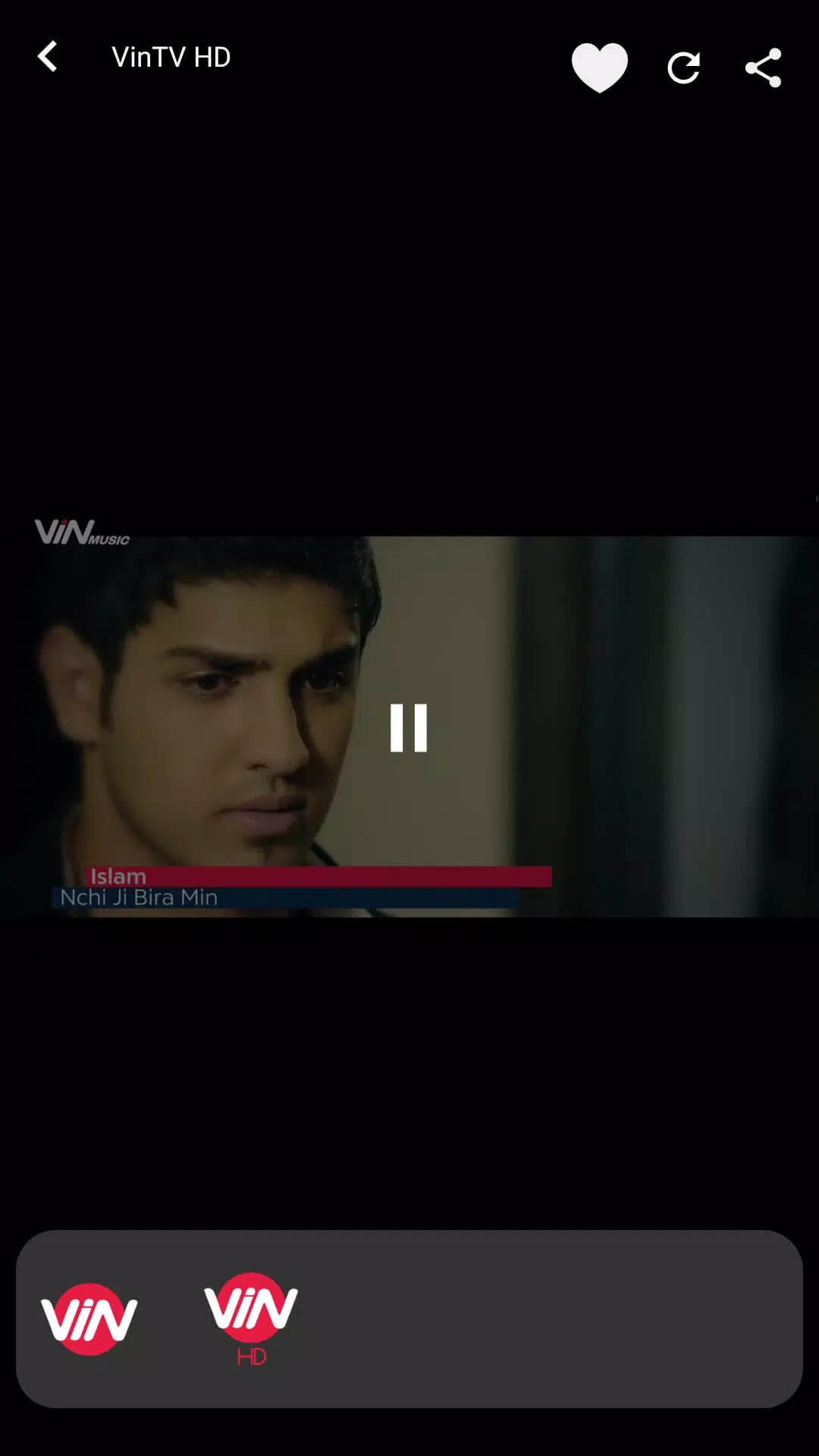
Additional information about MyTV+ APK — Live TV & VOD for Android
The description of MyTV+ APK — Live TV & VOD for Android
MyTV+ APK is the original client for MyTV+, a regional streaming service built for viewers in Iraq by Next Generation Communication. This is not a mod. It is the same app that used to sit on Google Play, and we host the clean v3.12.1 file so you can still install it now that the app has left the store. Every build here is scanned for malware and installed on a real Android device by our editors before publishing, the check we have run since 2018.
If you were looking for a "premium unlocked" trick, there isn't one, and any site promising it is guessing. MyTV+ is a normal streaming app: the APK gets it onto your phone, the channels and library come from the service itself. Below is what the app does, why the APK is now the way in, and how to set it up in a couple of minutes.
What is MyTV+?
MyTV+ is a live TV and video-on-demand app aimed mainly at audiences in Iraq. It mixes local and international content: entertainment, sports, news, music and movies, across several languages. The service says it carries 300+ channels and offers 4K streams on supported content, so treat those as the provider's own figures rather than a promise from us.
The developer is Next Generation Communication (NGC), and the app's package name is com.ngc.FastTvLitePlus. It is a light client, around 8 MB, so it installs fast and runs on modest phones. Think of it as a front door to the MyTV+ platform: the app handles playback and the menus, while the channel lineup lives on the operator's side.
Why download the APK now
MyTV+ was pulled from Google Play in early March 2026. That means new users can no longer grab it from the Play Store, and the APK is the practical way to get the app onto a fresh device. Our file is the original build from the last Play release, not a repackaged one.
Nothing about the app itself broke. A delisting is usually about store policy or regional distribution, not the software, and existing installs generally keep working. Downloading the APK here just skips the store that no longer lists it.
Key features
- Live TV channels covering local and international feeds, from news and sports to music and general entertainment.
- A video-on-demand library of movies and shows you can start on demand.
- Offline download for selected titles, handy when you know your data is patchy.
- Profiles and parental controls, so a family can share one install without mixing up watchlists.
- A simple interface that plays nicely with TV output when you cast or plug in.
Account, subscription and the service
Here is the honest bit. The APK installs the app, but it does not hand you the paid catalog. Full access to channels and VOD depends on a MyTV+ account and whatever subscription the service ties to it, and that check happens on the operator's servers, not on your phone.
So a mod cannot "unlock" this one. There is no local value or paywall on your device to flip, since the entitlement lives server-side. Sign in with a valid account and the content opens up. Without one, you still get the app and whatever free or preview material the service chooses to show.
How to download and install MyTV+ APK
The download is a single small APK, roughly 8.2 MB, and it runs on Android 5.0 and up. The whole thing takes a minute.
- Tap the green Download APK button at the top of this page. The file downloads directly, no registration or SMS.
- Allow installation from unknown sources for your browser or file manager (Settings → Security).
- Open the downloaded file and tap Install. If an older copy is already on the phone, this build installs over it, though the signature can differ from the Play version, so remove the old one if it refuses.
- Launch MyTV+, sign in with your account, and start browsing the channels.
First time sideloading? Our APK install guide walks through the same steps with screenshots.
Is it safe and original?
The file on this page is the original MyTV+ client, not a repackaged or modified build. Our editors scan each version and install it on a real Android device before it goes live, so you are getting the same app the developer shipped. For your own safety, download only from the button here rather than from random mirrors.
Want more streaming picks? Browse our entertainment apps, or look at other live TV players like Magis TV and TeleLatino. You can also dig through the full apps catalog for something in the same lane.
FAQ
Is MyTV+ a MOD or the original app?
Why isn't MyTV+ on the Play Store anymore?
Do I need a subscription or account?
Is the MyTV+ APK safe?
What are the requirements and size?
What content does MyTV+ offer?
Download MyTV+Mod Android
- No viruses
- No spyware
- No malware
The reviews (1)