- No viruses
- No spyware
- No malware
com.tempo.video.editThis file was downloaded, scanned and installed by our editors before publishing.
Every file is also checked with VirusTotal before publishing.

Tempo — Music Video Maker MOD APK (Pro Unlocked)
Additional information about Tempo — Music Video Maker MOD APK (Pro Unlocked)
com.tempo.video.editThe description of Tempo — Music Video Maker MOD APK (Pro Unlocked)
Tempo MOD APK is the Pro version of Tempo Music Video Maker with the watermark removed and every template and effect open from the first launch, so you can turn photos and clips into a music video without a VIP subscription. On this page you can download the current MOD build, scanned for malware and installed on a real Android device by our editors before publishing.
What is Tempo?
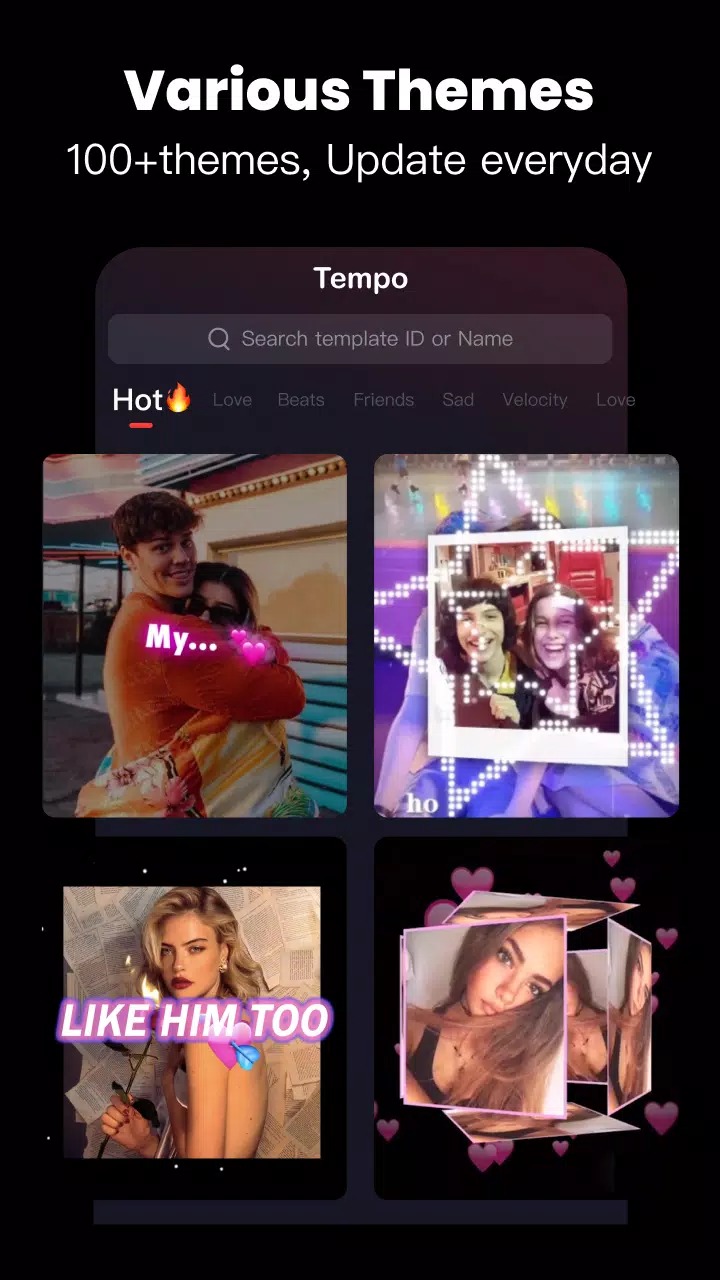
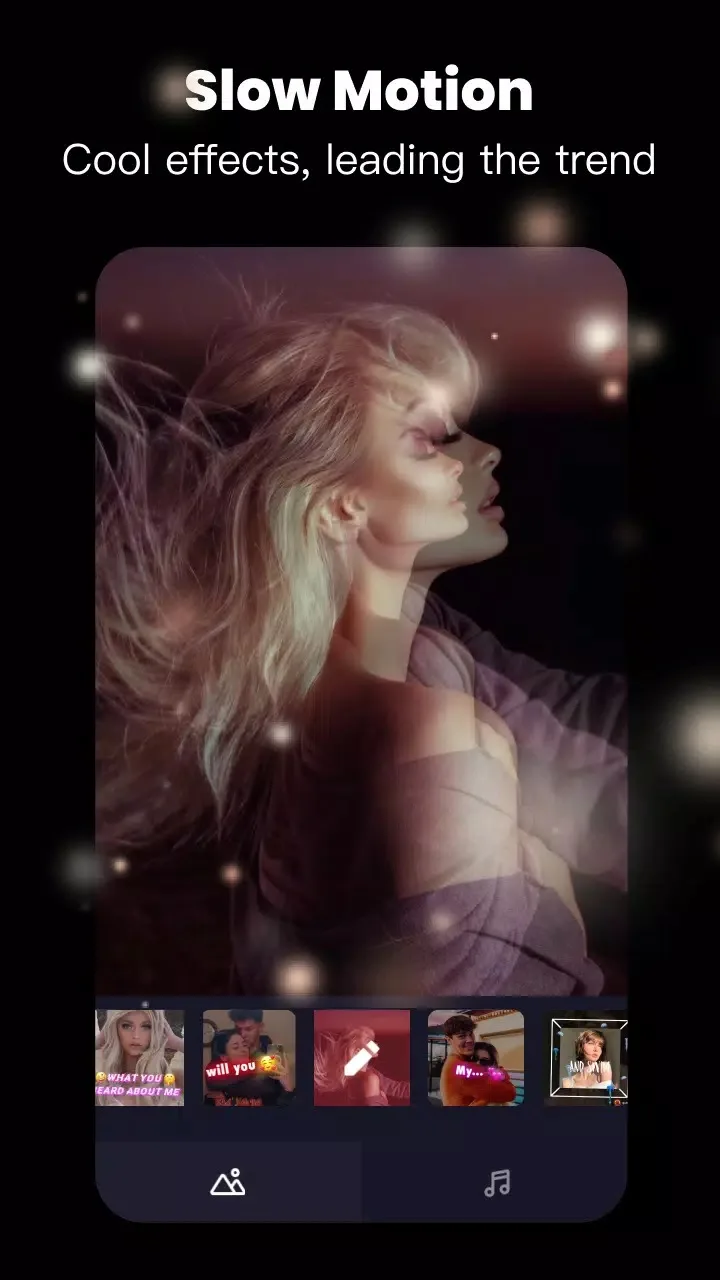
Tempo is a mobile video editor built for short music videos, stories and reels. You pick a ready template tied to a theme, drop in your photos or clips, and the app cuts them to the beat with transitions and effects already timed to the music. Package name: com.tempo.video.edit.
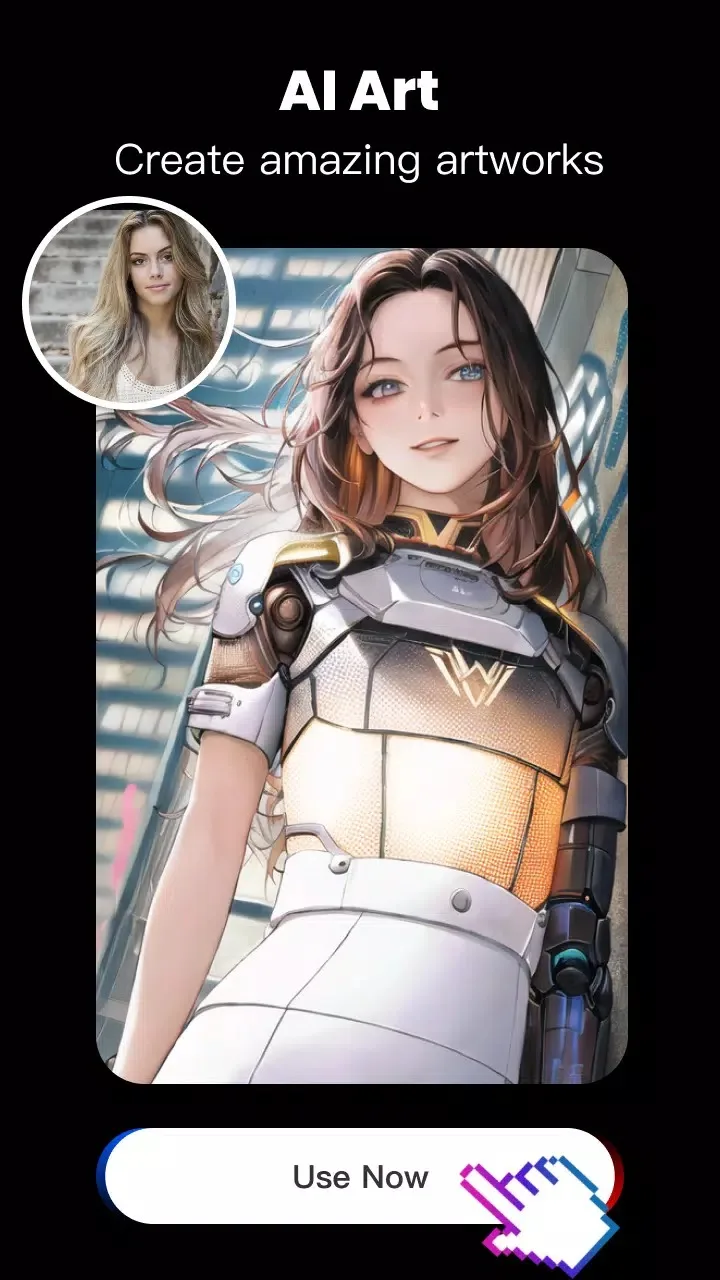
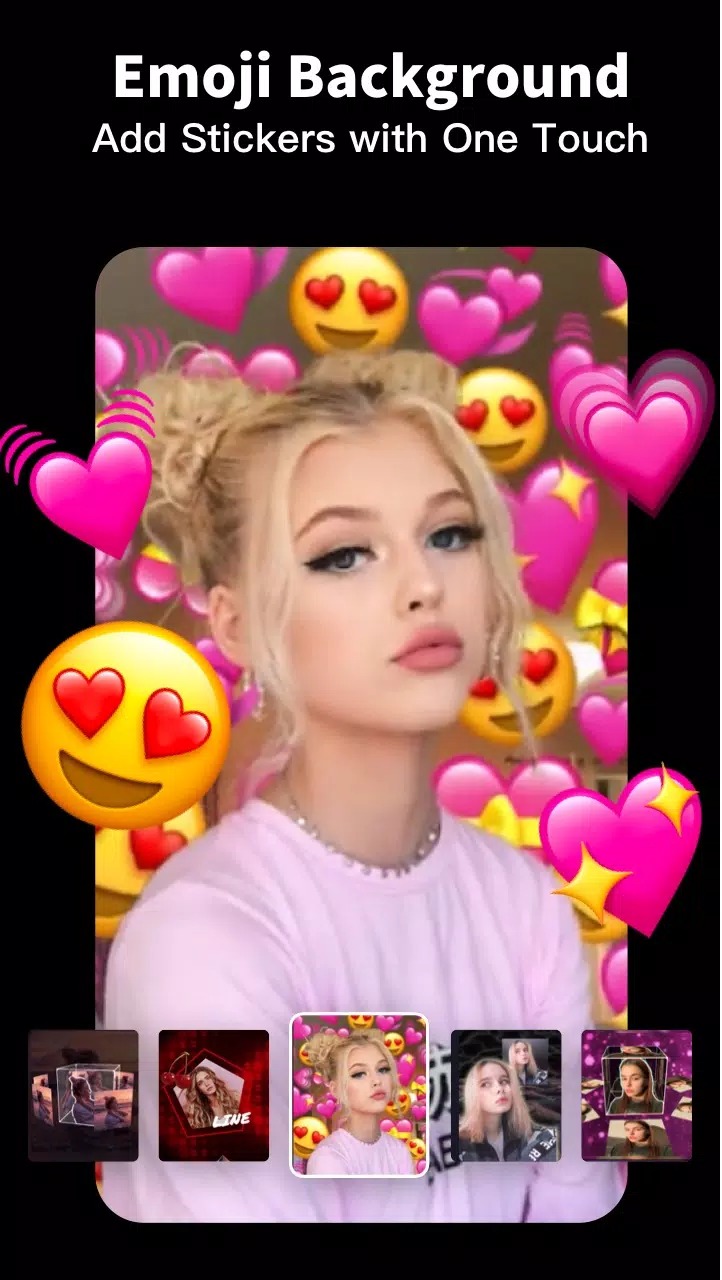
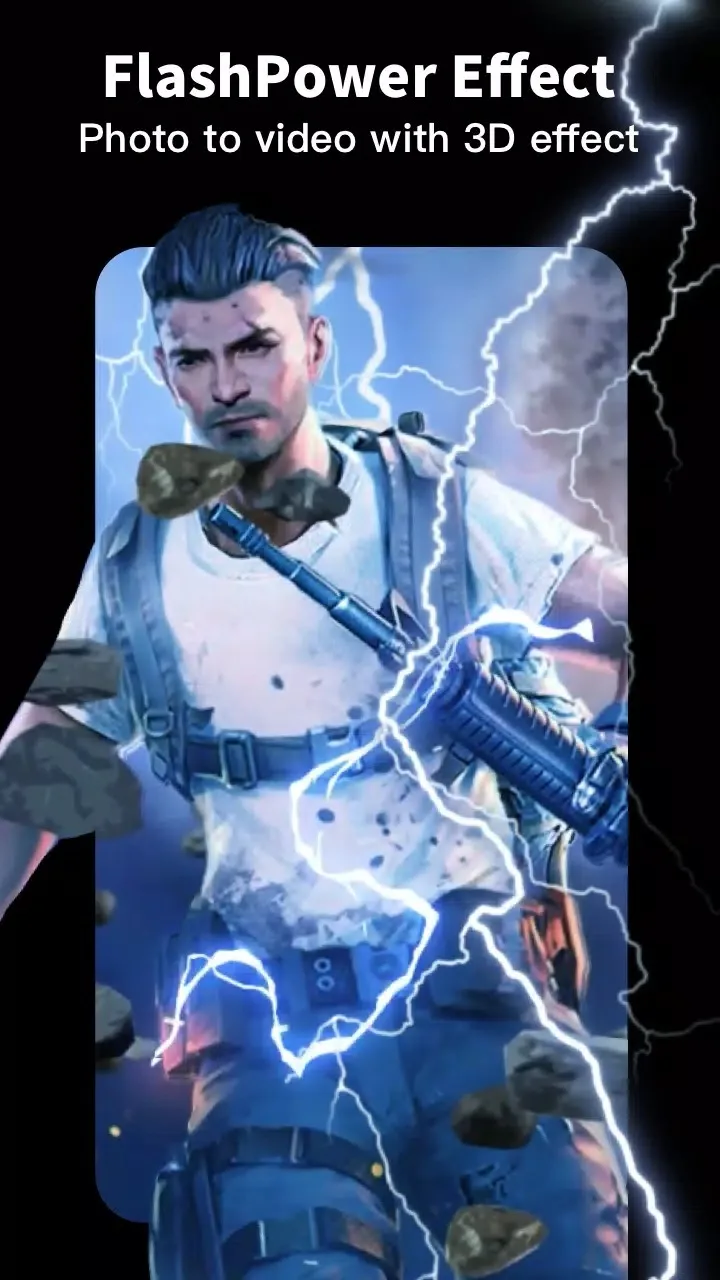
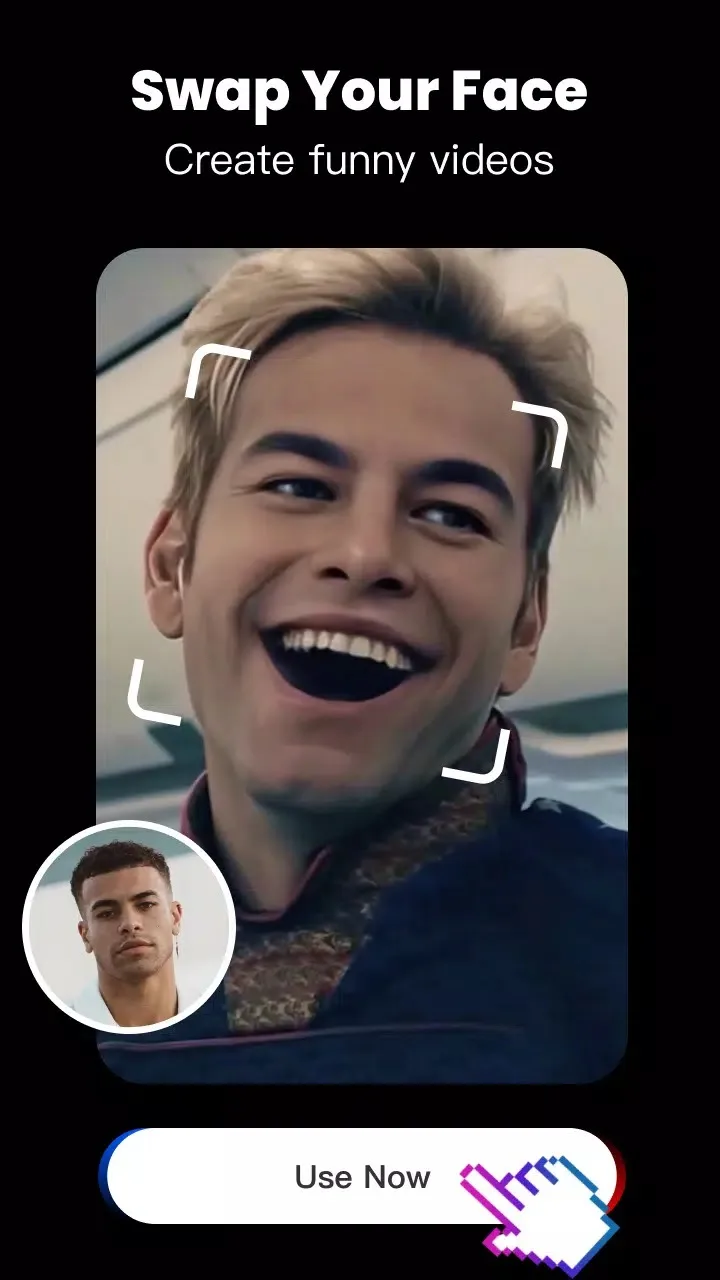
Beyond templates you get text and fonts, filters, audio extraction from a clip, and face-swap and sticker tools. Finished videos export at 720p or 1080p, ready for social media. It is a template-first editor: fast when you want a trending look, flexible when you want to change the timing and text yourself.
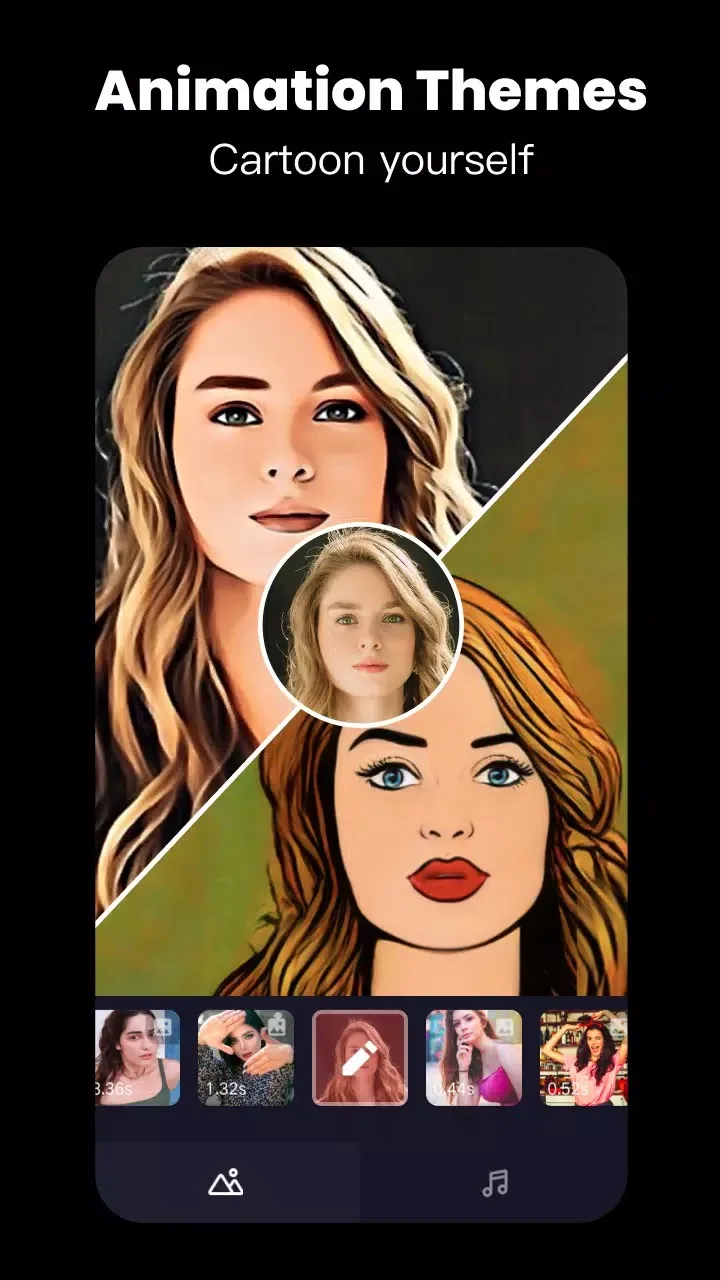
The theme library is wide: love, travel, cartoon and emoji looks, each with its own transitions, text style and beat timing. You are not stuck with the preset, though. Swap the song, change how long each photo holds, rewrite the captions, and the same template becomes your own clip.
What the Pro MOD gives you
The MOD ships the Pro (VIP) client features turned on, so you skip the subscription for the parts that live on your phone.
| MOD feature | What it changes in the app |
|---|---|
| No watermark | Exported videos carry no Tempo logo in the corner. |
| All templates and effects | Theme packs, transitions and effects are open, not held back behind VIP. |
| HD export | Save at 720p and 1080p instead of the free lower quality. |
| No ads | No banner or full-screen ads between edits. |
The exact package for the current build is listed in the «MOD info» line at the top of this page, and we re-test it after each app update.
Client vs server features
Here is the honest part. Watermark removal, HD export and the templates already bundled in the app run on your phone, so the MOD handles them well. But Tempo also streams part of its content from its own servers: fresh cloud templates and premium theme packs that download on demand.
That server content is tied to a real Pro account. A MOD cannot sign you into a paid account, so newly pushed cloud packs may stay locked even with the Pro build installed. Treat the offline templates and export as reliable, and the online premium packs as a maybe. We will not promise every single premium item works.
How to make a music video in Tempo
- Open the app and pick a template or theme that matches the mood you want.
- Add your photos or video clips; the template slots them in automatically.
- Set the music and let the transitions snap to the beat, or adjust the timing by hand.
- Add text, fonts and a filter, and try face-swap or stickers if the template supports them.
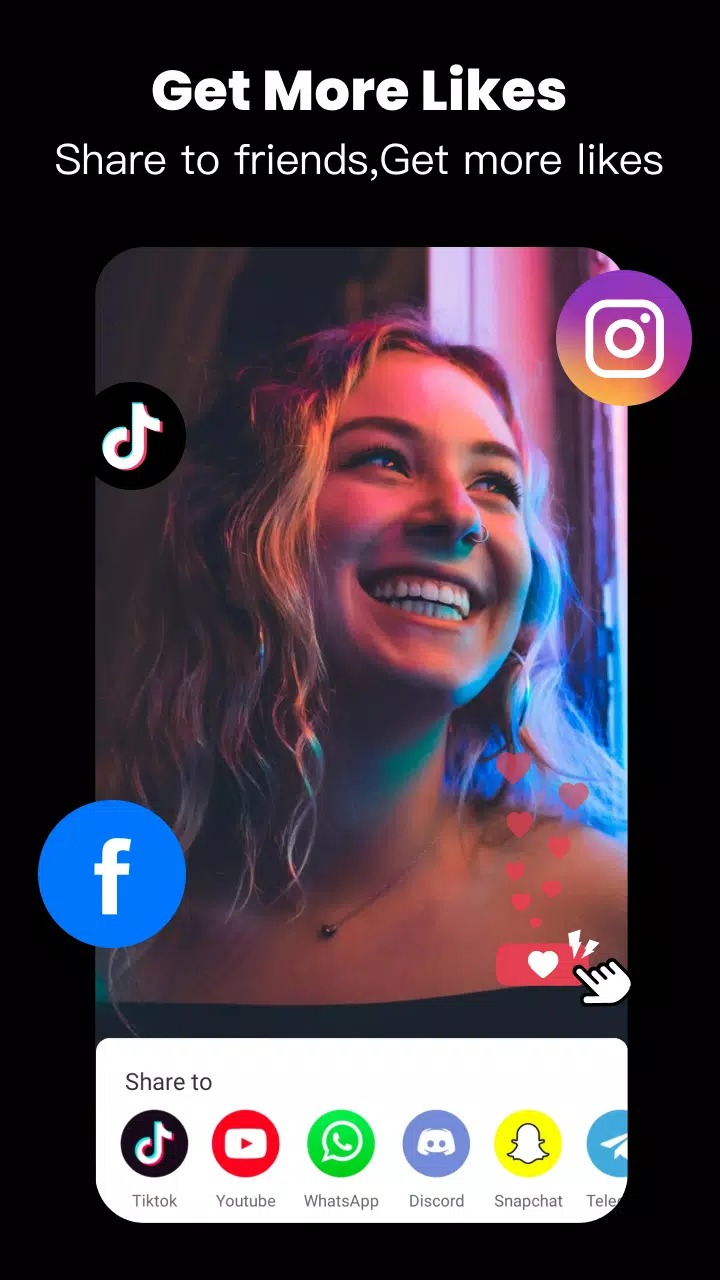
- Export at 720p or 1080p, then share straight to social media.
How to download and install Tempo MOD APK
- Tap the green Download button at the top of this page and grab the Mod (Pro) file; it downloads directly, no registration or SMS.
- Allow installation from unknown sources for your browser or file manager (Settings → Security).
- If the Play Store version is already installed, remove it first, since the MOD has a different signature and will not install over it.
- Open the file, tap Install, then launch Tempo. The app needs about 86 MB of space and Android 5.0 or newer.
New to sideloading? Our APK install guide walks through the same steps with screenshots.
MOD or official Tempo?
The official Tempo is free to install and charges through a Pro/VIP subscription for the watermark, HD export and the full template library. If you are fine paying monthly, that route keeps cloud packs and your account fully working. If you mainly want an ad-free editor with no watermark and no subscription, the MOD is for you, at your own risk with the server limits above.
Comparing editors first? Look at VivaVideo Pro, browse more video players and editors, or check fresh MOD APKs in the catalog.
FAQ
Does the Tempo MOD remove the watermark?
Is HD 1080p export available in the MOD?
Do all premium templates work offline?
Is the Tempo MOD APK safe?
What are the requirements and size?
MOD or official Tempo, which should I pick?
Download Tempo Mod APK (Pro Unlocked) Android
- No viruses
- No spyware
- No malware
The reviews (0)