- No viruses
- No spyware
- No malware
com.wondershare.filmoragoThis file was downloaded, scanned and installed by our editors before publishing.
Every file is also checked with VirusTotal before publishing.

FilmoraGo MOD APK (Pro Unlocked, No Watermark)

Additional information about FilmoraGo MOD APK (Pro Unlocked, No Watermark)
com.wondershare.filmoragoThe description of FilmoraGo MOD APK (Pro Unlocked, No Watermark)
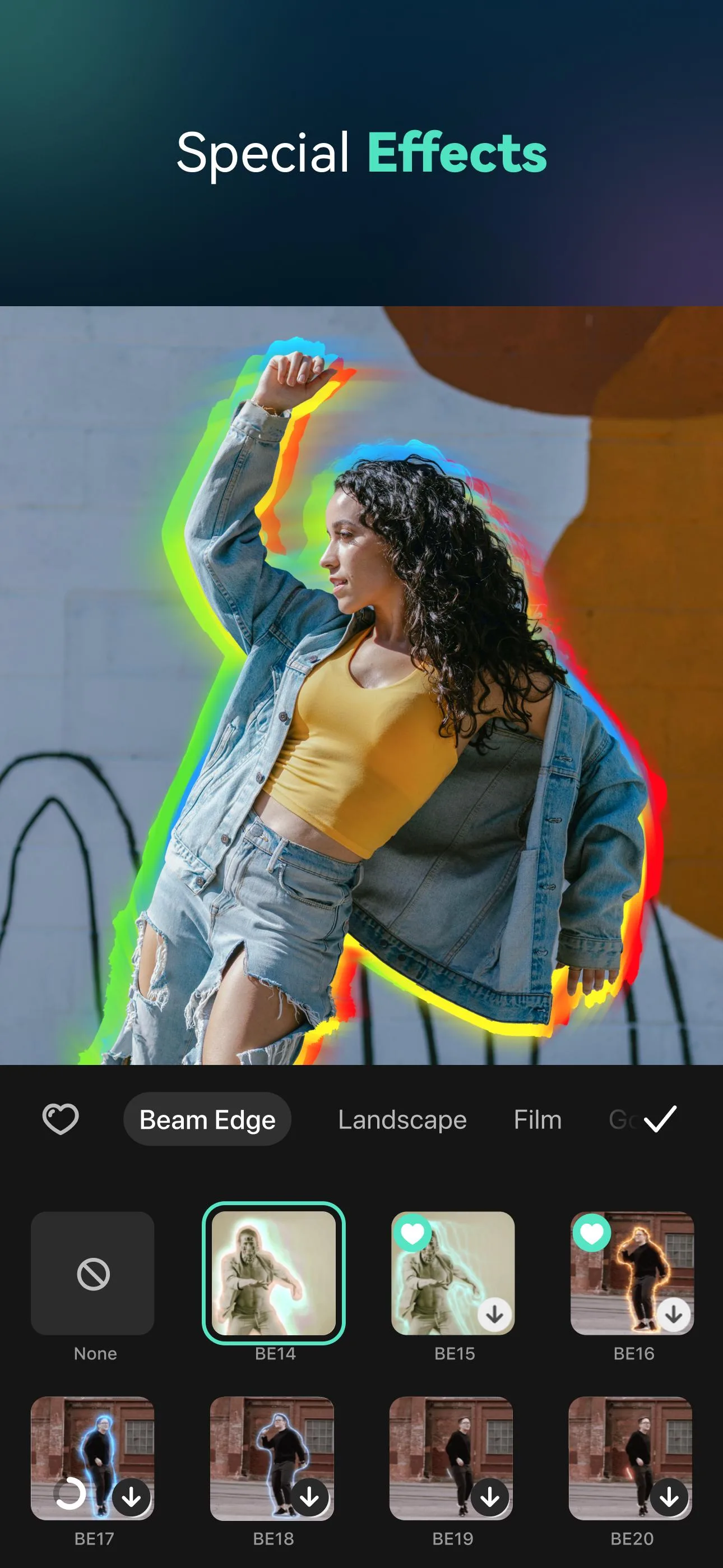
The FilmoraGo MOD APK opens the Pro side of Wondershare's mobile video editor: the premium effects, filters and transitions, plus export with no watermark, without the subscription. Before you download, here is the honest split most pages skip. The parts that run on your phone, the watermark removal, the premium presets and the offline export, are what a mod can actually unlock. The parts that run on Wondershare's servers, the cloud AI tools and account-linked Pro features, stay behind the subscription and a client mod cannot force them on. The file on this page is scanned for malware and installed on a real Android device by our editors, a check we have run since 2018.
We spell this out because "Pro unlocked" is only half the story. This write-up covers what the mod really opens, what stays server-side, and how to actually edit and export a clean clip.
What is FilmoraGo?
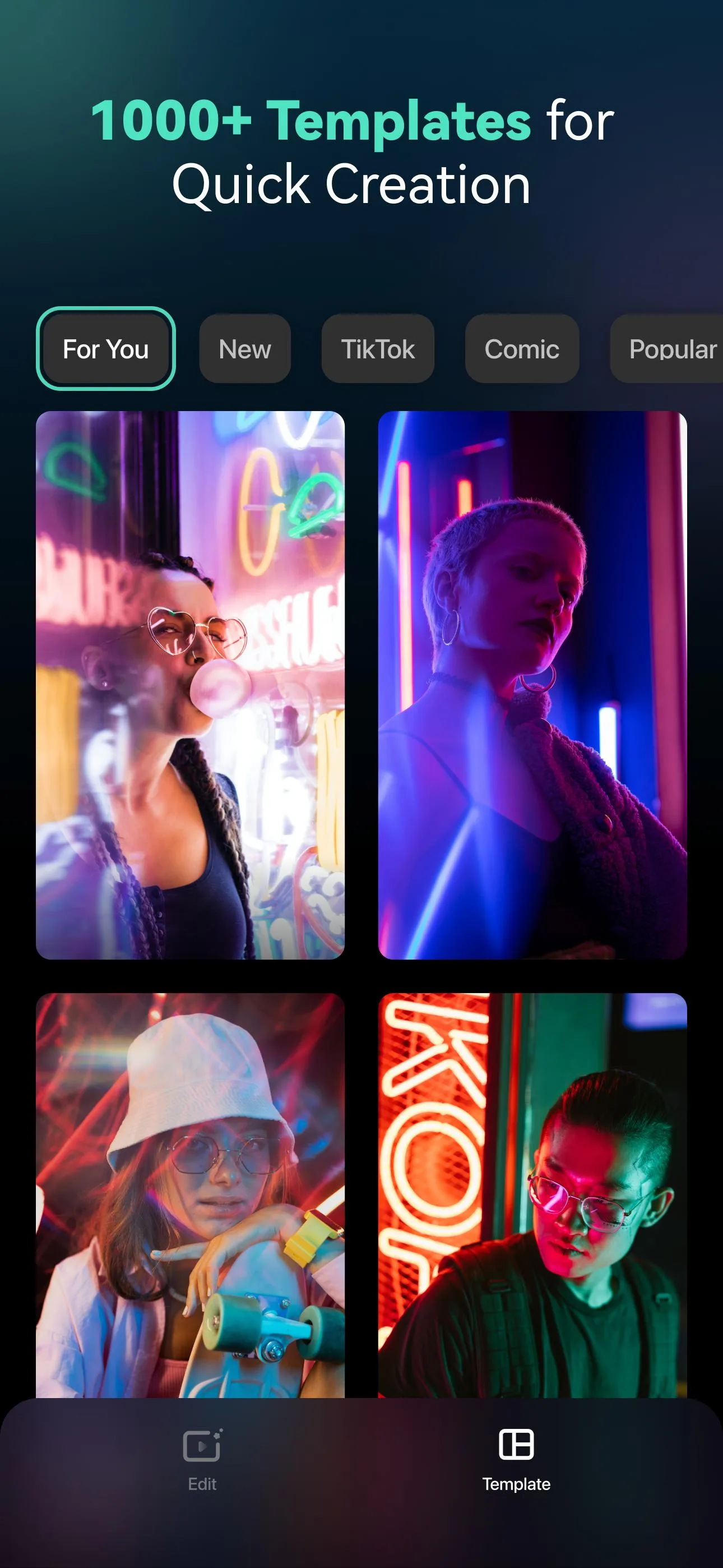
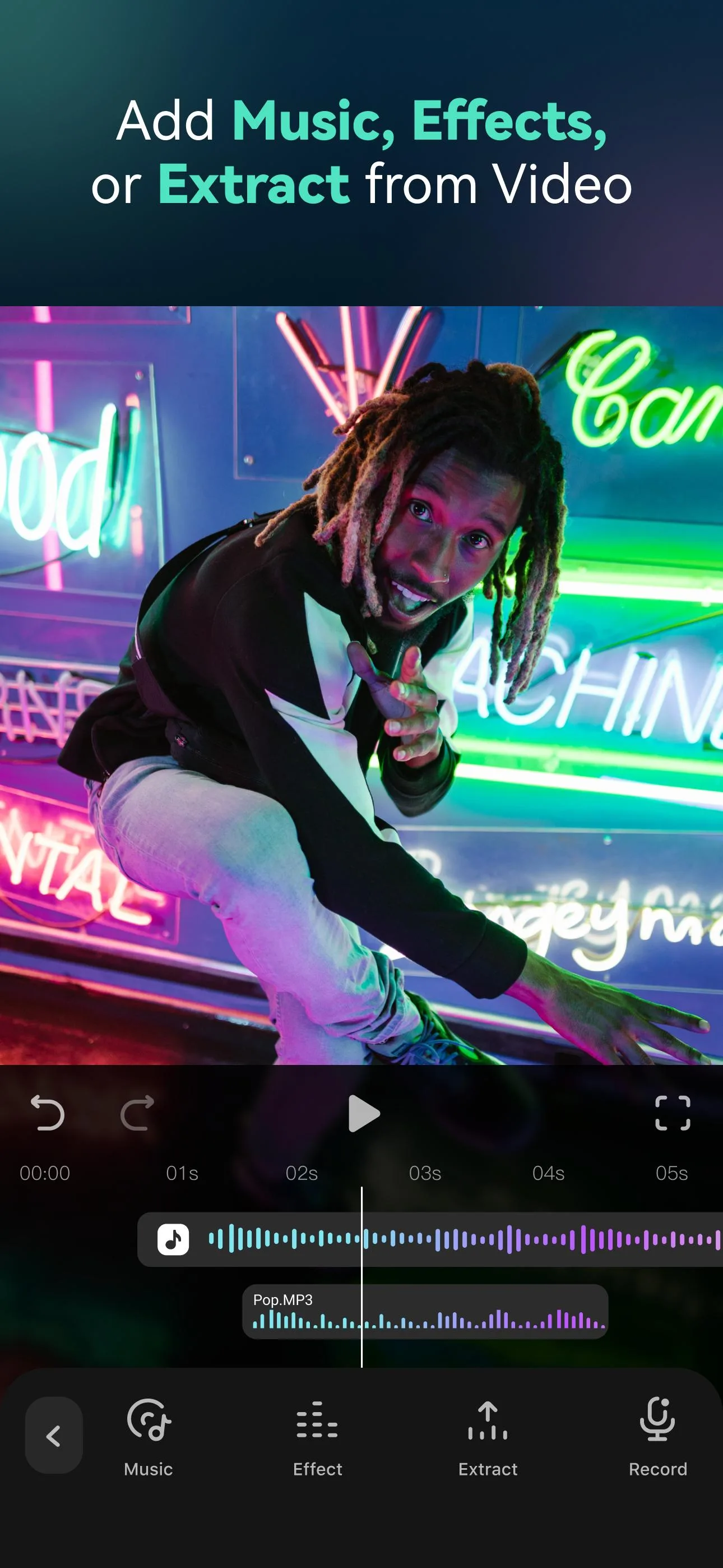
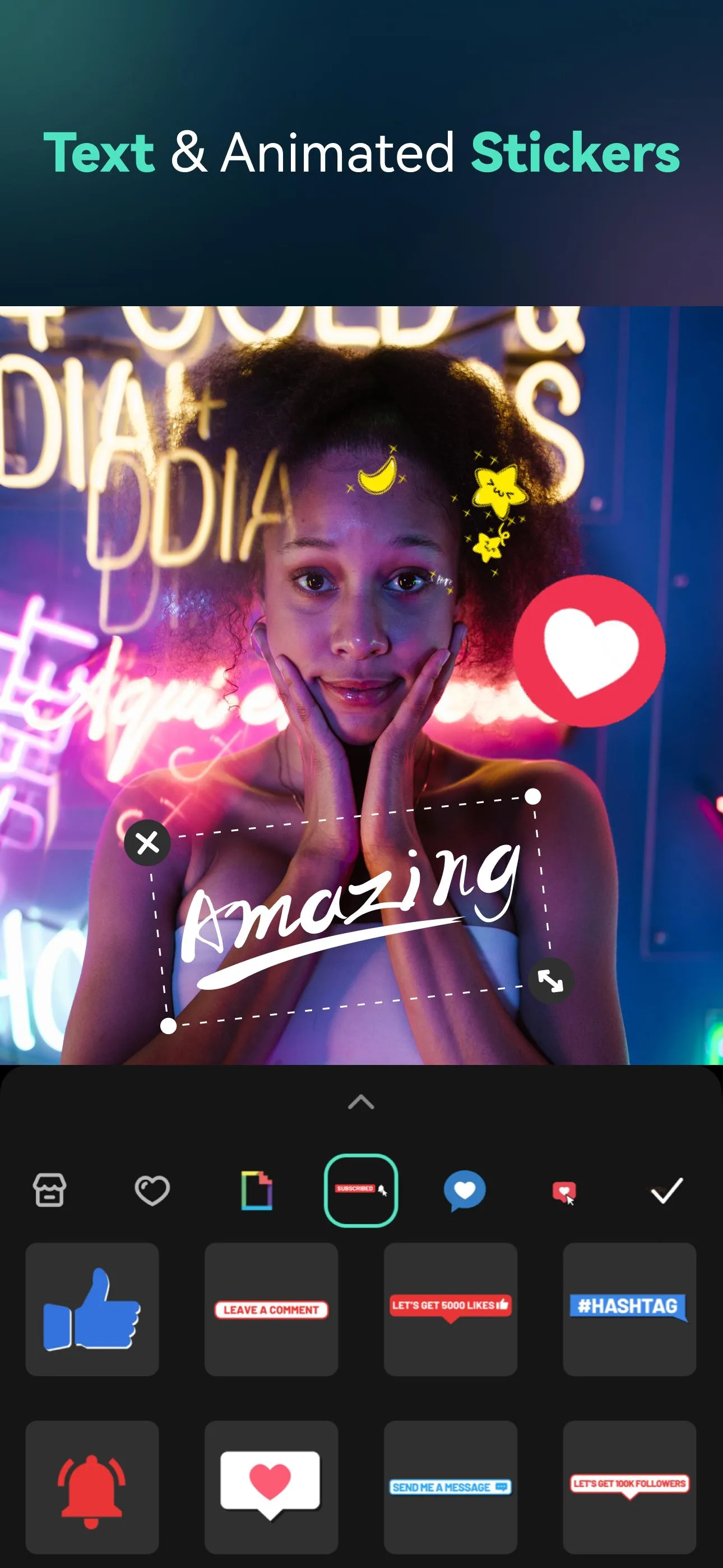
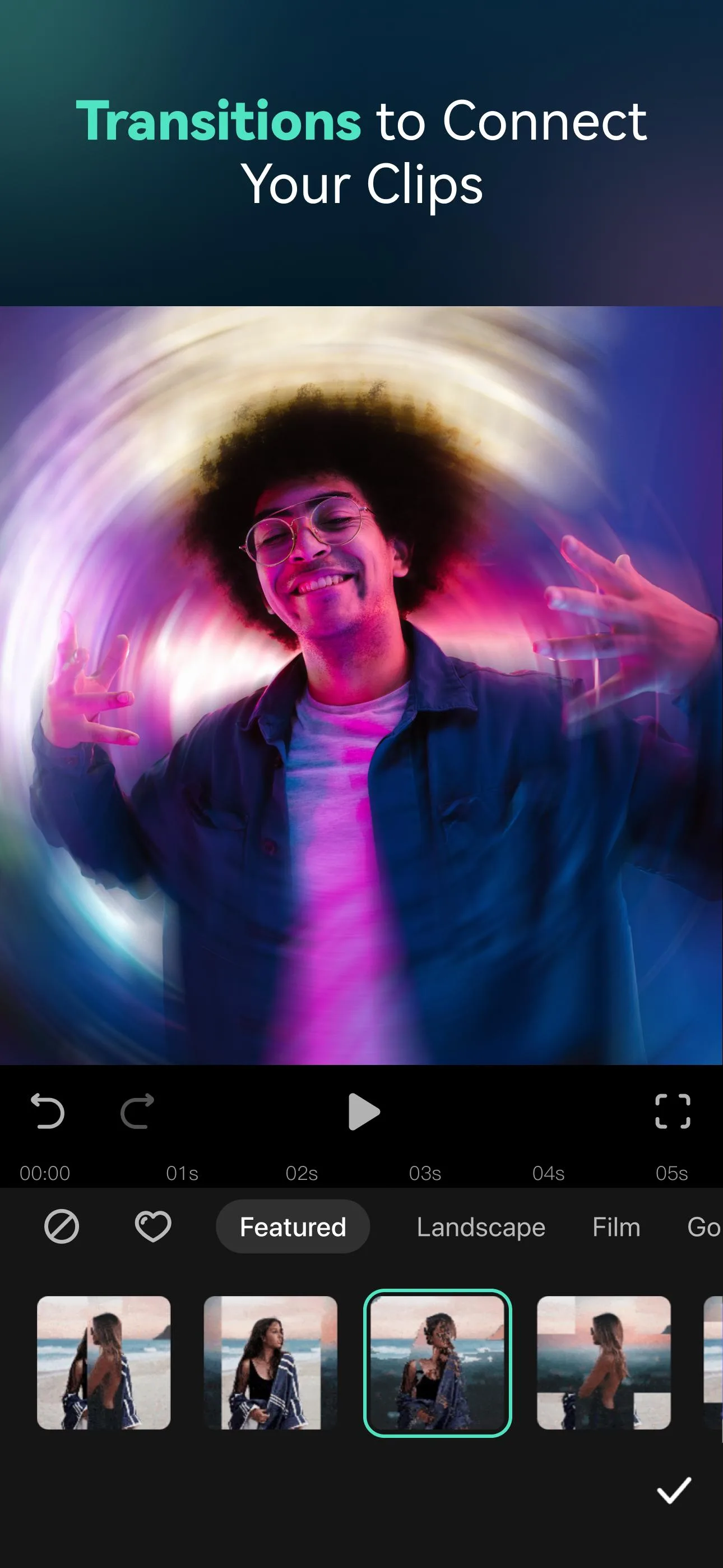
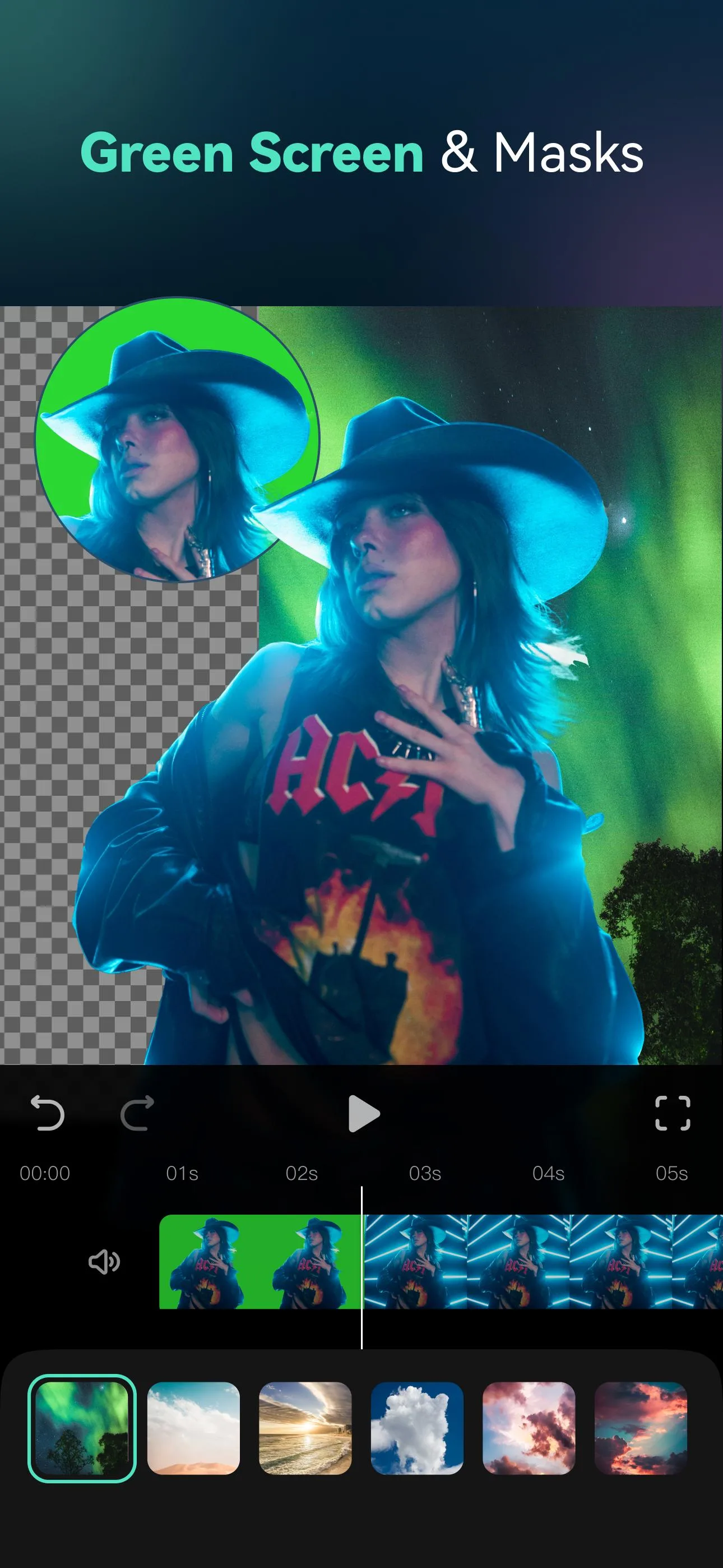
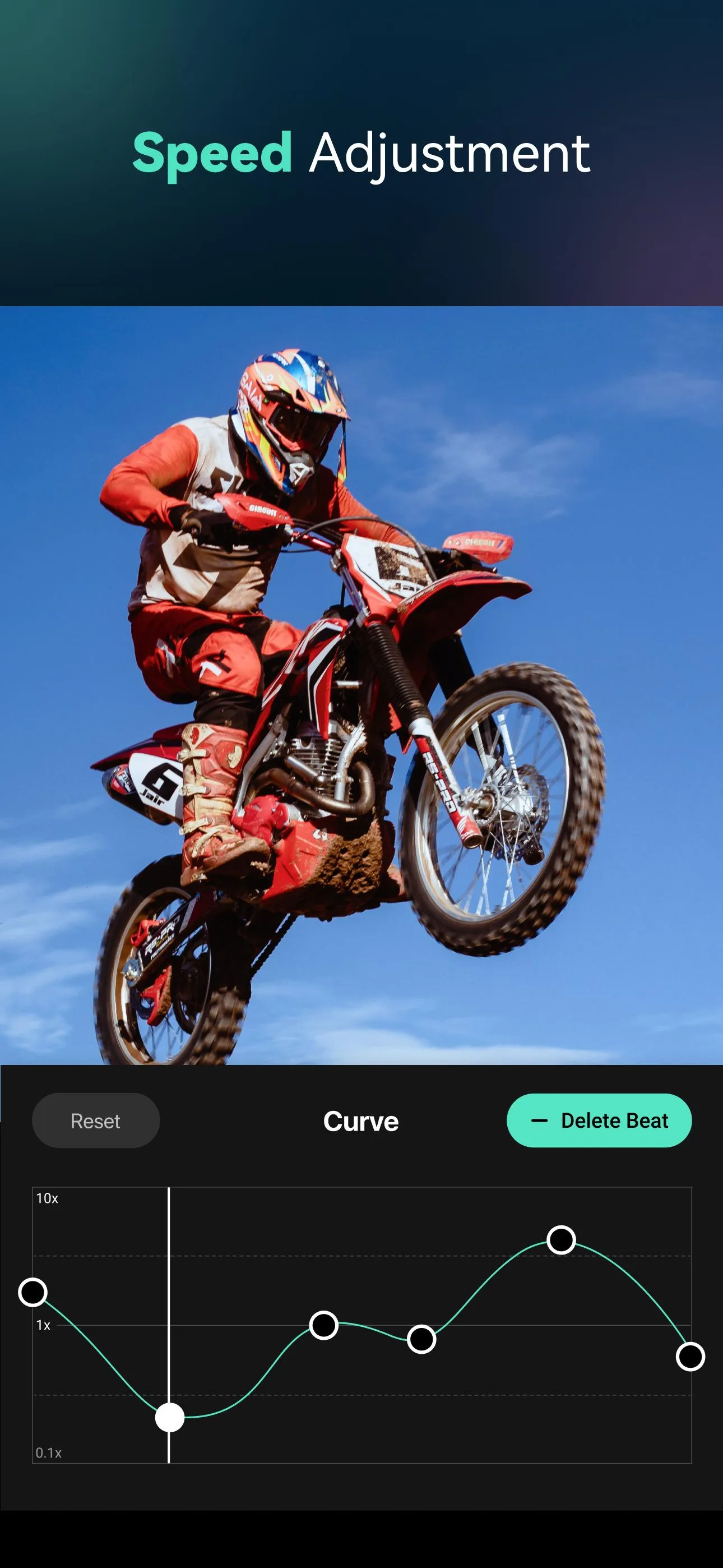
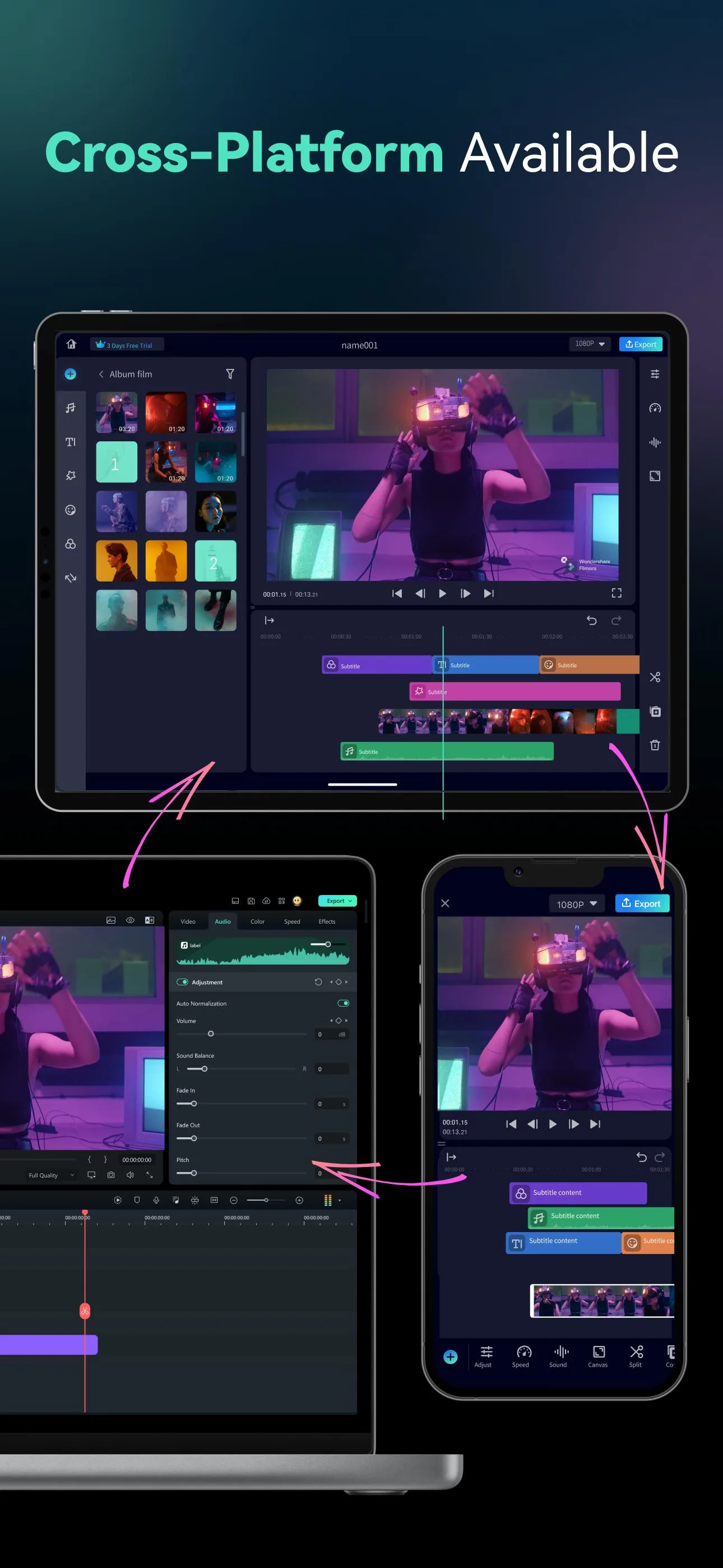
FilmoraGo by Wondershare is the mobile version of the Filmora video editor. You work on a timeline with multiple layers, trimming and arranging clips, then add transitions, filters, text, stickers and music on top. It supports keyframes for animating position and effects, speed control, and picture-in-picture layering. When you are done you export to a video file at your chosen resolution. On the free tier, exports carry a watermark and many premium effects and the newer AI tools are gated. Filmora Pro is a paid subscription that lifts those limits, which is why the Pro tier sits behind a login.
What the Pro mod unlocks
| MOD feature | Reality |
|---|---|
| No watermark | Removed locally on export. This is the most reliable thing the mod does. |
| Premium effects, filters, transitions | The on-device premium presets open up for use in your timeline. |
| Export without the Pro gate | Local export settings are freed on the client side. |
These are the client-side pieces, the ones stored and processed on your phone. The mod can change what the app shows and drop the watermark, so for straightforward editing and clean exports it does the job. The exact set depends on the current build, so the real feature list is always shown in the «MOD info» line at the top of this page.
What the mod does not unlock
Anything that runs on Wondershare's servers is out of reach. That means the cloud AI tools, cloud rendering or storage, and any feature tied to a logged-in Pro account. A modified client cannot make a server hand over a paid feature it is checking against your account. So if you need the AI effects or cloud export specifically, the mod will not give you those, and no build honestly can. We would rather say that up front than let the reviews say it for us.
Safe download and install
- Tap the green Download APK button at the top of this page. The file downloads directly, with no registration or SMS.
- If the Google Play version is installed, remove it first. The MOD has a different signature and will not install over it.
- Allow installation from unknown sources for your browser (Settings, then Security).
- Open the file, tap Install and launch the app. Keep Play Protect on, and check the permissions it requests.
This is provided for personal testing. Reuploaded "Pro" editors are a common malware source, so only install from a source you trust. Our APK install guide walks through the same steps with screenshots.
Editing tips for a clean export
- Build the timeline first, cuts and pacing, before adding effects. It is easier to place transitions once the clips sit where you want them.
- Use keyframes sparingly. One smooth zoom or pan reads better than five competing moves in the same shot.
- Match your export resolution to the source. Exporting 720p footage at 1080p only makes the file bigger, not sharper.
- Keep music under the dialogue. Duck the track volume where people speak so the voice stays clear.
- Preview the full clip before exporting. Catching a misplaced sticker now saves a re-export later.
Mod or official Pro?
If you rely on the AI tools, cloud features and normal updates, the official Filmora Pro subscription is the version that supports all of it with no privacy question about who repacked the app (Google Play link in the info table above). The mod is free and handles offline editing and watermark-free export well, with the honest caveat that server-side features stay out. If you want another mobile editor to compare, try CapCut MOD, and browse more video editors or fresh MOD APKs in the catalog.
FAQ
Does the FilmoraGo mod remove the watermark?
Does "Pro Unlocked" work?
Are the AI and cloud features included?
Do I need to log in or subscribe?
Do I need root to install the mod?
Is the MOD APK safe to download?
Download Filmora Mod (Pro Unlocked)
- No viruses
- No spyware
- No malware
The reviews (0)