- No viruses
- No spyware
- No malware
com.cxinventor.file.explorerThis file was downloaded, scanned and installed by our editors before publishing.
Every file is also checked with VirusTotal before publishing.

CX File Explorer APK (Free File Manager)


Additional information about CX File Explorer APK (Free File Manager)
com.cxinventor.file.explorerThe description of CX File Explorer APK (Free File Manager)
The CX File Explorer APK is a free file manager for Android that keeps your local, network and cloud files in one clean app. There are no in-app purchases and no subscription, so nothing is locked behind a paywall, you get every feature the moment you install it. The file on this page was scanned for malware and installed on a real Android device by our editors before publishing, we have done this since 2018.
So there is no premium tier to chase and, honestly, no reason to look for a "MOD" build. More on that below. First, what the app actually does.
What is CX File Explorer?
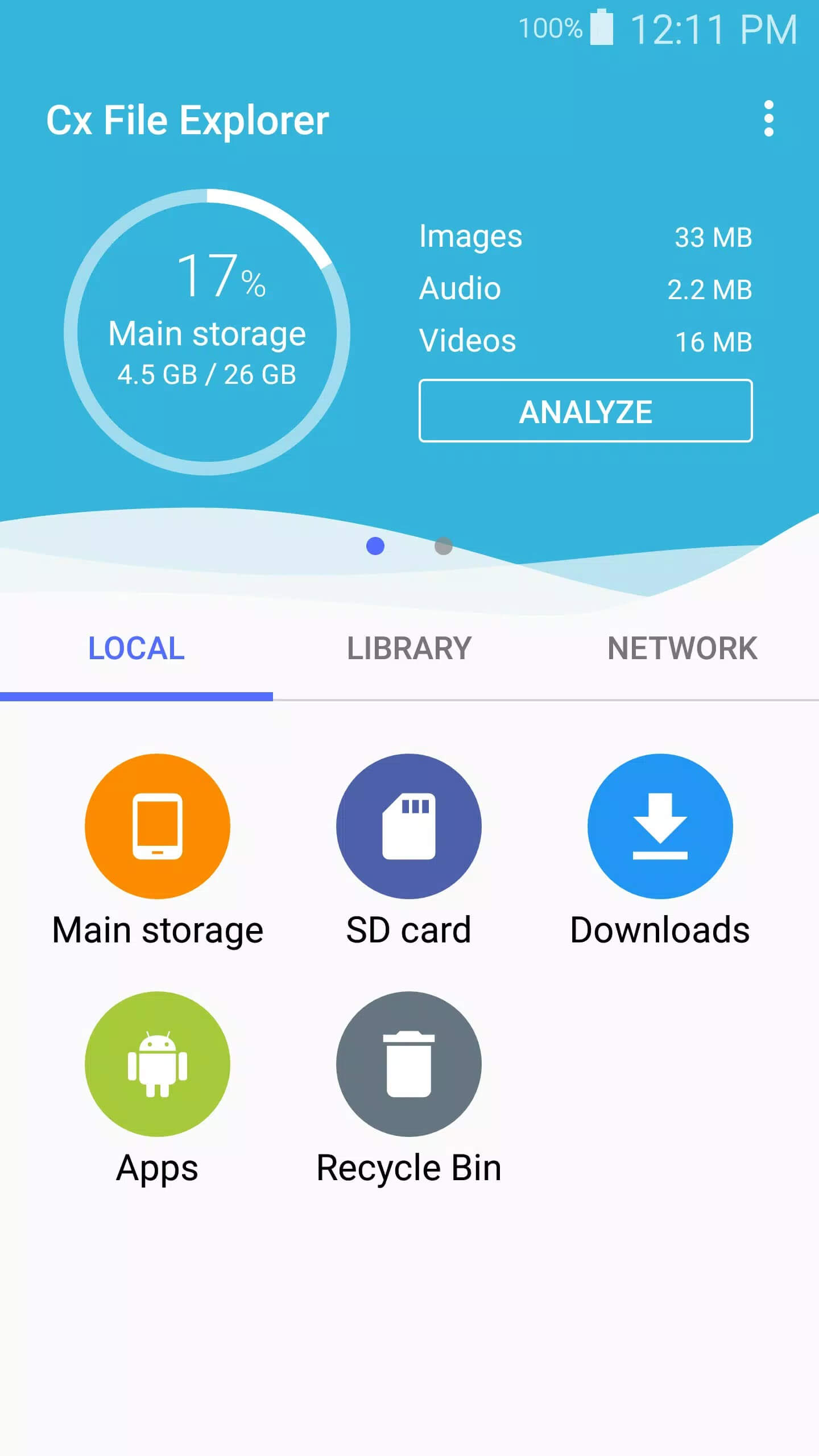
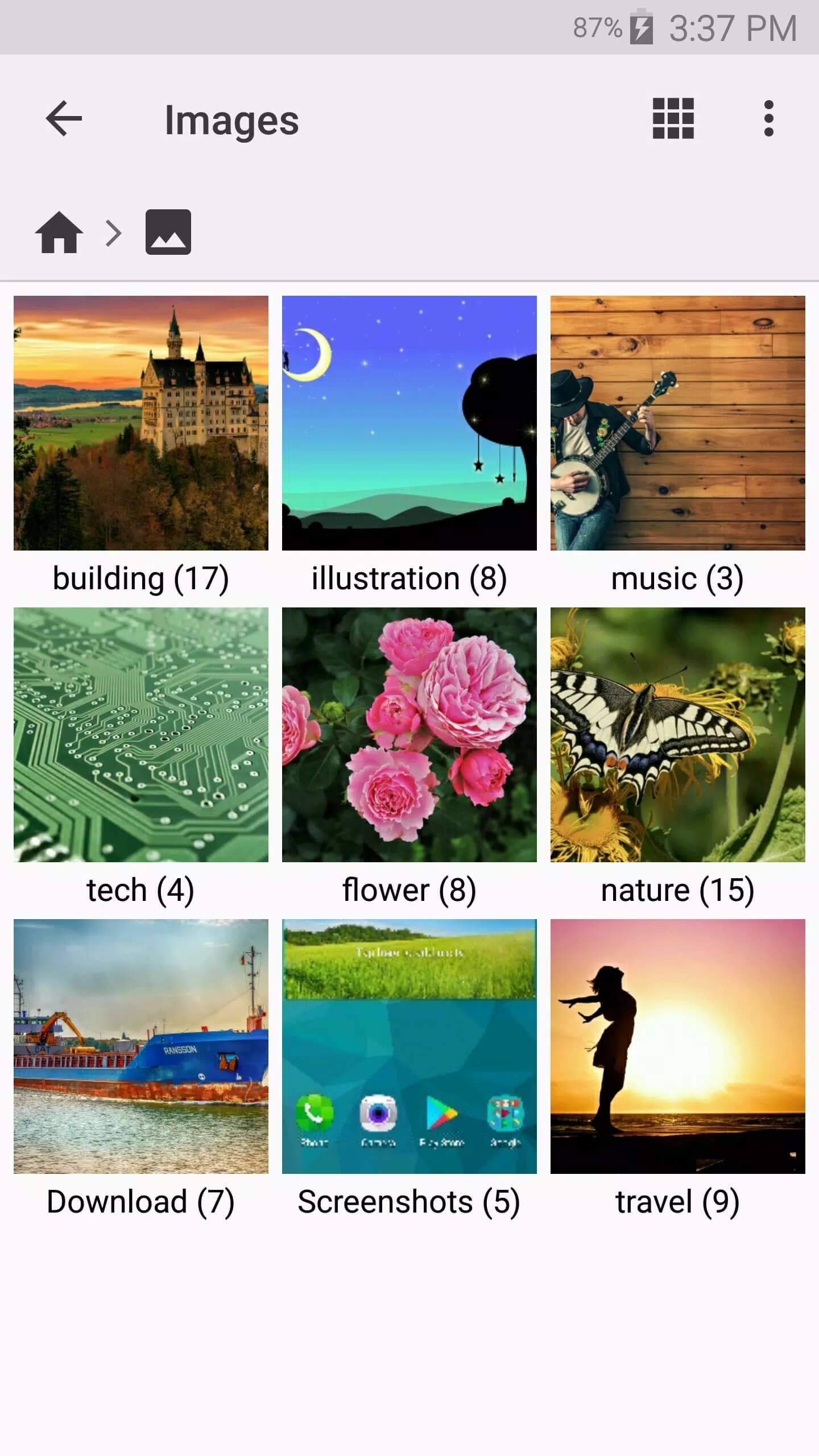
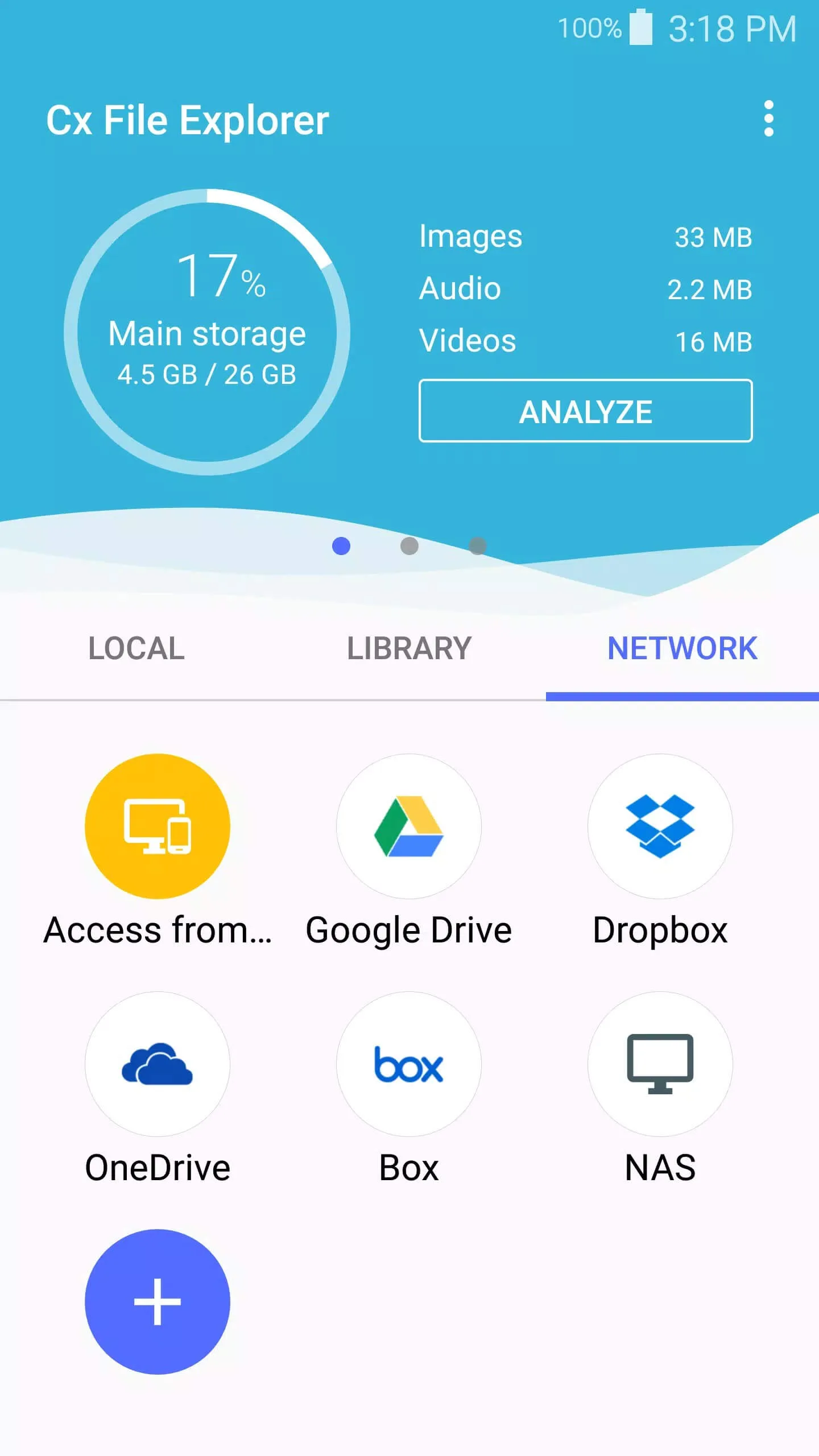
CX File Explorer is a straightforward file manager built by the CX team (the same folks behind X-Plore). It skips the clutter and gives you three tabs to work from: Local, Library and Network. Local covers your internal storage and SD card. Library groups your files by type, so photos, videos, music, documents, APKs and downloads each get their own shortcut. Network handles the remote stuff.
It is aimed at anyone who wants real control over their phone's storage, whether you are moving files off a full device, digging into an SD card, or pulling documents from a shared folder on your home PC. The interface is light and the ads do not shove themselves in your face, which is rarer than it should be in this category.
Key features
| Feature | What it does |
|---|---|
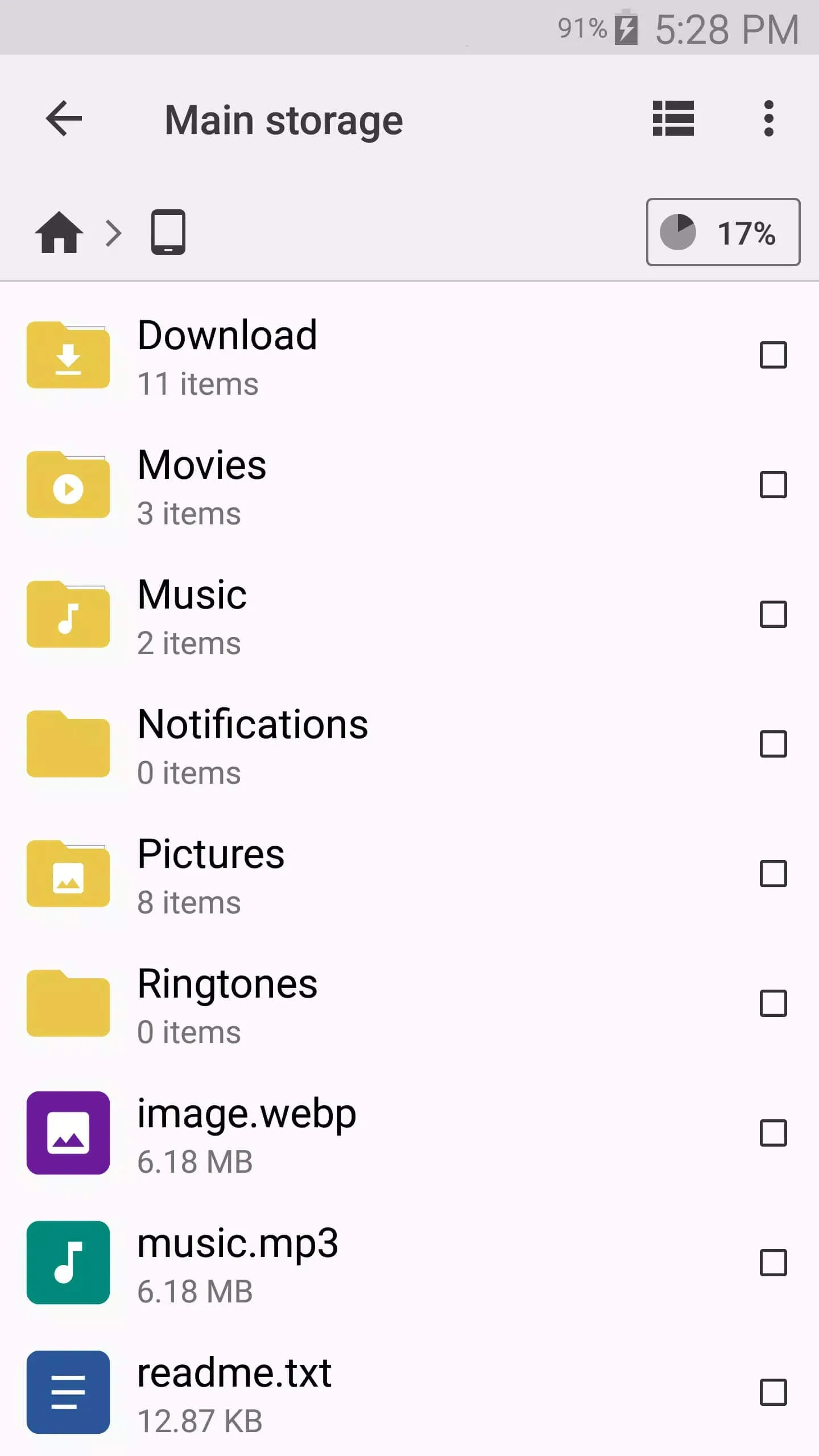
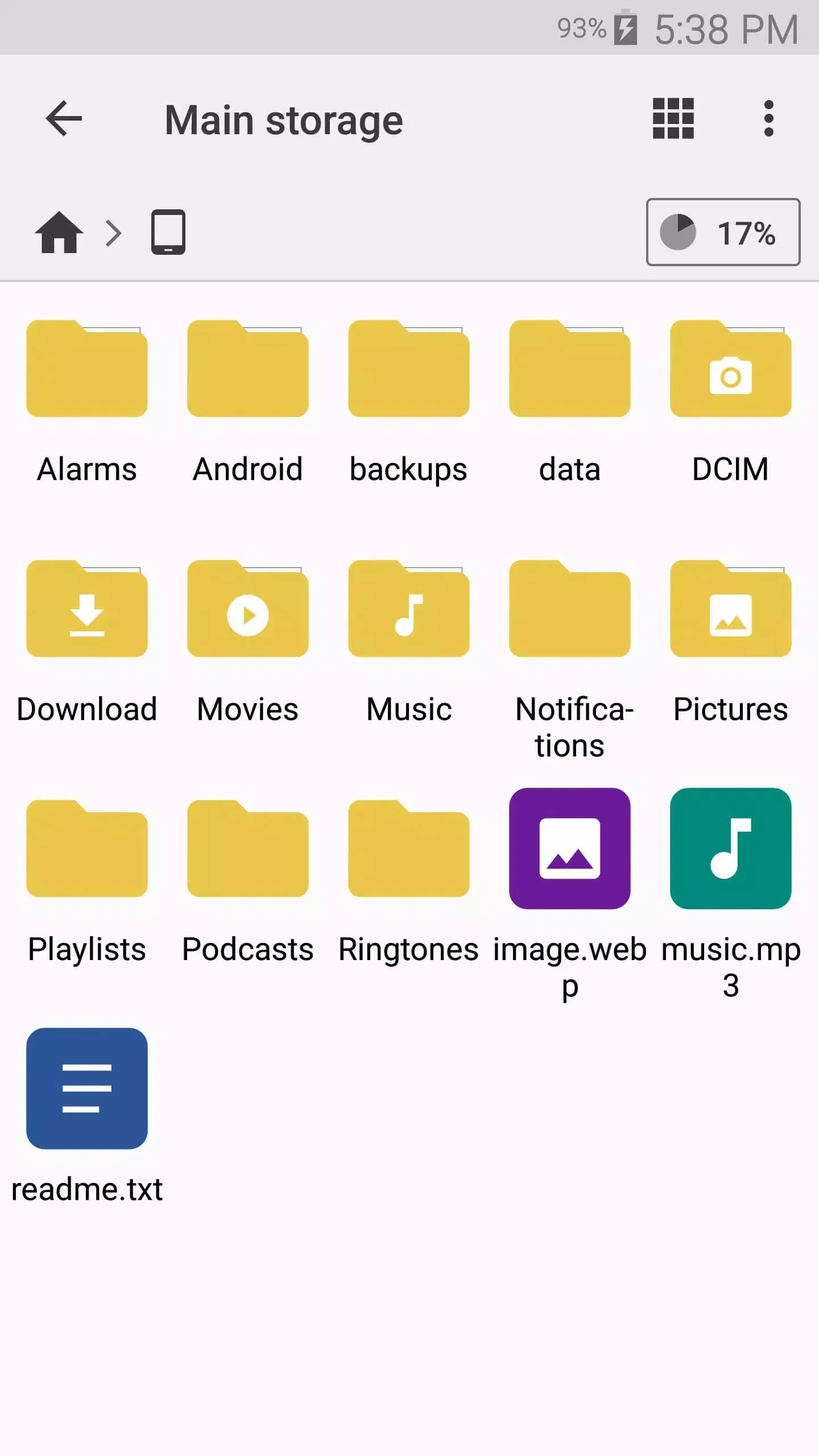
| File management | Copy, move, rename, compress, extract and delete files and folders. |
| Library tab | Quick access to photos, videos, music, documents, APKs and your download folder. |
| Local storage | Browse internal memory and your SD card in one place. |
| Network access | Connect to FTP, SMB shared folders and WebDAV servers on your local network. |
| Cloud accounts | Link Google Drive, Dropbox and OneDrive and manage those files alongside local ones. |
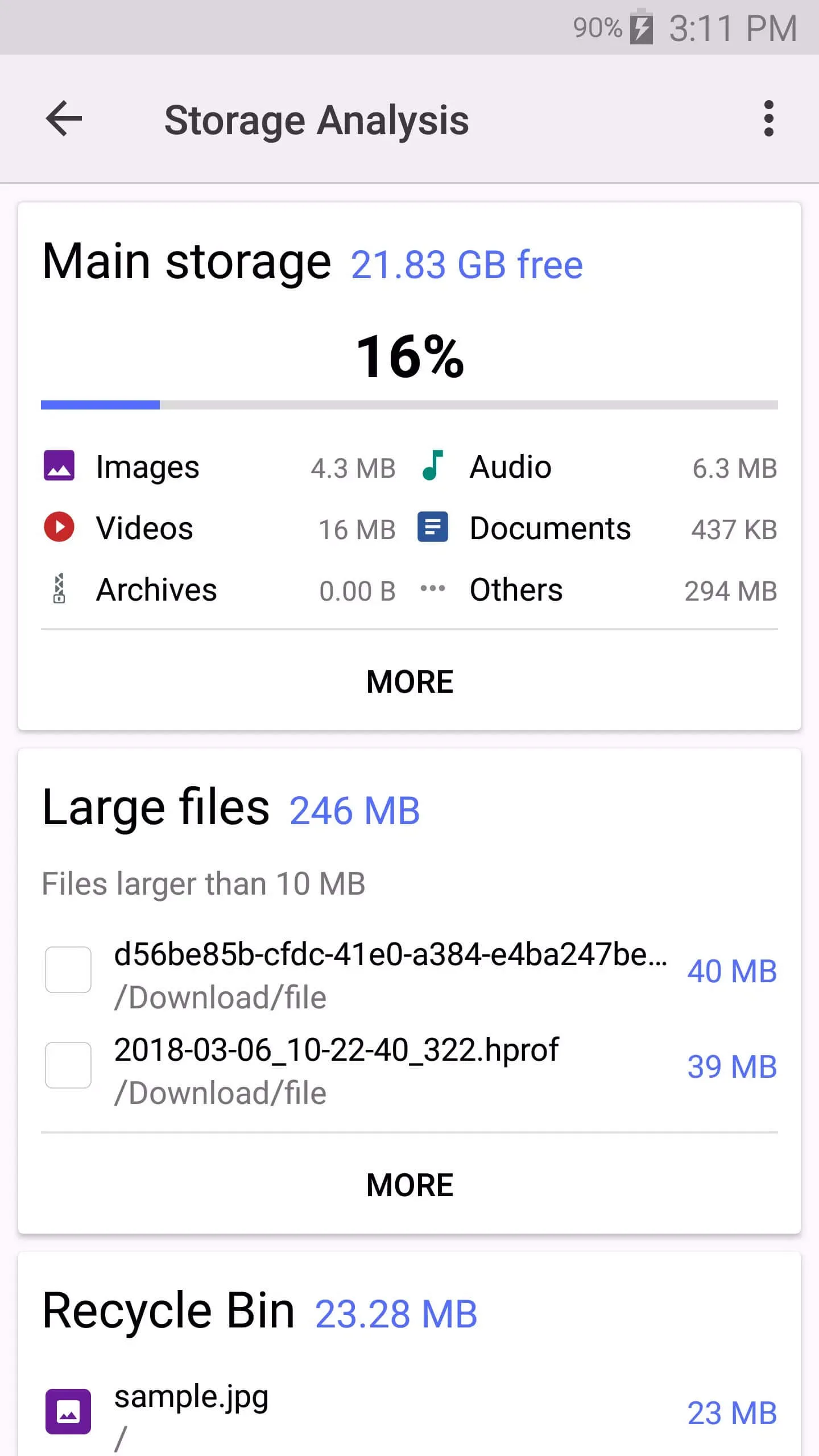
| Storage analyzer | See what is eating your space so you can clear it out fast. |
| App manager | View installed apps and their APKs, then back up or uninstall them. |
Put simply, it covers the everyday jobs plus the ones a stock file app usually can't, like reaching a network share or a cloud drive without a second app.
Do you need a MOD version?
Short answer: no. CX File Explorer is already free, with no premium unlock, no paid currency and no subscription, which means there is nothing inside it for a MOD to change. When you see a page selling a "CX File Explorer MOD APK", that label is marketing, not a real feature. There is no extra content to hand you, because the full app is what you already get.
Grab the original file and you are done. A modified build would only add risk, an unknown editor, an unverified signature, for zero upside. This is one of the few cases where the honest move is also the easy one.
Permissions and privacy
A file manager needs to touch your files, so the storage permission is expected here, not a red flag. On Android 11 and up the app asks for All files access, which is what lets it show, move and organize everything on your device rather than a single sandboxed folder. Without it, the app simply can't do its job.
You can still check what you grant in Settings, and that is a good habit with any app. CX File Explorer runs locally and does not force you to create an account to browse your own storage. You only sign in when you choose to connect a cloud service like Drive or Dropbox.
How to download and install CX File Explorer APK
The download is a small APK, around 18 MB, and it runs on Android 5.0 and newer. Here is the full process.
- Tap the green Download APK button at the top of this page. The file downloads directly, no registration and no SMS.
- Allow installation from unknown sources for your browser or file manager (Settings → Security or Apps).
- Open the downloaded file and tap Install, then launch it from your app drawer.
That is it. Do not follow guides that send you to a Google Play search for a publisher named "File Technologies", that is wrong and it is not how you install an APK. First time sideloading? Our APK install guide walks through the same steps with screenshots.
CX File Explorer vs stock file manager
Most phones ship with a basic file app, and for opening a photo or two it is fine. Where it falls short is the extra reach. CX File Explorer connects to network shares over FTP, SMB and WebDAV, links cloud accounts, and shows you a real breakdown of what is filling your storage, jobs a stock app usually can't touch. If you manage files across a few devices, that gap adds up fast. Browse more picks in our tools section if you want to compare a few managers before you settle.
FAQ
Is CX File Explorer free?
Do I need a MOD APK of CX File Explorer?
Is the APK safe?
What can CX File Explorer access?
Why does it need storage permission?
What Android version and size?
Download Cx File Explorer APK Android
- No viruses
- No spyware
- No malware
The reviews (0)