- No viruses
- No spyware
- No malware
This file was downloaded, scanned and installed by our editors before publishing.
Every file is also checked with VirusTotal before publishing.

Dezor APK — Browser with VPN & Ad Blocker

Additional information about Dezor APK — Browser with VPN & Ad Blocker
The description of Dezor APK — Browser with VPN & Ad Blocker
Dezor APK is an Android web browser from Dezor SA, built around a built-in VPN, an ad and tracker blocker, and a private browsing mode. You install it from the APK on this page, not from Google Play, and it gives you a lighter, cleaner way to browse on your phone. Our editors downloaded this exact file, scanned it for malware and installed it on a real Android device before publishing, the same check we have run since 2018.
One thing to know up front. Dezor is also talked about for its built-in media player, and that is where the legal line sits. Watching copyright-protected films or shows without the rights is illegal, so this page is honest about what the browser is and where the boundary lies, without telling you to pirate anything.
What is Dezor?
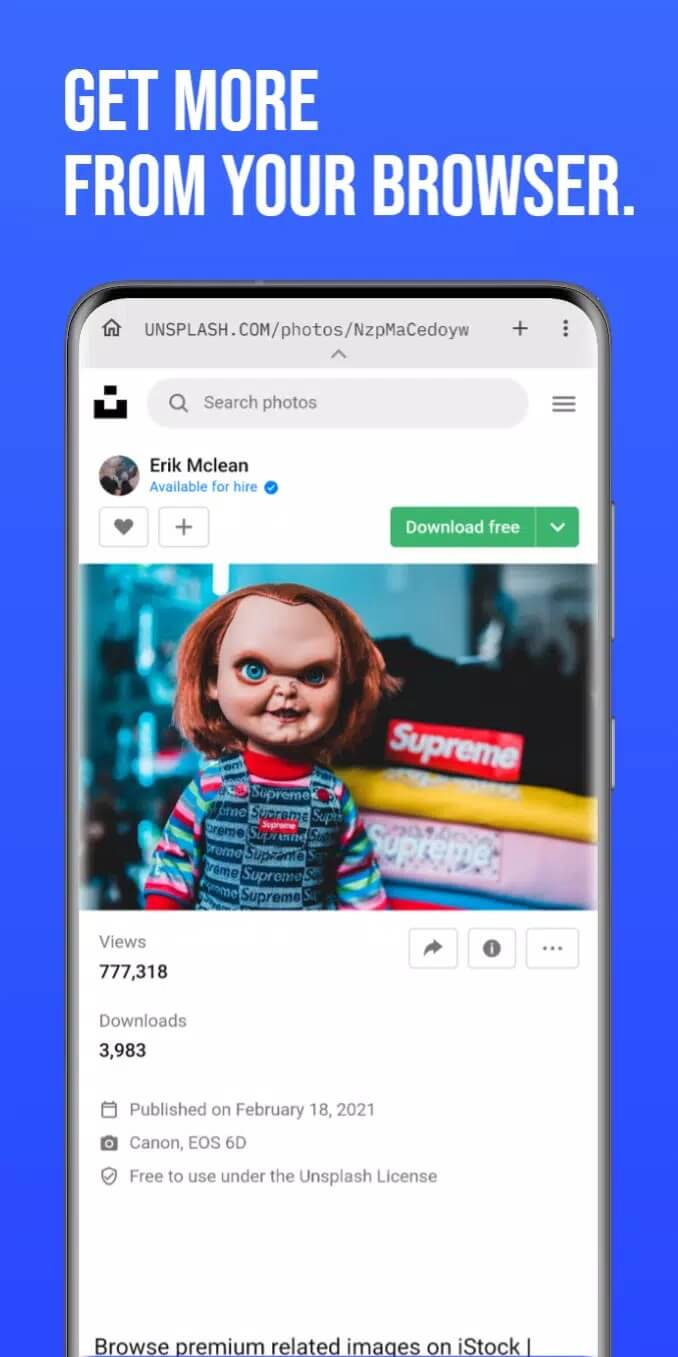
Dezor is a mobile browser made by Dezor SA. The core is what you'd expect from any modern browser, tabs, a search bar, bookmarks, but it leans hard into privacy and speed. A VPN and an ad blocker are baked in, so you don't need to bolt on extensions to cut out pop-ups or hide your IP. You can also reshape the interface a fair bit, moving tabs and controls to suit how you hold your phone.
Here is the part most catalogs skip. Dezor is no longer on Google Play or the App Store, it was removed. The only way to get it now is the APK straight from the developer, which is the file we host and test here. That removal is a big reason people search for the APK in the first place.
Key features
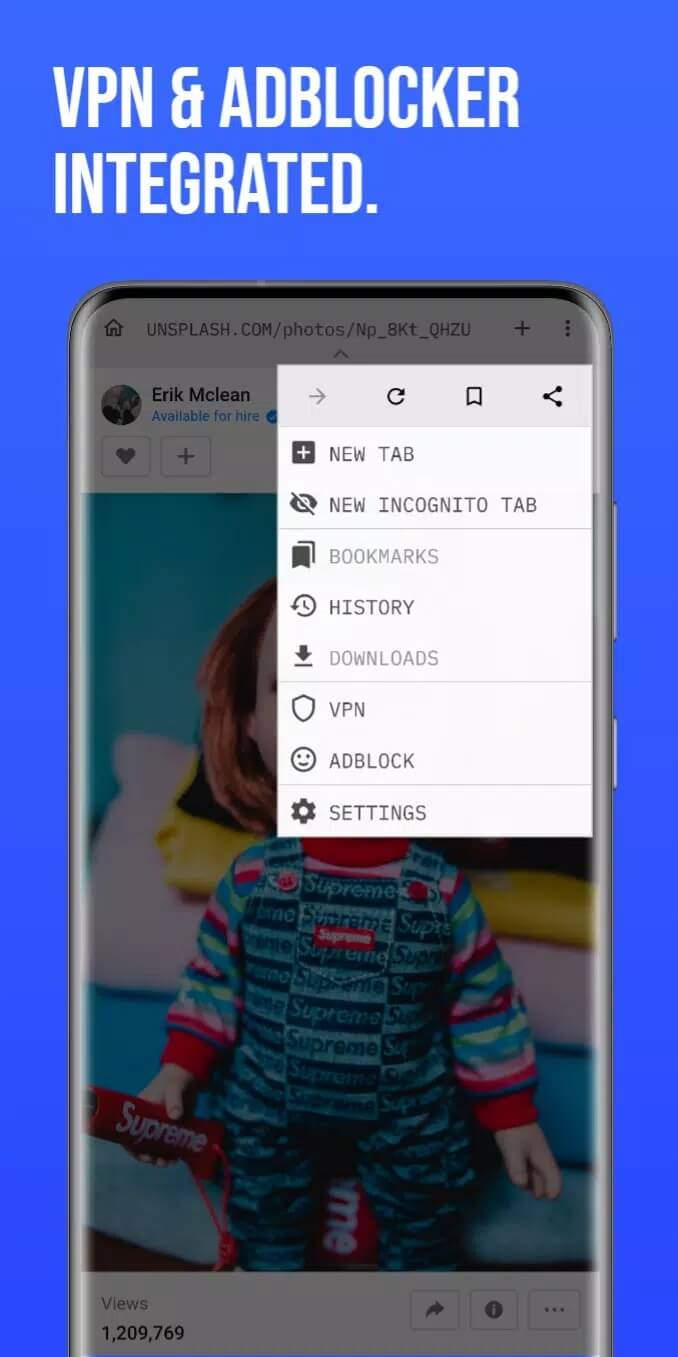
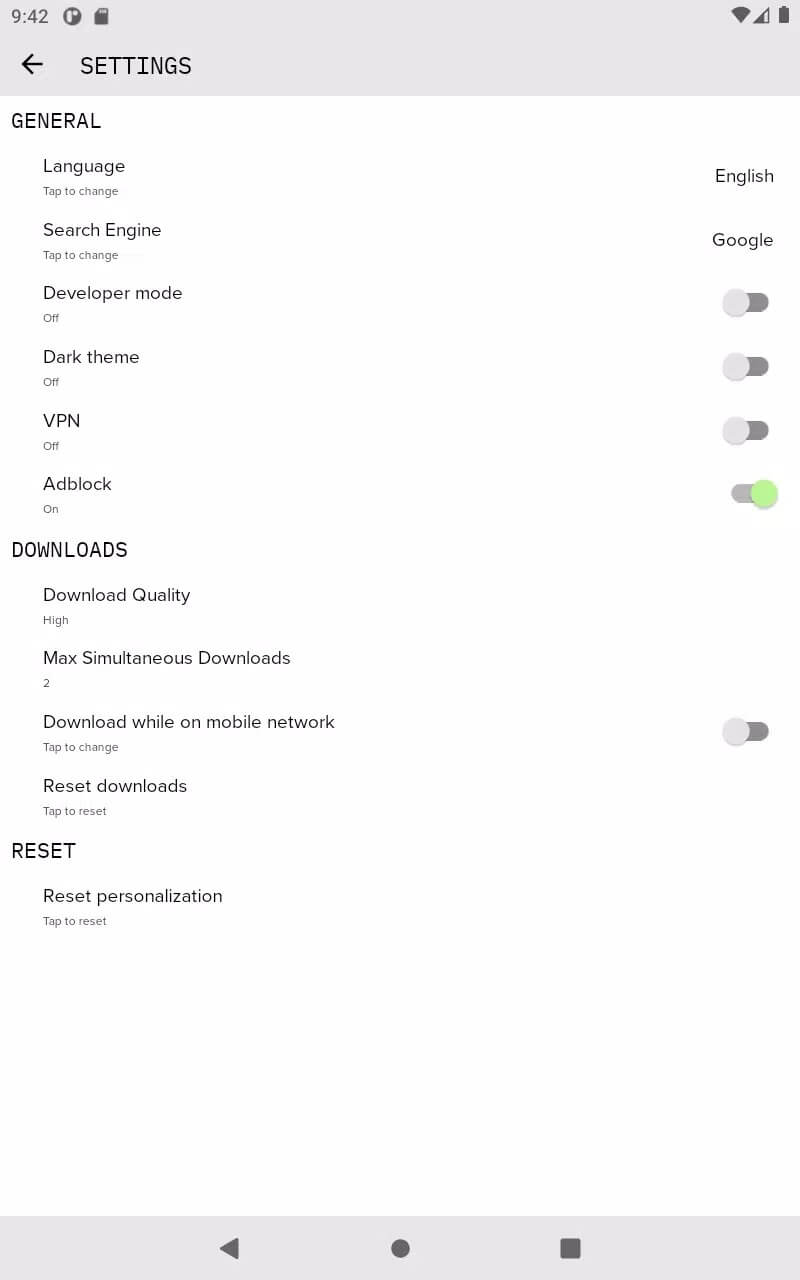
- Built-in VPN to route your traffic and hide your real IP address, no separate app needed.
- Ad and tracker blocker that strips banners, pop-ups and most trackers as pages load.
- Customizable interface and tab layout, so the toolbar and controls sit where you want them.
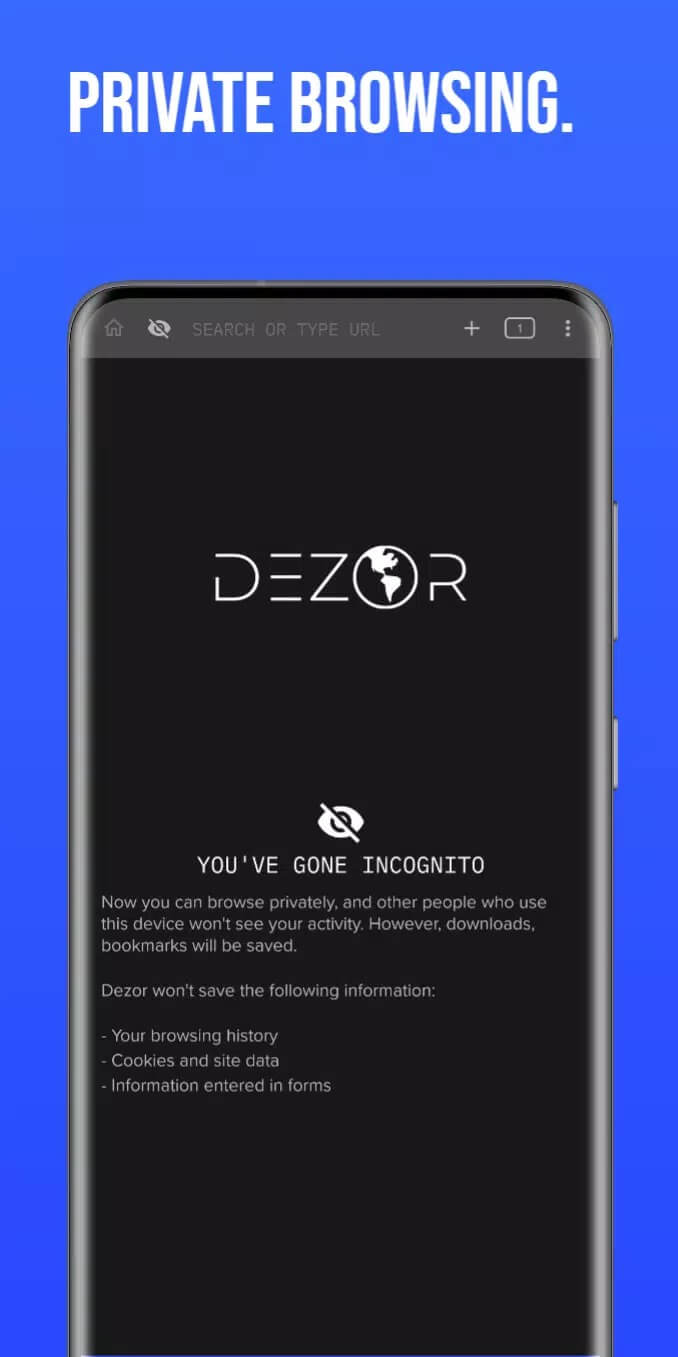
- Private browsing that keeps history and site data off your device once you close the session.
- Chromecast support to push what's on screen to a TV.
Streaming and legality (honest)
Dezor got most of its reputation from a built-in media player people use to watch video. We're going to be straight with you here. Streaming or downloading copyright-protected content, films, series, live sport, without paying for it is illegal in most countries. The EU Court of Justice settled this back in 2017, ruling that even watching such streams counts as infringement, not just uploading them.
What does that mean for you? Installing the browser itself is fine. Using any player to reach content you don't have the rights to puts the risk on you, and that risk is real, not theoretical. We are not going to list sources or walk you through watching paid shows for free, because that is the part that crosses the line. If you want that content, the safer route is below.
Safer, legal alternatives
You can get most of what people chase Dezor for, without the legal exposure.
- Official streaming apps (the paid services and their own free tiers) give you the same films and shows, in HD, with no ban risk.
- Free, ad-supported services like the ones bundled with many phones let you watch legally at no cost, you just sit through ads.
- Prefer the privacy side of Dezor? Aloha Browser Turbo is another Android browser with a built-in VPN and ad blocker that we cover.
You can also browse our full apps and tools sections for more privacy browsers and utilities.
How to download and install Dezor APK
The whole thing is one APK, roughly 80.8 MB, and it runs on Android 6.0 and up. No Play Store step, since the app isn't there anymore.
- Tap the Download APK button on this page. The file downloads directly, no sign-up, no SMS.
- Allow installs from unknown sources for your browser or file manager (Settings → Security), phones block sideloading by default.
- Open the downloaded file and tap Install. It takes a few seconds.
- Launch Dezor, turn on the VPN and ad blocker in settings, and you're set.
First time sideloading an app? Our APK install guide walks through the same steps with screenshots.
Is Dezor safe?
The file on this page is editor-tested, scanned and installed on a real device before we post it, so the download itself is clean. Safe is not the same as legal, though. Use the browser and its privacy tools freely, but for paid films and shows, stick to legal services rather than the player. That keeps both your phone and your account out of trouble.
FAQ
What is Dezor?
Is Dezor on Google Play?
Is Dezor legal to use?
Does Dezor have a VPN and ad blocker?
Is the Dezor APK safe?
What are the requirements and file size?
Download Dezor APK Android
- No viruses
- No spyware
- No malware
The reviews (0)