- No viruses
- No spyware
- No malware
com.avcrbt.funimateThis file was downloaded, scanned and installed by our editors before publishing.
Every file is also checked with VirusTotal before publishing.

Funimate MOD APK (Pro Unlocked)

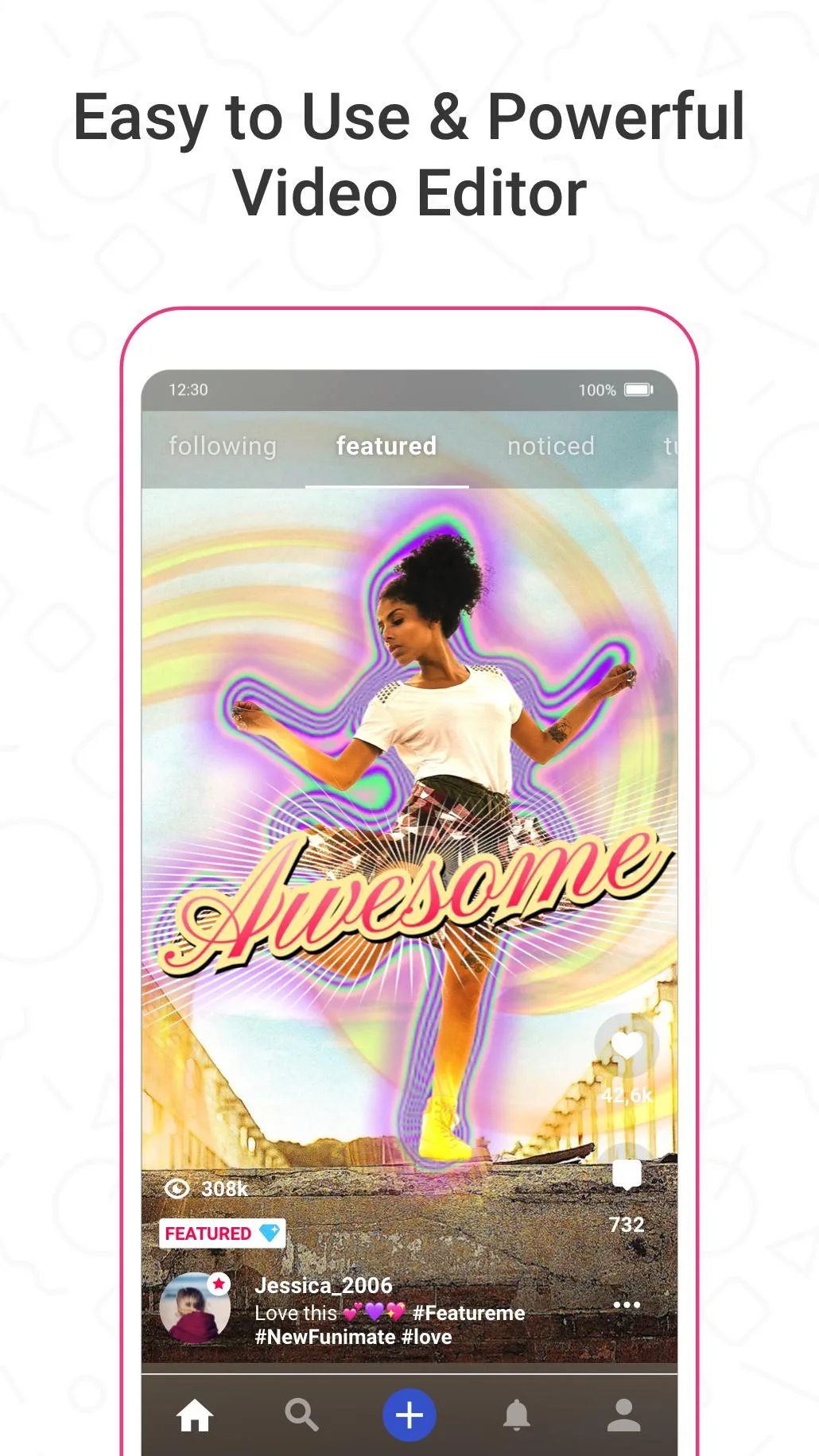
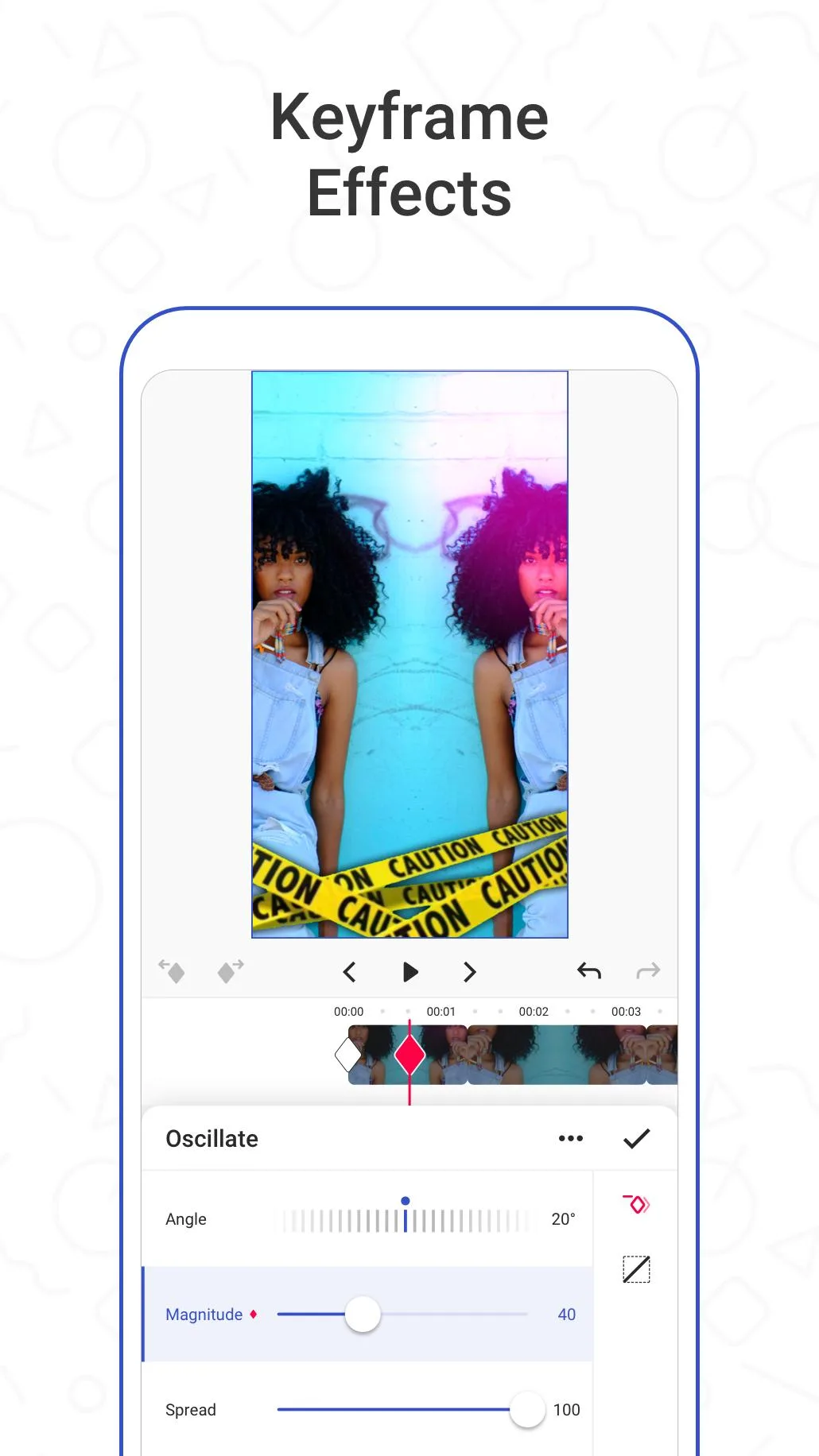
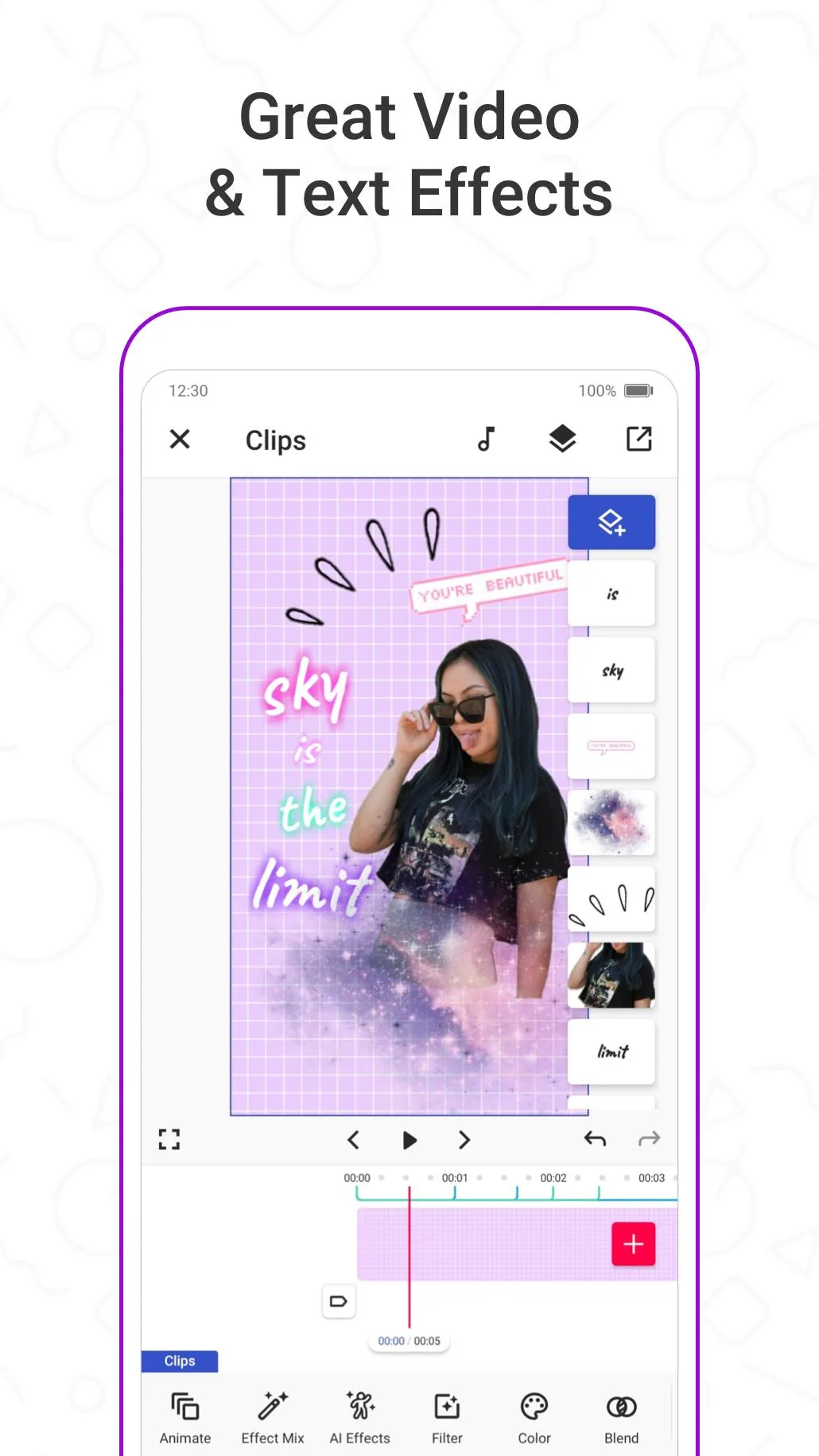
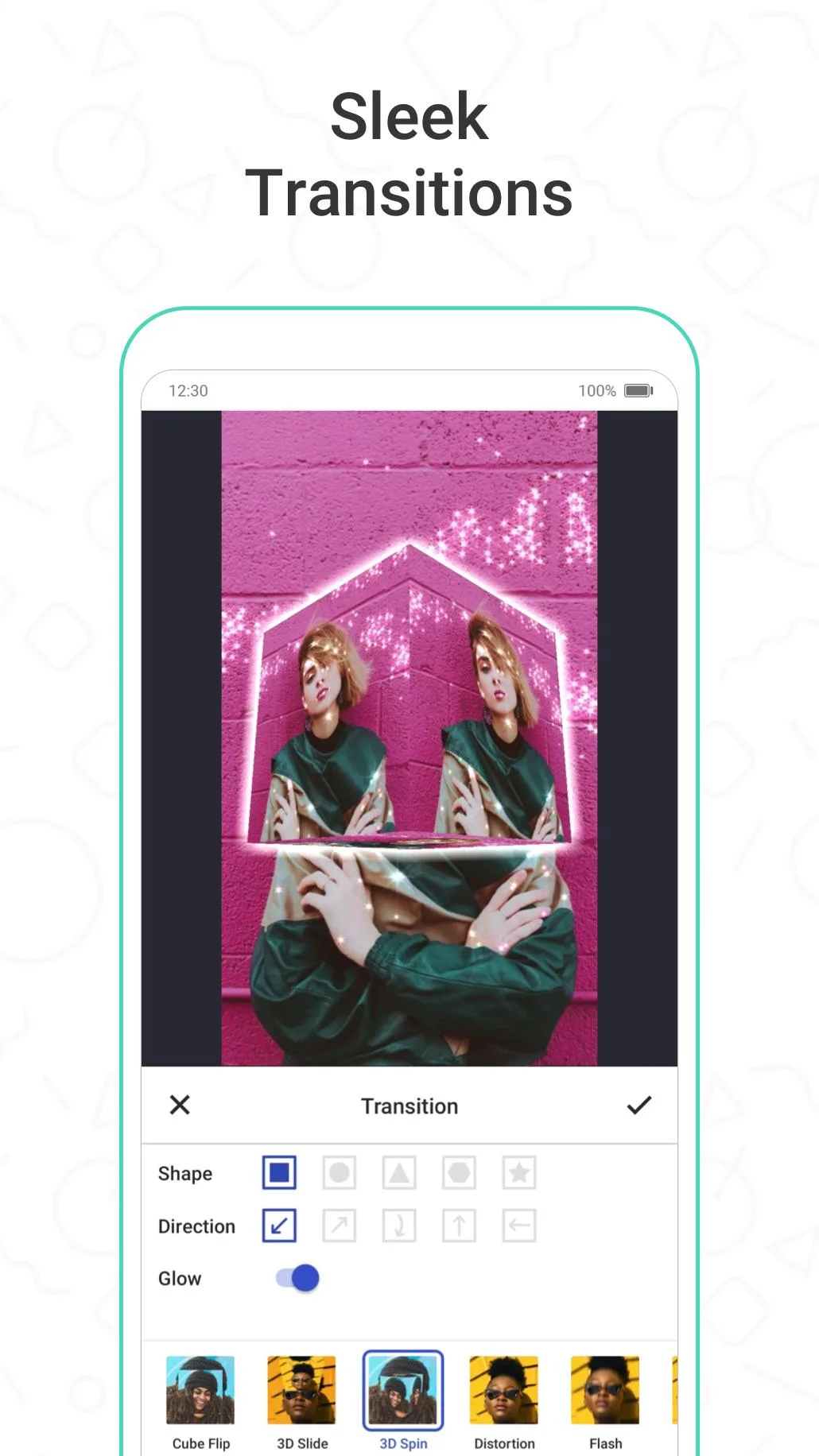
Additional information about Funimate MOD APK (Pro Unlocked)
com.avcrbt.funimateThe description of Funimate MOD APK (Pro Unlocked)
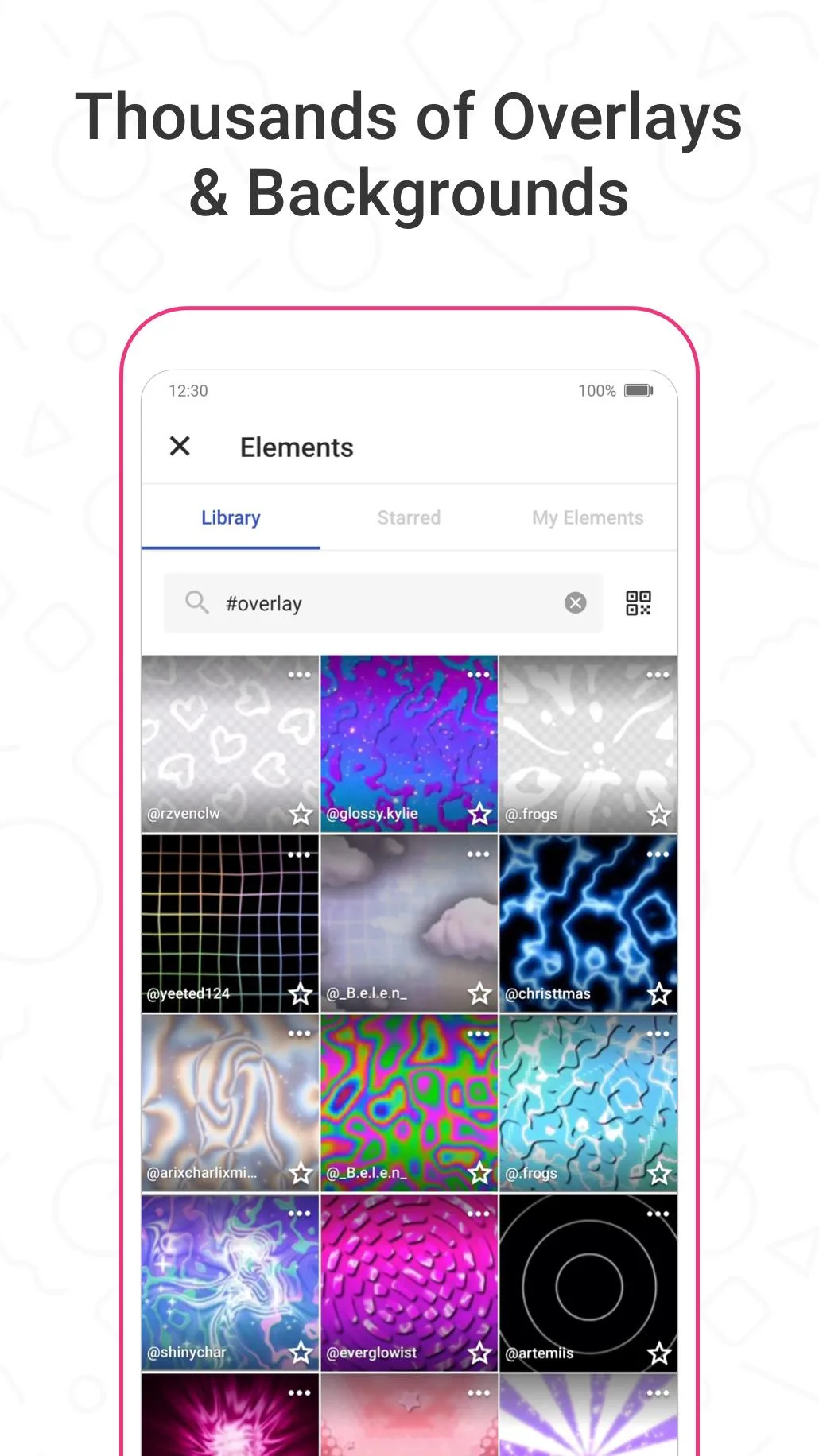
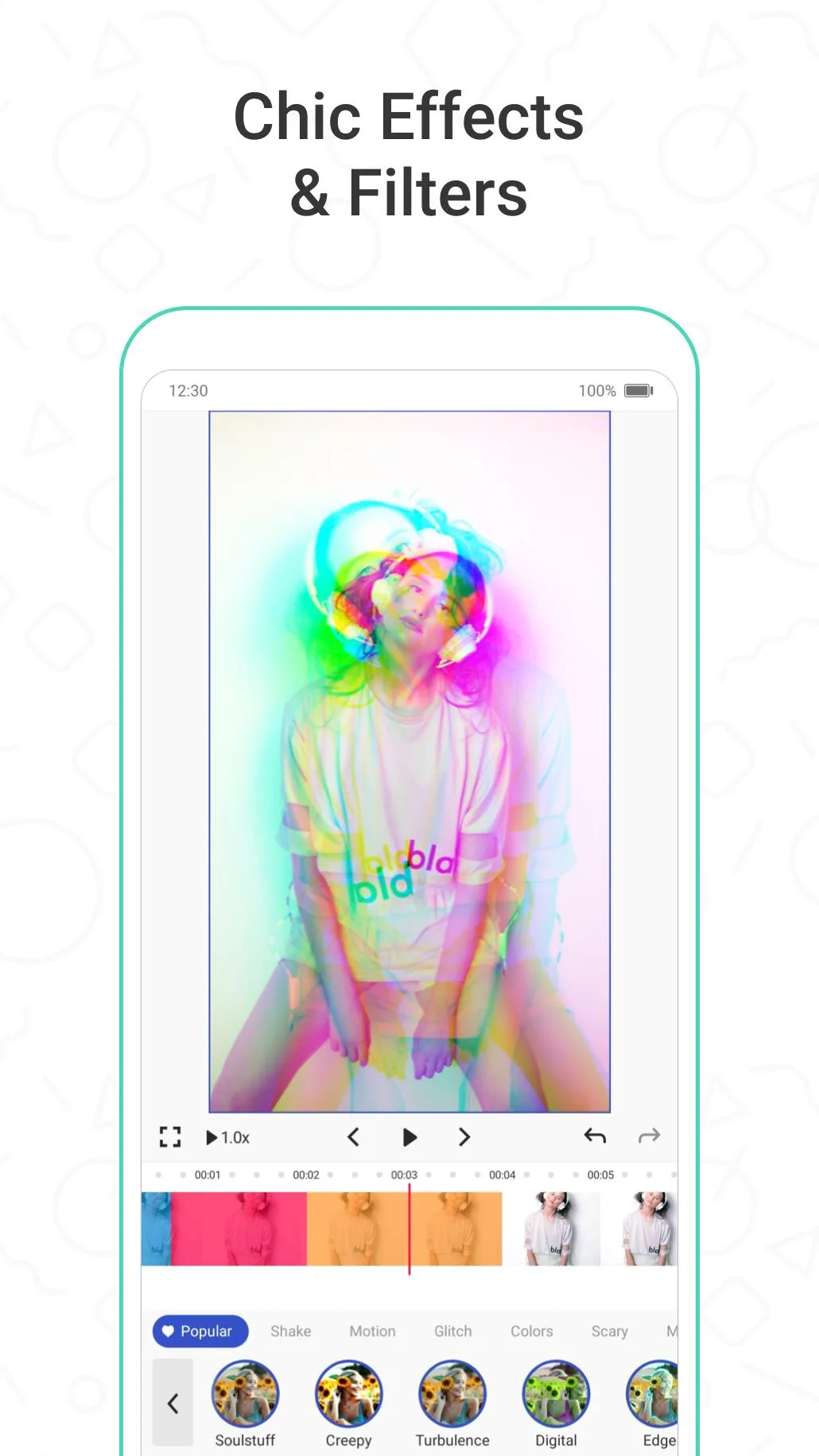
The Funimate MOD APK hands you the Pro side of the app for free: the premium effects and transitions are unlocked, your exports come out clean with no watermark, and the ads are gone. These are the effect packs baked right into the APK, so once you install this build they open on your phone without a subscription prompt. Short beat-synced clips for TikTok, Reels or Shorts, done in a few taps.
Here is the plain version of how it works. Funimate's Pro effects are stored inside the app, so a MOD can flip them on and the editor reads them straight from your device. The file on this page is scanned for malware and installed on a real Android device by our editors before publishing, we have done this since 2018.
What is Funimate?
Funimate is a video editor and maker from Pixery Labs, the Turkish studio that used to go by Avcr. It has been on Google Play since 2016 and passed 50 million downloads. The whole thing is built around short, punchy videos, so it leans hard on quick edits rather than a full desktop-style timeline.
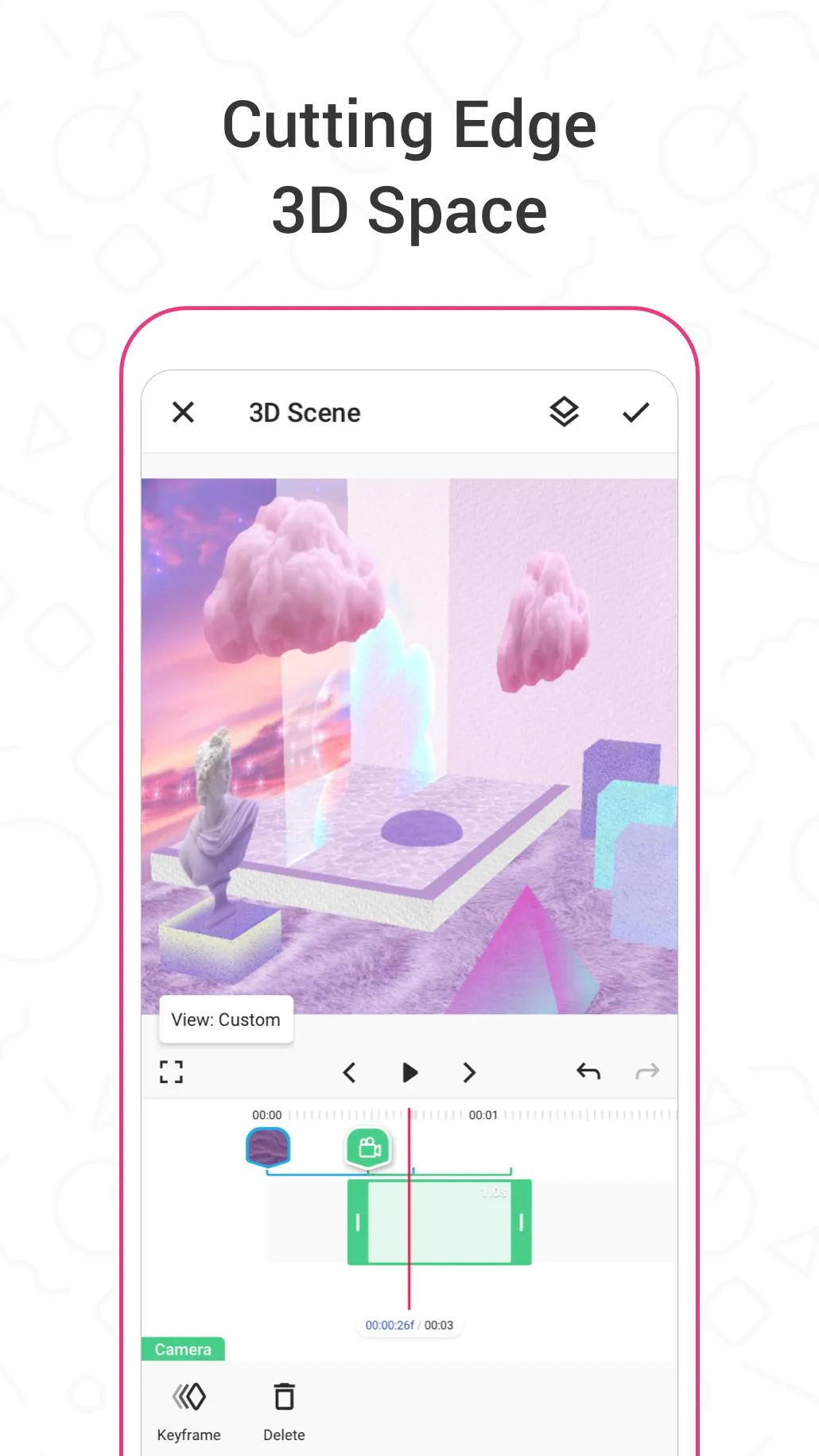
You get 100+ effects, a big set of transitions, auto-editing that cuts your footage to the beat, plus music, text and stickers. It is aimed at people making clips for TikTok, Instagram and YouTube, and most edits take a minute or two. If you have opened CapCut before, the idea will feel familiar, Funimate just puts more weird, flashy effects up front.
What the MOD gives you
| MOD feature | What it changes in the app |
|---|---|
| Pro effects & transitions unlocked | The premium effect and transition packs open without a subscription. They are stored in the APK, so they run on your device. |
| No watermark on export | Videos save and share without the Funimate logo stamped in the corner. |
| No ads | No banner or full-screen ads between edits. |
All three of these are client-side, meaning they live on your phone and the app reads them locally. That is why they actually work here instead of just showing a locked icon. The MOD info line at the top of this page lists the exact package and build, and we re-check it after each app update.
What the MOD does NOT unlock (honesty)
One honest note, and it is the part most sites skip. Funimate Pro is really a server subscription tied to your account, not just a switch inside the app. Anything the app checks against Pixery's servers, like your cloud saves, some template or content libraries, and the Pro status shown on your account, the MOD cannot turn on. Those pieces may also drop out after an app update, since the server can tell the subscription isn't there.
The good news is that the parts people install this for do work. Watermark-free export and the local Pro effects sit on the client side, so they keep running. Think of it this way: what plays on your device, the MOD delivers, what the server has to approve, it can't.
How to download and install Funimate MOD APK
The download is a single APK, around 189 MB, and it starts from this page.
- Tap the green Download APK button at the top of this page. The file downloads directly, no registration.
- Allow installation from unknown sources for your browser or file manager (Settings → Security).
- If the Google Play version is installed, remove it first. The MOD won't install over it, since it has a different signature.
- Open the file, tap Install, then launch Funimate and start editing.
Check that your phone meets the Android version listed on the card before you install, and keep enough free storage for the app plus your projects. First time sideloading? Our APK install guide walks through the same steps with screenshots.
Tips for better edits
- Let the auto-editor cut your clip to the beat first, then tweak by hand. It saves the fiddly part.
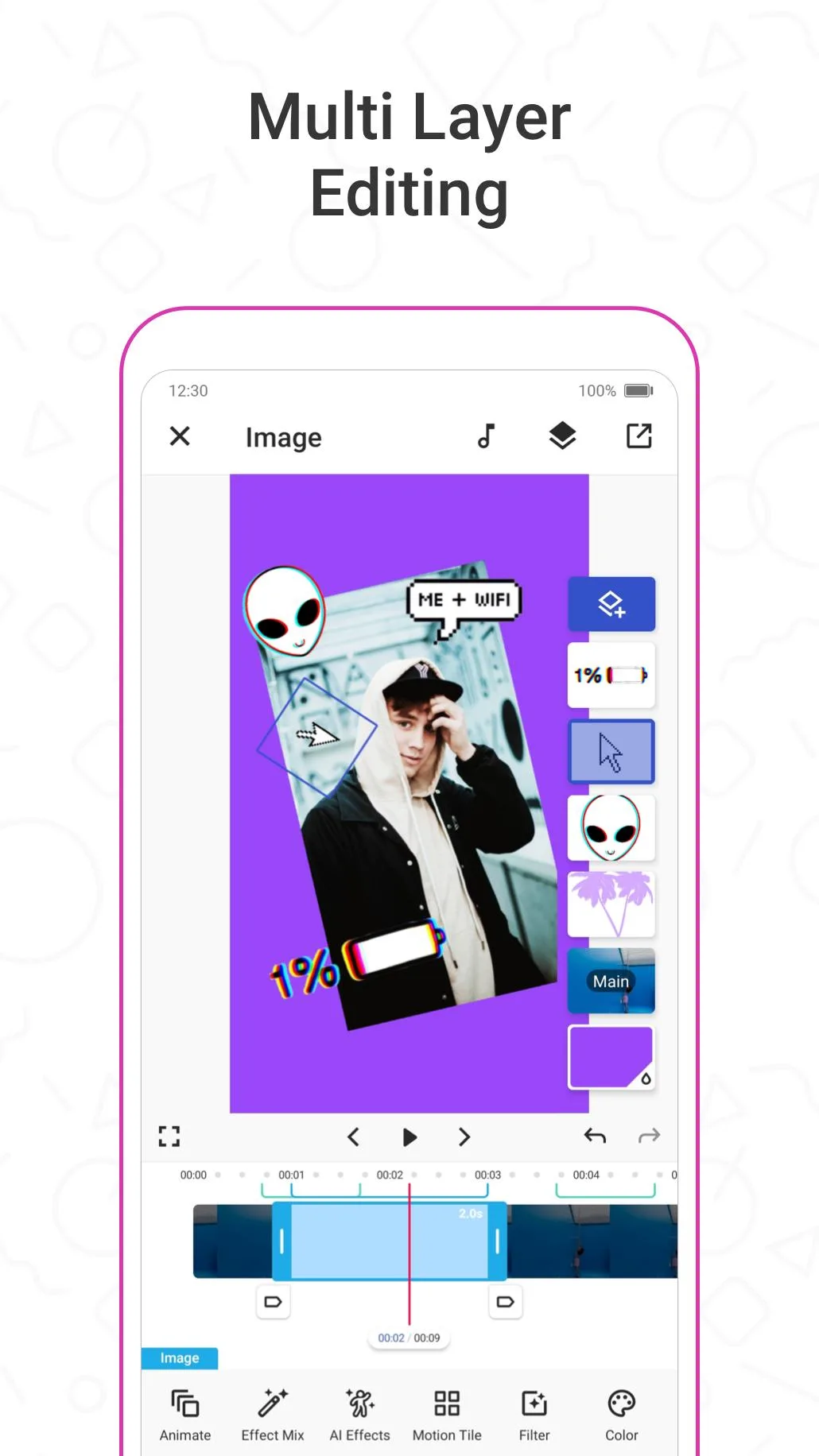
- Stack a couple of effect layers instead of one. That is where Funimate's look comes from.
- Export in the highest quality your phone allows, now that there is no watermark eating your corner.
- Add trending hashtags in the app's community feed to get your clip in front of more people.
MOD or original?
The original Funimate is free on Google Play, and paying for Pro there supports Pixery and keeps your account fully synced with the server features. The MOD is the pick when you mainly want the premium effects and a clean, watermark-free export on your own device, without a monthly fee. Both edit the same way, they just draw the line in a different place. Want to compare other tools? Browse our video editors hub or the wider apps catalog, and see more MOD builds we cover.
FAQ
What does Funimate MOD APK unlock?
Does the MOD remove the watermark?
Will Pro subscription features work?
Is the Funimate MOD APK safe?
Can my account be banned?
How big is the file and what are the requirements?
Download Funimate Mod (Pro Unlocked)
- No viruses
- No spyware
- No malware
The reviews (1)