- No viruses
- No spyware
- No malware
This file was downloaded, scanned and installed by our editors before publishing.
Every file is also checked with VirusTotal before publishing.

GSpace APK — Run Google Apps on Huawei Without GMS
Additional information about GSpace APK — Run Google Apps on Huawei Without GMS
The description of GSpace APK — Run Google Apps on Huawei Without GMS
GSpace APK lets you run Google apps on a Huawei or Honor phone that shipped without Google Mobile Services. It is not a store, and it is not a hack of Huawei's system. Think of it as a virtual space: a lightweight virtualization client from JR Technology Limited that builds a small sandbox with Google services inside, so Gmail, Maps and YouTube can run where Play Services normally cannot. We installed the latest version (2.2.8, about 15.3 MB) on a real device before writing this.
The file on this page is scanned for malware and installed on a real Android device by our editors before publishing, we have done this since 2018. GSpace sits in the Tools category, and on our card it is marked as an original app, not a MOD, because there is nothing modded here, it is the real client.
What is GSpace?
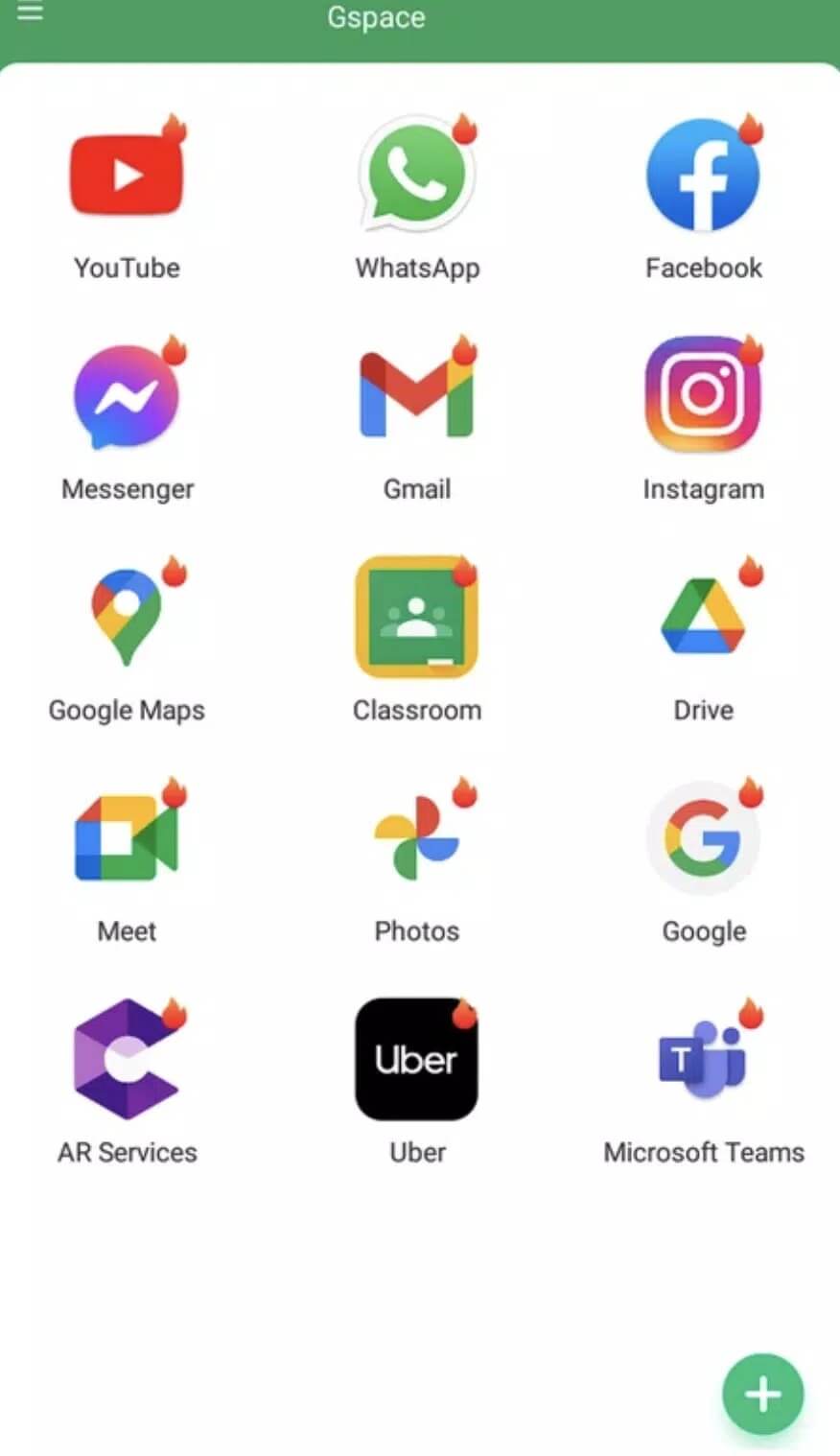
GSpace creates a lightweight sandbox that carries Google Mobile Services on top of your system. Inside that sandbox is a small built-in store, and from there you install the Google apps you actually want, Gmail, Maps, YouTube, Drive and the rest, on a Huawei or Honor device that has no Play Services of its own. The apps then run inside GSpace rather than on the raw system.
It has been on the Huawei AppGallery since 2021, so the concept is well tested by now. One honest note: because notifications pass through the virtual layer, push alerts can arrive late or get missed, and the odd crash happens. For everyday Google apps it holds up fine.
App cloning and dual accounts
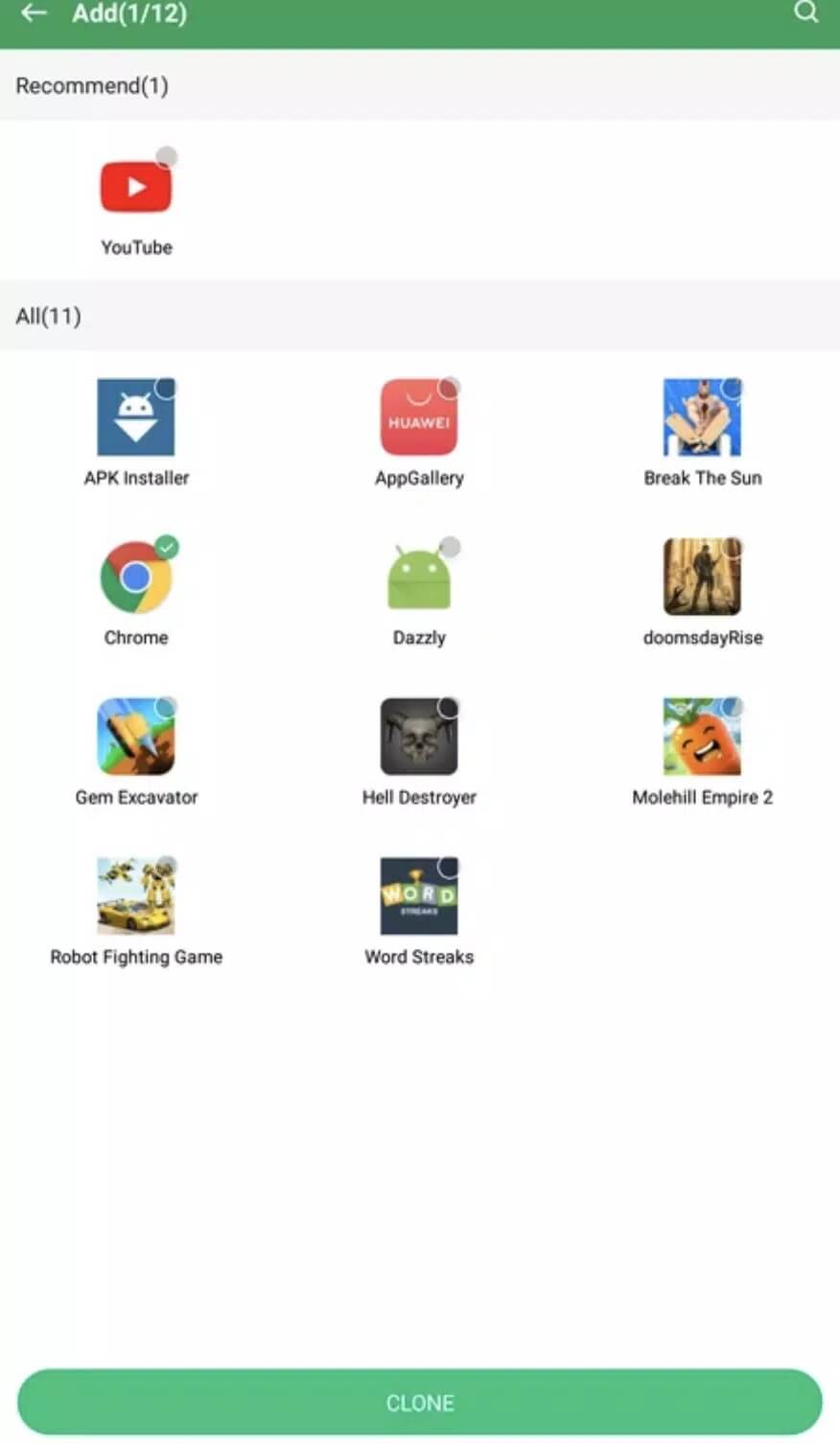
GSpace can also clone apps. Run a second copy of Instagram, WhatsApp or a game inside the sandbox and you get two accounts side by side, one on the system and one in GSpace. This works for many third-party apps too, as long as the app allows its data to be stored that way.
The trade-off is space. Each clone carries its own data, and a single cloned app can add 100 MB or more on top of the original. Handy for a work and personal split, just keep an eye on storage if you clone a few heavy apps.
Permissions and privacy
GSpace asks for a broad set of permissions, and a cloned app then requests them a second time inside the sandbox. That means two paths to the same data, so grant only what each app really needs.
| Permission | What to keep in mind |
|---|---|
| Phone / calls | Only needed by apps that actually place calls. Deny it for the rest. |
| Location | Maps needs it, most apps do not. Set it to "while using" where you can. |
| Storage | Used for downloads and clone data. Watch it grow as you add apps. |
One thing to remember before you commit: if you uninstall GSpace, every app cloned inside it goes too, along with its data. Back up anything important first.
Games and ban risk
Here is the honest part. Regular Google apps run fine inside GSpace, but games and banking apps are a different story. Titles with anti-cheat, and apps that run Play Integrity or SafetyNet checks, can detect a virtual environment. When that happens the app may refuse to open, throw an error, or in some cases restrict or flag the account.
So treat GSpace as a solid way to get Gmail, Maps and YouTube on a GMS-less phone, and treat online games with server-side protection as hit or miss. If a specific game or bank app matters to you, the safer route is the vendor's own build outside the sandbox.
How to download and install GSpace APK
The download is a single APK, around 15.3 MB, and it runs on Android 4.4 and up. The Google apps you want come later, from inside GSpace itself.
- Tap the Download APK button on this page. The file downloads directly, no registration or SMS.
- Allow installs from unknown sources for your browser or file manager (Settings, then Security).
- Open the file, tap Install, then launch GSpace and let it set up its virtual space on first run.
- Sign in with your Google account inside GSpace, then install the apps you need from its built-in store.
First time sideloading on a Huawei phone? Our APK install guide walks through the same steps with screenshots. Looking for more like this? Browse the tools section or the wider apps catalog.
FAQ
What is GSpace for?
Can I run two accounts with GSpace?
Is GSpace safe, and what permissions does it ask for?
Will games work in GSpace, and can I get banned?
What happens if I uninstall GSpace?
What are the requirements?
Download Gspace
- No viruses
- No spyware
- No malware
The reviews (0)