- No viruses
- No spyware
- No malware
This file was downloaded, scanned and installed by our editors before publishing.
Every file is also checked with VirusTotal before publishing.

Guide ApkCombo APK — What It Is and How to Use It
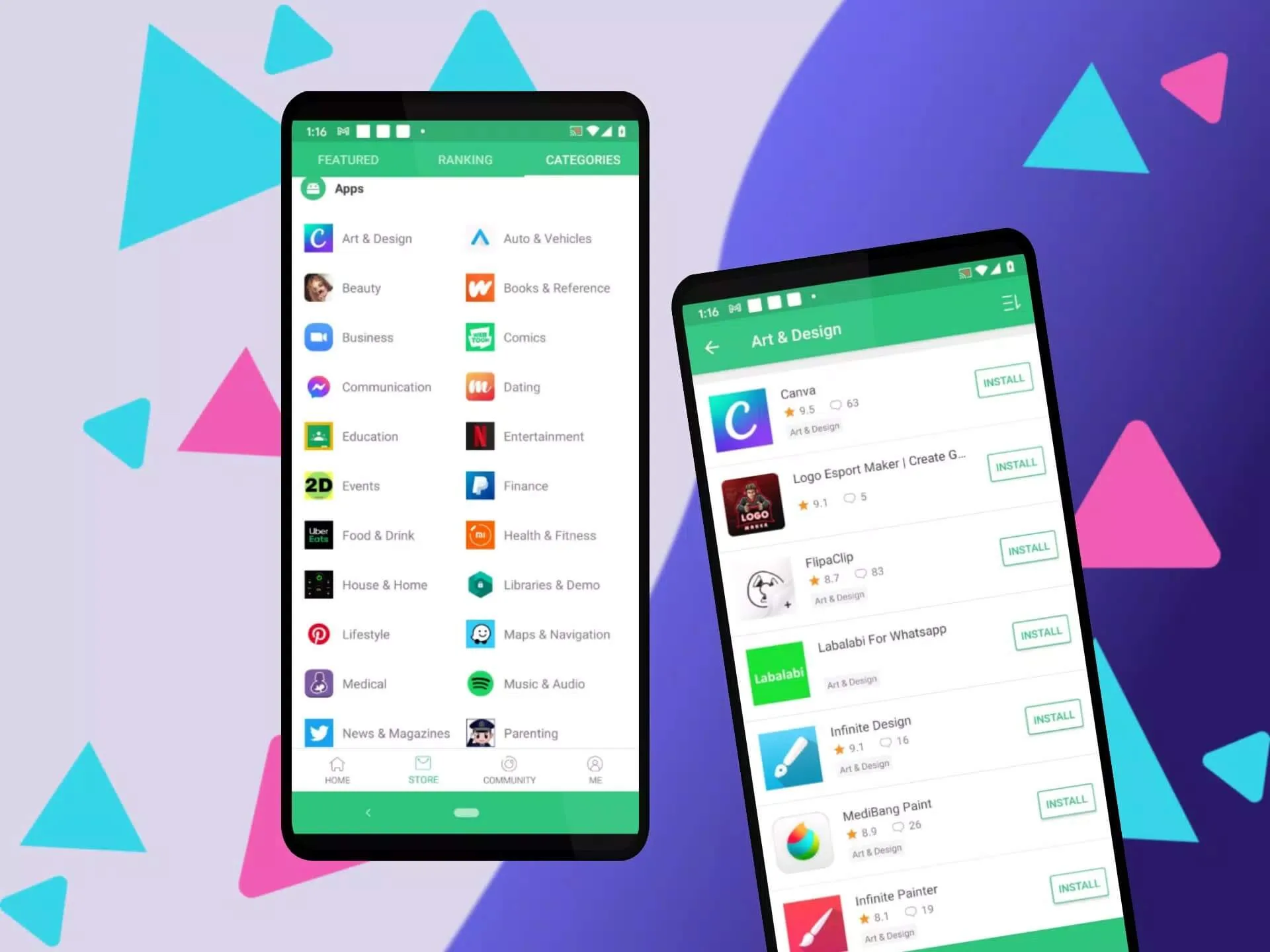
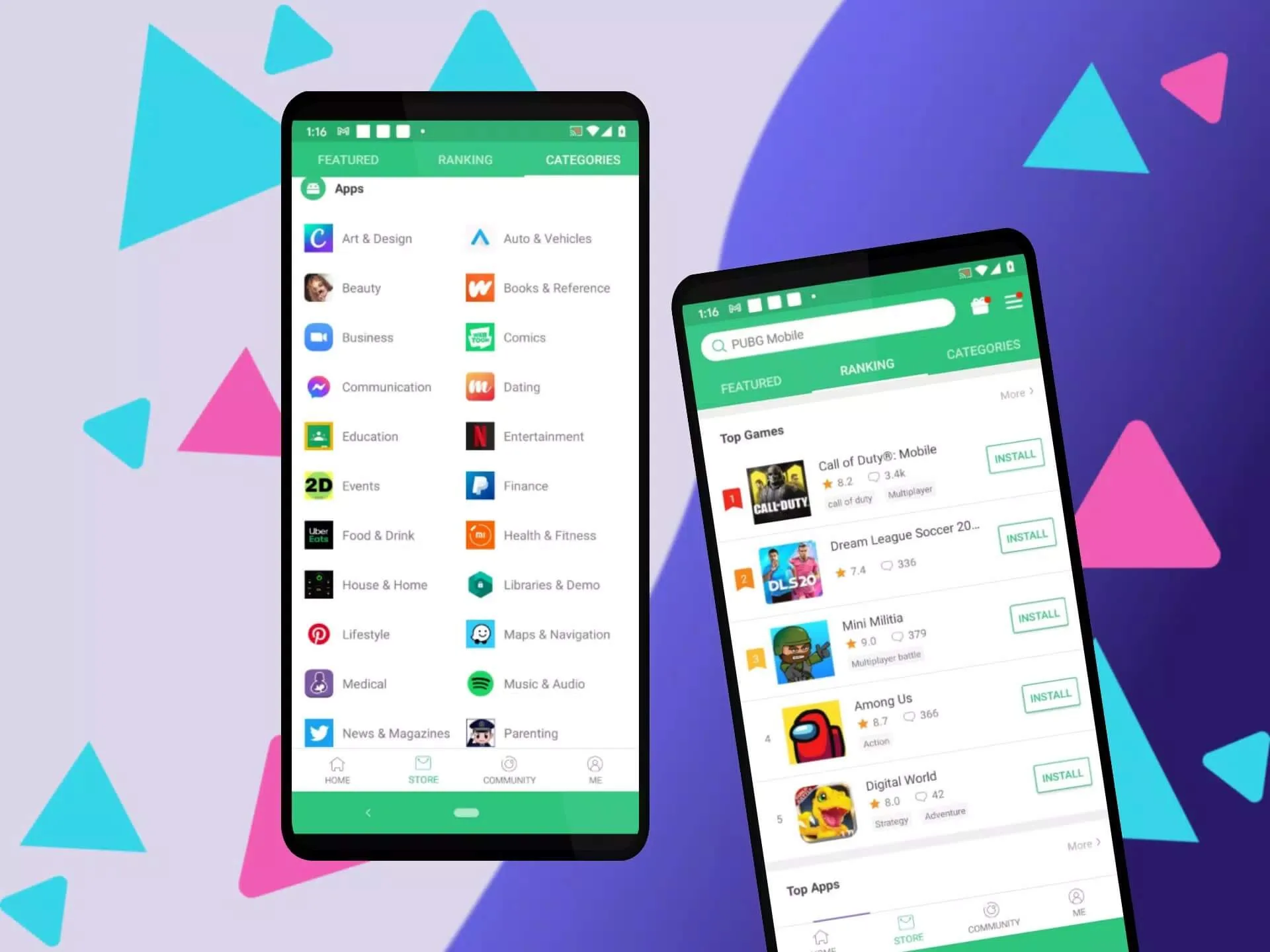
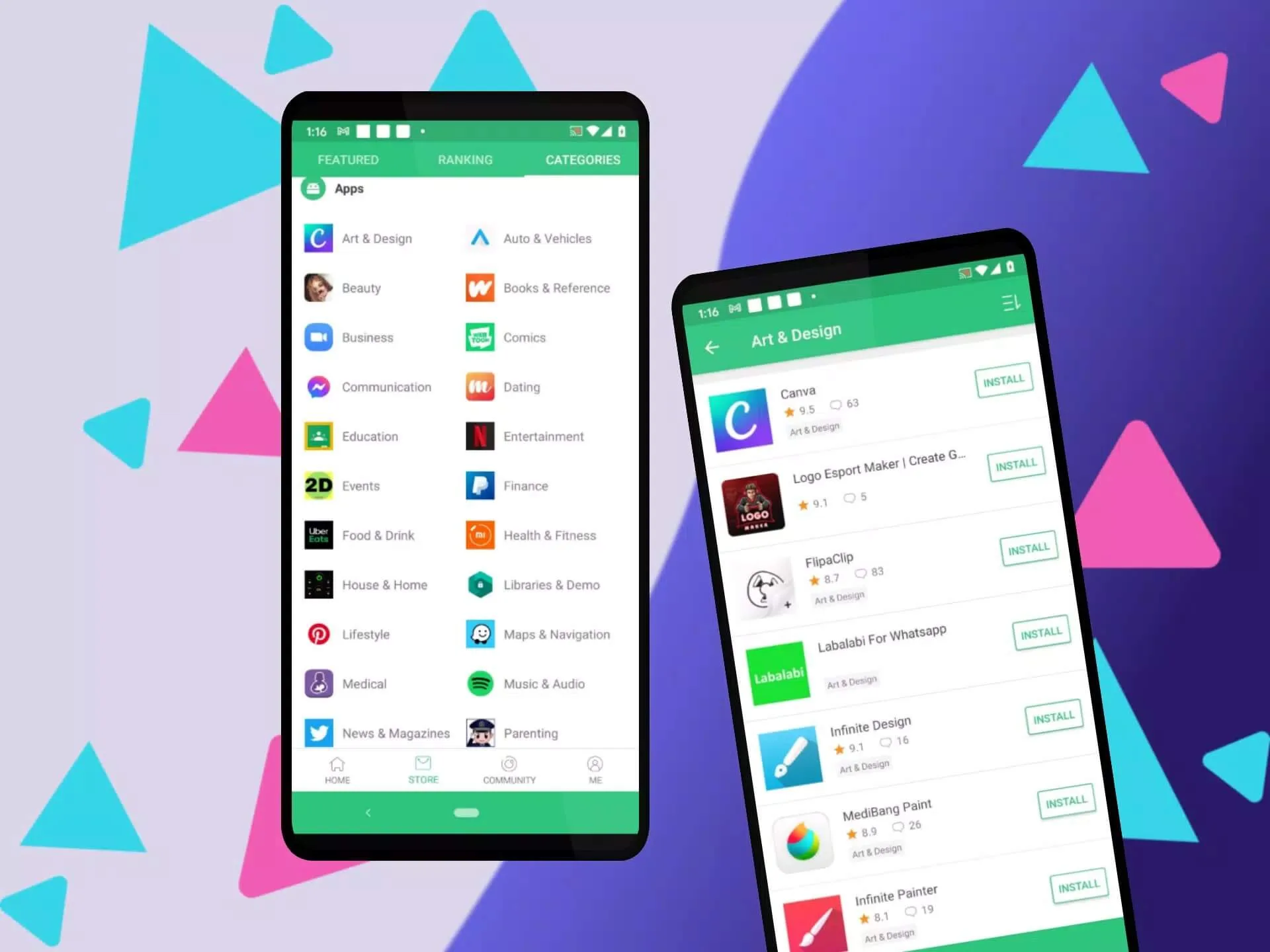
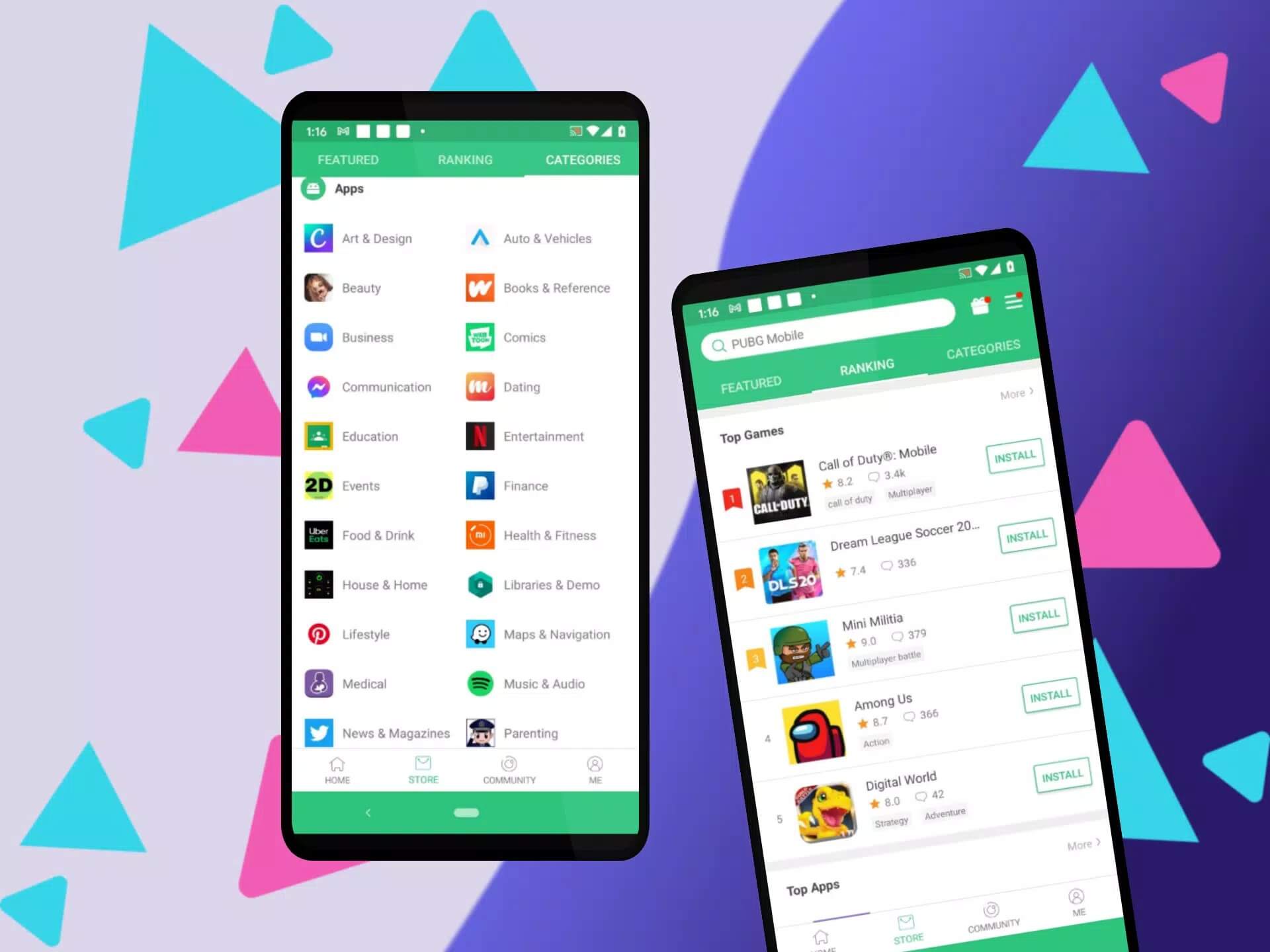
Additional information about Guide ApkCombo APK — What It Is and How to Use It
The description of Guide ApkCombo APK — What It Is and How to Use It
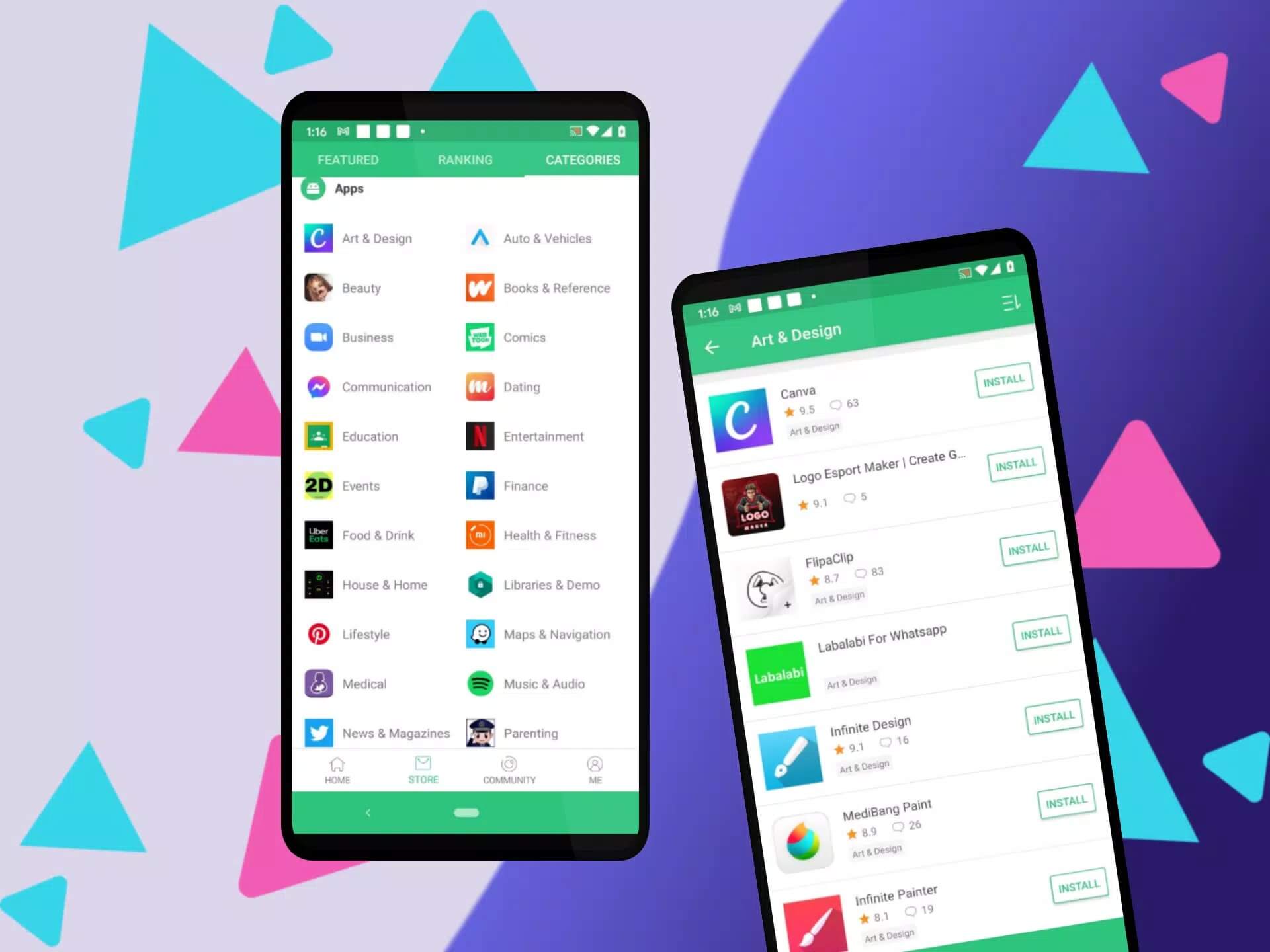
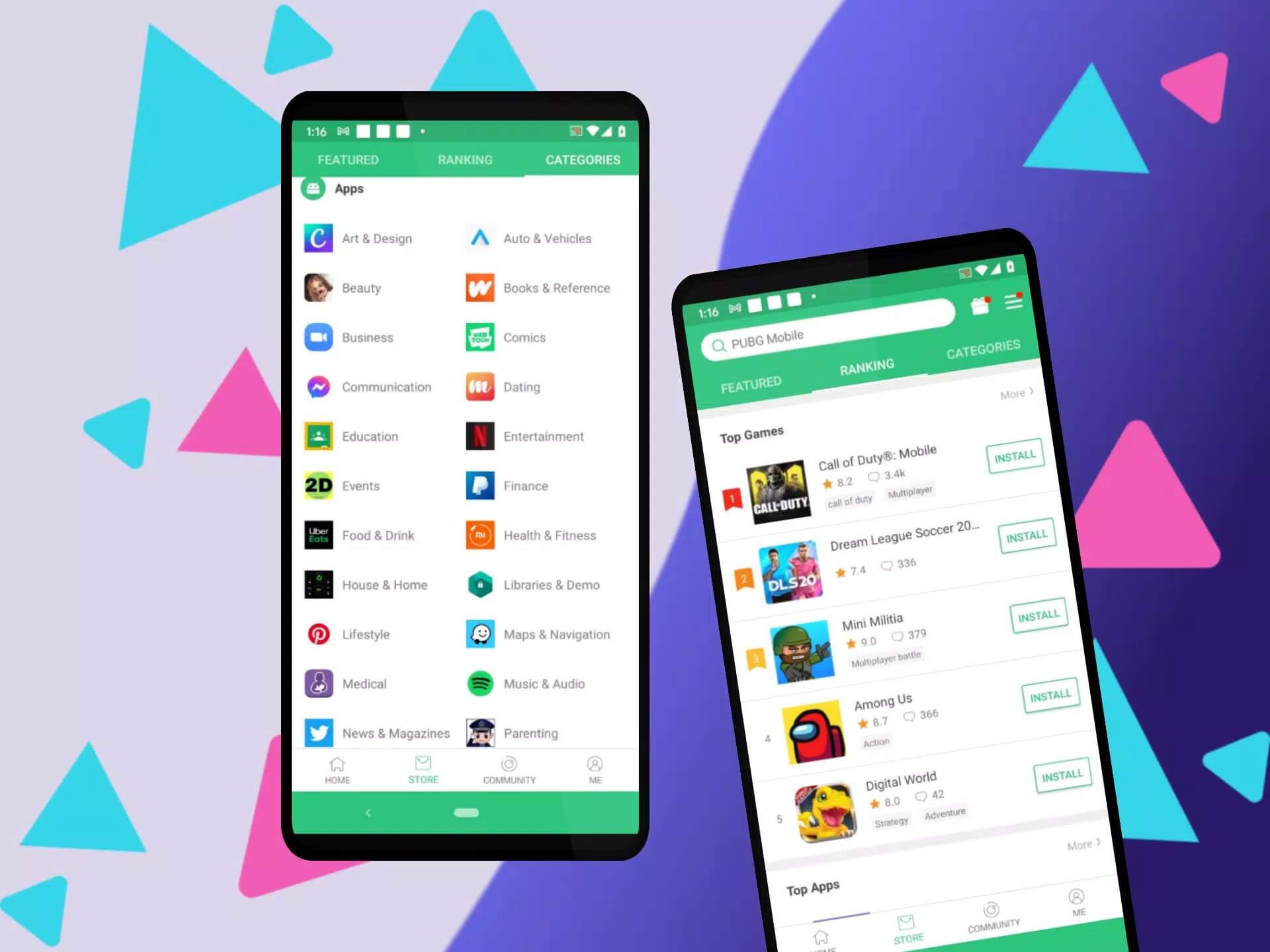
Guide ApkCombo APK is a small help app that walks you through APKCombo, the third-party store people use to grab Android APK and OBB files. To be clear from the start: this is not APKCombo itself. It is a guide made by an independent developer (ElHorn000) that explains how to search, download and install apps through that store. The file on this page was scanned for malware and installed on a real Android device by our editors before publishing, something we have done since 2018. It is version 1.0, about 17.5 MB, and runs on Android 4.4 and up.
So you get a reference app on one side, and the store it talks about on the other. Here is what each one actually does.
What is APKCombo?
APKCombo (apkcombo.com) is a third-party APK downloader. It pulls original APK and OBB files that also live on Google Play, and it hands you things the Play Store often hides: older versions of an app, region-locked titles, and apps that are not available in your country. That is the main reason people go looking for it.
There is also a separate piece called the APKCombo Installer (package com.apkcombo.app). Its job is to install split or XAPK bundles, the multi-file packages that a plain APK installer chokes on. The guide app on this page is a different thing again. It just points you at both.
What this Guide app offers
Keep your expectations honest here. The Guide ApkCombo app is a short reference from a third-party developer, nothing more. It covers how to find an app on APKCombo, how to pick the right version, and how to get the download onto your phone. That is the whole job.
It does not block ads, and it does not run any kind of AI that recommends apps based on your history. If you saw those claims elsewhere, they are made up. Treat this as a walkthrough, not a magic tool.
Is it safe? Risks of third-party stores
The guide app is a plain, low-risk utility. The real question is about APKCombo the store, and any sideloading store, so let's lay it out straight.
| Upside | Risk to watch |
|---|---|
| Older versions when a new update breaks your app | Files from unofficial mirrors can carry malware |
| Region-locked and country-blocked apps | Grabbing paid apps for free is copyright infringement |
| Original APK/OBB files, same as Play | No automatic updates through Google Play |
The safe path is simple. Download only original APK files, check the developer name and signature match the real app, and skip any "mod" build from a mirror you don't recognise. When in doubt, our APK glossary explains what APK, OBB and XAPK actually mean.
How to download and install
The download here is a small file. Both the guide app and any APK you fetch through APKCombo install the same way.
- Tap the Download button at the top of this page. No registration, no SMS.
- Allow installation from unknown sources for your browser or file manager (Settings → Security).
- Open the downloaded file, tap Install, then launch it.
The guide app is roughly 17.5 MB and needs Android 4.4 or newer, so almost any phone from the last decade will run it. First time sideloading? Our APK install guide walks through the same steps with screenshots.
APKCombo vs Google Play
A third-party store earns its place in a few real situations: your phone ships without Google services, an app is blocked in your region, or a recent update broke something and you need the older version back. In those cases APKCombo is genuinely useful.
For everyday installs, Google Play is still the safer default. You get automatic updates and Google's own scanning on every file. Use APKCombo for the gaps Play leaves, and lean on Play for the rest. You can browse more titles in our apps catalog, and the install guide covers the sideloading basics once you decide.
FAQ
Is this the official APKCombo app?
Is APKCombo safe?
What can I download with APKCombo?
Does APKCombo have paid apps for free?
Do I get automatic updates?
What are the requirements?
Download Guide ApkCombo APK
- No viruses
- No spyware
- No malware
The reviews (0)