- No viruses
- No spyware
- No malware
This file was downloaded, scanned and installed by our editors before publishing.
Every file is also checked with VirusTotal before publishing.

Jojoy APK
Additional information about Jojoy APK
The description of Jojoy APK
Jojoy APK is a third-party store for modded games and apps. It is not a review site or a friendly community app, whatever the marketing says. It is an installer that hosts modded APK files and puts them on your phone outside of Google Play. The file on this page was downloaded and scanned for malware, then opened on a real Android device by our editors before publishing, we have done this since 2018. Read the safety part below before you install anything through it.
The honest version is short. Jojoy works, plenty of people use it, and the installer itself tends to come back clean on scans. But it is an unverified store full of third-party mods, so where you run it matters.
What is Jojoy?
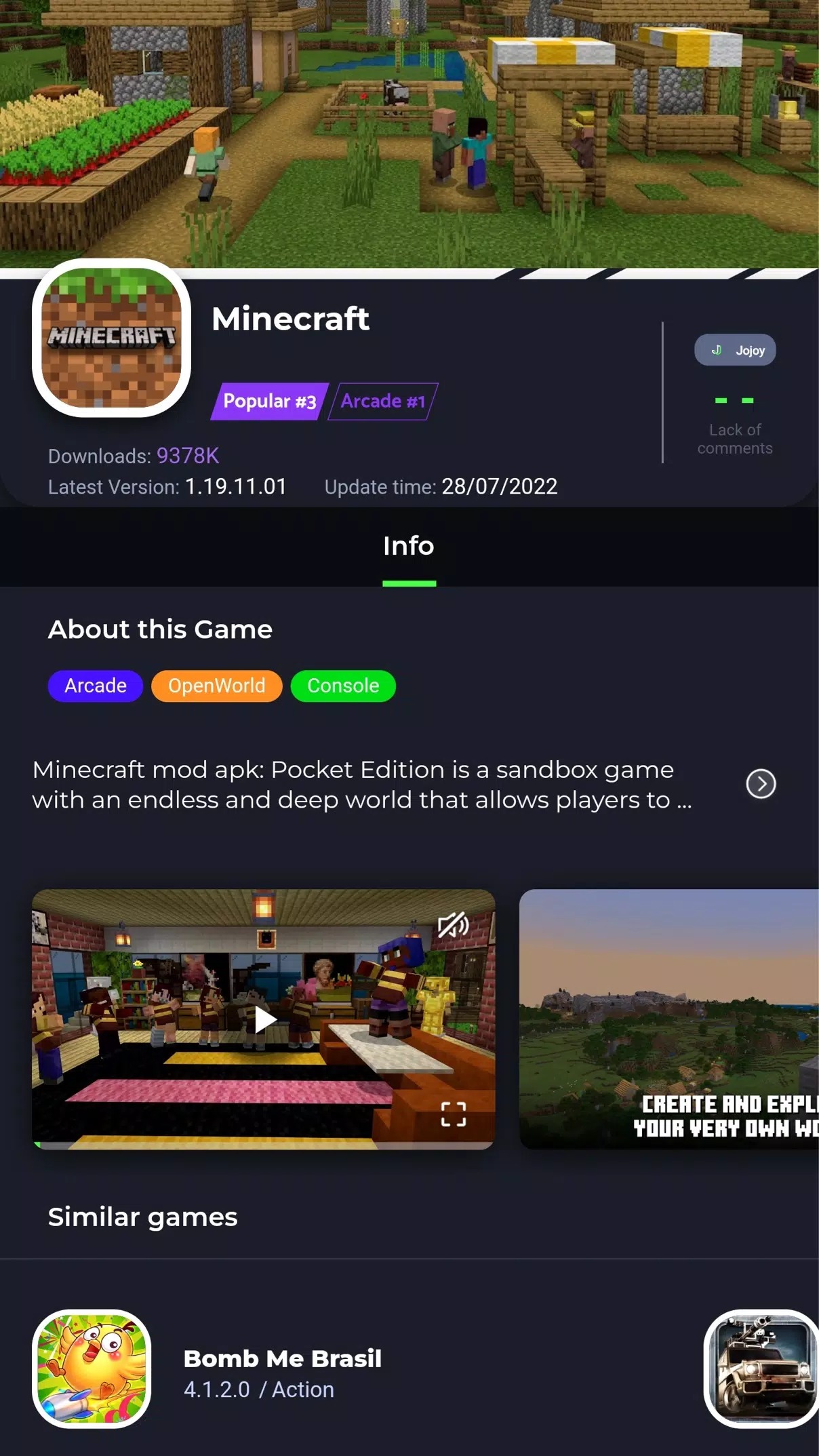
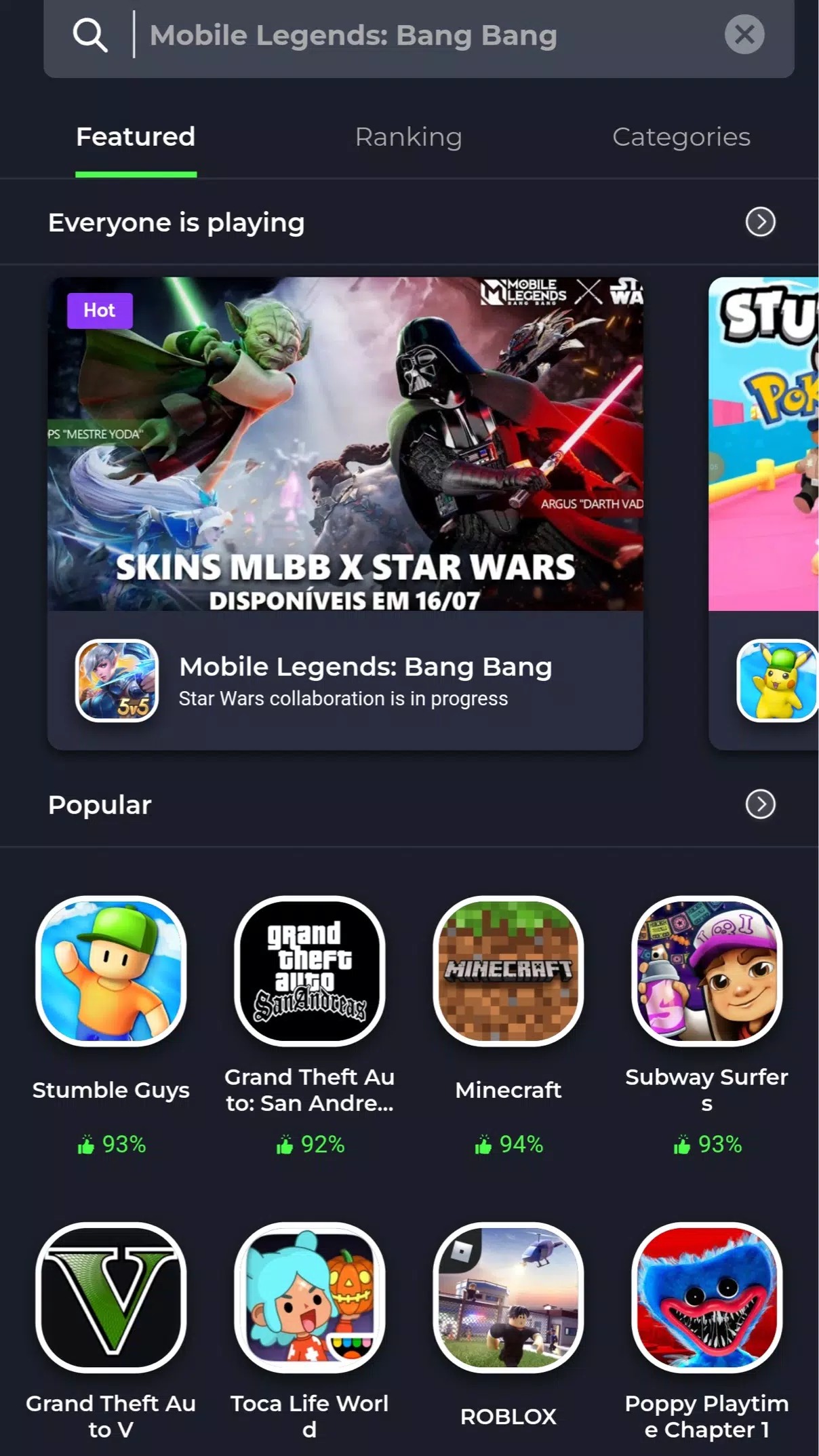
Jojoy is a mod-app store: a catalog of modded APKs plus the installer app that manages them. You browse titles inside Jojoy, pick a modded version, and it downloads and installs that file for you. The developer is listed as jojoyteam, the installer is around 28.2 MB, and it runs on Android 5.0 and up.
One thing to be clear about. Jojoy is not on Google Play. The "Get it on Google Play" link you see elsewhere just opens a Play search, not a real app listing, because there is no listing to open. The only official source is the Jojoy website. It is not a recommendation service and it does not curate games for you the way an editor would, it hosts mods and hands them over.
Is Jojoy safe?
Here is the balanced answer. The Jojoy installer has come back clean on public malware scans, and an independent reviewer who tested it on three phones reported the same. So the app that runs the store is not the main worry. The worry is what surrounds it.
Jojoy is an unverified store, and it shows. There are a lot of ads inside, dozens of them by some counts, and the app has been seen allowing plain, unencrypted HTTP traffic. On top of that, every mod inside comes from a third party, not from the original developer, so you are trusting whoever built that file. None of this makes Jojoy malware, but it does mean you should treat it with care. Our take: run it on a secondary phone, or at least on a device that does not hold your banking apps, main email or accounts you can't afford to lose. For single-player games on a spare handset, that is a reasonable trade. We won't pretend it is checked before publication, because no honest page can.
Watch out for clones
Because Jojoy sits outside Play, copycats are everywhere, and some of them carry adware or worse. Stick to the official app and skip anything that looks like a mirror or a repackage.
- jojoy.vip and similar look-alike domains that copy the name and branding.
- "Modded Jojoy" or "Jojoy Pro" builds that promise extra features, these are repackaged and not from jojoyteam.
- Random mirror sites stuffed with pop-up ads or fake download buttons.
The safe rule is simple: only install Jojoy from the official Jojoy source, and use the verified file on this page.
What you can do with Jojoy
Set expectations plainly. Jojoy is a shortcut to modded builds, nothing more magical than that.
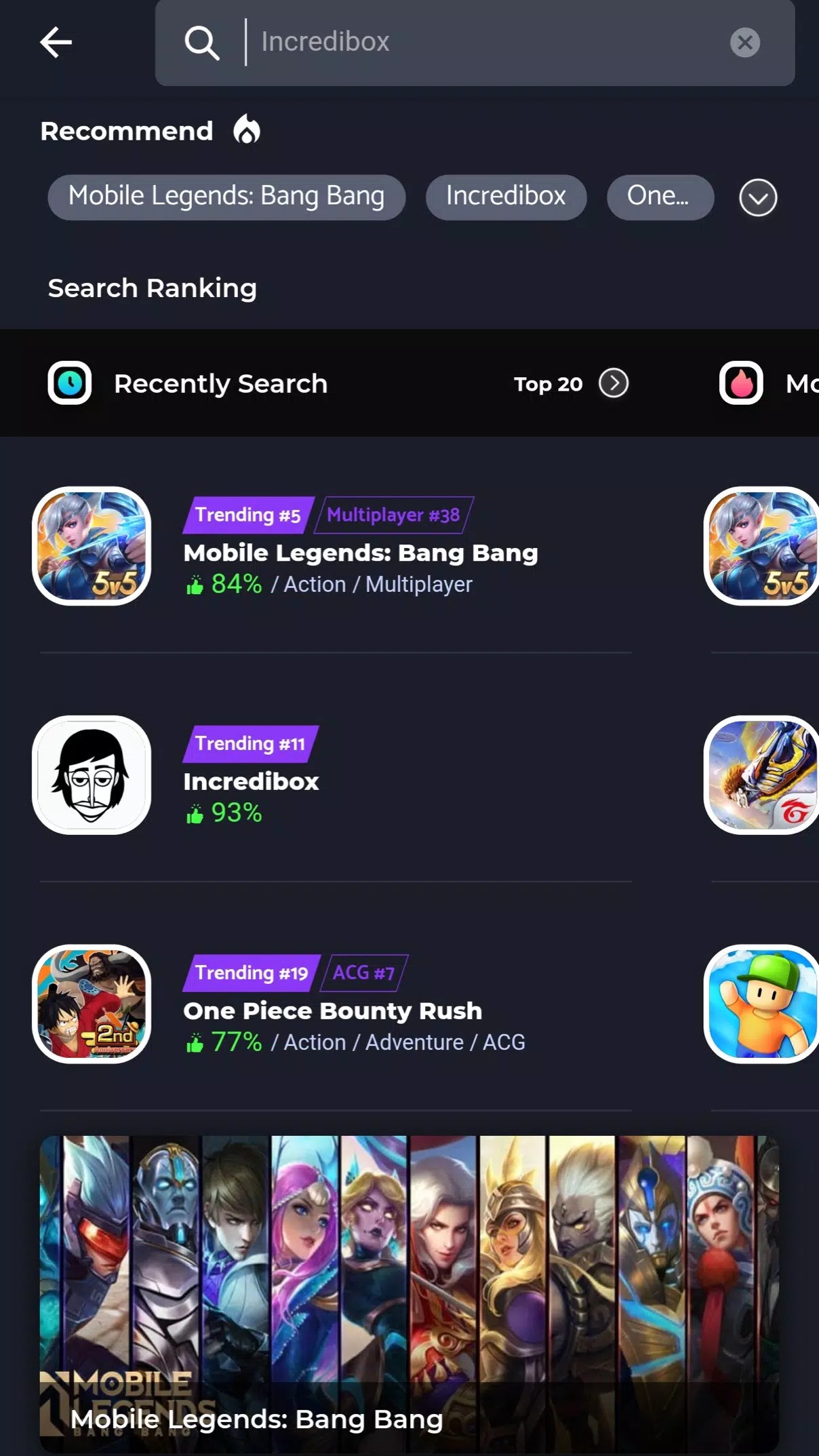
- Search a catalog of games and apps that have modded versions available.
- Install a mod APK in one tap instead of hunting for it across different sites.
- Get auto-updates for the modded versions you have installed through it.
- Find popular picks people look for, like the Toca Boca mods, in one place.
What it does not do is guarantee any specific unlock. Jojoy distributes other people's mods, so what each one actually changes depends on that individual file, not on Jojoy itself.
How to install the APK
Installing the Jojoy installer is a normal sideload. The download is a small APK, around 28.2 MB, and it needs Android 5.0 or newer.
- Tap the green Download APK button at the top of this page, the file downloads directly, no registration or SMS.
- Allow installation from unknown sources for your browser or file manager (Settings → Security).
- Open the downloaded file and tap Install to set up the Jojoy app.
- Launch Jojoy, then browse or search for the modded title you want and install it from inside.
First time sideloading? Our APK install guide walks through the same steps with screenshots. Keep enough free storage, since each mod you grab downloads on top of the 28.2 MB installer.
Jojoy vs Google Play
These two are not really competing for the same job, so pick by what you need. Google Play is the safer route, with app review, refunds and automatic security checks, and it is where you should get anything tied to money or a real account. Jojoy is the modding route, unverified and on your own risk, useful when you specifically want a modded build that Play will never carry. If you mainly want mods, browse our own MOD section for files we have checked ourselves, or head to apps for clean, standard versions. Think of Jojoy as one option among several, not the default.
FAQ
What is Jojoy?
Is Jojoy on Google Play?
Is Jojoy safe?
Does Jojoy cost money?
How do I install Jojoy?
What are the requirements?
Download Jojoy APK Android
- No viruses
- No spyware
- No malware
The reviews (0)