- No viruses
- No spyware
- No malware
This file was downloaded, scanned and installed by our editors before publishing.
Every file is also checked with VirusTotal before publishing.

KingRoot APK — One-Tap Android Root
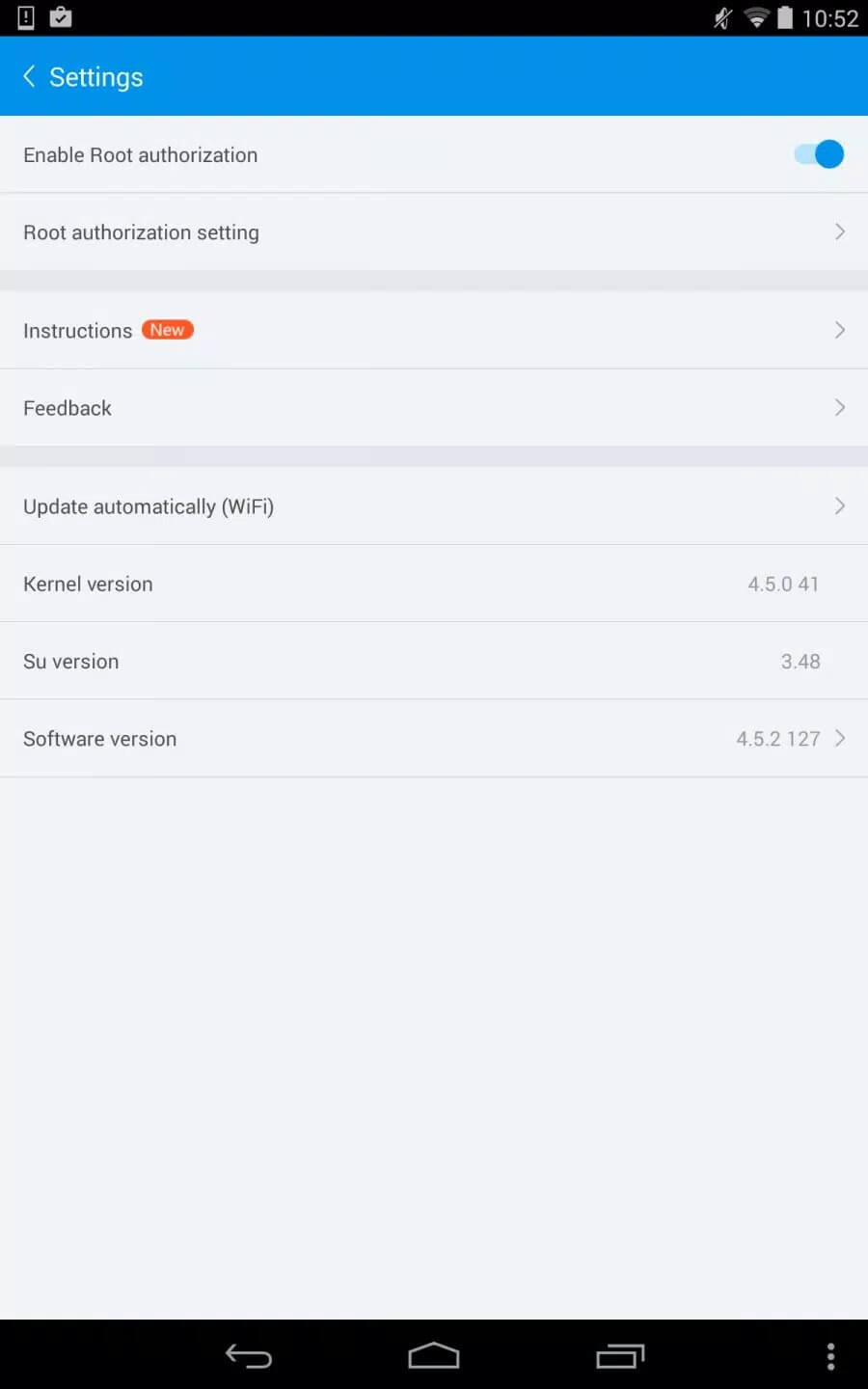
Additional information about KingRoot APK — One-Tap Android Root
The description of KingRoot APK — One-Tap Android Root
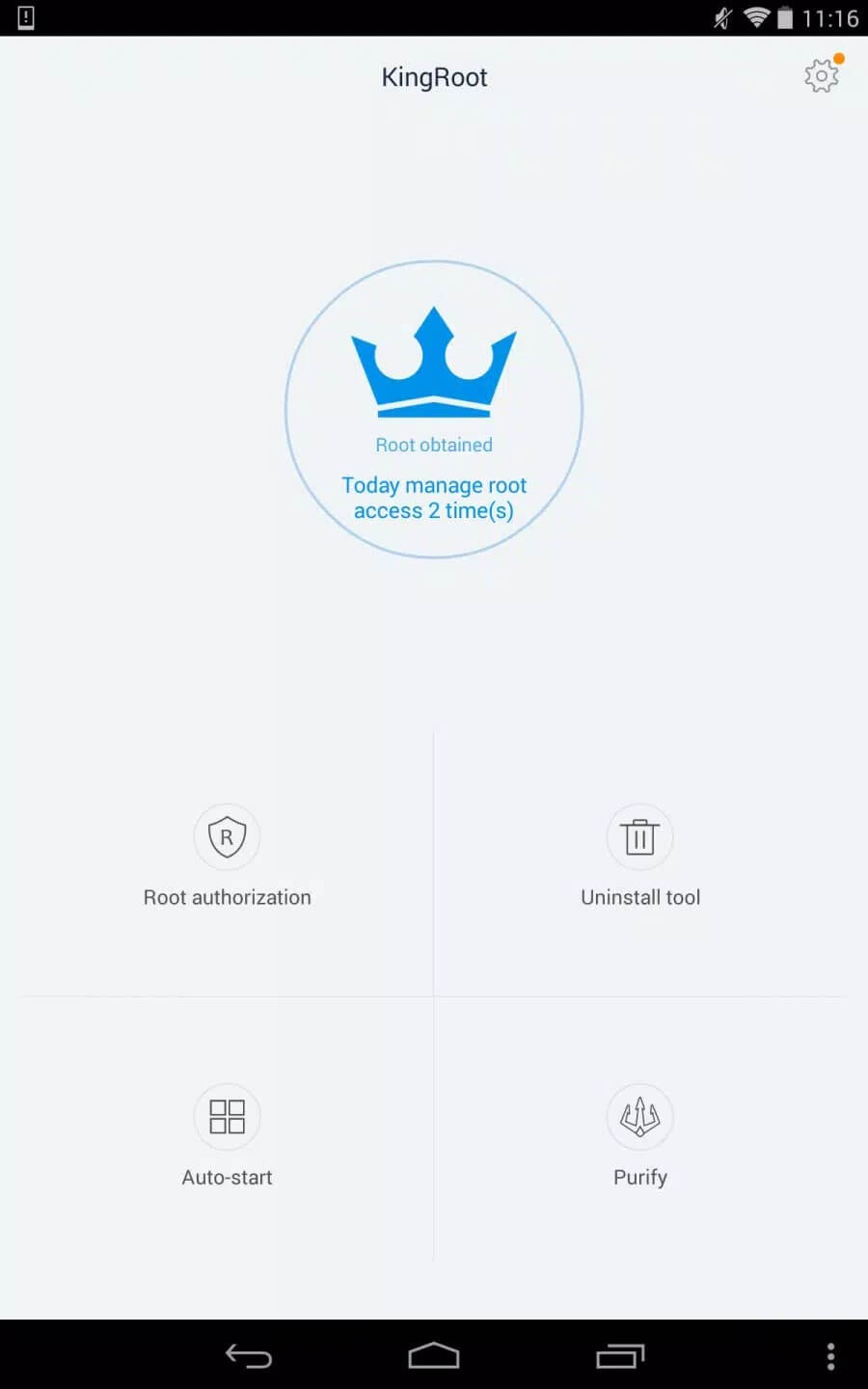
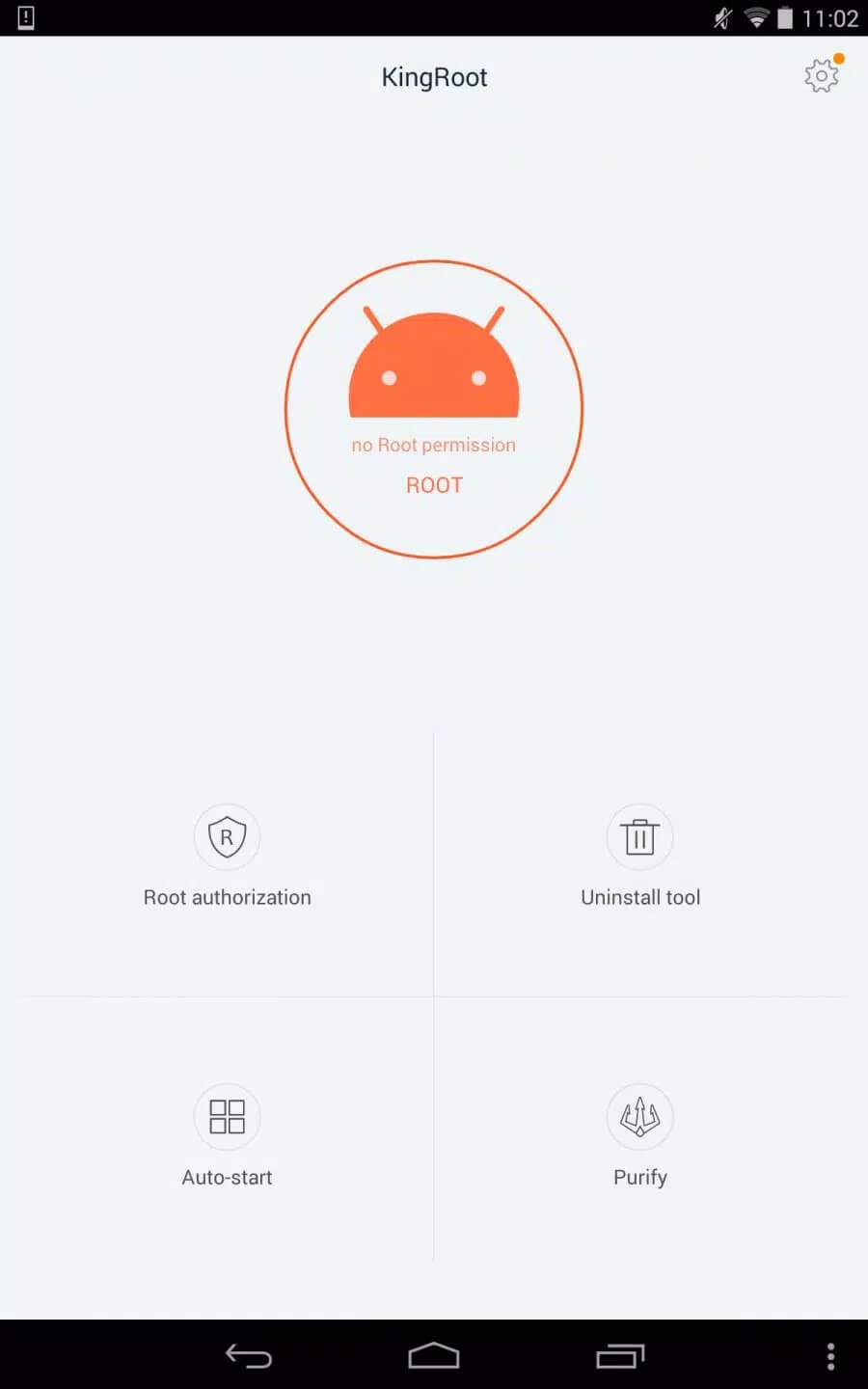
KingRoot APK roots your Android phone in one tap, straight from the device, no PC and no cable needed. You open the app, hit the root button, wait a minute or two, and it tries to gain superuser access using scripts pulled from its servers. That is the whole pitch: rooting without the desktop tools most methods ask for. One honest note up front, though. Rooting is a real change to your phone, it carries risk, and it does not work on every device.
The file on this page is scanned for malware and installed on a real Android device by our editors before publishing, we have done this since 2018. KingRoot is the original tool from KingRoot Studio, not a modified build, so there is no "mod version" of it to chase, whatever other pages tell you.
What is KingRoot?
KingRoot is a one-tap root tool made by KingRoot Studio. Its job is simple: get root, also called superuser access, on your Android phone so you can reach parts of the system that are normally locked. With root you can delete pre-installed bloatware, run apps that need deep system access, and change settings the stock ROM keeps off-limits. It works by fetching exploit scripts from the cloud and matching one to your device and Android version. The version on this page is 4.9.6, and the download is about 12.3 MB.
What root lets you do
Root opens the door to things a normal phone won't allow. Here is the short list of what people actually use it for:
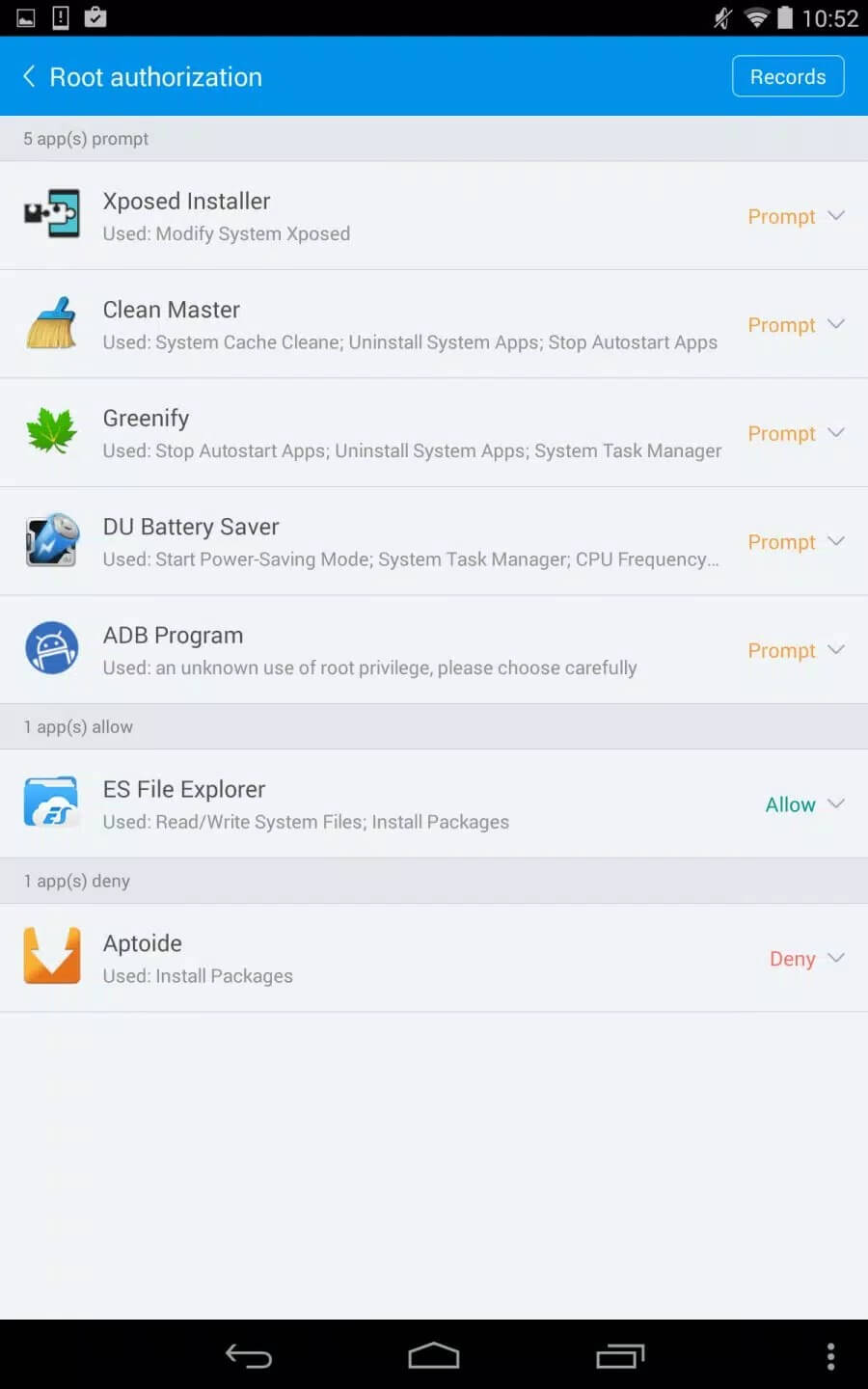
- Remove pre-installed apps and bloatware that you can't uninstall the usual way.
- Run apps that need root, like full-system backup tools that save your apps and data together.
- Block ads at the system level, across every app, not just one browser.
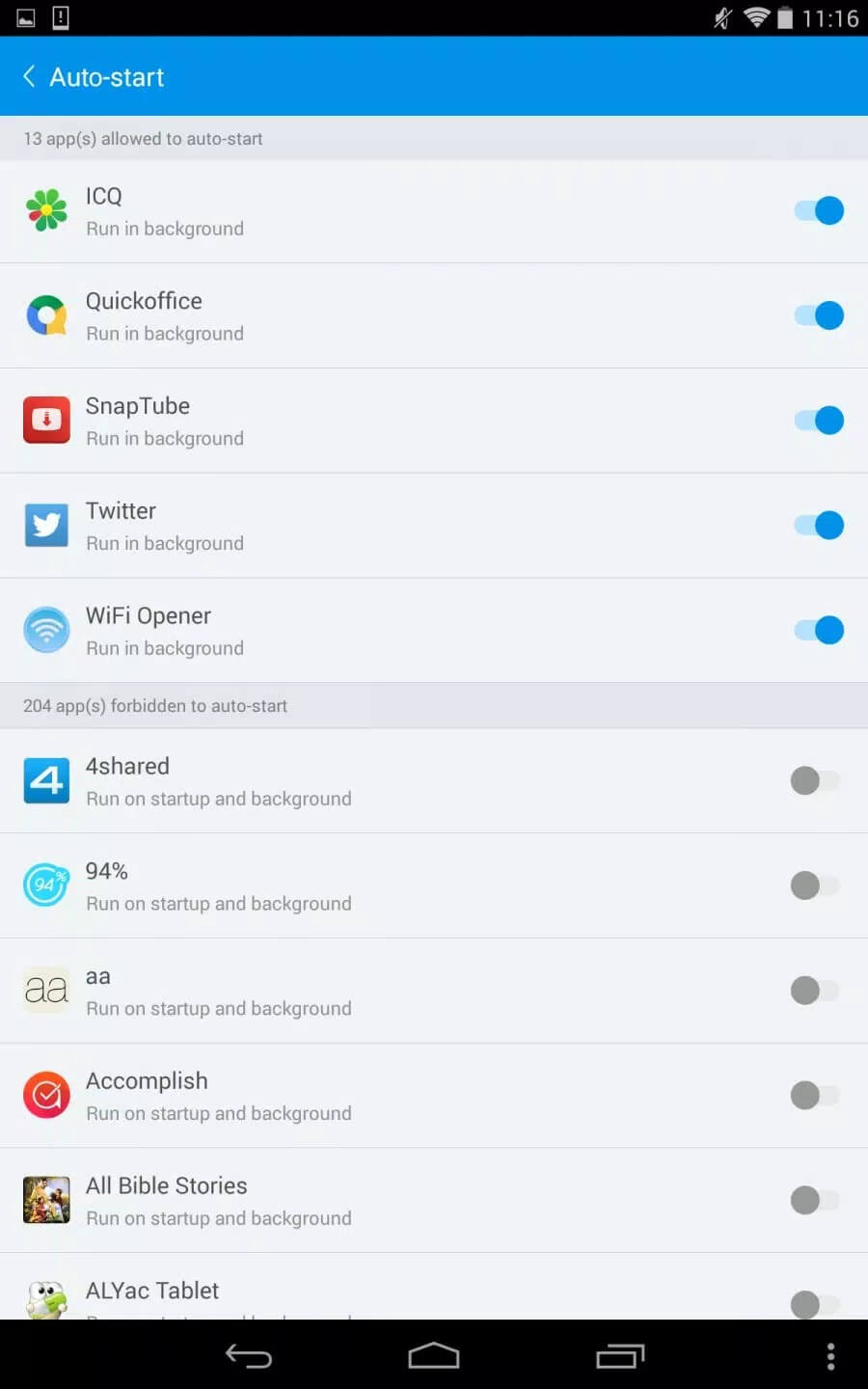
- Control what starts up in the background, which can free RAM and save battery.
- Tweak the system deeper, from CPU behaviour to fonts and boot animations.
Risks before you root
This is the part most download pages skip, and it is the part that matters most. Rooting is powerful, but it comes with real trade-offs. Read these before you tap anything.
| Risk | What it means for you |
|---|---|
| Voided warranty | Rooting usually cancels your manufacturer warranty. Some phones let you unroot, but not all, and not always cleanly. |
| Brick or bootloop | If the process is cut off partway, the phone can get stuck on boot or stop starting at all. A backup first is not optional. |
| Play Integrity / SafetyNet fails | A rooted device fails Google's integrity checks. Banking apps, Google Pay and some anti-cheat games detect this and refuse to run, and a few competitive titles can ban the account. |
| Antivirus flags | Because KingRoot uses exploits to gain root, some antivirus apps flag the tool itself. That is the nature of any root method, but it is worth knowing. |
| Privacy | The exploit scripts are pulled from KingRoot's servers, so the app talks to the cloud to do its job. |
None of this is meant to scare you off. Plenty of people root and never look back. Just go in with a backup and clear eyes: you root at your own risk.
Compatibility
Here is the honest version. KingRoot was built for older Android, roughly Android 4.2 to 5.1, and that is where it works best. On those phones it often roots in a single tap. On Android 10 and newer it usually fails, because the old cloud exploits don't match modern security. If you are on a recent phone, the current standard is Magisk, a systemless root flashed through a custom recovery. It is more work, but it is what today's devices need.
How to download and install KingRoot APK
The download is a single APK, around 12.3 MB, and it runs on Android 4.1 and up. Everything starts from the button on this page.
- Tap the green Download APK button at the top of this page. The file downloads directly, no registration.
- Allow installation from unknown sources for your browser or file manager (Settings → Security).
- Open the downloaded file and tap Install.
- Back up your data first, then launch KingRoot, tap the root button and wait for it to finish, don't touch the phone while it runs.
First time sideloading an APK? Our APK install guide walks through the same steps with screenshots. Keep the phone charged and let the process complete on its own.
Alternatives
If KingRoot can't root your phone, you have options. Magisk is the modern choice: systemless root, support for modules, and it can hide root from banking apps that would otherwise refuse to open. Kingo Root is another one-tap tool in the same vein as KingRoot, worth a try on older hardware. You can find more of these in our tools section.
FAQ
What is KingRoot?
Is KingRoot safe?
Will banking apps and games work after root?
Does KingRoot void warranty?
Does KingRoot work on Android 10, 12, 14?
Is KingRoot on Google Play?
Download KingRoot APK Android
- No viruses
- No spyware
- No malware
The reviews (0)