- No viruses
- No spyware
- No malware
com.arlosoft.macrodroidThis file was downloaded, scanned and installed by our editors before publishing.
Every file is also checked with VirusTotal before publishing.

MacroDroid Pro APK (Pro Unlocked)
Additional information about MacroDroid Pro APK (Pro Unlocked)
com.arlosoft.macrodroidThe description of MacroDroid Pro APK (Pro Unlocked)
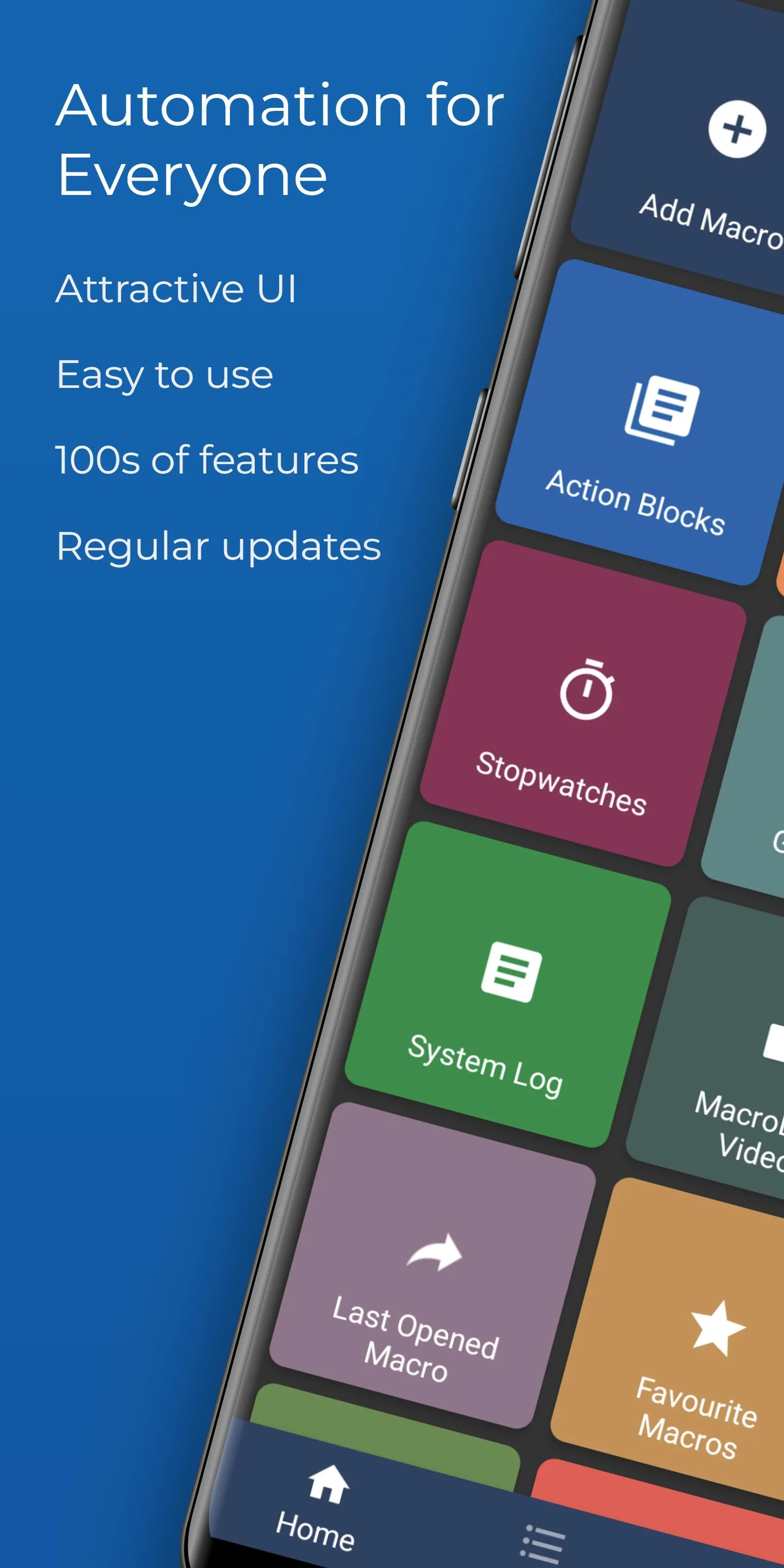
MacroDroid Pro APK hands you the Pro Unlocked build of one of Android's most-loved automation apps. That means the free version's cap of five macros is lifted, the ads are gone, and every Pro feature is switched on from the first launch. You automate your phone with simple if-this-then-that rules, no coding needed. It is the same app ArloSoft ships on Google Play, just with Pro turned on.
To be clear about what this is: Pro Unlocked is a client-side unlock of the paid version, not a cheat and not some online exploit. There is nothing to ban here. The file on this page is scanned for malware and installed on a real Android device by our editors before publishing, we have done this since 2018.
What is MacroDroid?
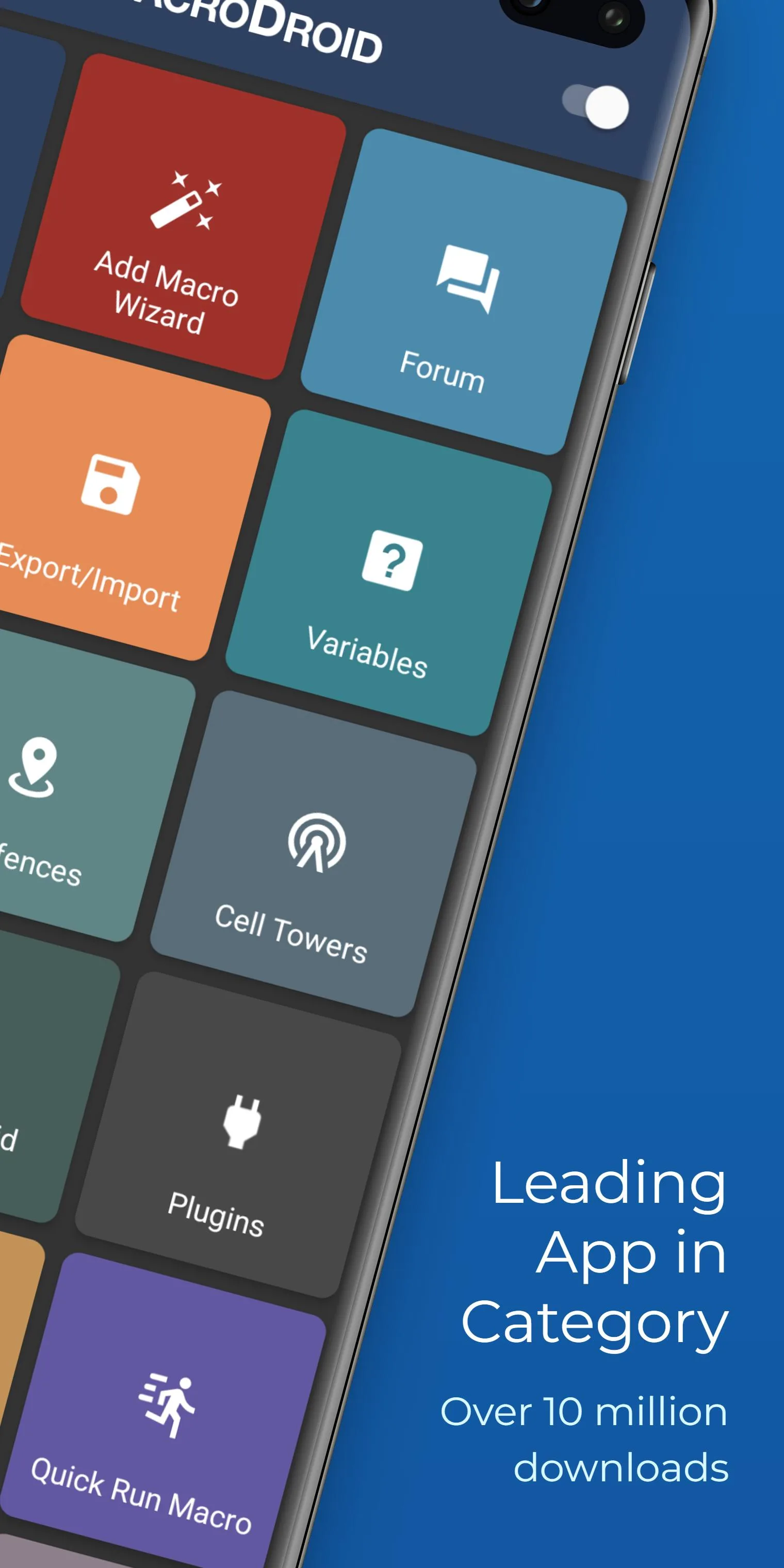
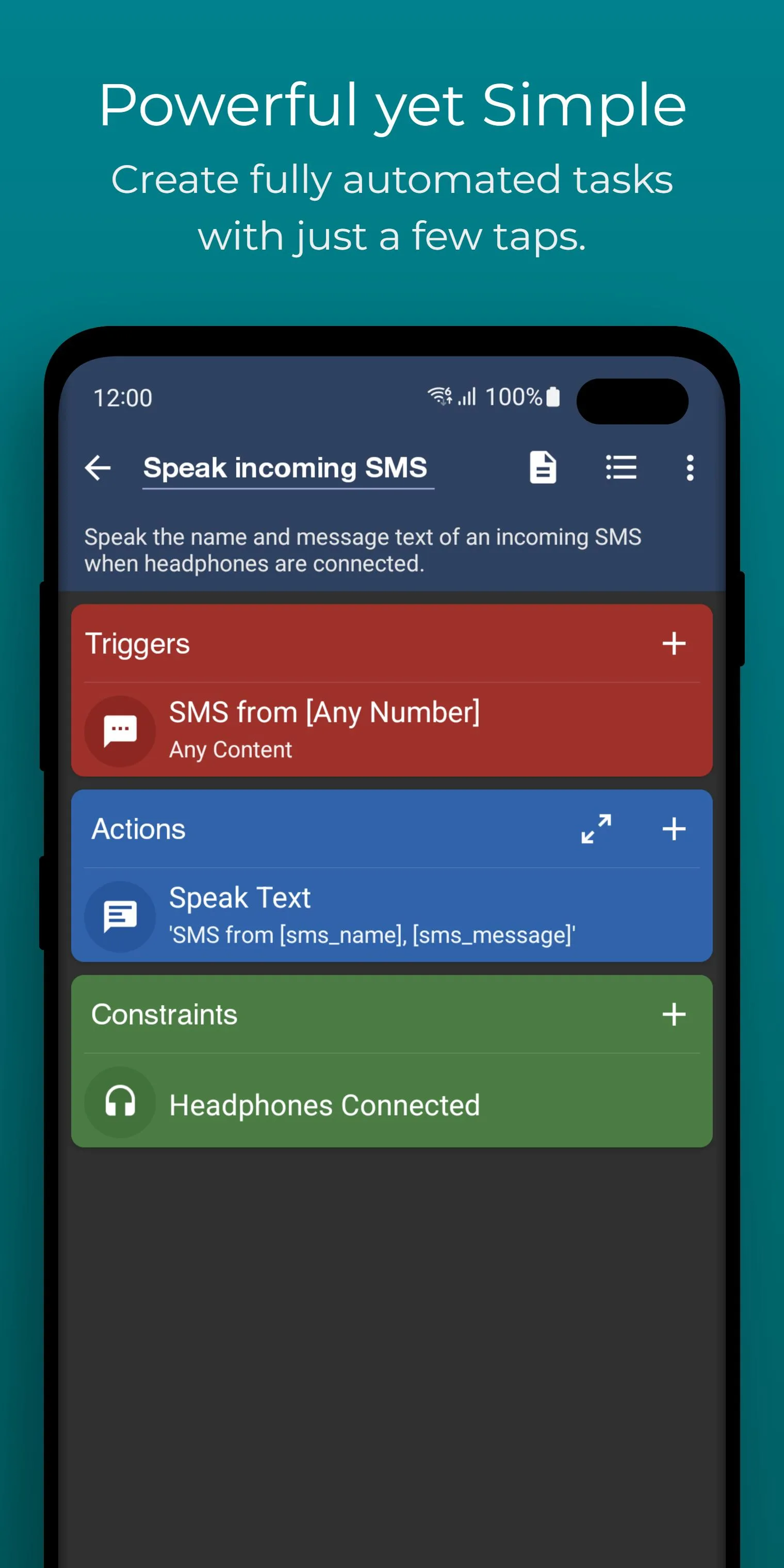
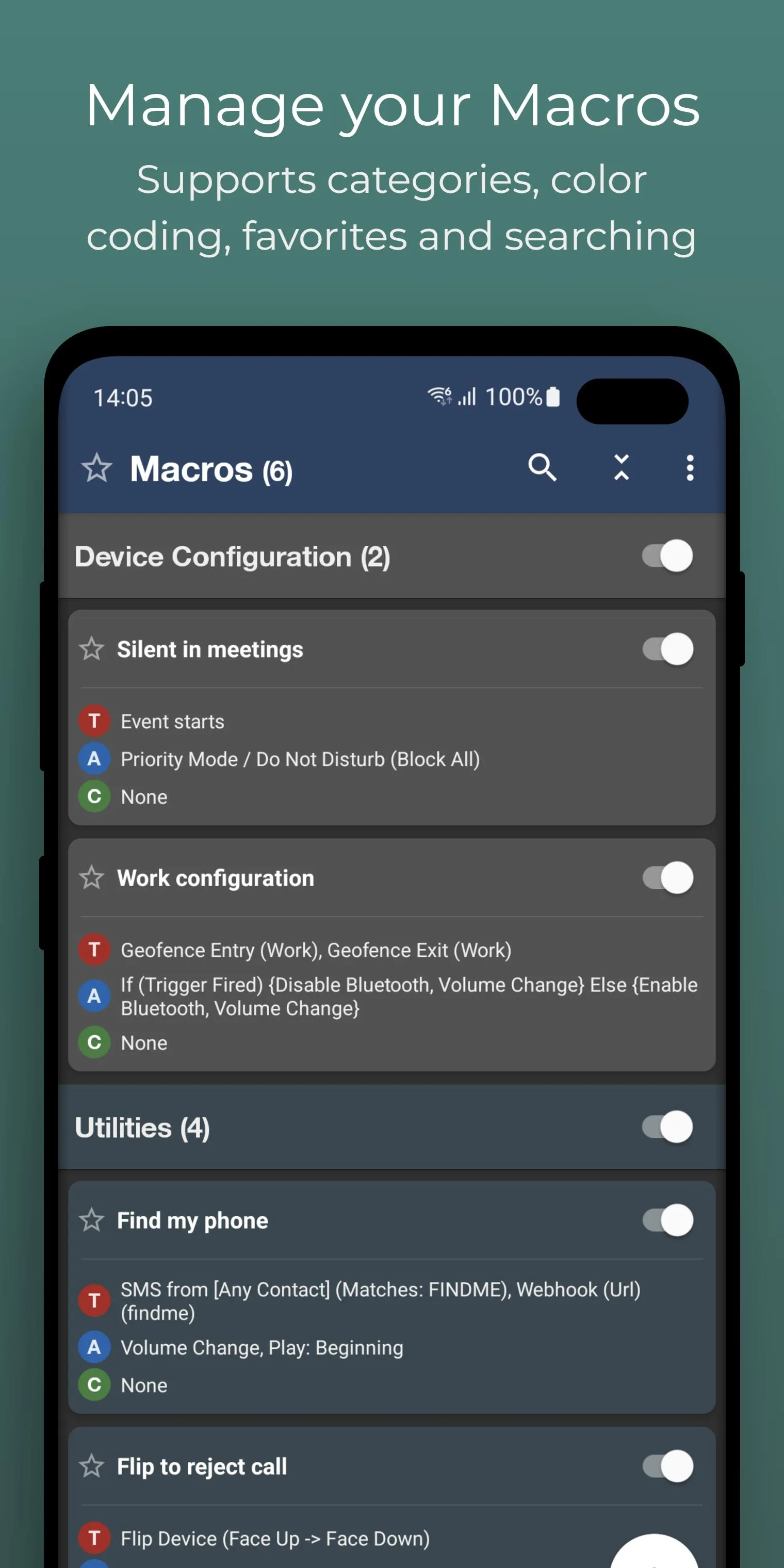
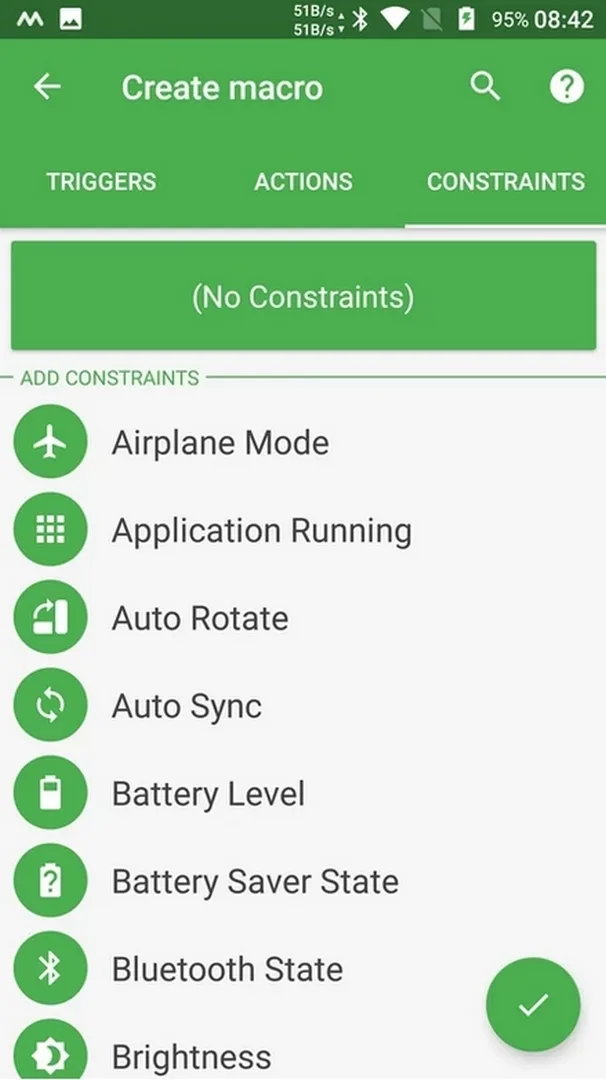
MacroDroid is an automation tool from ArloSoft, a small UK studio run by Jamie Higgins since 2012. It has passed 20 million downloads. The idea is dead simple. You build a macro, and every macro is a trigger (an event), an optional condition, and an action the phone carries out.
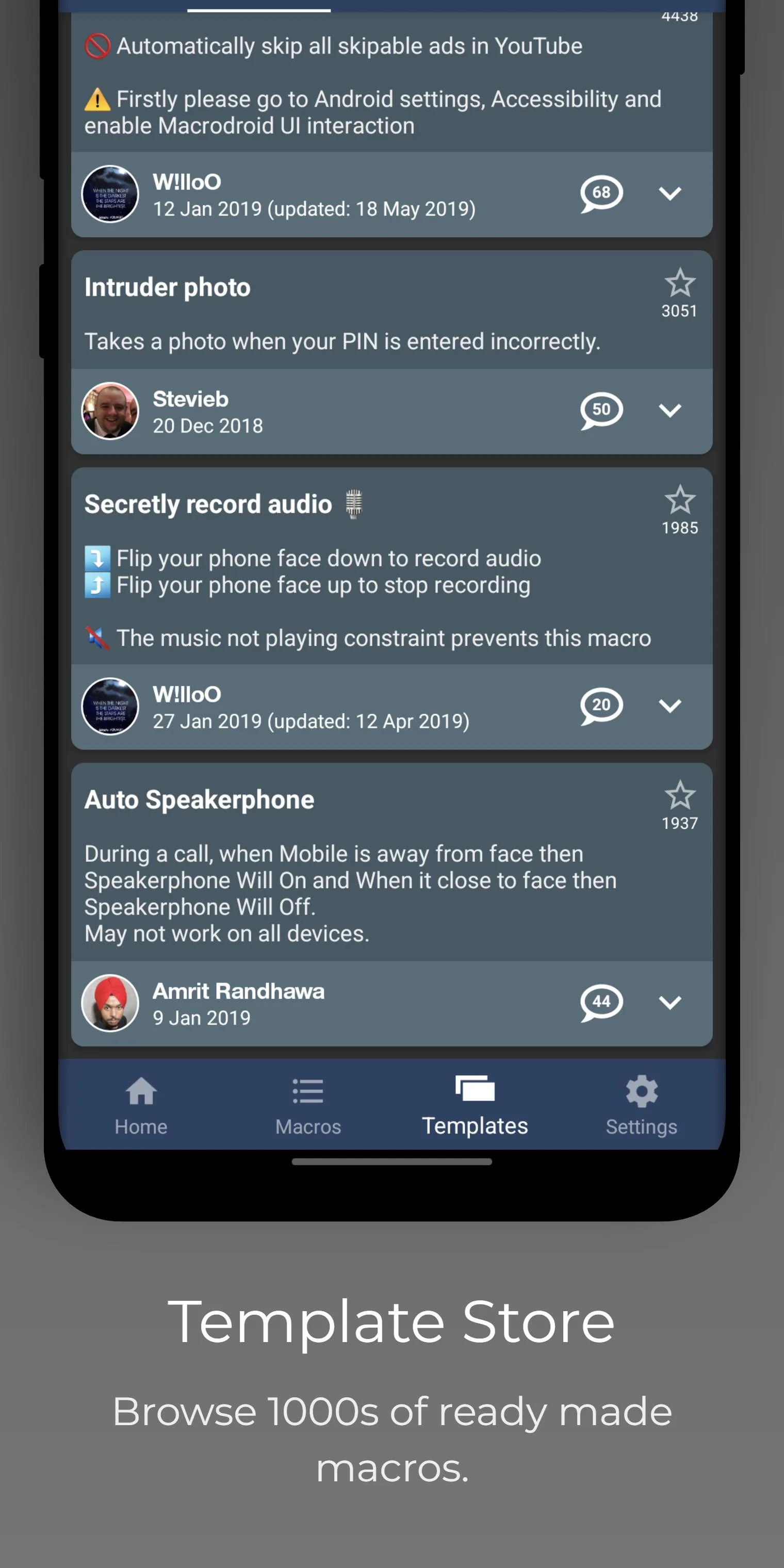
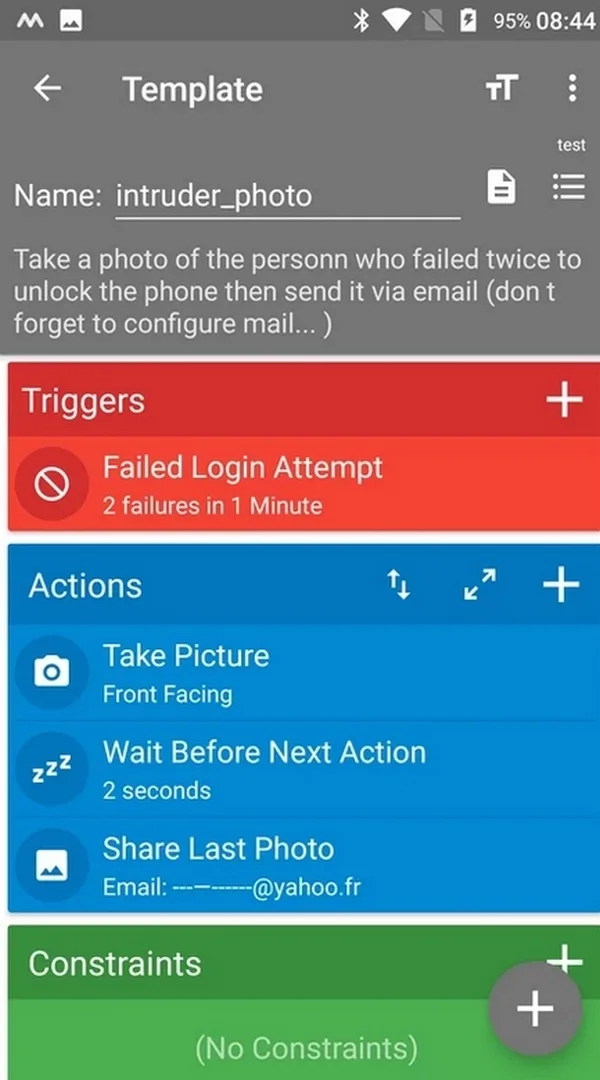
You get dozens of triggers, conditions and actions to mix, plus a library of ready-made "recipes" you can import in one tap if you don't want to build from scratch. A few things people set up on day one: switch from Wi-Fi to mobile data when the home network drops, fire the camera flash when you shake the phone, snap a photo after a failed unlock attempt, or cut background activity to save battery. None of it needs code.
What Pro Unlocked gives you
| Pro feature | What it changes in the app |
|---|---|
| Unlimited macros | The free limit of 5 macros is removed, so you can run as many automations as you like. |
| No ads | The banner and prompt ads from the free build are gone. |
| All features unlocked | Every Pro-only trigger, action and option is available from the start. |
Nothing here touches a server. This is a straight unlock of the paid tier that ArloSoft normally sells, so what you're getting is the full app, not extra powers the developer never built. Check the "MOD info" line at the top of this page for the exact package we tested, and we re-check it after each app update.
Free vs Pro
The free version is genuinely useful. You just live with two limits: a maximum of five active macros and ads in the interface. Pro removes both. It is a one-time purchase on Google Play, not a subscription, so you pay once and keep it.
One honest note on permissions. Basic macros run fine on any phone, but some of the more advanced tricks need special access, an Accessibility permission or, in a few cases, root. MacroDroid tells you when a macro needs that, and you can skip those and still get plenty done without root.
How to download and install MacroDroid Pro APK
The download is a single APK, around 107 MB, and it runs on Android 6.0 and up. Everything starts from this page.
- Tap the green Download APK button at the top of this page, the file downloads directly, no registration or SMS.
- Allow installation from unknown sources for your browser or file manager (Settings → Security).
- If the Google Play version is already installed, remove it first, the Pro build won't install over it because it carries a different signature.
- Open the file, tap Install, then launch the app.
- Grant the permissions a macro asks for as you set it up, only the ones that macro actually needs.
First time sideloading an app? Our APK install guide walks through the same steps with screenshots.
Useful macro ideas
- Switch Wi-Fi and mobile data on or off by location, so your phone connects to home Wi-Fi automatically and drops it when you leave.
- Set a silent mode overnight and turn the ringer back on in the morning.
- Auto-launch your music player the moment you plug in headphones.
- Run a battery-saver routine when the charge drops below a level you pick.
- Trigger a quick backup or a reminder when you connect to a specific network.
One tip: test a new macro for a day and watch its effect on battery. A trigger that wakes the phone too often can drain it, so tweak the condition until it behaves.
Pro APK or buying Pro?
Straight answer: if you can, buy Pro from Google Play. It is a cheap one-time purchase, it keeps auto-updates flowing, and it puts money in the hands of an indie developer who has kept this app going for over a decade. The Pro APK here is the way to try the full version first, or to get it running when the store purchase isn't an option for you.
Want more like this? Browse the rest of our Android apps or the wider MOD catalog for other tools worth a look. If you outgrow MacroDroid and want deeper scripting, a heavier automation app is the usual next step.
FAQ
What does Pro Unlocked give you?
Is MacroDroid free?
Does MacroDroid need root?
Is the Pro APK safe?
Who develops MacroDroid?
How big is the download and what does it need?
Download MacroDroid Device Automation Mod (Pro Unlocked)
- No viruses
- No spyware
- No malware
The reviews (0)