- No viruses
- No spyware
- No malware
This file was downloaded, scanned and installed by our editors before publishing.
Every file is also checked with VirusTotal before publishing.

Mp3 Paw Music App APK — Music Search & Player for Android
Additional information about Mp3 Paw Music App APK — Music Search & Player for Android
The description of Mp3 Paw Music App APK — Music Search & Player for Android
The Mp3 Paw Music App is a small Android app under the Mp3Paw brand that lets you search for songs and play them on your phone. It is light, quick to set up, and built around one job: finding a track and hitting play. Every file on this page is scanned for malware and installed on a real Android device by our editors before publishing, we have done this since 2018. One honest note up front, and we will come back to it below: whether a given track is fine to stream or save depends on the rights to that song and the terms of the service it comes from.
So this is not a streaming service the size of the big names, and we are not going to pretend otherwise. It is a compact music-search app. Here is what it actually does, where it stands on legality, and the safe, legal ways to get music if that is what you are after.
What is the Mp3 Paw Music App?
The app is a tiny package, around 4.7 MB, and it runs on Android 4.1 and up, so even an old handset can handle it. The Mp3Paw brand has long been tied to online mp3 catalogs and music-search sites, and this app carries that name on the Play ecosystem. Think of it as a lightweight front end for looking up songs and playing them back, not a full library with your own uploads, offline sync and a social feed.
It is worth being clear about scale. This is an older, small app, not a service with a big team behind it. That is fine for what it is. Just set your expectations to "simple music finder" rather than a Spotify-style platform, and you will not be disappointed.
Features
These are the things the app puts front and center:
| Feature | What it does |
|---|---|
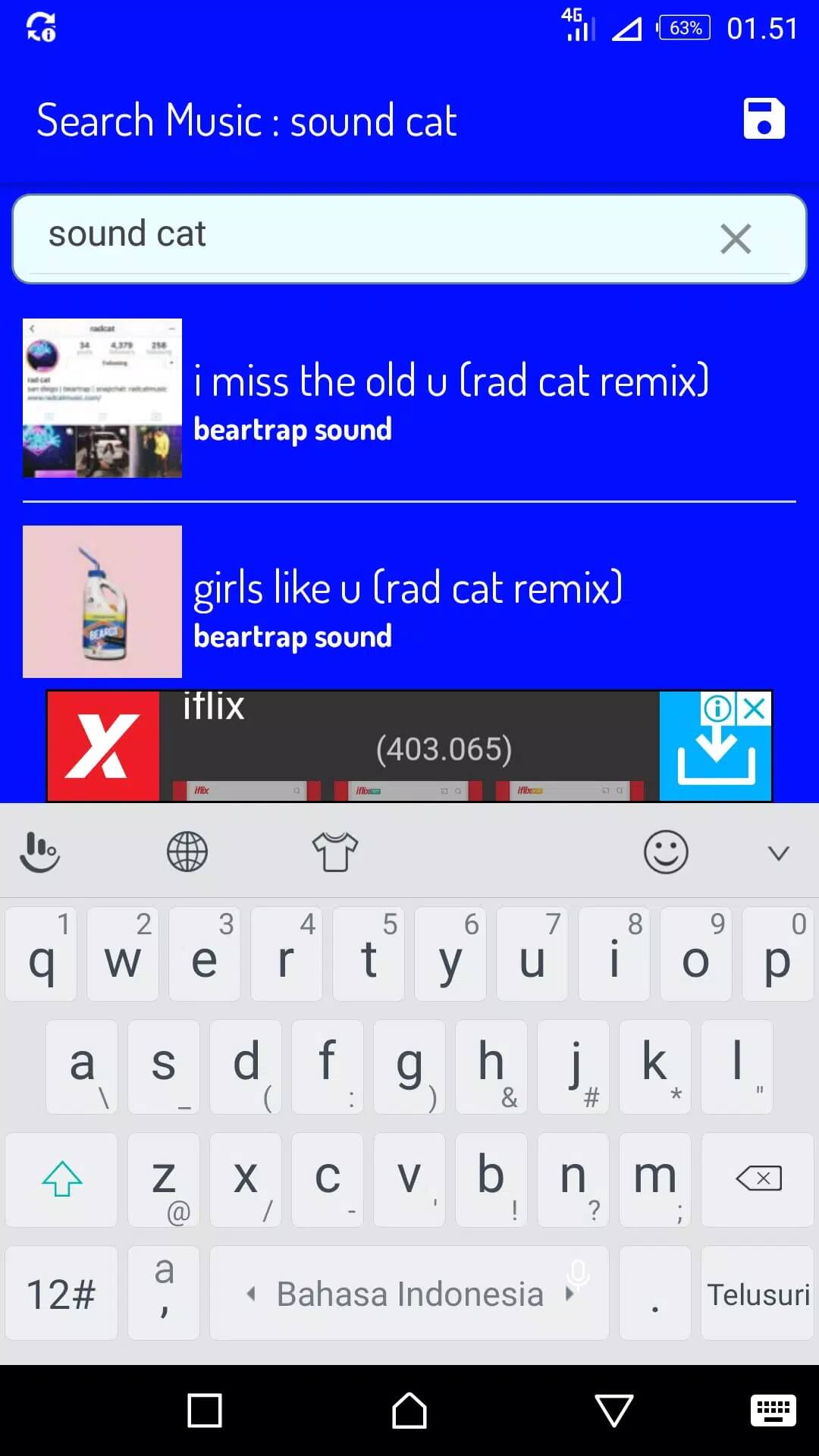
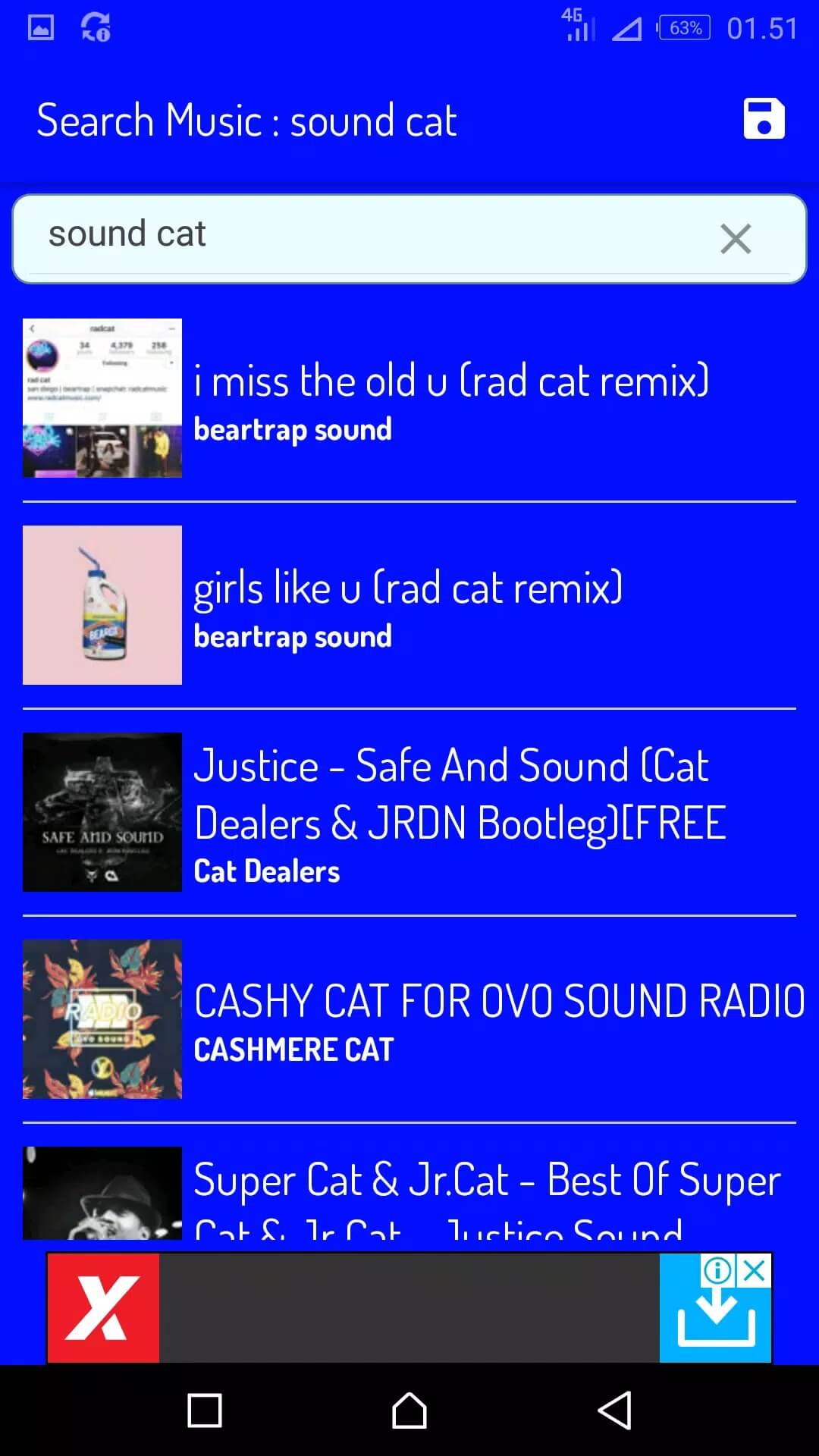
| Music search | Type an artist, song or keyword and pull up matching tracks. |
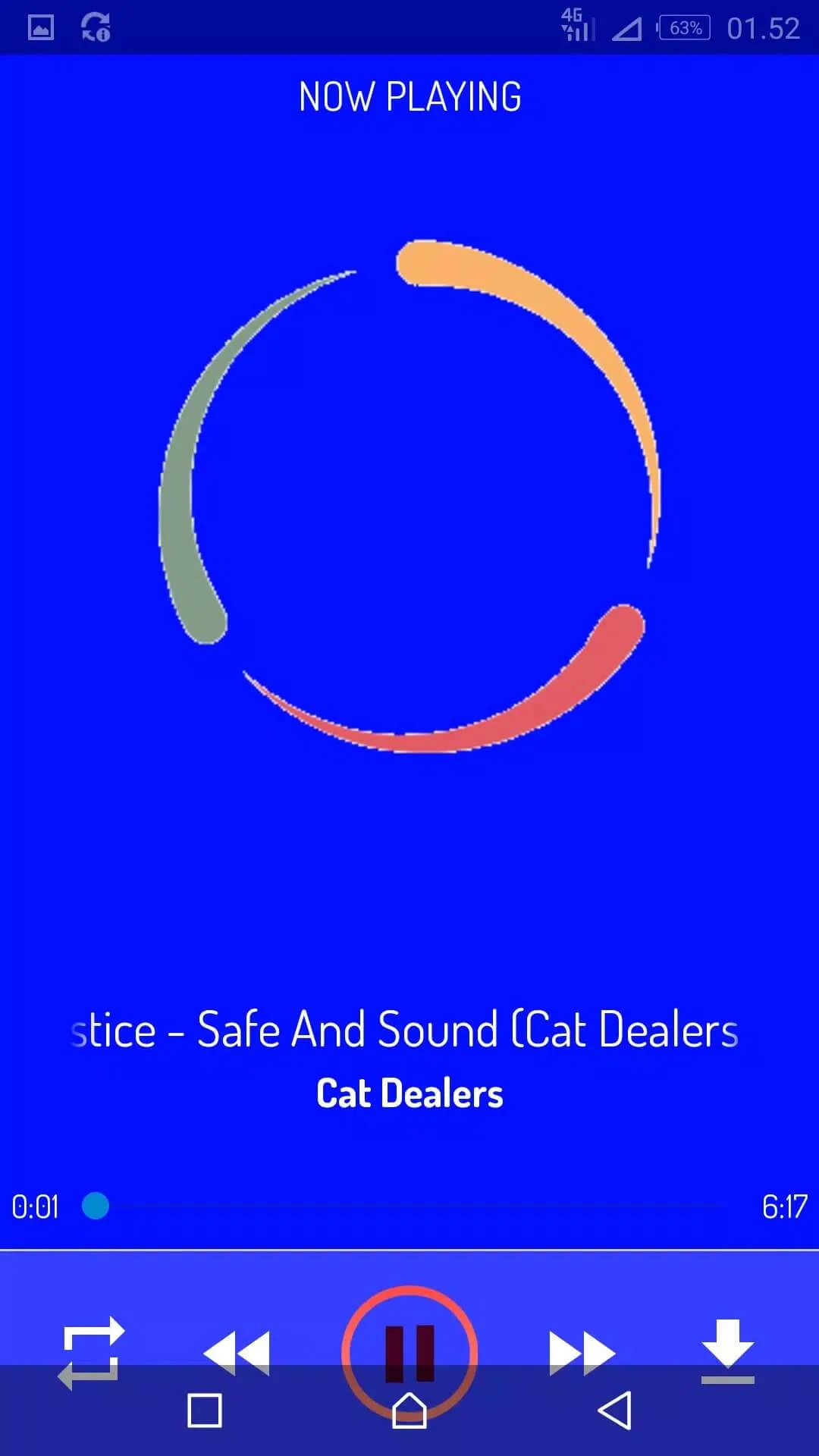
| Playback and streaming | Play a result straight away without leaving the app. |
| Playlists | Group songs you like into your own lists for quick access. |
| Multiple genres | Browse across different styles instead of one narrow catalog. |
That is the honest list. There is no paid tier to unlock here and no "premium" mod, so ignore any page that tells you to grab a cracked build for hidden features. The download on this page is the plain, original app.
Is it legal? What to know
This is the part that matters, so read it once. Searching for and playing music through an app like this sits in a grey area, and the answer depends on the track. Streaming or saving a song is fine when the rights holder allows it. It is not fine when the music is copyrighted and you do not have permission.
In many countries, downloading copyright-protected music without a license is against the law. On top of that, pulling audio out of platforms like YouTube generally breaks their terms of service, which do not allow downloads unless a download button is offered. We are not here to talk you out of using a music app. We are just not going to point you at pirated sources or pretend the rules do not exist. Stick to tracks you are allowed to play, and you are on solid ground.
Legal alternatives
If you want music you can stream or keep without stepping on anyone's rights, these are the clean routes:
- Free streaming tiers — Spotify and YouTube Music both have free plans that are fully licensed. You get ads, but the catalog is legal and huge.
- Free Music Archive — a large library of tracks released under Creative Commons and similar licenses, free to download within the license terms.
- Jamendo — independent artists sharing music for free listening and, in many cases, free personal download.
- Bandcamp — plenty of artists offer name-your-price or free downloads directly, and the money goes to them.
- YouTube Audio Library — royalty-free tracks meant for reuse, handy if you make videos.
Always check the license on the individual track, since terms vary from song to song. You can also browse our music and audio apps for players that work with files you already own.
How to download and install
The download is a single small APK, and it starts right from this page. There is no need to visit any outside "official Mp3Paw" site, and we would steer you away from those anyway.
- Tap the green Download APK button at the top of this page. The file comes down directly, no registration or SMS.
- Allow installs from unknown sources for your browser or file manager (Settings → Security).
- Open the downloaded file and tap Install. At roughly 4.7 MB it finishes in seconds.
- Launch the app and run your first search.
New to sideloading? Our APK install guide walks through the same steps with screenshots. The app needs Android 4.1 or newer, which covers almost any phone still in use.
Safety notes
A couple of practical things, since this is an old app under a brand with many look-alikes. Clones floating around on random sites sometimes come loaded with ads or trackers, so only install a file you trust, like the checked one on this page. When you open the app, give it the fewest permissions it needs to run, and skip anything it asks for that has nothing to do with playing music. If you would rather stick to a straightforward player for your own library, the options in our music and audio section are a safer bet.
FAQ
What is the Mp3 Paw Music App?
Is Mp3 Paw legal?
What are safe legal alternatives?
Does it need premium or a mod?
Is the APK safe?
How big is it and what are the requirements?
Download Mp3 Paw Music App
- No viruses
- No spyware
- No malware
The reviews (0)