- No viruses
- No spyware
- No malware
This file was downloaded, scanned and installed by our editors before publishing.
Every file is also checked with VirusTotal before publishing.

PlayMods APK (Latest Version)

Additional information about PlayMods APK (Latest Version)
The description of PlayMods APK (Latest Version)
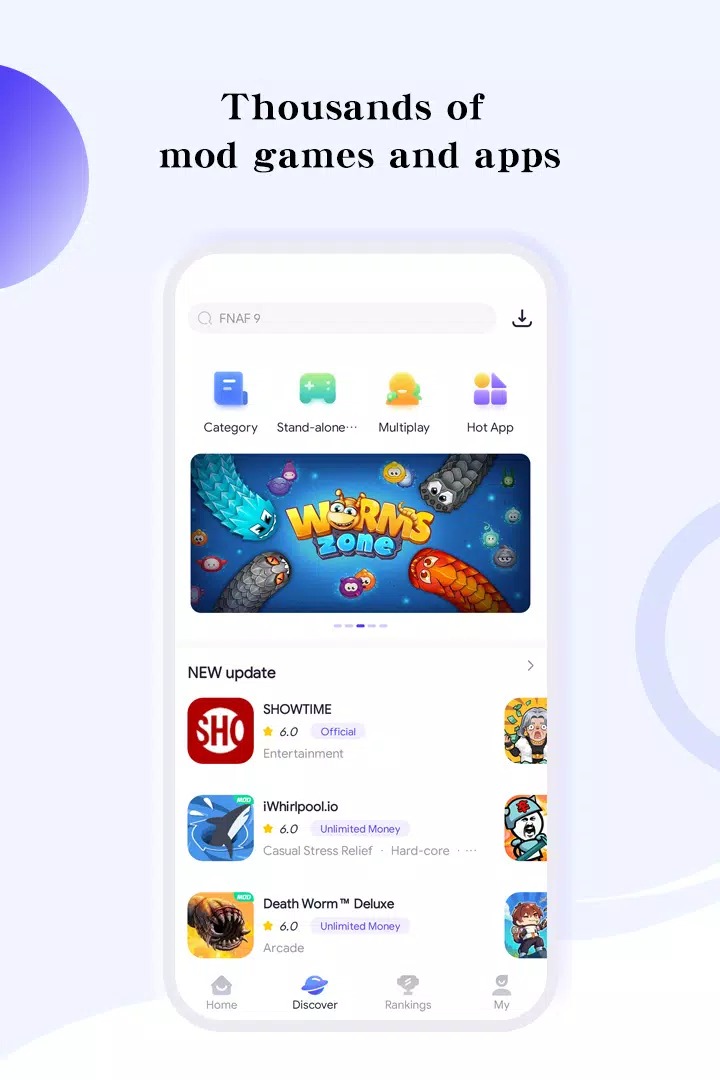
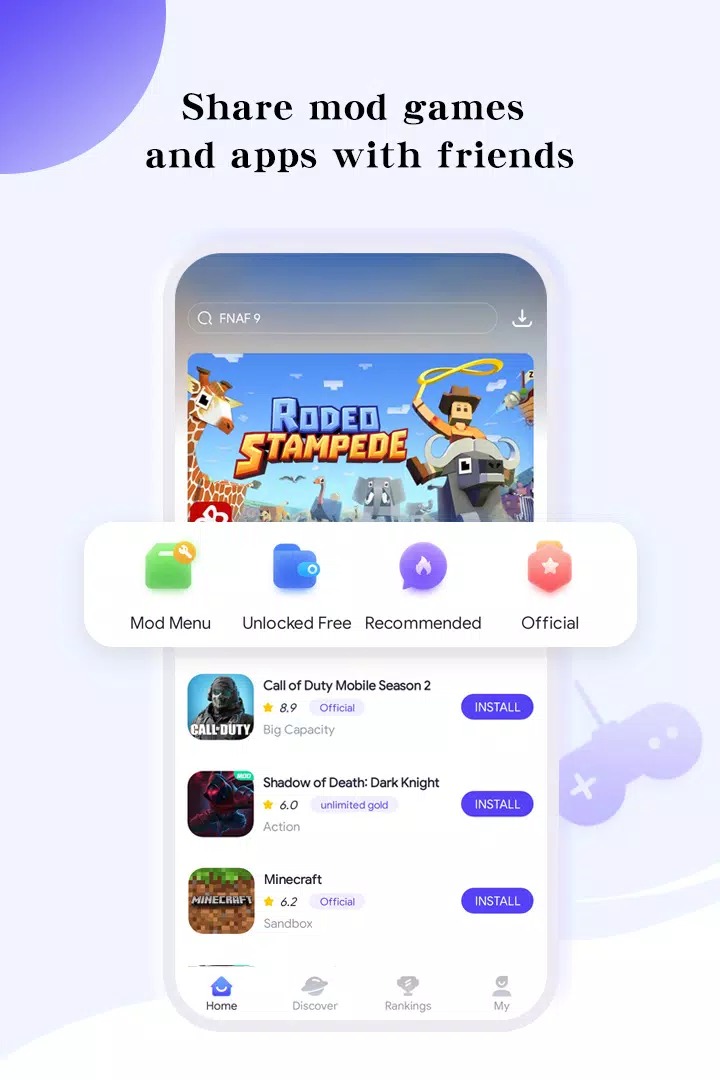
PlayMods APK is a third-party app store for Android that hands you modded games and apps outside Google Play, all from one client. Think unlimited resources, unlocked levels, premium apps for free and ad-free versions, bundled in a single app you install yourself. It is not a Google Play app, and that changes how you should use it. The file on this page is version 2.6.5, and it was scanned for malware and installed on a real Android device by our editors before publishing, we have done this since 2018. Below is what PlayMods actually does, how to set it up, and the risks worth knowing before you tap install.
What is PlayMods?
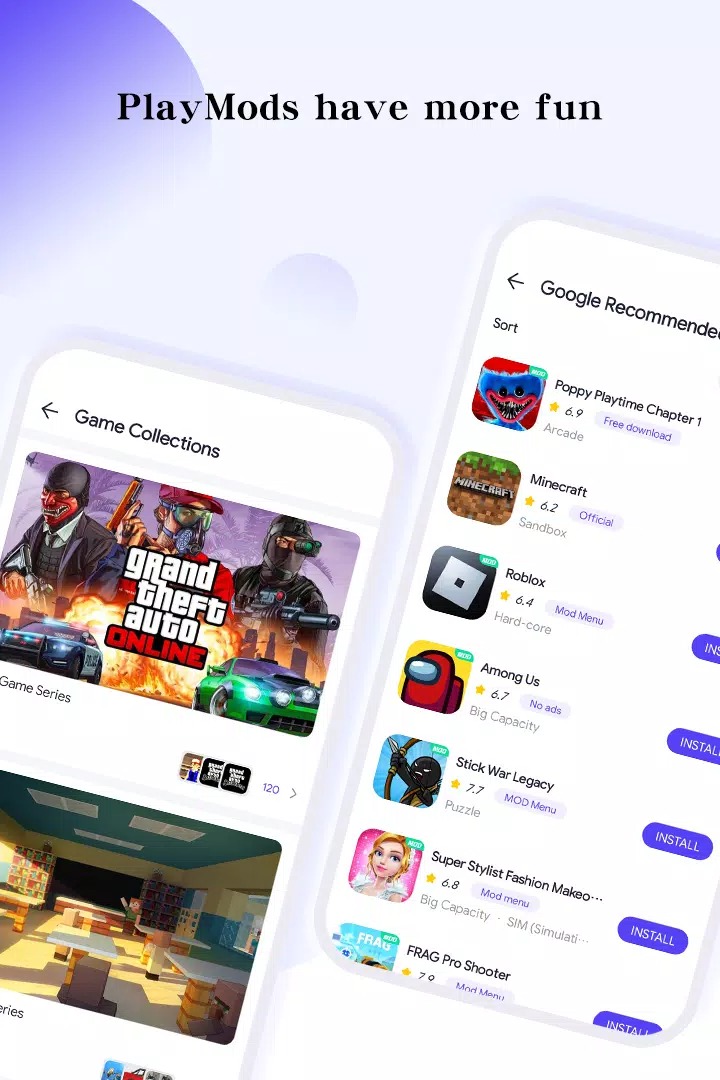
PlayMods is a Tools app from developer Playmod (package net.pro.playmods) that runs as its own client on your phone. Instead of listing normal apps, it points you to modified builds: games with unlimited in-game resources or unlocked content, paid apps offered for free, and ad-free versions of software you would usually pay for. The team behind it claims a library of 10,000+ games and apps, with manual checks on what gets uploaded. You install the client once, then browse and download mods from inside it.
One thing to be clear about. PlayMods is not on Google Play, and it never has been. Any file that calls itself the "official Google Play version" of PlayMods is mislabeled, because the app only exists as a sideloaded APK. That is normal for a mod store, but it is worth stating plainly so you know what you are installing.
What PlayMods offers
| Feature | What it means for you |
|---|---|
| Modded games | Builds with unlimited resources or unlocked content, so you skip grinding or paywalls in supported titles. |
| Premium apps free | Paid apps repackaged and offered at no cost inside the client. |
| Ad-free versions | Cleaned builds of apps that normally push ads. |
| Regular updates | Popular mods get refreshed fairly often as the base apps change. |
Honest note here. What is available, and which version you get, depends on whoever uploaded the mod, not on a store with the guarantees you expect from Google Play. Some titles are current, some lag behind the latest release, and a mod can stop working after the original app updates. Treat the catalog as a community source, not a polished storefront.
Safety and risks
This is the part that matters most, so read it before anything else. Files from PlayMods sit outside Google Play Protect, which means Google is not screening them for you. The APK on this page passed our own malware scan and ran fine on a real device, but that is one check on one build, not a promise that every mod inside the client is clean. Install mods only from a source you trust.
The bigger risk is bans. Online games that keep your currency and progress on their servers (gacha titles, PvP, anything with live accounts) can detect a modified client, and using one can get your account flagged or locked. For those games, the modded route is a real gamble. Offline single-player games are much lower risk, since there is no server checking your files. You will also need to allow installs from unknown sources to use PlayMods at all, so treat that setting as a deliberate choice, not a default.
How to download and install PlayMods APK
The download is a single APK, about 32.2 MB, and it works on Android 5.0 and up. Everything starts from this page.
- Tap the green Download APK button at the top of this page. If several versions are listed, take the latest v2.6.5, no registration or SMS.
- Allow installation from unknown sources for your browser or file manager (Settings, then Security).
- Open the downloaded file and tap Install to set up the PlayMods client.
- Launch PlayMods, then browse and install the individual mods you want from inside the app.
First time sideloading an APK? Our APK install guide walks through the same steps with screenshots. Keep enough free storage, since each mod you add downloads on top of the client itself.
PlayMods vs official stores
- Google Play gives you screened files, automatic updates and anti-cheat support, but no mods and no free premium apps.
- PlayMods gives you mods and paid apps for free, at the cost of the risks above: no Play Protect, and possible bans in online games.
- For any game you play online or where you have spent real money, the original from the official store is the safer pick.
Bottom line
PlayMods is a handy front door to Android mods, especially for offline games where the downside is small. Just remember what it is: a third-party source, not a vetted store. Do not point it at accounts tied to purchases or online progress, keep unknown sources in check, and decide each install on its own. If you want to browse specific modified games instead of a whole store, our MOD APK section covers them one by one, and you can also dig into apps or more tools in the catalog.
FAQ
What is PlayMods?
Is PlayMods safe?
Can I get banned for mods from PlayMods?
Is PlayMods free?
How do I install mods with it?
What are the requirements and size?
Download Playmods APK Android
- No viruses
- No spyware
- No malware
The reviews (0)