- No viruses
- No spyware
- No malware
This file was downloaded, scanned and installed by our editors before publishing.
Every file is also checked with VirusTotal before publishing.

QuickVPN APK — Free VPN for Android

Additional information about QuickVPN APK — Free VPN for Android
The description of QuickVPN APK — Free VPN for Android
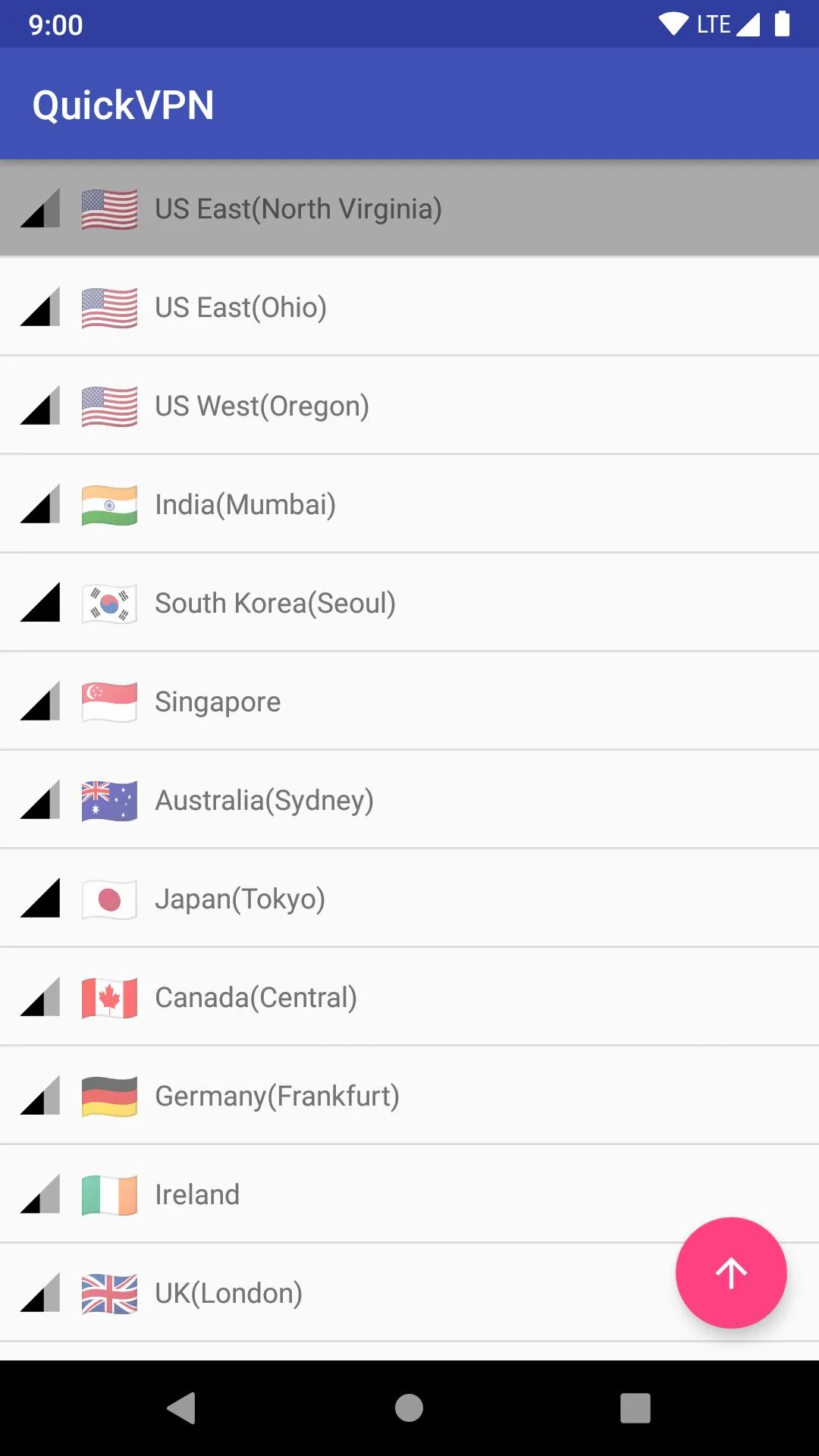
QuickVPN APK is a free, one-tap VPN for Android from Lipisoft Inc. You open it, pick a country and tap Connect, that is the whole flow. It hides your real IP, encrypts your traffic and helps you reach sites that are blocked on your network. No account, no sign-up, no paid tier to worry about.
The file on this page is scanned for malware and installed on a real Android device by our editors before publishing, we have done this since 2018. It is the original Lipisoft client, not a repackaged build, so what you install is exactly what the developer ships.
What is QuickVPN?
QuickVPN is a lightweight VPN app made by Lipisoft Inc., and the download weighs about 9.7 MB. That is tiny for this kind of tool. When you connect, it routes your traffic through a server in the country you choose, which swaps your visible IP address for one from that location. Sites and apps then see the server, not your phone.
The point of that is simple. On a coffee-shop or airport Wi-Fi, the encryption keeps other people on the same network from snooping on what you send. Changing your location also helps you open pages that are restricted where you are. Everything runs behind one button, so there is no config file to edit and nothing to set up first.
Key features
- Encrypted traffic: your connection is wrapped so it is not readable on shared or public Wi-Fi.
- Hidden IP: your real address stays out of sight, and sites see the server's location instead.
- Servers in several countries: switch your region to reach content that is limited in yours.
- One-tap interface: open, choose a country, connect. No account and no manual setup.
- Small and light: around 9.7 MB, easy on storage and gentle on battery and data.
Is QuickVPN free? (no paid tier)
Yes. QuickVPN is free, and there is no subscription, VIP plan or premium unlock behind it. That also means there is nothing to "unlock" with a mod, everything the app does is already open from the first launch. If you have seen pages promising a premium version of QuickVPN, ignore them, there is no premium tier to begin with.
One honest note on free VPNs in general. A no-cost service usually comes with trade-offs: speeds can dip at busy times, the server list is shorter than a paid provider's, and you may see the odd ad. For casual browsing, checking a blocked page or covering yourself on public Wi-Fi, that is a fair deal. For heavy daily streaming, it can feel slow.
Privacy — what to keep in mind
A VPN hides your IP from the websites you visit and shields your traffic on untrusted networks. It does not make you invisible. Your VPN provider can still see connection data, so it is worth reading Lipisoft's privacy policy before you lean on it for anything sensitive. Treat it as a privacy layer, not a cloak.
A couple of practical habits help. Don't sign in to a bank or another important account while routed through a random free server you don't know much about. And keep it legal, a VPN is a privacy tool, not a pass to do things that are against the law where you live.
How to download and install QuickVPN APK
The whole thing is a single small APK, roughly 9.7 MB, and it needs Android 5.0 or newer. Everything starts from this page, not from any store.
- Tap the green Download APK button at the top of this page. The file downloads directly, no registration or SMS.
- Allow installs from unknown sources for your browser or file manager (Settings → Security).
- Open the downloaded file and tap Install, then wait a few seconds for it to finish.
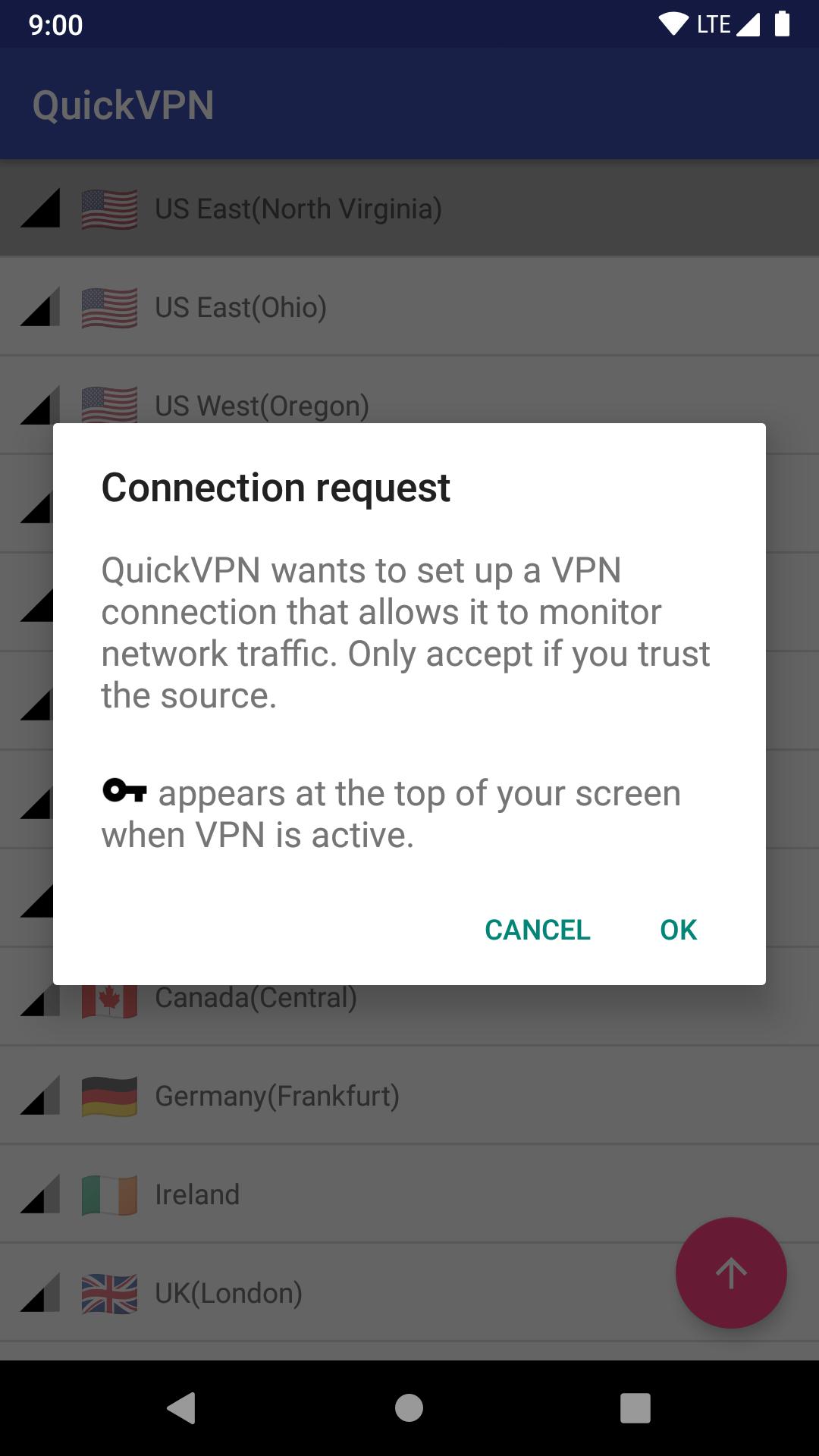
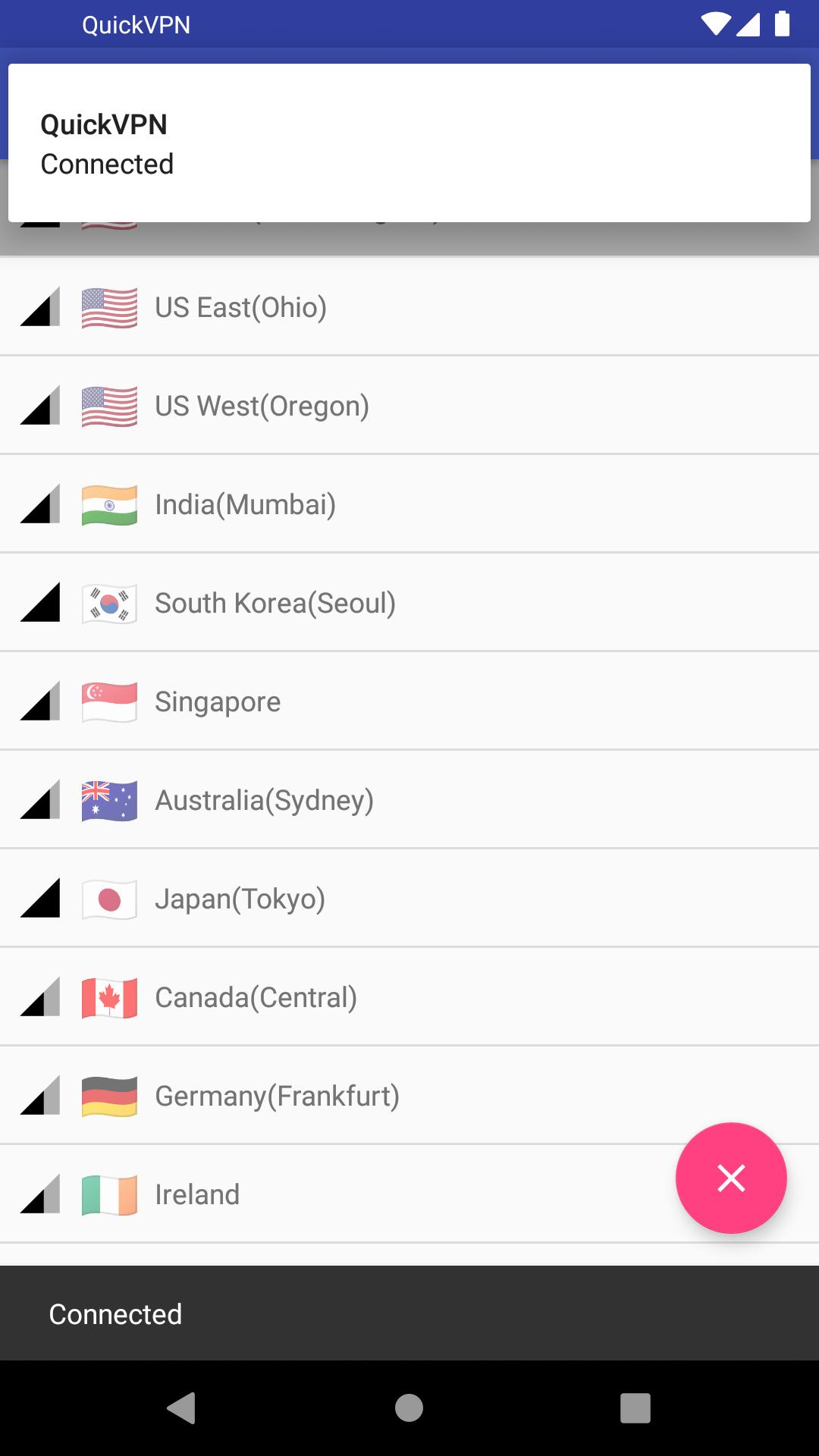
- Launch QuickVPN, pick a country from the list and tap Connect. That is it.
First time sideloading an app? Our APK install guide walks through the same steps with screenshots.
QuickVPN vs other free VPNs
QuickVPN's strengths are what you'd expect from a small tool: it is free, the download is tiny, and the one-tap design means anyone can use it without a manual. For quick jobs on public Wi-Fi or opening a region-locked site now and then, that is plenty.
A paid VPN starts to make sense when you want steady high speeds for streaming in HD every day, more server choice, or big transfers without slowdowns. If you want to compare, Psiphon Pro and 1.1.1.1 are two other free clients worth a look, and you can browse the rest of our tools section for more privacy apps.
FAQ
Is QuickVPN free?
Do I need an account to use QuickVPN?
Is the QuickVPN APK safe?
Does QuickVPN make me fully anonymous?
Which developer makes QuickVPN?
How big is QuickVPN and what does it need?
Download QuickVPN APK Android
- No viruses
- No spyware
- No malware
The reviews (1)
Bmc